Best AI Camera Angle Prompts
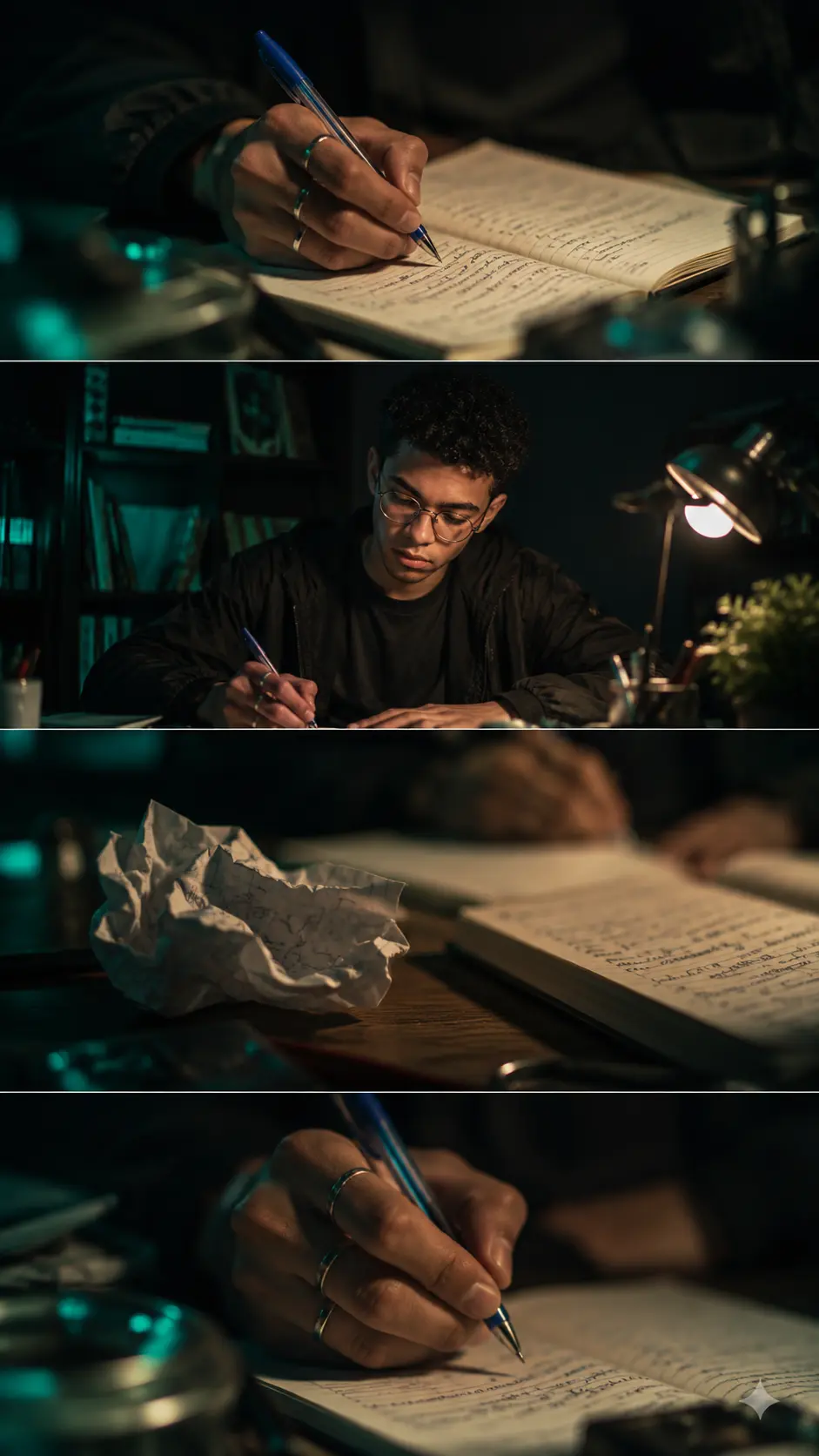
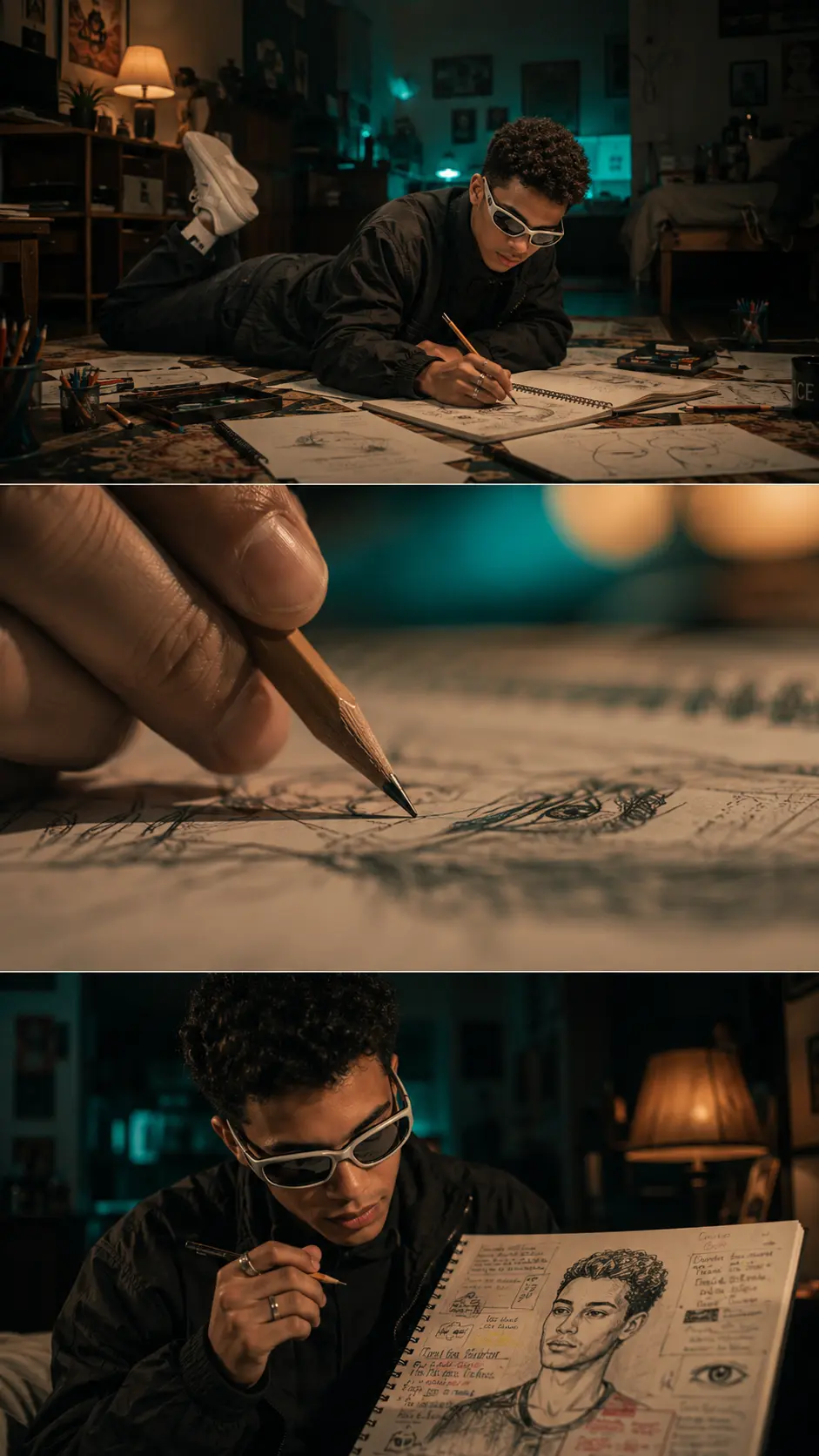
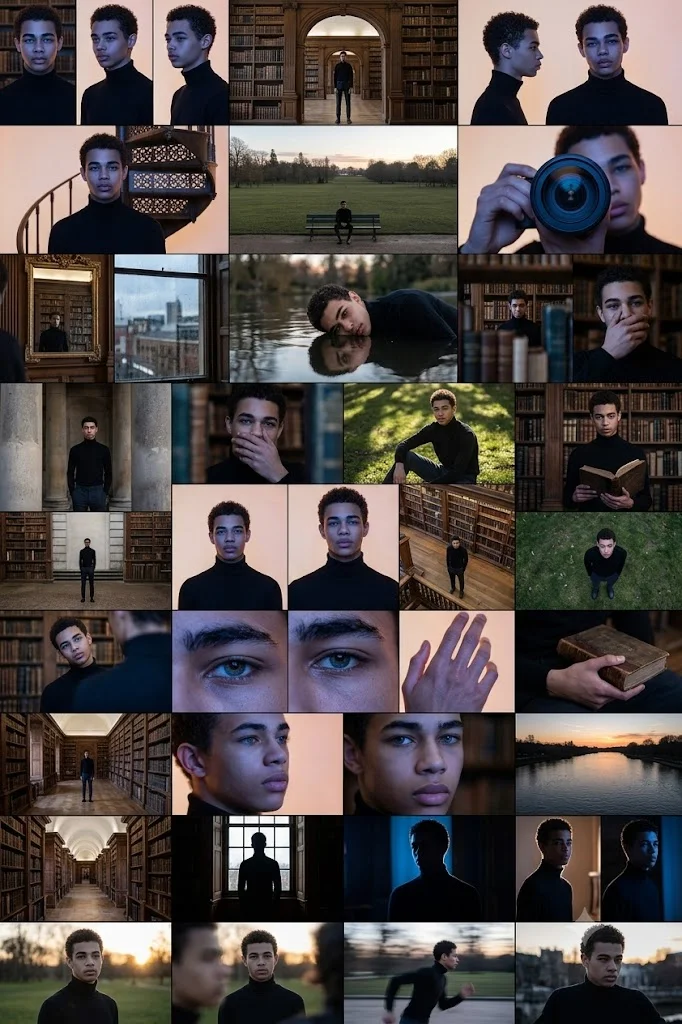
The best AI camera angle prompts are rooted in classic cinematography techniques. To achieve the highest quality results, you must use clear, descriptive terms that the AI's training model recognizes. Instead of simply describing the subject, you should explicitly state the framing and perspective at the beginning or end of your prompt. Terms like "low-angle shot," "high-angle view," or "cinematic eye-level framing" act as direct instructions for the AI to arrange the layout of the generated image. Using these specific prompts helps establish the visual hierarchy of your scene, controlling what catches the viewer's eye first. For instance, combining an angle prompt with lighting descriptions, such as "low-angle shot, golden hour lighting," creates a highly structured environment for the AI to render. These prompts are commonly used in digital marketing, concept art creation, storyboarding, and filmmaking prep. By mastering a core toolkit of diverse camera angles, you gain complete control over the depth, focus, and overall mood of your AI-generated portfolio.


Low Angle AI Camera Prompts
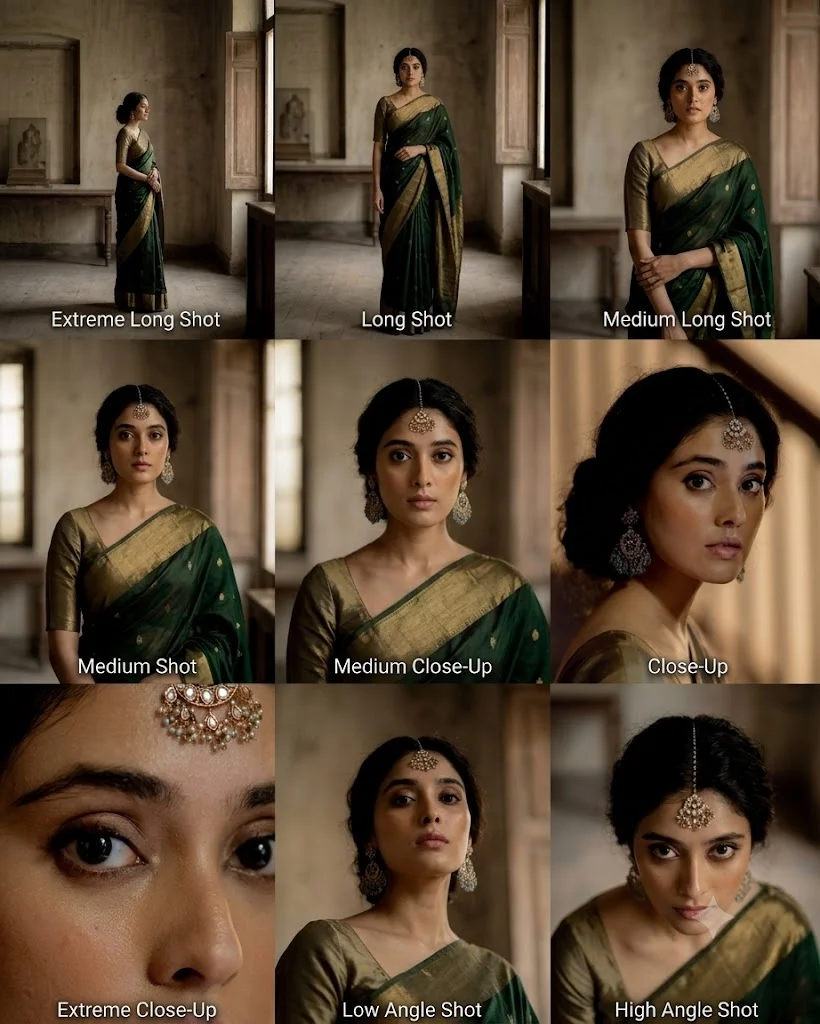
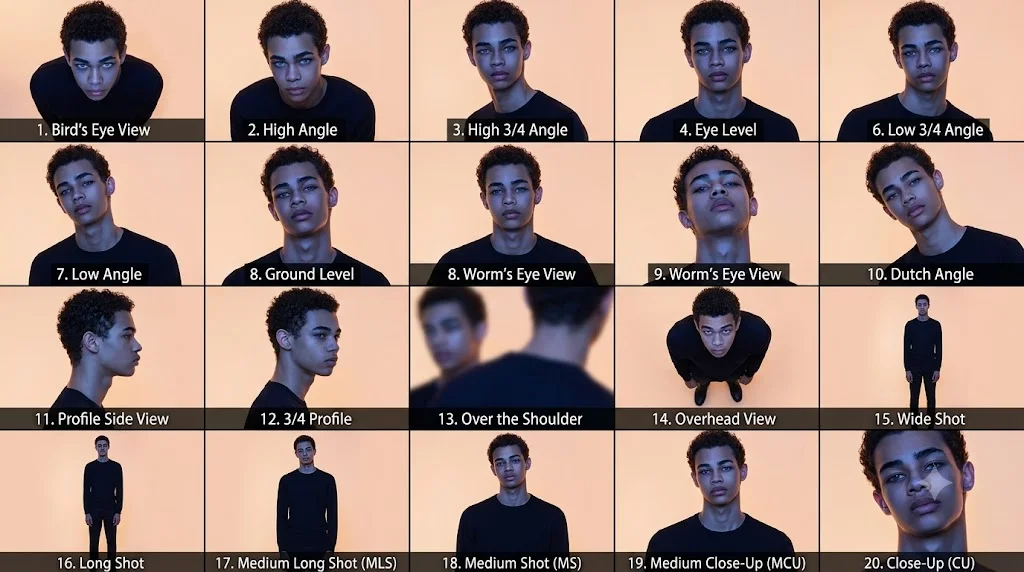
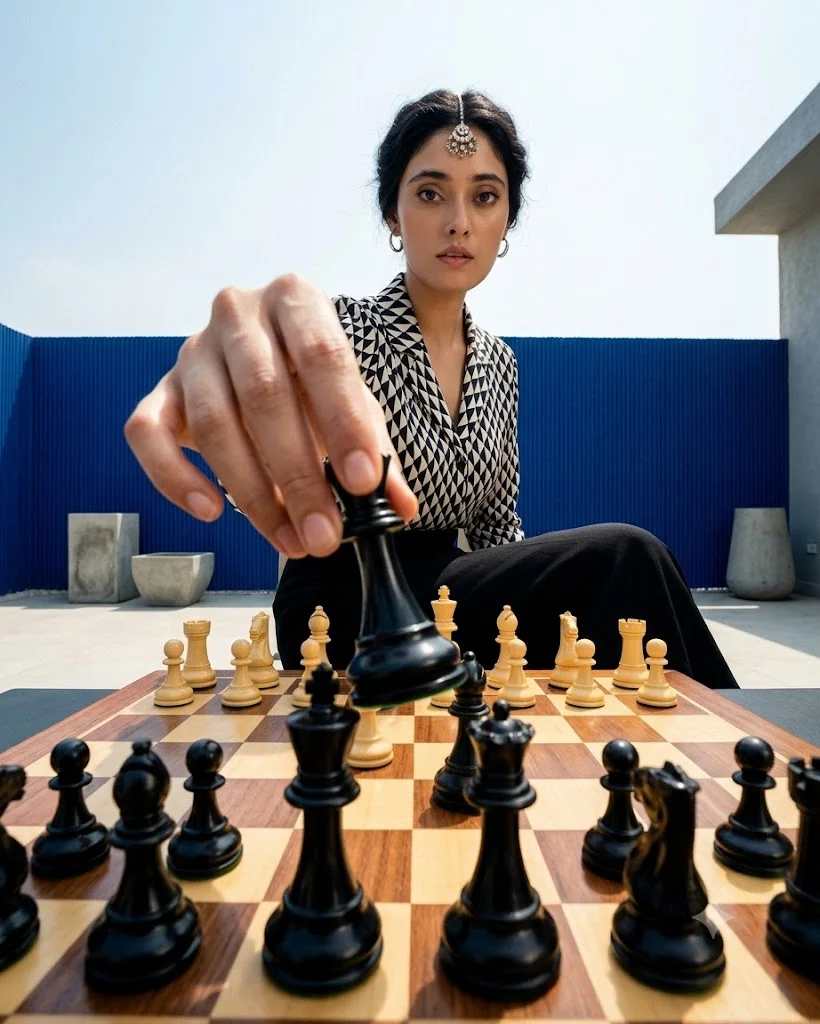
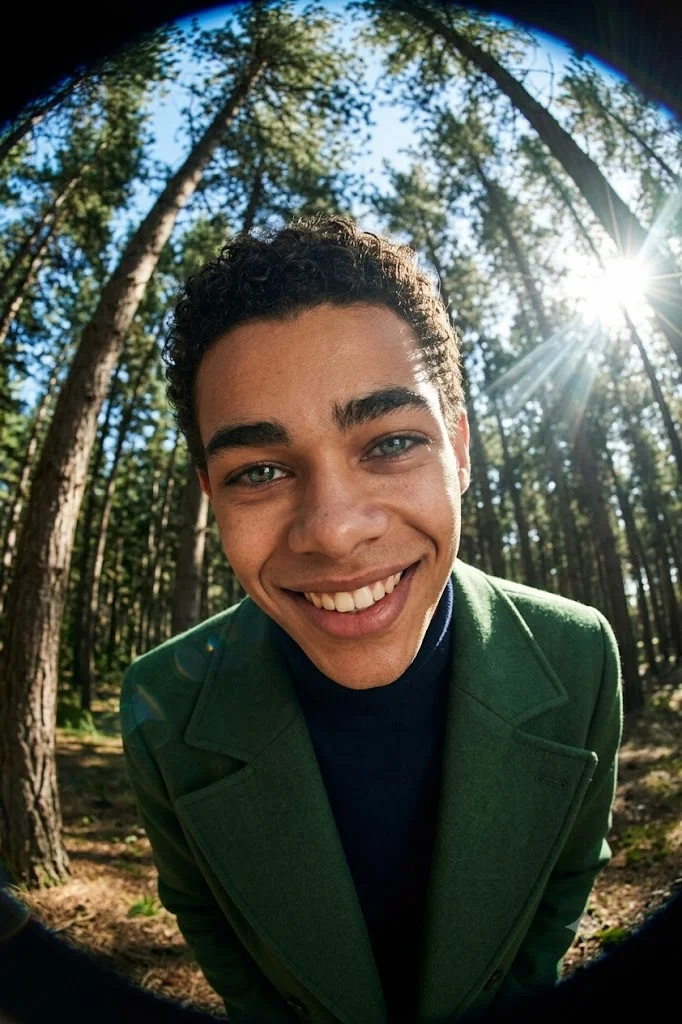
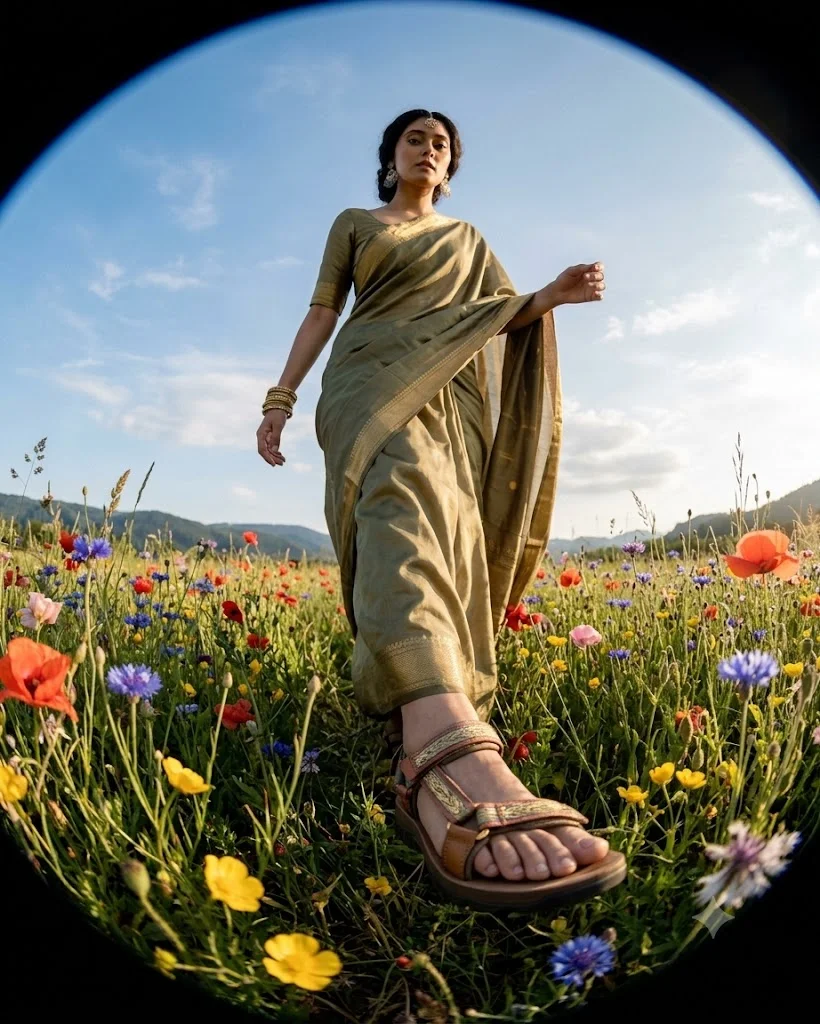
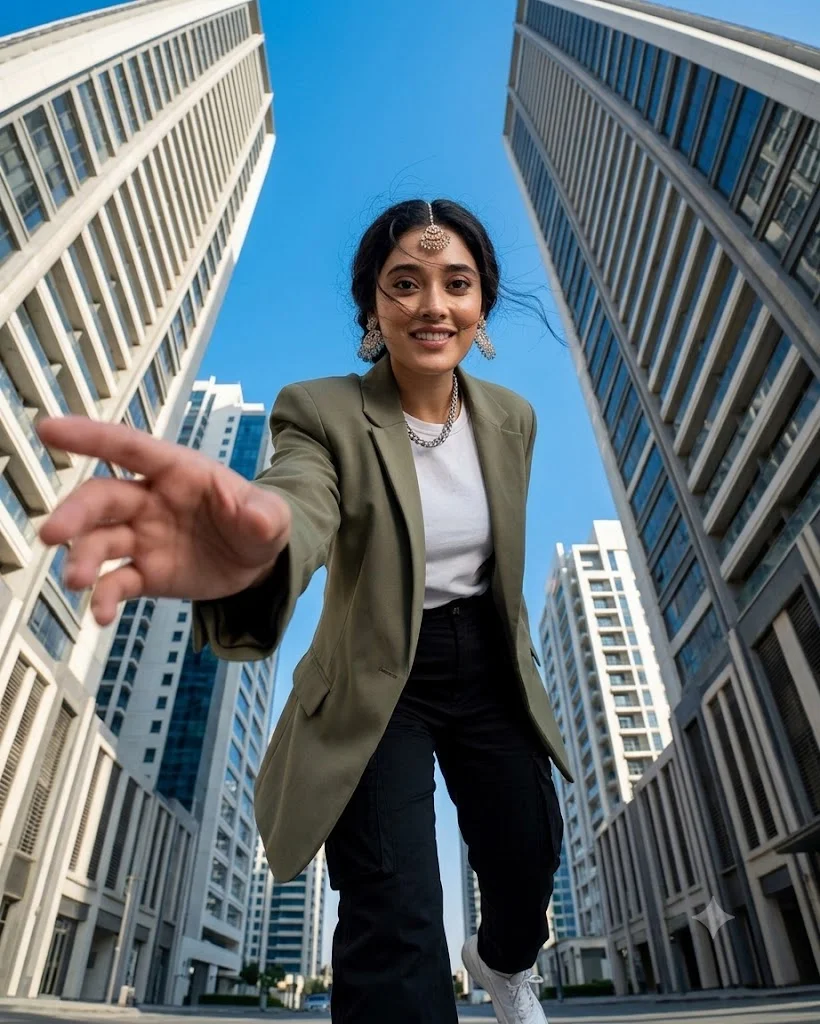
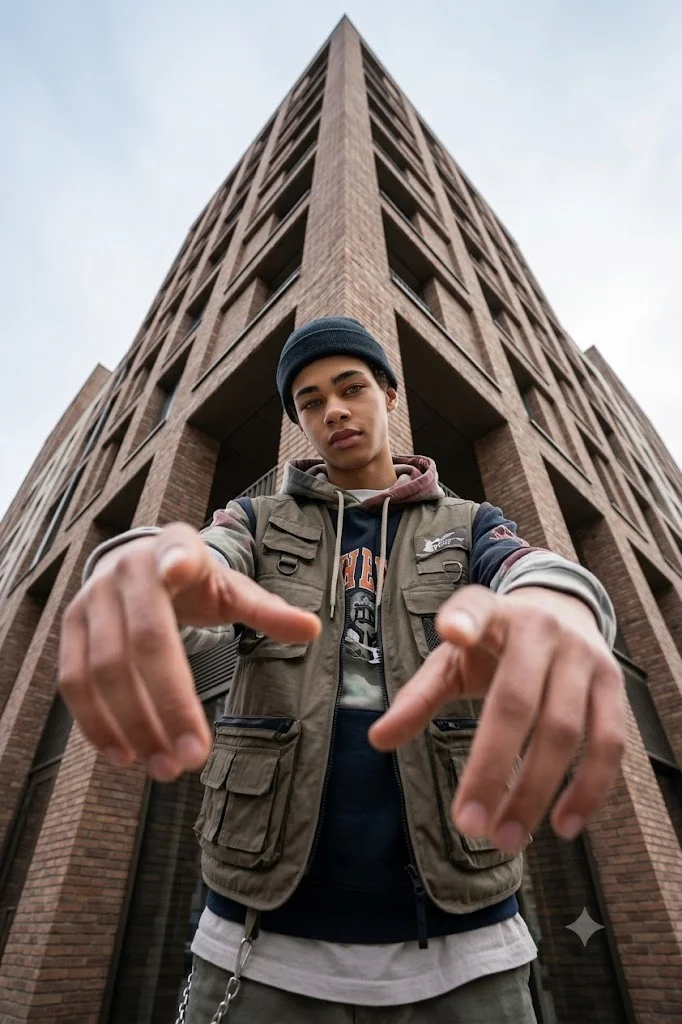
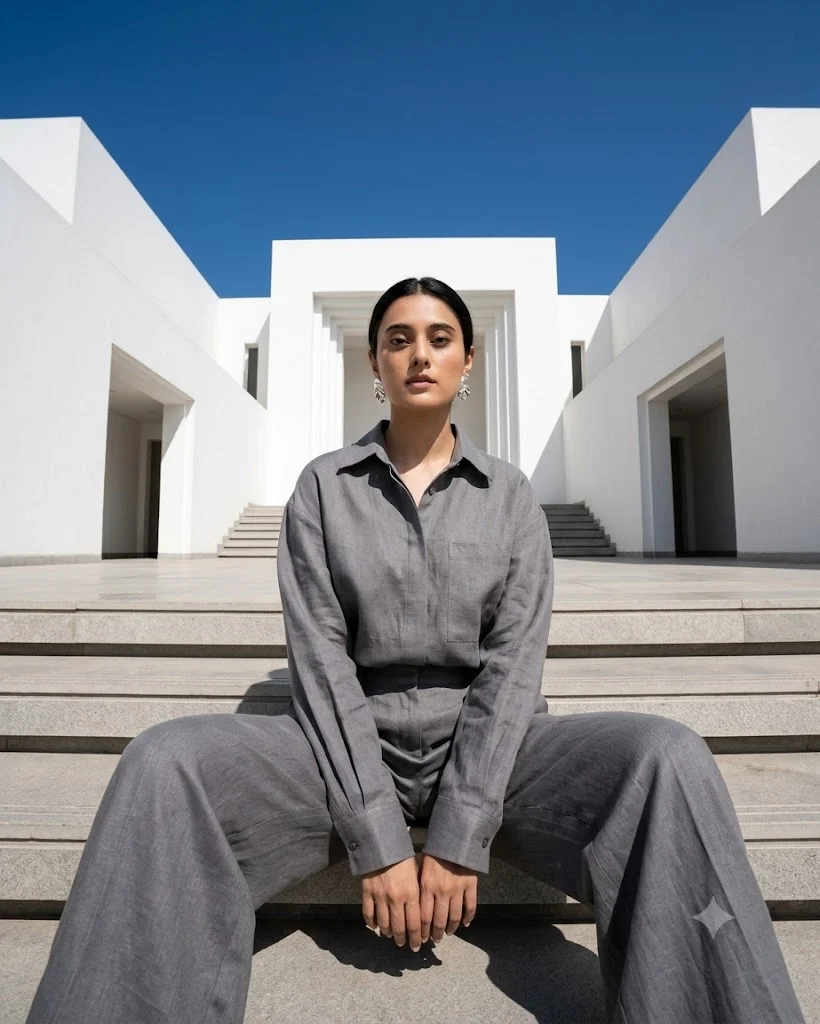
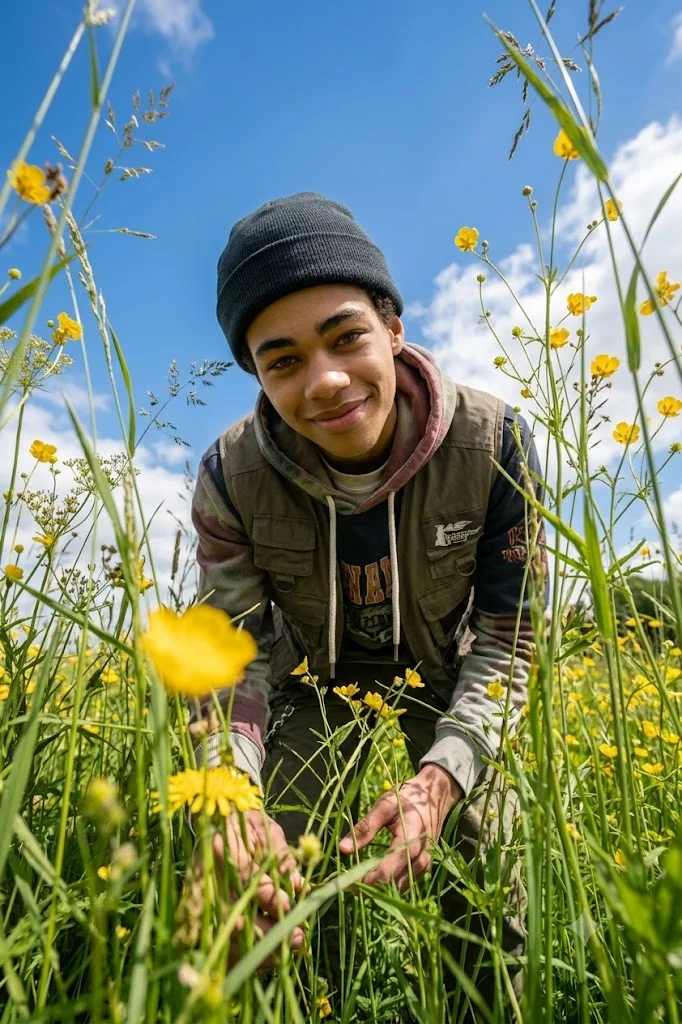
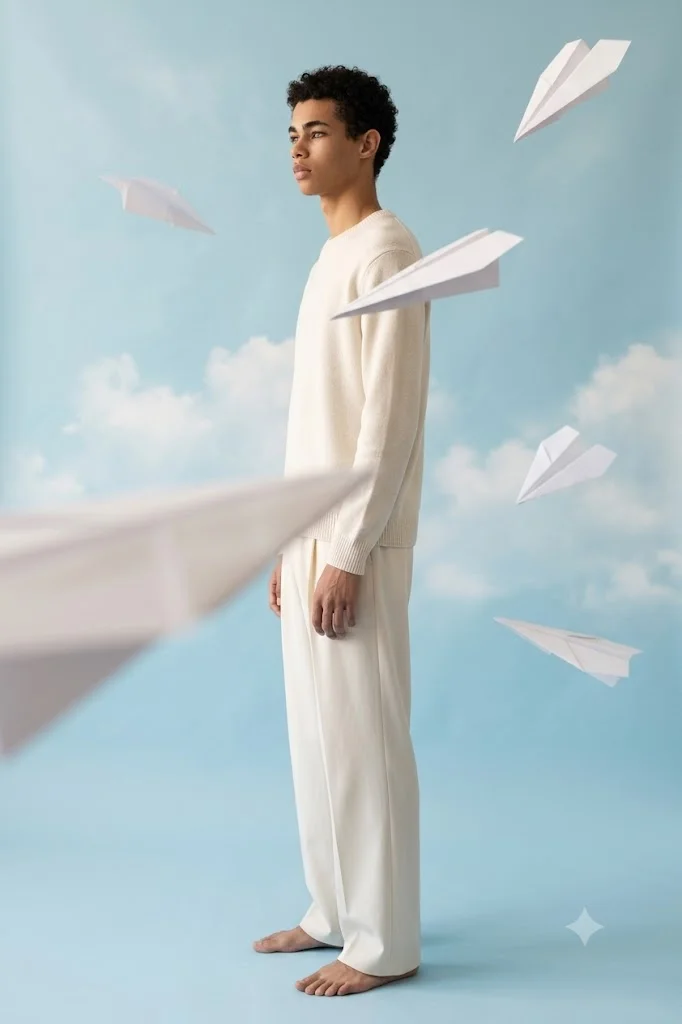
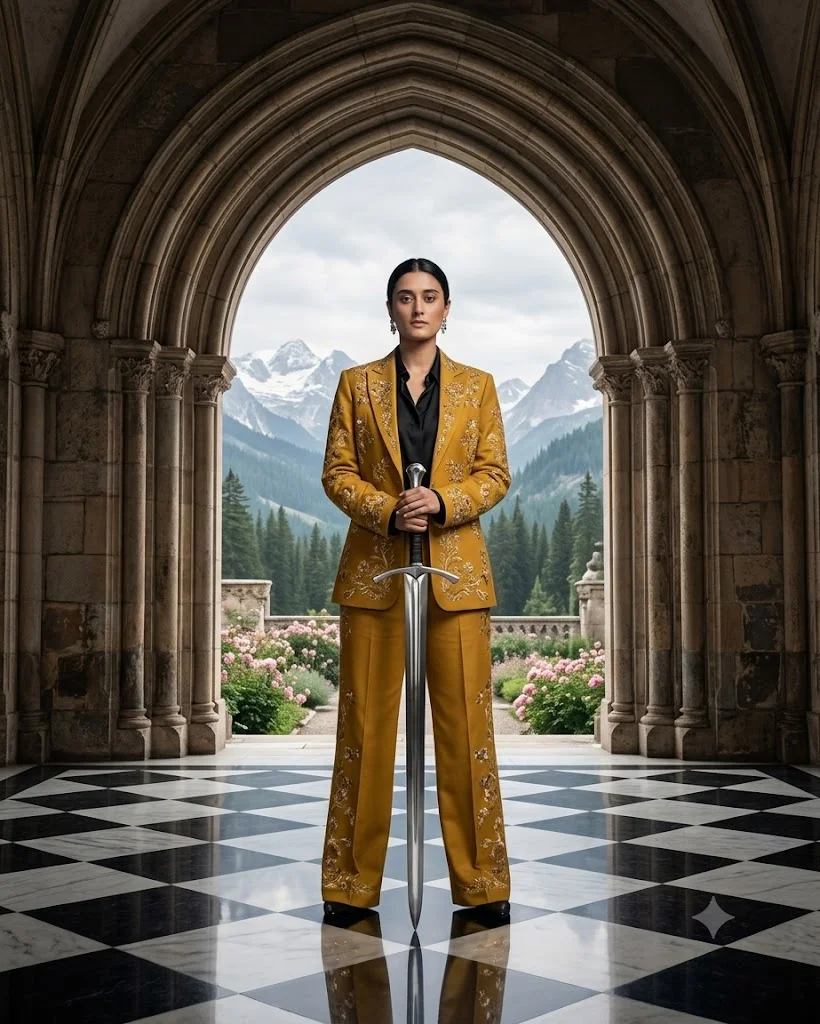
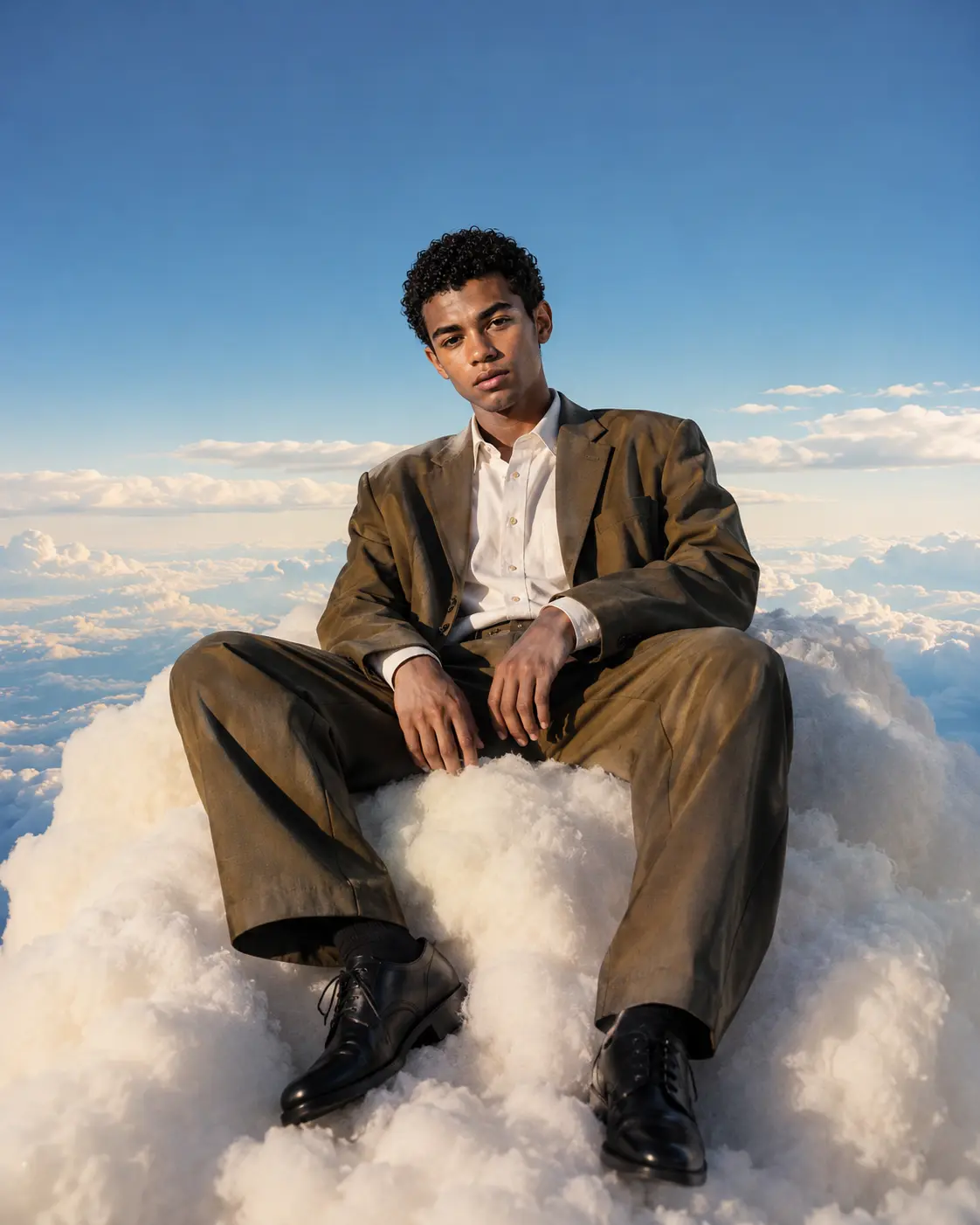
A low-angle prompt instructs the AI to place the virtual camera below the subject's eye level, looking upward. This specific perspective is one of the most powerful tools in visual storytelling. In traditional filmmaking and photography, looking up at a subject instantly gives them an air of power, authority, and dominance. When applied to AI generation, this technique works exceptionally well for creating heroic characters, imposing villains, or monolithic architectural structures that tower over the viewer. Beyond making subjects look powerful, low-angle prompts inject a sense of dramatic composition and cinematic depth into your images. Because the camera is low, the foreground elements often lead the eye upward, creating a strong sense of vertical scale. The background, whether it is a sprawling sci-fi sky or a dramatic mountain range, becomes more expansive and immersive. Use prompts like "low-angle shot," "worm's-eye view," or "ground-level cinematic shot" when you want to make a character look larger than life or emphasize the sheer scale of an environment.


High Angle AI Camera Prompts
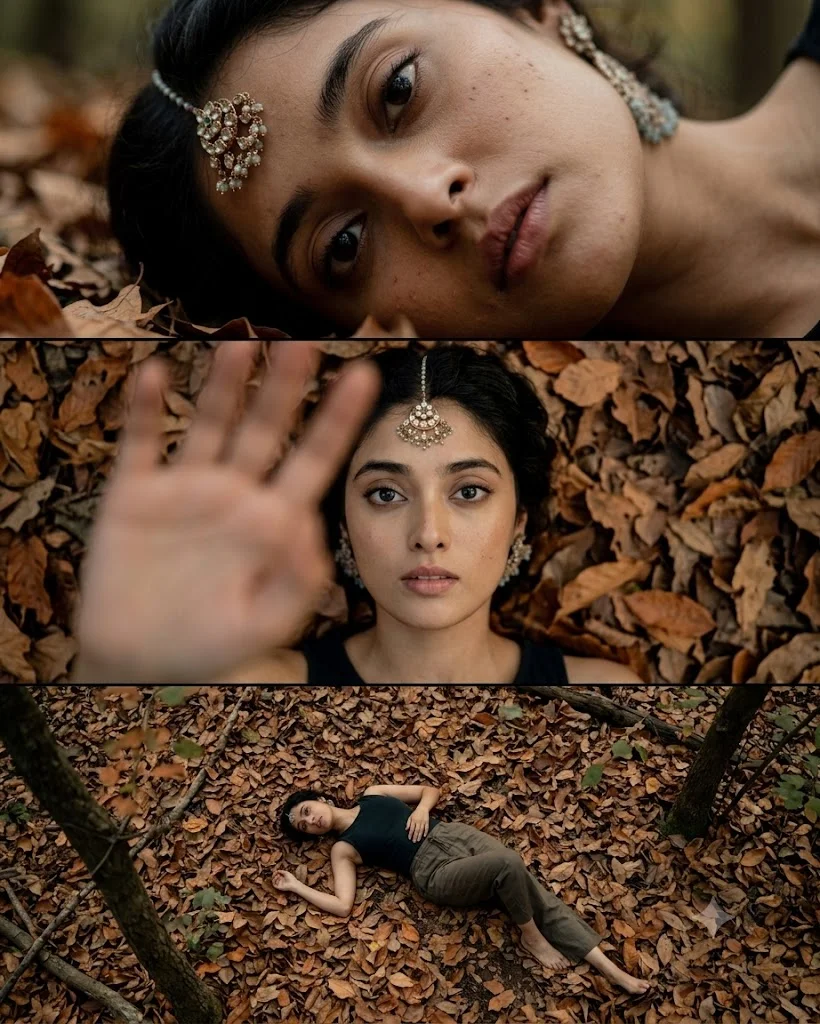
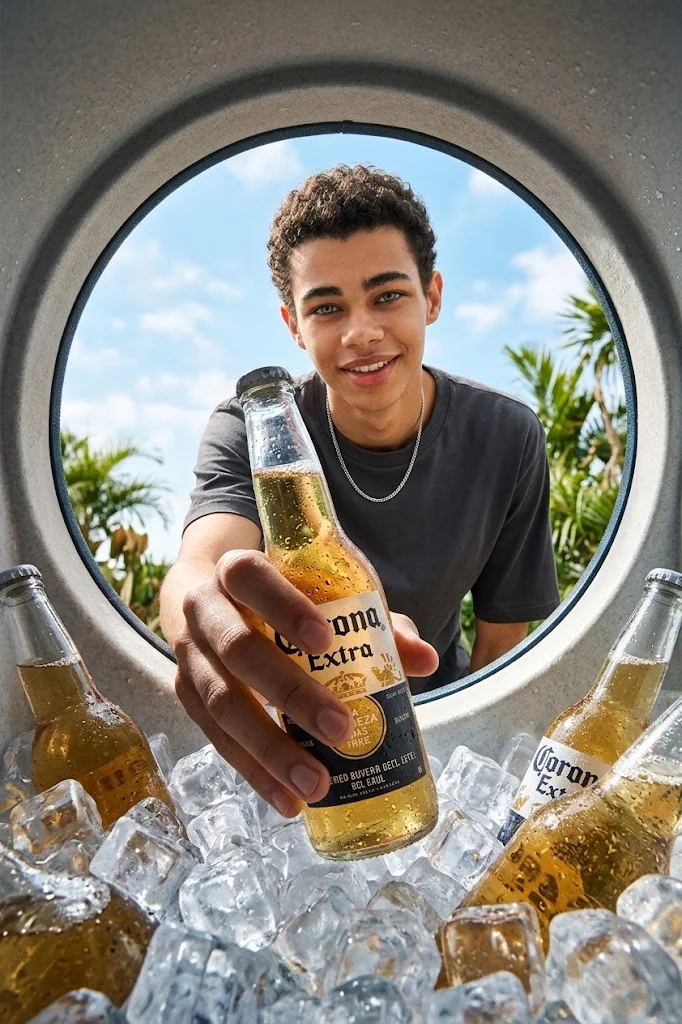
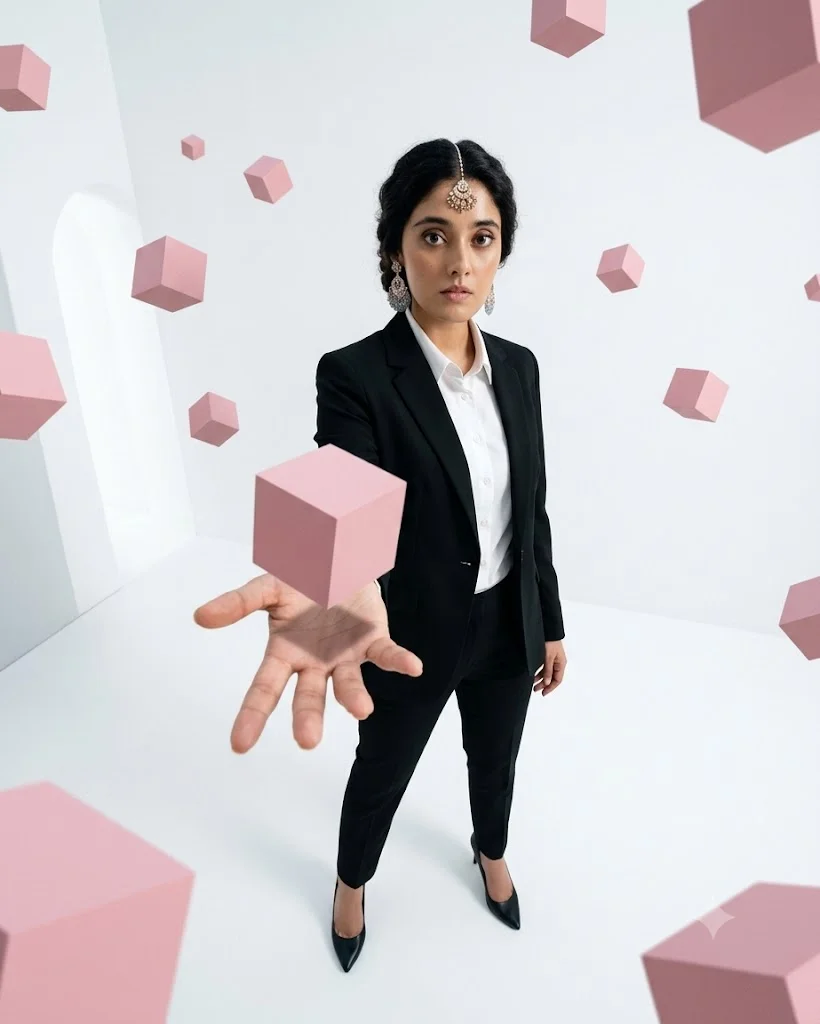
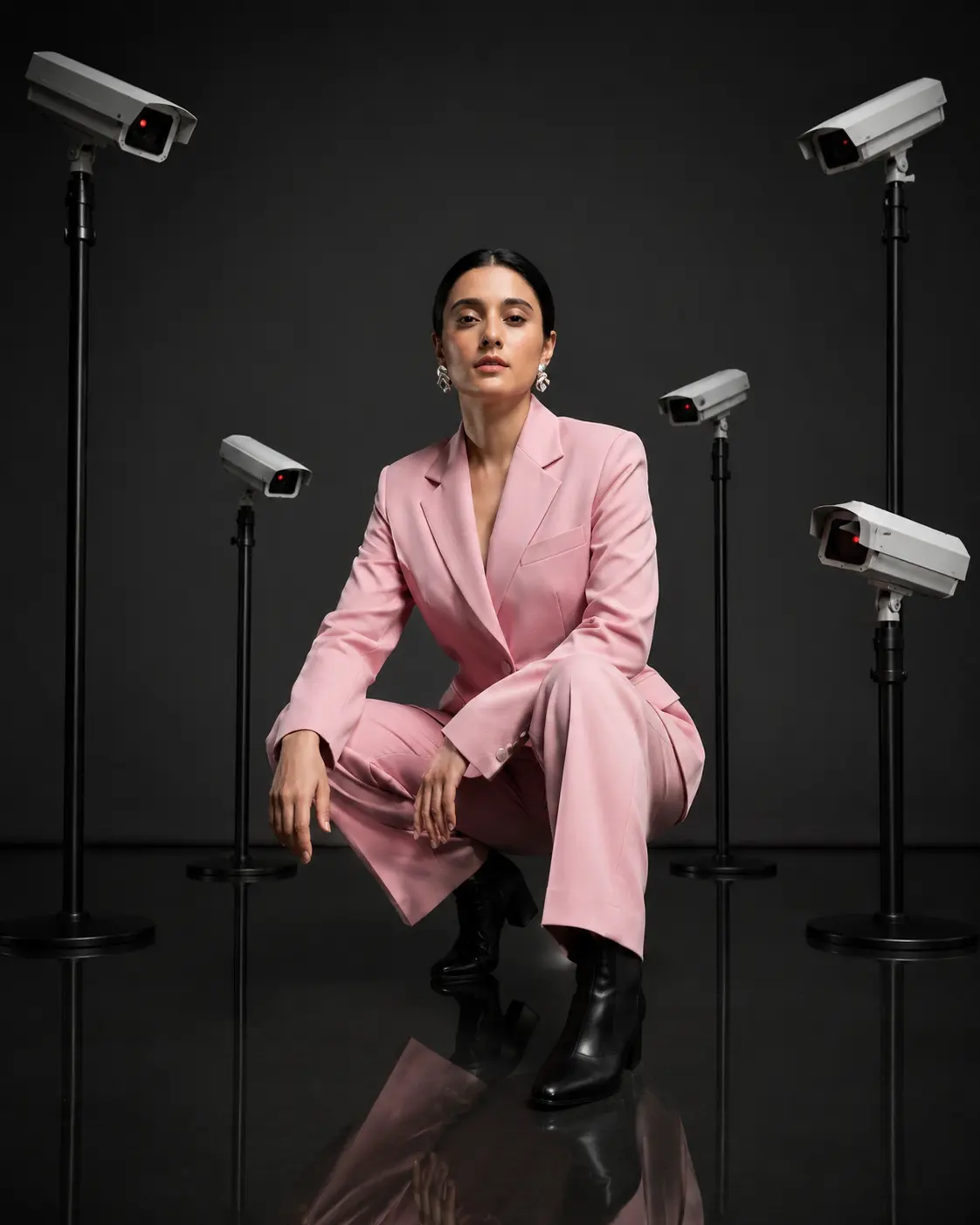
High-angle prompts do the exact opposite of low angles by positioning the virtual camera above the subject, looking downward. This perspective alters the storytelling dynamics of your scene, often making the subject appear smaller, vulnerable, or swallowed up by their surroundings. It is a fantastic tool for conveying a sense of isolation, contemplation, or helplessness within a narrative context. From a composition standpoint, high-angle prompts are highly effective for organizing complex scenes. Looking down on a subject flattens the perspective slightly, allowing the AI to render the ground, surrounding textures, and spatial relationships between multiple objects with extreme clarity. This makes it ideal for crowded city streets, deep forest paths, or characters navigating intricate mazes. If you want to capture an expansive overview of a scene while maintaining a clear focal point, using prompts like "high-angle perspective," "downward cinematic angle," or "high-vantage point shot" will guide the AI to structure the composition beautifully.
Eye Level Camera Prompts
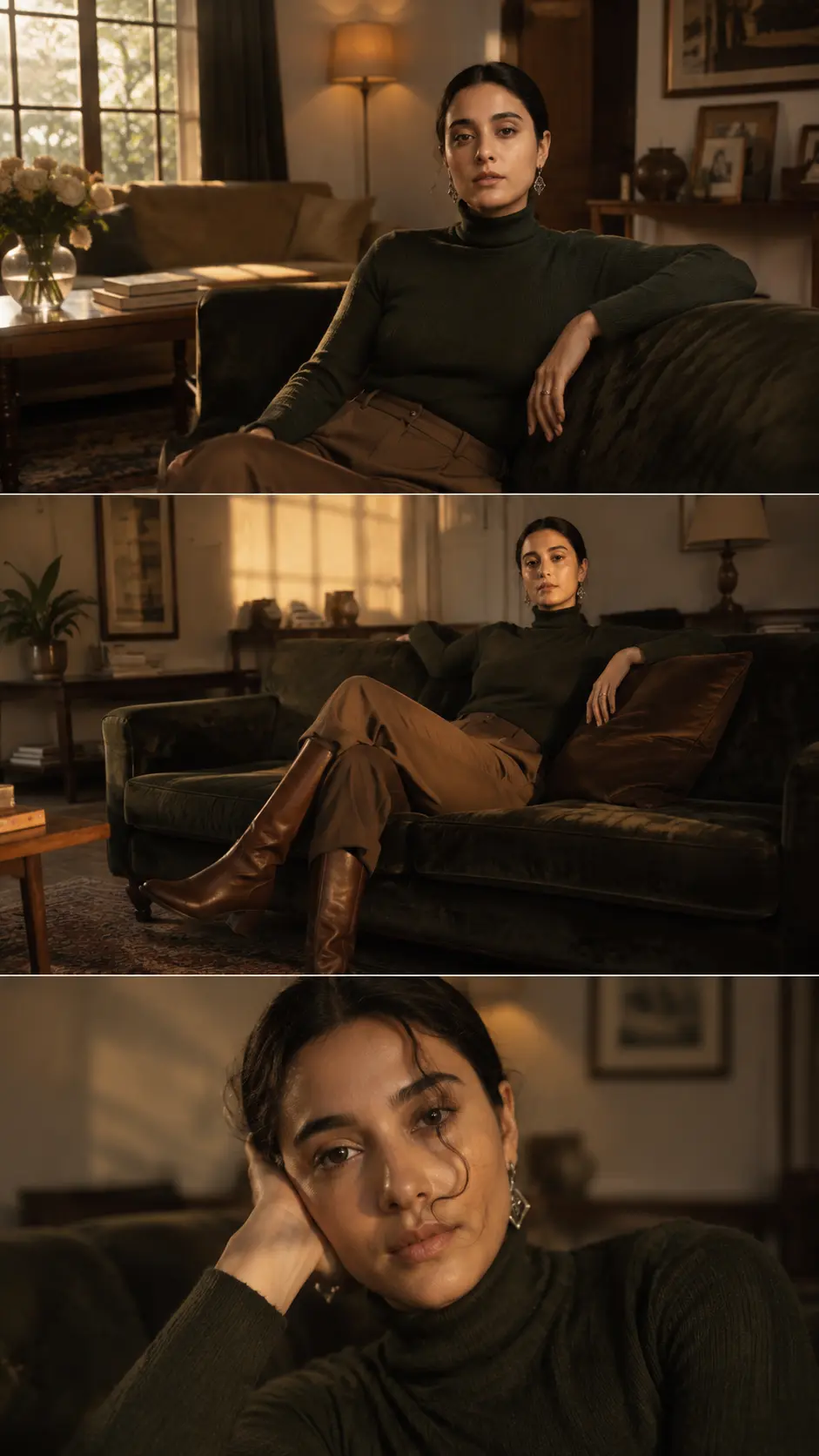
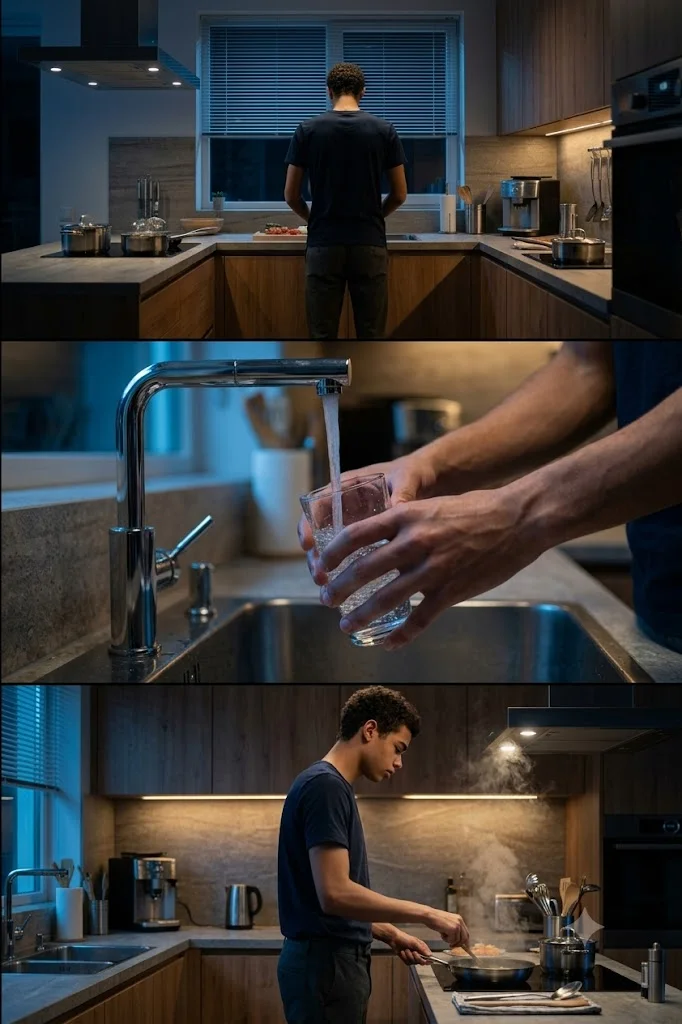
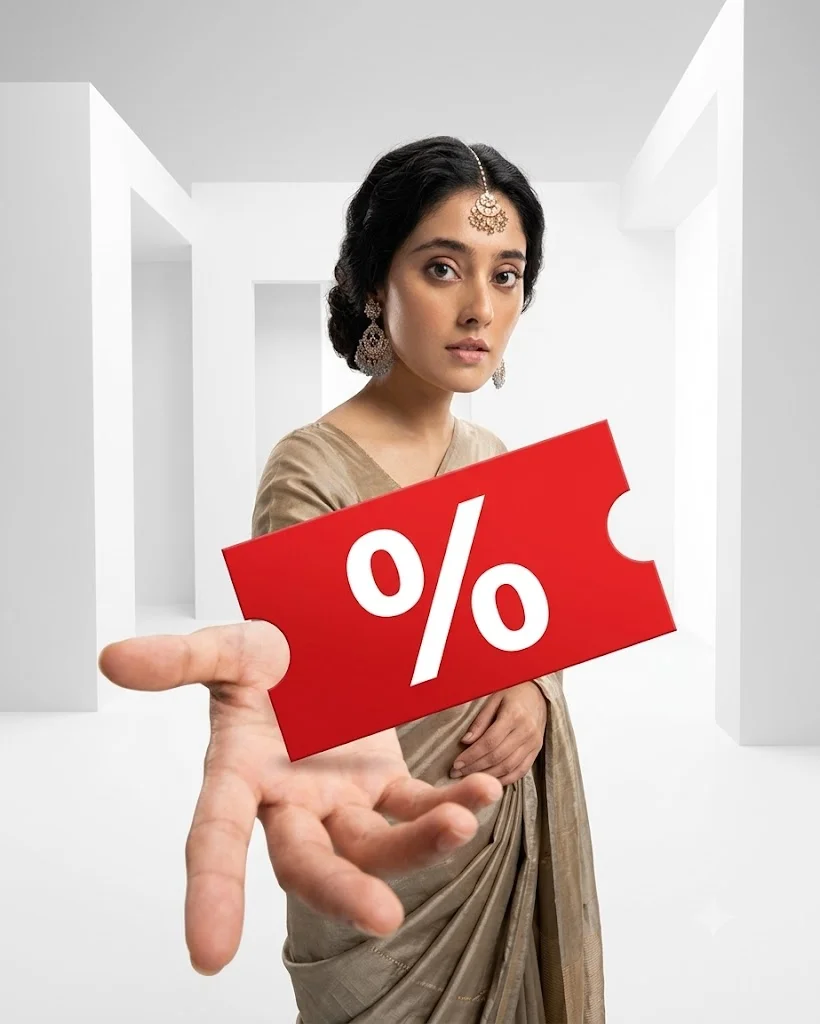
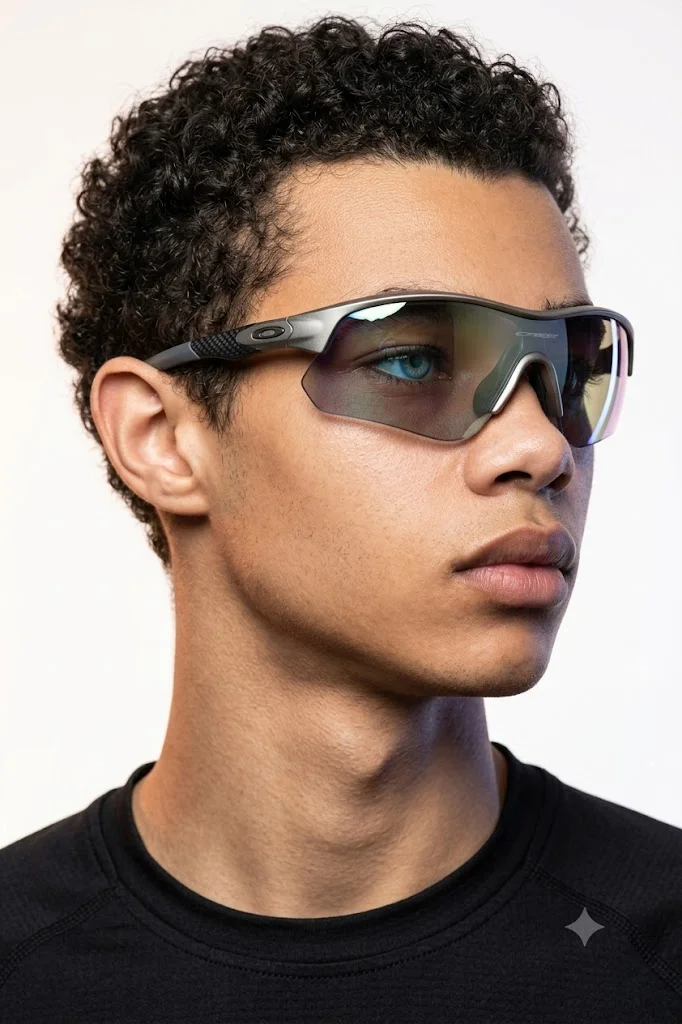
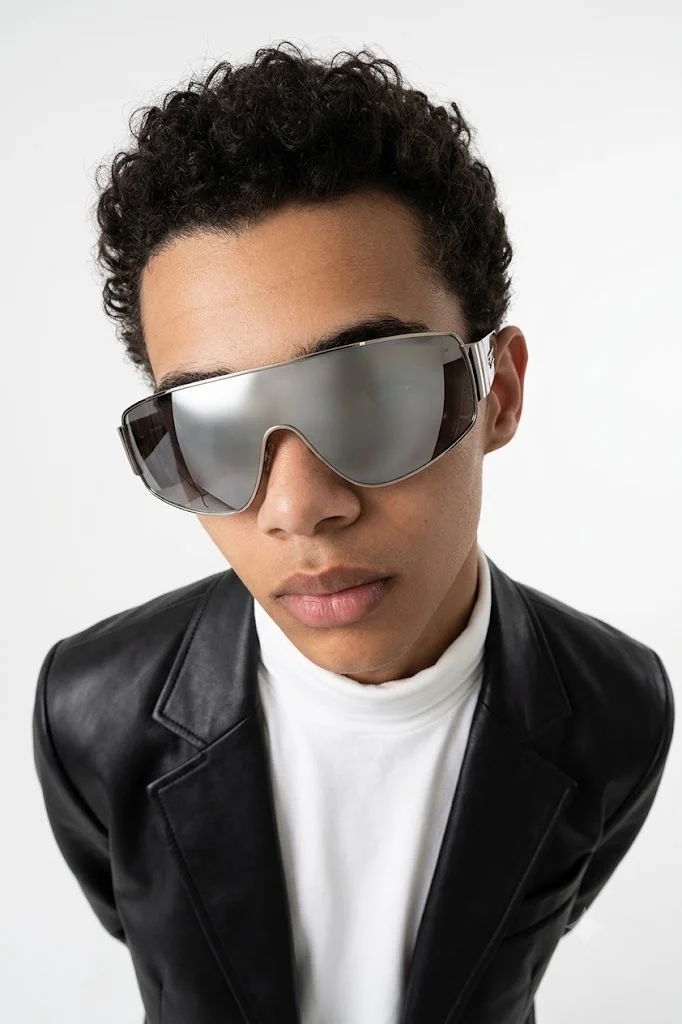
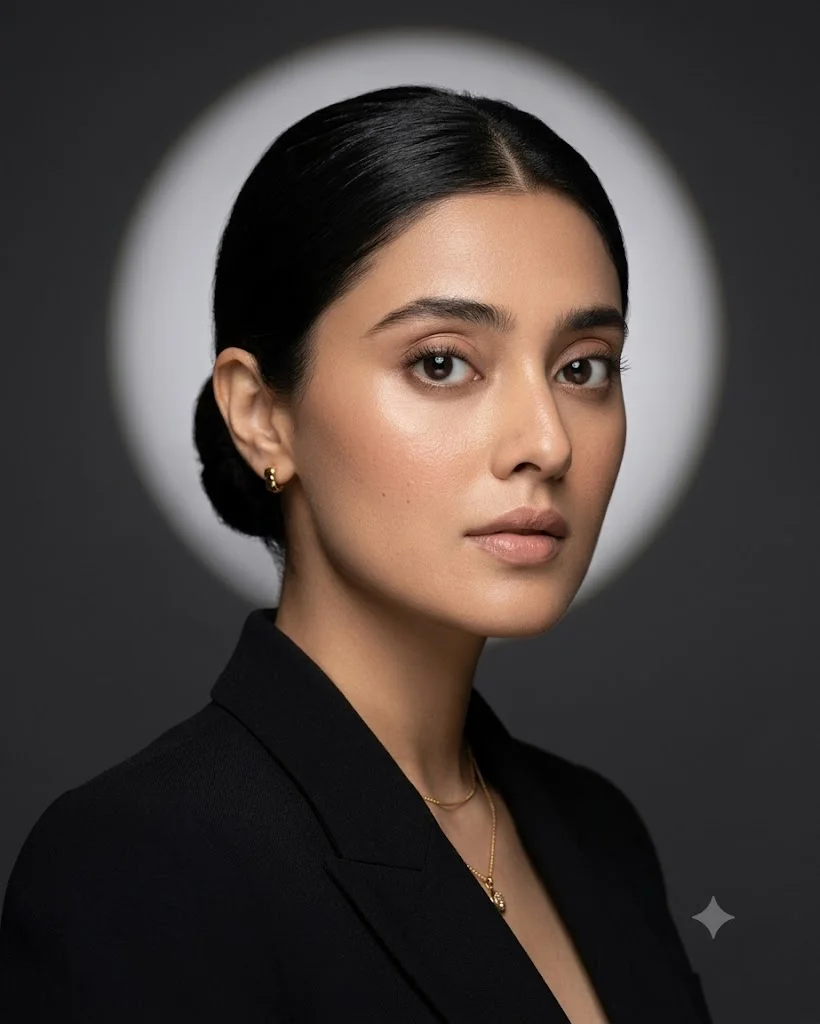
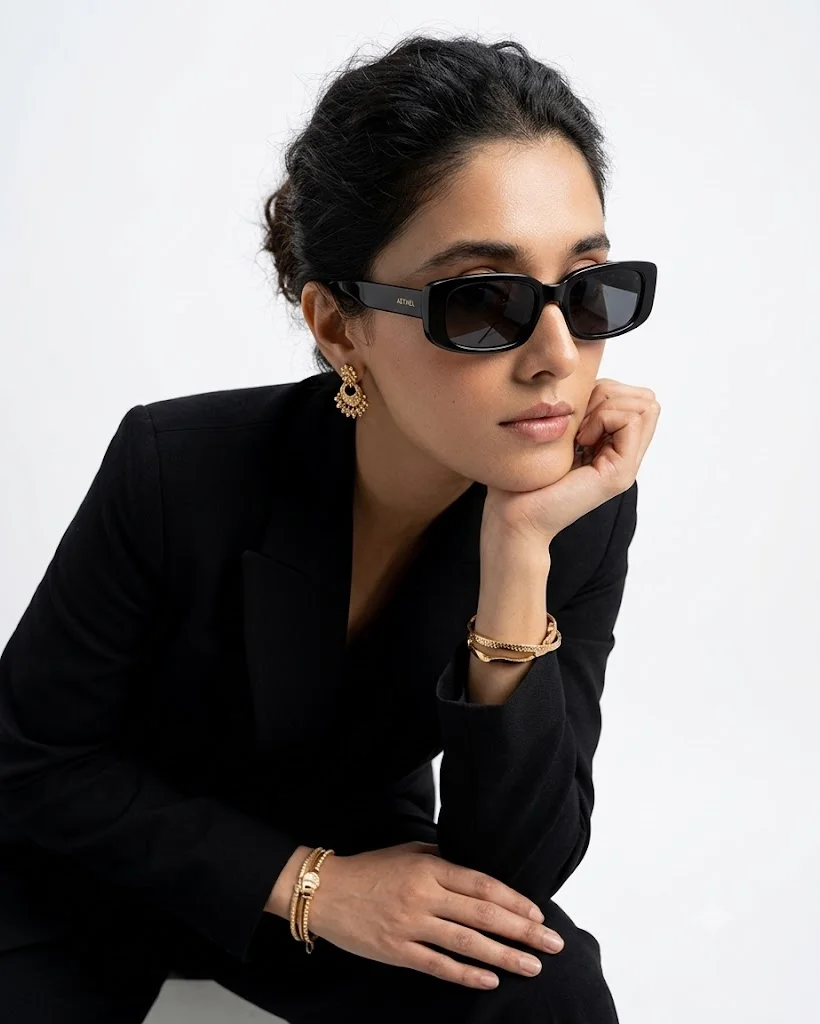
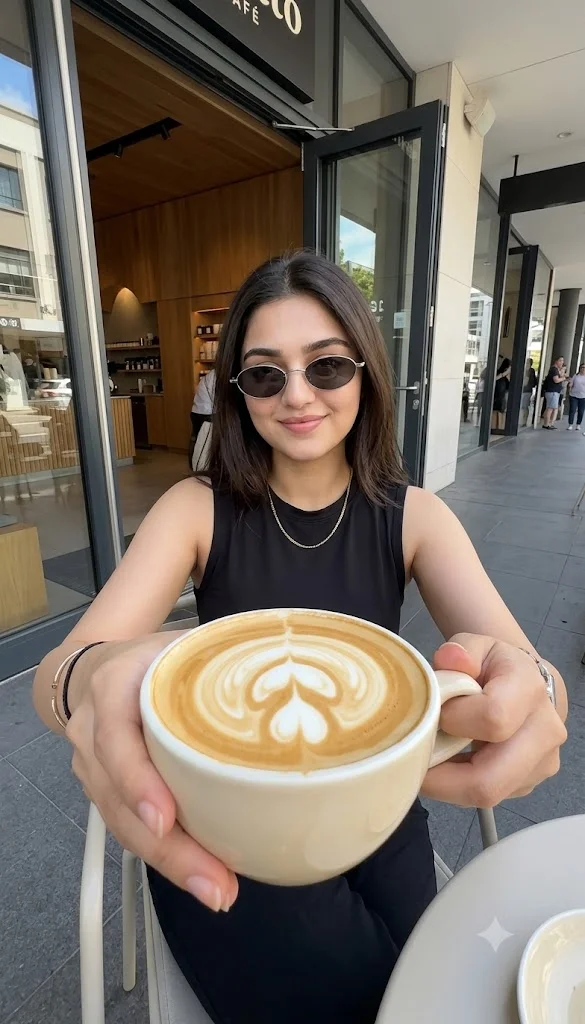
An eye-level camera prompt positions the lens directly horizontal to the subject's face or center of mass. This is the most natural and neutral perspective available, mimicking exactly how humans view the world in daily life. Because it carries no inherent psychological bias—neither making the subject look dominant nor vulnerable—it fosters an immediate sense of familiarity, empathy, and connection between the viewer and the subject. Eye-level shots are the backbone of realistic AI imagery, making them indispensable for portrait photography, lifestyle scenes, and documentary-style generations. When you want to create a believable, candid image of a person drinking coffee in a cafe or an artisan working in a studio, an eye-level prompt keeps the composition grounded. It prevents the AI from introducing stylized warping, ensuring that facial proportions and environmental perspectives remain perfectly true to life. Effective phrases to include are "eye-level portrait," "straight-on medium shot," or "candid eye-level photography."

Close-up Camera Prompts
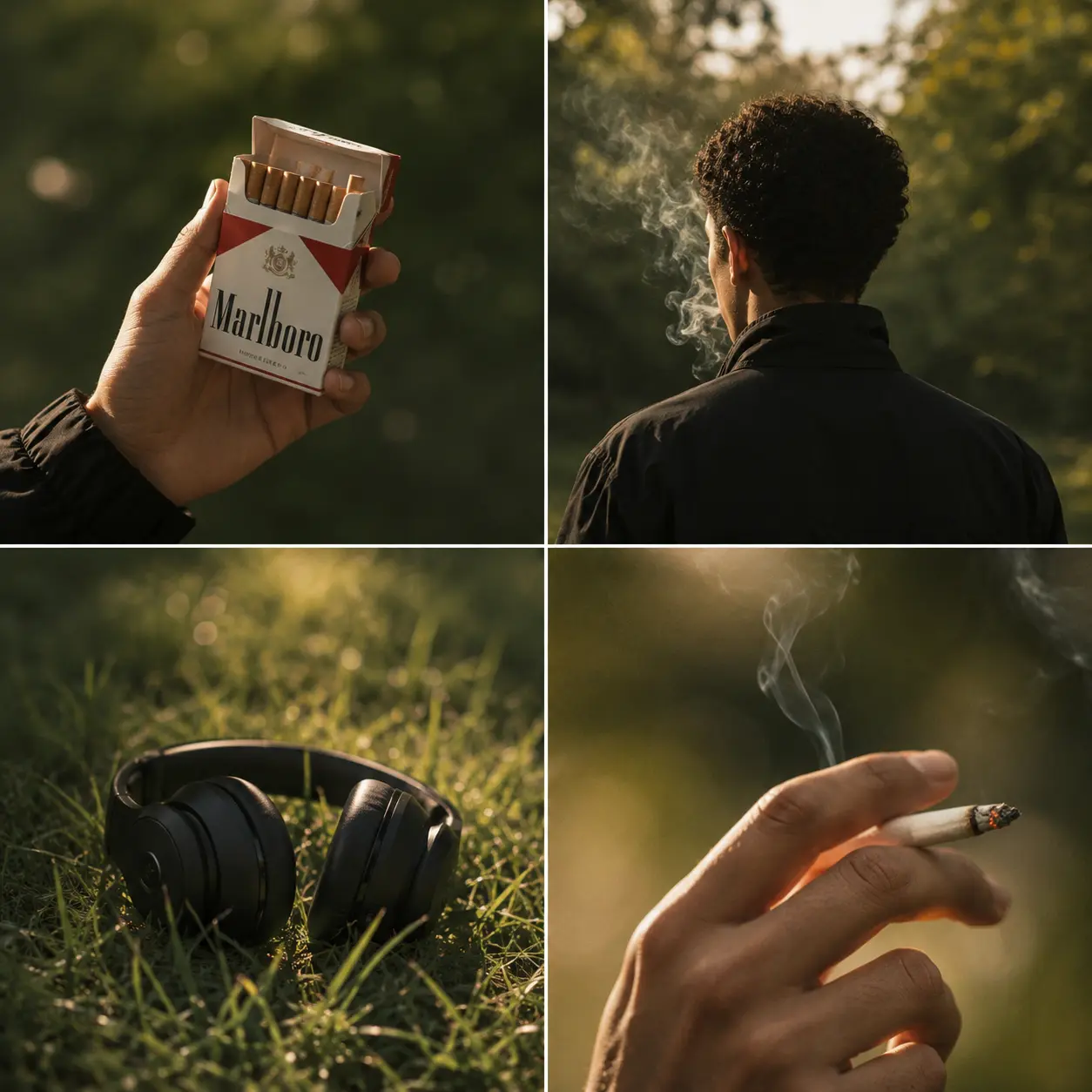
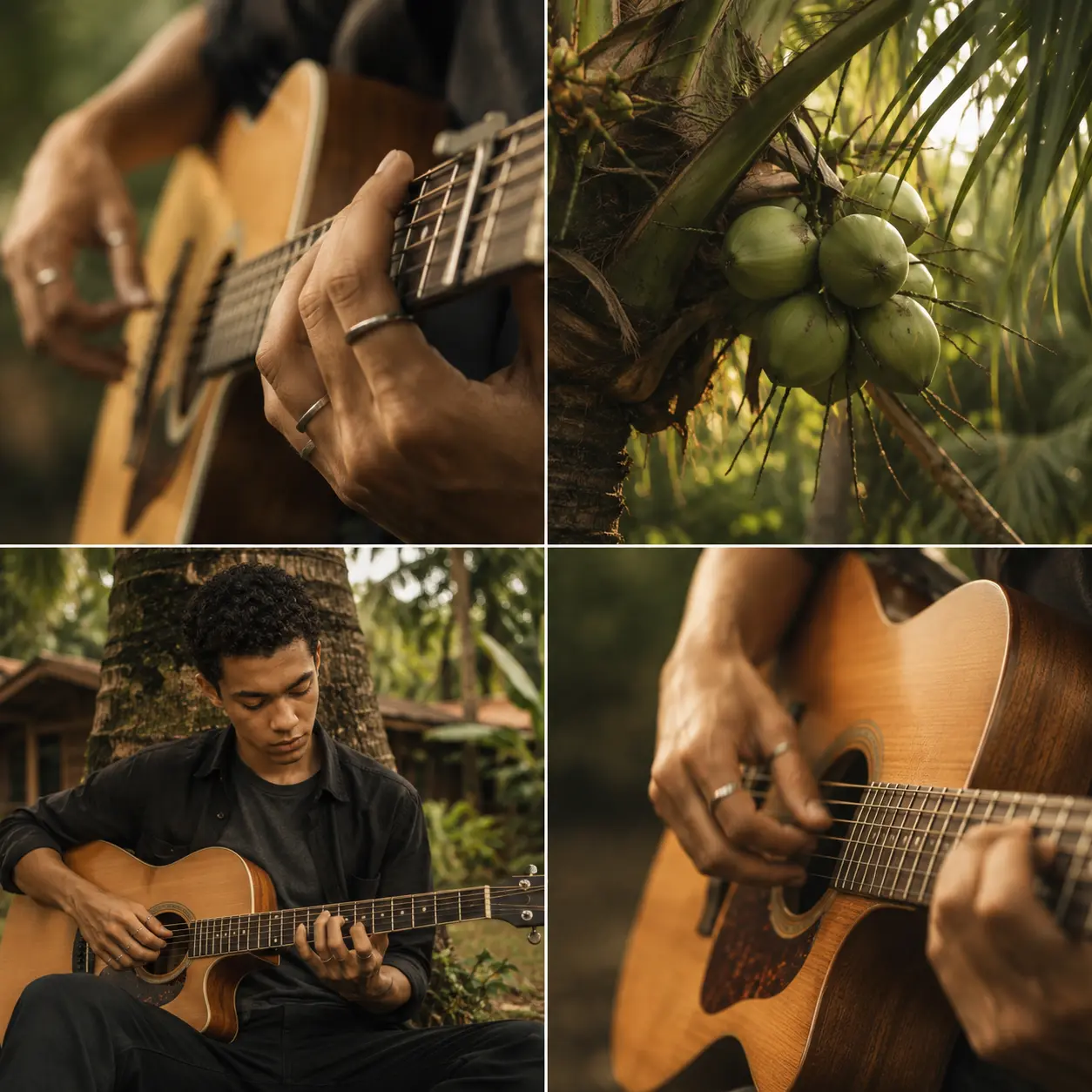
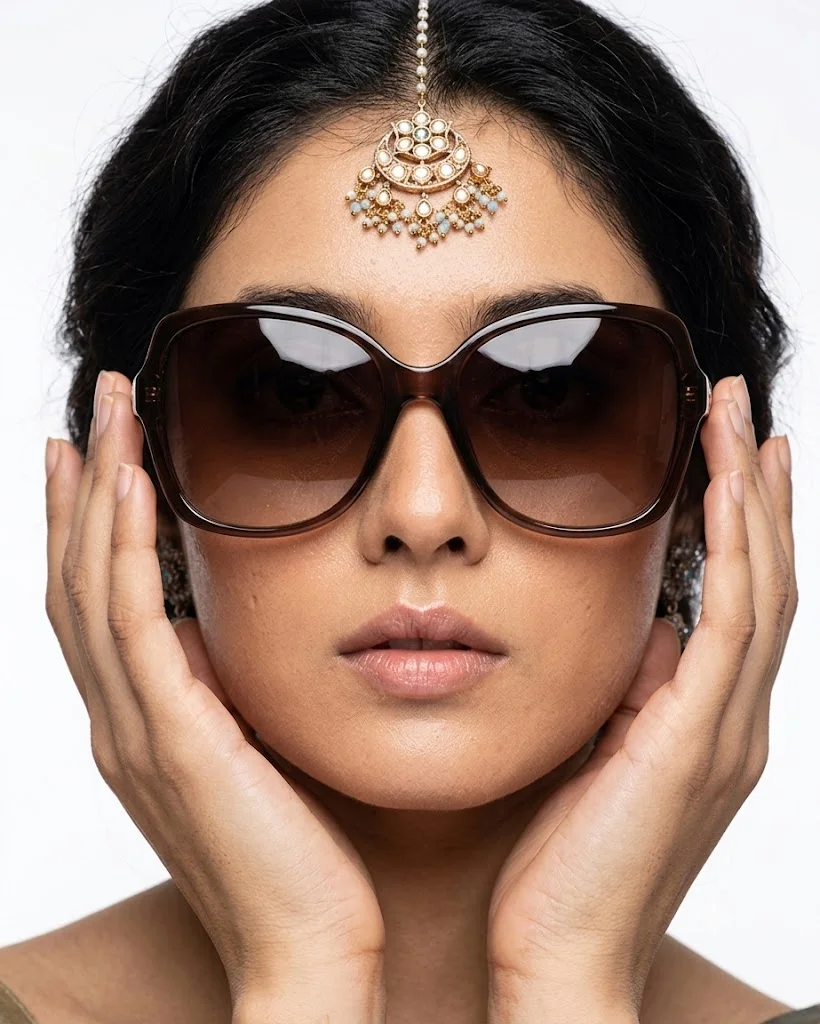
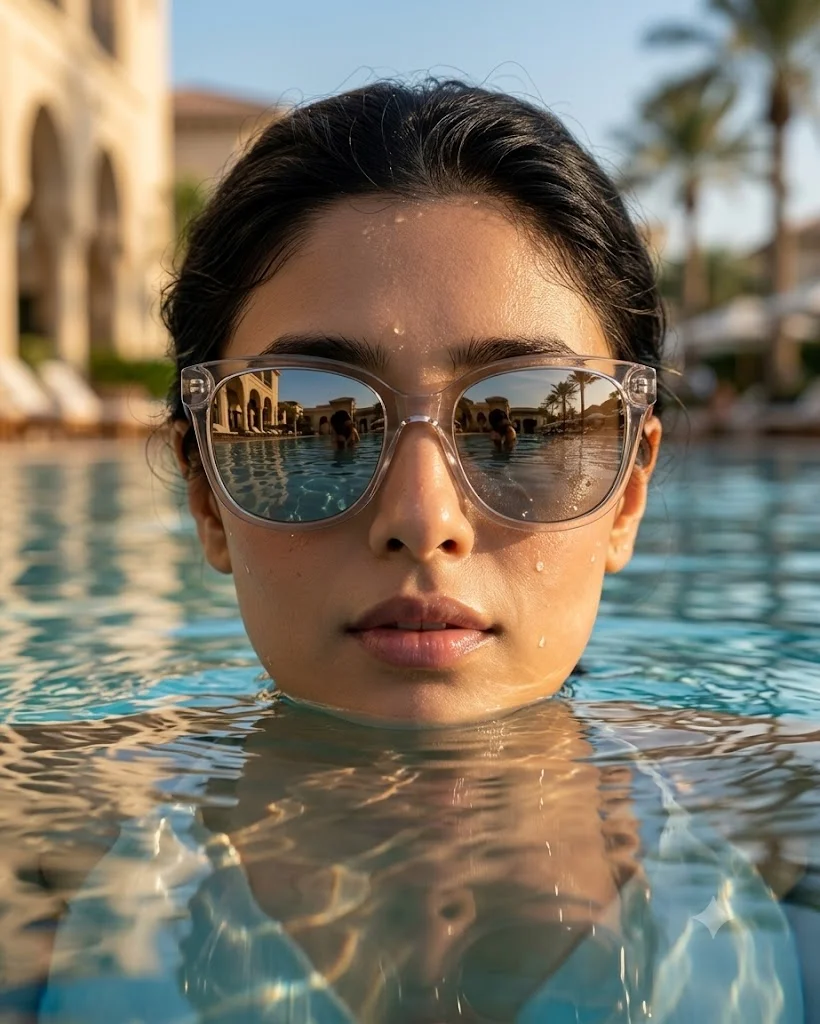
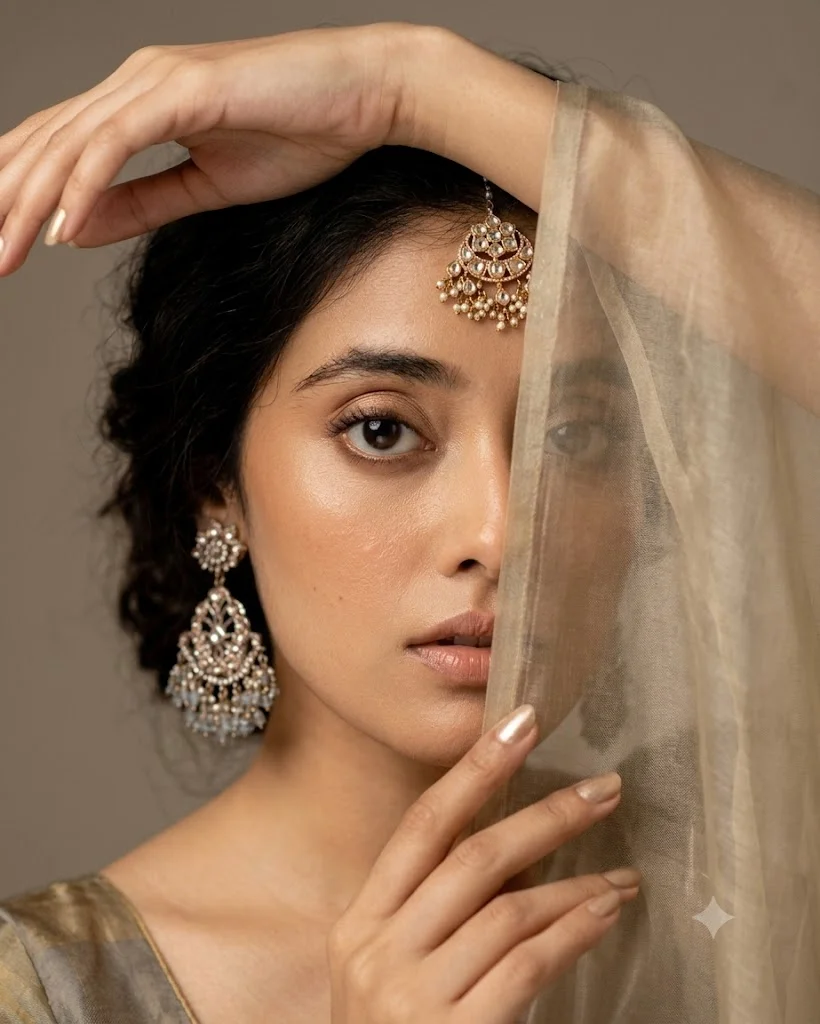
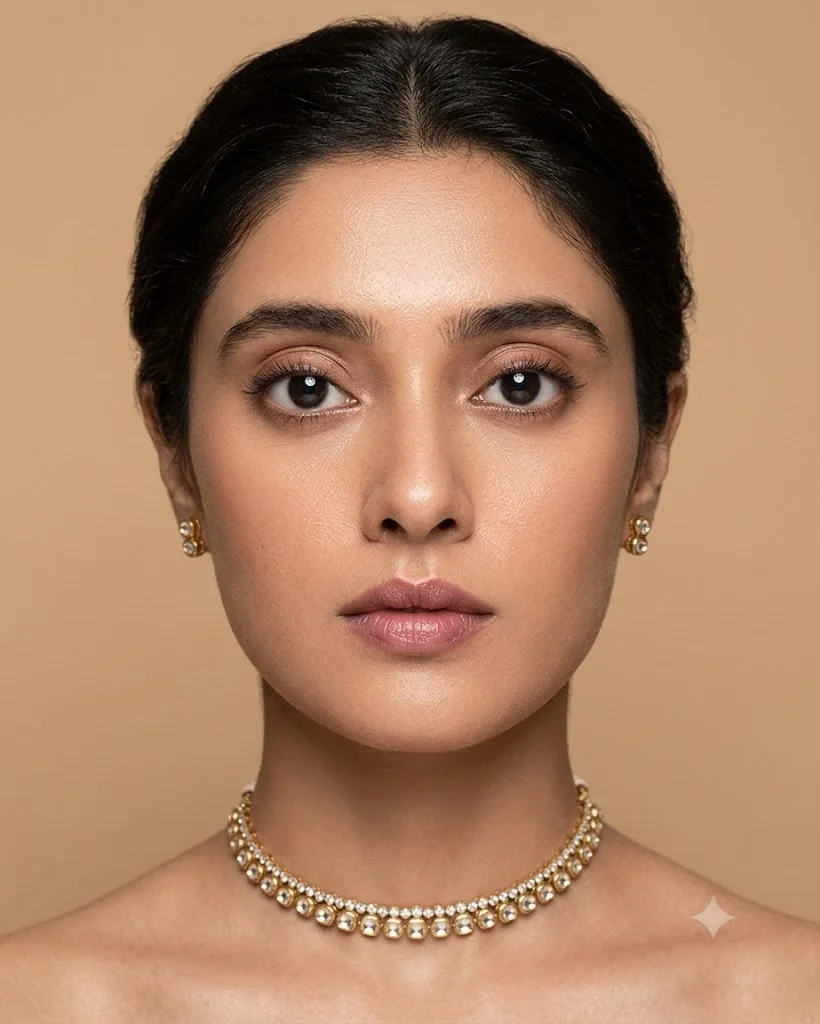
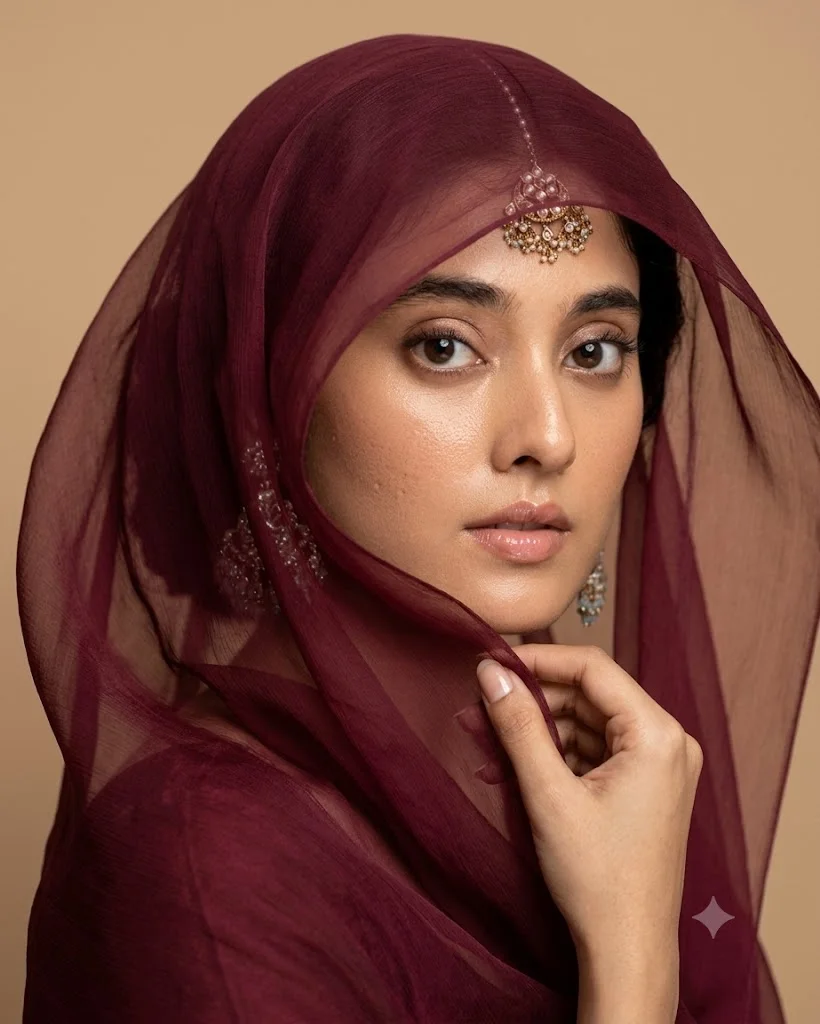
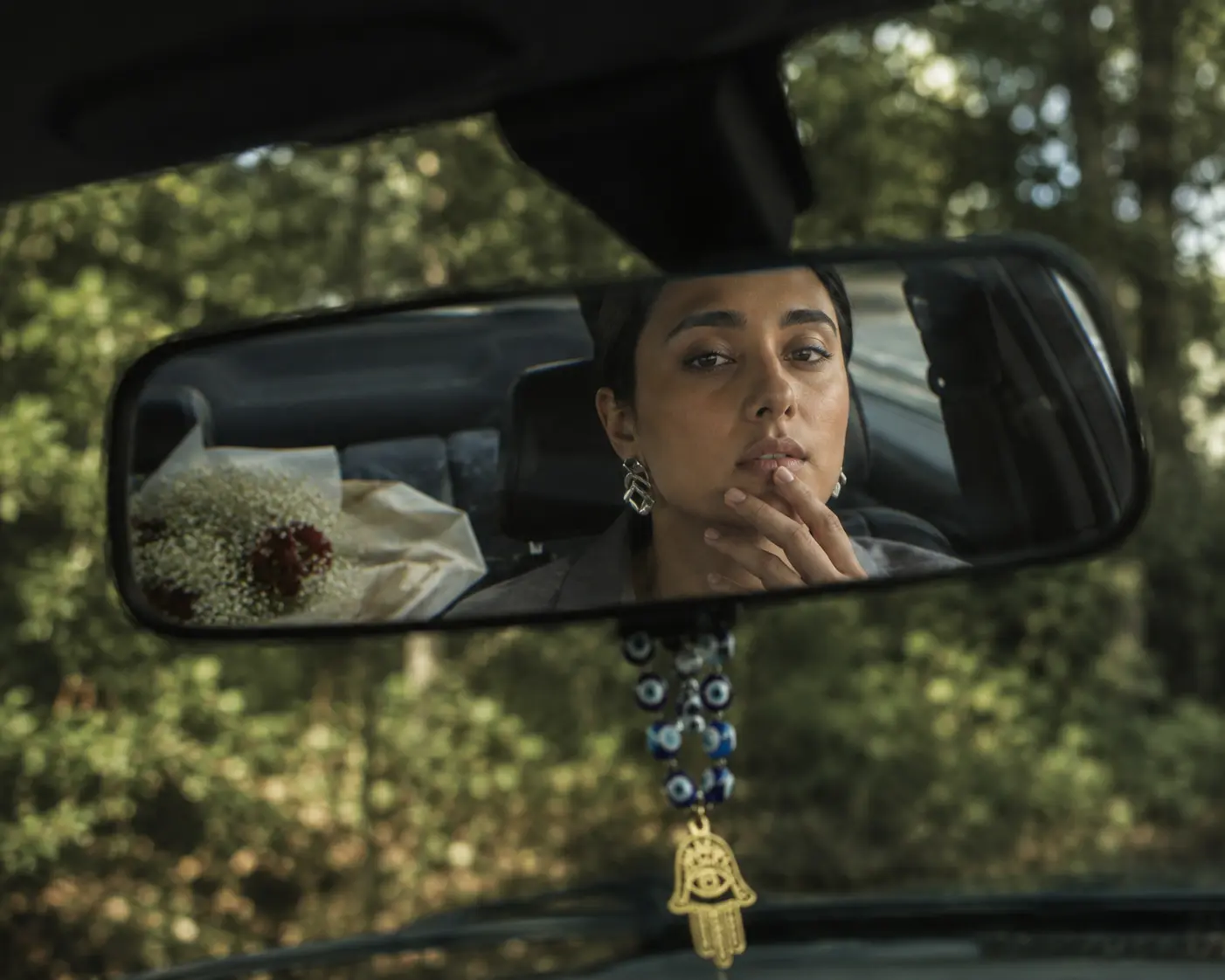
Close-up prompts tell the AI to zoom in tightly on a specific subject, filling the frame with fine details. This angle is entirely about intimacy, emotion, and texture. In portraiture, a close-up forces the AI to prioritize micro-expressions, skin textures, the glint of light in a subject's eyes, and subtle facial features that might otherwise get lost in a wider shot. It strips away background distractions, focusing the viewer's entire attention on the emotional core of the image. Outside of character portraits, close-up prompts are highly sought after in commercial product photography and macro art generation. If you are generating images of a luxury watch, a splash of liquid, or the intricate fabric of a designer shoe, a close-up instruction forces the AI to render crisp, high-fidelity textures. To achieve these hyper-detailed results, use precise terminology in your text strings, such as "extreme close-up," "macro photography detail," "tight portrait shot," or "close-up shot focusing on texture."
Wide Angle Camera Prompts
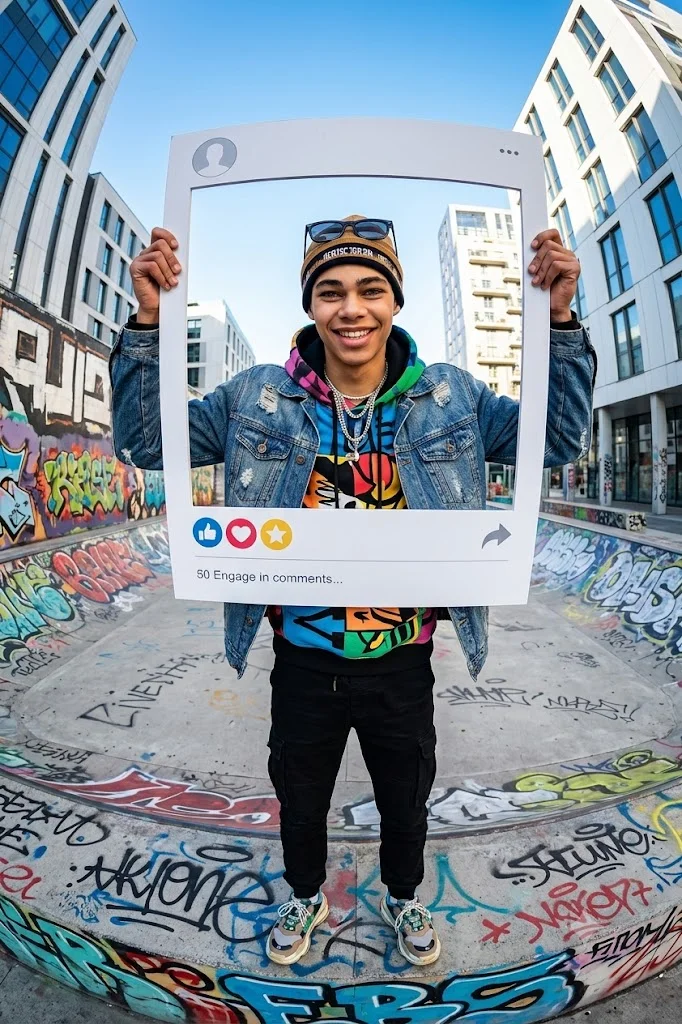
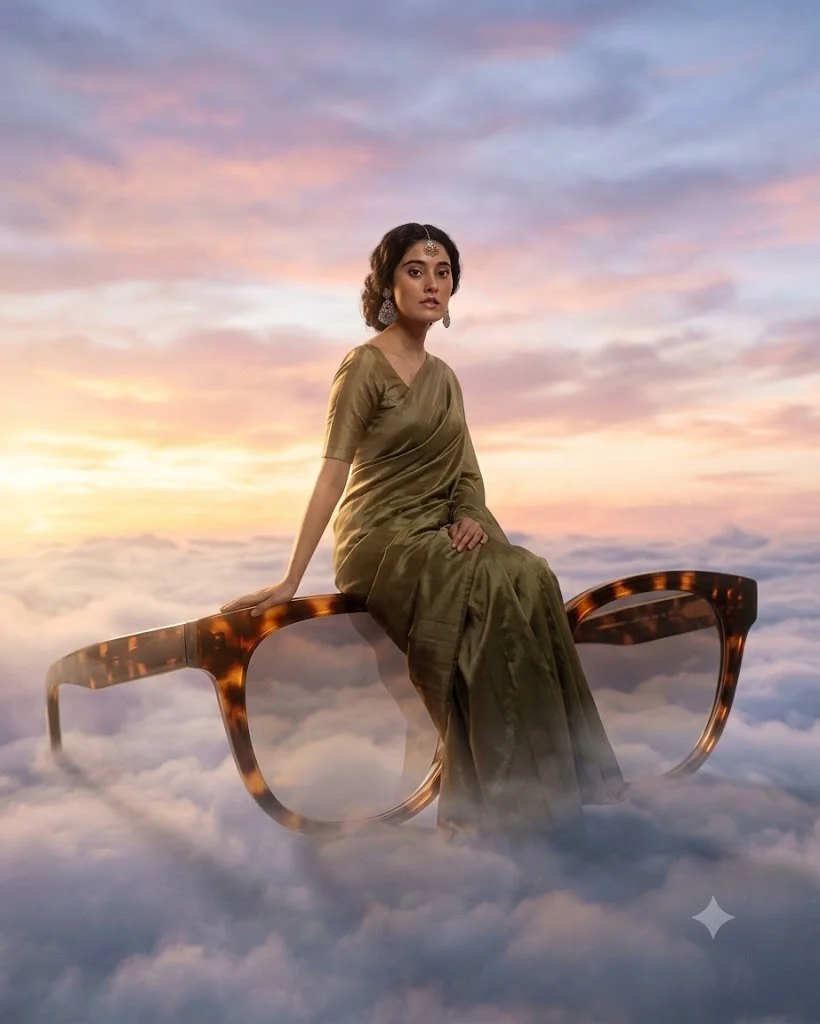
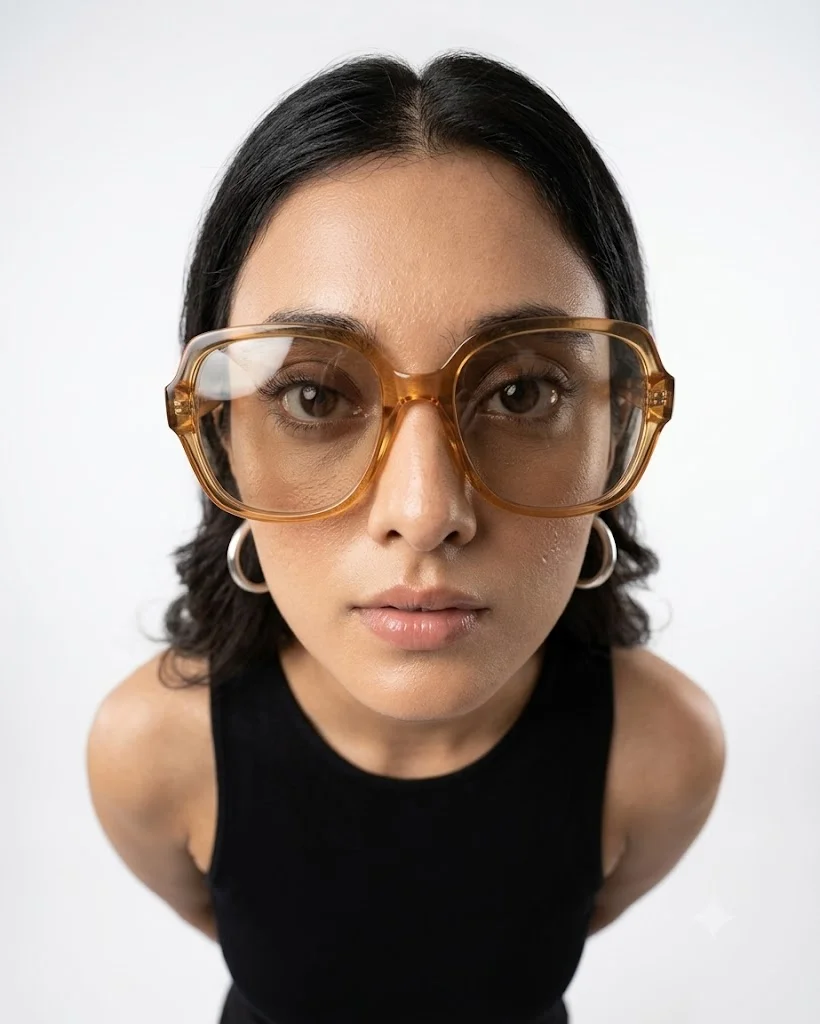
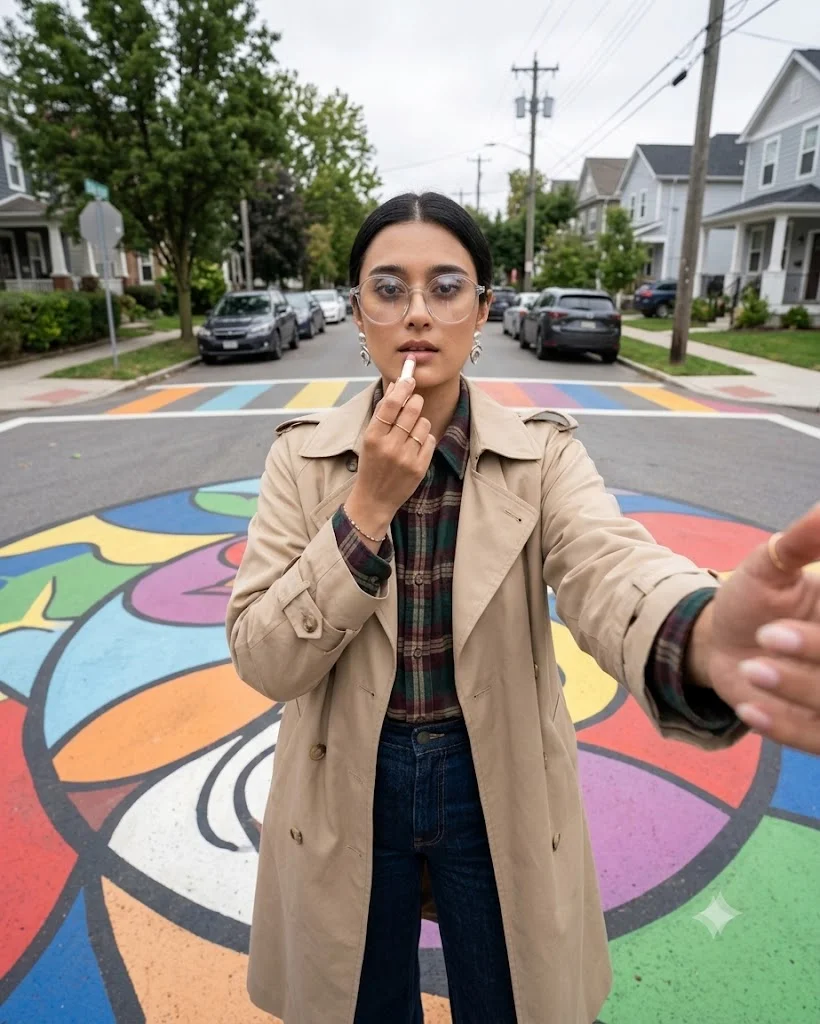
Wide-angle prompts expand the field of view, allowing the AI to capture a vast amount of space within a single frame. This composition technique is essential for environmental storytelling, where the setting is just as important, if not more important, than the individual subjects within it. Wide shots establish the context of a scene, showing the grand scale of landscapes, the intricate geometry of modern architecture, or the bustling energy of a city square. When generating cinematic scenes, a wide-angle prompt adds an epic, big-budget feel to the visual. It allows the AI to create a clear foreground, midground, and background, resulting in a rich sense of three-dimensional depth. This technique is perfect for travel photography concepts, fantasy world-building, and sweeping nature vistas. To guide the AI toward these expansive layouts, incorporate phrases like "wide-angle cinematic shot," "panoramic landscape view," "establishing shot," or "ultra-wide-angle 21:9 perspective" into your generation workflow.
Overhead Camera Prompts
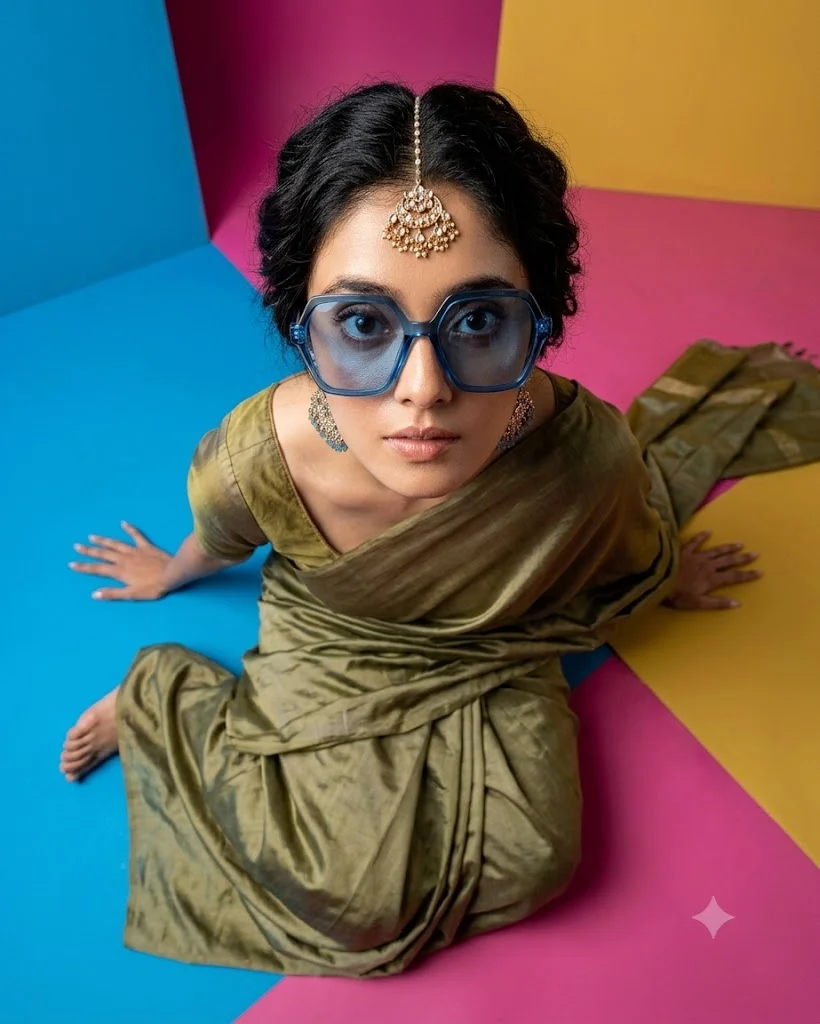
An overhead prompt instructs the AI to position the camera directly above the scene, looking straight down at a perfect ninety-degree angle. Often referred to as a "bird's-eye view" or a "top-down shot," this perspective offers a highly stylized and organized look at a scene. It strips away the horizon line entirely, turning the ground plane into a flat canvas where shapes, patterns, and arrangements take center stage. This angle is incredibly popular for flat lay photography, commercial food styling, and product layouts. For instance, an overhead prompt can neatly arrange a collection of travel gear on a wooden table or display a beautifully plated meal surrounded by fresh ingredients. Beyond commercial uses, overhead angles offer unique opportunities for artistic storytelling, such as showing a lone figure walking across a minimalist geometric pavement. To trigger this clean, structured style, use explicit phrases like "overhead top-down view," "flat lay photography," "perfect bird's-eye view," or "satellite perspective."
Cinematic Camera Shot Prompts
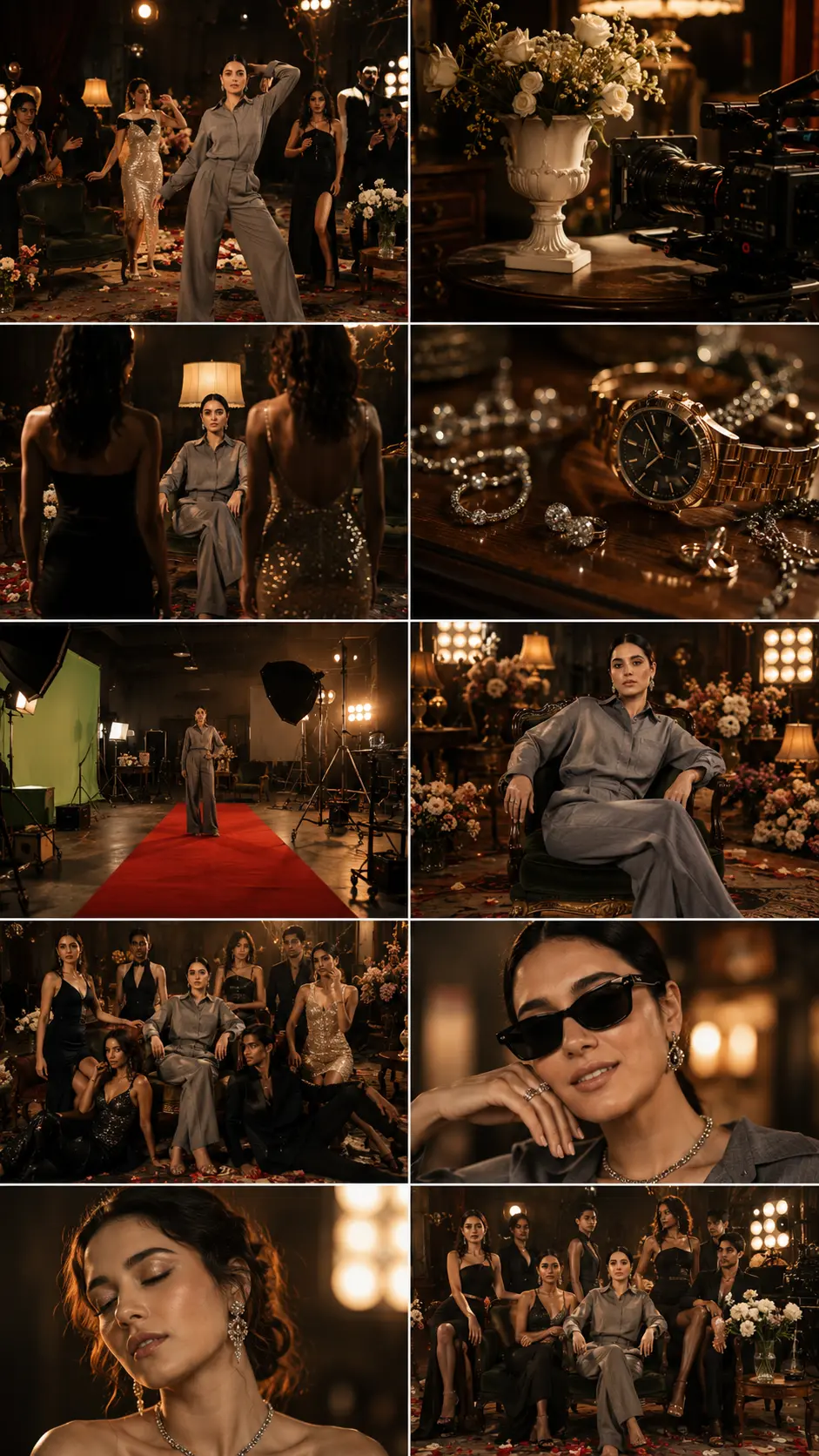
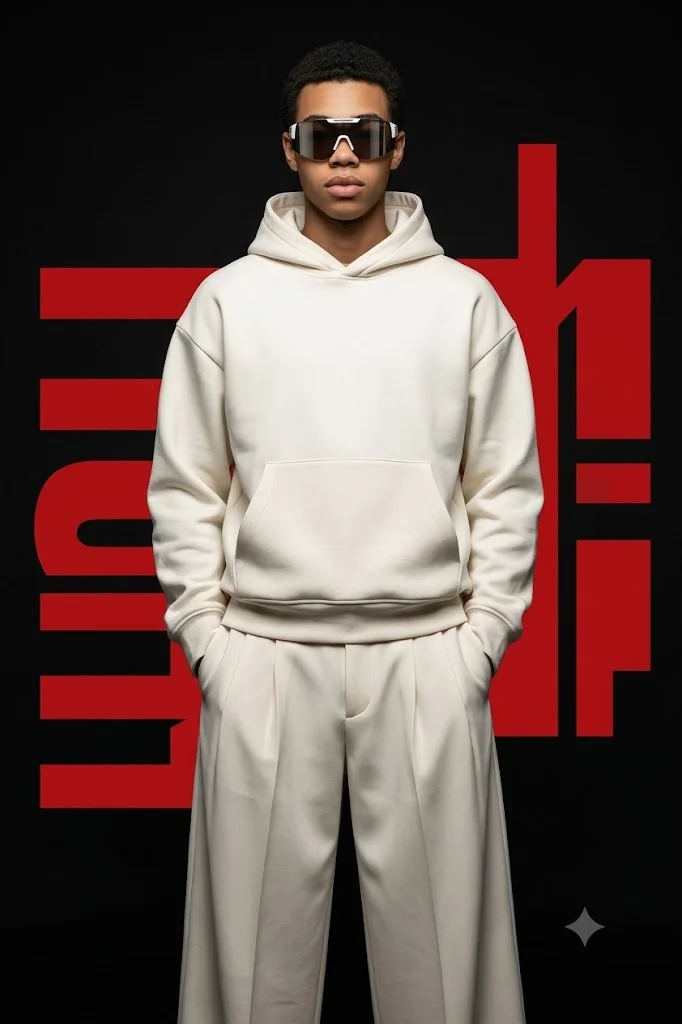
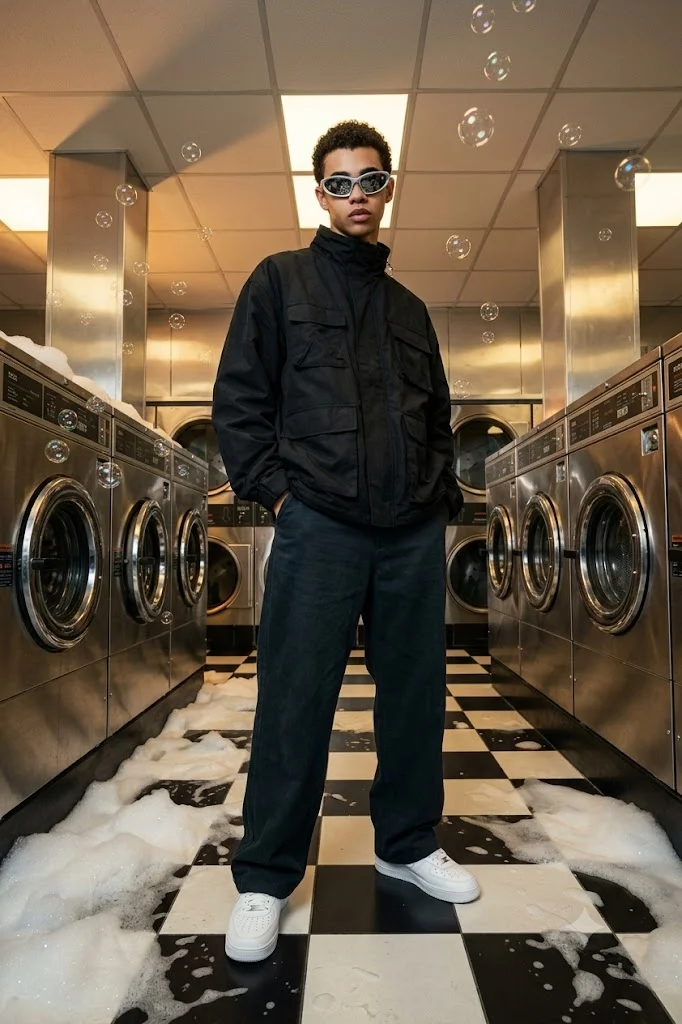
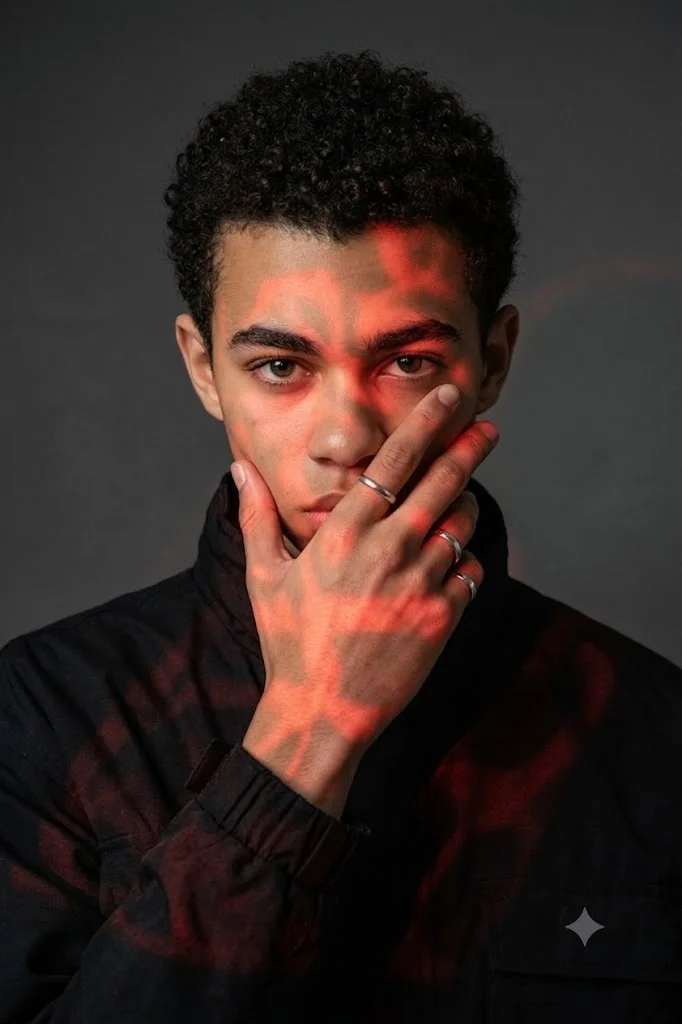
Cinematic camera prompts go beyond simple angles to replicate the specific look and feel of high-end Hollywood films. This involves instructing the AI to mimic professional anamorphic lenses, intentional depth of field, and dramatic lighting setups. A cinematic prompt tells the AI to create a sophisticated balance between the subject and the environment, often utilizing a shallow depth of field where the background is softly blurred to make the main subject pop. To achieve this movie-like quality, your prompts should combine camera placement with cinematic terminology. Incorporating terms like "depth of field," "rim lighting," and "filmic atmosphere" alongside your angle choices forces the AI to render light and shadow with greater complexity. This style is widely used for concept art, storyboarding, and creating moody, narrative-driven images. Excellent prompt additions include "cinematic framing, 35mm film grain," "shallow depth of field, anamorphic lens shot," or "dramatic movie still, low-key lighting."
AI Video Camera Angle Prompts
When transition from static images to generative video, camera angle prompts become even more dynamic. In AI video generators, an angle prompt does not just dictate the starting frame; it influences how the camera moves through three-dimensional space over time. Specifying the camera perspective helps the AI calculate realistic motion blur, parallax effects, and shifts in perspective as the clip plays out. Using diverse camera angles in video prompts improves the overall flow, transition quality, and realism of your generated footage. A low-angle video prompt can turn into a dramatic upward tilt, while a wide-angle prompt can guide a smooth drone-style flyover. Defining these angles prevents the video AI from creating chaotic, unpredictable morphing effects, keeping the motion stable and professional. To get the best results in video generation, pair your angles with motion keywords, such as "low-angle slow pan," "drone overhead tracking shot," or "cinematic eye-level dolly zoom."