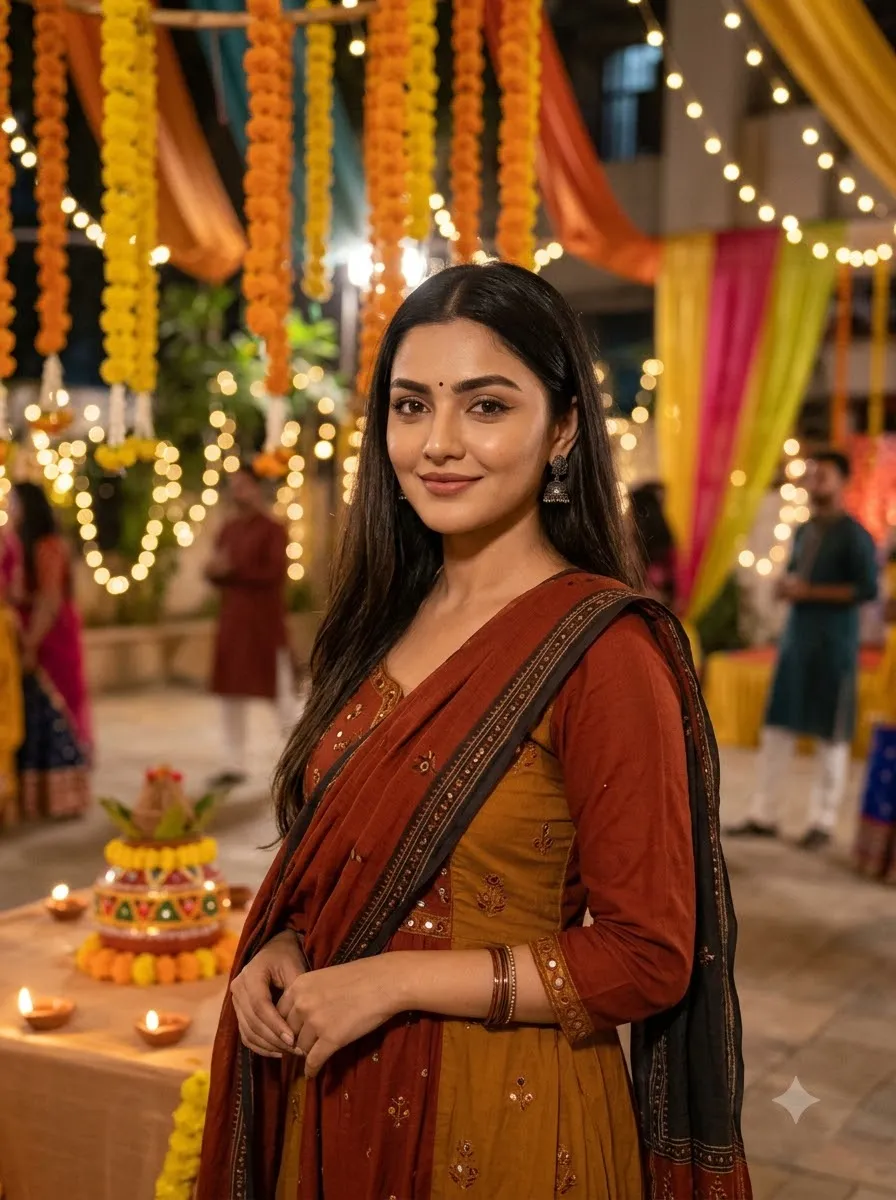
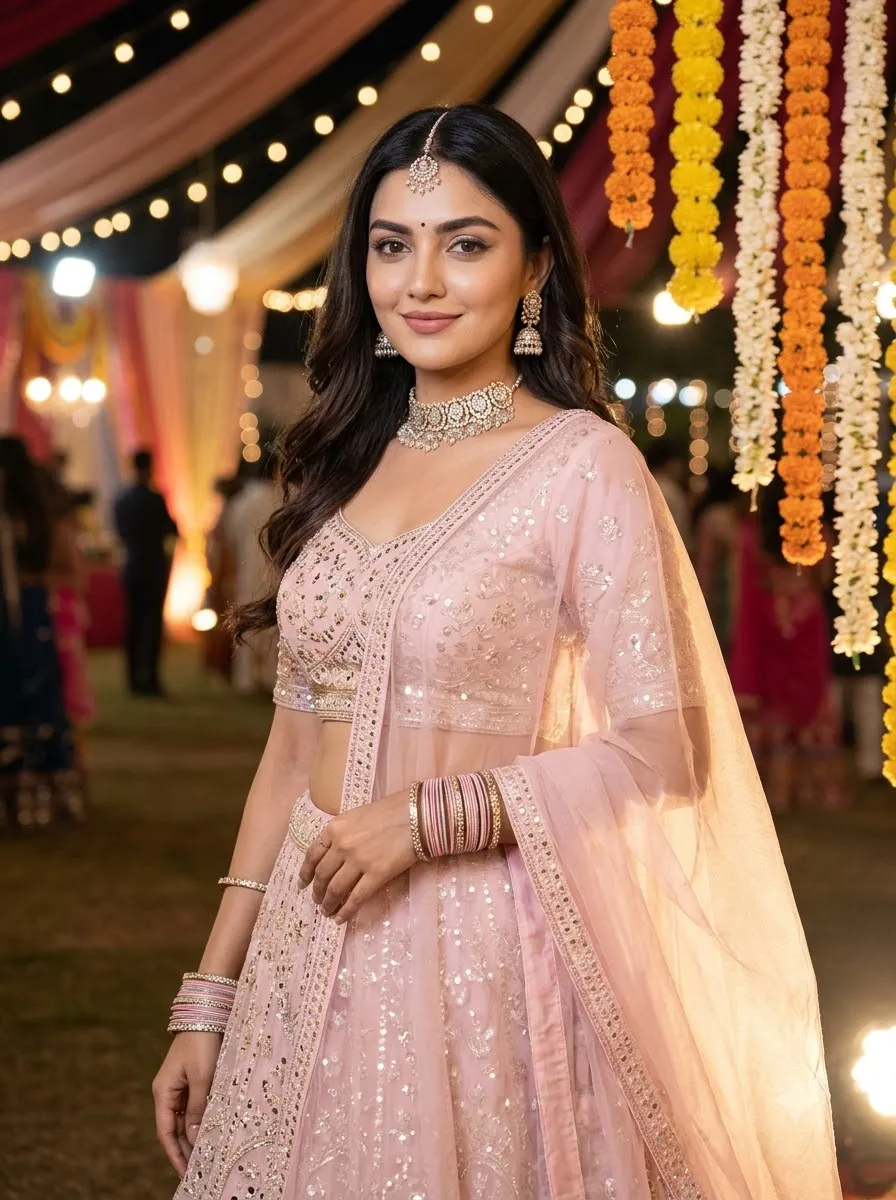
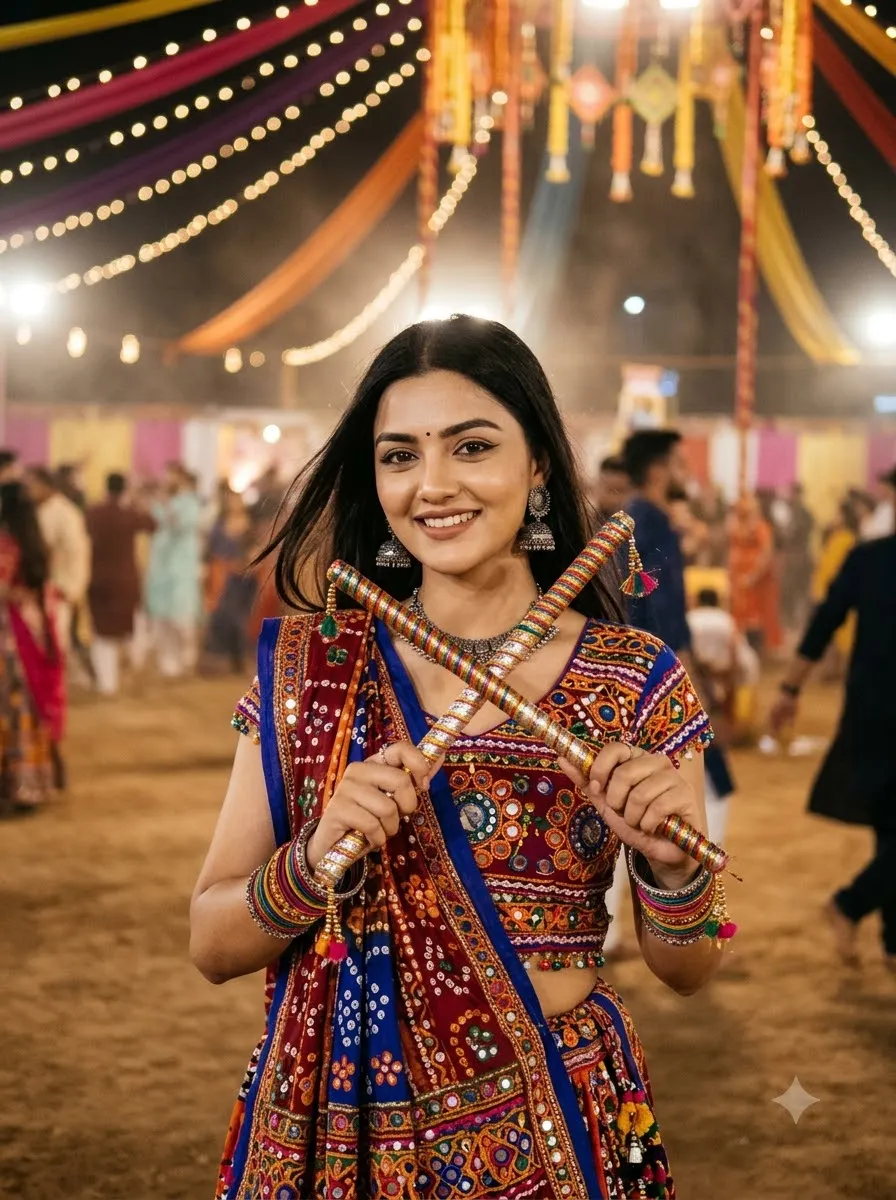
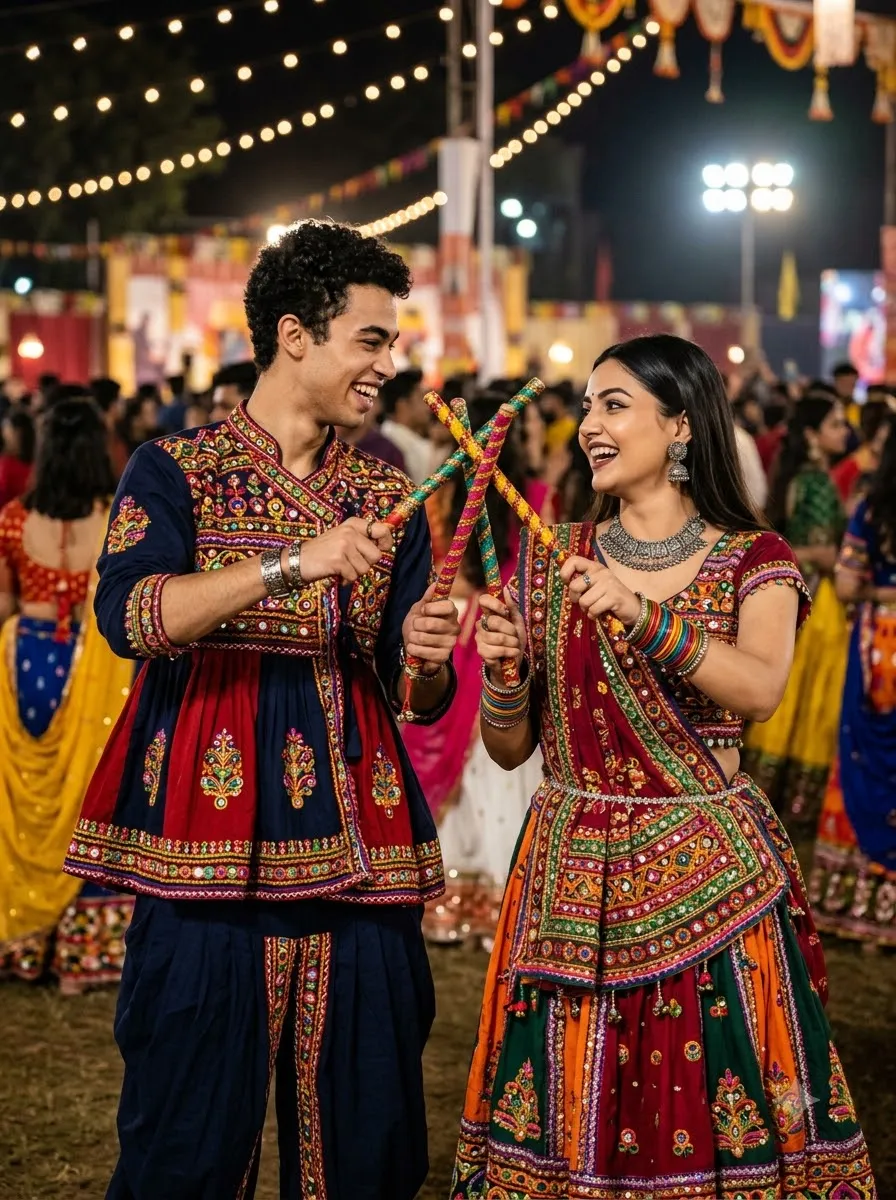
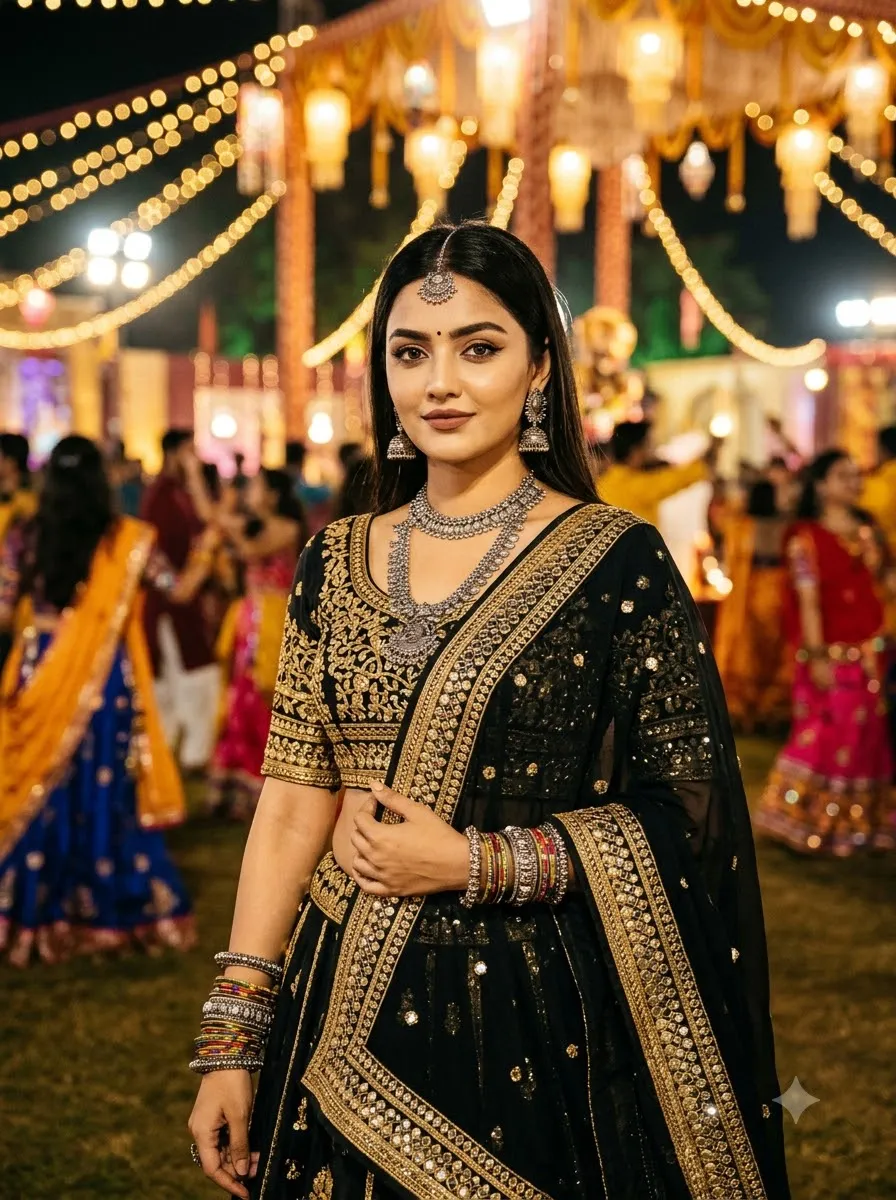
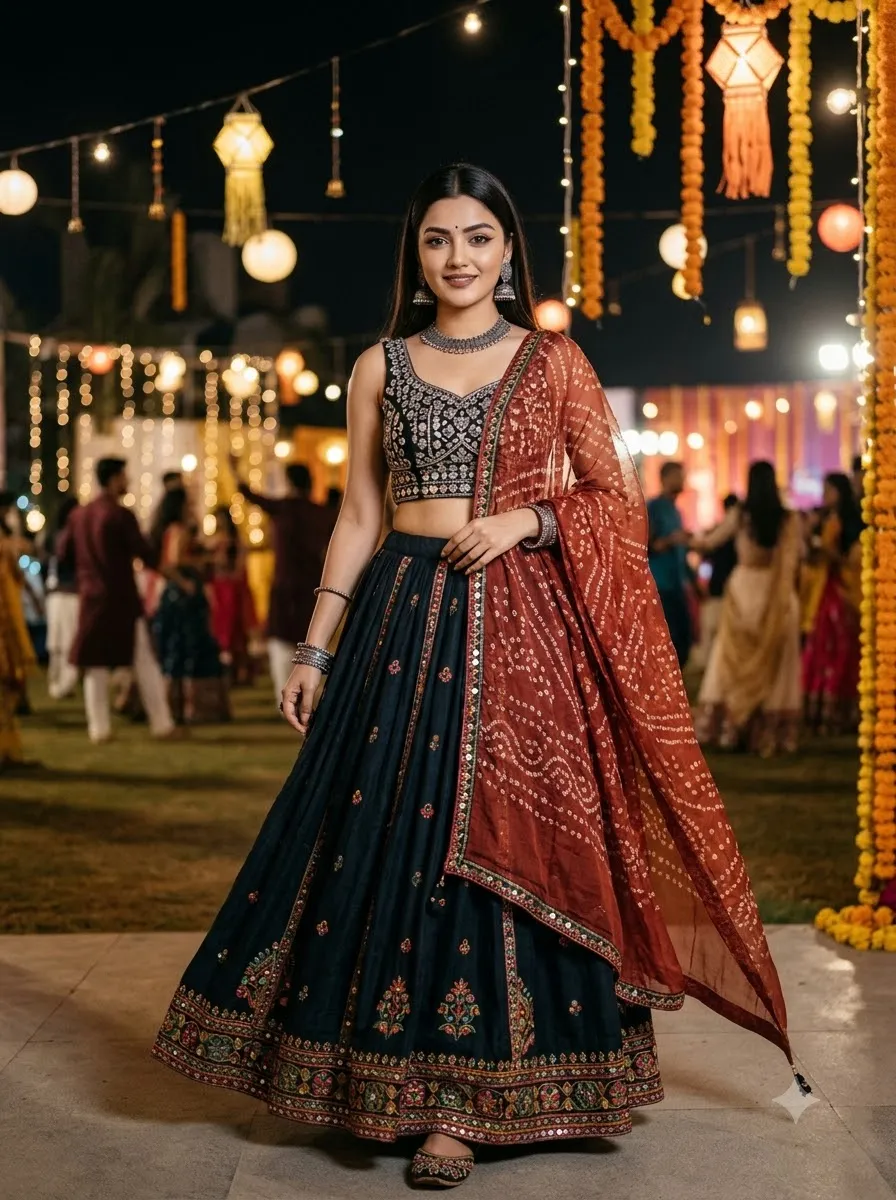
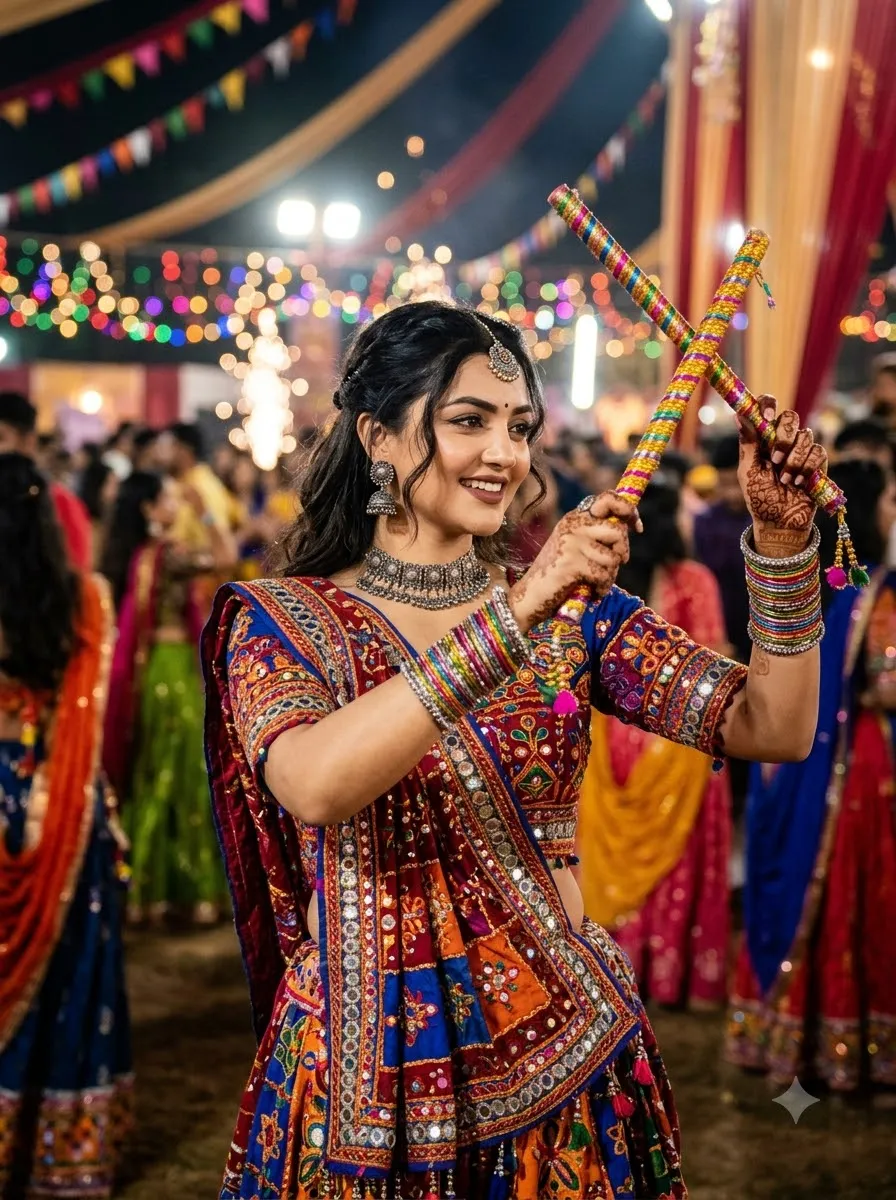
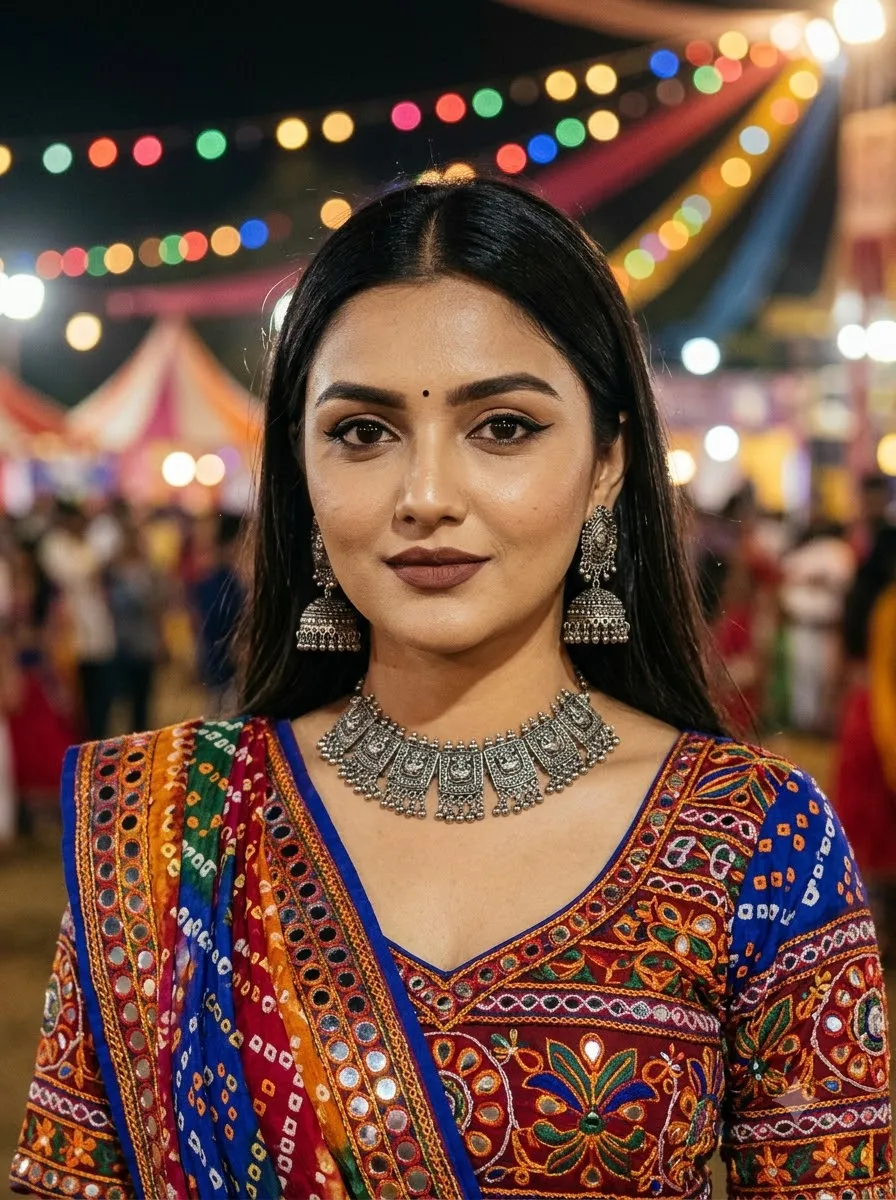
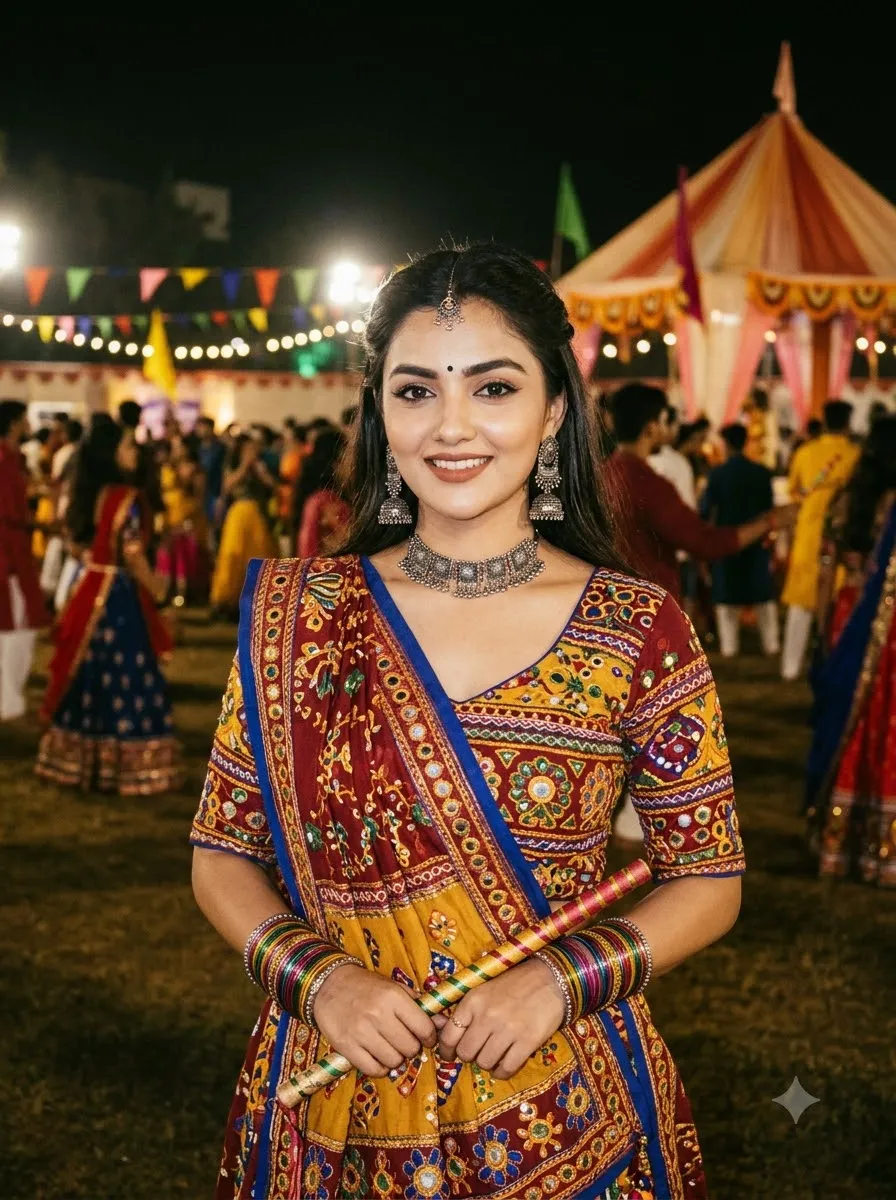
Cricket AI Photo Prompts for Gemini and ChatGPT
AI Image Prompts

Cricket AI Photo Prompts for Gemini and ChatGPT

By GeminiPrompt Editorial Team
October 26, 2026
16+ Min Read

Want to transform an ordinary photo into a professional cricket portrait, a cinematic player poster, or an action-packed cricket stadium image? With the right cricket AI photo prompts, you can create cricket-inspired images using AI image tools such as Google Gemini and ChatGPT.

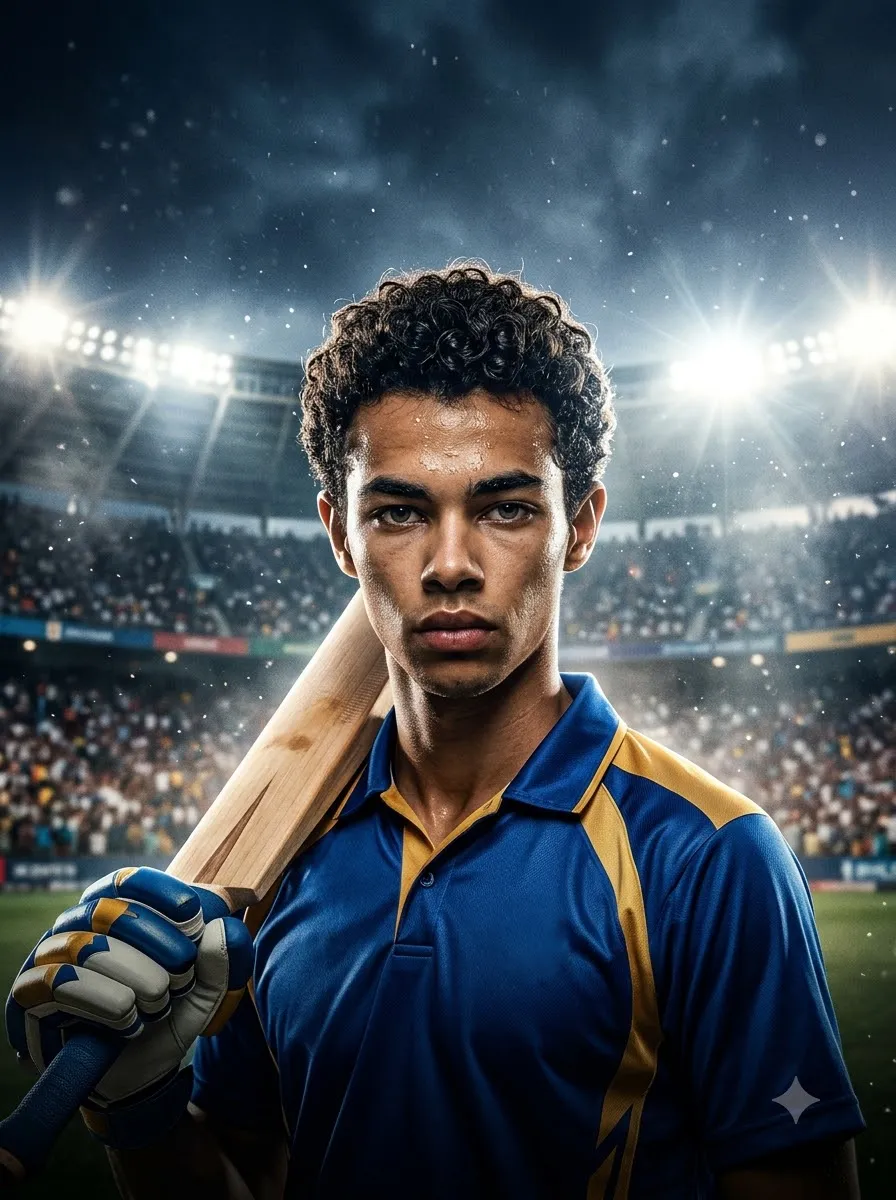
Whether you want a realistic cricket player portrait, a stylish jersey edit, a powerful batting pose, a bowling action shot, or an Instagram-ready cricket poster, the quality of your prompt makes a difference.

Sponsored Explore sponsored AI tools and creative resources

In this guide, you will find ready-to-use cricket prompts for different styles and situations. Upload your photo when you want a personalized edit, copy a prompt, replace the details in brackets, and adjust the instructions to match your desired result.

Best Cricket AI Photo Prompts for Realistic Player Portraits

These prompts are designed for people who want a natural-looking cricket player portrait rather than an exaggerated fantasy image.

1. Ultra-Realistic Cricket Player Portrait

Best for: Profile pictures, personal cricket photos, and realistic sports portraits.
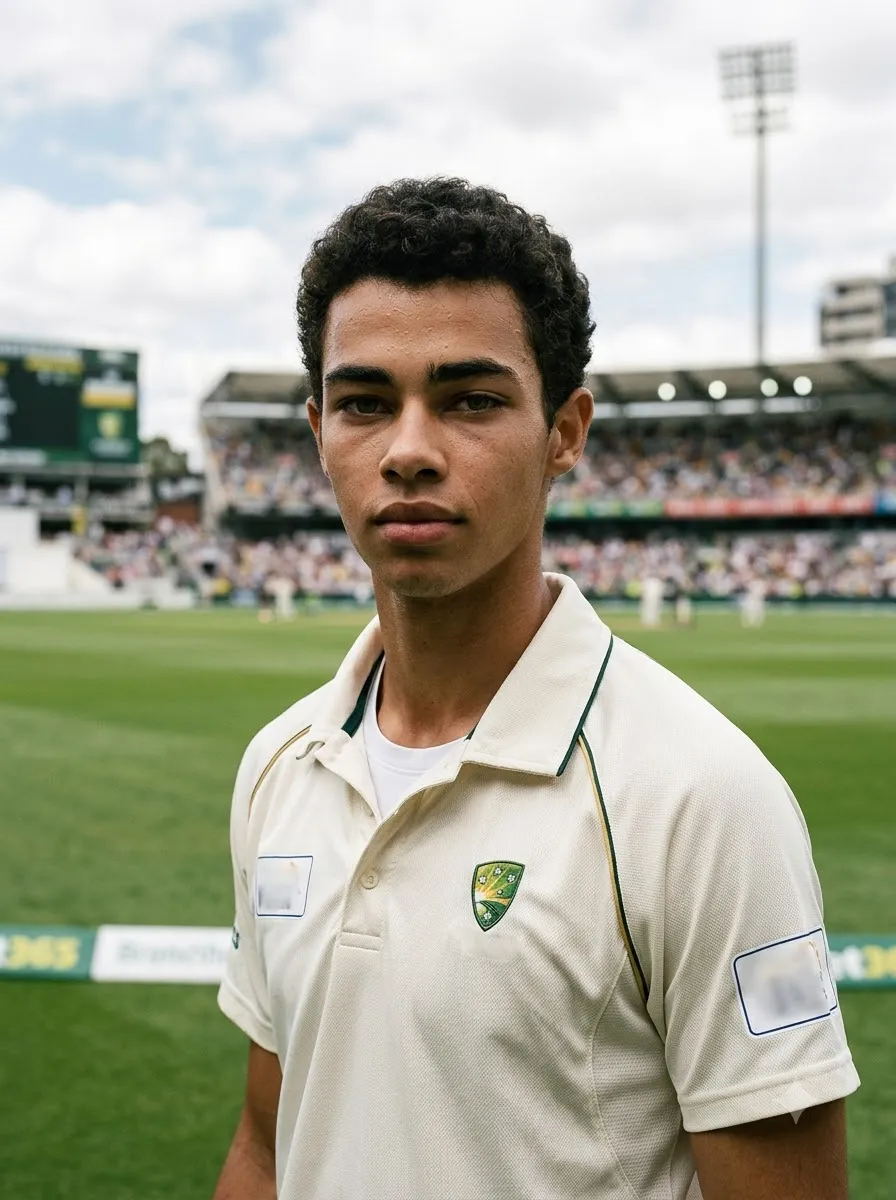
Ultra-Realistic Cricket Player Portrait
Prompt
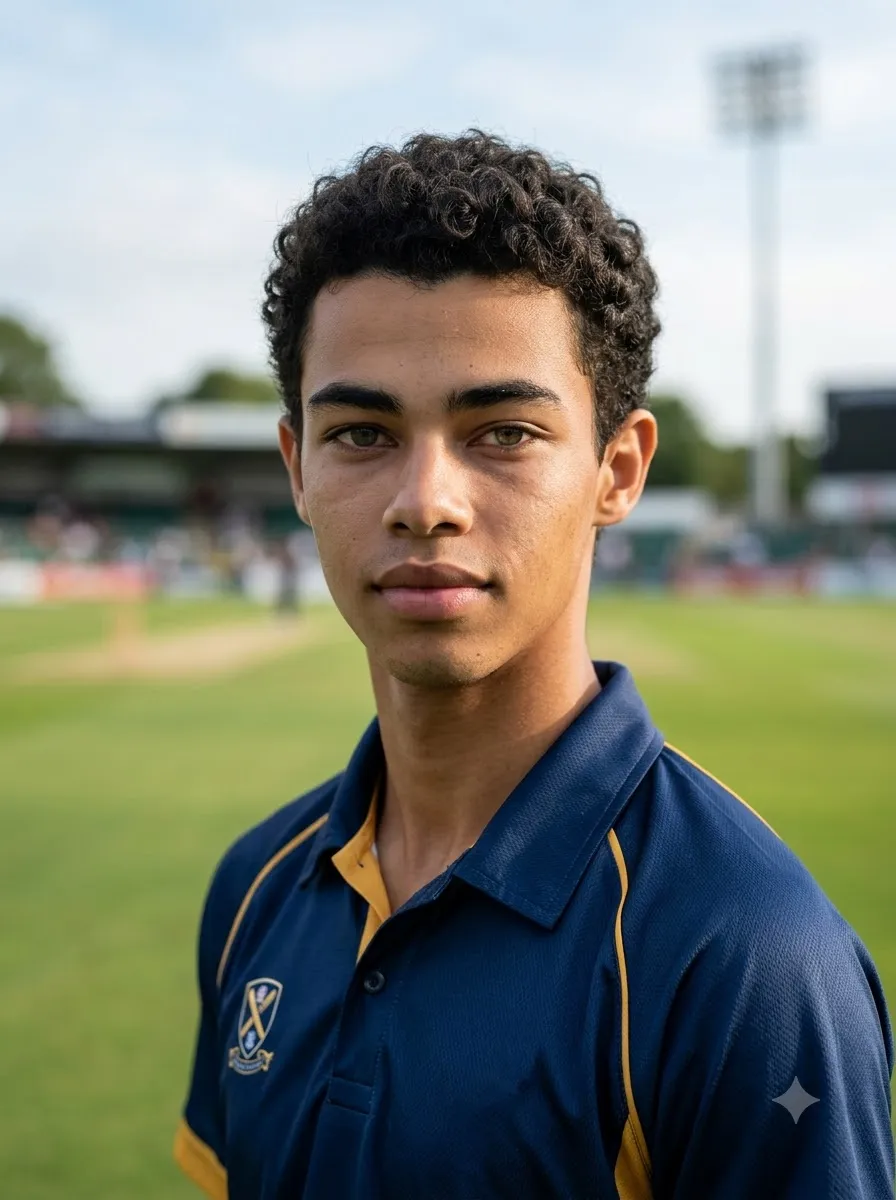
Edit the uploaded photograph into a photorealistic cricket player portrait. Preserve the person's recognizable facial features, natural skin tone, hairstyle, and overall identity as closely as possible. Dress the person in a professionally fitted cricket jersey, with realistic fabric texture and natural folds. Position the subject in a cricket stadium with a softly blurred background, natural daylight, balanced contrast, and subtle sports photography aesthetics. Use a medium close-up composition, sharp facial details, realistic skin texture, and natural body proportions. Keep the expression confident but authentic. Avoid artificial skin smoothing, exaggerated muscles, distorted hands, and cartoon effects. Create a polished, high-resolution sports photograph.

2. Professional Cricket Player Photoshoot

Best for: Stylish portraits and professional-looking cricket photos.
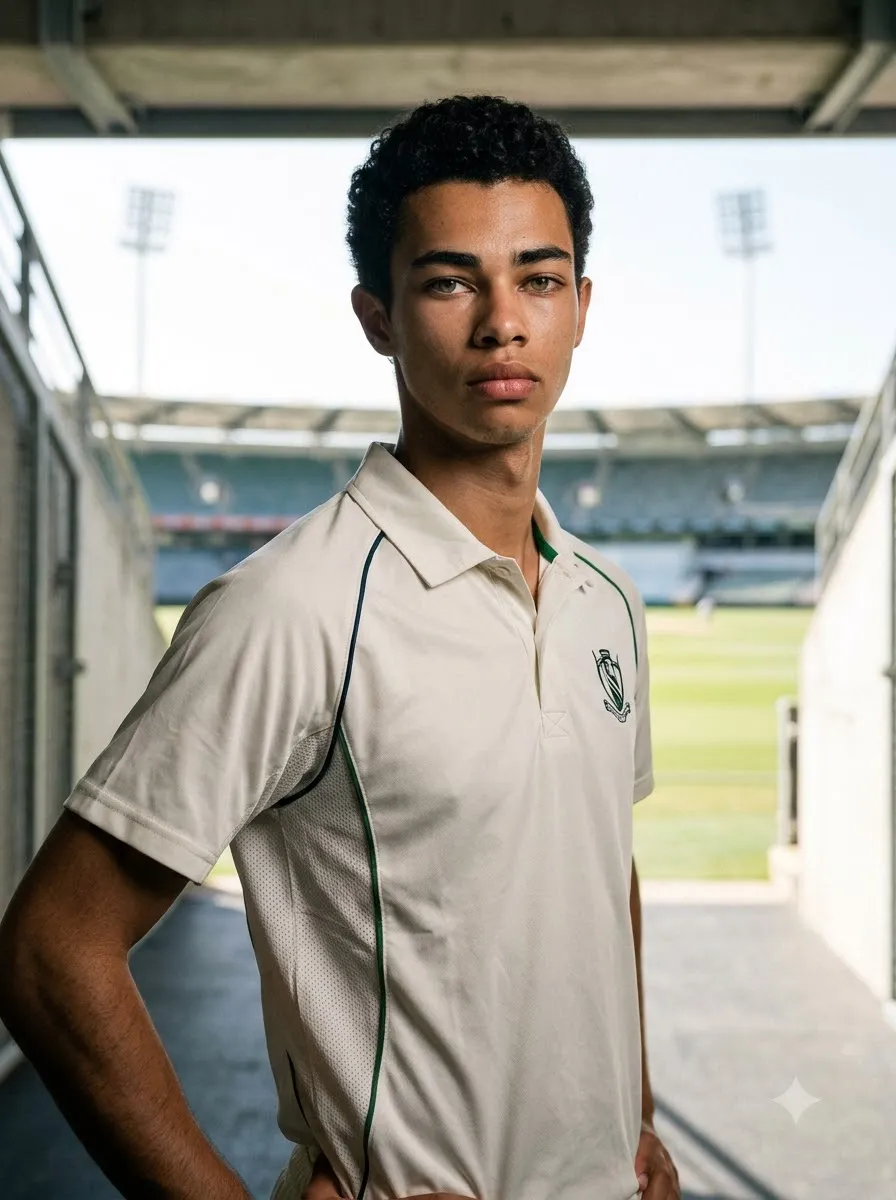
Professional Cricket Player Photoshoot
Prompt
Transform the uploaded photo into a professional cricket player photoshoot. Keep the person's facial identity, hairstyle, and natural appearance as consistent as possible with the reference image. Dress the subject in a modern cricket jersey with subtle fabric detailing. Use a clean stadium tunnel as the background, soft directional lighting, realistic shadows, and a confident standing pose. Frame the subject from the waist up with the face in sharp focus. Use realistic sports photography, natural skin texture, balanced colours, and a premium editorial finish. Do not add unnecessary accessories, fake tattoos, or unreadable logos.

3. Full-Body Cricket Player Portrait

Best for: Full cricket kit transformations.

Full-Body Cricket Player Portrait
Prompt
Using the uploaded photograph as the identity reference, create a realistic full-body portrait of the same person dressed as a cricket player. Show a cricket jersey, matching trousers, cricket shoes, protective pads, and batting gloves where appropriate. Place the player on a professionally maintained cricket ground with a visible pitch and stadium seating in the distance. Use a natural standing pose, anatomically correct proportions, realistic clothing folds, and soft afternoon sunlight. Keep the person's recognizable facial features consistent with the reference. Show the complete body, including both feet, without cropping the shoes. Avoid floating equipment, extra fingers, distorted legs, and unrealistic clothing.

4. Moody Cricket Stadium Portrait

Best for: Dramatic profile photos and cinematic sports edits.
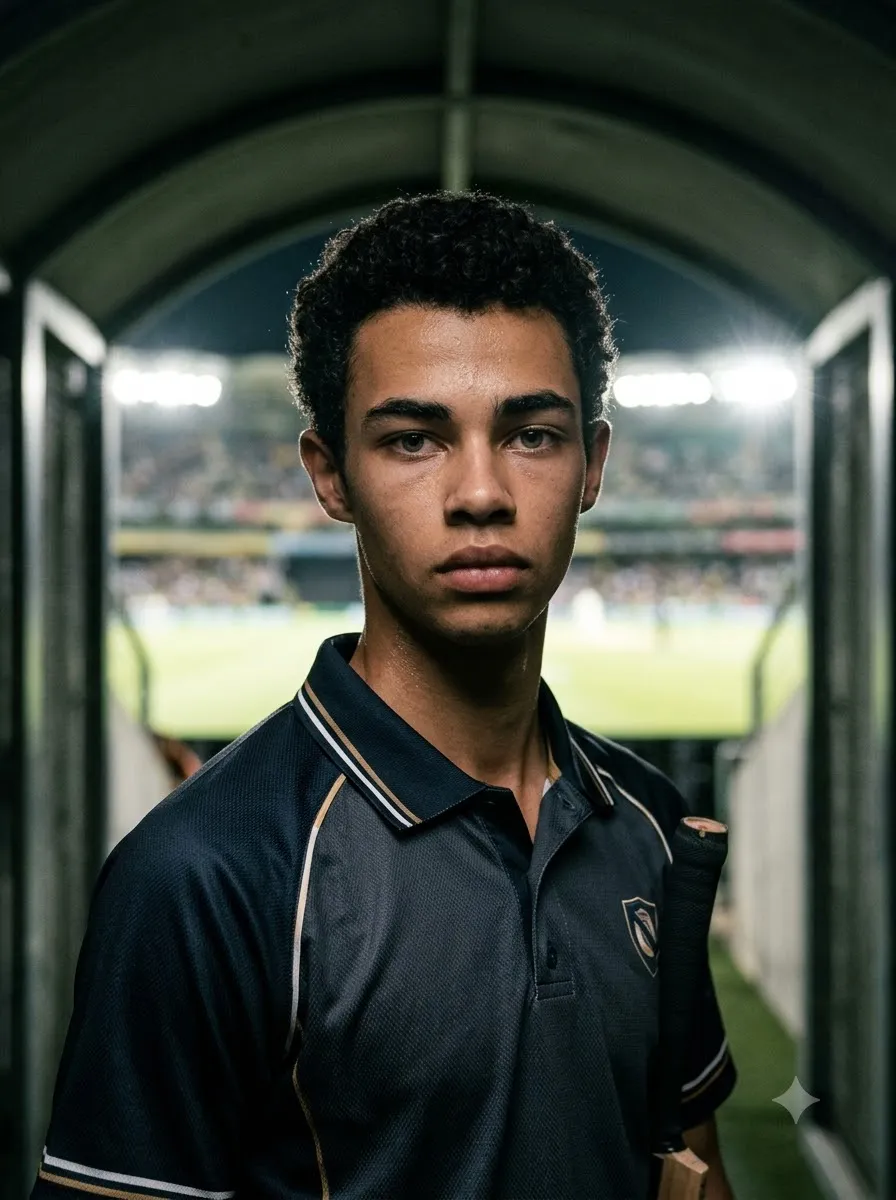
Moody Cricket Stadium Portrait
Prompt
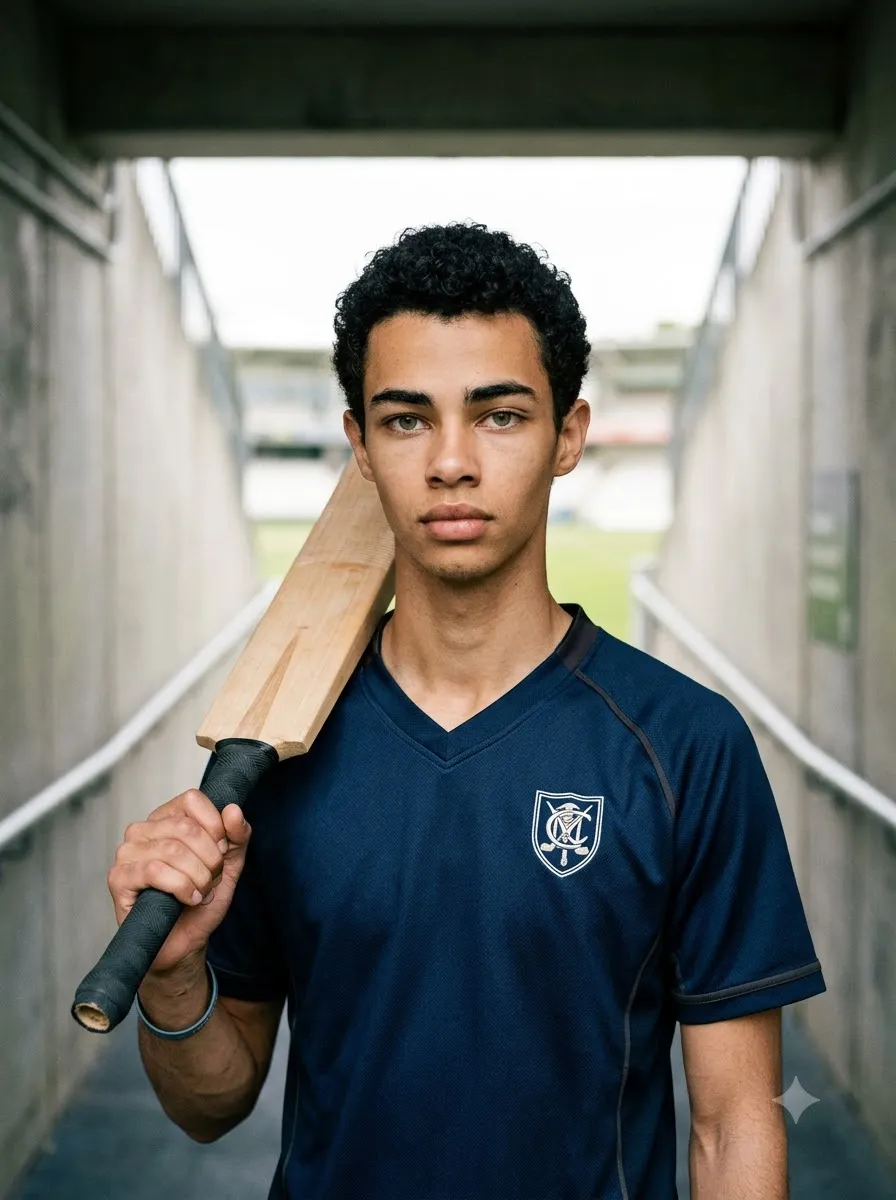
Create a cinematic cricket player portrait based on the uploaded photo. Preserve the person's recognizable appearance as closely as possible. Dress the subject in a dark cricket jersey with subtle highlights and realistic fabric texture. Place the player inside a stadium tunnel, with the cricket ground glowing in the background. Use controlled low-key lighting, soft rim light around the shoulders, realistic shadows, and a serious, focused expression. Keep the face naturally illuminated and clearly recognizable. Use a professional sports photography aesthetic, rich but realistic contrast, and a portrait-oriented composition. Avoid excessive smoke, glowing eyes, artificial facial changes, and fantasy armour.

Cricket AI Photo Prompts for Gemini AI

Google Gemini can generate images and, where the feature is available, edit uploaded images. Clear instructions describing the subject, composition, action, location, style, and desired changes help communicate what you want.

5. Cricket Jersey Transformation

Best for: Turning a casual photograph into a cricket-themed portrait.
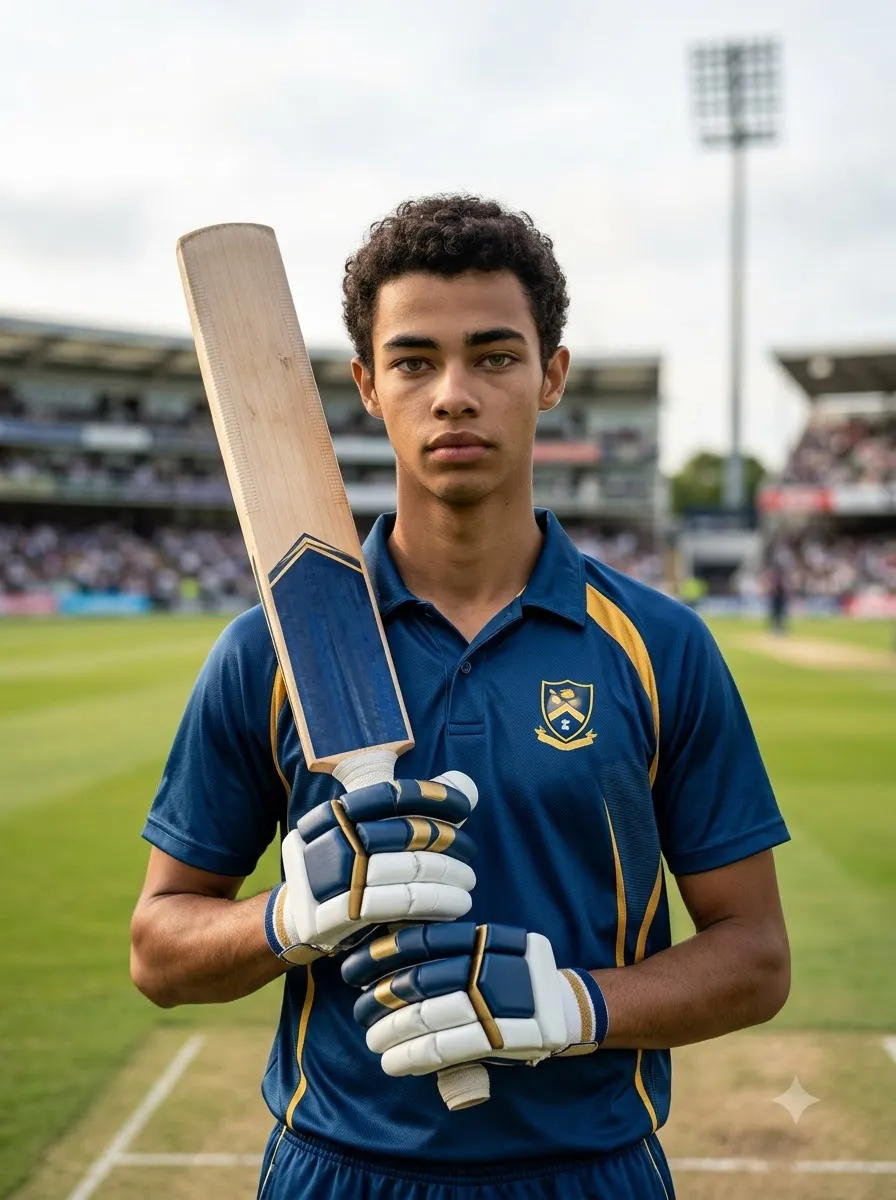
Cricket Jersey Transformation
Prompt
Edit my uploaded photo into a realistic cricket player photograph. Keep my recognizable facial features, hairstyle, natural skin tone, and expression as close to the original as possible. Replace my existing clothing with a professionally designed cricket jersey in [YOUR TEAM COLOURS]. Add realistic stitching, fabric texture, and natural folds. Place me on a cricket ground with a softly blurred stadium background. Use natural daylight and realistic sports photography. Keep the original person's identity as the priority. Do not change the face unnecessarily, and do not add random sponsor logos, incorrect text, extra fingers, or artificial facial details.

6. Cricket Bat in Hand

Best for: A natural batting portrait.

Cricket Bat in Hand
Prompt
Create a photorealistic cricket portrait using my uploaded image as the reference. Preserve my recognizable face and natural appearance. Dress me in a cricket jersey and show me holding a traditional cricket bat with both hands in a comfortable pre-batting pose. Position the bat naturally beside my shoulder, with anatomically correct hands and a believable grip. Place me near the cricket pitch with a professional stadium in the background. Use soft daylight, realistic shadows, detailed clothing texture, and a medium full-body composition. Keep the bat's shape and proportions realistic. Avoid duplicated fingers, bent equipment, and unnatural arm positions.

7. Cinematic Cricket Hero Portrait

Best for: A dramatic social media profile image.

Cinematic Cricket Hero Portrait
Prompt
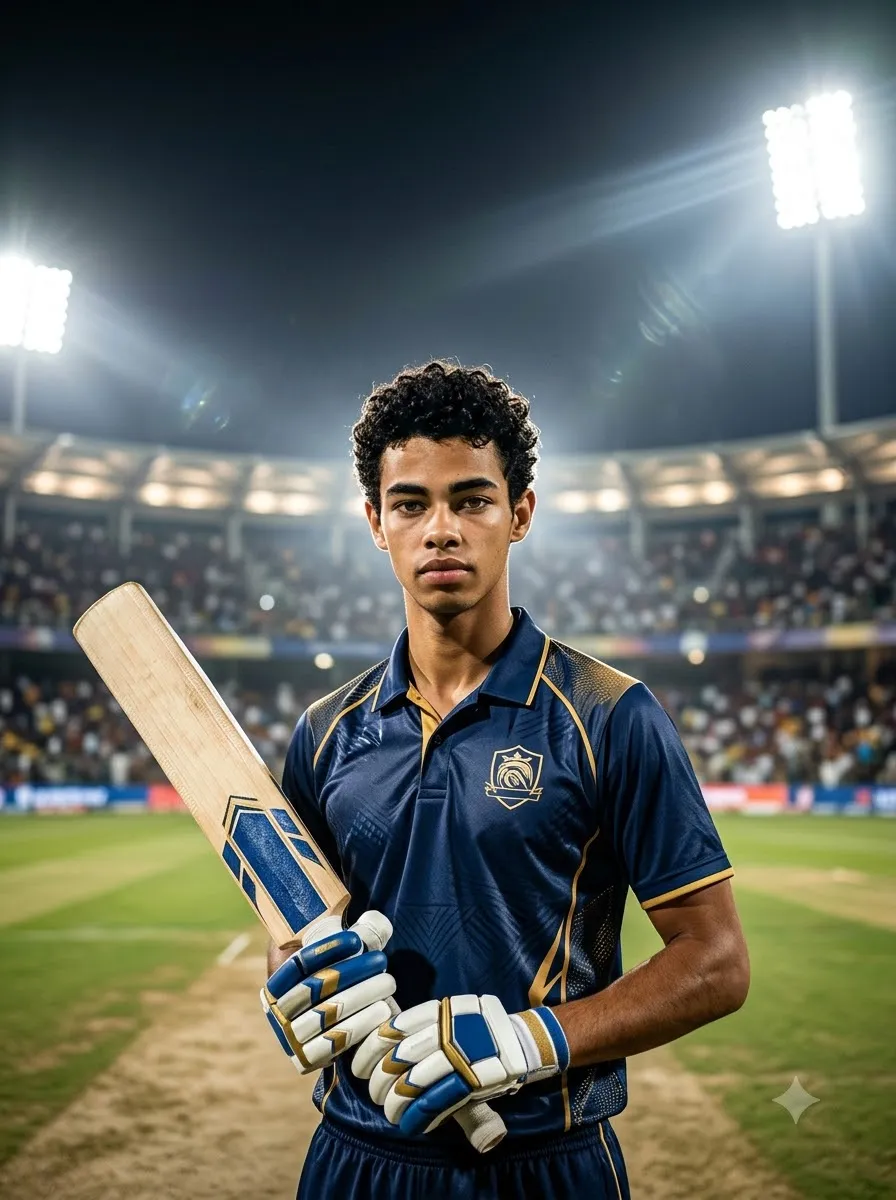
Use my uploaded photo as the reference for a cinematic cricket hero portrait. Maintain my recognizable facial features and natural skin tone as closely as possible. Dress me in a premium cricket jersey with [YOUR TEAM COLOURS]. Place me at the centre of a large cricket stadium under bright floodlights. Use a slightly low camera angle to create a confident sports portrait, with realistic stadium seating, subtle atmospheric haze, and balanced dramatic lighting. Keep the face sharp and naturally detailed. Use a vertical 4:5 composition suitable for Instagram. Avoid unrealistic muscles, excessive visual effects, fake logos, and overprocessed skin.

8. Cricket Player with Helmet

Best for: A batsman-ready portrait. Important: AI results can vary between attempts. Even when a prompt requests facial consistency, the generated image may alter some facial details.
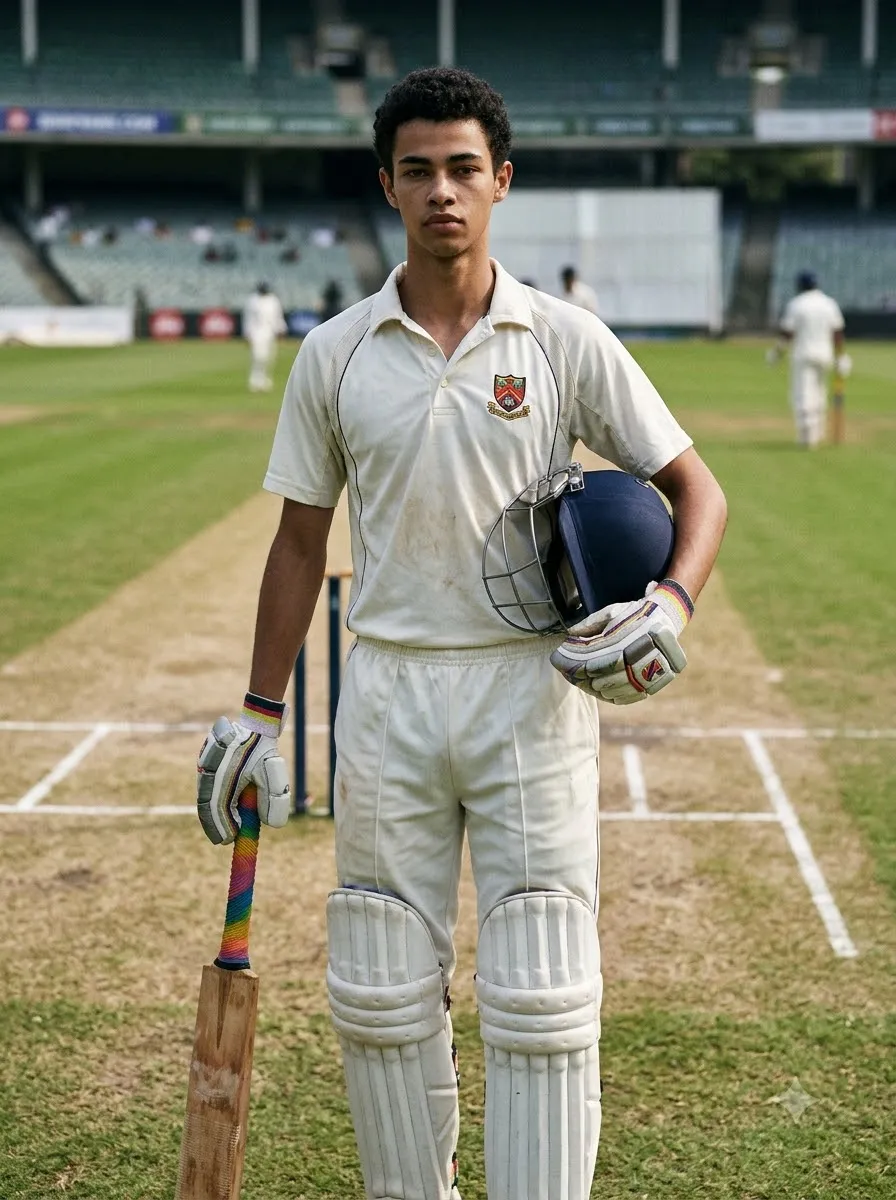
Cricket Player with Helmet
Prompt
Edit the uploaded photograph into a realistic cricket batsman portrait. Keep the person's identity recognizable and preserve their natural appearance. Dress the subject in a cricket jersey, batting pads, and gloves, with a cricket helmet placed naturally on the head or held under one arm. Make the equipment proportionate and believable. Position the subject near the batting crease in a real cricket ground. Use natural stadium lighting, a realistic pitch, detailed protective equipment, and a confident pre-match expression. Do not hide the face unnecessarily, distort the helmet grille, or create incorrect hand positions.

Cricket AI Photo Prompts for ChatGPT

ChatGPT's image features support image generation and, where available, editing existing uploaded images. You can upload a photograph and describe the changes you want.

9. Realistic Cricket Player Photo Edit
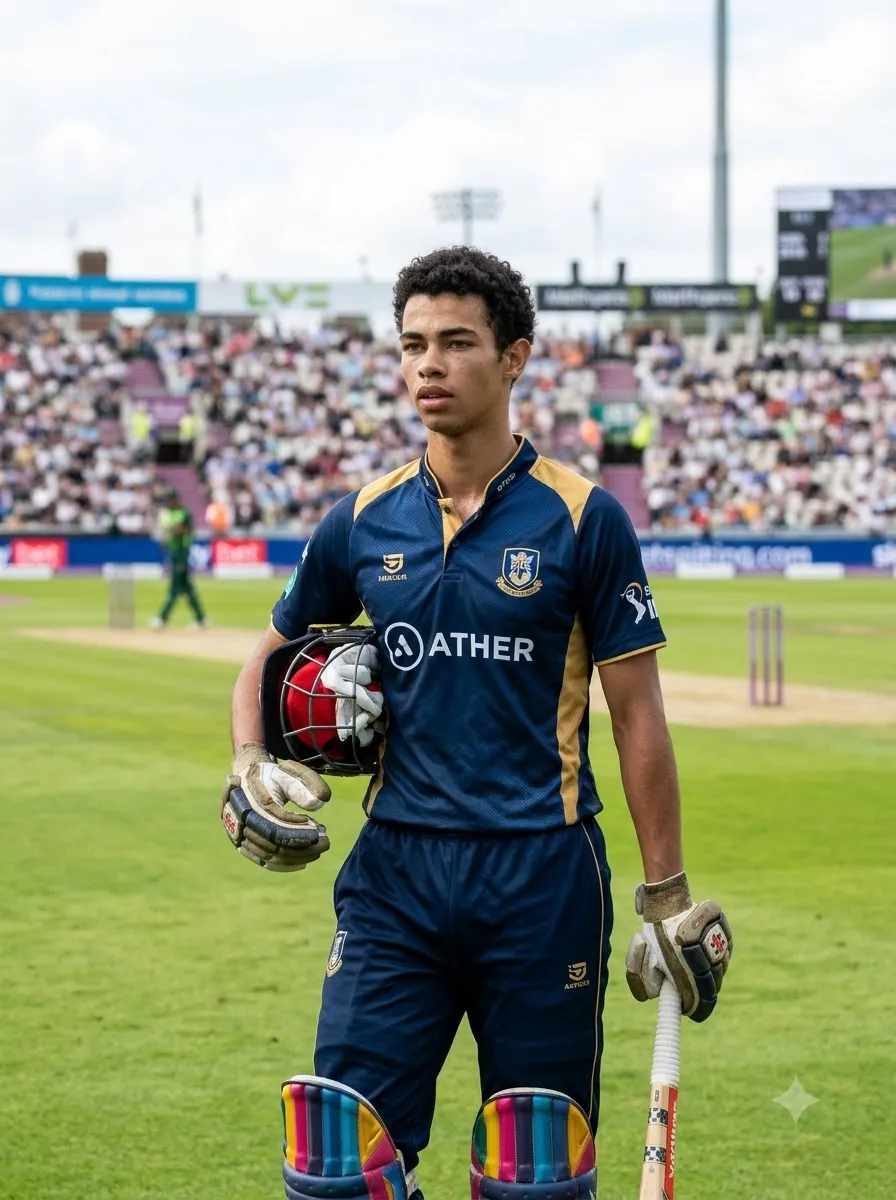
Realistic Cricket Player Photo Edit
Prompt
Edit the uploaded photograph into a professional cricket player image. Use the uploaded photo as the main reference for the person's appearance. Preserve the recognizable face, hairstyle, skin tone, and natural proportions as closely as possible. Change the clothing to a realistic cricket uniform with a jersey, cricket trousers, and appropriate sports shoes. Place the subject on a cricket ground with the pitch visible behind them. Use natural daylight, realistic shadows, detailed fabric texture, and professional sports photography. Keep the result believable rather than overly stylized. Do not add extra fingers, distorted cricket equipment, random text, or unrelated objects.

10. Cricket Player Poster Portrait

Cricket Player Poster Portrait
Prompt
Create a premium cricket player poster using the uploaded photograph as the reference for the main subject. Preserve the person's recognizable facial features as closely as possible. Place the player prominently in the foreground wearing a cricket jersey in [YOUR TEAM COLOURS]. Use a dramatic cricket stadium background, bright floodlights, realistic atmospheric depth, and subtle motion-inspired visual elements. Leave clean negative space at the top for a headline and at the bottom for a name or caption. Use a vertical 4:5 layout for social media. Do not invent player statistics, tournament names, sponsor logos, or official team branding. Keep all important facial details natural.

11. Minimalist Cricket Portrait

Minimalist Cricket Portrait
Prompt
Transform the uploaded photo into a clean, minimalist cricket player portrait. Preserve the person's recognizable face and natural skin tone. Use a simple cricket jersey in [YOUR TEAM COLOURS] and a softly blurred cricket ground as the background. Keep the composition uncluttered, with natural daylight, balanced colours, realistic fabric texture, and a relaxed but confident expression. Frame the subject from the chest up. Avoid dramatic smoke, excessive contrast, unnecessary graphic effects, and artificial skin smoothing. Create a polished photograph suitable for a cricket-themed profile picture.

12. Cricket Fan to Player Transformation

Cricket Fan to Player Transformation
Prompt
Transform the uploaded casual portrait into a realistic cricket player-style photograph. Keep the person's recognizable appearance as consistent as possible with the reference image. Replace the casual outfit with a cricket jersey in [YOUR TEAM COLOURS]. Position the person inside a stadium near the boundary rope, with a cricket pitch and seating in the background. Use realistic lighting, natural shadows, and a confident but relaxed pose. Keep the body proportions believable and the facial expression natural. The final image should resemble a professionally photographed cricket portrait, not a digitally painted character.

Cinematic Cricket Action Photo Prompts

Action photography can create more dynamic results than a standard standing portrait. These prompts describe the player's movement, camera angle, equipment, and stadium environment.

13. Powerful Cricket Batting Shot

Best for: Cover drives, attacking shots, and sports action images.

Powerful Cricket Batting Shot
Prompt
Create a photorealistic cricket action photograph showing a right-handed batsman playing a powerful cover drive. Capture the player at the moment the bat meets the ball, with a balanced stance, believable foot placement, and realistic bat grip. Show the cricket ball close to the bat at the point of contact. Include a well-maintained pitch, fielders in the distance, and a large stadium under natural daylight. Use a low three-quarter camera angle, sharp focus on the batsman, and subtle background motion blur. Ensure the cricket equipment, hands, and body mechanics look realistic. Do not create multiple bats, duplicated balls, or impossible limb positions.

14. Fast Bowler in Action

Best for: Dramatic bowling photos.
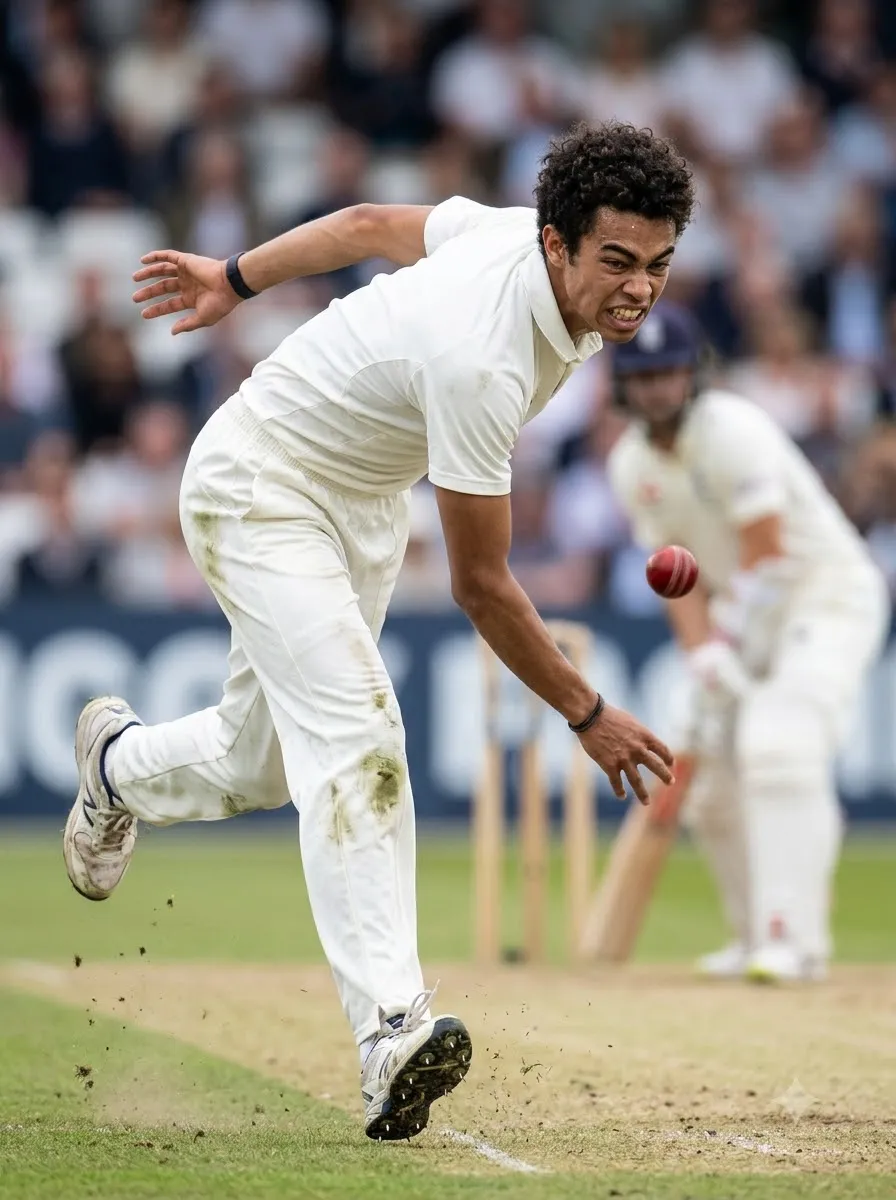
Fast Bowler in Action
Prompt
Generate a realistic sports photograph of a fast bowler delivering a cricket ball at full effort. Show a believable bowling action with a strong front-leg position, a natural arm path, and the bowling arm following through. Capture the ball just after release. Use a professional cricket ground with a visible pitch, distant batsman, and blurred spectators. Shoot from a low sideline angle with fast-shutter sports photography aesthetics, crisp clothing details, and realistic sunlight. Keep the body anatomy and cricket action believable. Avoid extra limbs, duplicated balls, distorted fingers, and exaggerated body proportions.

15. Cricket Six-Hitting Moment

Best for: High-energy cricket action posters.

Cricket Six-Hitting Moment
Prompt
Create a dramatic but photorealistic cricket action image showing a batsman completing a powerful lofted shot. The ball should be clearly visible travelling high into the stadium, while the batsman finishes the swing with a believable follow-through. Include the wicket, pitch, distant fielders, and excited spectators. Use a low-angle sports camera perspective, realistic daylight or stadium floodlights, and subtle background motion blur. Keep the player's body mechanics and cricket equipment anatomically believable. Do not place the ball in multiple locations or create an impossible bat position.

16. Cricket Wicket Celebration

Best for: Emotional cricket moments.

Cricket Wicket Celebration
Prompt
Create a realistic cricket action photograph of a bowler celebrating after taking a wicket. Show the bowler raising one arm with a joyful expression while teammates approach from the field. Include a visible wicket and a cricket pitch in the background. Use a slightly low camera angle, natural stadium lighting, realistic uniforms, and candid sports photography. Capture the excitement without exaggerated facial expressions or theatrical effects. Ensure the players have distinct bodies, natural hands, and believable poses. Keep the image focused on the celebration rather than unnecessary background graphics.

17. Diving Cricket Catch

Best for: Fielding action photography.
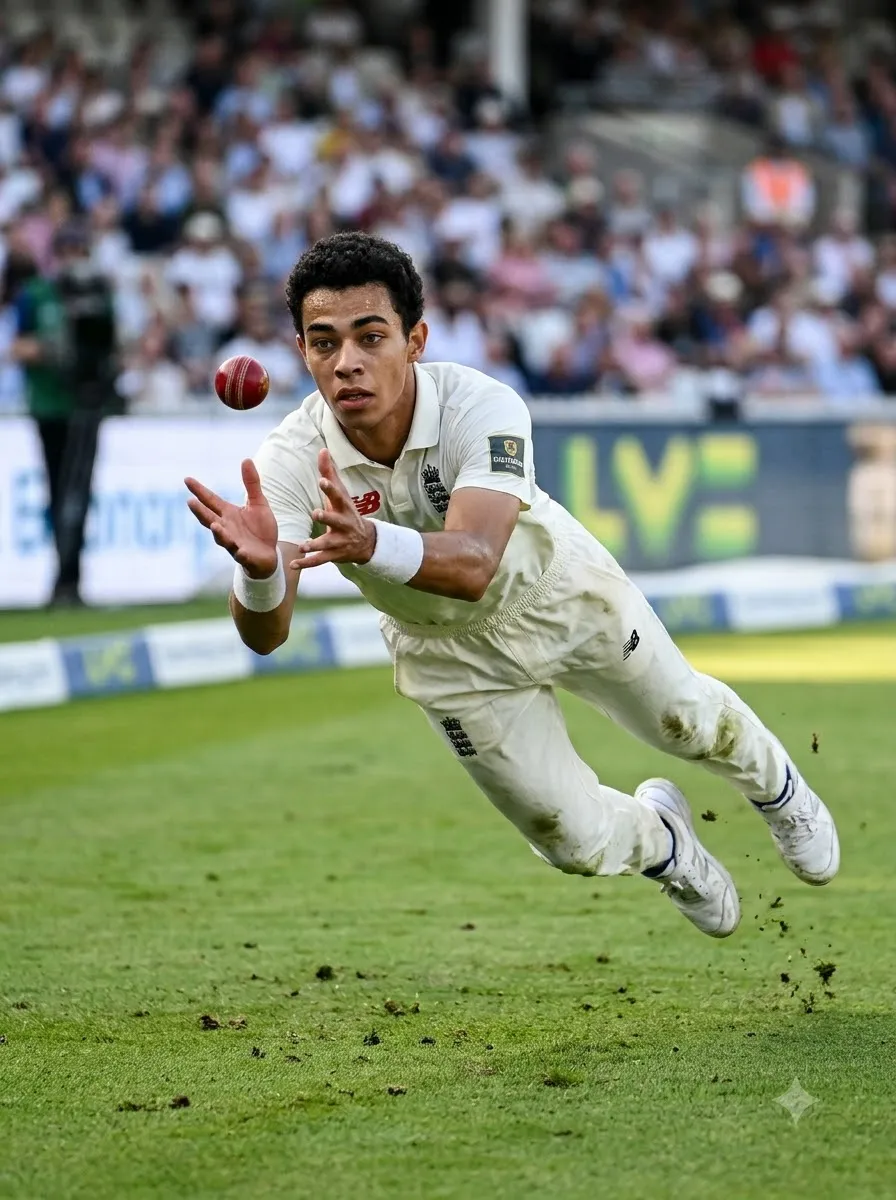
Diving Cricket Catch
Prompt
Generate a photorealistic cricket fielding action shot of a fielder diving forward to attempt a catch. Show the player stretched naturally through the air with both hands reaching towards a clearly visible cricket ball. Position the action on a real cricket field with grass texture, boundary markings, and blurred spectators in the distance. Use a low sideline camera angle and fast-shutter sports photography to freeze the movement. Make the player's hands, arms, and body proportions realistic. Avoid duplicated balls, unnatural flying poses, extra fingers, and distorted clothing.

18. Cricket Stumping Moment

Best for: Wicketkeeping action images.

Cricket Stumping Moment
Prompt
Create a realistic cricket action photograph showing a wicketkeeper attempting a stumping. The batsman is close to the crease while the wicketkeeper reaches towards the stumps with the ball in hand. Show the crease markings and wicket clearly enough to establish the cricket context. Use a low side-on camera angle, natural daylight, realistic gloves, and detailed pitch textures. Keep both players' body positions believable and the equipment proportionate. Avoid confusing the ball, gloves, stumps, and hands. Create the appearance of a high-quality sports photograph captured during a real match.

Cricket Victory and Emotional Portrait Prompts

These prompts focus on celebration, determination, and the emotional side of cricket.

19. Player Celebrating a Match Victory
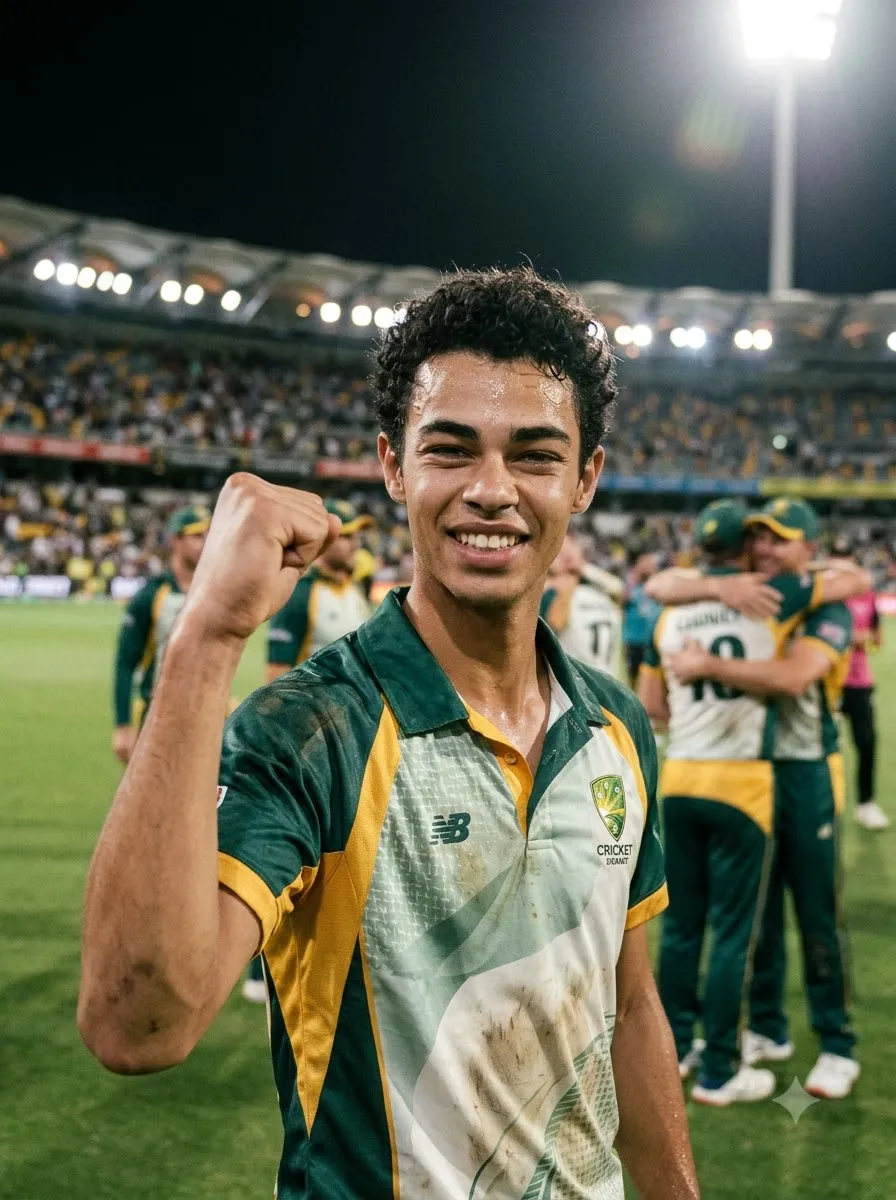
Player Celebrating a Match Victory
Prompt
Edit the uploaded photograph into a realistic cricket victory portrait. Preserve the person's recognizable facial features and natural appearance as closely as possible. Dress the subject in a cricket jersey and show them celebrating a win with one fist raised and a genuine smile. Place the player on a cricket ground with teammates softly visible in the background. Use stadium floodlights, natural skin texture, realistic clothing, and a lively but believable atmosphere. Keep the subject sharp and the background slightly blurred. Do not invent trophies, medals, or tournament titles unless specifically requested.

20. Emotional Cricket Victory Portrait

Emotional Cricket Victory Portrait
Prompt
Create a cinematic cricket portrait of a player experiencing an emotional victory moment. Use the uploaded image as the reference for the subject's recognizable appearance. Show the player standing on the pitch with a proud, relieved expression, wearing a slightly sweat-marked cricket jersey. Use a stadium background with warm evening light and softly blurred spectators. Keep the lighting realistic, with gentle highlights on the face and shoulders. Use natural skin texture, authentic sports photography, and a vertical portrait composition. Avoid exaggerated tears, artificial facial changes, and fantasy effects.

21. Cricket Captain Portrait

Cricket Captain Portrait
Prompt
Create a professional cricket captain portrait using the uploaded photo as the identity reference. Preserve the person's recognizable facial appearance as closely as possible. Dress the subject in a premium cricket jersey and position them standing confidently on the field with a cricket bat held naturally at their side. Use a calm expression, balanced posture, and a softly illuminated stadium background. Apply professional sports editorial photography with realistic lighting, detailed fabric, and natural proportions. Leave some clean background space for optional text. Do not add a captain's armband, trophy, or official insignia unless requested.

IPL-Inspired Cricket AI Photo Prompts

You can create cricket images using different colour themes inspired by your favourite team's general visual style. For personal fan art, you can specify team colours without requiring the AI to reproduce official branding.

22. Red and Black Cricket Fan Portrait

Best for: Fans who prefer a dramatic red-and-black sports aesthetic.
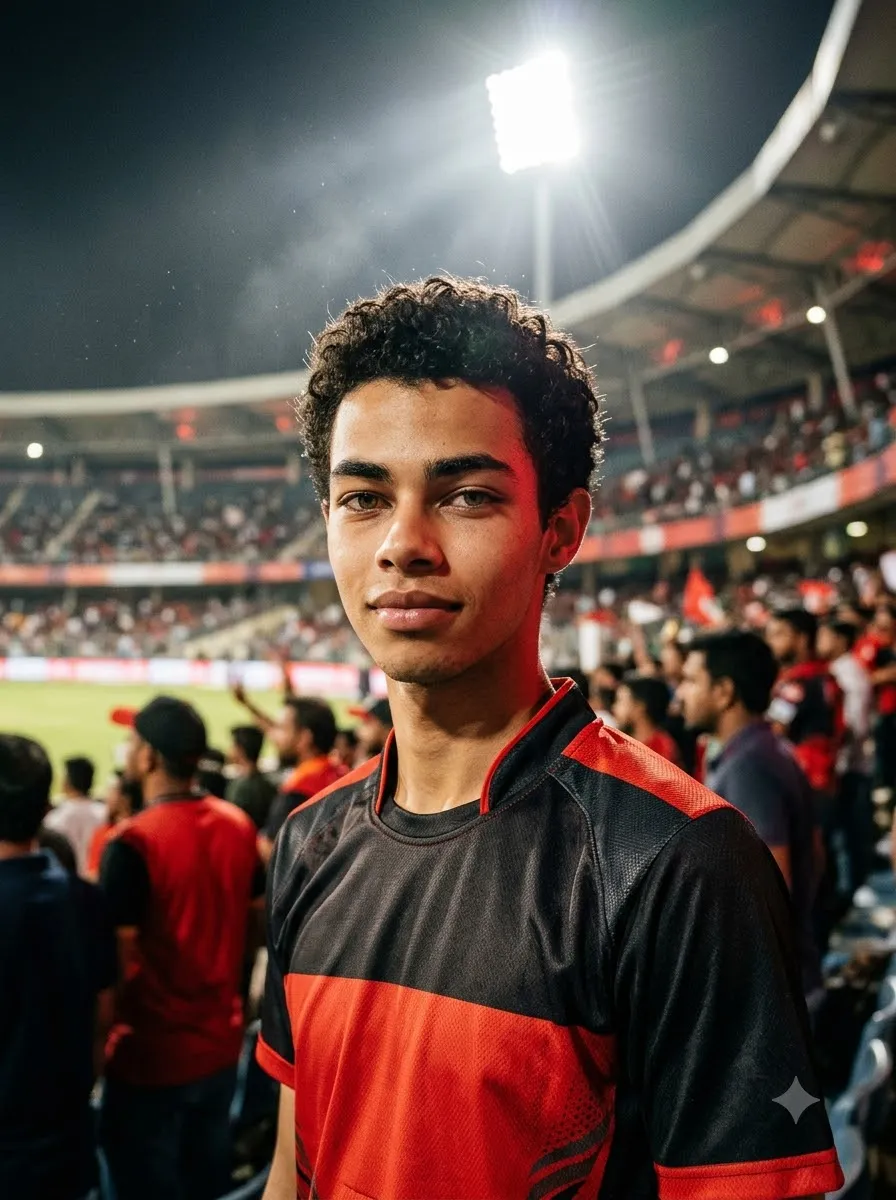
Red and Black Cricket Fan Portrait
Prompt
Transform the uploaded photograph into a realistic cricket fan portrait with a bold red-and-black cricket jersey. Preserve the person's recognizable face and natural appearance as closely as possible. Place the subject in a night-time cricket stadium with bright floodlights and a softly blurred crowd. Use red accent lighting, realistic fabric texture, natural skin tones, and a confident expression. Keep the image photographic rather than illustrated. Do not invent official logos, sponsor names, or player numbers. Create a vertical 4:5 composition suitable for Instagram.

23. Blue and Gold Cricket Fan Portrait

Blue and Gold Cricket Fan Portrait
Prompt
Edit the uploaded photo into a professional cricket fan portrait featuring a blue-and-gold cricket jersey. Keep the person's recognizable facial features and natural proportions as consistent as possible with the reference. Use a large stadium background with bright lights, a visible cricket ground, and softly blurred spectators. Apply balanced blue and gold colour accents, realistic lighting, and detailed jersey fabric. Keep the subject's face naturally illuminated. Avoid inaccurate logos, random lettering, and exaggerated colour effects.

24. Green Cricket Jersey Portrait

Green Cricket Jersey Portrait
Prompt
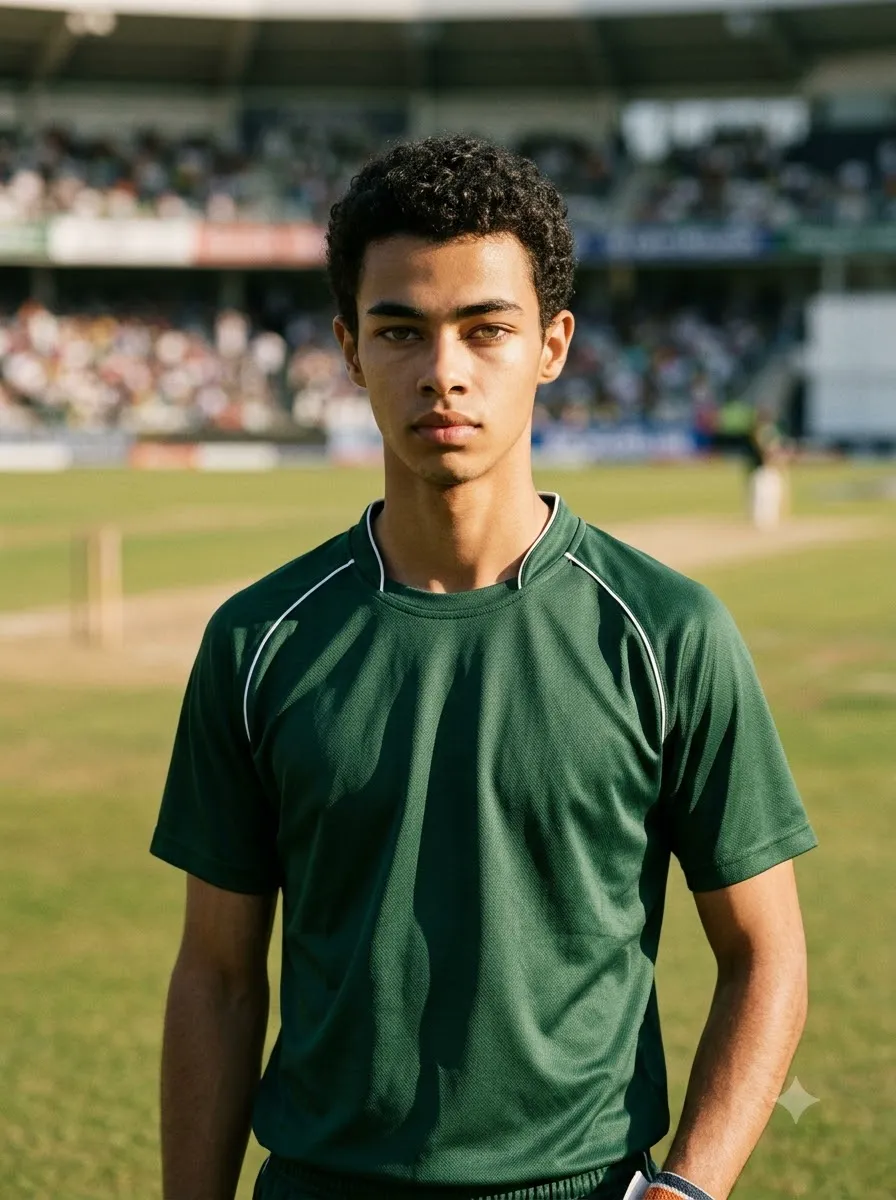
Create a photorealistic cricket portrait based on the uploaded photo. Preserve the person's recognizable appearance and change the outfit to a deep green cricket jersey with subtle white detailing. Place the player on a sunny cricket ground with natural grass, a visible pitch, and blurred stadium seating. Use soft daylight, realistic shadows, and professional sports photography. Keep the facial details natural and the jersey free of invented official branding. Frame the subject from the waist up.

25. Custom Cricket Team Jersey

Tip: If the jersey must contain an exact team name, player number, or sponsor text, inspect the output carefully. Image generators can misspell or distort lettering. For a professional poster, you may get better results by generating the image with a clean jersey and adding the final text in a graphic editor.
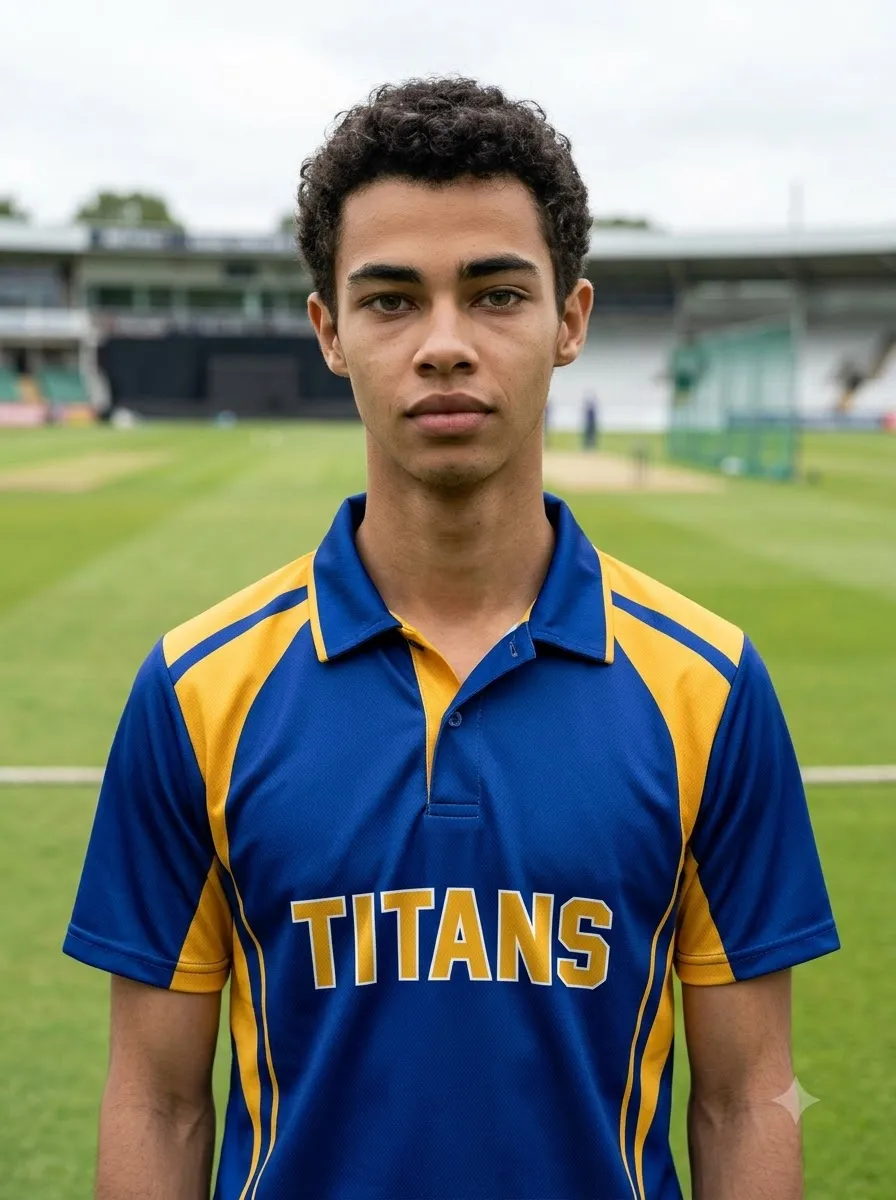
Custom Cricket Team Jersey
Prompt
Use the uploaded photo as a reference and create a realistic portrait of the person wearing a custom cricket team jersey. The primary colour should be [PRIMARY COLOUR] and the secondary colour should be [SECONDARY COLOUR]. Add a simple geometric design and realistic fabric stitching. If a team name is needed, use [TEAM NAME] as the requested text and keep the design uncluttered. Place the subject on a cricket ground under natural daylight. Preserve the person's recognizable appearance as closely as possible and avoid inventing sponsors or official emblems.

Cricket Tournament Poster Prompts

A cricket tournament poster usually needs more than a player portrait. It should communicate the event, date, venue, participating teams, and a clear visual hierarchy.

26. Local Cricket Tournament Poster

Best for: School, college, club, and neighbourhood tournaments.

Local Cricket Tournament Poster
Prompt
Design a professional cricket tournament poster in a vertical 4:5 layout. Show a cricket batsman in action as the main subject, with a realistic cricket stadium, green pitch, and bright stadium lighting in the background. Use a bold sports-poster aesthetic with balanced contrast, clear visual hierarchy, and enough negative space for event information. Include the exact headline "[TOURNAMENT NAME]", date "[DATE]", venue "[VENUE]", and registration details "[CONTACT OR REGISTRATION INFO]". Keep the typography large and legible, with no invented details. Do not fabricate sponsors, team logos, or tournament statistics. If accurate text cannot be rendered, leave clean text areas for manual editing.

27. Cricket Championship Final Poster
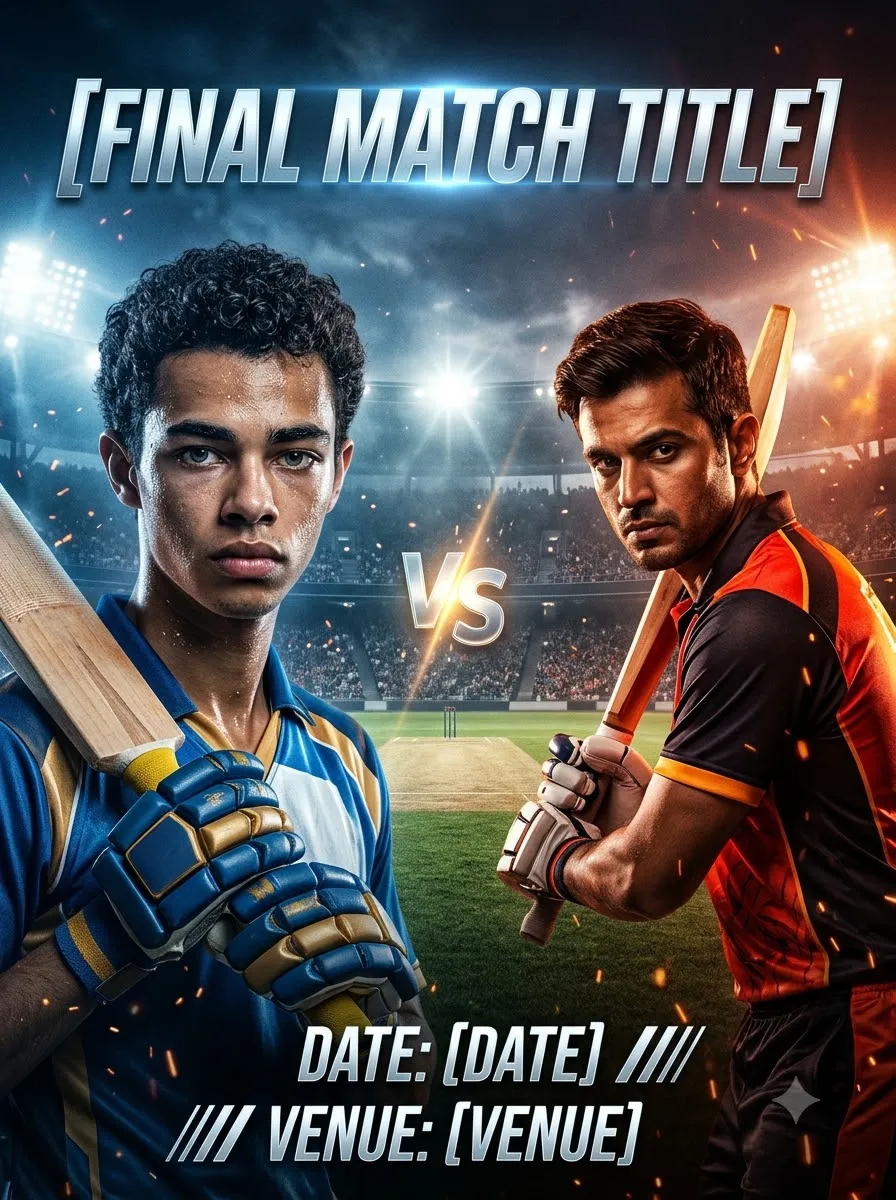
Cricket Championship Final Poster
Prompt
Create a cinematic poster for a cricket championship final. Show two opposing bats-men or teams represented through contrasting colours, with a dramatic stadium background and realistic floodlights. Use a central composition that feels competitive and energetic without making the scene visually overcrowded. Leave clear space for the headline "[FINAL MATCH TITLE]", the date "[DATE]", and the venue "[VENUE]". Use professional sports advertising aesthetics, realistic cricket equipment, and crisp lighting. Do not invent official tournament branding, player names, or sponsors. Make the design suitable for social media promotion.

28. Cricket Team Announcement Poster

Cricket Team Announcement Poster
Prompt
Design a clean, professional cricket team announcement poster for "[TEAM NAME]". Show a group of cricket players wearing matching jerseys in [TEAM COLOURS]. Use a stadium background and balanced lighting. Arrange the players in a clear hierarchy, with the captain in a prominent but natural position and the remaining players grouped neatly. Leave an uncluttered area for the team name, match date, and player list. Use realistic faces, correct body proportions, and consistent jersey colours. Do not invent player names or official logos. Keep all text areas easy to edit after generation.

29. Cricket Player of the Match Poster
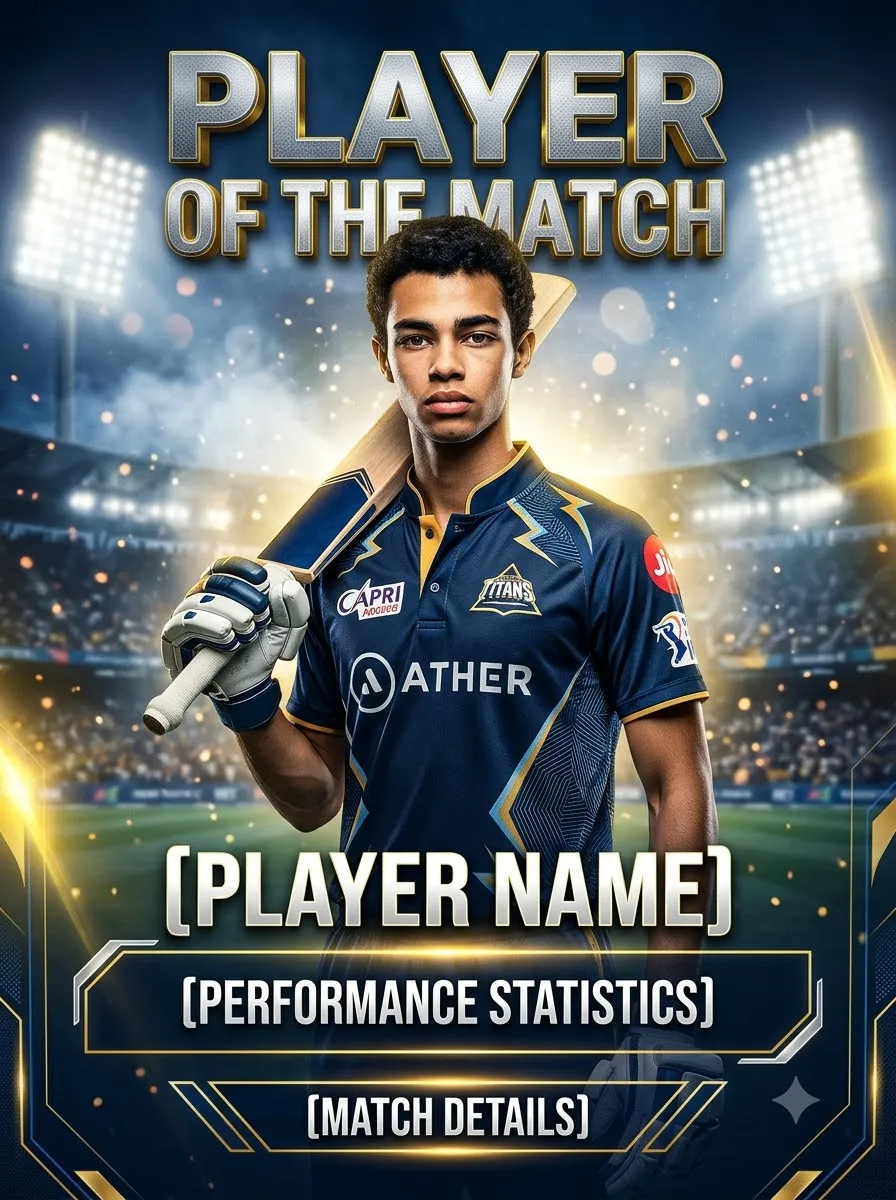
Cricket Player of the Match Poster
Prompt
Create a premium Player of the Match poster featuring a cricket player in a realistic cricket uniform. Use the uploaded photograph as a reference if a specific person should appear. Place the player in the foreground against a softly blurred stadium background with dramatic but realistic lighting. Leave clear space for "[PLAYER NAME]", "[MATCH DETAILS]", and "[PERFORMANCE STATISTICS]". Use a polished sports design with strong contrast and clean typography. Only include statistics supplied by the user; do not invent runs, wickets, awards, or tournament information.

30. Cricket Match Day Poster

Cricket Match Day Poster
Prompt
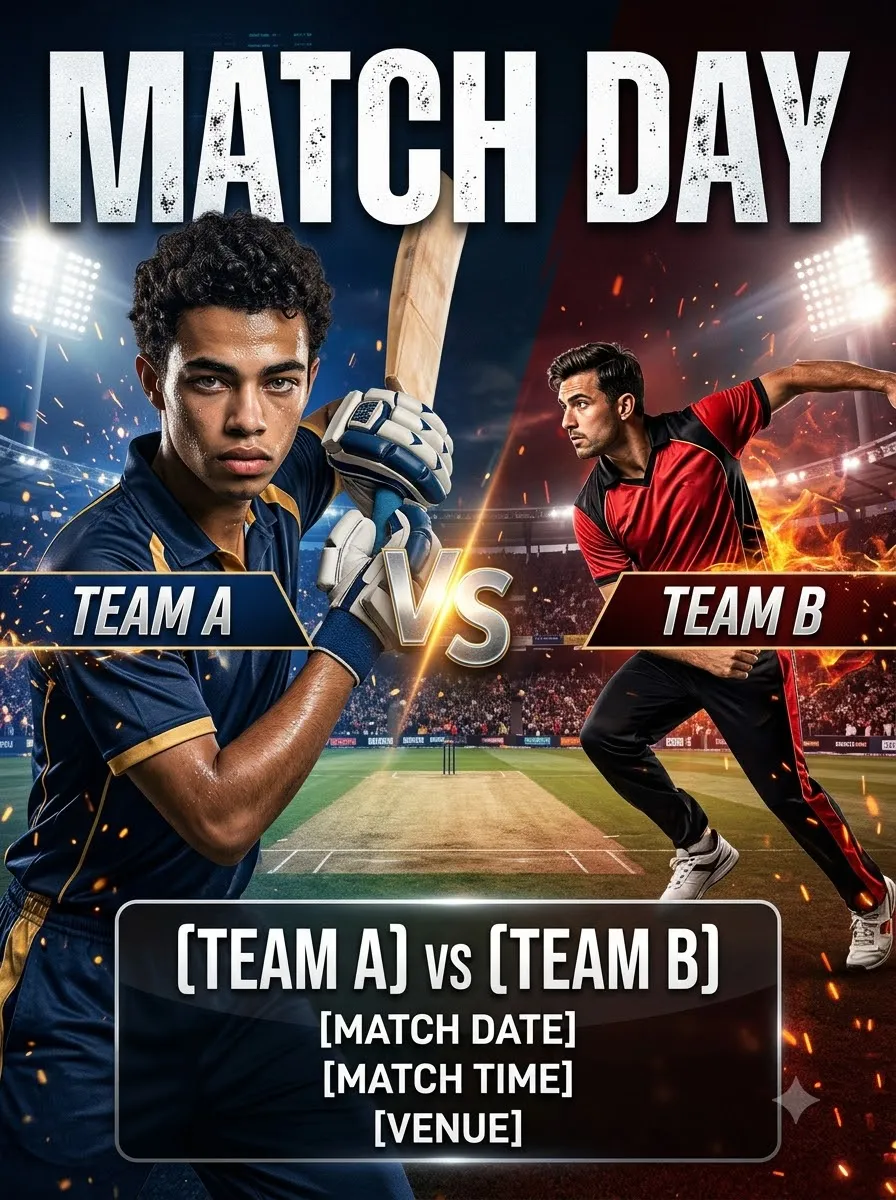
Design a modern cricket match-day poster in a vertical social media layout. Show a batsman and a bowler in dynamic but believable cricket poses, with a stadium and pitch in the background. Use [TEAM A COLOURS] on one side and [TEAM B COLOURS] on the other. Leave clear text areas for "[TEAM A] vs [TEAM B]", "[MATCH DATE]", "[MATCH TIME]", and "[VENUE]". Use a balanced composition, realistic equipment, and professional sports lighting. Avoid unrequested official logos and fabricated event information. Keep the poster visually strong without crowding the text.

Cricket AI Photo Prompts for Instagram

Instagram images often work best when the composition is planned for the intended placement.

  • 4:5 portrait: A useful starting point for feed posts.
  • 9:16 vertical: Suitable for Stories and Reels covers.
  • 1:1 square: Useful for square profile or grid graphics.

These are suggested design formats; check the current platform requirements before publishing.

31. Instagram Cricket Profile Picture

Instagram Cricket Profile Picture
Prompt
Create a photorealistic cricket-themed profile portrait from the uploaded photograph. Preserve the person's recognizable facial features, hairstyle, and natural skin tone as closely as possible. Dress the subject in a clean cricket jersey and place them against a softly blurred stadium background. Use a chest-up composition with the face centred and enough space around the head for a circular crop. Apply natural lighting, realistic skin texture, and balanced colours. Avoid tiny text, complex backgrounds, exaggerated expressions, and artificial face smoothing.

32. Instagram Cricket Feed Post

Instagram Cricket Feed Post
Prompt
Transform the uploaded photo into a premium cricket-themed Instagram feed image. Keep the subject's recognizable appearance as close to the reference as possible. Dress them in a cricket jersey in [YOUR TEAM COLOURS] and place them on a realistic cricket ground. Use a vertical 4:5 composition, a strong focal point, natural lighting, and professional sports photography. Leave modest negative space for a short caption overlay. Avoid random logos, unreadable text, and excessive visual effects.

33. Cricket Story Cover

Cricket Story Cover
Prompt
Create a vertical 9:16 cricket-themed Instagram Story cover featuring the person in the uploaded photograph. Preserve their recognizable facial appearance as closely as possible. Show them wearing a cricket jersey and holding a bat naturally on a stadium pitch. Use dramatic but realistic floodlights and a clean composition. Keep the subject in the central safe area, leaving enough space at the top and bottom for interface elements and optional text. Avoid placing the face or important details too close to the edges.

34. Cricket Attitude Portrait

Cricket Attitude Portrait
Prompt
Create a confident cricket player portrait based on the uploaded photograph. Keep the person's recognizable facial features and natural proportions as close to the reference as possible. Dress the subject in a dark cricket jersey, with a bat held naturally over one shoulder. Use a stadium tunnel background, subtle rim lighting, and a focused expression. Keep the overall look realistic and stylish rather than aggressive or exaggerated. Use a vertical 4:5 layout with sharp facial details and realistic clothing texture.

35. Cricket Friendship Photo

Cricket Friendship Photo
Prompt
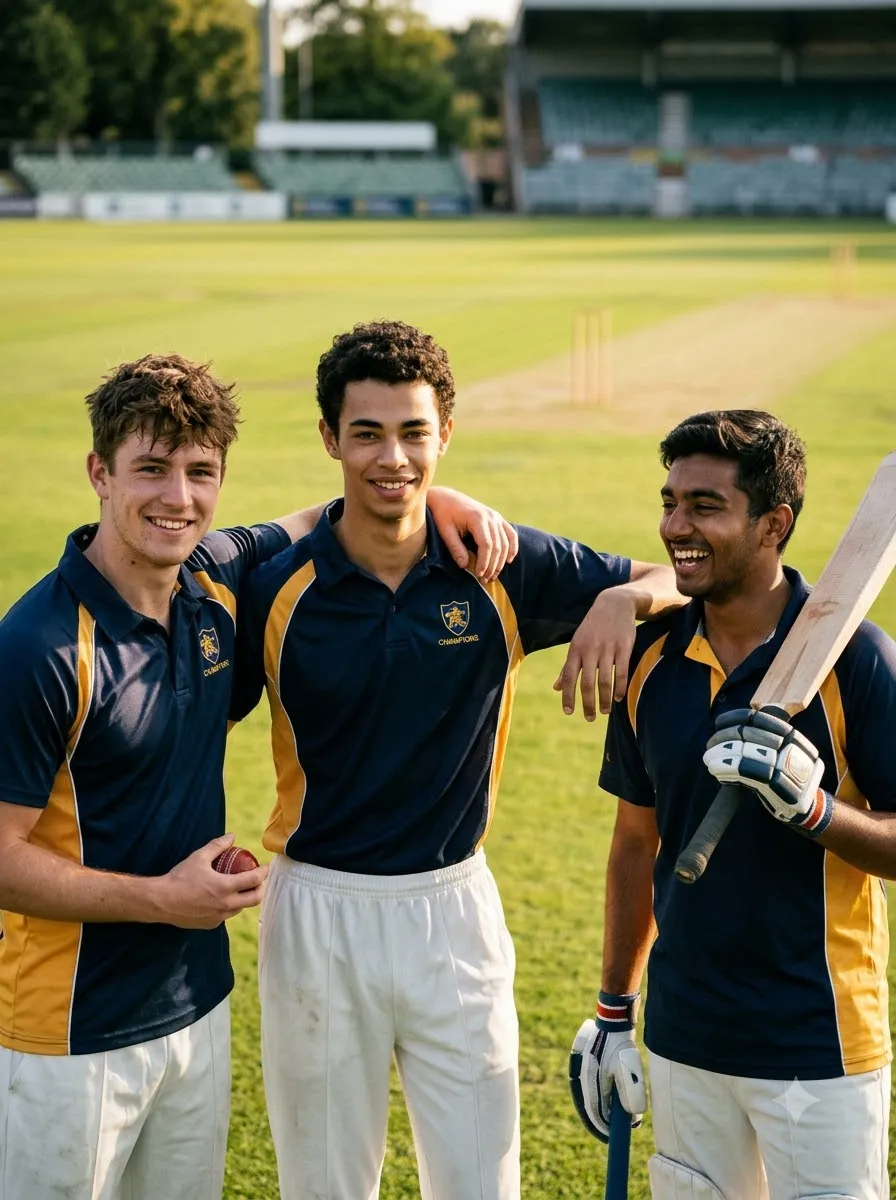
Create a realistic cricket-themed friendship portrait using the uploaded photographs as references, if multiple image uploads are supported. Show the friends standing together on a cricket ground, wearing coordinated but not identical cricket jerseys. Preserve each person's recognizable appearance as closely as possible. Use natural poses, realistic height differences, authentic expressions, and a softly blurred stadium background. Ensure every person appears only once and has anatomically correct hands and body proportions. Use warm daylight and a candid sports photography style.

Tennis-Ball Cricket AI Photo Prompts

Tennis-ball cricket is popular for casual games, local tournaments, and street-cricket settings. These prompts focus on that distinct environment rather than a professional stadium.

36. Street Cricket Portrait
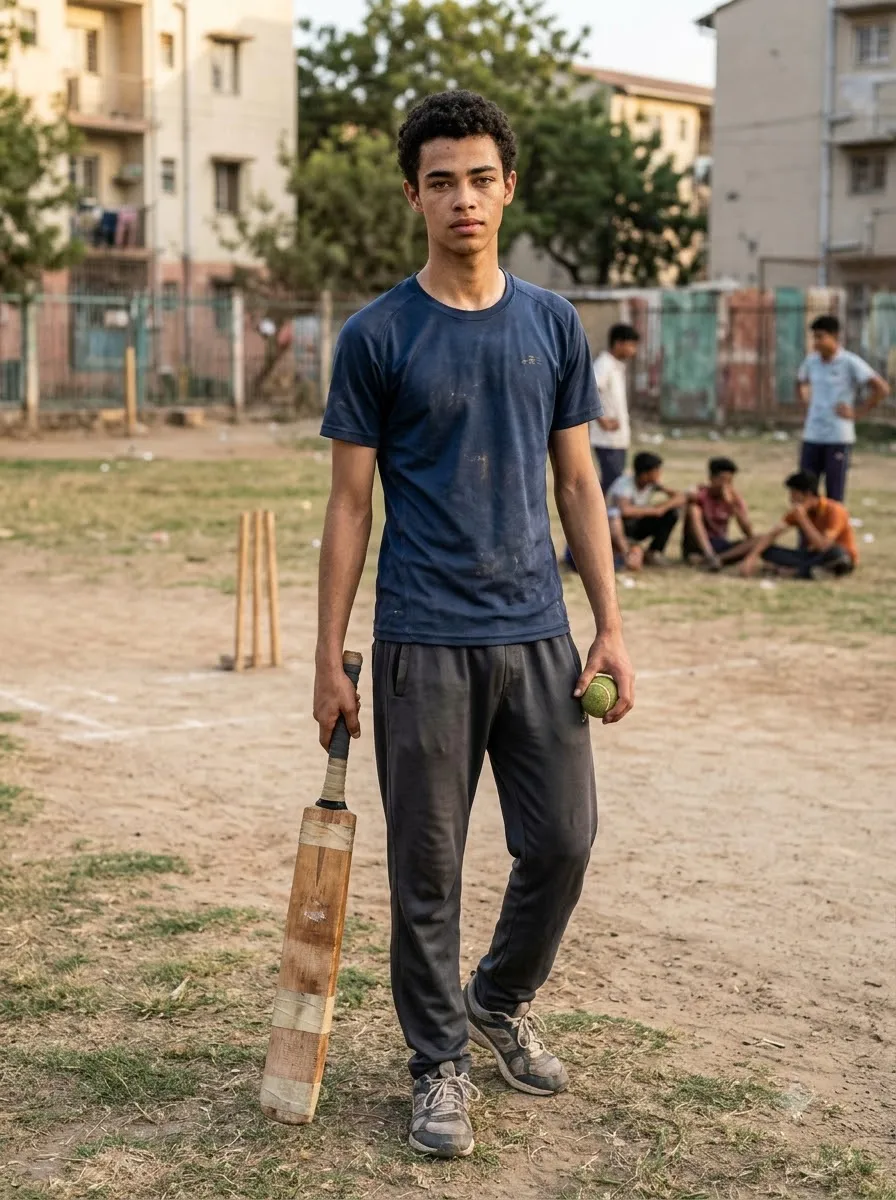
Street Cricket Portrait
Prompt
Transform the uploaded photo into a realistic street-cricket portrait. Preserve the person's recognizable appearance as closely as possible. Dress the subject in a casual sports T-shirt, comfortable trousers, and cricket shoes. Show them holding a tennis ball and a cricket bat on a neighbourhood cricket ground. Include a simple pitch, local surroundings, and natural afternoon light. Use authentic candid sports photography with realistic proportions and natural expressions. Avoid luxury stadiums, professional broadcast graphics, and exaggerated cinematic effects.

37. Tennis-Ball Cricket Batsman

Tennis-Ball Cricket Batsman
Prompt
Create a realistic photograph of a batsman playing tennis-ball cricket on a local ground. Show a believable batting stance with a lightweight cricket bat and a clearly visible tennis ball. Include simple field markings, nearby players, and everyday outdoor surroundings. Use a low side angle, natural daylight, and a documentary sports photography style. Ensure the hands grip the bat naturally and the player's body position is physically believable. Avoid adding a hard cricket ball, professional protective equipment, or an unrealistic stadium unless requested.

38. Local Tennis-Ball Cricket Tournament Poster

Local Tennis-Ball Cricket Tournament Poster
Prompt
Design a professional social media poster for a local tennis-ball cricket tournament. Show a batsman playing an attacking shot with a tennis ball, a lightweight cricket bat, and a local cricket ground in the background. Use energetic but realistic sports photography, clear contrast, and a vertical 4:5 layout. Leave space for "[TOURNAMENT NAME]", "[DATE]", "[VENUE]", and "[REGISTRATION DETAILS]". Do not invent event information or add unrelated professional league branding. Keep the text area clean for accurate editing.

39. Friends Playing Tennis-Ball Cricket

Friends Playing Tennis-Ball Cricket
Prompt
Generate a realistic candid photograph of a group of friends playing tennis-ball cricket on a local open ground. Show one batsman, a bowler, and a few fielders in distinct, natural poses. Include a visible tennis ball and a lightweight cricket bat. Use late-afternoon sunlight, realistic shadows, natural clothing, and an informal neighbourhood atmosphere. Keep each person anatomically correct and visually distinct. Avoid duplicated people, extra limbs, and professional stadium elements that do not fit the setting.

Cricket Wallpaper AI Prompts

If you want cricket-themed phone or desktop wallpapers, specify the screen orientation and leave space for icons or text.

40. Cricket Stadium Phone Wallpaper
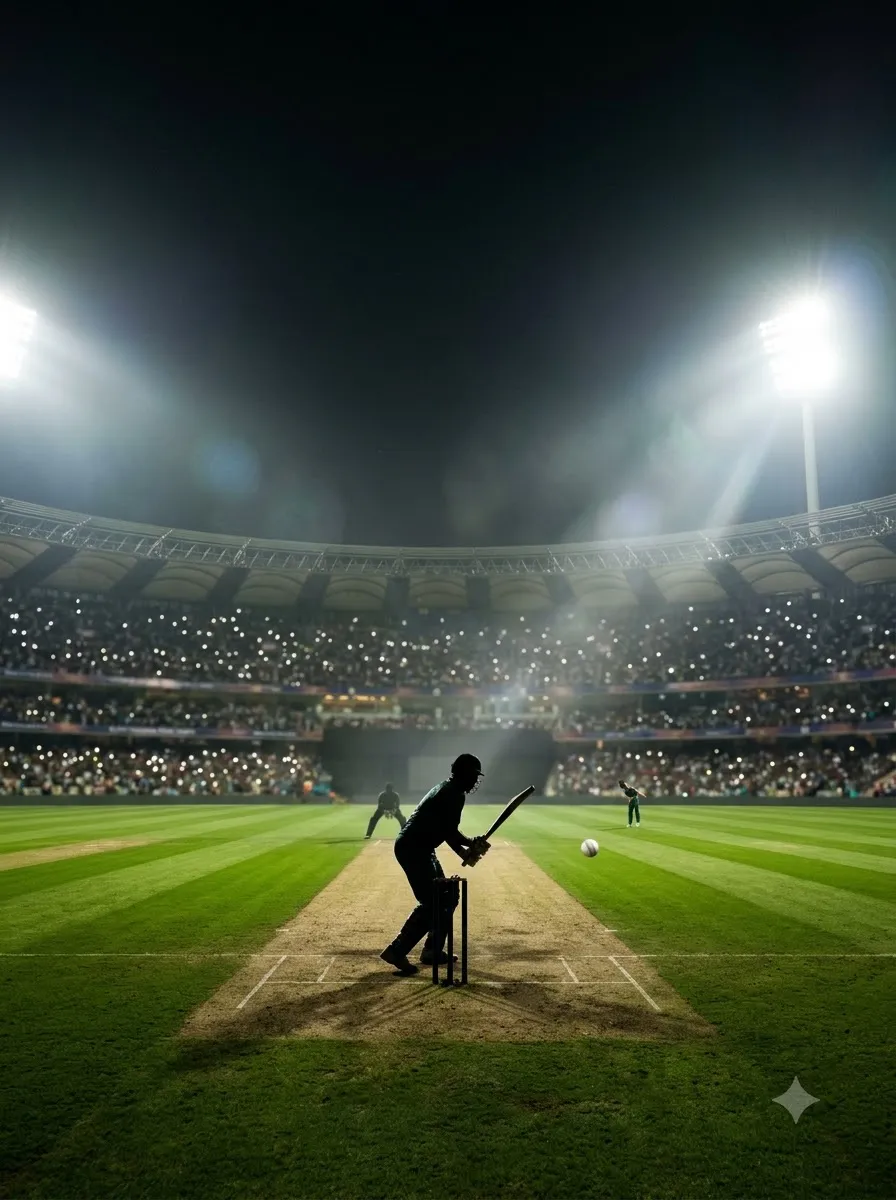
Cricket Stadium Phone Wallpaper
Prompt
Create a high-quality vertical cricket stadium wallpaper for a smartphone. Show a dramatic cricket ground under bright floodlights, with the pitch in the centre and a large crowd softly illuminated in the background. Include a batsman silhouette near the crease and a cricket ball in motion, keeping all elements realistic and proportionate. Use cinematic depth, balanced colours, and a composition that leaves some uncluttered space for phone icons. Do not add random text, watermarks, or unrelated sports equipment. Generate a tall portrait composition.

41. Cricket Bat and Ball Wallpaper

Cricket Bat and Ball Wallpaper
Prompt
Create a photorealistic cricket-themed wallpaper featuring a cricket bat, red cricket ball, batting gloves, and a textured cricket pitch. Arrange the objects naturally with realistic materials, subtle shadows, and professional product-photography lighting. Use a dark, softly blurred stadium background with a restrained colour palette. Leave clean negative space for desktop icons or mobile interface elements. Keep the equipment correctly proportioned and avoid distorted stitching, duplicated objects, and artificial reflections.

42. Minimalist Cricket Wallpaper

Minimalist Cricket Wallpaper
Prompt
Design a minimalist cricket wallpaper featuring a clean silhouette of a batsman playing a shot on a cricket pitch. Use a simple two- or three-colour palette, balanced negative space, and crisp visual shapes. Keep the composition uncluttered and suitable for a smartphone screen. Avoid detailed typography, official team logos, excessive effects, and unnecessary background objects. Make the cricket action immediately recognizable while retaining a clean, modern aesthetic.

Frequently Asked Questions

1. What is a cricket AI photo prompt?

A cricket AI photo prompt is a written instruction used to generate or edit a cricket-themed image with an AI image tool. It can describe a player portrait, batting pose, bowling action, jersey transformation, stadium scene, or tournament poster.

2. How do I use cricket prompts in Gemini AI?

Open Gemini and use the image-generation or image-editing feature available to you. Upload a reference photo if you want a personalized edit, paste a cricket prompt, replace the placeholders, and submit it. Review the result and provide specific corrections if needed.

3. Can I use cricket prompts in ChatGPT?

Yes. You can use suitable prompts with ChatGPT's image features to create or edit cricket-themed images. Upload a reference image when you want the output to be based on a particular photograph, and describe exactly what should change.

4. How can I make a realistic cricket photo using AI?

Use a clear reference photograph, describe the player's clothing and pose, specify the camera angle and lighting, and request realistic skin texture and body proportions. Review the final image for facial changes, distorted equipment, and unnatural hands.

5. Can AI keep my face the same in a cricket photo edit?

AI tools may preserve recognizable facial features, but exact identity preservation is not guaranteed. The result depends on the tool, reference image, and requested edits. Keeping the edit limited to clothing and background may help reduce unwanted changes.

6. Which prompt is best for a cricket jersey edit?

A useful jersey-edit prompt tells the model to preserve the person's recognizable appearance, replace only the clothing, specify the jersey colours, and keep the background and lighting realistic. Avoid unnecessary changes to the face or body.

7. How do I create an IPL-inspired cricket poster?

Choose a colour theme, describe the player and stadium, specify the poster layout, and leave room for the headline. If you need official team names or logos, verify them and add accurate branding separately where you have permission to use it.

8. Can I create a cricket tournament poster with AI?

Yes. Describe the tournament style, player positions, stadium, colours, and layout. Supply the exact event name, date, venue, and registration information. Because generated text can be inaccurate, check all details and add the final typography manually if necessary.

9. Can I use cricket prompts for Instagram?

Yes. Specify whether you need a 4:5 feed image, a 9:16 Story cover, or another format. Keep the main subject clearly visible and leave enough space around the edges for cropping and interface elements.

10. Can AI create tennis-ball cricket photos?

Yes. Describe a local cricket ground, lightweight bat, tennis ball, casual clothing, and neighbourhood setting. These details help distinguish tennis-ball cricket from a professional stadium scene.

Final Thoughts

The best cricket AI photo prompts describe more than just a cricket player. They explain the subject, pose, uniform, environment, camera angle, lighting, and intended image format.

Start with a simple portrait or jersey edit, then experiment with batting action, bowling scenes, victory celebrations, tournament posters, and cricket wallpapers. If you are editing a personal photo, use it as a reference and request only the changes you need.

Choose a prompt from this guide, customize the details, and create a cricket image that fits your style. Always review the final result before sharing it, especially when facial details, cricket equipment, text, or event information matter.

Subscription Form

Trending 80s Prompt: 15 Copy-Paste AI Photo Prompts
AI Image Prompts

Trending 80s Prompt: 15 Copy-Paste AI Photo Prompts

By GeminiPrompt Editorial Team
October 24, 2026
15+ Min Read

Want to turn your modern selfie into a nostalgic photograph from the 1980s? With the right trending 80s prompt, you can recreate vintage hairstyles, retro outfits, classic Indian studio portraits, Bollywood-inspired looks and old-film photography using AI image editors.

The secret is to describe more than just an "80s filter." Specify the hairstyle, clothing, background, lighting and camera texture so the result feels like a photograph from 1985 rather than a modern image with a vintage effect.

Sponsored Explore sponsored AI tools and creative resources

In this guide, you'll find 15 copy-paste 80s AI photo prompts for boys, girls, couples, saree looks, retro street photography and classic Indian portraits. You'll also learn how to use these prompts with Gemini or ChatGPT and how to improve results when the AI changes your face.

Quick Answer: What Is the Trending 80s Prompt?

A trending 80s prompt is a text instruction used with an AI image editor to transform a modern photograph into a picture inspired by the 1980s. It describes the desired era, clothing, hairstyle, setting, lighting and film texture.

For the best results, upload a clear reference photo and tell the AI to preserve your facial features, skin tone, age and identity while changing only the requested styling and background.

15 Best Trending 80s AI Photo Prompts

1. Classic 1980s Studio Portrait Prompt

Best for: Anyone who wants an authentic vintage studio photograph.

Classic 1980s Studio Portrait Prompt
Prompt
Use my uploaded photograph as the reference and transform it into a realistic studio portrait photographed in India in 1985. Preserve my exact facial identity, face shape, eyes, nose, lips, skin tone, age and natural expression. Change the styling to reflect mid-1980s portrait photography, with era-appropriate clothing, carefully styled hair and a simple painted studio backdrop. Use direct camera flash, gentle shadows, slightly faded warm colours, fine analogue film grain and the subtle softness of a printed photograph. Keep realistic skin texture and natural proportions. The final image should look like an original photograph from a family album in 1985, not a modern digital portrait with a retro filter. One photograph, no collage, no text, no watermark.

2. Trending 80s Prompt for Boys

Best for: Boys and men who want a classic retro makeover.
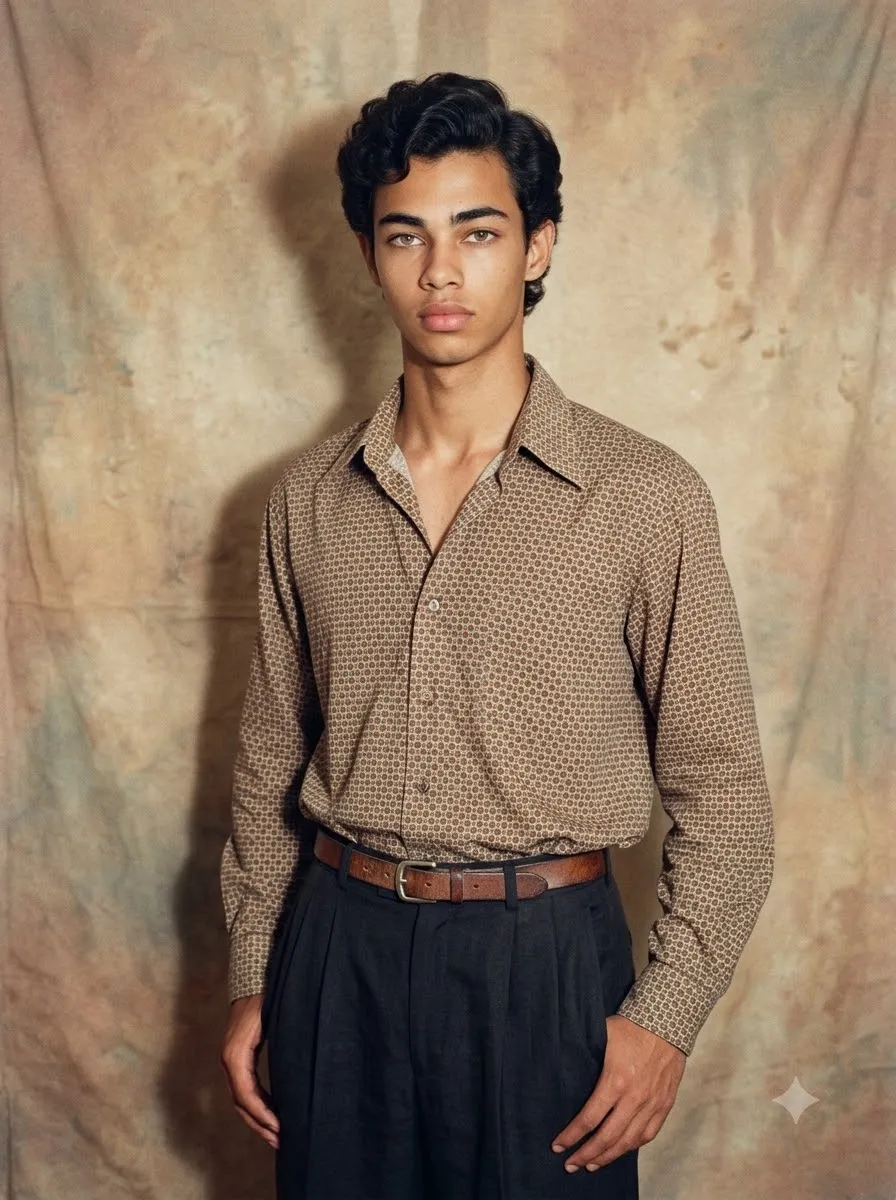
Trending 80s Prompt for Boys
Prompt
Edit my uploaded photo into a stylish Indian male portrait from 1986. Keep my actual face, facial proportions, skin tone, age and identity unchanged. Give me a period-inspired hairstyle with natural volume and a neat side part. Dress me in a tucked-in patterned shirt with a wide collar, high-waisted trousers and a simple vintage belt. Place me against a modest photography-studio backdrop with warm beige and muted brown tones. Use a direct on-camera flash, realistic fabric texture, subtle film grain and slightly faded colours. Keep the pose relaxed and confident, like an ordinary portrait taken at a local photo studio during the 1980s. Avoid modern streetwear, contemporary hairstyles, plastic-looking skin and exaggerated facial changes. Photorealistic, single portrait, no text.

3. Trending 80s Prompt for Girls

Best for: Girls who want a soft, glamorous retro portrait.
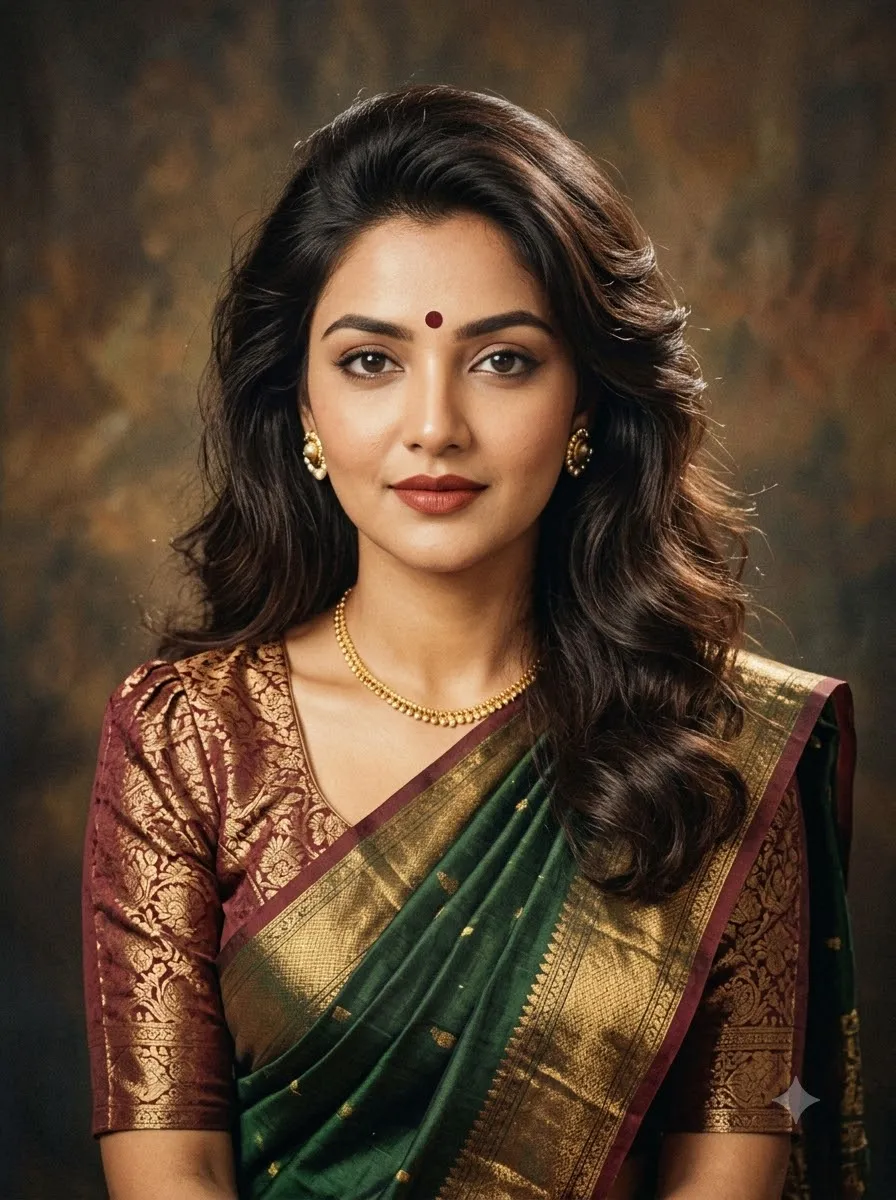
Trending 80s Prompt for Girls
Prompt
Transform my uploaded photo into a beautiful 1980s-inspired Indian female studio portrait. Preserve my real facial features, skin tone, age, face shape and natural expression. Create a hairstyle inspired by the decade, with soft volume, lifted roots and naturally arranged waves that suit my original appearance. Style the outfit with a vintage blouse, modest statement earrings and era-appropriate details. Use a simple painted studio background, warm tungsten lighting and a gentle direct-flash effect. Add authentic analogue film grain, slightly faded colours and the natural imperfections of an old printed photograph. Keep the makeup realistic and avoid changing my identity or making the image look digitally airbrushed. Vertical portrait composition, one image, no text or watermark.

4. Trending 80s Prompt for Girls in Saree

Best for: Traditional Indian retro portraits and vintage saree looks.
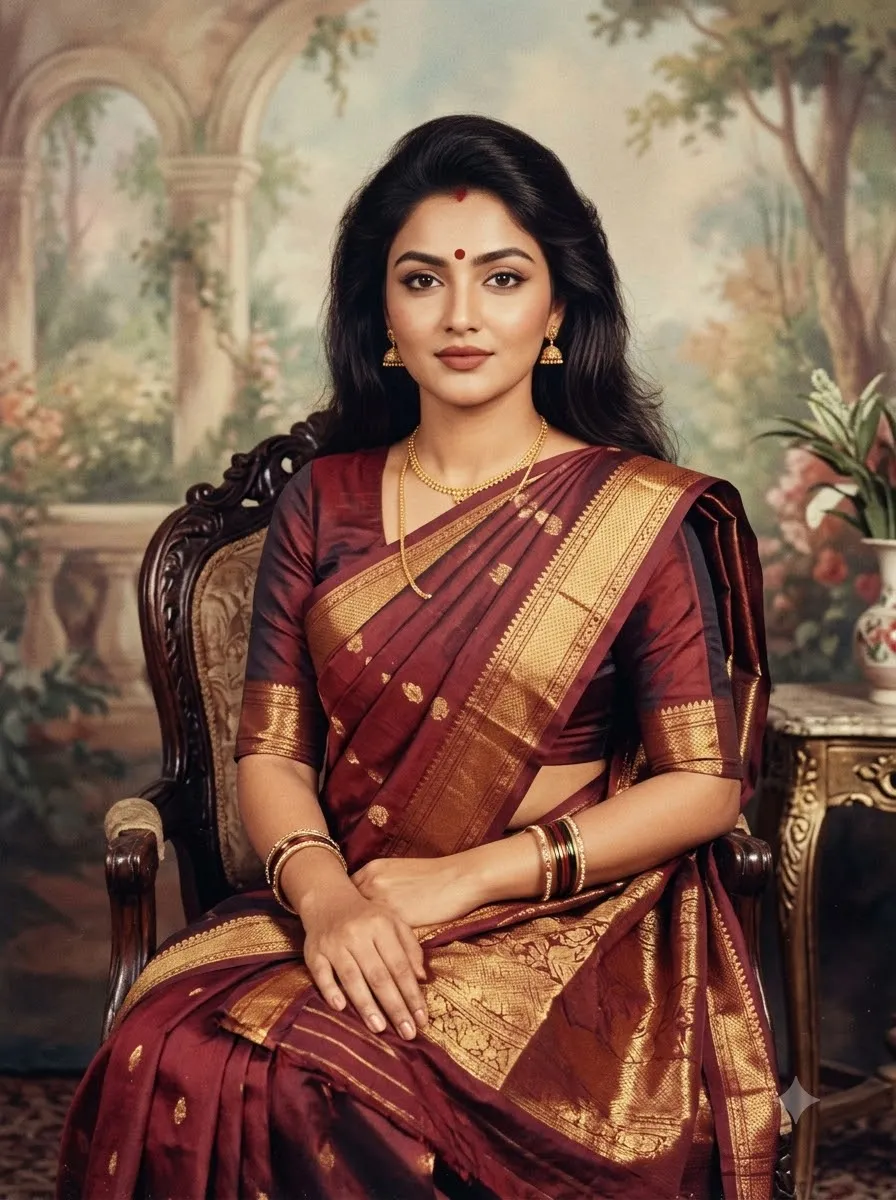
Trending 80s Prompt for Girls in Saree
Prompt
Using my uploaded photo as the identity reference, create a realistic Indian portrait photographed in 1985. Keep my facial identity, natural skin tone, age and expression unchanged. Dress me in an elegant traditional saree with a period-inspired blouse, a neatly arranged pallu, simple gold jewellery and a small bindi if appropriate. Style my hair with authentic 1980s volume while keeping it believable and suited to my appearance. Place me in a classic Indian photography studio with a softly painted backdrop and subtle decorative details. Use warm flash photography, natural shadows, fine film grain and gently faded colours reminiscent of a photograph stored in an old family album. Preserve realistic hands, fabric folds and jewellery. Avoid modern fashion styling, excessive retouching and artificial skin. Single photorealistic portrait, no text.

5. Trending 80s Prompt for Couples

Best for: Couples who want a nostalgic portrait together.

Trending 80s Prompt for Couples
Prompt
Transform our uploaded couple photograph into a realistic Indian couple portrait from 1985. Preserve both people's individual facial identities, skin tones, ages, expressions and natural proportions. Dress the man in a vintage wide-collar shirt and high-waisted trousers, and dress the woman in an elegant period-inspired outfit with classic accessories. Keep the styling coordinated without making the couple look like different people. Place us in a simple old-fashioned photo studio with a warm painted backdrop. Use direct camera flash, slightly soft focus, subtle analogue grain and gently faded warm colours. Make the pose natural and affectionate, like a real couple's photograph from an old family album. Keep both faces distinct and accurate, with realistic hands and clothing. One photograph, no collage, no text or watermark.

6. 1980s Retro Bollywood Hero Portrait

Best for: A dramatic vintage Indian cinema-inspired look.
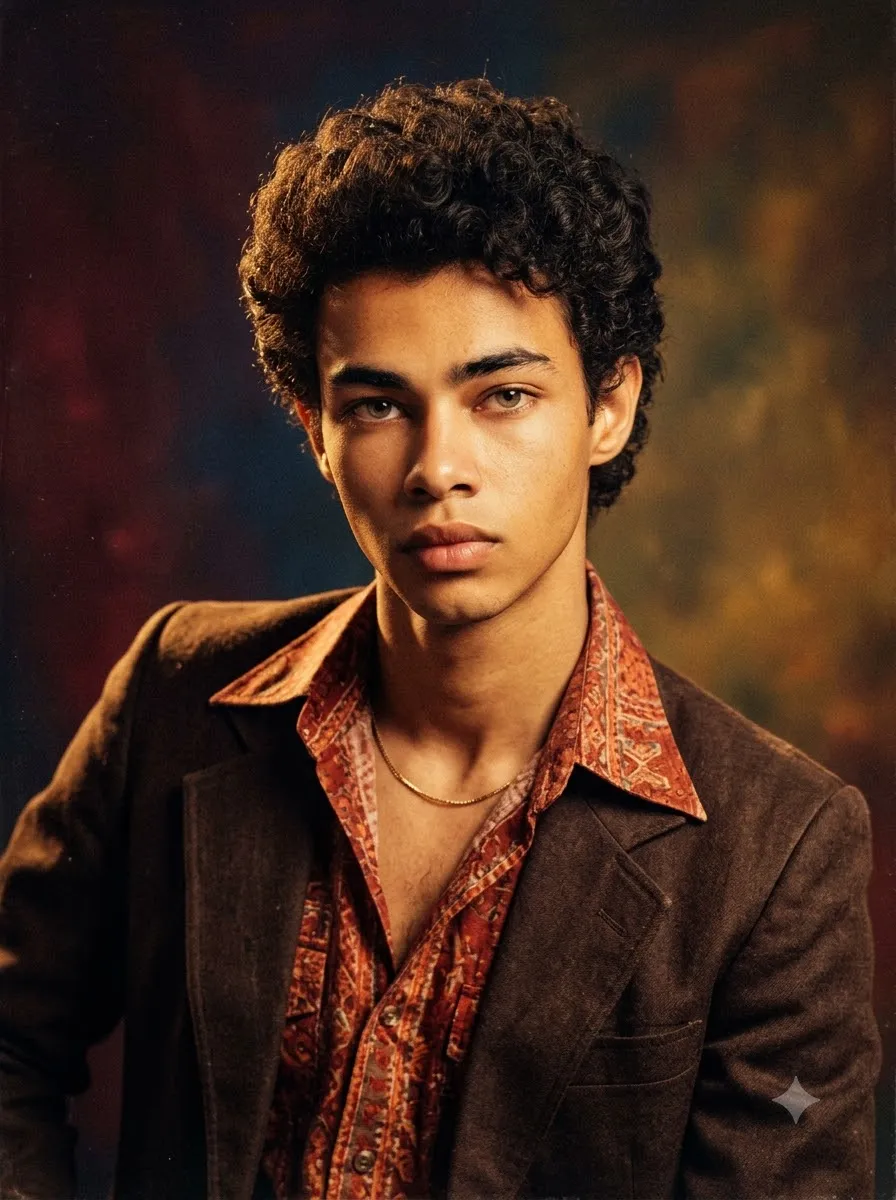
1980s Retro Bollywood Hero Portrait
Prompt
Reimagine my uploaded photograph as an original 1980s Indian cinema hero portrait. Preserve my real facial identity, face shape, skin tone and age. Give me period-inspired hair with natural volume, a vintage open-collar shirt, a classic jacket and understated accessories appropriate to the era. Use a dramatic but realistic pose against a richly coloured studio background inspired by vintage Indian film publicity photography. Add warm key lighting, defined shadows, subtle film grain and the slightly imperfect texture of an old colour print. The image should feel like a genuine retro cinema portrait, not a modern celebrity photograph or a copy of a specific actor. Maintain realistic anatomy and natural skin texture. Vertical portrait, no title, no lettering, no watermark.

7. 1980s Bollywood Heroine Portrait

Best for: Glamorous retro fashion and classic film-magazine aesthetics.

1980s Bollywood Heroine Portrait
Prompt
Turn my uploaded photograph into an original 1980s Bollywood-inspired heroine portrait. Keep my actual face, identity, skin tone, age and facial proportions recognisable and unchanged. Style my hair with voluminous curls or a softly feathered shape inspired by the decade. Use a period-inspired outfit with elegant fabric, tasteful jewellery and makeup that complements my natural features. Create a cinematic studio setting with a rich burgundy and warm golden background, soft directional lighting and gentle highlights. Add fine analogue film grain, slightly faded colours and the texture of a vintage printed photograph. Aim for expressive, glamorous 1980s Indian cinema photography without copying a specific actress or changing my identity. Realistic skin, natural hands, one vertical portrait, no text or watermark.

8. 1980s Vintage Street-Style Prompt

Best for: A casual, candid retro photograph instead of a studio portrait.

1980s Vintage Street-Style Prompt
Prompt
Edit my uploaded photo into a candid street photograph taken in an Indian city in 1987. Preserve my face, identity, age and skin tone. Dress me in believable 1980s casual clothing, such as a relaxed patterned shirt, vintage denim or high-waisted trousers, with simple era-appropriate accessories. Place me on a period-inspired street with old shopfronts, weathered signboards and everyday urban details that do not distract from the subject. Use natural afternoon light mixed with the imperfect exposure of an analogue camera. Add subtle 35mm film grain, slightly muted colours and realistic photographic imperfections. Avoid modern cars, contemporary clothing, futuristic architecture and artificial cinematic effects. Make the result look like an ordinary street photograph discovered in an old photo collection. Single image, no text.

9. 1980s Couple Photo with a Vintage Scooter

Best for: Romantic retro photos with an Indian setting.

1980s Couple Photo with a Vintage Scooter
Prompt
Create a realistic 1980s-inspired photograph of the couple in my uploaded reference image. Preserve both faces, skin tones, ages and identities. Place us beside a period-appropriate vintage Indian scooter on a quiet neighbourhood street. Style our clothing with authentic-looking 1980s details: a tucked-in shirt and high-waisted trousers for the man, and an elegant traditional or casual outfit for the woman. Keep the body proportions and poses natural. Use late-afternoon sunlight, gentle shadows, slightly faded colour film and subtle grain, as if a friend photographed us using a compact film camera in 1986. The scooter, clothing and surroundings should feel period-appropriate without distracting from our faces. No modern vehicles, no face swapping, no extra people, no text or watermark.

10. 1980s Family Album Photograph

Best for: A warm, nostalgic photograph with a natural family-photo feeling.

1980s Family Album Photograph
Prompt
Recreate my uploaded photo as a genuine-looking family album photograph from an Indian home in 1984. Preserve the identity and facial features of every person in the reference image. Replace modern styling with simple period-appropriate clothing and hairstyles. Use a lived-in home interior with patterned curtains, traditional furniture and modest decorative details suitable for the time. The pose should feel slightly formal but natural, like a family member took the picture during an ordinary afternoon. Simulate a compact film camera with direct flash, gentle grain, slightly faded colours and minor print imperfections. Keep the faces clear and recognisable, with realistic hands and body proportions. Do not add or remove people. One photograph, no collage, no text or watermark.

11. 1980s College Student Portrait

Best for: A youthful retro look with a campus background.

1980s College Student Portrait
Prompt
Transform my uploaded photograph into a realistic college portrait inspired by India in 1987. Keep my actual facial identity, skin tone, age and expression unchanged. Dress me in era-appropriate college casuals, such as a tucked-in shirt, high-waisted jeans or simple trousers, and classic canvas shoes. Use a natural hairstyle inspired by the 1980s without changing my original hair colour unless requested. Set the scene on an old college campus with weathered walls, a simple noticeboard and period-appropriate surroundings. Use soft daylight, a slightly imperfect film-camera exposure, muted colours and fine analogue grain. The image should feel candid and believable rather than staged like a fashion campaign. Preserve realistic anatomy and natural skin texture. Single portrait, no text.

12. 1980s Wedding Album Prompt

Best for: A traditional wedding-photo look inspired by old family albums.
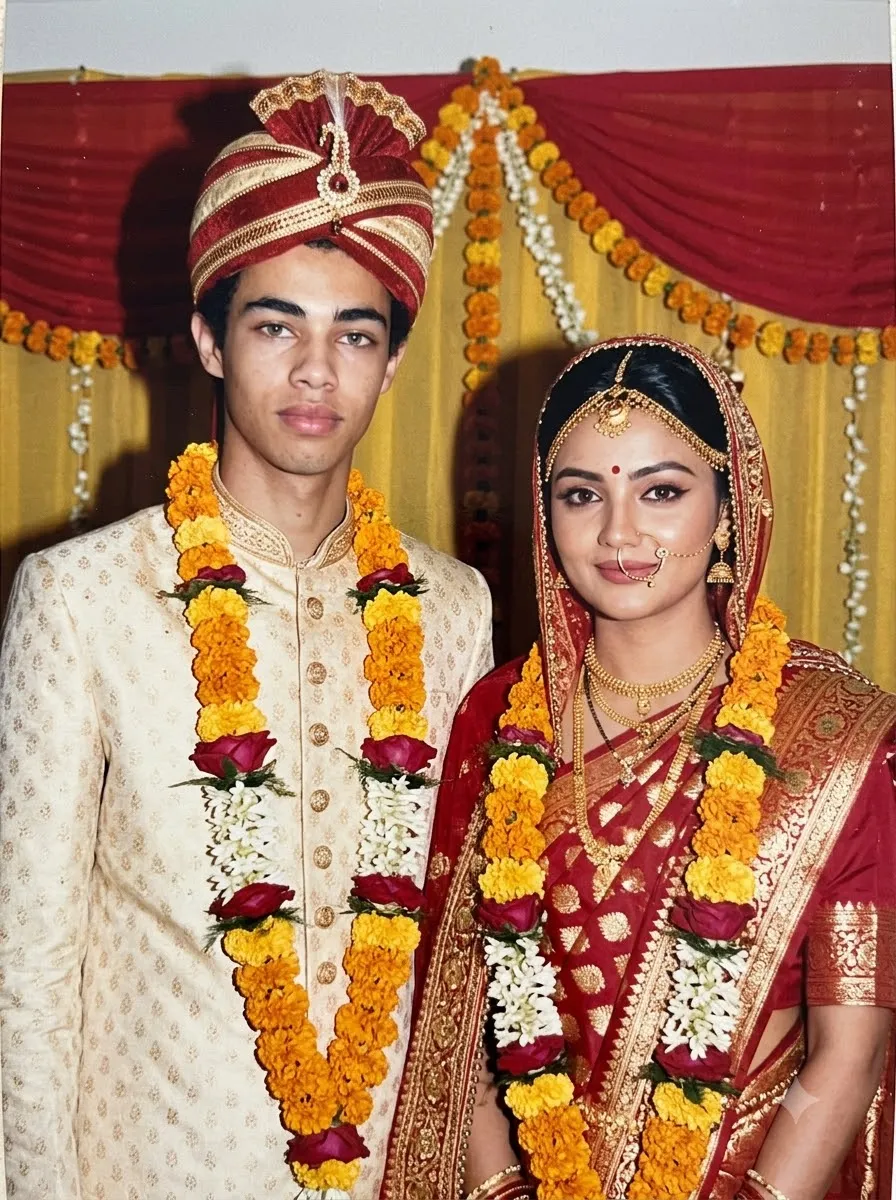
1980s Wedding Album Prompt
Prompt
Turn the uploaded photograph into a traditional Indian wedding portrait inspired by the year 1985. Preserve the identity, face shape, skin tone and age of every person shown. Introduce elegant wedding clothing and accessories appropriate to the people in the reference image, with period-inspired styling rather than modern bridal fashion. Use a modest wedding backdrop with simple floral decorations and warm indoor lighting. Simulate the look of an older film camera with a direct flash, gentle grain, slightly faded reds and golds, and realistic printed-photo texture. Keep facial expressions natural and the clothing detailed without making the scene overly glossy. Do not add extra people or alter the identity of the original subjects. One realistic wedding photograph, no text or watermark.

13. 1980s Disco-Inspired Portrait

Best for: Bold retro fashion and colourful nightlife aesthetics.
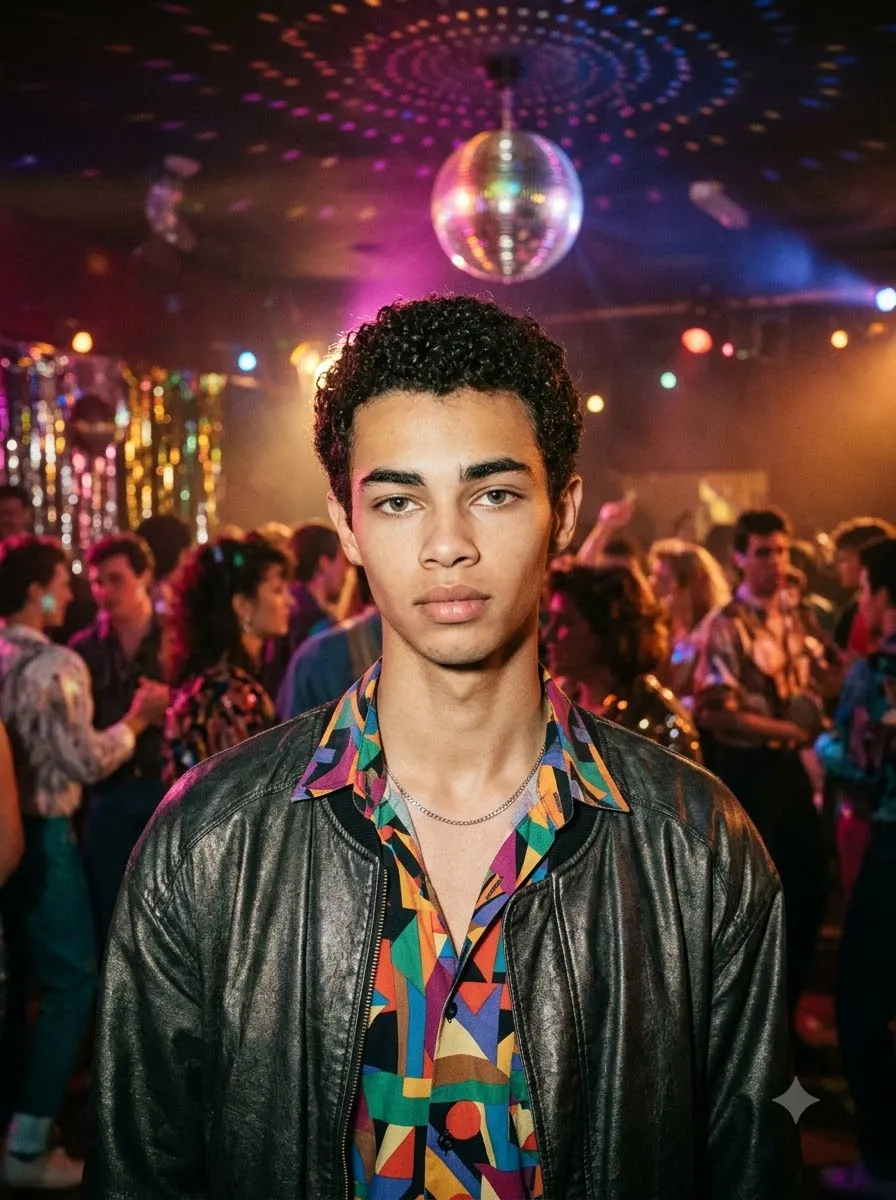
1980s Disco-Inspired Portrait
Prompt
Restyle my uploaded photo as a colourful 1980s disco-inspired portrait while preserving my exact facial identity, skin tone, age and natural proportions. Use fashion details inspired by the era, such as a bold geometric shirt, a vintage jacket or a tasteful metallic accessory. Place me in a retro dance-hall setting with coloured lights, a reflective disco ball and a softly blurred background. Use realistic flash photography, saturated but slightly aged colours, subtle analogue grain and gentle colour bleed around bright lights. Keep the face naturally lit and recognisable instead of covering it with heavy shadows or artificial effects. The result should resemble a photograph captured at a real 1980s party, not a modern digital poster. One portrait, no text, no watermark.

14. 1980s Black-and-White Portrait

Best for: A timeless, understated vintage photograph.

1980s Black-and-White Portrait
Prompt
Convert my uploaded photograph into a realistic black-and-white portrait inspired by film photography from 1985. Preserve my exact facial identity, facial structure, age, expression and natural skin texture. Use classic period-inspired clothing and a simple studio background. Create balanced monochrome tones with deep but detailed shadows, gentle highlights, visible fine film grain and the subtle softness of an optical portrait lens. Make the lighting look like a real studio photograph rather than a digitally generated dramatic effect. Keep the eyes, hair and facial details clear, and avoid excessive smoothing, artificial sharpening or exaggerated contrast. The finished image should resemble an authentic vintage silver-gelatin-style print. Single portrait, no text or watermark.

15. 1980s Retro Magazine Cover Style

Best for: A creative fashion-editorial image with a vintage print aesthetic.
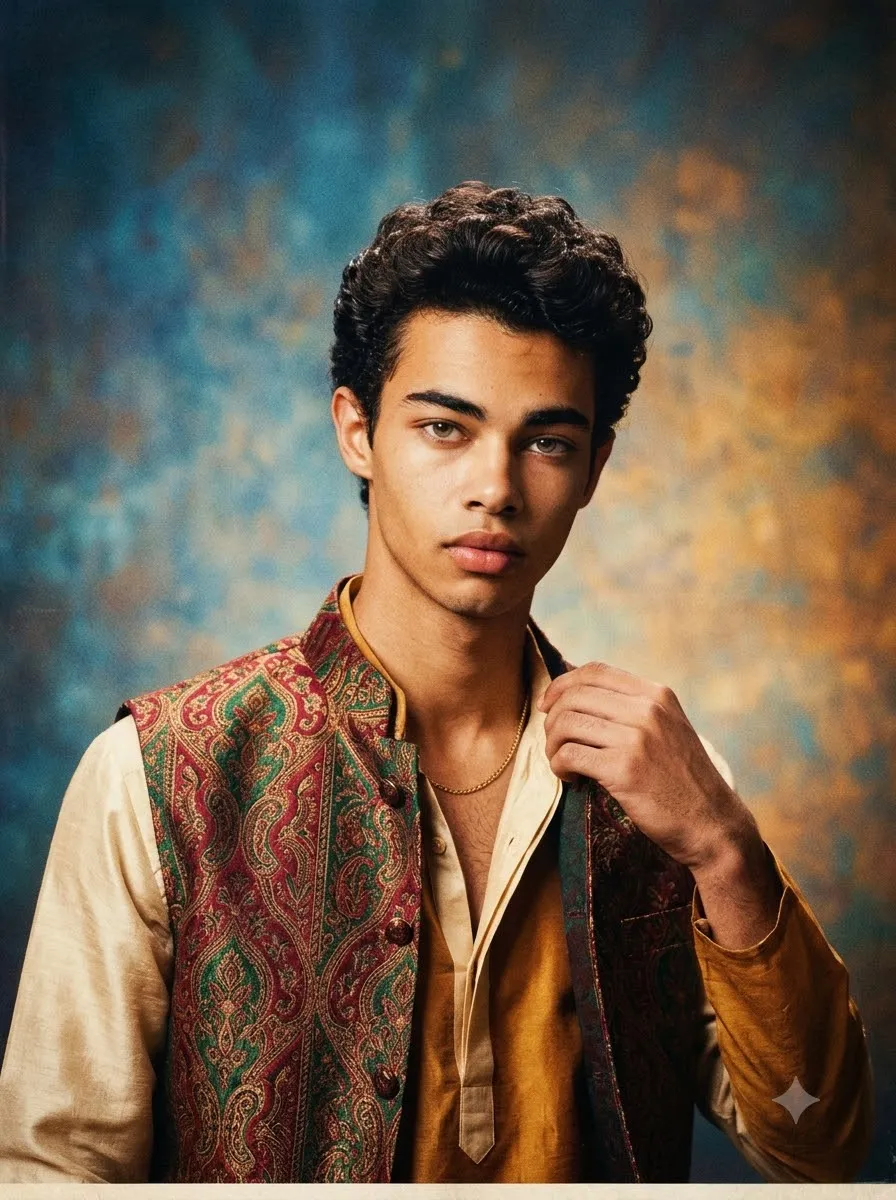
1980s Retro Magazine Cover Style
Prompt
Use my uploaded photograph to create an original 1980s-inspired Indian fashion magazine cover image. Preserve my facial identity, face shape, skin tone and age. Style the hair, outfit and accessories with believable mid-1980s fashion details. Use a confident editorial pose, a colourful studio backdrop and the direct lighting associated with vintage fashion photography. Add realistic film grain, slightly faded print colours and subtle paper texture. Compose the image with clear negative space around the subject so a magazine designer could add a headline later, but do not generate any words, letters, logos or fake publication names. Avoid modern fashion styling and excessive digital retouching. Keep the image photorealistic and the face recognisable. Vertical cover composition, no text or watermark.

How to Use the Trending 80s Prompt in Gemini

Follow these steps to create your retro photo with Google Gemini:

  • 1. Open Gemini: Choose an image-capable chat or image-editing option available to your account.
  • 2. Upload a Reference: Upload a clear photograph showing the person whose appearance you want to preserve.
  • 3. Copy a Prompt: Select one of the 80s prompts above and copy the complete text.
  • 4. Paste the Prompt: Paste the prompt into the chat and ask Gemini to edit the uploaded photograph.
  • 5. Review and Refine: Review the generated image. If the face or clothing is incorrect, send a focused follow-up instruction instead of rewriting the entire prompt.
  • 6. Save: Save the result if you are satisfied with the image and its details.

Tip: Start with the classic studio portrait prompt if this is your first attempt. Once you get a satisfactory result, try the saree, Bollywood, street-style or couple version.

How to Use an 80s Photo Prompt in ChatGPT

You can also try these prompts with ChatGPT when image uploads and image editing are available to your account.

  • 1. Open ChatGPT: Start a conversation that supports image uploads and editing.
  • 2. Upload Photo: Upload your reference photo.
  • 3. Paste Prompt: Paste one complete prompt from this article.
  • 4. State Intent: Clearly state that you want to edit the uploaded photo, not create an unrelated person.
  • 5. Check Output: Check the output for facial accuracy, hands, clothing, background and unwanted text.
  • 6. Correct if Needed: If something needs correction, ask for only that specific change.

Tool availability, features and usage limits can vary by account and may change over time.

How to Get a More Realistic 1980s AI Photo

A good prompt should control the era, styling and photography rather than relying on the word "retro" alone.

  • 1. Use a clear reference photo: Choose a sharp, well-lit image where your face is visible. Heavy filters, extreme angles and blurry photographs can make it harder for an image editor to preserve your appearance.
  • 2. Describe the decade specifically: Mention a year, such as 1985 or 1987, and describe the desired clothing, hairstyle and setting. This gives the AI a more concrete visual direction.
  • 3. Explain the film texture: For a printed-photo look, describe subtle film grain, slightly faded colours, gentle softness and natural exposure imperfections. Avoid asking for excessive blur if you still want your face to remain clear.
  • 4. Tell the AI what must not change: Include your facial identity, skin tone, age and natural proportions in the prompt. This can help guide the edit, although no prompt can guarantee perfect identity preservation.
  • 5. Make one change at a time: If the first image looks good but the background is too modern, ask the AI to change only the background. Repeating the full prompt with many new instructions can cause other parts of the image to change unexpectedly.

Common Problems with 80s AI Photo Prompts

  • Why does the AI change my face? The model may interpret the request as creating a new retro character rather than editing your reference photo. Repeat that the uploaded image is the identity reference and that only the styling, clothing, lighting and background should change. If necessary, try a sharper source image.
  • Why does my photo look modern instead of 1980s? The prompt may describe only a vintage colour filter. Add period-specific clothing, a suitable hairstyle, an era-appropriate setting and the characteristics of analogue photography.
  • Why does the AI add strange text or watermarks? Image models may generate inaccurate lettering when a scene resembles a poster, magazine or signboard. Add "no text, no logos and no watermark" when appropriate, and inspect the result before publishing it.
  • Why do hands or accessories look unnatural? Small details can be difficult to render accurately. Ask for a correction focused on the affected hand, jewellery or accessory while keeping the rest of the image unchanged.
  • Can I get the same result every time? Not necessarily. Different tools, model versions, source photographs and instructions can produce different results. Treat each prompt as a starting point and review the generated image before sharing it.

Frequently Asked Questions

What is the best trending 80s prompt?

A strong 80s prompt specifies the year, period-inspired clothing, hairstyle, background, lighting and analogue film texture. It should also clearly instruct the AI to preserve the reference person's identity. The classic studio portrait prompt above is a good starting point.

How do I create a trending 80s photo?

Upload a clear photograph to an image-editing tool such as Gemini or ChatGPT, paste a suitable 1980s prompt, generate the edit and review the result. If necessary, make a focused correction to the face, clothing or background.

Can I use a trending 80s prompt for Gemini?

Yes. You can try the prompts in this guide with Gemini's image-capable features. Results may vary depending on the available model, account limits and source image.

Can I use an 80s photo prompt in ChatGPT?

Yes, if your ChatGPT account has access to the required image upload and editing features. Upload the reference photo and paste the prompt into the conversation.

Which 80s prompt is best for couples?

Use the couple prompt if you want a coordinated vintage portrait, or the vintage scooter prompt for a more candid Indian retro scene. Both specify that the identities of both people should be preserved.

Can I create an 80s saree photo using AI?

Yes. Use the saree prompt to describe traditional clothing, period-inspired hair, jewellery, a studio backdrop and analogue film texture. You can adjust the saree colour and accessories to match your preference.

Are these 80s AI prompts free to copy?

Yes, the text prompts in this article can be copied and used as instructions. However, the image-editing tool you choose may have account requirements, usage limits or paid features.

Why does the AI change my skin tone?

The model may interpret the retro lighting or styling as a reason to alter the appearance of the subject. Explicitly request that the original skin tone remain unchanged, and use natural lighting instructions. Check the result carefully.

Final Thoughts

The best trending 80s prompt does more than add faded colours to a selfie. It combines a clear reference photo with specific period styling, realistic lighting and the texture of analogue photography.

Start with the classic studio portrait, then experiment with the boys, girls, couple, saree and Bollywood-inspired prompts to find the look that suits your photo. Remember to review the face, skin tone and small details before sharing your final image.

Choose one style, keep the instructions specific and make small corrections when needed. That approach usually gives you more control than asking the AI to change everything at once.

Subscription Form

25+ Navratri AI Image Prompts for Gemini and ChatGPT
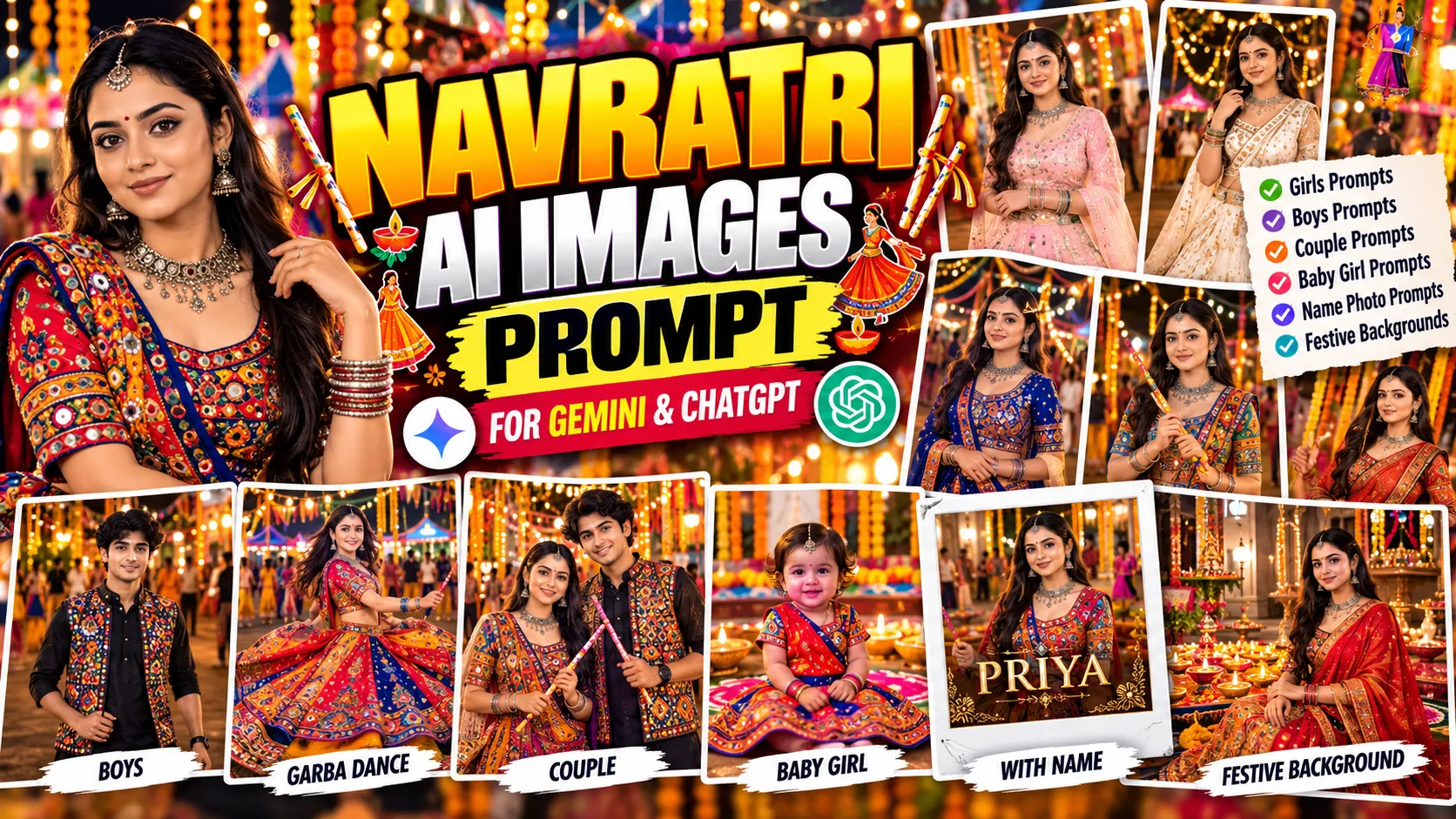
AI Image Prompts

25+ Navratri AI Image Prompts for Gemini and ChatGPT

By GeminiPrompt Editorial Team
October 22, 2026
16+ Min Read

Want to turn an ordinary photo into a beautiful Navratri portrait? These Navratri AI images prompts can help you create festive photos featuring traditional Indian outfits, colourful Garba looks, embroidered chaniya cholis, Gujarati kediyu outfits, glowing diyas, and vibrant Navratri backgrounds.

Whether you want a traditional Garba photo, a stylish Navratri look for boys, a festive portrait for a girl, a baby girl photo, or a personalized image with your name, this collection includes ready-to-copy prompts for different styles.

Sponsored Explore sponsored AI tools and creative resources

You can use these prompts with Google Gemini or ChatGPT image generation and editing features. Upload a suitable reference photo when needed, copy the prompt, and customize the outfit, lighting, background, and composition to match your preferred look.

Best Navratri AI Image Prompt: Copy and Paste

Start with this traditional Navratri prompt to create a colourful festive portrait with realistic clothing, traditional accessories, and warm lighting.

Best for: Traditional Navratri portraits, social media profile pictures, festive posts, and photo editing.
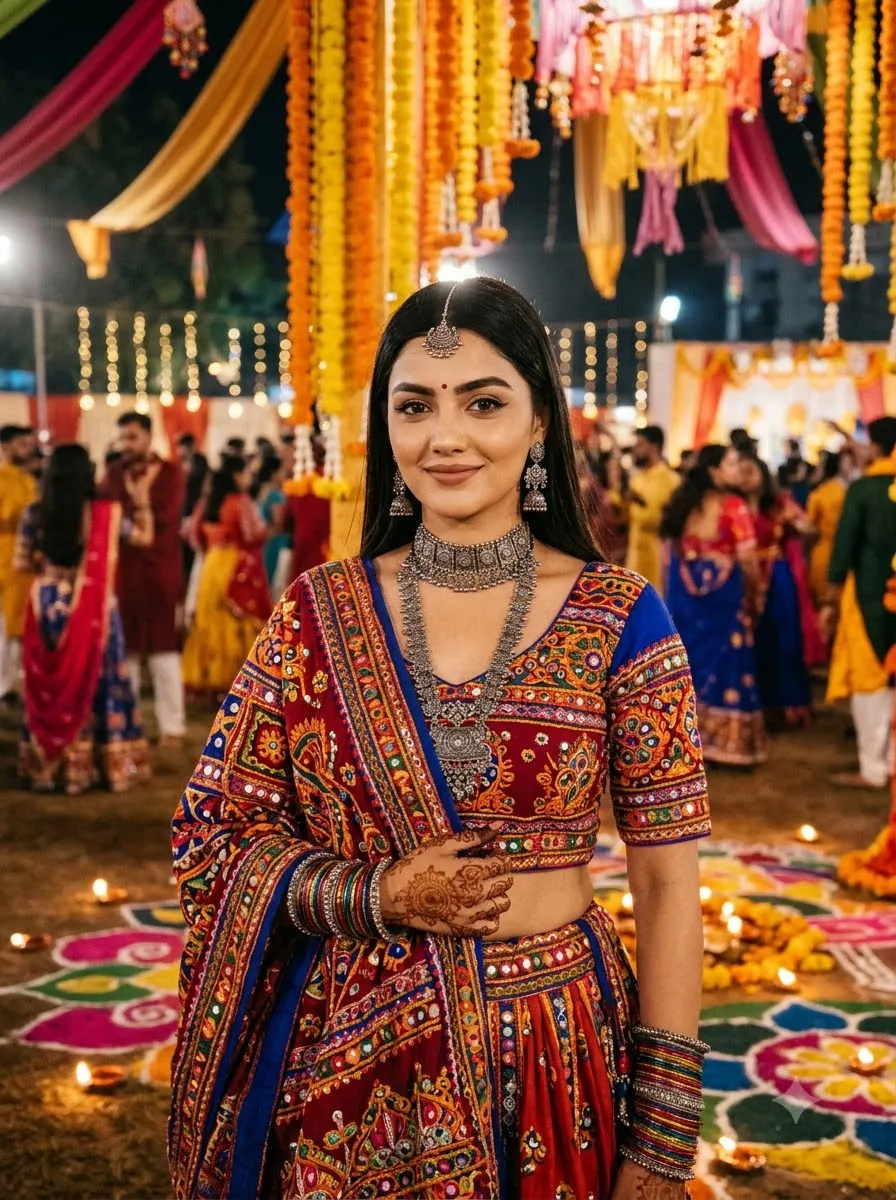
Best Navratri AI Image Prompt
Prompt
Transform my uploaded photo into a realistic Navratri festive portrait. Preserve my original facial identity, face shape, natural skin tone, hairstyle, and recognizable features. Dress me in a beautiful traditional Indian festive outfit with intricate embroidery, colourful details, and elegant accessories. Set the scene in a decorated Navratri venue with marigold garlands, glowing diyas, colourful rangoli, and warm fairy lights. Use realistic fabric textures, natural skin details, balanced colours, professional portrait photography, and soft cinematic lighting. Keep my face sharp and recognizable, with natural hands and realistic proportions. Do not add unwanted text, logos, or watermarks.

Traditional Navratri AI Image Prompts

These prompts focus on traditional Indian festive clothing, colourful embroidery, cultural details, and decorated Navratri settings.

1. Traditional Navratri Look for Girls

Traditional Navratri Look for Girls
Prompt
Edit my uploaded photo into a beautiful traditional Navratri portrait. Preserve my facial identity, natural skin tone, and facial proportions. Dress me in a vibrant Gujarati chaniya choli with intricate mirror-work embroidery, a colourful dupatta, oxidised silver jhumkas, bangles, a traditional necklace, and a small bindi. Place me in a festive courtyard decorated with marigold garlands, diyas, and warm fairy lights. Use realistic fabric textures, natural skin detail, and professional festive photography.

2. Red and Gold Navratri Outfit

Red and Gold Navratri Outfit
Prompt
Use my uploaded photo as the identity reference. Keep my original face, hairstyle, and natural appearance consistent. Dress me in a traditional red and gold lehenga choli with detailed embroidery, mirror-work, a flowing dupatta, and elegant traditional jewellery. Set the scene in a beautifully decorated Navratri venue with glowing lights and colourful festive decorations. Use warm cinematic lighting, realistic clothing details, natural shadows, and a sharp portrait composition.

3. Royal Blue Garba Look

Royal Blue Garba Look
Prompt
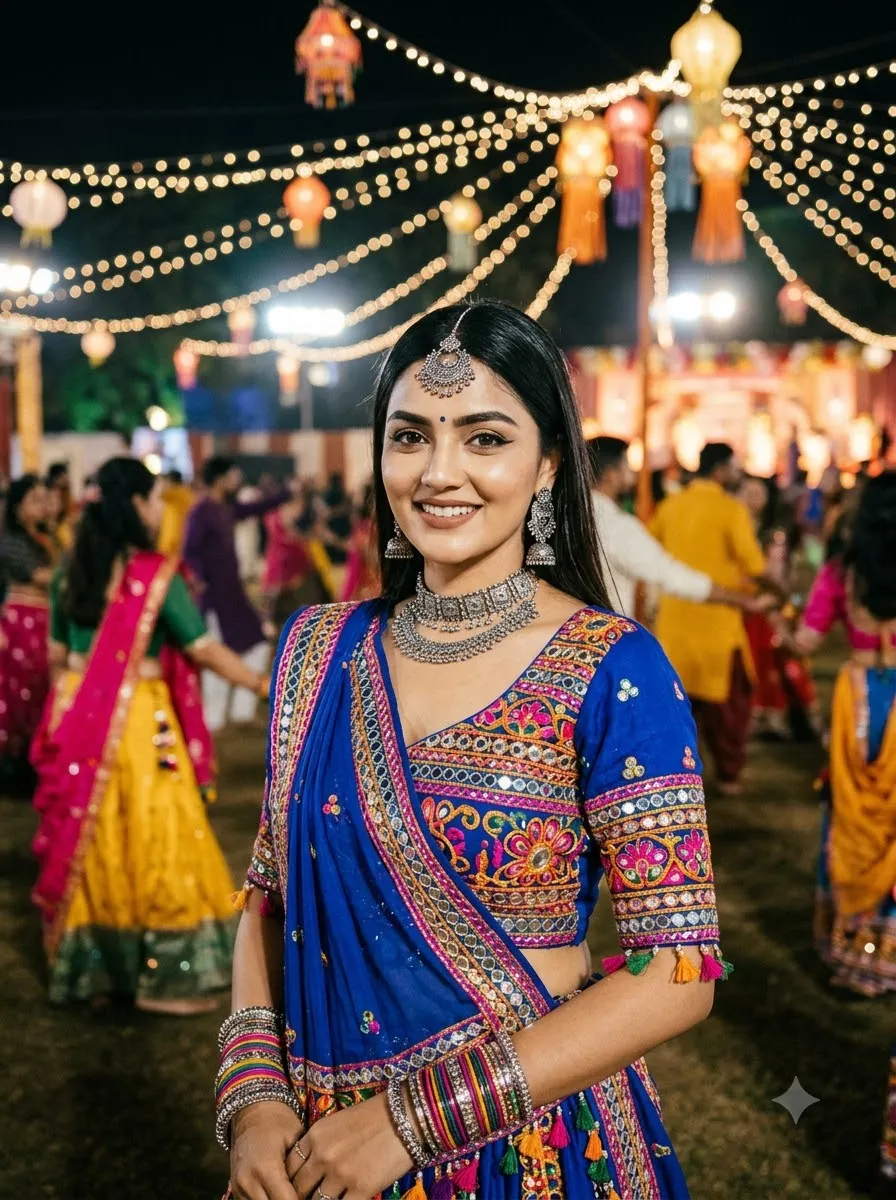
Transform my photo into a realistic Gujarati Garba-night portrait. Preserve my original facial features and skin tone. Dress me in a royal blue chaniya choli featuring silver mirror-work, colourful embroidery, and a matching dupatta. Add oxidised silver jewellery, traditional earrings, and bangles. Place me at a lively Garba venue with decorative string lights and dancers softly blurred in the background. Use realistic fabric folds, natural proportions, and professional portrait photography.

4. Elegant White and Gold Navratri Look

Elegant White and Gold Navratri Look
Prompt
Edit my reference photo into an elegant white-and-gold Navratri portrait. Preserve my face and natural skin texture. Dress me in a white traditional Indian outfit with gold embroidery, delicate accessories, and a beautifully draped dupatta. Place me in a decorated festive courtyard with marigold flowers, brass lamps, and warm golden lights. Use soft lighting, balanced colours, realistic fabric details, and an elegant photographic style.

Navratri AI Photo Editing Prompts for Girls

Use these prompts for fashionable festive portraits, Garba outfits, and different photography styles.

5. Garba Prompt for Girl
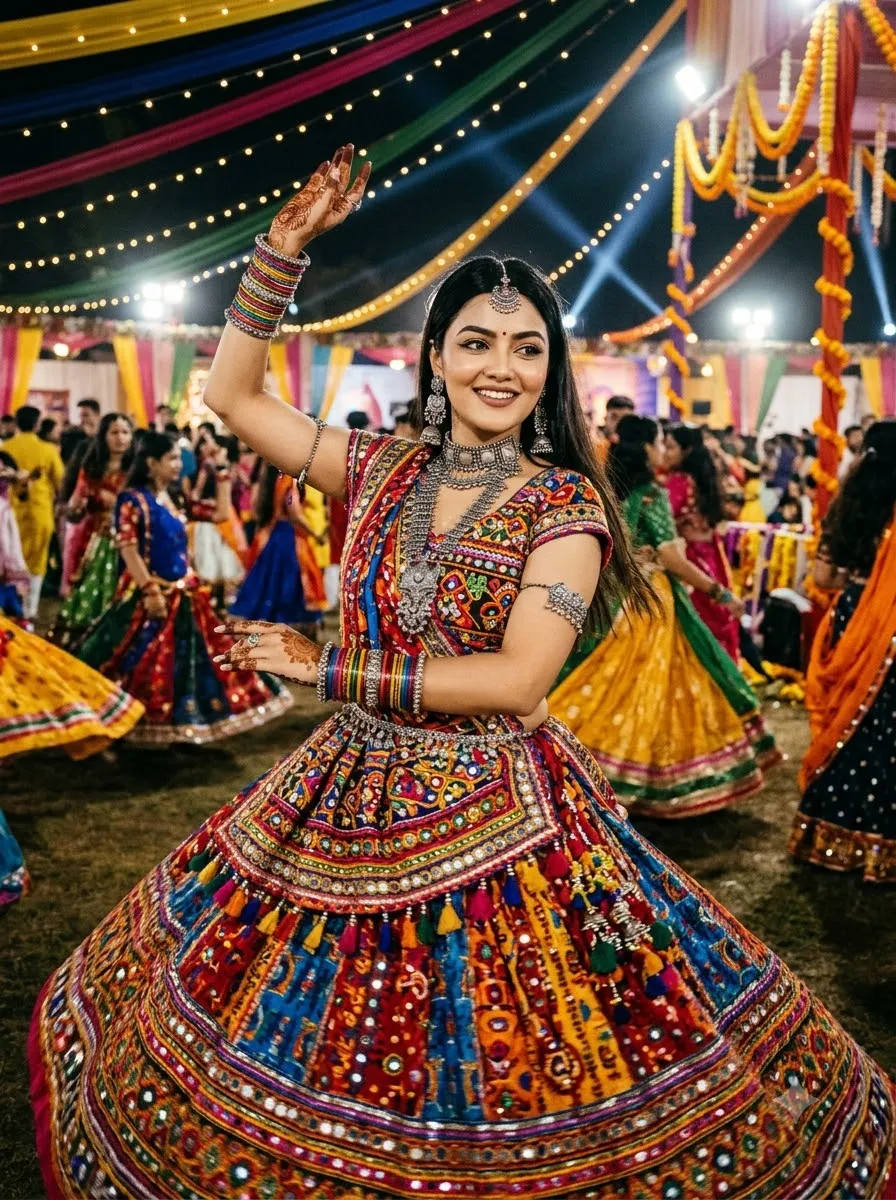
Garba Prompt for Girl
Prompt
Use my uploaded photo as the main identity reference and preserve my recognizable face. Dress me in a vibrant Gujarati chaniya choli with colourful mirror-work embroidery, a traditional dupatta, oxidised silver jewellery, bangles, and a small bindi. Show me in a graceful Garba pose at an outdoor Navratri celebration with warm string lights, colourful decorations, and dancers in the background. Use realistic clothing textures, natural facial features, accurate hands, and cinematic festive lighting.

6. Simple Navratri Look for Girls

Simple Navratri Look for Girls
Prompt
Transform my uploaded photo into a simple and graceful Navratri portrait. Preserve my original face and natural skin tone. Dress me in a comfortable traditional Indian outfit with subtle embroidery, a matching dupatta, small earrings, and minimal jewellery. Use natural makeup and a relaxed pose. Place me in a softly decorated festive setting with warm lights and floral decorations. Keep the image realistic, elegant, and natural without excessive retouching.

7. Pastel Pink Festive Portrait

Pastel Pink Festive Portrait
Prompt
Edit my photo into a soft pastel-pink Navratri fashion portrait. Preserve my facial identity and natural features. Dress me in a pastel pink lehenga choli with delicate embroidery, a lightweight dupatta, and elegant jewellery. Add a softly illuminated background with fairy lights and floral decorations. Use gentle highlights, natural skin texture, realistic fabric details, and professional portrait photography.

8. Modern Navratri Fashion Look

For more outfit inspiration, explore our Gemini AI girl saree prompts and girls' fashion prompts.

Modern Navratri Fashion Look
Prompt
Transform my reference photo into a modern Navratri fashion portrait. Preserve my face, skin tone, and natural body proportions. Dress me in a contemporary festive outfit inspired by Gujarati fashion, featuring an embroidered skirt, a stylish blouse, and a coordinated dupatta. Add tasteful jewellery and elegant footwear. Set the scene at a modern festive venue with decorative lights and a clean background. Use editorial photography, realistic fabric textures, and balanced lighting.

Navratri AI Photo Editing Prompts for Boys

These prompts focus on traditional Gujarati menswear, festive portraits, and stylish Navratri backgrounds.

9. Traditional Gujarati Kediyu Look
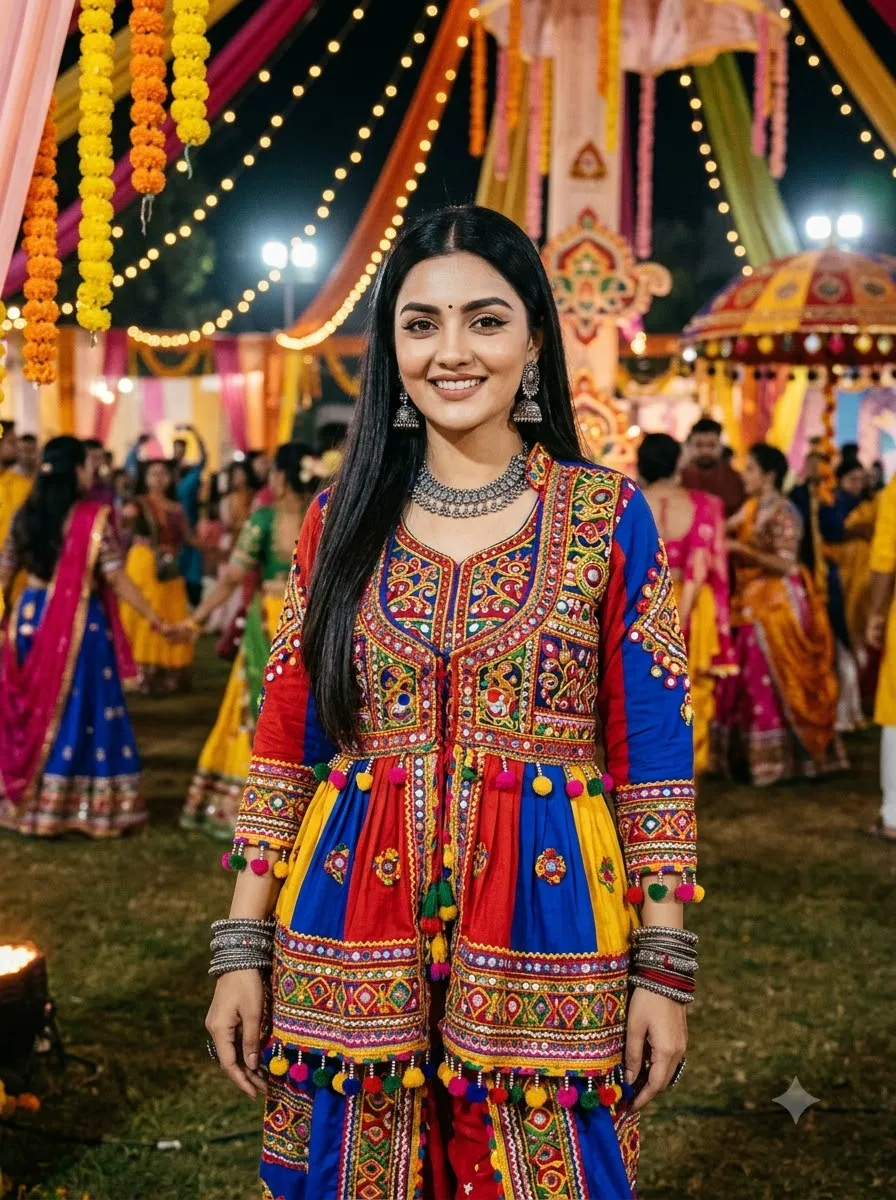
Traditional Gujarati Kediyu Look
Prompt
Transform my uploaded photo into a realistic traditional Gujarati Navratri portrait. Preserve my facial identity, hairstyle, natural skin tone, and facial proportions. Dress me in a colourful Gujarati kediyu with traditional embroidery, a matching dhoti or churidar, and a coordinated waistcoat. Add a festive Navratri venue with warm string lights, marigold garlands, and colourful decorations in the background. Use realistic fabric textures, natural posing, detailed clothing, and professional portrait photography.

10. Black Kurta with Mirror-Work Jacket

Black Kurta with Mirror-Work Jacket
Prompt
Edit my photo into a stylish Navratri portrait while preserving my original facial identity. Dress me in a black kurta paired with a traditional embroidered mirror-work jacket and fitted trousers. Add subtle traditional accessories and a confident natural pose. Place me at a decorated Garba ground with colourful lights and a softly blurred crowd. Use cinematic night lighting, realistic skin texture, sharp facial detail, and a sophisticated festive atmosphere.

11. Royal Blue Traditional Outfit for Boys

Royal Blue Traditional Outfit for Boys
Prompt
Use my uploaded photo as the reference and preserve my recognizable face. Dress me in a royal blue Gujarati festive outfit with colourful embroidery, a traditional jacket, and coordinated trousers. Set the scene at an outdoor Navratri celebration with decorative lights and traditional decorations. Use realistic fabric details, natural body proportions, balanced lighting, and professional fashion photography.

12. Stylish Modern Navratri Portrait for Boys

For more male portrait ideas, visit our boy photo prompts and cinematic boys photoshoot prompts.
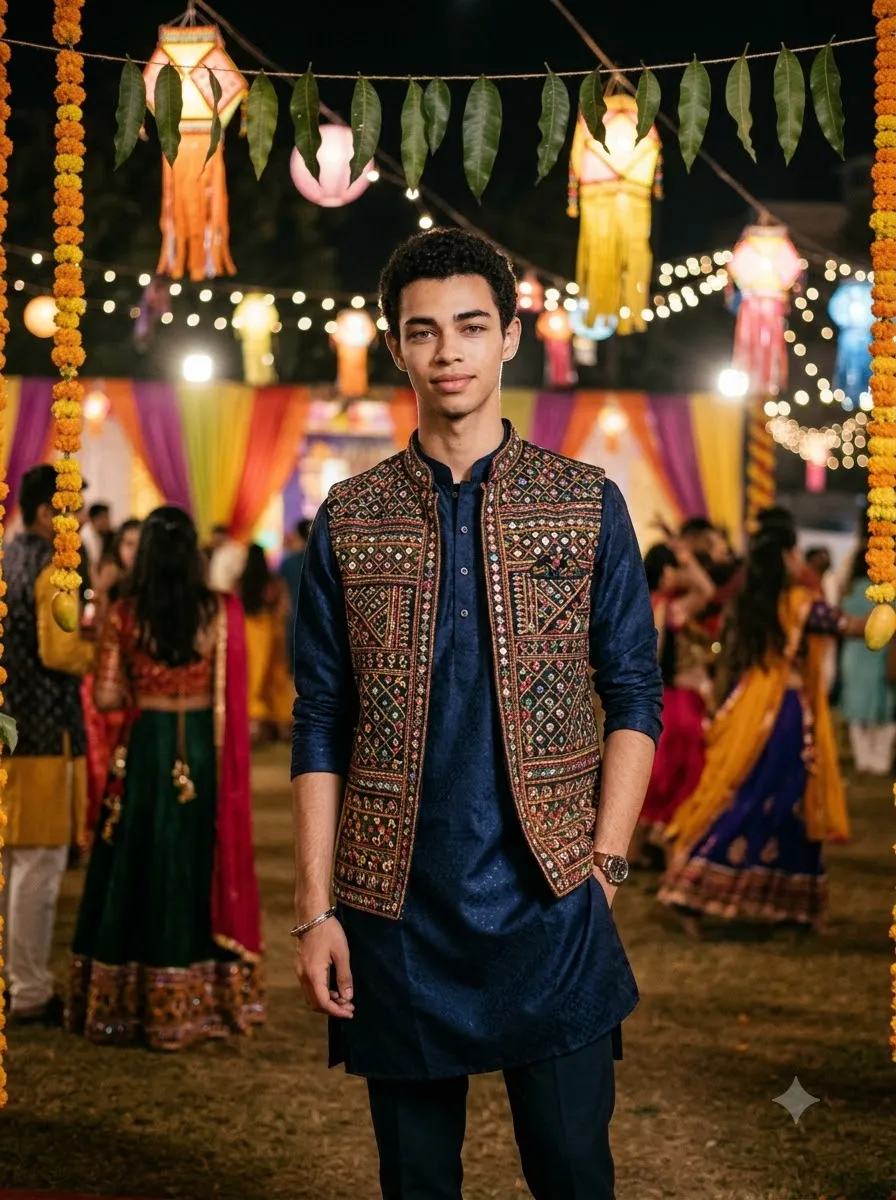
Stylish Modern Navratri Portrait for Boys
Prompt
Transform my photo into a modern Navratri fashion portrait. Preserve my original facial features and skin tone. Dress me in a stylish kurta with a textured traditional jacket and coordinated trousers. Use a confident but natural pose at a contemporary festive venue with warm lights and subtle decorations. Keep the styling culturally appropriate, the clothing realistic, and the final image sharp and photorealistic.

Garba Night and Dandiya AI Image Prompts

If you want an energetic festival photo rather than a simple standing portrait, try these prompts.

13. Garba Dance Pose
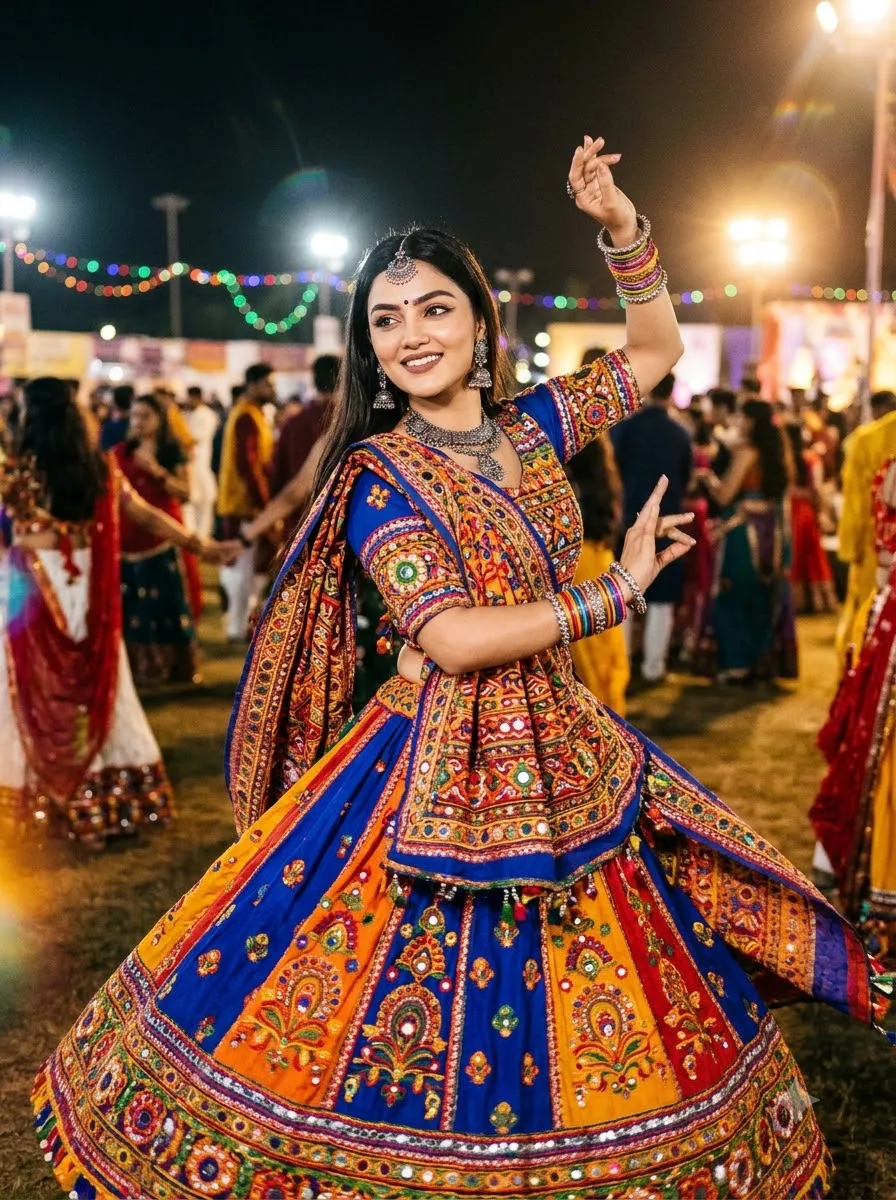
Garba Dance Pose
Prompt
Use my uploaded photo as the identity reference and preserve my facial features. Dress me in a colourful traditional Gujarati Garba outfit with detailed mirror-work embroidery and a flowing dupatta. Show me performing a graceful Garba dance step, with natural arm movement and realistic fabric motion. Set the scene at a lively Navratri ground with colourful lights and dancers in the background. Use realistic anatomy, natural hands, sharp facial detail, and cinematic event photography.

14. Dandiya Sticks Portrait

Dandiya Sticks Portrait
Prompt
Transform my photo into a realistic Dandiya-night portrait. Preserve my face and natural appearance. Dress me in a traditional embroidered festive outfit and pose me holding two decorated dandiya sticks naturally. Add a colourful Navratri background with warm string lights, festive decorations, and a softly blurred crowd. Ensure both sticks have realistic shapes, the hands are anatomically correct, and the outfit has detailed fabric textures.

15. Cinematic Garba Night Portrait

Cinematic Garba Night Portrait
Prompt
Edit my uploaded photo into a cinematic Garba-night portrait. Preserve my original face, hairstyle, and natural skin tone. Dress me in a richly embroidered Gujarati outfit with traditional jewellery. Place me at an outdoor Navratri celebration after sunset, surrounded by glowing string lights and colourful festive decorations. Use shallow depth of field, realistic shadows, sharp focus on the subject, and natural skin texture.

16. Full-Length Navratri Fashion Portrait

For help with framing, check our AI camera angle prompts.
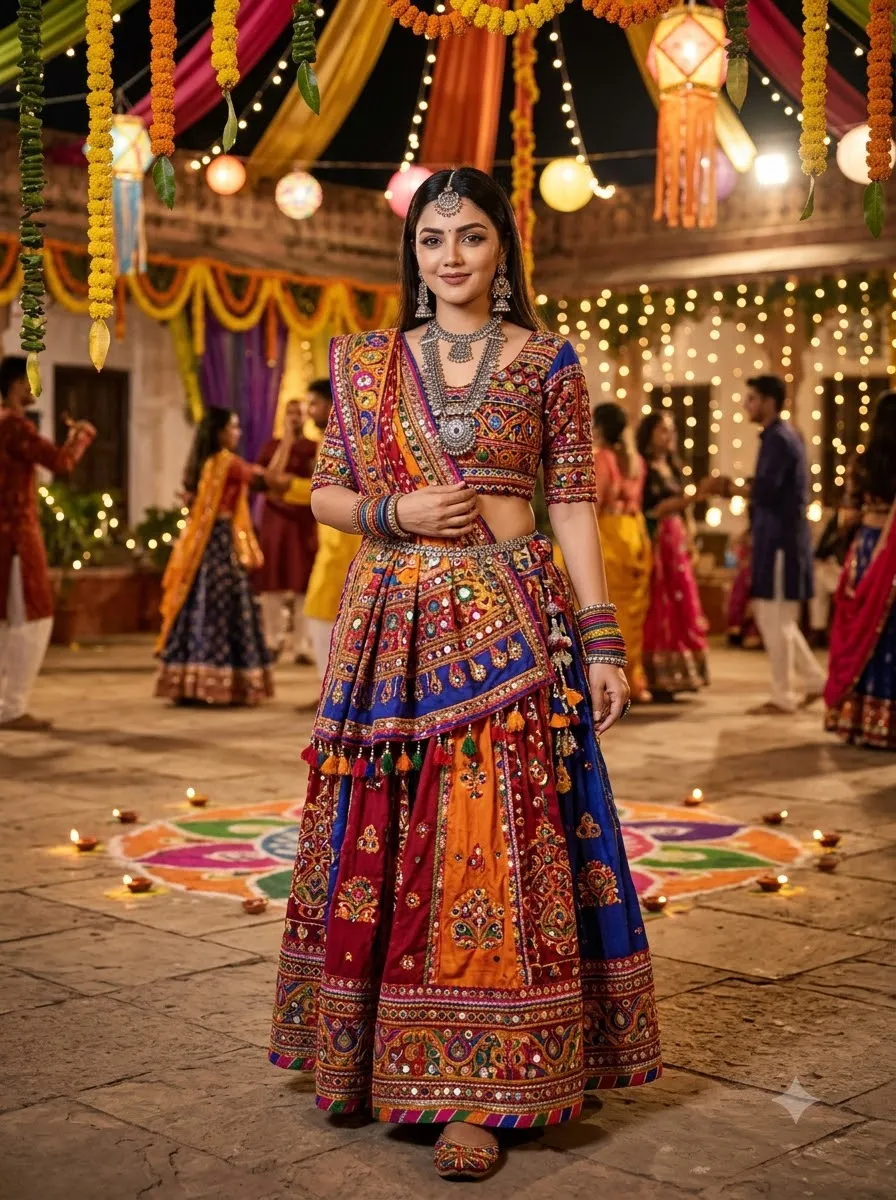
Full-Length Navratri Fashion Portrait
Prompt
Use my uploaded photo as the reference and preserve my facial identity and body proportions. Create a full-length portrait showing my complete traditional Navratri outfit, dupatta, jewellery, and footwear. Place me in a decorated festive courtyard with warm lights and colourful decorations. Keep the entire head, hands, outfit, and feet inside the frame. Use realistic fabric folds, natural posture, and professional fashion photography.

Couple Navratri AI Photo Prompts

These prompts are designed for coordinated festive portraits of two people.

17. Traditional Navratri Couple Portrait

Traditional Navratri Couple Portrait
Prompt
Use our uploaded photos as separate identity references for both people. Preserve each person's recognizable facial features, skin tone, hairstyle, and natural proportions. Dress the woman in an embroidered Gujarati chaniya choli and the man in a coordinated traditional Gujarati kediyu. Pose us together at a decorated Navratri venue with warm lights, marigold garlands, and colourful festive details. Use natural expressions, realistic clothing textures, balanced composition, and professional couple photography.

18. Couple Dandiya Night Photo

Couple Dandiya Night Photo
Prompt
Create a realistic Navratri Dandiya-night couple portrait using our uploaded photos as identity references. Preserve both faces and natural appearances. Dress us in coordinated festive Gujarati outfits with traditional embroidery and accessories. Show us holding decorated dandiya sticks in a natural dance pose. Use a lively festival background with colourful lights, dancers, and warm cinematic lighting. Keep both people recognizable and anatomically realistic.

Navratri AI Prompts for Baby Girl

Use these prompts to create age-appropriate festive portraits. If you use a child's reference photo, consider the child's privacy before sharing the result publicly.

19. Baby Girl in a Traditional Navratri Outfit
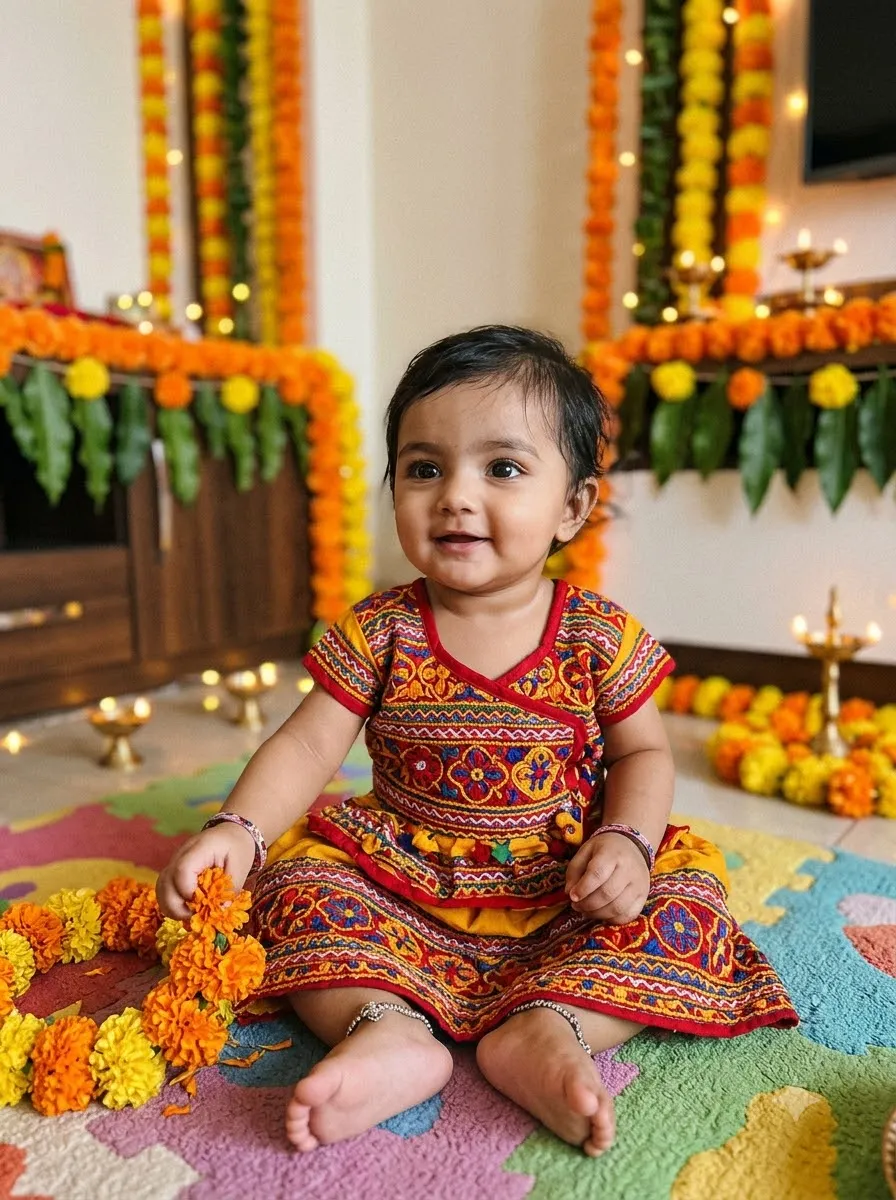
Baby Girl in a Traditional Navratri Outfit
Prompt
Use the uploaded baby photo as the identity reference. Preserve the child's recognizable facial features and natural appearance. Dress the baby girl in a comfortable, age-appropriate traditional Gujarati festive outfit with colourful embroidery and soft fabric. Place her in a beautifully decorated family setting with marigold flowers and warm festive lights. Use gentle lighting, realistic fabric details, a natural seated pose, and a wholesome family-photography style. Avoid heavy makeup or adult styling.

20. Baby Girl with a Colourful Festive Background
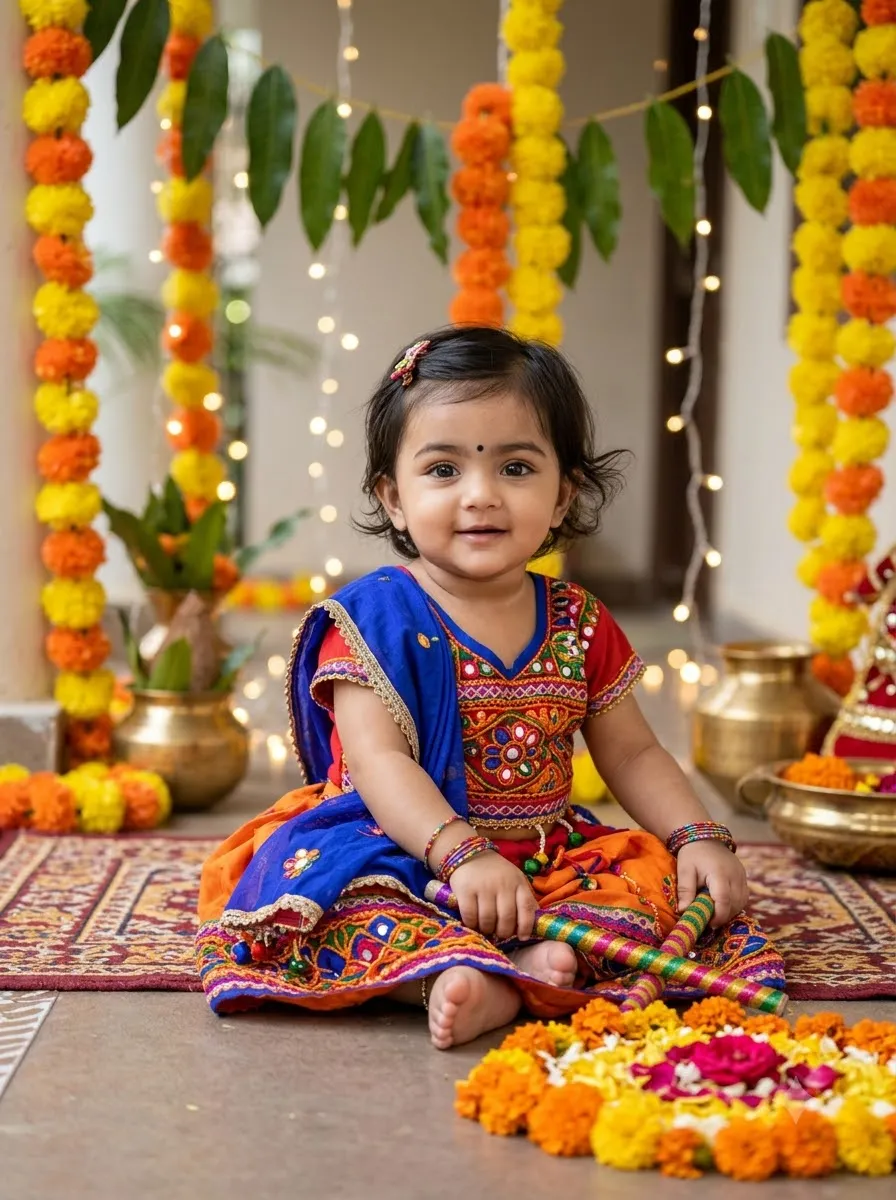
Baby Girl with a Colourful Festive Background
Prompt
Transform the reference photo into a sweet Navratri portrait of a baby girl. Preserve her natural facial identity and age. Dress her in a colourful traditional Indian outfit with delicate embroidery and comfortable styling. Add a bright, family-friendly festive background with flowers, decorative lights, and subtle rangoli details. Use soft natural lighting, realistic skin texture, and a simple, safe pose.

Navratri AI Image Prompts with Name

These prompts are for personalized festive images that include a person's name. AI-generated text may contain spelling errors, so check the result carefully.

21. Traditional Navratri Portrait with Name

Traditional Navratri Portrait with Name
Prompt
Create a traditional Navratri portrait using my uploaded photo as the identity reference. Preserve my facial features and natural appearance. Dress me in a colourful festive Indian outfit with intricate embroidery and traditional accessories. Use a decorated Navratri background with marigold garlands, diyas, and warm lights. Add the exact name "[YOUR NAME]" in clear, elegant lettering at the top of the image. Spell the name exactly as provided, keep it readable, and do not add any other text or watermark.

22. Modern Navratri Name Poster

Tip: If the image generator spells the name incorrectly, generate the portrait without text and add the name afterward using an image editor. This gives you more control over spelling and typography.

Modern Navratri Name Poster
Prompt
Use my uploaded photo to create a premium Navratri-themed portrait poster. Preserve my original facial identity and natural skin tone. Dress me in a traditional festive outfit with colourful embroidery and coordinated accessories. Add a vibrant background featuring decorative lights, floral elements, and subtle rangoli patterns. Include the exact text "[YOUR NAME]" in bold, stylish typography with high contrast against the background. Keep the spelling accurate and the text separate from the face.

Devotional and Festive Navratri AI Prompts

These prompts focus on festive environments, traditional decorations, and respectful devotional settings.

23. Navratri Portrait with Diyas and Rangoli
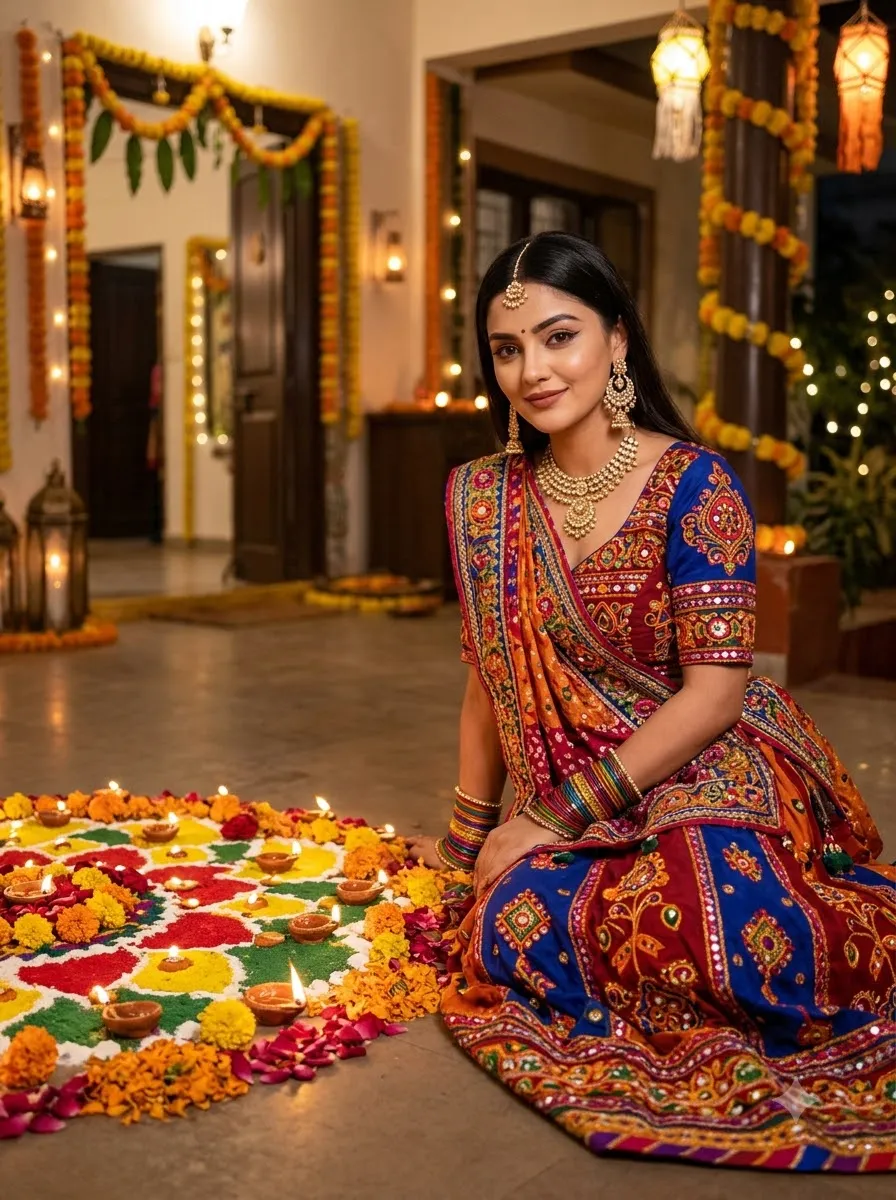
Navratri Portrait with Diyas and Rangoli
Prompt
Transform my uploaded photo into a warm Navratri festive portrait. Preserve my facial identity and natural features. Dress me in a traditional Indian outfit with elegant embroidery and coordinated jewellery. Place me beside a colourful rangoli decorated with flower petals and glowing diyas. Add marigold garlands and a softly illuminated festive home in the background. Use realistic lighting, natural skin texture, and balanced festive colours.

24. Navratri Temple-Inspired Portrait

Navratri Temple-Inspired Portrait
Prompt
Use my uploaded photo as the reference and preserve my recognizable face. Dress me in a traditional Indian festive outfit in red, saffron, and gold. Place me in a respectfully depicted temple-inspired courtyard with marigold garlands, brass lamps, floral decorations, and warm golden lighting. Keep the atmosphere peaceful and culturally appropriate. Use realistic architectural details, natural facial features, and professional portrait photography.

25. Golden-Hour Navratri Portrait

For more warm-light inspiration, explore our golden-hour cinematic portrait prompts.

Golden-Hour Navratri Portrait
Prompt
Edit my uploaded photo into a golden-hour Navratri portrait. Preserve my original facial identity and skin tone. Dress me in a traditional embroidered festive outfit with a matching dupatta and elegant accessories. Place me in an outdoor courtyard during sunset, with warm golden sunlight illuminating the clothing and festive decorations in the background. Use natural shadows, realistic fabric textures, and a soft cinematic finish.

26. Vintage Polaroid-Style Navratri Photo

For more instant-film inspiration, see our Gemini Polaroid prompt.

Vintage Polaroid-Style Navratri Photo
Prompt
Transform my uploaded photo into a nostalgic instant-film-style Navratri portrait. Preserve my facial identity and natural features. Dress me in a traditional festive outfit with colourful embroidery and jewellery. Use warm film-like colours, subtle grain, soft flash photography, and a festive background with decorative lights. Add a clean white instant-film border without captions or dates. Keep the face sharp and the overall image realistic.

Frequently Asked Questions

1. What is the best Navratri AI images prompt?

A good Navratri prompt describes the outfit, accessories, pose, lighting, background, and desired photography style. If you are editing an existing photo, also ask the AI to preserve the person's facial identity and natural appearance.

2. Can I use Navratri AI prompts in Gemini?

Yes. You can use these prompts with Google Gemini features that support image generation or photo editing. Upload a reference photo if needed, paste the prompt, and refine the result.

3. Can I use these Navratri prompts in ChatGPT?

Yes. These prompts can be adapted for ChatGPT features that support image generation or editing. The final result depends on the available model and the reference image.

4. Are these Navratri AI image prompts free?

The prompts in this article are free to copy. You do not need to purchase the prompt text. However, access to image-generation tools, usage limits, or paid features may vary by platform.

5. How can I create a Navratri AI photo for a boy?

Use a prompt that specifies a Gujarati kediyu, embroidered jacket, traditional trousers, festive accessories, and a Navratri background. Add an identity-preservation instruction if you are editing an existing photo.

6. How do I create a Garba photo for a girl?

Upload a clear reference photo and describe the chaniya choli, mirror-work embroidery, dupatta, jewellery, pose, and Garba-night setting. Ask the AI to preserve the original face and natural skin tone.

7. Can I create a Navratri image for a baby girl?

Yes. Use a comfortable, age-appropriate festive outfit, gentle lighting, and a safe, natural pose. Avoid adult makeup and styling, and consider the child's privacy before sharing images.

8. How do I add my name to a Navratri AI image?

Include your exact name in the prompt and ask for clear, readable lettering. Because AI tools may make spelling mistakes, you can also generate the image without text and add the name separately using an image editor.

9. Why does my face change when I use an AI photo prompt?

Image models may reinterpret facial details when changing an outfit, pose, or background. A clear reference photo and explicit identity instructions can help, but exact facial preservation is not guaranteed.

10. Can I use these prompts to create Instagram or WhatsApp photos?

Yes. You can customize the prompts for a portrait, profile picture, social media post, or Story. Specify the aspect ratio you need, such as 4:5 for a portrait post or 9:16 for a vertical Story.

Final Thoughts

These 25+ Navratri AI image prompts for Gemini and ChatGPT cover traditional festive portraits, Garba looks for girls, Navratri outfits for boys, couple photos, baby girl portraits, personalized name images, and festive backgrounds.

Start with the prompt closest to your desired look, then adjust the outfit colour, jewellery, pose, and lighting. Use a clear reference photo when editing an existing image, review the result carefully, and make targeted corrections rather than changing every instruction at once.

Choose your favourite prompt, customize it, and create a festive image that reflects your style.

Subscription Form

25+ Garba Prompts for Girls for Gemini and ChatGPT
AI Image Prompts

25+ Garba Prompts for Girls for Gemini and ChatGPT

By GeminiPrompt Editorial Team
October 22, 2026
16+ Min Read

Want to transform your regular photo into a beautiful Navratri look? These Garba prompts for girls can help you create festive portraits featuring traditional Gujarati chaniya choli, mirror-work embroidery, colourful dupattas, oxidised jewellery, dandiya sticks, and cinematic Garba-night backgrounds.

You can use these prompts with Google Gemini or ChatGPT's image editing features. Upload a clear photo, copy your chosen prompt, and customize the outfit colour, jewellery, pose, or background to match your preferred Garba look.

Sponsored Explore sponsored AI tools and creative resources

Whether you want a traditional Navratri portrait, a simple Garba look, a dreamy festive photo, or a modern fusion outfit, this collection includes ready-to-copy prompts for different styles.

Best Garba Prompt for Girl: Copy and Paste

Start with this traditional red-and-gold Garba prompt if you want a festive Gujarati look with detailed embroidery and warm Navratri lighting.

Best for: Traditional Navratri portraits, festive profile pictures, and Instagram posts.
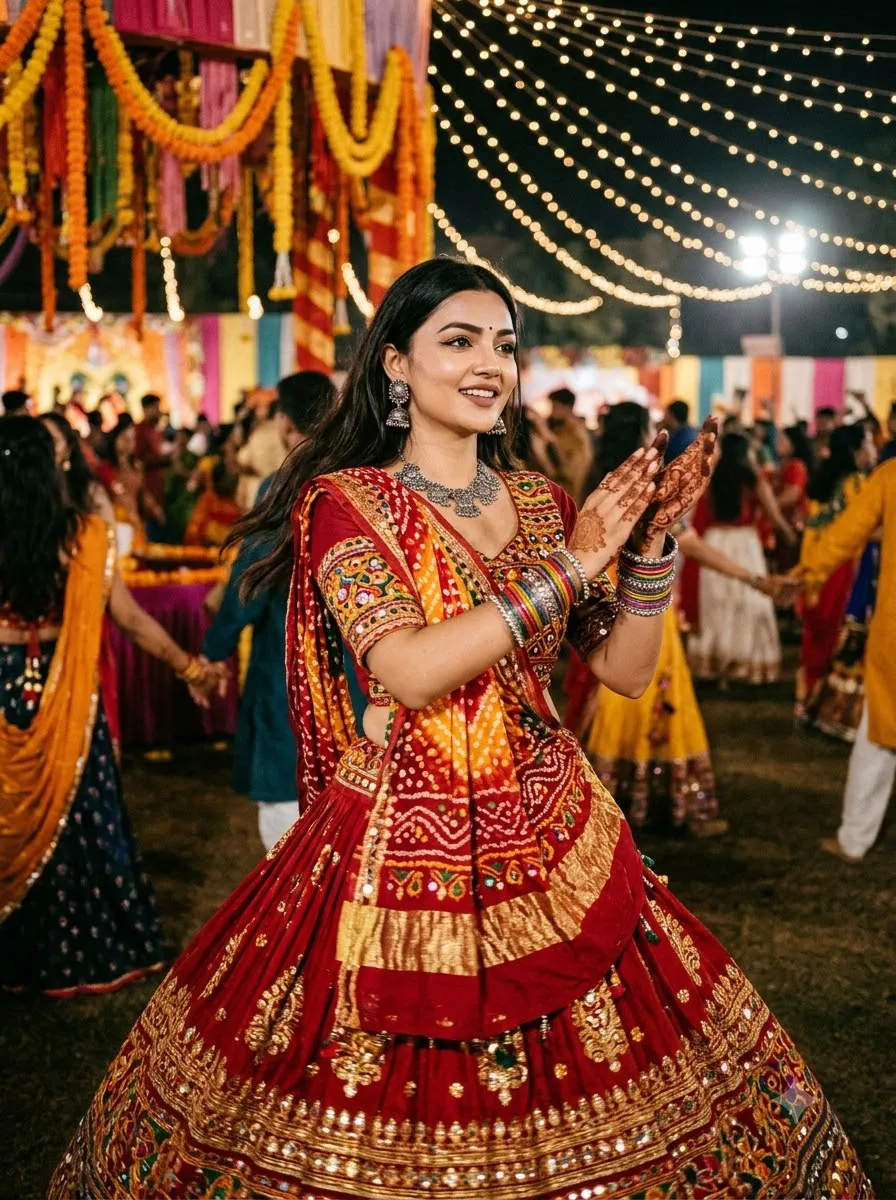
Best Garba Prompt for Girl
Prompt
Use my uploaded photo as the reference. Preserve my facial identity, natural facial features, skin tone, and overall likeness. Dress me in a vibrant red and gold Gujarati chaniya choli with intricate abhla mirror-work embroidery, a colourful bandhani dupatta, oxidised silver jhumkas, a traditional necklace, bangles, and a small bindi. Show me in a graceful Garba dance pose at a beautifully decorated Navratri venue with warm string lights, marigold garlands, colourful decorations, and a lively festive atmosphere. Use realistic fabric textures, natural skin texture, detailed embroidery, flattering photography, and warm cinematic lighting. Keep the hands anatomically correct and the outfit culturally authentic. Create a photorealistic image without text, logos, or watermarks.

Traditional Garba Outfit Prompts for Girls

These prompts focus on Gujarati clothing, mirror-work embroidery, traditional accessories, and festive styling.

1. Red and Gold Traditional Garba Look

Red and Gold Traditional Garba Look
Prompt
Edit my uploaded photo into a realistic traditional Gujarati Garba portrait. Preserve my original facial identity and skin tone. Dress me in a red chaniya choli with detailed gold mirror-work embroidery, a matching bandhani dupatta, oxidised silver jhumkas, layered jewellery, colourful bangles, and a small red bindi. Place me at a decorated Garba venue with warm fairy lights and marigold garlands. Use realistic fabric details, natural skin texture, and professional festive photography. Keep the hands and jewellery anatomically consistent.

2. Royal Blue Mirror-Work Chaniya Choli
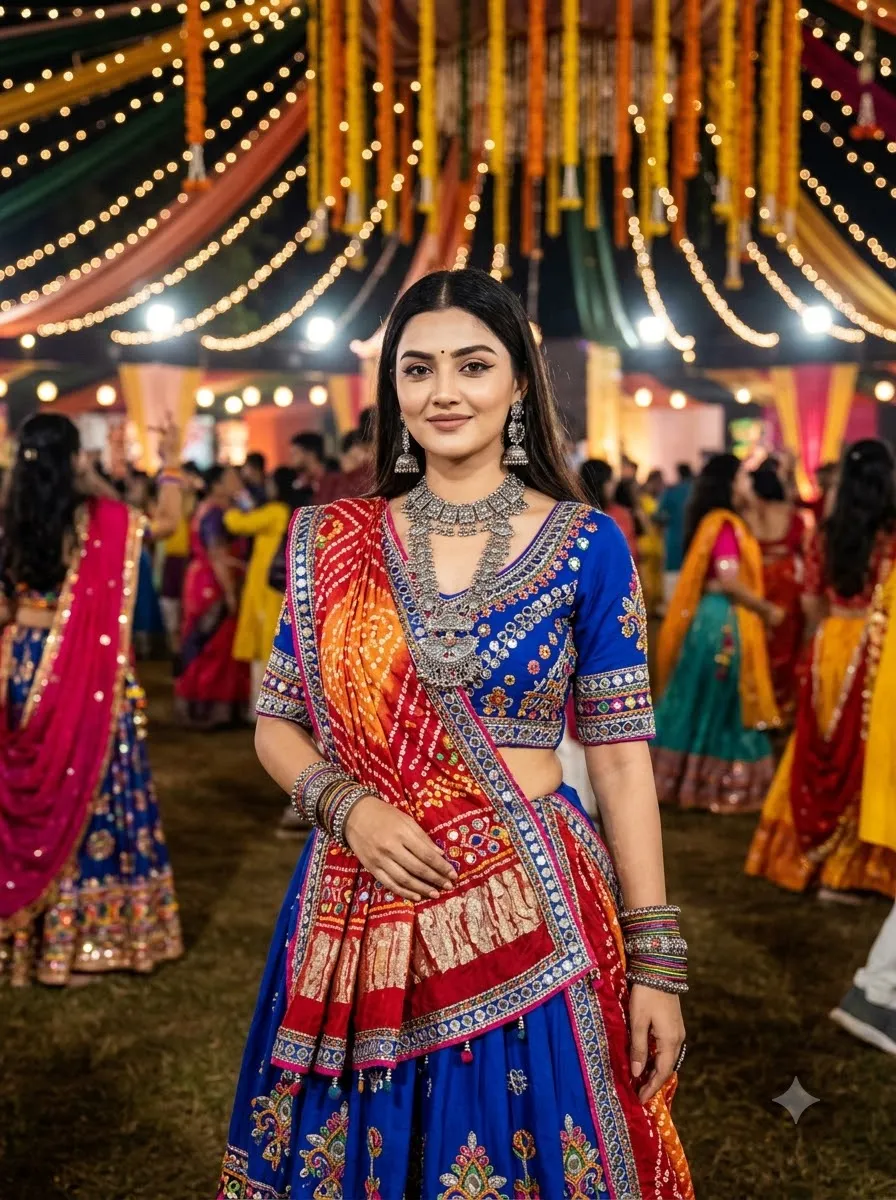
Royal Blue Mirror-Work Chaniya Choli
Prompt
Use my uploaded photo as the reference and preserve my face and natural features. Dress me in a royal blue Gujarati chaniya choli decorated with silver mirror-work, intricate embroidery, and a contrasting dupatta. Add oxidised silver jewellery, traditional earrings, bangles, and a subtle bindi. Show me standing gracefully at a Navratri celebration with colourful lights in the background. Use rich blue tones, realistic fabric folds, natural skin texture, and sharp portrait photography.

3. Vibrant Multicolour Gujarati Garba Outfit

Vibrant Multicolour Gujarati Garba Outfit
Prompt
Transform my photo into a colourful Gujarati Garba fashion portrait while preserving my facial identity. Dress me in a vibrant multicolour chaniya choli featuring traditional geometric patterns, mirror-work, embroidered borders, and a flowing dupatta. Add traditional silver jewellery and colourful bangles. Set the scene at a festive Navratri ground with decorative lights and a joyful atmosphere. Keep the clothing patterns detailed, the colours balanced, and the final image photorealistic.

4. Elegant Black and Gold Garba Look

Elegant Black and Gold Garba Look
Prompt
Edit my reference photo into an elegant black-and-gold Garba portrait. Preserve my face, skin tone, and natural facial proportions. Dress me in a black Gujarati chaniya choli with intricate gold embroidery, mirror-work details, a matching dupatta, oxidised silver jewellery, and traditional bangles. Use a beautifully lit Navratri venue with warm golden lights and a softly blurred background. Create a sophisticated festive fashion photograph with realistic clothing textures and natural skin detail.

5. White and Silver Garba Outfit

White and Silver Garba Outfit
Prompt
Use my uploaded photo to create a graceful white-and-silver Garba look. Keep my facial identity and natural appearance unchanged. Dress me in a white Gujarati chaniya choli with silver mirror-work, delicate embroidery, and a flowing white dupatta. Add silver jhumkas, a traditional necklace, bangles, and a small bindi. Place me in a festive courtyard illuminated by warm lights. Use soft cinematic lighting, realistic fabric details, and a clean, elegant composition.

Simple and Elegant Garba Look Prompts

Not every festive photo needs heavy jewellery or a dramatic outfit. Try these prompts for a minimal and natural appearance.

6. Simple Garba Look with Minimal Jewellery
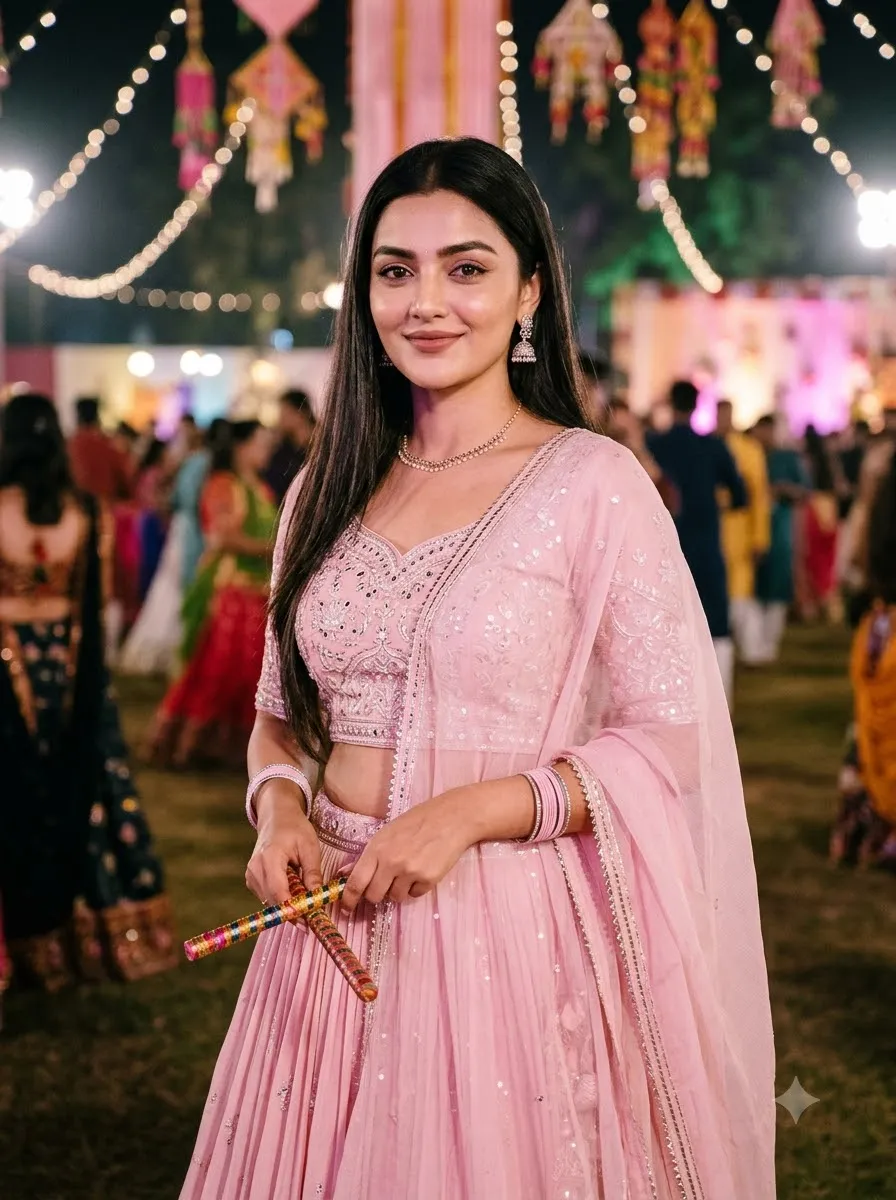
Simple Garba Look with Minimal Jewellery
Prompt
Edit my uploaded photo into a simple and elegant Garba look. Preserve my face and natural skin tone. Dress me in a comfortable Gujarati chaniya choli with subtle mirror-work, a matching dupatta, small oxidised silver earrings, and a few bangles. Use natural makeup and a simple hairstyle. Place me in a softly illuminated Navratri setting with warm lights in the distance. Keep the styling realistic, graceful, and understated.

7. Pastel Pink Garba Outfit

Pastel Pink Garba Outfit
Prompt
Transform my photo into a soft pastel-pink Garba portrait while preserving my original facial features. Dress me in a pastel pink chaniya choli with delicate embroidery, subtle mirror-work, and a lightweight dupatta. Add elegant earrings, a delicate necklace, and minimal bangles. Use soft fairy lights, a dreamy festive background, gentle lighting, and realistic skin texture. Create a refined, feminine fashion portrait without excessive retouching.

8. Yellow and White Festive Garba Look
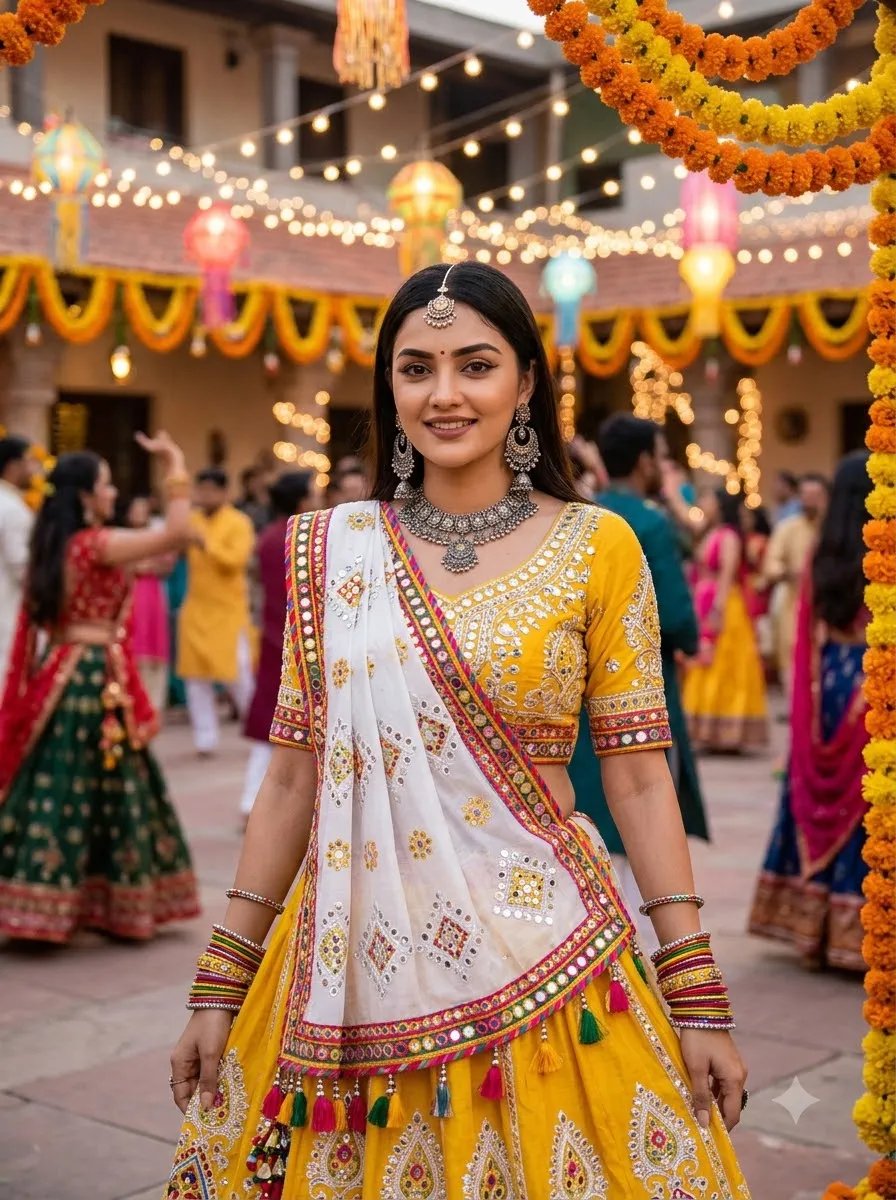
Yellow and White Festive Garba Look
Prompt
Use my reference photo to create a bright yellow-and-white Gujarati Garba outfit. Keep my face, skin tone, and natural features consistent with the original image. Dress me in a yellow chaniya choli with white embroidered patterns, a white dupatta, traditional earrings, and colourful bangles. Place me in a decorated festive courtyard with warm evening light. Use natural colours, detailed fabric textures, and realistic portrait photography.

9. Minimal Modern Garba Fusion

Minimal Modern Garba Fusion
Prompt
Edit my uploaded photo into a modern Garba fusion fashion portrait. Preserve my facial identity and body proportions. Dress me in a contemporary Gujarati-inspired outfit featuring a simple embroidered skirt, a stylish fitted blouse, and a lightweight dupatta. Add understated silver jewellery and elegant footwear. Use a modern festive venue with decorative lights and a clean background. Keep the styling tasteful, the outfit realistic, and the photography editorial in quality.

Garba Dance and Dandiya Photo Prompts

Use these prompts when you want a more dynamic photo instead of a standard standing portrait.

10. Mid-Twirl Garba Dance Pose
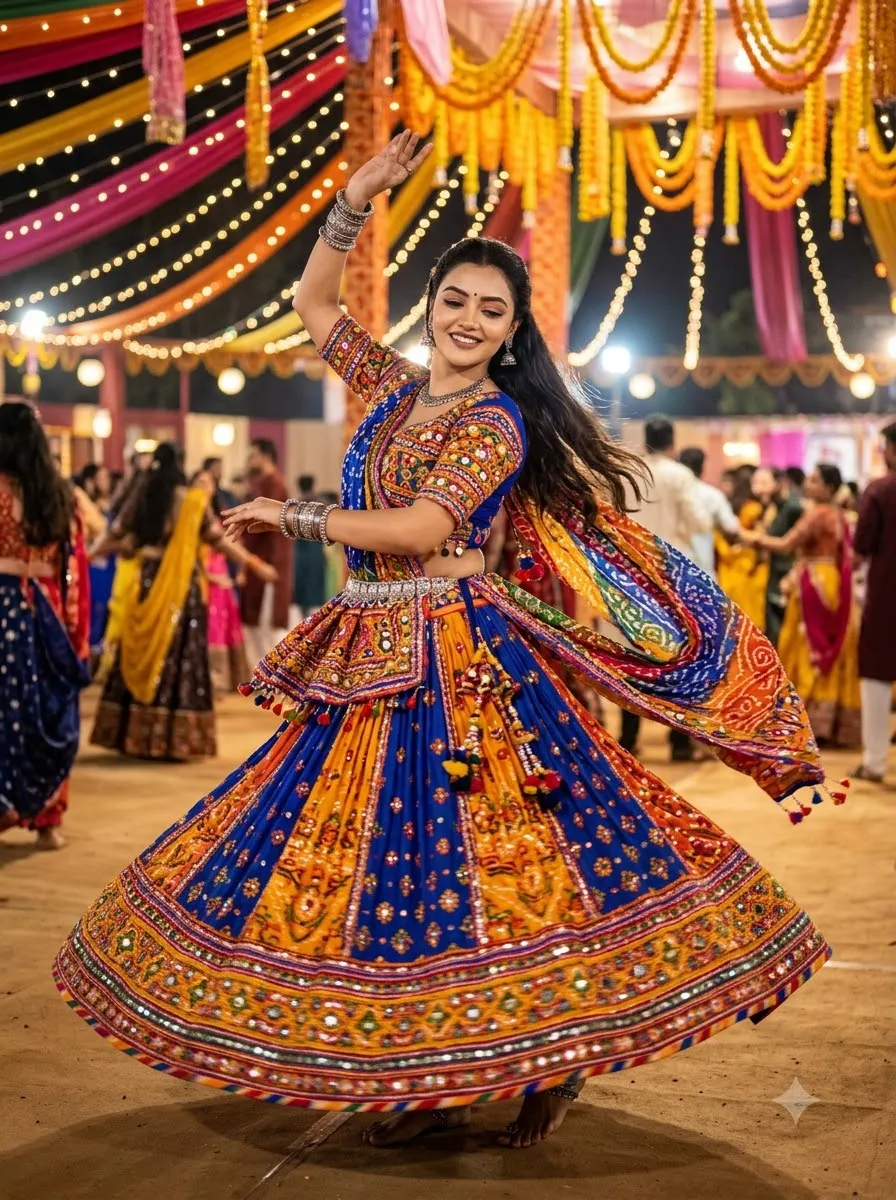
Mid-Twirl Garba Dance Pose
Prompt
Use my uploaded photo as the identity reference and preserve my natural face. Dress me in a colourful Gujarati chaniya choli with detailed mirror-work and a flowing dupatta. Show me performing a graceful Garba twirl, with the skirt moving naturally and the dupatta flowing with the motion. Set the scene at a vibrant Navratri celebration with warm string lights and colourful decorations. Capture the movement with realistic fabric physics, a clear face, anatomically correct hands, and professional event photography.

11. Traditional Dandiya Stick Pose

Traditional Dandiya Stick Pose
Prompt
Transform my reference photo into a realistic Dandiya-night portrait. Preserve my facial identity and natural appearance. Dress me in a traditional embroidered chaniya choli with a matching dupatta and festive jewellery. Pose me holding two decorated dandiya sticks in a natural dance position. Add colourful Navratri lights, a festive crowd in the distant background, and warm cinematic lighting. Ensure the sticks are correctly shaped, both hands look natural, and the outfit has realistic folds and embroidery.

12. Full-Length Garba Outfit Portrait

Full-Length Garba Outfit Portrait
Prompt
Use my uploaded photo to create a full-length portrait wearing a traditional Gujarati Garba outfit. Preserve my face and natural body proportions. Show the complete chaniya choli, dupatta, jewellery, bangles, and footwear. Place me standing gracefully at a decorated Navratri venue with colourful lights in the background. Use a full-body camera composition, realistic clothing textures, natural posture, and balanced lighting. Do not crop the head, hands, skirt, or feet.

13. Close-Up Garba Beauty Portrait

Close-Up Garba Beauty Portrait
Prompt
Edit my photo into a close-up festive Garba beauty portrait while keeping my facial identity unchanged. Style me in a richly embroidered Gujarati blouse, traditional jhumkas, a necklace, and a small bindi. Include subtle details of the dupatta near my shoulders. Use warm festive bokeh in the background, soft directional lighting, natural skin texture, and sharp focus on the eyes. Keep the makeup realistic and avoid artificial skin smoothing.

Cinematic and Aesthetic Navratri Prompts

These prompts focus on atmosphere, lighting, colour grading, and photography style.

14. Cinematic Garba Night Portrait

Cinematic Garba Night Portrait
Prompt
Use my uploaded photo as the reference and preserve my facial identity. Dress me in a richly embroidered Gujarati chaniya choli with traditional jewellery. Place me at a beautiful outdoor Navratri celebration after sunset, surrounded by warm string lights, colourful decorations, and softly blurred festive details. Use cinematic lighting, realistic shadows, shallow depth of field, natural skin texture, and professional portrait photography. Keep the subject sharp and the background atmospheric.

15. Golden-Hour Garba Portrait

For more warm-light portrait inspiration, explore our golden-hour cinematic portrait prompts.
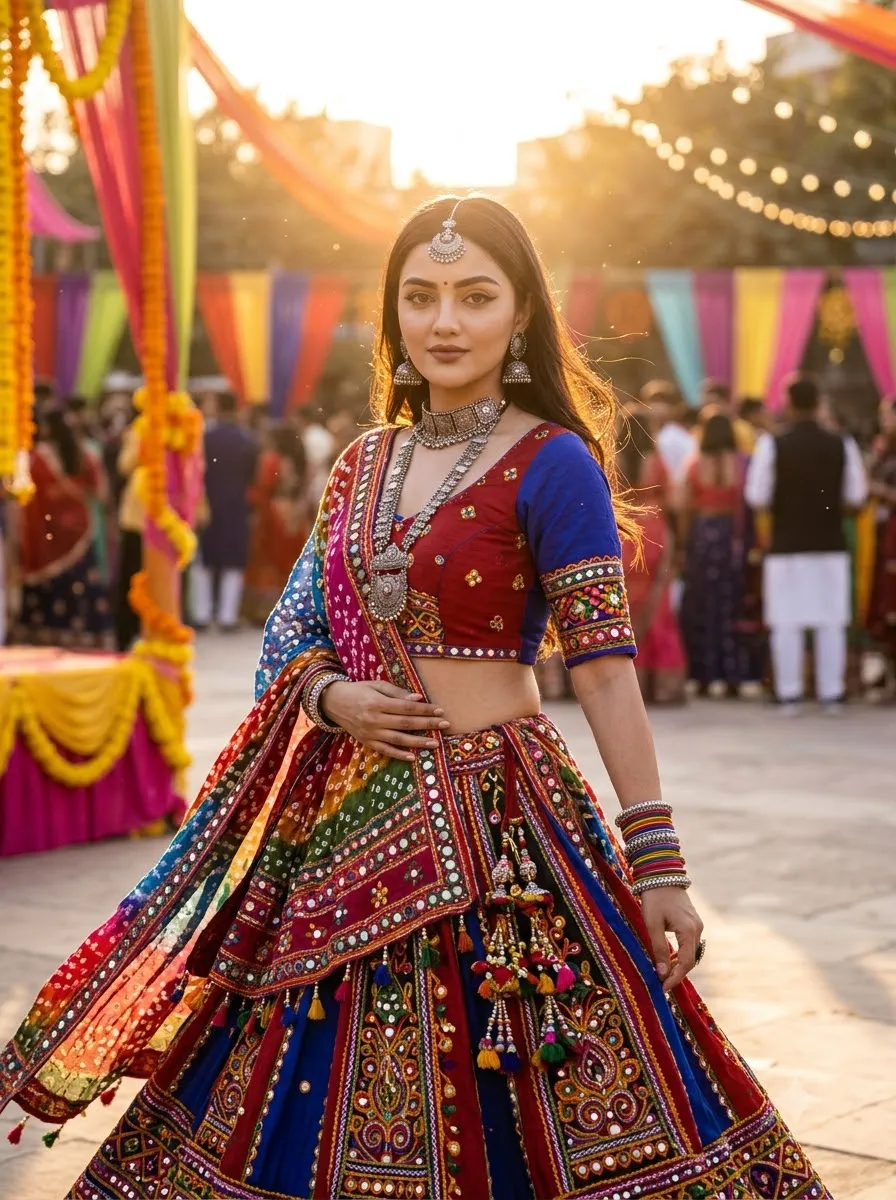
Golden-Hour Garba Portrait
Prompt
Transform my photo into a warm golden-hour Garba fashion portrait. Preserve my face, natural skin tone, and facial proportions. Dress me in a vibrant Gujarati chaniya choli with intricate embroidery and a flowing dupatta. Place me in an outdoor festive courtyard during sunset, with golden sunlight illuminating the fabric and soft background bokeh. Use realistic highlights, natural shadows, and detailed clothing textures without overexposing the face.

16. Dreamy Fairy-Light Garba Portrait

Dreamy Fairy-Light Garba Portrait
Prompt
Edit my uploaded photo into a dreamy Navratri portrait. Preserve my original facial features and identity. Dress me in a pastel Gujarati chaniya choli with delicate embroidery and traditional jewellery. Place me in front of warm fairy lights, marigold garlands, and a softly blurred festive background. Use gentle highlights, natural skin texture, a balanced colour palette, and shallow depth of field. The final image should look like a professionally photographed festive portrait.

17. Retro 90s Garba Photography

Retro 90s Garba Photography
Prompt
Use my uploaded photo to create a nostalgic 1990s-inspired Garba portrait. Preserve my facial identity and natural features. Dress me in a traditional Gujarati lehenga with colourful embroidery, mirror-work, and a matching dupatta. Style the hair and accessories with a subtle vintage influence. Use warm film-like colours, gentle grain, soft flash photography, and a festive Navratri background. Keep the result realistic and avoid excessive blur or artificial ageing of the face.

18. Editorial Magazine-Style Garba Portrait

For more fashion-focused inspiration, see our editorial fashion portrait prompts.

Editorial Magazine-Style Garba Portrait
Prompt
Transform my reference photo into an editorial fashion portrait inspired by traditional Gujarati Garba styling. Preserve my facial identity and skin tone. Dress me in a premium embroidered chaniya choli with detailed mirror-work, elegant jewellery, and a coordinated dupatta. Use a confident pose, carefully arranged lighting, realistic fabric texture, and a sophisticated festive backdrop. Create the visual quality of a professional fashion editorial, but do not add magazine text, logos, or watermarks.

More Garba Outfit and Photography Variations

19. Purple Garba Look with Silver Jewellery
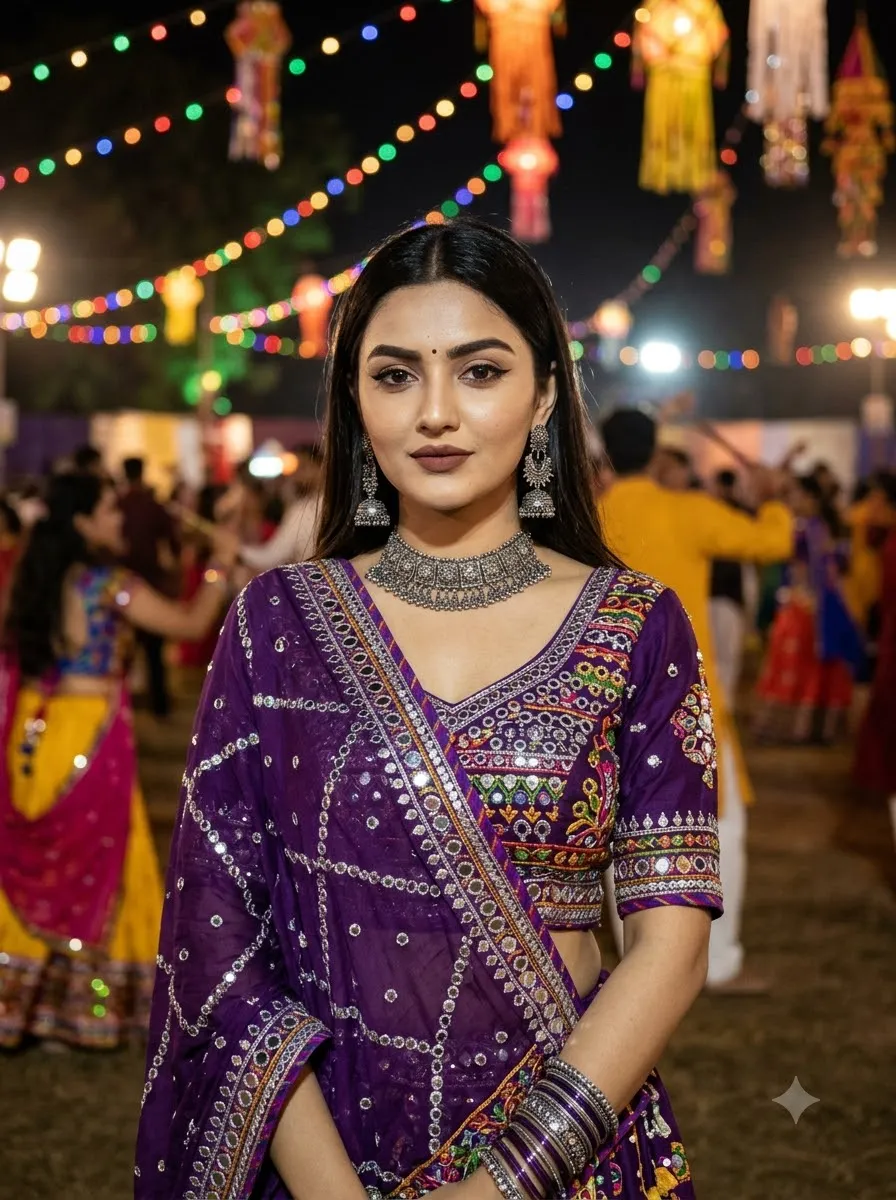
Purple Garba Look with Silver Jewellery
Prompt
Edit my uploaded photo into a rich purple Gujarati Garba outfit. Keep my face and natural features unchanged. Dress me in a purple chaniya choli with silver mirror-work, detailed embroidery, and a flowing dupatta. Add oxidised silver jhumkas, bangles, and a traditional necklace. Use colourful festive lights and a softly blurred Navratri setting. Keep the outfit realistic, the jewellery detailed, and the overall image vibrant without oversaturated colours.

20. Green Traditional Garba Look

Green Traditional Garba Look
Prompt
Use my reference photo to create a traditional green Garba portrait. Preserve my face, skin tone, and natural proportions. Dress me in an emerald-green chaniya choli with colourful Gujarati embroidery, mirror-work, and a contrasting dupatta. Add traditional jewellery and bangles. Place me in an outdoor Navratri venue with warm decorative lights. Use realistic fabric folds, detailed embroidery, natural shadows, and a festive photographic style.

21. Garba Portrait with a Flowing Dupatta
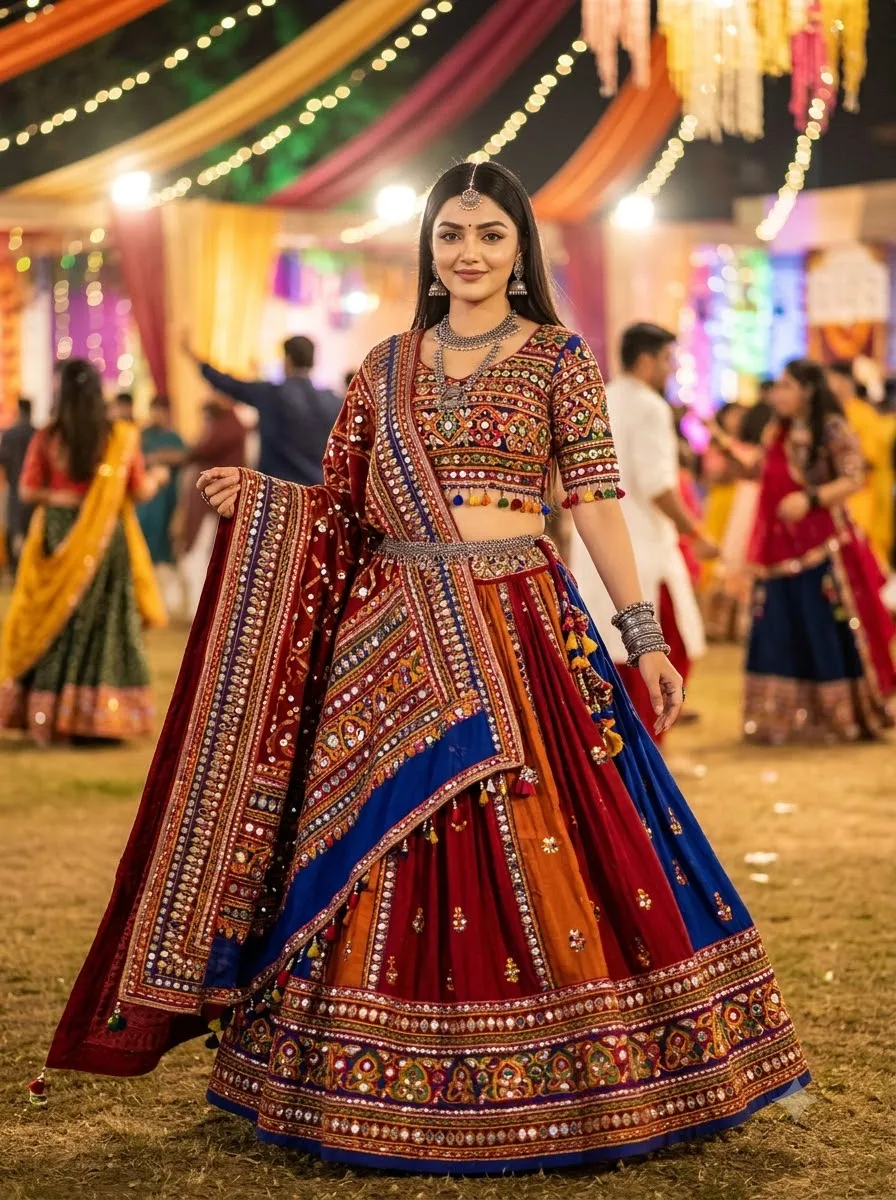
Garba Portrait with a Flowing Dupatta
Prompt
Transform my photo into an elegant Garba fashion portrait while preserving my facial identity. Dress me in a traditional embroidered chaniya choli with a long, flowing dupatta. Pose me gently holding one edge of the dupatta so that the fabric falls naturally. Add traditional jewellery and a festive Navratri background with warm lights. Use realistic fabric movement, natural hands, balanced lighting, and a full-length composition.

22. Traditional Jewellery and Makeup Look

Traditional Jewellery and Makeup Look
Prompt
Edit my uploaded photo into a traditional Gujarati festive beauty portrait. Preserve my natural facial identity and skin texture. Style me in a richly embroidered Garba outfit with oxidised silver jhumkas, a statement necklace, bangles, a small bindi, and subtle festive makeup. Keep the jewellery proportional and naturally positioned. Use warm festive lighting, realistic skin details, and a softly blurred Navratri background.

23. Outdoor Garba Portrait

For more background and location inspiration, check our outdoor image prompts.

Outdoor Garba Portrait
Prompt
Use my photo as the reference for a realistic outdoor Garba portrait. Preserve my face and natural appearance. Dress me in a colourful traditional Gujarati chaniya choli with mirror-work and a matching dupatta. Place me in a decorated outdoor courtyard with festive lights, marigold garlands, and a lively Navratri atmosphere. Use natural evening light, realistic shadows, detailed clothing, and a balanced portrait composition.

24. Polaroid-Style Garba Photo

For more instant-film inspiration, explore our Gemini Polaroid prompt.

Polaroid-Style Garba Photo
Prompt
Turn my uploaded photo into a nostalgic instant-film-style Garba portrait while preserving my facial identity. Dress me in a colourful Gujarati chaniya choli with traditional jewellery. Use warm festive lighting, slightly softened film colours, subtle grain, and a natural candid pose. Create the appearance of an instant-film photograph with a clean white border, but do not add captions, dates, or watermarks inside the image.

Garba Prompt for Baby Girl

These prompts are designed for cute, age-appropriate festive portraits. Use a child's photo only when you have the appropriate permission, and avoid sharing private images publicly without considering the child's privacy.

25. Cute Baby Girl in a Traditional Garba Outfit

Cute Baby Girl in a Traditional Garba Outfit
Prompt
Use the uploaded baby photo as a reference and preserve the child's recognizable facial features and natural appearance. Dress the baby girl in a comfortable, age-appropriate Gujarati chaniya choli with colourful embroidery, small decorative details, and a matching dupatta styled safely. Place her in a softly decorated festive setting with warm lights and tasteful Navratri decorations. Use gentle lighting, realistic fabric textures, a natural expression, and a simple seated pose. Keep the image wholesome and age-appropriate, with no heavy makeup or adult styling.

26. Baby Girl in a Colourful Navratri Outfit
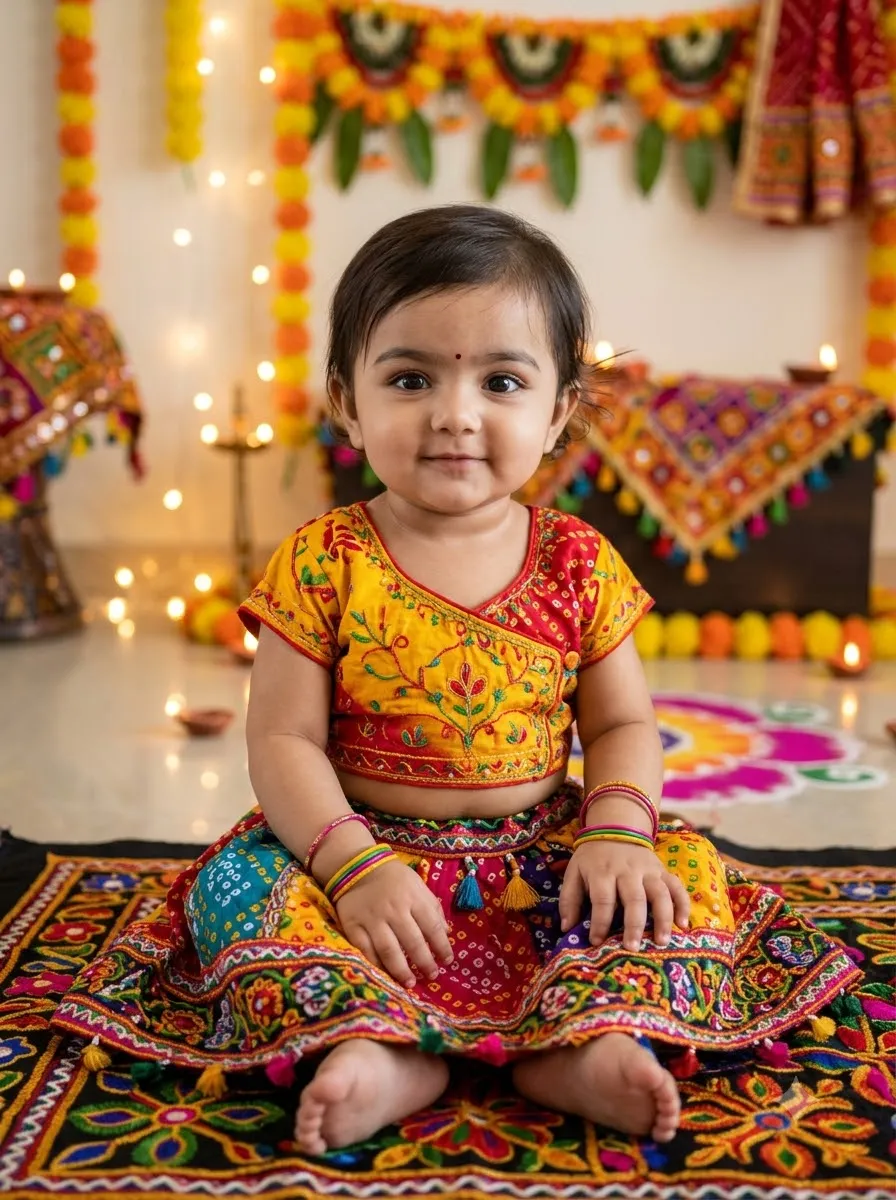
Baby Girl in a Colourful Navratri Outfit
Prompt
Transform the reference photo into a sweet Navratri portrait of a baby girl. Preserve her natural facial identity and age. Dress her in a colourful traditional Gujarati festive outfit with soft fabrics, delicate embroidery, and comfortable styling. Use a bright, family-friendly festive background with subtle lights and decorations. Keep the pose safe and natural, with realistic hands, gentle lighting, and a clean photographic finish.

27. Baby Girl with a Festive Family Background

Baby Girl with a Festive Family Background
Prompt
Use the uploaded baby photo as the reference and preserve her natural appearance. Dress her in a comfortable traditional Gujarati festive outfit with colourful embroidery and a matching dupatta styled safely. Place her in a beautifully decorated family celebration setting with warm lights and tasteful Navratri decorations. Use soft natural lighting, realistic fabric textures, and a wholesome family-photography style. Keep the baby in a stable, age-appropriate pose.

How to Get Better Results from Garba Prompts

A good prompt describes more than just the outfit. It should specify the identity reference, clothing, accessories, pose, environment, lighting, and desired image quality.

  • 1. Use a Clear Reference Photo: Choose a photo with a clearly visible face and good lighting. If you want a full-length result, use a reference that shows enough of your body and clothing proportions.
  • 2. Describe the Outfit Precisely: Instead of writing only “traditional Garba dress,” include useful details such as Gujarati chaniya choli, abhla mirror-work embroidery, bandhani dupatta, gota-patti borders, oxidised silver jhumkas, traditional bangles and necklace. Specific descriptions help communicate the look you want, although the final result depends on the image model.
  • 3. Ask for Natural Facial Features: Include a sentence such as: "Preserve my facial identity, natural skin texture, eye shape, nose, and facial proportions. Avoid unnecessary beautification or changes to my age and appearance." AI tools may still alter facial details, so compare the generated image with your reference before using it.
  • 4. Specify the Camera Composition: Tell the model whether you want a close-up, waist-up portrait, or full-length photograph. For a full-length Garba outfit, explicitly ask the model to keep the entire skirt, hands, and feet inside the frame.
  • 5. Fix Common AI Image Problems: If the first result is not correct, use a targeted follow-up instruction. For incorrect hands: "Correct the hands and fingers to look anatomically natural. Keep both hands clearly formed and preserve the intended pose." For unrealistic jewellery: "Refine the jewellery so that the earrings, necklace, and bangles have realistic shapes, proportions, and placement." For an incorrect face: "Bring the facial features closer to the uploaded reference photo. Preserve the original face shape, eye shape, nose, and natural skin tone without changing the outfit or background." For distorted embroidery: "Refine the chaniya choli embroidery and mirror-work with consistent, realistic patterns. Preserve the existing outfit colours and overall design." For a cropped outfit: "Reframe the image as a full-length portrait with the entire outfit, hands, and feet visible. Maintain natural body proportions."

For more guidance, see our guide on how to use AI prompts.

Frequently Asked Questions

1. What is the best Garba prompt for a girl?

A strong Garba prompt describes the traditional outfit, mirror-work embroidery, jewellery, pose, festive background, and lighting. It should also ask the AI to preserve the facial identity of the uploaded reference photo.

2. Can I use Garba prompts in Google Gemini?

Yes. You can use these prompts with Google Gemini's image generation or photo editing features when available. Upload your reference photo, paste a prompt, and adjust the instructions according to the result.

3. Can I use these Garba prompts in ChatGPT?

Yes. Use them with ChatGPT features that support image generation or image editing. Available features and results can vary depending on the tool and model.

4. How do I create a realistic Garba look from my normal photo?

Upload a clear reference image and describe the outfit, fabric, jewellery, pose, background, and lighting. Ask the model to preserve your facial identity and natural skin texture. Refine individual details if the first result has errors.

5. Which outfit details should I include in a Garba prompt?

Useful details include a Gujarati chaniya choli, abhla mirror-work, bandhani dupatta, embroidered borders, oxidised silver jewellery, bangles, and a traditional bindi. Choose details that match your desired style rather than including every accessory in every prompt.

6. How can I make a simple Garba look with Gemini?

Choose a prompt that specifies a simple embroidered outfit, minimal jewellery, natural makeup, and soft festive lighting. Avoid requesting heavy embroidery and elaborate accessories if you prefer a minimal result.

7. Can I create a Garba prompt for a baby girl?

Yes. Use an age-appropriate outfit, comfortable styling, gentle lighting, and a safe, natural pose. Preserve the child's recognizable features and avoid adult makeup or styling.

8. Why does AI sometimes change my face?

Image editing models may reinterpret facial features while generating a new image. Use a clear reference photo, explicitly request identity preservation, and ask for targeted corrections if the result changes your appearance. Exact preservation is not guaranteed.

9. How can I make the Garba outfit look more realistic?

Specify fabric types, embroidery, mirror-work, dupatta placement, jewellery proportions, and natural lighting. Ask for realistic fabric folds and anatomically correct hands, then refine any visible errors.

10. Can I change the outfit colour in a Garba prompt?

Yes. Replace the requested colour with options such as royal blue, red and gold, purple, green, yellow, pastel pink, or white and silver. Keep the rest of the prompt unchanged when you want to compare colour variations.

Final Thoughts

These 30+ Garba prompts for girls give you different ways to create traditional Gujarati portraits, simple festive looks, colourful Dandiya photos, cinematic Navratri images, and baby girl festive portraits using Gemini or ChatGPT.

Start with the traditional red-and-gold prompt, then experiment with colours, poses, jewellery, and backgrounds. For the most useful results, use a clear reference photo, describe the outfit precisely, and refine any facial or clothing errors instead of repeatedly generating the same image without changing the instructions.

Choose your favourite prompt, customize it, and create a Garba look that matches your style.

Subscription Form

34 ChatGPT Image Edit Prompts for Photos, Backgrounds and Portraits
AI Image Prompts

34 ChatGPT Image Edit Prompts for Photos, Backgrounds and Portraits

By GeminiPrompt Editorial Team
October 21, 2026
18+ Min Read

Want to transform your ordinary photos into professional-looking portraits, aesthetic social media pictures, or creative edits? These 34 ChatGPT image edit prompts are designed to help you edit your existing photos with simple copy-and-paste instructions.

You can use these prompts to improve lighting, replace backgrounds, remove unwanted objects, create cinematic portraits, change outfits, and experiment with creative photo styles.

Sponsored Explore sponsored AI tools and creative resources

Instead of describing every editing detail from scratch, upload your photo to ChatGPT, copy the prompt that matches your goal, and adjust the instructions to fit your image.

This guide includes 34 ChatGPT image editing prompts, a reusable master prompt, step-by-step editing instructions, face-preservation tips, and solutions to common editing problems.

Important: These prompts are free to copy and customize. Access to image generation and editing, along with usage limits, depends on your ChatGPT plan, account, and the features currently available to you.

Best ChatGPT Image Edit Prompt: Copy This Template

If you want to edit an existing photo while keeping its important details intact, start with this master prompt.

Universal ChatGPT Photo Editing Prompt
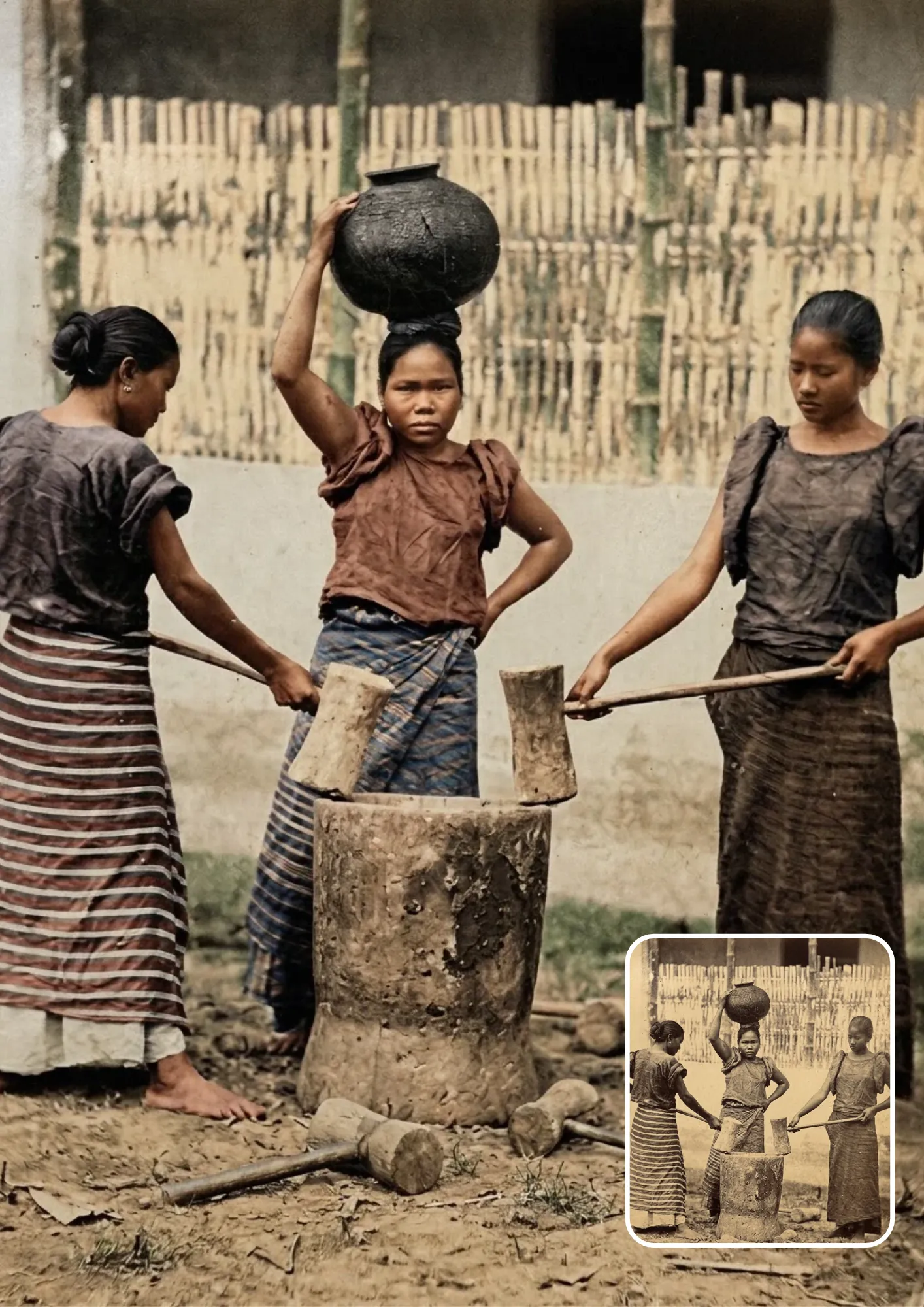
Universal ChatGPT Photo Editing Prompt
Prompt
Edit the uploaded photo while preserving the original person's identity, facial features, skin tone, natural proportions, pose, and overall appearance as closely as possible. Change only the specific elements requested in my instructions. Maintain realistic lighting, natural textures, accurate details, and professional photographic quality. Keep all unrequested parts of the image unchanged. Avoid artificial skin, distorted facial features, extra fingers, unnatural shadows, and unwanted changes to the background or clothing. Make the final result look natural and visually consistent with the original photograph.

How to customize it: Add your desired edit at the end, such as "Replace the background with a modern photography studio" or "Improve the lighting and make the portrait look cinematic".

This structure works because it clearly separates what should remain unchanged from what you want to modify. However, no prompt can guarantee perfect identity preservation or completely prevent unintended changes.

Category 1: Photo Enhancement and Repair Prompts

These ChatGPT photo editing prompts are useful when you want to improve an existing picture without dramatically changing its appearance.

1. Fix Natural Lighting and Exposure

Best for: Dark selfies, indoor portraits, and everyday photographs.

Fix Natural Lighting and Exposure
Prompt
Edit the uploaded photo to correct its exposure and lighting. Recover visible details in dark shadows and bright areas while preserving the original scene. Improve facial visibility, balance highlights, and create soft, natural-looking illumination. Keep the person's identity, skin tone, clothing, pose, and background unchanged. Avoid excessive brightness, artificial glow, and unrealistic contrast.

2. Correct Color Balance and White Balance

Best for: Indoor photos, cloudy-day pictures, and images with incorrect color tones.

Correct Color Balance and White Balance
Prompt
Edit the uploaded photo to correct its white balance and color accuracy. Remove unwanted color casts and restore natural skin tones. Adjust saturation, contrast, and color temperature for a balanced, realistic result. Preserve the original subject, clothing colors, background, and composition. Do not apply heavy filters or change the overall appearance unnecessarily.

3. Sharpen Details and Reduce Image Noise

Best for: Low-light photographs, compressed images, and slightly blurry portraits. Note: Editing can improve the appearance of an image, but it cannot reliably recover details that were never captured.

Sharpen Details and Reduce Image Noise
Prompt
Enhance the uploaded photo by reducing visible image noise and improving clarity. Recover fine details where possible while preserving natural skin texture, hair strands, clothing details, and realistic edges. Avoid excessive sharpening, artificial textures, halos, or invented facial details. Keep the original composition and identity unchanged. Make the image look clean and naturally detailed.

For more realistic photographic detail, natural skin texture, and professional lighting, explore our ultra-detailed 8K DSLR-style portrait prompts.

4. Retouch Skin Naturally Without Changing Identity

Best for: Selfies, profile pictures, and professional portraits.

Retouch Skin Naturally Without Changing Identity
Prompt
Edit the uploaded portrait with natural, professional skin retouching. Reduce temporary blemishes and uneven skin texture while preserving pores, natural facial details, freckles, and the person's original skin tone. Keep the facial structure, eyes, nose, lips, expression, and identity unchanged. Avoid plastic-looking skin, excessive smoothing, artificial makeup, or beauty-filter effects.

5. Remove an Unwanted Object

Best for: Travel photos, outdoor portraits, and product pictures. Example: Replace "[describe the object and its position]" with "the plastic bottle near the bottom-right corner".
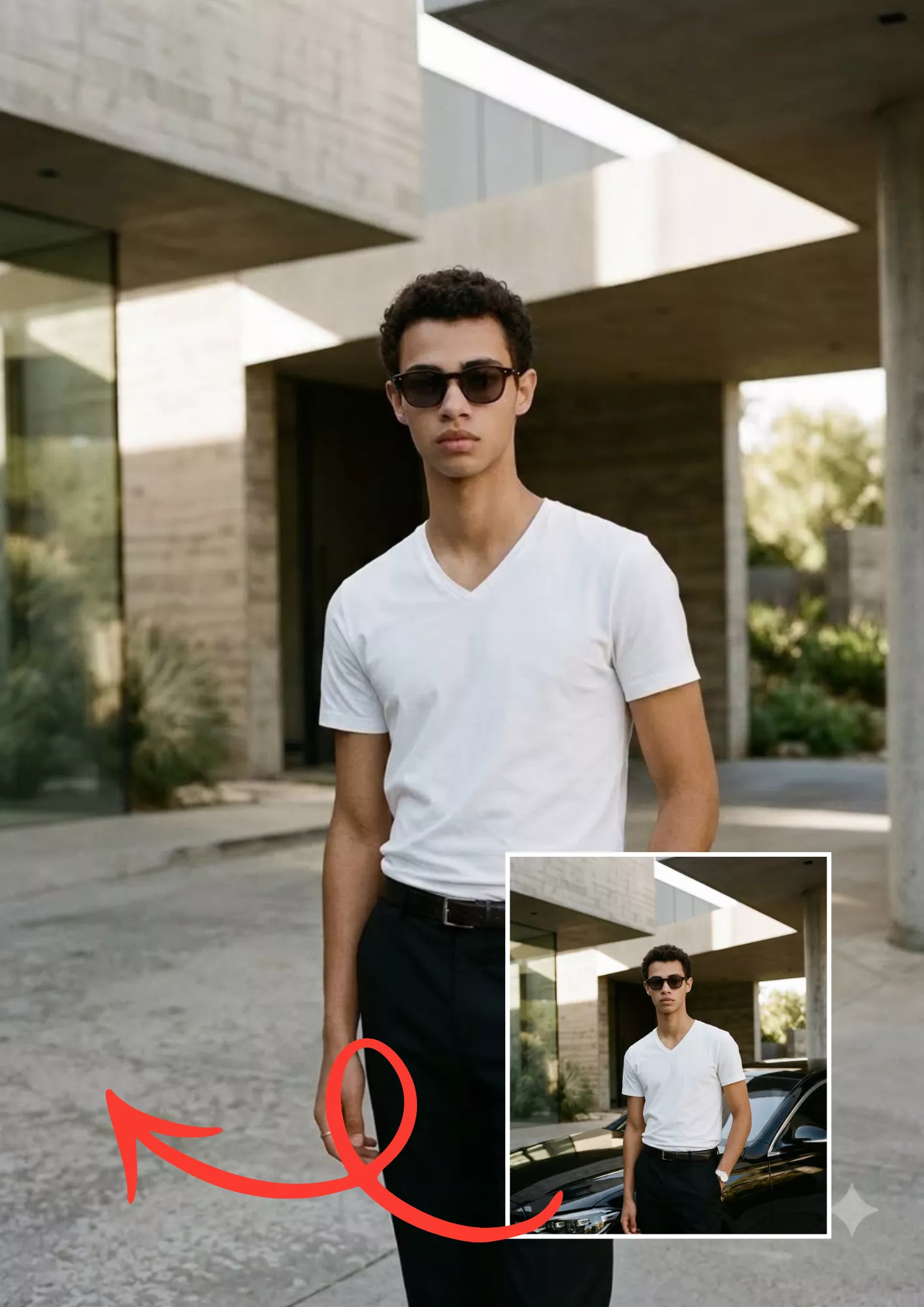
Remove an Unwanted Object
Prompt
Edit the uploaded photo by removing the unwanted object located [describe the object and its position]. Reconstruct the area behind it using the surrounding background, lighting, textures, and perspective. Preserve the main subject, facial features, clothing, shadows, and composition. Do not remove any other objects or alter unrelated parts of the photograph.

6. Restore an Old or Damaged Photograph

Best for: Family archives, scanned prints, and old personal photographs. Note: For heavily damaged photographs, inspect the restored result carefully because reconstructed details may not match the original.
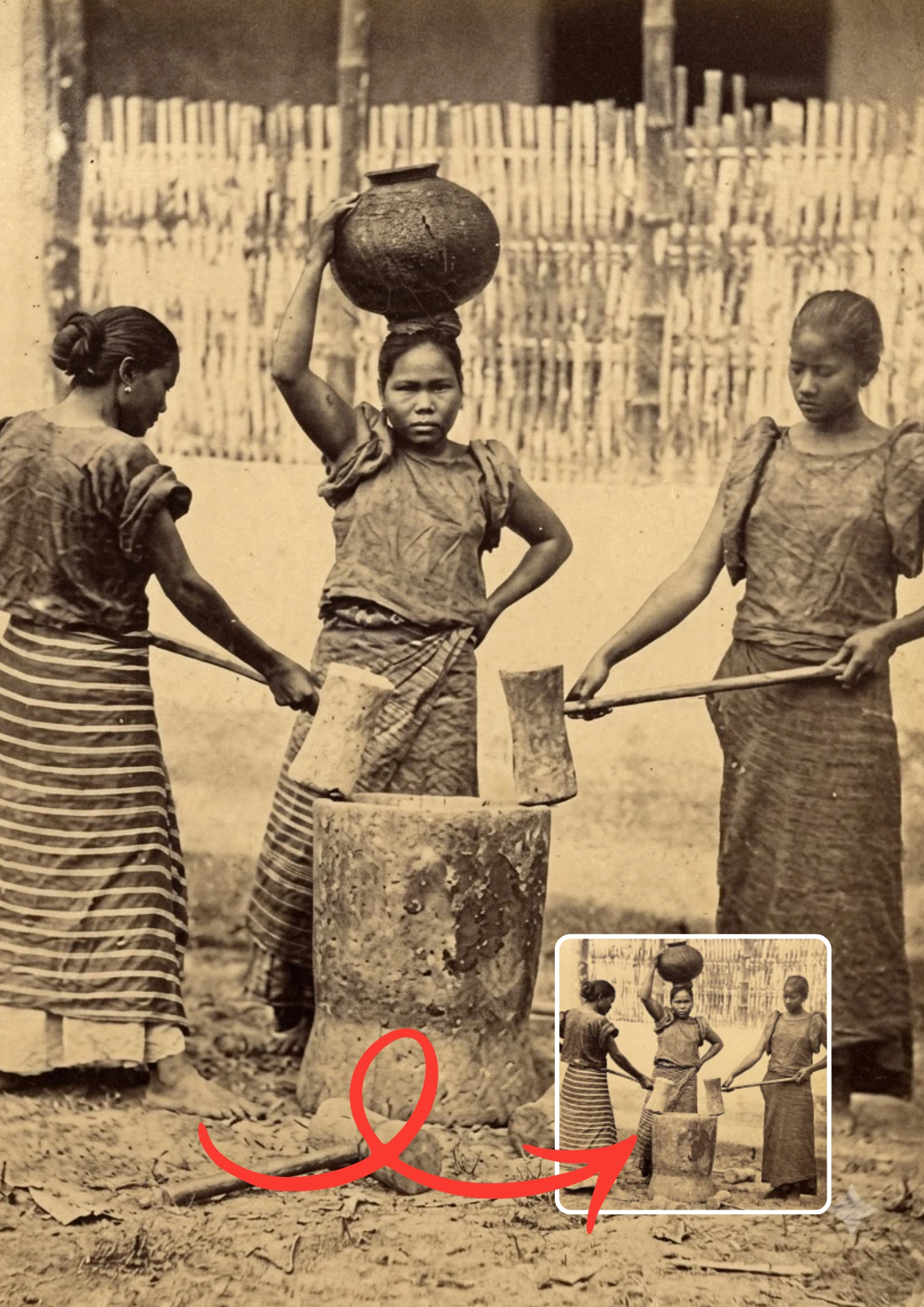
Restore an Old or Damaged Photograph
Prompt
Restore the uploaded old photograph by carefully reducing scratches, dust, stains, fading, and visible damage. Improve clarity and contrast while preserving the original people's facial features, expressions, clothing, and historical appearance. Reconstruct damaged areas as naturally as possible without introducing modern details. Keep the original composition and photographic character. Do not colorize the image unless specifically requested.

Category 2: Background and Object Editing Prompts

These ChatGPT image edit prompts focus on changing the environment around a subject while keeping the main photograph recognizable.

7. Replace the Background With a Clean Studio

Best for: Profile pictures, portfolios, and professional portraits.
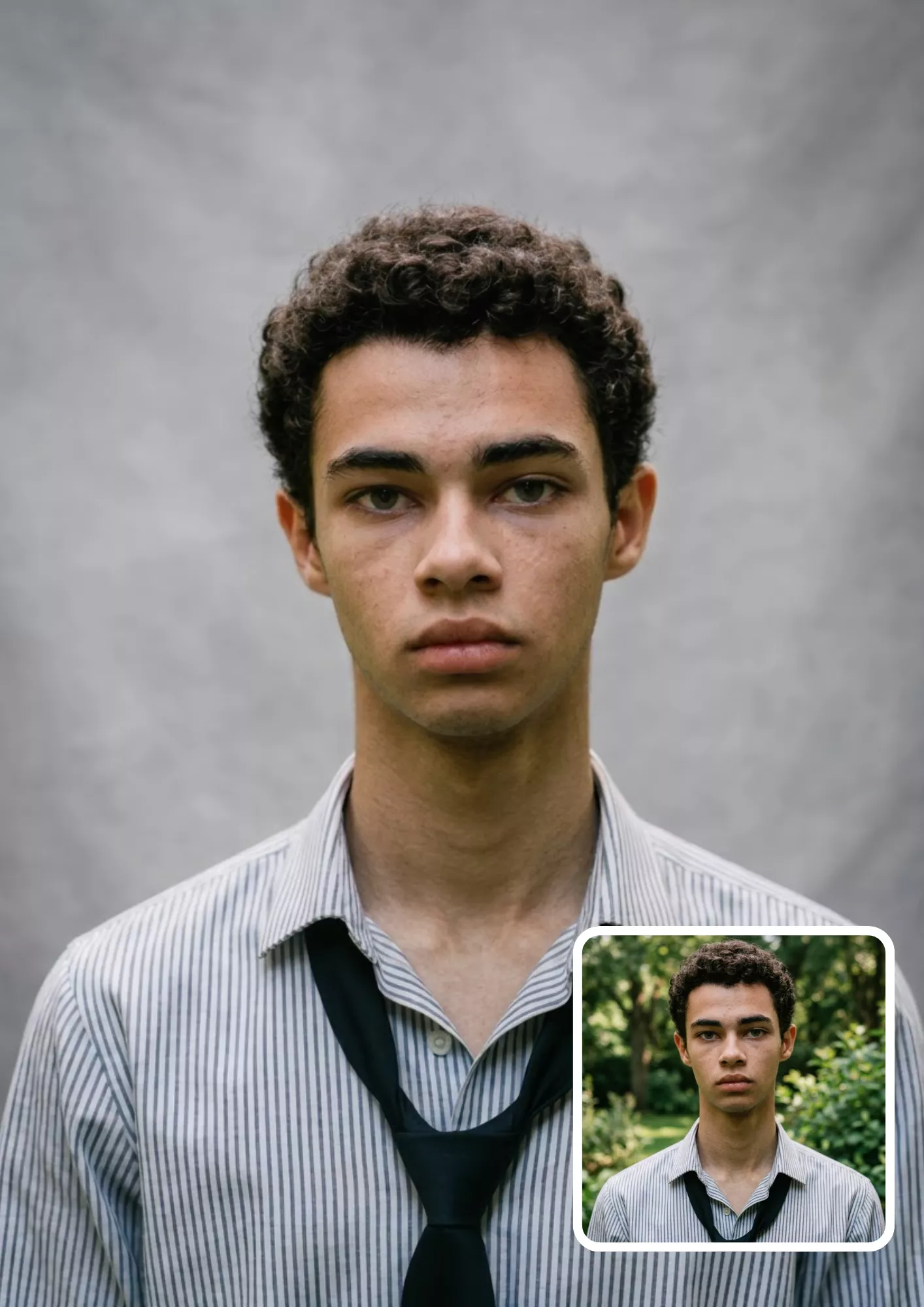
Replace the Background With a Clean Studio
Prompt
Edit the uploaded portrait by replacing the existing background with a clean, professional photography studio. Use a soft neutral gray backdrop with subtle tonal variation and balanced studio lighting. Preserve the person's identity, facial features, hairstyle, clothing, pose, and body proportions. Match the subject's lighting and shadows to the new environment. Avoid rough cutout edges, artificial outlines, or changes to the person.

8. Blur the Background and Keep the Subject Sharp

Best for: Selfies, portraits, and social media photos.
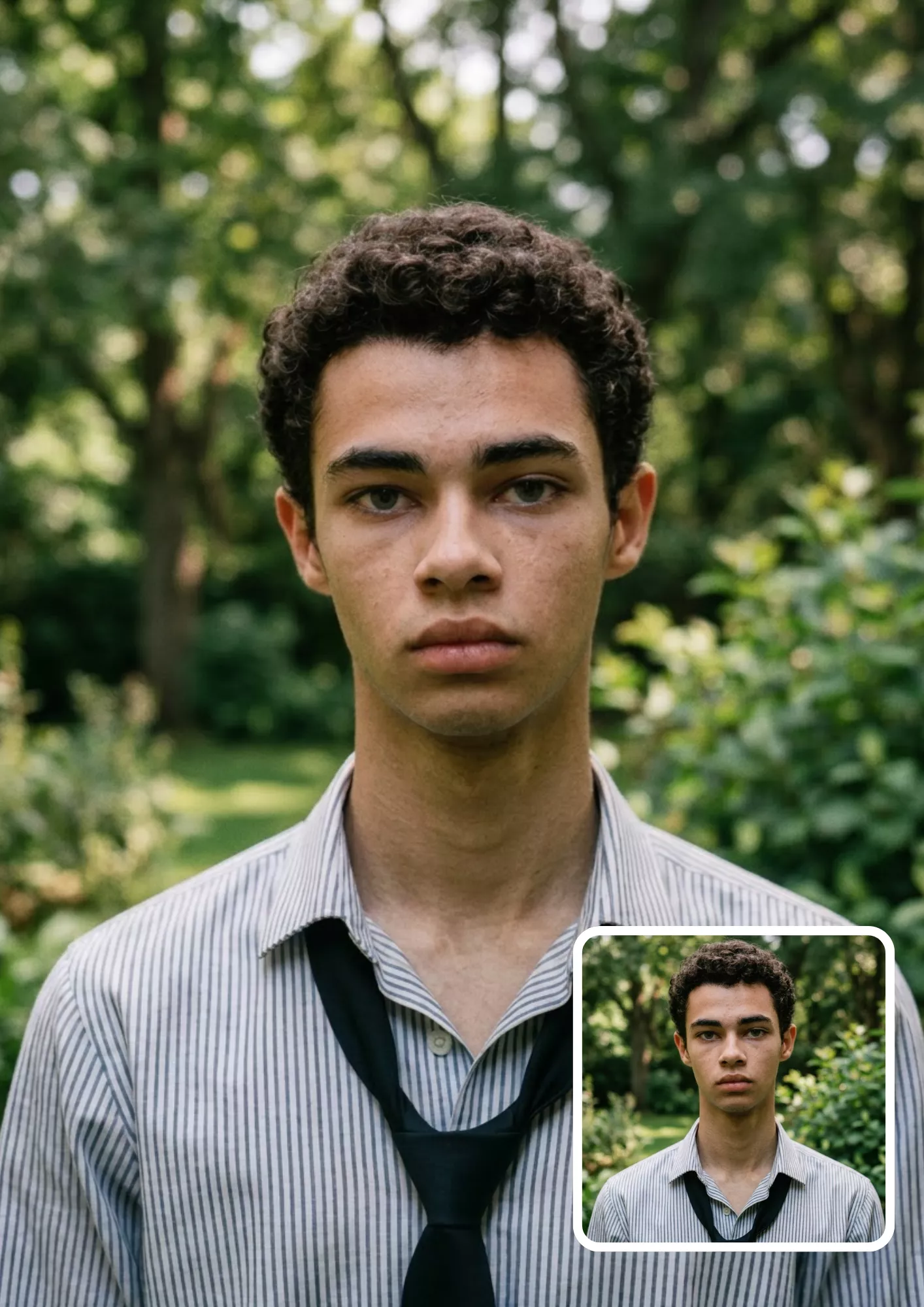
Blur the Background and Keep the Subject Sharp
Prompt
Edit the uploaded photo to create a natural shallow-depth-of-field effect. Keep the main subject sharply focused while softly blurring the background. Preserve realistic edges around hair, clothing, and the body. Maintain the original face, skin tone, pose, and clothing. Make the blur consistent with a professional portrait lens, without artificial halos or excessive background distortion.

9. Remove Distracting Background Clutter

Best for: Bedroom selfies, casual portraits, and indoor photography.
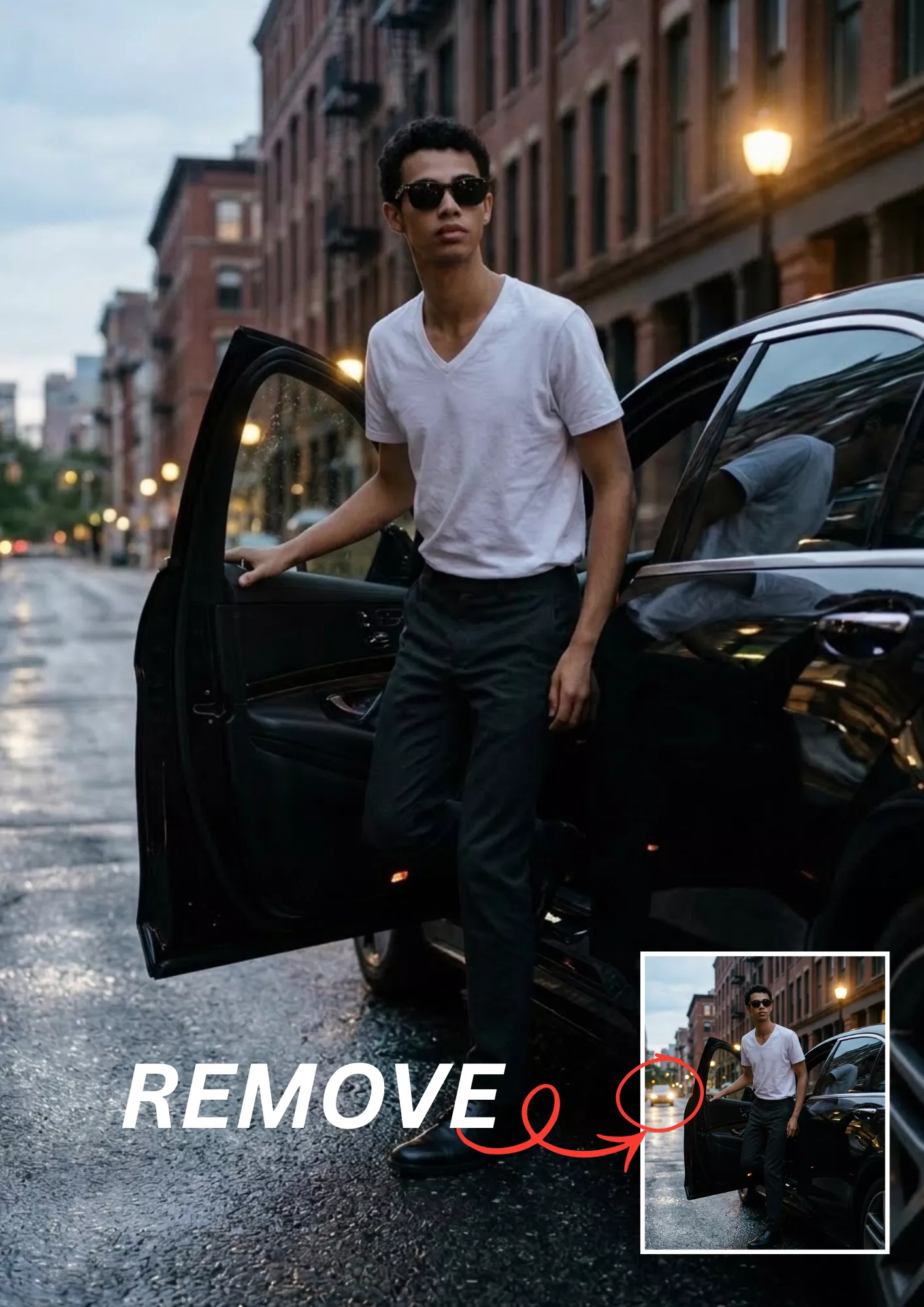
Remove Distracting Background Clutter
Prompt
Clean up the background of the uploaded photograph by removing distracting clutter and unnecessary visual elements. Preserve the original location and overall atmosphere while keeping the background believable. Maintain the person's identity, pose, clothing, and position in the frame. Reconstruct removed areas using consistent textures, perspective, and lighting. Do not alter important objects or add new decorations.

10. Remove a Selected Object and Reconstruct the Area

Best for: Cleaning up photographs and removing unwanted visual distractions.
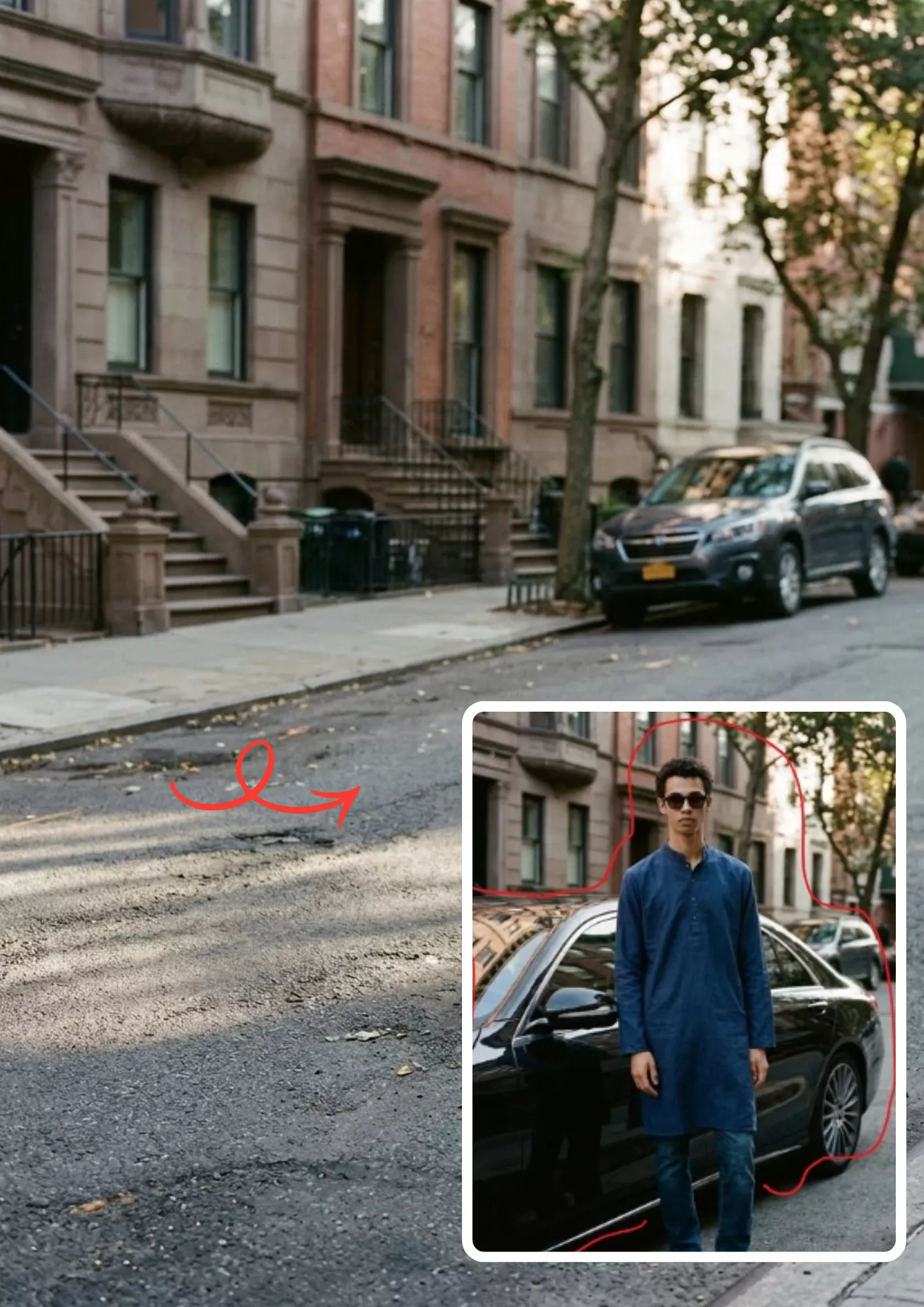
Remove a Selected Object and Reconstruct the Area
Prompt
Remove only the selected object from the uploaded image. Fill the removed area with a realistic continuation of the surrounding scene, matching the original perspective, textures, colors, and lighting. Preserve all other objects and the main subject exactly as closely as possible. Do not crop, resize, or redesign the image. Keep the reconstruction visually consistent with the original photograph.

11. Change an Indoor Background to an Outdoor Location

Best for: Portraits, casual fashion photos, and outdoor-style social media content. You can replace "green garden and softly blurred trees" with a beach, park, mountain viewpoint, or city street.
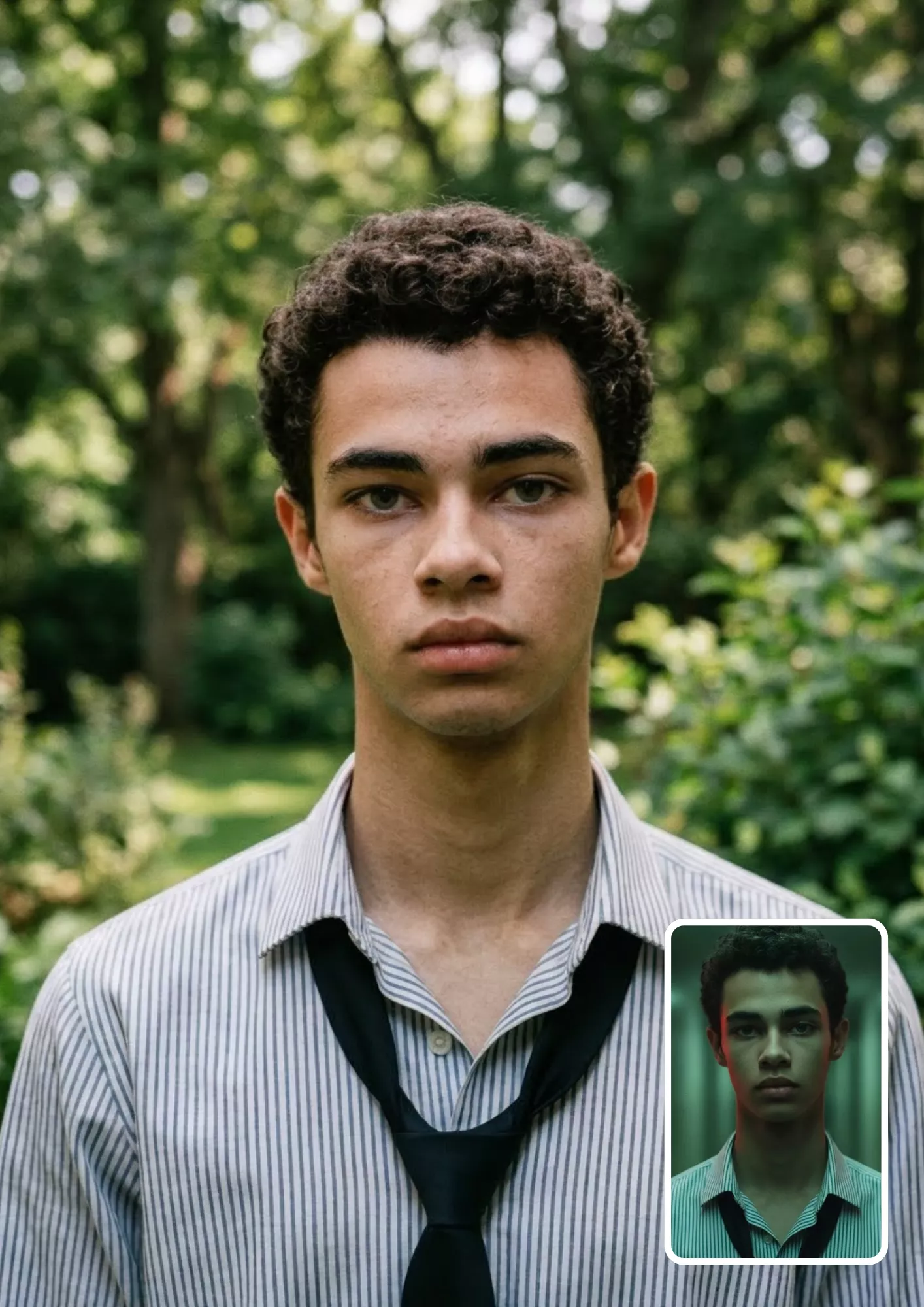
Change an Indoor Background to an Outdoor Location
Prompt
Edit the uploaded portrait by replacing the indoor background with a realistic outdoor setting featuring a green garden and softly blurred trees. Preserve the person's original face, hairstyle, clothing, pose, and body proportions. Adjust the lighting and shadows to match the outdoor environment naturally. Maintain realistic perspective, skin texture, and subject edges. Do not change the person's identity or outfit.

12. Extend the Background and Reframe the Composition

Best for: Social media layouts, portrait reframing, and adapting images to different aspect ratios.

Extend the Background and Reframe the Composition
Prompt
Extend the uploaded photograph beyond its existing borders to create a wider composition. Continue the surrounding background naturally, matching its textures, lighting, perspective, and color palette. Preserve the original subject's identity, facial features, clothing, pose, and proportions. Keep the original image content intact wherever possible. Do not stretch the person or introduce distracting objects. Maintain a realistic photographic appearance.

Category 3: Portrait and Professional Photo Prompts

Use these prompts to change the mood, lighting, and photographic style of your existing portraits.

13. Natural Portrait Enhancement

Best for: Everyday portraits and personal profile pictures.

Natural Portrait Enhancement
Prompt
Enhance the uploaded portrait into a clean, natural-looking professional photograph. Improve exposure, color balance, contrast, and facial clarity while preserving realistic skin texture. Keep the person's identity, expression, hairstyle, clothing, and pose unchanged. Use soft, flattering light and subtle background separation. Avoid exaggerated retouching, artificial facial details, and heavy filters.

Want to experiment with framing, perspective, and portrait composition? Explore these AI camera angle prompts for more photography ideas.

14. Cinematic Portrait Edit

Best for: Dramatic portraits, creative photography, and Instagram posts.

Cinematic Portrait Edit
Prompt
Transform the uploaded portrait into a cinematic photograph with controlled contrast, rich but realistic colors, and soft directional lighting. Add subtle depth to the shadows and natural highlights to the face. Preserve the original identity, facial structure, hairstyle, clothing, pose, and background composition. Use a professional film-inspired color grade without excessive saturation, artificial skin, or exaggerated visual effects.

For softer colors and a different portrait aesthetic, explore our aesthetic soft portrait prompts.

15. Golden-Hour Portrait

Best for: Outdoor portraits, travel photos, and aesthetic social media pictures.

Golden-Hour Portrait
Prompt
Edit the uploaded portrait to create the warm, natural lighting of golden hour shortly before sunset. Add soft golden highlights, gentle shadows, and a subtle warm atmosphere. Preserve the person's facial features, skin tone, clothing, pose, and identity. Make the lighting direction and background consistent with a real sunset environment. Avoid orange skin, excessive lens flare, and artificial glow.

16. Nighttime City Portrait

Best for: Urban portraits, street photography, and nighttime fashion edits.
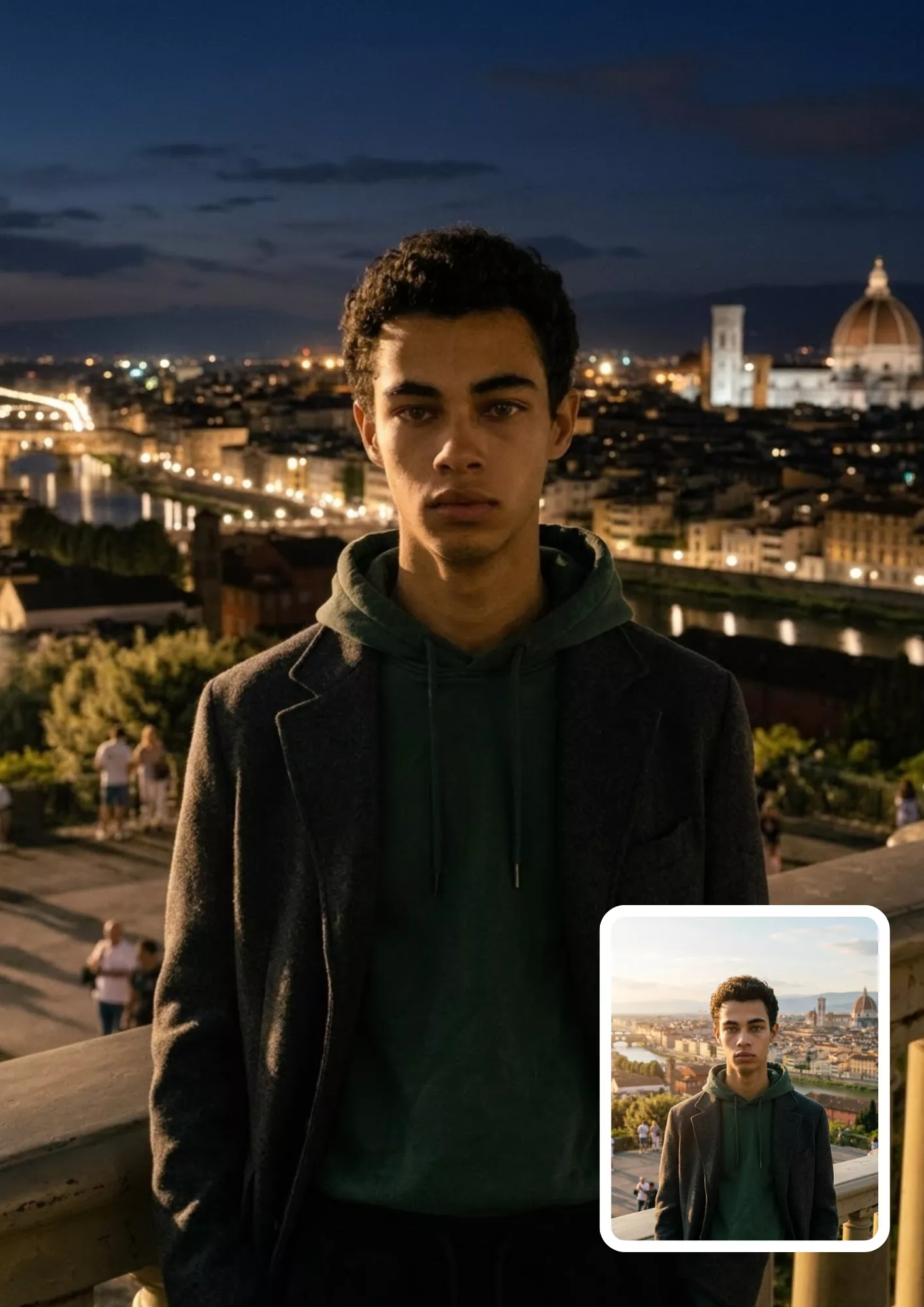
Nighttime City Portrait
Prompt
Edit the uploaded portrait into a realistic nighttime city photograph. Use softly blurred city lights, subtle neon reflections, and balanced low-light exposure. Keep the person's face, hairstyle, skin tone, clothing, and pose as close to the original as possible. Use realistic shadows and natural skin texture. Avoid excessive neon colors, artificial facial changes, and unrealistic reflections.

17. Black-and-White Portrait

Best for: Classic portraits, artistic photography, and professional profile pictures.
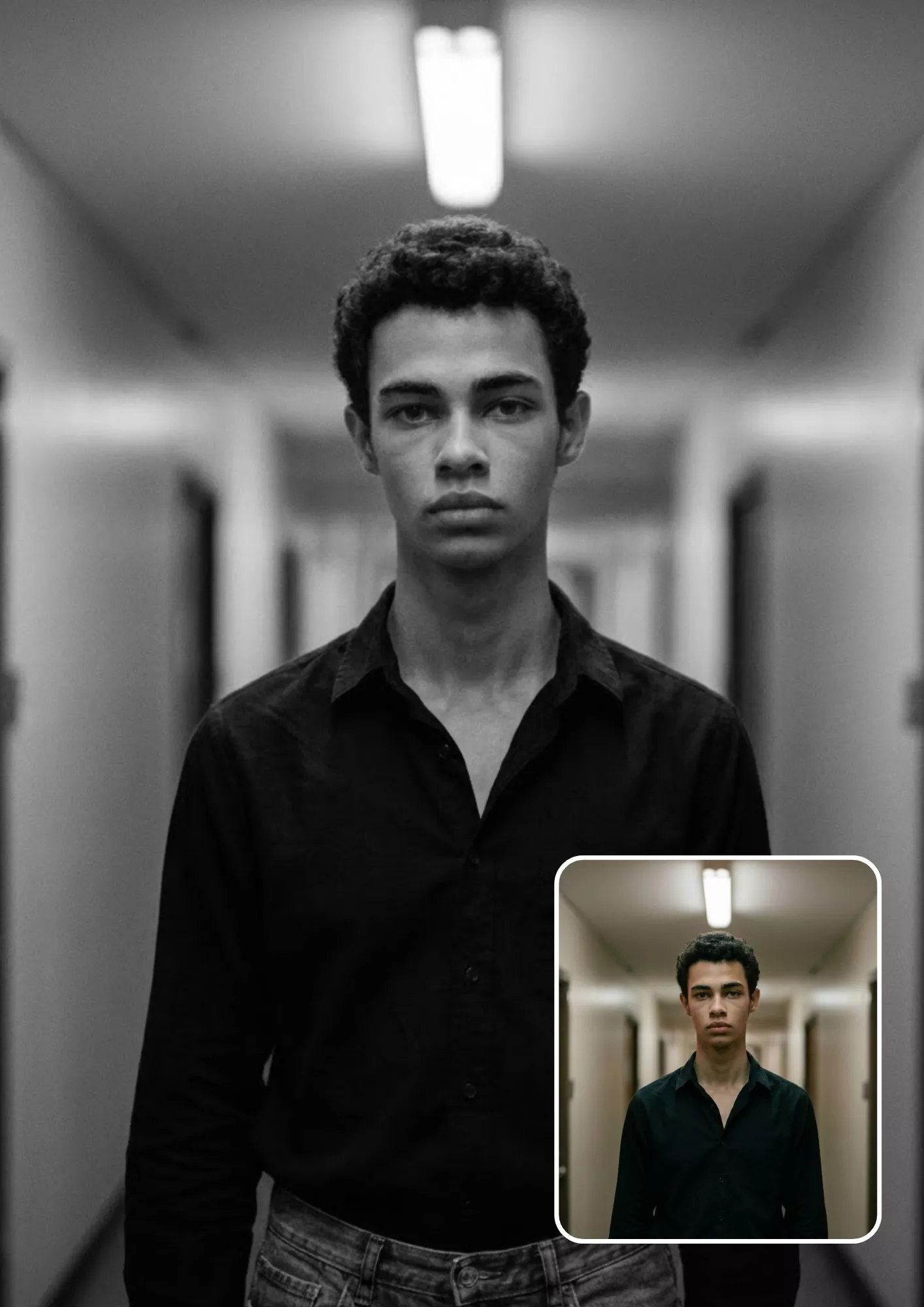
Black-and-White Portrait
Prompt
Convert the uploaded portrait into a professional black-and-white photograph. Use rich tonal contrast, detailed shadows, balanced highlights, and natural skin texture. Preserve the person's original facial features, expression, hairstyle, clothing, and composition. Create a timeless photographic appearance with clear separation between the subject and background. Avoid excessive contrast that removes important facial details.

18. Vintage Film or Retro-Flash Portrait

Best for: Retro-inspired portraits and nostalgic social media edits.

Vintage Film or Retro-Flash Portrait
Prompt
Edit the uploaded portrait to resemble an authentic vintage film photograph captured with direct camera flash. Add subtle film grain, slightly softened highlights, natural shadows, and a restrained retro color palette. Preserve the person's identity, facial features, hairstyle, clothing, and original pose. Keep the result photographic rather than heavily filtered. Avoid excessive grain, artificial scratches, and exaggerated color fading.

19. Professional LinkedIn Headshot

Best for: LinkedIn profiles, resumes, portfolios, and professional websites.

Professional LinkedIn Headshot
Prompt
Turn the uploaded photograph into a professional LinkedIn-style headshot. Use clean, balanced lighting, a simple neutral background, natural skin texture, and a polished but realistic appearance. Preserve the person's identity, facial structure, hairstyle, and natural expression. Keep the clothing professional and unchanged unless a clothing edit is specifically requested. Frame the subject neatly with appropriate headroom and avoid artificial beauty retouching.

20. Editorial Fashion Portrait

Best for: Fashion creators, model portfolios, and editorial-style social media posts.

Editorial Fashion Portrait
Prompt
Edit the uploaded portrait into a high-end editorial fashion photograph. Use refined lighting, carefully balanced contrast, elegant composition, and sophisticated color grading. Preserve the person's identity, facial features, hairstyle, body proportions, and original pose. Maintain realistic fabric textures, natural skin details, and believable shadows. Create a polished magazine-inspired result without changing the subject into a different person.

Category 4: ChatGPT Image Editing Prompts for Girls and Boys

These prompts focus on portrait styling, clothing, and subtle appearance changes. They are intended to edit uploaded photographs rather than generate unrelated people.

For more outfit-focused editorial looks and urban fashion photography, check out our editorial street fashion portrait prompts.

21. Stylish Boys' Portrait

Best for: Men's fashion posts, casual portraits, and profile pictures.

Stylish Boys' Portrait
Prompt
Edit the uploaded boy's or man's portrait into a stylish, modern fashion photograph. Improve lighting, contrast, and background separation while preserving the original person's identity, facial features, skin tone, hairstyle, and body proportions. Use natural skin texture, realistic clothing details, and a confident but authentic appearance. Keep the original pose and outfit unless a specific change is requested. Avoid exaggerated muscles, artificial facial structure, and excessive retouching.

22. Aesthetic Girls' Portrait

Best for: Selfies, aesthetic portraits, and lifestyle photography.

Aesthetic Girls' Portrait
Prompt
Edit the uploaded girl's or woman's portrait into a soft, aesthetic photograph with balanced natural lighting, gentle color grading, and a clean visual composition. Preserve the person's identity, facial features, skin tone, hairstyle, expression, and pose. Enhance clarity without removing natural skin texture. Use subtle background separation and realistic shadows. Avoid excessive smoothing, exaggerated makeup, or changes to the person's facial structure.

Looking for more selfie styles and aesthetic portrait ideas? Explore our photo style girl selfie prompts.

23. Traditional Indian Outfit Edit

Best for: Festive portraits, cultural celebrations, and traditional fashion content. Example: Replace the outfit description with "a deep blue silk saree with subtle gold embroidery" or "a cream-colored kurta with a traditional embroidered waistcoat".

Traditional Indian Outfit Edit
Prompt
Edit the uploaded portrait to feature a traditional Indian outfit appropriate to the requested style: [describe the outfit]. Preserve the person's identity, facial features, skin tone, hairstyle, pose, and body proportions. Make the garment's fabric, embroidery, folds, and colors look realistic. Ensure the outfit fits naturally and matches the original lighting and perspective. Keep the background unchanged unless instructed otherwise.

24. Outfit Replacement While Retaining Pose and Identity

Best for: Fashion experimentation, outfit previews, and clothing inspiration.
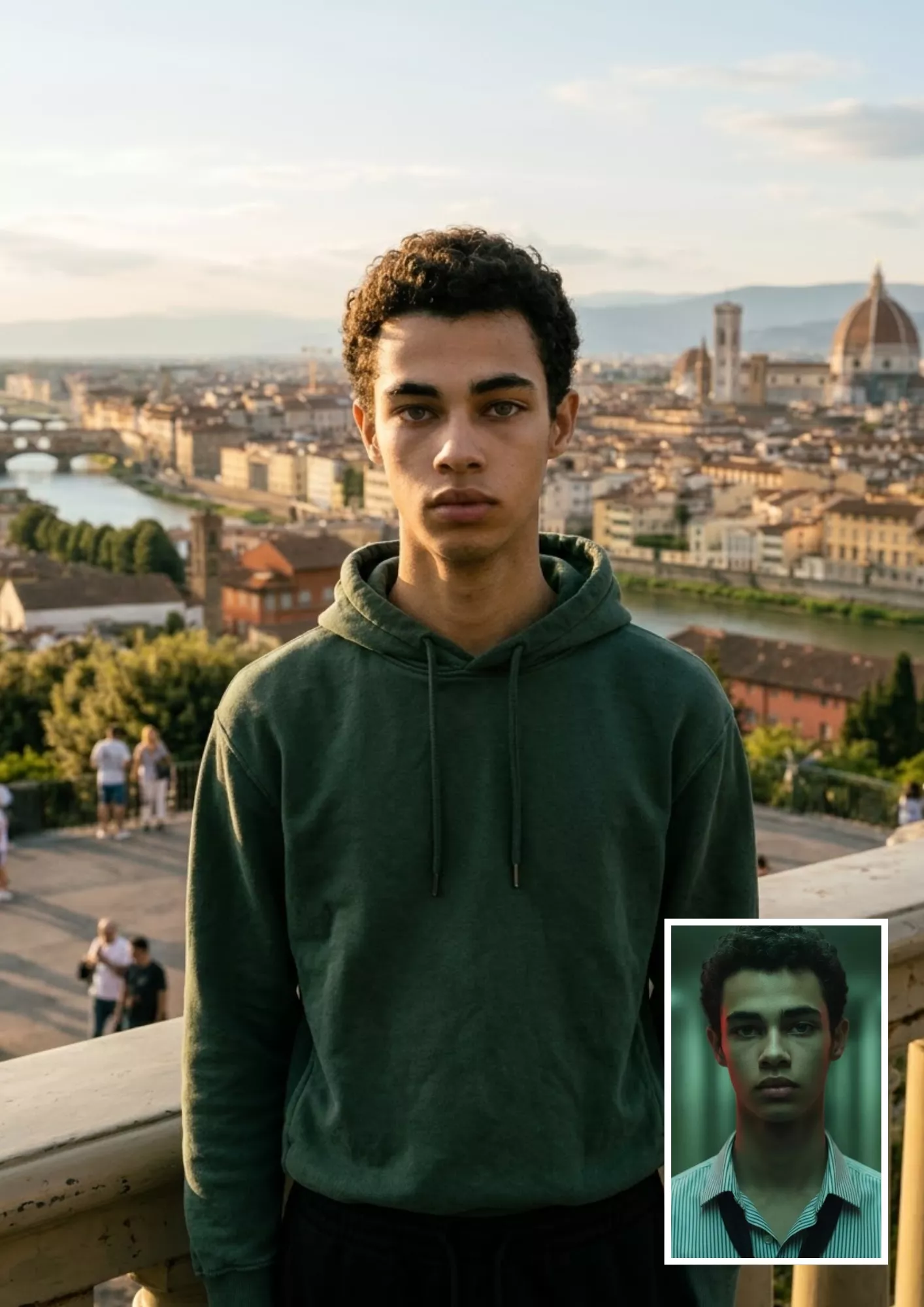
Outfit Replacement While Retaining Pose and Identity
Prompt
Replace the clothing in the uploaded photo with [describe the new outfit]. Preserve the original person's identity, facial features, hairstyle, expression, pose, and body proportions. Make the new clothing fit naturally, with realistic fabric folds, stitching, shadows, and material texture. Keep the original background and camera angle unchanged. Avoid altering the face, hands, body shape, or unrelated details.

25. Smart-Casual or Formal Fashion Transformation

Best for: Professional portraits, fashion inspiration, and business profile photos. Example: "A fitted navy blazer, white shirt, and tailored black trousers".

Smart-Casual or Formal Fashion Transformation
Prompt
Edit the uploaded portrait by changing the person's outfit to [describe a smart-casual or formal look]. Use realistic tailoring, natural fabric textures, and appropriate folds around the shoulders, elbows, and waist. Preserve the person's face, identity, hairstyle, pose, and body proportions. Maintain the original scene and realistic lighting. Do not change the person's expression or introduce accessories unless requested.

26. Subtle Hairstyle or Makeup Edit

Best for: Hairstyle experimentation, beauty inspiration, and makeup previews. Note: For the most predictable result, request one major change at a time rather than changing the hairstyle, makeup, outfit, and background together.

Subtle Hairstyle or Makeup Edit
Prompt
Edit the uploaded portrait to apply the following subtle styling change: [describe the hairstyle or makeup]. Preserve the person's identity, facial structure, skin tone, expression, and overall appearance. Make individual hair strands, hair volume, makeup texture, and transitions look realistic. Keep the original pose, clothing, and background unchanged. Avoid dramatic facial changes, excessive makeup, artificial skin, or an unrealistic hairline.

Category 5: Trending and Creative Photo Editing Prompts

These prompts introduce creative styles while keeping the uploaded photo as the starting point.

27. Couple Portrait Edit

Best for: Couple photos, anniversaries, and personal social media posts.
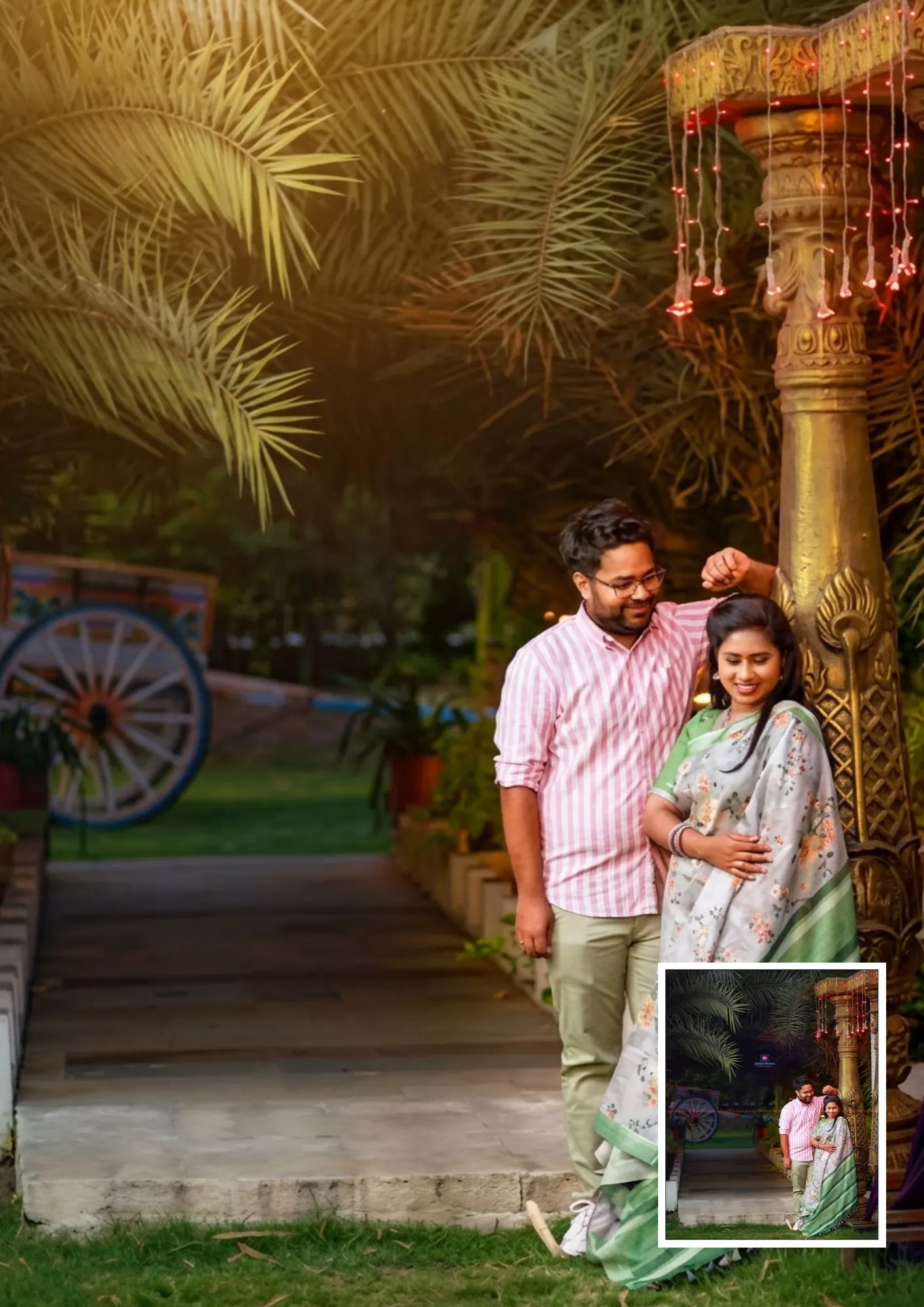
Couple Portrait Edit
Prompt
Enhance the uploaded couple photograph into a polished, romantic portrait. Use soft, natural lighting, balanced colors, realistic skin texture, and a visually pleasing background. Preserve both individuals' identities, facial features, expressions, clothing, and natural proportions. Keep their original interaction and pose unless a change is requested. Avoid altering either person's face or creating unnatural body positions.

28. Group Photo Cleanup

Best for: Family photographs, friend groups, and event pictures.

Group Photo Cleanup
Prompt
Improve the uploaded group photograph by correcting exposure, balancing colors, and reducing distracting background clutter where necessary. Preserve every person's identity, facial features, hairstyle, clothing, position, and expression. Maintain the original number of people and their natural proportions. Avoid duplicating faces, removing people, changing outfits, or creating artificial facial details.

29. Travel or Vacation Portrait

Best for: Vacation posts, travel diaries, and destination-inspired portraits. Example: "A scenic mountain viewpoint with distant green hills and soft morning sunlight".

Travel or Vacation Portrait
Prompt
Edit the uploaded portrait into a polished travel photograph featuring [describe the destination or setting]. Preserve the person's identity, facial features, clothing, pose, and body proportions. Make the environment realistic, with consistent perspective, natural lighting, and believable shadows. Blend the subject into the scene without artificial cutout edges. Keep the destination's details visually coherent and avoid unnecessary changes to the person.

30. Polaroid-Style Photo

Best for: Nostalgic photo collections, scrapbook projects, and social media aesthetics.

Polaroid-Style Photo
Prompt
Transform the uploaded photograph into a vintage instant-film image with a classic white Polaroid-style border, subtle film grain, gently faded colors, and soft flash-inspired lighting. Preserve the person's identity, facial features, pose, and original subject details. Maintain a believable analog-photo appearance without excessive fading or artificial damage. Keep the photograph inside the border and avoid adding text unless requested.

31. Scrapbook Collage

Best for: Memory boards, birthday posts, travel collages, and creative photo layouts.

Scrapbook Collage
Prompt
Transform the uploaded photo into a stylish scrapbook-inspired composition. Place the original photograph within a clean paper collage featuring subtle paper textures, layered borders, tasteful tape elements, and a coordinated color palette. Preserve the person's identity and the important details of the original photograph. Keep decorative elements outside the main subject and maintain a balanced composition. Do not add random text or unrelated objects.

32. Magazine-Cover Portrait

Best for: Creative portraits, personal branding, and magazine-inspired social posts. Note: If you need accurate cover text, add it separately in a design editor after generating the image.
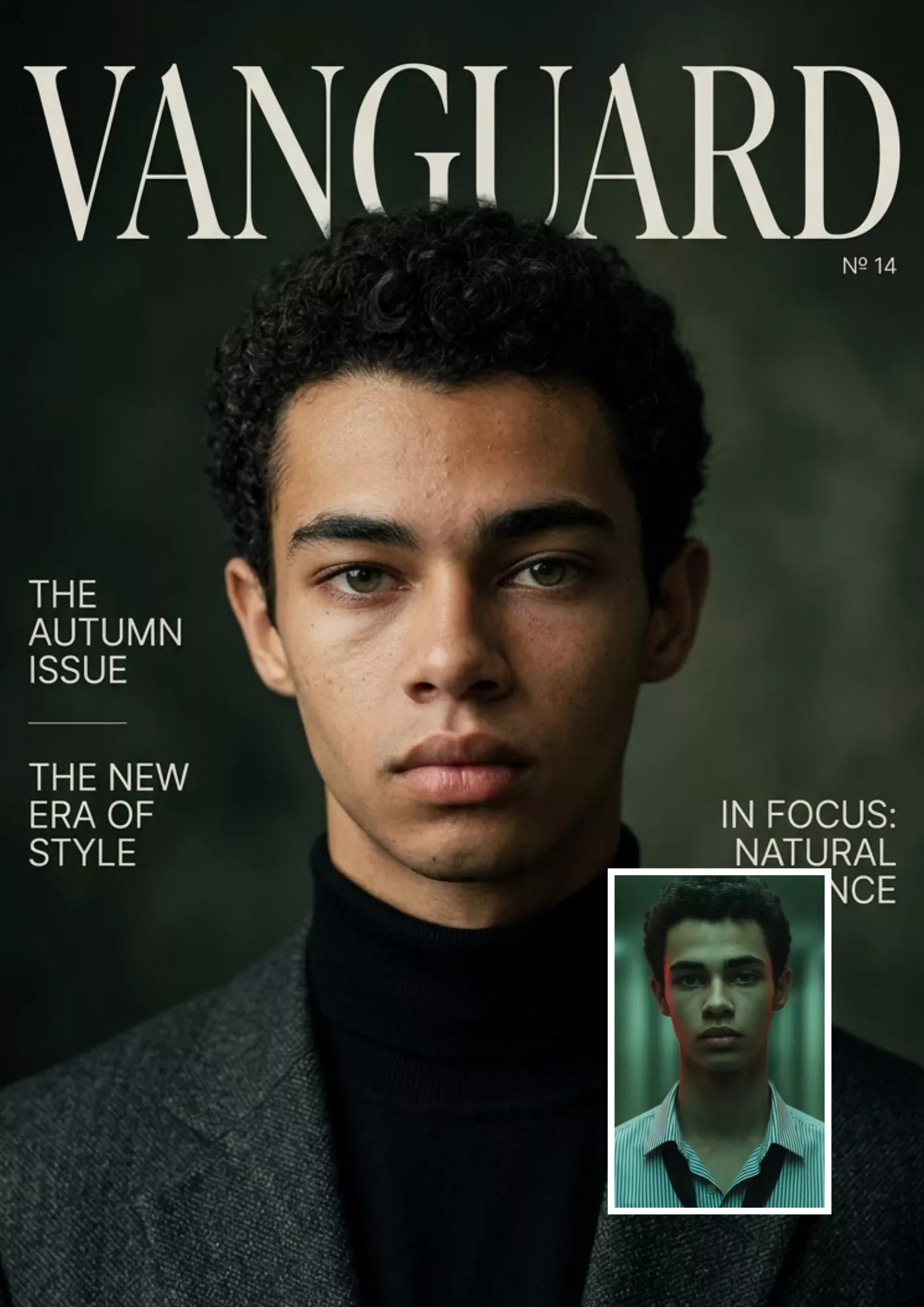
Magazine-Cover Portrait
Prompt
Transform the uploaded portrait into a premium fashion magazine-cover design. Use sophisticated editorial lighting, clean composition, refined colors, and a high-quality photographic appearance. Preserve the person's identity, facial features, hairstyle, and natural proportions. Leave clear negative space around the subject for a headline and cover lines. Do not generate unnecessary text, distorted typography, or logos from existing publications.

33. 3D Collectible Figure Transformation

Best for: Creative avatars, collectible-style portraits, and personalized digital artwork.

3D Collectible Figure Transformation
Prompt
Transform the main person in the uploaded photograph into a stylized 3D collectible figure while retaining recognizable characteristics such as hairstyle, glasses, clothing colors, and distinctive accessories. Give the figure realistic miniature materials, carefully modeled details, and studio lighting. Place it against a clean display background with a soft shadow. Make the result clearly resemble a designed collectible rather than a real photograph. Avoid distorted limbs, extra fingers, and inconsistent accessories.

34. Anime or Illustrated Portrait Transformation

Best for: Illustrated profile pictures, anime-inspired avatars, and creative social media artwork.
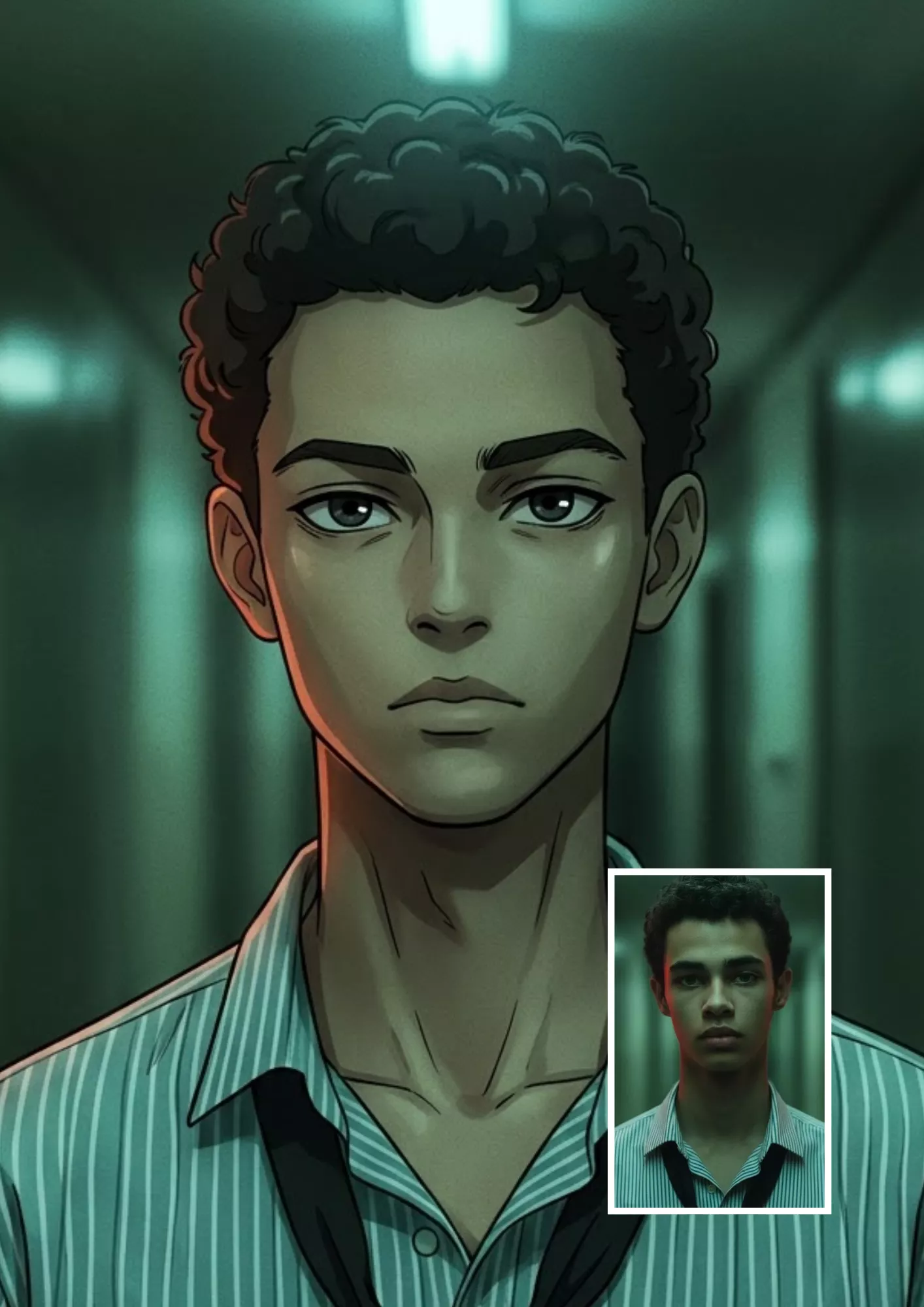
Anime or Illustrated Portrait Transformation
Prompt
Transform the uploaded portrait into a polished anime-inspired illustration. Preserve recognizable characteristics of the original person, including hairstyle, facial proportions, glasses or accessories, clothing colors, and expression. Use clean linework, expressive but balanced eyes, carefully rendered hair, and cohesive colors. Maintain the original pose and composition where possible. Avoid changing the person's defining features or adding unrelated characters and objects.

If you want to explore another illustrated look, try our ChatGPT Crayon Drawing Prompt for a crayon-inspired visual style.

How to Edit a Photo in ChatGPT

Follow these steps to use any of the ChatGPT image edit prompts above.

  • Step 1: Open ChatGPT. Open ChatGPT and start a conversation in an interface that supports image uploads and image editing.
  • Step 2: Upload Your Photo. Attach the photograph you want to edit. Use an image with enough detail to make the intended changes clear.
  • Step 3: Copy a Relevant Prompt. Choose one of the 34 prompts based on your goal. For example, use Prompt 7 to replace a background or Prompt 19 to create a professional headshot.
  • Step 4: Describe the Exact Change. Paste the prompt and specify any details that matter, such as the new background, outfit, lighting, or object you want removed.
  • Step 5: Review the Result. Check the generated image for changes to the face, hands, clothing, background, and other important details. If the result is not correct, provide a more specific follow-up instruction.
  • Step 6: Refine and Save. Request a targeted correction rather than repeating the entire process with several new changes. When you are satisfied, use the available interface options to save the result.

Tip: If your interface supports selecting a specific area of an image, use that feature to identify the part you want changed. Selection tools may still affect nearby pixels or surrounding details, so inspect the final result.

How to Preserve Your Face and Original Details

One of the most common problems with AI photo editing is that the result looks attractive but no longer resembles the original photograph. Use these techniques to reduce unwanted changes:

  • 1. State what must remain unchanged: Mention the face, facial structure, skin tone, hairstyle, expression, pose, and clothing when those details matter.
  • 2. Specify only the intended edit: Instead of asking for a complete makeover, request one change, such as replacing the background or correcting exposure.
  • 3. Avoid contradictory instructions: For example, asking for an unchanged face while also requesting a completely different facial structure creates conflicting requirements.
  • 4. Use the original photo as the reference: Upload the image you want to edit rather than relying only on a written description.
  • 5. Review each result carefully: Check facial details, hands, accessories, clothing patterns, shadows, and the background.
  • 6. Make corrections incrementally: If the first edit changes the face or background unexpectedly, explain exactly what should be restored.

You can use this reusable instruction:

Keep the person's original identity, facial structure, skin tone, hairstyle, expression, and pose as close to the uploaded photograph as possible. Preserve all unrelated details. Correct only [describe the specific issue] and leave everything else unchanged.

These instructions can improve consistency, but they cannot guarantee an exact match to the original face in every generated result.

How to Create Your Own ChatGPT Image Edit Prompt

You do not need to memorize all 34 prompts. You can create a custom ChatGPT photo editing prompt by combining five basic elements:

  • Element 1: The action. State what you want to do: enhance, replace, remove, restore, recolor, or transform.
  • Element 2: The subject. Identify the part of the image that matters, such as the person, background, clothing, or an unwanted object.
  • Element 3: The preservation instructions. List the details that must remain unchanged.
  • Element 4: The desired appearance. Describe the lighting, colors, composition, materials, or photographic style.
  • Element 5: The restrictions. Mention unwanted results, such as artificial skin, distorted hands, changed facial features, or unrelated background modifications.

Reusable ChatGPT Image Editing Prompt Template

Copy this template and fill in the brackets:

Edit the uploaded photo. Preserve [identity and important details]. Change only [specific object, area, or feature] to [desired result]. Use [lighting, colors, background, and visual style]. Maintain realistic textures, perspective, and shadows. Avoid [unwanted changes]. Keep all other parts of the original photograph unchanged wherever possible.

Example: Edit the uploaded photo. Preserve the person's identity, face, hairstyle, clothing, and pose. Replace only the background with a modern photography studio featuring a neutral gray backdrop. Use soft studio lighting and realistic shadows. Avoid artificial skin, distorted edges, and changes to the person's facial features. Keep the original composition unchanged.

This template can be adapted to most everyday photo-editing tasks.

Common ChatGPT Image Editing Problems and How to Fix Them

Even a detailed prompt may not produce the exact result you expect. Here are practical ways to address common issues:

  • Problem 1: ChatGPT Changes My Face. Why it happens: The requested edit may affect facial details, or the model may reinterpret parts of the reference image. How to fix it: Use a prompt that explicitly preserves identity and facial structure. Ask for only the required change, and compare the result with the original photograph.
  • Problem 2: The Wrong Part of the Image Gets Edited. Why it happens: Your description may not identify the target area precisely enough. How to fix it: Specify the object's location, color, shape, or relationship to nearby objects. If available, select or highlight the intended area before requesting the edit.
  • Problem 3: The Background Changes Unexpectedly. Why it happens: A broad editing instruction may encourage changes beyond the main subject. How to fix it: Add a clear restriction such as "Keep the original background, furniture, lighting, and composition unchanged. Edit only the person's shirt."
  • Problem 4: The Removed Object Leaves an Unnatural Patch. Why it happens: The surrounding background may be complex, patterned, reflective, or partially hidden behind the object. How to fix it: Describe the background that should appear behind the removed object. Request consistent textures, perspective, and lighting. If needed, use a more precise selection tool.
  • Problem 5: The Next Edit Changes Previously Correct Details. Why it happens: A follow-up instruction may cause the image to be reinterpreted rather than modifying only the intended detail. How to fix it: Refer to the current result, state what should remain unchanged, and request one specific correction. For example: "Keep the current edited image unchanged except for the background. Restore the original background while preserving the current face, clothing, pose, lighting, and other details." Always inspect the result after a follow-up edit.

Frequently Asked Questions

1. What is the best ChatGPT image edit prompt?

The best prompt clearly describes the requested change, identifies the details that must remain unchanged, and specifies the desired visual result. For personal photographs, preserving identity, facial features, and natural skin texture is often important. The universal template at the beginning of this article is a useful starting point for many editing tasks.

2. How do I edit a photo in ChatGPT?

Open ChatGPT in an interface that supports image uploads and editing, attach your photo, and describe the change you want. You can copy one of the prompts in this article, review the generated result, and request additional corrections if necessary.

3. Can I use ChatGPT image editing prompts for free?

Yes. You can copy, customize, and use the prompt text without paying for the text itself. However, image generation and editing availability may depend on your account, plan, current usage limits, and available features.

4. How can I preserve my face when editing a photo?

Tell ChatGPT to preserve your original identity, facial structure, skin tone, hairstyle, and expression. Request only the specific edit you want and avoid combining too many changes in one instruction. Always compare the generated result with your original photo because exact identity preservation is not guaranteed.

5. How do I change a photo background using ChatGPT?

Upload your photo and use a background-editing prompt, such as Prompt 7 or Prompt 11. Describe the new background and instruct ChatGPT to preserve the subject, pose, clothing, and facial features.

6. Can I use ChatGPT image editing prompts for girls or boys?

Yes. Prompts 21 to 26 cover portrait enhancement, fashion changes, traditional Indian outfits, and subtle hairstyle or makeup edits. You can adapt these prompts to different subjects and styles while specifying which original details should remain unchanged.

7. Is there a ChatGPT photo prompt generator?

You can ask ChatGPT to create a customized image-editing prompt based on your requirements. Describe your photo, the intended change, the details to preserve, and the desired style. ChatGPT can then draft a prompt for you. This article provides a reusable prompt template rather than a separate interactive generator tool.

8. Why does ChatGPT change parts of my photo I did not ask it to change?

AI image editing may affect nearby areas or reinterpret parts of the original photograph. Use precise instructions, identify the target area when possible, and state which details must remain unchanged. If the result is still incorrect, request a focused correction and review the updated image.

Final Thoughts

These 34 ChatGPT image edit prompts give you a starting point for improving portraits, replacing backgrounds, repairing old photographs, experimenting with fashion, and creating distinctive social media images.

For the most consistent results, begin with the original photo, describe the intended change clearly, and specify which details must remain unchanged. Avoid requesting several unrelated transformations at once, and review each result before making further edits.

Choose a prompt, upload your photo, and experiment with one change at a time to find the result that works best for your image.

Subscription Form

Bodhi Kalpak Prompt for Gemini AI – 8 Copy-Paste Prompts

AI Image Prompts

Bodhi Kalpak Prompt for Gemini AI - 8 Copy-Paste Prompts
By GeminiPrompt Editorial Team
October 21, 2026
12+ Min Read

Want to create a stylish, cinematic photo inspired by Bodhi Kalpak from Jailer 2? These Bodhi Kalpak prompts for Gemini AI help you transform your own photo into a confident, movie-inspired look featuring dark sunglasses, a crisp white outfit, dramatic lighting and a stylish car-entry scene.

Bodhi Kalpak, portrayed by SJ Suryah, was introduced with a striking visual style: a confident walk, sunglasses and a white outfit as he steps out of a black car. These distinctive elements make an excellent starting point for cinematic AI photo editing.

Sponsored Explore sponsored AI tools and creative resources

In this guide, you will find eight copy-paste prompts for creating different Bodhi Kalpak-inspired looks with Google Gemini AI. Upload your photo, choose a prompt and adjust the details to create your own cinematic portrait.

8 Best Bodhi Kalpak Prompts for Gemini AI

1. Best Bodhi Kalpak Prompt for Gemini AI

Start with this master prompt to create a clean, stylish look inspired by the character's signature appearance.
Best Bodhi Kalpak Prompt for Gemini AI
Prompt
Use my uploaded photo as the identity reference. Preserve my recognizable facial features, natural skin tone, hairstyle and overall identity. Transform my appearance into a Bodhi Kalpak-inspired cinematic look with a crisp white V-neck T-shirt, premium dark sunglasses, a confident expression and a relaxed, powerful stance. Place me beside a sleek black luxury car on a modern urban street. Use realistic daylight, natural skin texture, detailed fabric, accurate body proportions, cinematic composition and professional movie-photography quality. Keep the outfit elegant and minimal, with no unnecessary accessories. Make the result photorealistic and visually striking. Do not add text, logos, captions or watermarks.

2. Bodhi Kalpak White Outfit Prompt

This prompt focuses on the clean white outfit and confident appearance that make the look recognizable.
Bodhi Kalpak White Outfit Prompt
Prompt
Edit my uploaded photo into a Bodhi Kalpak-inspired fashion portrait. Preserve my original facial identity, skin tone and natural facial proportions. Dress me in a fitted white V-neck T-shirt, stylish dark sunglasses and minimal accessories. Give me a calm, self-assured expression with a relaxed standing pose and slightly turned shoulders. Use a sophisticated urban background, soft directional lighting, realistic shadows and crisp fabric details. Capture the photo with a professional 85mm portrait-lens aesthetic, shallow depth of field and natural skin texture. Photorealistic editorial photography, no text, no logos and no watermark.

3. Bodhi Kalpak Luxury Car Entry Prompt

Use this prompt to create a dramatic arrival scene with a car and a confident full-body pose.
Bodhi Kalpak Luxury Car Entry Prompt
Prompt
Use my uploaded image as the face and identity reference. Create a photorealistic Bodhi Kalpak-inspired cinematic scene in which I am stepping out of a sleek black luxury sedan. Preserve my recognizable face and natural body proportions. I am wearing a white V-neck T-shirt, tailored dark trousers, clean black shoes and dark sunglasses. Capture the moment with one foot on the ground and one hand resting naturally near the open car door. Use a low three-quarter camera angle, dramatic natural lighting, realistic reflections on the car, detailed materials and a premium action-film atmosphere. Keep the pose believable and the composition uncluttered. No text, logos, brand badges or watermark.

4. Bodhi Kalpak Close-Up Sunglasses Portrait

A close-up works well when you want the face, sunglasses and expression to dominate the image.
Bodhi Kalpak Close-Up Sunglasses Portrait
Prompt
Create a cinematic close-up portrait using my uploaded photo as the identity reference. Keep my recognizable facial features, natural skin tone and facial proportions. Give me a Bodhi Kalpak-inspired style with dark premium sunglasses, a clean white neckline and a calm, confident expression. Use dramatic side lighting with soft highlights on the face and realistic reflections in the sunglasses. Place me against a softly blurred dark urban background with subtle cinematic contrast. Capture detailed skin texture, realistic hair, sharp focus on the face and a professional portrait-photography aesthetic. Avoid plastic-looking skin, exaggerated facial features, text, logos and watermarks.

5. Bodhi Kalpak Nighttime Cinematic Prompt

Choose this variation for a moody night scene with a modern city atmosphere.
Bodhi Kalpak Nighttime Cinematic Prompt
Prompt
Transform my uploaded photo into a photorealistic Bodhi Kalpak-inspired nighttime portrait. Preserve my natural identity and facial structure. Dress me in a crisp white V-neck T-shirt, dark sunglasses and tailored dark trousers. Position me beside a black luxury car on a city street at night, with soft streetlights, subtle reflections on the pavement and blurred urban lights in the background. Use cinematic key lighting, a restrained rim light around my shoulders, realistic shadows and natural skin texture. The final image should look like a professionally photographed action-film still, with balanced contrast and realistic proportions. No artificial glow, text, logos or watermark.

6. Bodhi Kalpak Full-Body Style Prompt

This variation is designed to show the complete outfit, stance and surrounding environment.
Bodhi Kalpak Full-Body Style Prompt
Prompt
Use my uploaded photo as the reference for my face and identity. Create a full-body Bodhi Kalpak-inspired fashion photograph. Preserve my recognizable facial features and natural proportions. Style me in a white V-neck T-shirt, fitted dark trousers, polished black shoes and dark sunglasses. I am standing confidently beside a sleek black sedan, with relaxed shoulders and one hand resting naturally by my side. Show the complete outfit from head to toe without cropping the shoes. Use a slightly low camera angle, realistic daylight, detailed clothing texture, natural shadows and a premium urban setting. Photorealistic cinematic photography, no text, logos or watermark.

7. Bodhi Kalpak Dramatic Movie-Style Portrait

Use this prompt when you want a more intense, poster-like image without adding artificial text or branding.
Bodhi Kalpak Dramatic Movie-Style Portrait
Prompt
Create a high-impact cinematic portrait inspired by Bodhi Kalpak's confident screen style, using my uploaded photo as the identity reference. Preserve my natural face, skin tone and recognizable features. Dress me in a crisp white T-shirt and dark sunglasses, with a sleek black car softly visible behind me. Give me a composed, commanding expression and a relaxed but confident pose. Use dramatic directional lighting, deep but detailed shadows, realistic reflections, subtle atmospheric haze and cinematic color grading. Keep the face naturally textured and the clothing realistic. Frame the shot like a premium action-film still, with clear subject separation and no exaggerated visual effects. No text, logos, titles or watermark.

8. Bodhi Kalpak Premium Editorial Look

This option combines character-inspired styling with a polished fashion-magazine aesthetic.
Bodhi Kalpak Premium Editorial Look
Prompt
Use my uploaded photo as the identity reference and create a premium editorial portrait with a Bodhi Kalpak-inspired style. Preserve my recognizable facial features, natural skin tone and hairstyle. Dress me in a perfectly fitted white V-neck T-shirt, dark sunglasses, tailored dark trousers and understated accessories. Position me beside a modern black luxury car in a clean architectural setting. Use refined composition, soft directional light, realistic skin texture, precise clothing details and natural shadows. Capture the image with the polished look of a high-end fashion campaign, while retaining a confident cinematic presence. Keep the background elegant and uncluttered. Photorealistic result, no text, brand logos or watermark.

How to Use the Bodhi Kalpak Prompt in Gemini AI

Follow these steps to create your image:

  • 1. Open Google Gemini: Access its image-generation feature, if available on your account.
  • 2. Upload a Photo: Upload a clear photo in which your face is easy to see.
  • 3. Copy a Prompt: Copy one of the Bodhi Kalpak prompts from this guide.
  • 4. Paste and Generate: Paste the prompt and generate the image.
  • 5. Review the Result: Review the result for facial similarity, sunglasses placement, outfit details and body proportions.
  • 6. Refine Specific Details: If something looks incorrect, ask Gemini to adjust that specific detail rather than rewriting the entire prompt.

For best results, start with the master prompt and then test the variations. Different prompts produce different compositions, so keep the version that best matches your intended style.

How to Keep Your Face Consistent in Gemini AI

AI-generated edits can change facial features even when you provide a reference photo. These instructions may help reduce unwanted changes:

  • Use a clear reference photo: Choose an image with good lighting and an unobstructed face.
  • State the identity requirement clearly: Ask the model to preserve your recognizable facial features, skin tone and natural proportions.
  • Change the styling, not the identity: Describe the outfit, sunglasses, pose and background as the elements to modify.
  • Avoid contradictory details: Do not ask for multiple hairstyles, outfits or lighting setups in one prompt.
  • Refine one issue at a time: If the face changes, request a more faithful facial match; if the pose is wrong, request a pose correction.

These techniques can improve consistency, but no prompt can guarantee a perfect identity match in every generation.

Tips for a More Realistic Bodhi Kalpak-Inspired Photo

  • Choose a suitable camera angle: A low three-quarter view can make a car-entry scene feel dramatic, while an eye-level close-up is better for a sunglasses portrait. Explore these AI camera angle prompts for more composition ideas.
  • Keep the clothing simple: A crisp white V-neck T-shirt and dark sunglasses provide a clean visual foundation. Avoid adding too many accessories that distract from the main look.
  • Use realistic lighting: Ask for natural shadows, controlled highlights and believable reflections rather than excessive glow or artificial effects.
  • Keep the face detailed: Natural skin texture, realistic eyes and accurate facial proportions usually look more convincing than excessive smoothing.
  • Use high-quality portrait references: Better source photos can make it easier for an image-generation tool to understand the face and clothing. For more portrait detail ideas, see these ultra-detailed 8K DSLR-style portrait prompts.
  • Experiment with multiple versions: Generate a few results using different camera angles or backgrounds, then refine the strongest one.

Frequently Asked Questions

1. What is a Bodhi Kalpak prompt?

A Bodhi Kalpak prompt is an AI image-generation instruction inspired by the character's cinematic style in Jailer 2. It can describe elements such as a white outfit, dark sunglasses, a confident pose and a dramatic car-entry scene.

2. How do I create a Bodhi Kalpak photo using Gemini AI?

Upload your reference photo, paste one of the prompts in this guide and generate the image using Gemini's available image-generation feature. Review the output and refine details such as clothing, lighting, composition and facial similarity.

3. Can I use my own face in a Bodhi Kalpak AI photo?

Yes. You can upload your own photo as a reference where supported and instruct Gemini to preserve your recognizable features while changing the styling and setting. The final result may still vary.

4. What outfit should I describe in a Bodhi Kalpak prompt?

A crisp white V-neck T-shirt and dark sunglasses are useful starting points for the character-inspired look. You can add tailored dark trousers, a black car and a modern urban background for a cinematic composition.

5. How can I make the image look more realistic?

Use a clear source image and describe natural skin texture, realistic shadows, detailed clothing, accurate body proportions and believable lighting. Keep the prompt focused on one composition and refine the output when necessary.

6. Can I create a Bodhi Kalpak-style movie poster?

You can create a poster-like portrait inspired by the character's overall style by describing dramatic lighting, cinematic framing, a car background and a confident pose. If you want text on the poster, add it separately during editing for better control over spelling and layout.

Final Thoughts

These Bodhi Kalpak prompts for Gemini AI provide eight ways to explore a cinematic look inspired by Jailer 2. Whether you prefer a white-outfit portrait, a luxury-car entry, a dramatic nighttime scene or a premium editorial image, each prompt gives you a different starting point.

Upload a clear reference photo, change one visual element at a time and compare the results. This approach helps you create a more personalized, realistic Bodhi Kalpak-inspired image while keeping your own identity at the centre of the edit.

Subscription Form

Gemini AI Mythological Scene Prompts with Lord Shiva, Krishna and Ganesha

AI Image Prompts

Gemini AI Mythological Scene Prompts with Lord Shiva, Krishna and Ganesha

By GeminiPrompt Editorial Team
October 19, 2026
14+ Min Read

Want to create emotional, cinematic Hindu mythology images with Google Gemini AI? These Gemini AI mythological scene prompts help you recreate a powerful visual story featuring a distressed young Indian man sitting outside a convenience store at night while Lord Shiva, Lord Krishna and Lord Ganesha gather around him.

This concept combines a modern Indian setting with a respectful mythological atmosphere. Instead of changing the entire scene every time, you can experiment with different camera angles, compositions, facial expressions and perspectives to create a consistent series of AI images.

Sponsored Explore sponsored AI tools and creative resources

Below are 10 copy-paste prompts designed for different camera views, from a wide establishing shot to a close-medium emotional scene. You can use them individually in Gemini AI and attach the same reference image when you want more consistent results.

10 Best Gemini AI Mythological Scene Prompts

1. Wide Establishing Shot

Best for: Showing the complete scene, all characters and the surrounding store.
Wide Establishing Shot
Prompt
Create a photorealistic cinematic scene outside a brightly lit Indian convenience store at night. A distressed young Indian man wearing a navy blue T-shirt and black trousers sits on a metal chair at a round metal table, surrounded by Lord Shiva, Lord Krishna, Lord Ganesha and other Hindu mythological characters in traditional attire. Use a wide frontal composition with the entire group clearly visible. Include a realistic storefront, glass reflections, natural poses, believable facial expressions and documentary-style cinematic photography. Portray all divine figures respectfully, with detailed traditional clothing and ornaments. No text, captions, logos or watermark. Vertical 4:5 composition, 1080×1350 pixels.

2. Three-Quarter Camera Angle

Best for: Creating depth while highlighting the young man's worried expression.
Three-Quarter Camera Angle
Prompt
Recreate the same nighttime Indian convenience-store scene with the distressed young man seated at a round metal table while Lord Shiva, Lord Krishna and Lord Ganesha gather around him. Position the camera at a three-quarter angle from the right, showing the young man's worried expression and the divine characters listening attentively. Maintain natural body language, realistic facial features, detailed traditional ornaments and authentic clothing. Use the brightly illuminated storefront as the background, with subtle glass reflections and realistic fluorescent lighting. Create a photorealistic candid photograph with cinematic depth and balanced composition. No text or watermark. Vertical 4:5.

3. Over-the-Shoulder Shot

Best for: Making the scene feel like an intimate conversation.

Over-the-Shoulder Shot
Prompt
Create a photorealistic nighttime scene outside an Indian convenience store. Position the camera behind Lord Shiva's shoulder, looking toward a distressed young Indian man seated at a round metal table. Lord Krishna and Lord Ganesha sit nearby, listening thoughtfully to the young man. Keep the young man's emotional expression in clear focus while the other characters remain naturally arranged around him. Include realistic skin textures, detailed fabric, traditional jewelry, natural hand gestures and believable store lighting. Use a cinematic over-the-shoulder composition with realistic depth of field. No text, captions, logos or watermark. Vertical 4:5.

4. Side-Profile Composition

Best for: Showing the interaction between the young man and the divine figures.

Side-Profile Composition
Prompt
Create a photorealistic side-profile photograph of a worried young Indian man sitting at a round metal table outside a convenience store at night. Lord Shiva sits beside him, while Lord Krishna and Lord Ganesha face him from the opposite side of the table. Capture the feeling of a serious, empathetic conversation through natural facial expressions and relaxed but attentive body language. Show the characters in a balanced side-view composition, with bright store windows, realistic shadows, traditional divine attire and detailed ornaments. Maintain believable human anatomy and a natural nighttime atmosphere. No text or watermark. Vertical 4:5.

5. Slightly Elevated Camera Angle

Best for: Showing the table arrangement, chairs and the full gathering.
Slightly Elevated Camera Angle
Prompt
Generate a photorealistic cinematic scene of a distressed young Indian man receiving guidance from Lord Shiva, Lord Krishna and Lord Ganesha outside a modern Indian convenience store at night. Use a slightly elevated diagonal camera angle to clearly show the round metal table, chairs, characters and their facial expressions. The young man wears a navy blue T-shirt and black trousers and sits with a worried expression. The divine figures wear traditional attire and ornaments, interacting naturally with him. Include realistic storefront reflections, believable lighting, detailed materials and natural body language. Respectfully portray every divine figure. No text, captions, logos or watermark. Vertical 4:5.

6. Emotional Close-Medium Shot

Best for: Focusing on facial expressions and the emotional heart of the scene.
Emotional Close-Medium Shot
Prompt
Create a cinematic medium shot of a distressed young Indian man sitting outside a brightly lit convenience store at night, resting his forehead against one hand. Lord Krishna gently gestures as if offering thoughtful guidance, Lord Shiva watches with a calm and compassionate expression, and Lord Ganesha listens nearby. Focus on the young man's worried face, the natural hand gestures and the empathetic interaction among the characters. Use photorealistic skin textures, detailed traditional costumes, realistic ornaments, soft cinematic depth of field and believable fluorescent lighting. Keep the setting modern and grounded, without exaggerated supernatural effects. No text or watermark. Vertical 4:5.

7. Low-Angle Cinematic Shot

Best for: Giving the gathering a dramatic, cinematic perspective.

Low-Angle Cinematic Shot
Prompt
Recreate the nighttime gathering outside an Indian convenience store from a slightly low camera angle near table height. A worried young Indian man sits in the foreground at a round metal table, with Lord Shiva, Lord Krishna and Lord Ganesha surrounding him. Keep all characters visible and naturally proportioned. Use the bright fluorescent storefront lights as the background, with realistic shadows, subtle reflections and detailed traditional ornaments. Capture the scene like a high-quality cinematic movie still, using a slightly dramatic perspective without distorting faces or bodies. Maintain a respectful portrayal of the Hindu deities and natural expressions. No text, captions, logos or watermark. Vertical 4:5.

8. View From the Store Entrance

Best for: Adding a realistic foreground and a documentary-style perspective.
View From the Store Entrance
Prompt
Create a photorealistic candid scene viewed from just inside a modern Indian convenience-store entrance through glass doors at night. Outside, a distressed young Indian man sits at a round metal table with Lord Shiva, Lord Krishna, Lord Ganesha and other Hindu mythological characters. The characters interact naturally, with the divine figures appearing attentive and compassionate. Include subtle reflections on the glass doors without obscuring any faces. Show the brightly illuminated store interior near the edges of the frame and the nighttime street beyond the group. Use realistic skin, fabric, ornaments and natural fluorescent lighting. No text, logos or watermark. Vertical 4:5.

9. Wide Sideways Perspective

Best for: Showing the relationship between the seated man, the divine figures and the surrounding environment.
Wide Sideways Perspective
Prompt
Create a photorealistic wide-perspective nighttime scene outside a brightly illuminated Indian convenience store. A distressed young Indian man sits at one end of a round metal table while Lord Shiva, Lord Krishna and Lord Ganesha sit together across from him, engaged in a thoughtful conversation. Position the camera diagonally from the left, showing the entire group, chairs, table, storefront and a portion of the surrounding street. Use realistic body proportions, natural gestures, detailed traditional attire and believable facial expressions. Capture the atmosphere of a candid cinematic photograph with realistic reflections and balanced framing. No text, captions, logos or watermark. Vertical 4:5.

10. Final Group Composition

Best for: Creating a balanced hero image where the emotional story is easy to understand.
Final Group Composition
Prompt
Generate a photorealistic cinematic group scene outside an Indian convenience store at night. A distressed young Indian man sits at the center of a round metal table, appearing calmer as Lord Shiva, Lord Krishna and Lord Ganesha offer him thoughtful guidance. Use a slightly elevated frontal three-quarter camera angle and a balanced composition, keeping the main characters clearly visible. Include expressive faces, traditional detailed attire, realistic glass reflections, natural fluorescent lighting and a believable modern Indian storefront. The atmosphere should feel calm, emotional and reassuring, with respectful depictions of all divine figures. Use realistic anatomy, natural poses and cinematic photography. No text, captions, logos or watermark. Vertical 4:5.

How to Use These Mythological Prompts in Gemini AI

Follow these steps to generate your images:

  • 1. Open Google Gemini: Select its image-generation feature if available.
  • 2. Copy a Prompt: Choose one prompt from this article.
  • 3. Paste the Prompt: Paste the prompt into Gemini and generate the image.
  • 4. Review the Result: Check the composition, facial expressions, character placement and image quality.
  • 5. Experiment with Angles: If you want a different camera angle, use another prompt from the list.
  • 6. Save and Refine: Save the best result and refine the prompt if necessary.

For a more consistent series, upload the same reference image with each prompt when the image-generation interface supports reference images. This can help preserve the young man's appearance, the divine characters' visual details and the store setting, although exact consistency is not guaranteed.

How to Maintain Character Consistency in Gemini AI

Generating ten images of the same scene can produce variations in faces, clothing and character placement. Use these techniques to reduce unwanted changes:

  • Keep the main character description unchanged: Use the same description of the young man in every prompt, including his navy blue T-shirt, black trousers and distressed expression.
  • Reuse the same reference image: Attach the same approved reference image for each variation when supported. This provides Gemini with a visual reference for the scene.
  • Change only the camera composition: For example, change a frontal view to a side-profile view without changing the location, clothing or character descriptions.
  • Keep the environment consistent: Reuse details such as the nighttime setting, brightly illuminated convenience store, round metal table, chairs and glass reflections.
  • Review every generated image: Check whether the characters are positioned correctly, facial features look natural, hands are well formed and traditional clothing is rendered appropriately.

If you need more control over framing and perspective, explore these AI camera angle prompts.

Tips for Realistic Cinematic Hindu Mythology Images

  • Describe the lighting: Specify fluorescent store lighting, soft shadows, realistic reflections or subtle cinematic contrast.
  • Choose the right camera view: Wide shots show the environment, while medium shots highlight expressions and interactions.
  • Avoid overcrowding: Clearly identify the main characters and specify which figures should remain visible.
  • Use natural expressions: Describe the young man as worried or distressed and the divine figures as calm and attentive.
  • Keep costumes consistent: Mention traditional attire and ornaments in each prompt rather than relying on vague descriptions.
  • Check facial and body details: If the result has distorted features, regenerate with a simpler composition and clearer character placement.
  • Improve image detail carefully: If you want more realistic portrait textures, use relevant guidance from these ultra-detailed 8K DSLR-style portrait prompts.

For a more imaginative lighting style, you can also explore cinematic fantasy portrait prompts. Keep the lighting and visual effects appropriate to the modern setting if you want the scene to remain photorealistic.

Frequently Asked Questions

1. How do I create mythological images using Gemini AI?

Choose a clear scene, describe the characters and setting, specify the camera angle and lighting, and paste the prompt into Gemini's image-generation feature. If you want consistent characters across multiple images, reuse the same reference image when supported.

2. Can I use these prompts to create images of Lord Shiva, Lord Krishna and Lord Ganesha together?

Yes. These prompts are specifically designed around a shared scene featuring Lord Shiva, Lord Krishna and Lord Ganesha interacting with a distressed young man outside a modern Indian convenience store.

3. How can I generate different camera angles of the same scene?

Keep the character descriptions and location consistent while changing the camera instructions. You can use a wide establishing shot, three-quarter view, over-the-shoulder shot, side profile, elevated angle or low-angle composition.

4. Why do characters sometimes look different in each generated image?

Image-generation systems can interpret prompts differently each time. Reusing the same reference image, keeping descriptions consistent and changing only the camera angle may improve visual continuity, but it cannot guarantee identical results.

5. Can Gemini generate realistic cinematic mythological scenes?

Gemini may generate photorealistic or cinematic interpretations depending on the model, prompt and available image-generation features. Clear descriptions of lighting, costumes, facial expressions, composition and environment can help guide the result.

6. What image ratio should I use for these prompts?

These prompts are designed for a vertical 4:5 composition, suitable for an Instagram carousel. If your image-generation tool does not offer an exact 4:5 ratio, generate the closest available format and crop it carefully.

Final Thoughts

These Gemini AI mythological scene prompts let you explore ten different compositions of one emotional visual story. From the wide establishing shot to the close-medium view, each prompt changes the camera perspective while keeping the central concept intact.

For the most consistent results, reuse your reference image, keep the character descriptions unchanged and focus on one camera variation at a time. You can then select the strongest images for a cinematic carousel or a visual storytelling series.

Subscription Form

15 Retro Chic AI Prompts for Stunning Vintage Photos

AI Image Prompts

15 Retro Chic AI Prompts for Stunning Vintage Photos

By GeminiPrompt Editorial Team
September 02, 2026
15 Min Read

Retro chic photography combines vintage fashion, nostalgic locations, and classic film aesthetics to create images inspired by past decades. With the right Retro Chic AI Prompt, you can generate everything from grainy 1970s street portraits to 1990s flash photography and elegant vintage fashion editorials.

Prompt Explore

In this collection, you will find 15 copy-ready retro chic prompts for different styles, including vintage street fashion, Polaroid photos, retro couple portraits, cinematic sunset scenes, and classic analog film looks. You can also customize the prompts by changing the era, outfit, location, lighting, and camera style.

Sponsored Explore sponsored AI tools and creative resources

What Is a Retro Chic AI Prompt?

A Retro Chic AI Prompt is a detailed text instruction that helps an AI image generator create a vintage-inspired image with a specific nostalgic aesthetic.

A strong retro chic image usually combines several visual elements, including:

  • Vintage-inspired fashion and classic silhouettes
  • Visual details from specific decades such as the 1950s, 1970s, or 1990s
  • Analog photography aesthetics
  • Film grain and subtle imperfections
  • Warm, faded, or nostalgic color palettes
  • Retro cars, cafes, streets, and classic interiors
  • Vintage camera characteristics
  • A nostalgic overall mood

The more specific your prompt is about the era, clothing, environment, lighting, and photography style, the easier it becomes to create a consistent retro look.

How to Create Retro Chic Photos with AI

  1. Step 1: Choose a Clear Reference Image: If your AI image generator supports image uploads, start with a clear and well-lit reference photo. This can help guide the overall appearance and composition.
  2. Step 2: Select a Retro Era: Choose the decade you want to recreate, such as 1950s classic Americana, 1960s pop fashion, 1970s analog photography, 1980s bold fashion, or 1990s disposable camera aesthetics.
  3. Step 3: Describe the Outfit and Location: Match the clothing with an appropriate environment. A 1970s outfit may work well with vintage interiors, old streets, classic cars, or nostalgic outdoor locations.
  4. Step 4: Add Film Photography Details: Include details such as 35mm film, analog photography, film grain, light leaks, soft halation, dust specks, and faded colors to help reduce the overly clean digital appearance.
  5. Step 5: Generate Multiple Variations: Do not rely only on the first result. Generate multiple versions and compare the lighting, composition, clothing, and overall retro atmosphere.

15 Best Retro Chic AI Prompts

Retro Chic Street Style AI Prompt

This prompt creates a sophisticated vintage street fashion portrait inspired by 1970s city photography.

Retro Chic Street Style
Prompt
A candid 1970s street style photo of a stylish young woman walking down a historic city sidewalk during daytime. Wearing a tailored tweed blazer, high-waisted wide-leg denim jeans, and leather loafers. Natural overcast daylight, crisp fabric textures, subtle film grain, soft-focus background architecture, shot on 35mm analog film, authentic vintage aesthetic, portrait composition, 4:5 aspect ratio.

Vintage Car Retro Portrait Prompt

This concept combines a classic automobile with warm golden-hour photography and nostalgic fashion.

Vintage Car Retro Portrait
Prompt
A candid vintage photo of a stylish young woman leaning against a classic cream-colored car during golden hour. Wearing oversized tortoiseshell sunglasses, a patterned silk headscarf, and a rust-colored trench coat. Warm amber tones, soft-focus background, film grain texture, light halation, subtle lens flare, Kodachrome-inspired film colors, authentic retro aesthetic, portrait composition, 4:5 aspect ratio.

1970s Retro Fashion AI Prompt

This prompt creates a bold late-1970s fashion portrait with vintage interiors and warm analog colors.

1970s Retro Fashion
Prompt
A vintage fashion magazine portrait inspired by the late 1970s. A young woman with voluminous wavy hair posing in a retro living room with mustard yellow walls. Wearing a geometric print button-down shirt and brown corduroy trousers. Warm indoor tungsten lighting, deep shadows, authentic analog film grain, vintage color grading, medium format film photography, nostalgic fashion editorial aesthetic, portrait composition, 4:5 aspect ratio.

1990s Film Camera Photo Prompt

This prompt recreates the casual and imperfect appearance of a 1990s snapshot.

1990s Film Camera Photo
Prompt
A casual 1990s snapshot of a young man hanging out on a suburban front porch at dusk. Wearing a striped graphic t-shirt and loose-fit cargo pants. Direct disposable camera flash, harsh shadow against the wall behind him, slightly imperfect snapshot composition, subtle red-eye effect, nostalgic film grain, authentic everyday 1990s atmosphere, portrait composition, 4:5 aspect ratio.

Retro Coffee Shop Portrait Prompt

This cozy prompt creates a nostalgic indoor portrait with warm light and a classic cafe atmosphere.

Retro Coffee Shop Portrait
Prompt
A cozy vintage portrait of a young woman sitting at a small wooden table inside a classic 1960s diner. Holding a ceramic mug with steam rising. Wearing a simple pastel yellow sweater and a headband. Soft morning window light, gentle halation, muted warm tones, shallow depth of field, subtle film grain, nostalgic analog photography aesthetic, portrait composition, 4:5 aspect ratio.

Vintage Paris Street Style Prompt

This prompt focuses on classic European fashion and atmospheric street photography.

Vintage Paris Street Style
Prompt
A moody vintage street style photo captured in Paris during an autumn morning. A stylish individual walking past a classic Haussmann building facade. Wearing a structured wool double-breasted coat and a knitted scarf. Soft ambient fog, desaturated cool tones with warm skin accents, fine-art analog photography style, subtle 35mm film grain, timeless European fashion aesthetic, portrait composition, 4:5 aspect ratio.

Retro Chic Outfit AI Prompt

This prompt creates a bright 1980s-inspired fashion look with clean composition and bold styling.

Retro Chic Outfit
Prompt
A crisp 1980s retro chic fashion portrait of a confident person posing near a city park bench. Wearing a pastel oversized blazer over a minimalist white top and pleated trousers. Bright afternoon sunlight casting soft shadows, clean composition, vibrant retro color palette, subtle film grain, editorial lookbook photography, nostalgic fashion aesthetic, portrait composition, 4:5 aspect ratio.

Retro Vintage Grainy Photo Prompt

This prompt focuses on heavy analog texture and a darker documentary photography mood.

Retro Vintage Grainy Photo
Prompt
An archival 1970s vintage portrait of a young man standing against a brick exterior wall. Wearing a dark leather jacket over a vintage band t-shirt. Moody overcast lighting, heavy analog film grain, subtle light leaks around the edge of the frame, desaturated earthy tones, realistic documentary photography style, authentic nostalgic atmosphere, portrait composition, 4:5 aspect ratio.

Retro Polaroid AI Photo Prompt

This concept recreates the soft colors and imperfect look of instant film photography.

Retro Polaroid AI Photo
Prompt
An instant film Polaroid photograph of a smiling young woman holding a vintage camera at a sunny backyard gathering. Wearing a floral summer sundress. Soft flash lighting, slightly washed-out pastel colors, soft-focus edges, subtle instant-film imperfections, authentic white Polaroid border, nostalgic warm personal archive atmosphere, square composition.

Old Money Retro Fashion Prompt

This elegant prompt combines timeless fashion with a refined vintage lifestyle aesthetic.

Old Money Retro Fashion
Prompt
A timeless old-money retro portrait of a young man leaning against a classic wooden fence near a lush green lawn. Wearing a cream-colored cable-knit sweater draped over his shoulders and tailored linen trousers. Soft natural daylight, rich fabric textures, refined neutral color palette, classic cinematic film look, subtle analog grain, elegant vintage lifestyle aesthetic, portrait composition, 4:5 aspect ratio.

Retro Chic Couple Photo Prompt

This prompt creates a warm and spontaneous couple photograph inspired by 1970s film photography.

Retro Chic Couple Photo
Prompt
A candid 1970s couple portrait of a young man and woman laughing together while sitting on the hood of a vintage station wagon. Wearing matching retro casual outfits in warm earth tones. Golden-hour backlighting, natural sun flare, soft-focus background trees, authentic film stock texture, warm nostalgic color grading, romantic candid photography, portrait composition, 4:5 aspect ratio.

Retro Style Prompt for Girl

This retro style prompt focuses on colorful 1960s fashion and vintage magazine photography.

Retro Style Prompt for Girl
Prompt
A retro style portrait for a girl inspired by 1960s pop culture aesthetics. A young woman with a sleek ponytail wearing colorful geometric earrings and a polka-dot shift dress. Bright studio lighting with a clean pastel pink backdrop, sharp fashion photography composition, glossy vintage magazine print aesthetic, balanced contrast, authentic 1960s styling, portrait composition, 4:5 aspect ratio.

Retro Style Prompt for Boy

This prompt combines classic menswear with a 1950s-inspired urban setting.

Retro Style Prompt for Boy
Prompt
A classic retro style portrait for a boy inspired by a 1950s greaser aesthetic. A young man leaning against a vintage motorcycle in a brick alleyway. Wearing a plain white t-shirt, dark denim jeans, and a leather belt. Natural side lighting casting deep shadows, authentic film stock texture, subtle analog grain, timeless vintage attitude, cinematic portrait composition, 4:5 aspect ratio.

Retro Fashion Editorial AI Prompt

This high-fashion concept recreates the dramatic styling of classic vintage magazine campaigns.

Retro Fashion Editorial
Prompt
A high-fashion retro editorial photo inspired by a 1970s magazine spread. A model posing dynamically against a dark olive-green studio backdrop. Wearing a metallic bronze patterned jumpsuit and statement jewelry. Professional studio lighting with a strong rim light, rich color depth, fine film grain texture, dramatic fashion composition, premium vintage editorial aesthetic, portrait composition, 4:5 aspect ratio.

Cinematic Vintage Sunset Portrait Prompt

This prompt combines vintage film texture with dramatic environmental photography.

Cinematic Vintage Sunset Portrait
Prompt
A cinematic vintage portrait of a young woman standing on an open coastal cliff at sunset. Wearing a flowing bohemian maxi dress and a knitted shawl. Dramatic orange and purple sky, strong backlighting creating a soft halo around her hair, subtle light halation, anamorphic lens flare, rich analog film texture, epic nostalgic atmosphere, cinematic wide composition, 16:9 aspect ratio.

Retro Chic AI Prompt for Girl

Creating a feminine retro look usually involves classic silhouettes, vintage accessories, period-appropriate colors, and nostalgic photography details.

A retro chic AI prompt for girl can include elements such as vintage dresses, oversized sunglasses, headscarves, textured knitwear, classic handbags, and warm analog film aesthetics.

Here is a customizable example:

A candid 1960s portrait of a young woman strolling through a sunny European market square. Wearing a chic pastel A-line dress and oversized sunglasses. Soft morning sunlight, warm vintage color palette, subtle film grain, natural outdoor atmosphere, nostalgic analog photography aesthetic, portrait composition, 4:5 aspect ratio.

You can customize the dress, location, decade, hairstyle, and color palette to create different variations.

Retro Style Prompt for Boy

A strong retro style prompt for boy usually combines classic menswear, vintage environments, textured fabrics, and a photography style that matches the selected era.

Here is a customizable example:

A vintage portrait of a young man sitting on a retro leather couch inside a wood-paneled study. Wearing a textured wool sweater and a classic vintage wristwatch. Warm desk lamp lighting, rich dark shadows, subtle analog film grain, nostalgic 1970s atmosphere, cinematic portrait composition, 4:5 aspect ratio.

Try changing the outfit, decade, location, and lighting to create different retro aesthetics.

Retro Vintage Grainy Prompt Text

A convincing retro image usually needs more than vintage clothing. Film grain, faded colors, light leaks, soft halation, and small imperfections can help remove the overly clean digital appearance.

When writing a retro vintage grainy prompt, combine the subject and setting with specific analog photography details.

Useful elements include:

  • 35mm film: Creates a classic analog photography aesthetic.
  • Analog photography: Helps establish a traditional camera look.
  • Film grain: Adds natural texture to the image.
  • Dust particles: Creates subtle imperfections.
  • Light leaks: Adds warm or colored light around the edges.
  • Halation: Creates soft glowing effects around bright areas.
  • Faded colors: Helps create an aged photography look.
  • Disposable camera flash: Works especially well for 1990s-inspired images.
  • Soft focus: Creates a more natural vintage appearance.

Instead of simply writing "vintage photo," describe the film texture, lighting, era, and color treatment you want.

How to Create Retro Chic Photos with Gemini AI

You can use these prompts with Gemini by combining a detailed text description with your preferred visual reference when image uploads are available.

  1. Step 1: Choose a Reference Image: Use a clear image if you want to guide the overall appearance of the subject.
  2. Step 2: Copy a Retro Chic AI Prompt: Choose one of the prompts from this collection based on the style you want to create.
  3. Step 3: Customize the Details: Change details such as decade, outfit, hairstyle, location, camera style, lighting, and film texture.
  4. Step 4: Generate Multiple Variations: Do not depend on a single generation. Create multiple variations to explore different compositions and visual results.
  5. Step 5: Refine the Prompt: If the result does not look retro enough, add more specific details such as 35mm analog film, soft film grain, faded colors, light leaks, vintage wardrobe, specific decade, or disposable camera flash.

A detailed prompt for Gemini AI retro style usually gives you more control than simply asking for a generic vintage photo.

How to Customize Retro Chic AI Prompts

Change the Era: Try different decades such as the 1950s, 1960s, 1970s, 1980s, or 1990s. Each decade has different fashion, colors, photography styles, and cultural aesthetics.

Change the Camera Style: Experiment with Polaroid, 35mm film, disposable camera, medium format film, or cinematic photography.

Change the Outfit: You can replace clothing with vintage denim, a trench coat, a leather jacket, a retro dress, corduroy trousers, an oversized blazer, or knitwear.

Change the Location: Try nostalgic locations like a vintage car, Paris street, classic cafe, old motel, city street, retro living room, beach, or countryside.

Change the Lighting: Lighting can completely change the mood. Try golden hour, direct flash photography, soft window light, neon lighting, overcast daylight, or warm tungsten light.

Tips for Realistic Retro AI Photos

  • Use a specific decade instead of only writing "retro."
  • Include clothing that matches the chosen era.
  • Add camera and film details when relevant.
  • Use subtle imperfections such as grain or light leaks.
  • Match the background with the selected decade.
  • Keep the color palette consistent.
  • Generate multiple variations before selecting the final result.
  • Avoid mixing unrelated decades unless you intentionally want a mixed retro aesthetic.
  • Do not overload every prompt with technical photography terms; focus on the most important visual details first.

Frequently Asked Questions

What is a retro chic AI prompt?

A Retro Chic AI Prompt is a detailed instruction used to generate vintage-inspired AI images featuring classic fashion, nostalgic colors, analog photography textures, and visual characteristics from past decades.

How do I create retro photos with AI?

Choose a specific decade, describe the clothing and environment, add relevant photography details, and generate multiple variations. If your AI tool supports image uploads, you can also use a reference image.

What is the best prompt for Gemini AI retro style?

The best prompt is one that clearly describes the subject, decade, clothing, location, lighting, camera style, and film texture. Specific visual details usually provide more control than a generic request for a vintage photo.

Can I create a retro style photo from my own image?

Yes. If your chosen AI tool supports image uploads, you can use your own photo as a visual reference and combine it with a detailed retro-style prompt.

What decade should I use for a retro AI photo?

It depends on the style you want. The 1950s work well for classic Americana, the 1970s for warm analog aesthetics, the 1980s for bold fashion, and the 1990s for casual flash photography.

How do I add realistic film grain to AI images?

Use descriptive details such as 35mm analog film grain, subtle dust specks, light halation, soft focus, faded colors, and film texture.

What is the difference between vintage and retro style?

Vintage usually refers to original styles or objects from a past era. Retro describes modern designs or visuals inspired by the appearance of earlier decades.

Can I create retro couple photos with AI?

Yes. Describe two subjects, their clothing, interaction, location, lighting, and the specific decade you want to recreate.

What should I include in a retro AI image prompt?

A detailed retro AI image prompt can include the subject, decade, outfit, location, lighting, camera style, film texture, color palette, and overall mood.

Prompt Explore
Subscription Form

Notebook Doodle Portrait Prompt: Create AI Sketch Photos

AI Image Prompts

Notebook Doodle Portrait Prompt: Create AI Sketch Photos

By GeminiPrompt Editorial Team
September 01, 2026
8 Min Read
Prompt Explore

Notebook doodle portraits transform a standard reference photo into a creative hand-drawn illustration. This style combines sketch lines with ruled notebook paper, colored pen effects, handwritten notes, and decorative doodles around the subject.

Using AI image generators that support reference images, you can create personalized portrait art with a notebook or journal-inspired appearance. This guide includes 10 ready-to-use Notebook Doodle Portrait Prompts along with tips for customizing colors, paper styles, doodles, and reference photos.

Sponsored Explore sponsored AI tools and creative resources

What Is a Notebook Doodle Portrait Prompt?

A notebook doodle portrait prompt is a descriptive instruction used with an AI image generator to transform a reference photo into a hand-drawn illustration on notebook paper. The style can combine facial likeness from the original image with sketch lines, colored pen effects, handwritten annotations, margin notes, and decorative doodles such as hearts, stars, arrows, or small symbols. The final result is designed to resemble a creative portrait drawn directly inside a notebook or personal journal.

You can customize the overall look by changing the pen colors, paper background, sketch intensity, handwritten text, and decorative elements around the portrait.

How to Create a Notebook Doodle Portrait with AI

  1. Step 1: Choose an AI Image Generator: Use an AI image generator that supports both image uploads and detailed text instructions. Tools such as Google Gemini or ChatGPT may be used when image generation and reference image features are available in your version.
  2. Step 2: Upload a Clear Reference Photo: Choose a clear and well-lit image where the face is visible. A sharp reference photo gives the AI more visual information to work with when recreating facial features and overall appearance. Try to avoid extremely dark images, heavy face shadows, or photos where important facial details are hidden.
  3. Step 3: Copy a Notebook Doodle Prompt: Choose one of the prompt styles below based on the visual result you want. For example, you can create a colorful notebook illustration, a couple portrait, a travel journal design, or a minimal sketch. Upload your reference image and paste the selected prompt into the AI image generator.
  4. Step 4: Customize the Details: You can modify parts of the prompt to create a more personalized result. Change the pen colors, notebook background, doodle elements, handwritten notes, clothing details, or overall artistic direction. Small changes in the prompt can create noticeably different visual styles.
  5. Step 5: Generate and Refine: Generate the first version and review the result. If the facial likeness, colors, composition, or notebook details are not correct, adjust the prompt and generate another variation. You can also combine elements from different prompts to create your own custom notebook doodle style.

10 Best Notebook Doodle Portrait Prompts

1. Red and Yellow Notebook Doodle Portrait Prompt

Red and Yellow Notebook Doodle Portrait
Prompt
Create a creative notebook doodle portrait based on the uploaded reference photo. Preserve the person's recognizable facial features, hairstyle, expression, and overall appearance. Transform the image into a detailed hand-drawn illustration on white ruled notebook paper. Use expressive red and yellow ballpoint pen sketch lines, layered hand-drawn shading, loose artistic outlines, handwritten annotations, arrows, stars, hearts, and playful doodles surrounding the portrait. Add small handwritten notes and sketch marks naturally around the subject while keeping the face as the main focus. Realistic facial likeness combined with a creative school notebook illustration aesthetic, detailed pen texture, clean composition, high detail.

2. Red and Black Ink Notebook Portrait Prompt

Red and Black Ink Notebook Portrait
Prompt
Transform the uploaded reference photo into a dramatic hand-drawn notebook portrait. Preserve the person's facial identity, hairstyle, expression, and proportions. Create the illustration using bold black ink outlines combined with expressive red pen accents and detailed cross-hatching. Place the portrait on realistic ruled notebook paper with handwritten notes, sketch arrows, rough margin marks, circles, underlines, and artistic doodle details around the subject. Use stronger shadows and ink textures to create a more dramatic illustration while keeping the face recognizable. Handmade journal artwork, detailed pen strokes, realistic paper texture, creative sketchbook aesthetic.

3. Blue and Black Notebook Sketch Prompt

Blue and Black Notebook Sketch
Prompt
Create a detailed notebook sketch portrait using the uploaded reference photo. Preserve the person's facial likeness and important visual details while transforming the image into a hand-drawn illustration made with blue and black ballpoint pen ink. Use clean black outlines for facial features and darker shadows, with blue pen shading and sketch details throughout the composition. Place the artwork on ruled notebook paper with handwritten notes, arrows, geometric doodles, small diagrams, circles, and creative sketch marks around the portrait. The final image should look like a carefully detailed illustration created inside a student's notebook, with realistic pen textures, visible paper lines, balanced composition, and strong facial likeness.

4. Cute Couple Notebook Doodle Prompt

Cute Couple Notebook Doodle
Prompt
Transform the uploaded couple photo into a cute hand-drawn notebook doodle illustration. Preserve both people's recognizable facial features, hairstyles, expressions, poses, and relationship composition from the reference image. Draw the couple on realistic ruled notebook paper using colorful pen sketch lines, soft hand-drawn shading, playful hearts, stars, arrows, smiley faces, handwritten notes, and small romantic doodles around them. Add natural notebook-style annotations without covering their faces. Create a warm and personal journal aesthetic with expressive sketch details, visible paper texture, balanced colors, and accurate likeness of both subjects.

5. Fashion Portrait Notebook Doodle Prompt

Fashion Portrait Notebook Doodle
Prompt
Transform the uploaded reference photo into a stylish fashion notebook doodle portrait. Preserve the person's facial features, hairstyle, clothing, and pose while recreating the image as an editorial hand-drawn illustration. Use detailed pen sketch lines, fashion-style annotations, arrows pointing toward clothing details, handwritten style notes, small stars, decorative symbols, and artistic marks around the subject. Place everything on clean ruled notebook paper with subtle colored pen accents. The final result should combine a realistic portrait likeness with a fashion sketchbook aesthetic, focusing on clothing, pose, facial details, and creative editorial doodles.

6. Traditional Outfit Notebook Portrait Prompt

Traditional Outfit Notebook Portrait
Prompt
Create a detailed notebook doodle portrait based on the uploaded reference photo while preserving the person's facial identity, hairstyle, clothing, and expression. Transform the image into a hand-drawn illustration on ruled notebook paper using detailed pen sketch lines and colored accents. Highlight the traditional clothing and decorative details with artistic annotations, hand-drawn patterns, arrows, small ornamental doodles, handwritten notes, and sketch elements inspired by the outfit. Keep the subject as the central focus and create a balanced notebook illustration with realistic facial likeness, detailed clothing textures, visible paper lines, natural pen strokes, and a personalized journal-style appearance.

7. Travel Notebook Doodle Portrait Prompt

Travel Notebook Doodle Portrait
Prompt
Transform the uploaded reference photo into a creative travel journal doodle portrait. Preserve the person's facial features, hairstyle, clothing, and pose while recreating them as a detailed hand-drawn illustration. Place the portrait on a notebook or travel journal page surrounded by small hand-drawn travel elements such as maps, location pins, tickets, airplanes, suitcases, cameras, arrows, handwritten notes, stamps, and route lines. Use colorful pen sketch lines, realistic paper texture, handwritten annotations, and detailed doodles while keeping the portrait recognizable. The final image should resemble a personalized illustrated travel diary with the subject as the main focus.

8. Cute Cartoon Notebook Portrait Prompt

Cute Cartoon Notebook Portrait
Prompt
Transform the uploaded reference photo into a playful notebook doodle portrait with a slightly cute cartoon-inspired illustration style. Preserve the person's recognizable face, hairstyle, expression, and important characteristics while adding softer artistic proportions. Draw the subject on ruled notebook paper using colorful hand-drawn sketch lines. Surround the portrait with playful stars, hearts, smiley faces, clouds, arrows, tiny symbols, handwritten notes, and fun decorative doodles. Keep the face recognizable rather than completely changing the person into a fictional character. The final result should look like a personalized cartoon-style notebook illustration with expressive pen textures and a cheerful creative composition.

9. Vintage Pencil and Ink Portrait Prompt

Vintage Pencil and Ink Portrait
Prompt
Transform the uploaded reference photo into a vintage notebook portrait using detailed graphite pencil shading combined with fine black ink outlines. Preserve the person's facial likeness, hairstyle, expression, and proportions. Draw the portrait on slightly aged notebook paper with subtle handwritten notes, small arrows, rough sketch marks, margin annotations, and minimal decorative doodles. Use realistic pencil textures, cross-hatching, soft shading, visible eraser marks, and hand-drawn imperfections to create an authentic traditional sketchbook appearance. Keep the composition elegant and focused on the portrait rather than adding excessive decorations.

10. Minimal Notebook Sketch Portrait Prompt

Minimal Notebook Sketch Portrait
Prompt
Create a clean and minimal notebook sketch portrait based on the uploaded reference photo. Preserve the person's facial features, hairstyle, expression, and overall likeness. Draw the subject using simple black pen lines with light sketch shading on white ruled notebook paper. Keep the background mostly clean and add only a few subtle doodles such as small arrows, simple stars, handwritten notes, and minimal sketch marks. Use generous empty space around the portrait to create a modern and uncluttered composition. The final image should resemble a simple hand-drawn notebook illustration with realistic facial likeness, visible pen texture, and a clean editorial sketchbook aesthetic.
Prompt Explore

How to Customize Notebook Doodle Prompts

Change the Pen Colors: Changing the pen colors can significantly change the overall appearance of the sketch. You can use bright combinations for a playful result or darker colors for a more dramatic notebook illustration.

Try combinations such as:

  • Red and yellow
  • Red and black
  • Blue and black
  • Green and black
  • Purple and blue

You can also specify which color should be used for outlines and which should be used for shading or decorative doodles.

Add Personal Doodles: Decorative doodles can make the image feel more personalized. Instead of using generic elements, you can describe specific objects or symbols that match the subject or photo.

Examples include:

  • Stars
  • Hearts
  • Arrows
  • Smileys
  • Clouds
  • Handwritten notes
  • Small flowers
  • Music symbols
  • Cameras
  • Location pins

Keep the doodles around the subject instead of placing too many elements over the face.

Customize the Background: The paper background plays an important role in the final notebook aesthetic. Changing the paper style can create a different visual direction.

You can try:

  • Ruled notebook paper
  • Grid notebook paper
  • Journal page
  • Scrapbook paper
  • Aged notebook paper
  • Minimal white sketchbook page

Use Different Reference Photos: Notebook doodle prompts can be adapted for different types of images.

Try:

  • Single portraits
  • Couple photos
  • Friends
  • Family photos
  • Travel photos
  • Fashion portraits
  • Childhood photos

For multiple people, clearly mention in the prompt that all subjects should remain visible and recognizable.

Tips for Better Notebook Doodle Portrait Results

  • Use a Clear Reference Photo: Start with a sharp and well-lit image. Clear facial details give the AI more information when creating the illustrated version.
  • Keep the Face Visible: Avoid reference photos where the face is heavily covered, extremely dark, or photographed from an unusual angle if facial likeness is important.
  • Choose Colors Carefully: Select pen colors that contrast clearly with the notebook paper. Too many colors can make the final composition look cluttered.
  • Add Specific Doodle Elements: Instead of simply writing "add doodles," mention the exact elements you want, such as hearts, stars, arrows, handwritten notes, or travel symbols.
  • Avoid Overloading the Prompt: Too many instructions can compete with the main portrait. Keep the important visual requirements clear and prioritize facial likeness.
  • Generate Multiple Variations: The first result may not always match the reference photo perfectly. Try adjusting the prompt or changing individual details to explore different compositions.

Frequently Asked Questions

What is a notebook doodle portrait prompt?

A notebook doodle portrait prompt is a text instruction used in an AI image generator to transform a reference photo into a hand-drawn sketch on notebook-style paper. The prompt can include details such as pen colors, handwritten notes, doodles, sketch lines, and paper textures.

Can I use this prompt in Google Gemini?

If image upload and image generation features are available in your version of Google Gemini, upload your reference photo and paste one of the prompts into the chat.

Can I use this prompt in ChatGPT?

If image generation and image upload features are available in your version of ChatGPT, you can upload a reference image and use one of these prompts to describe the notebook doodle style you want.

How can I get better facial likeness?

Use a clear and well-lit reference photo where the face is visible. You can also include instructions such as "preserve facial identity," "maintain recognizable facial features," and "keep the original hairstyle and expression."

Can I change the pen colors?

Yes. You can replace the color instructions inside any prompt. For example, change red and yellow to red and black, blue and black, or another combination that matches the style you want.

Can I create a couple notebook doodle portrait?

Yes. Upload a photo containing both people and specify that both subjects should remain visible and recognizable. You can also add couple-specific doodles such as hearts, handwritten notes, or small decorative symbols.

Can I use the image for an Instagram profile photo?

You can use the generated image as a profile picture if the final result is clear and properly cropped for the platform. A single-person portrait with a simple composition usually works better for smaller profile image sizes.

Subscription Form

AI Action Figure Prompt: 10+ Prompts to Create Your Own Collectible Figure

AI Image Prompts

AI Action Figure Prompt: 10+ Prompts to Create Your Own Collectible Figure

By GeminiPrompt Editorial Team
August 31, 2026
9 Min Read
Prompt Explore

Transforming your photos, career milestones, or fictional characters into custom collectible toys has become a massive creative trend. By using an effective AI action figure prompt, you can turn a simple portrait into a realistic boxed toy complete with packaging, custom accessories, and display stands.

Sponsored Explore sponsored AI tools and creative resources

What Is an AI Action Figure Prompt?

An AI action figure prompt is a detailed text instruction fed into an image generator to produce a toy-style rendering of a person or character. These prompts allow you to fully customize the figure's appearance, outfit, tiny accessories, retail packaging design, custom name branding, background colors, and overall toy texture.

How to Create an AI Action Figure

Producing your own virtual collectible requires a few straightforward steps:

  1. Choose an AI image generator: Open a platform that supports both image generation and photo uploads, such as ChatGPT or Adobe Firefly.
  2. Upload a clear photo: Select a well-lit, front-facing portrait if you want to turn yourself or a friend into a personalized figure.
  3. Choose a prompt: Select a style template that matches your creative vision.
  4. Customize details: Swap out bracketed placeholders to match your preferred clothing, name, and accessories.
  5. Generate and refine: Run the generation, then ask the AI to adjust colors, text, or positioning if needed.

10+ Best AI Action Figure Prompts

Classic Blister Pack AI Action Figure Prompt

Classic Blister Pack AI Action Figure
Prompt
Create a highly realistic collectible action figure based on the reference photo, displayed inside premium retail blister packaging. The full-body figure stands upright in a confident neutral pose, wearing a modern casual outfit. Include miniature accessories arranged in separate compartments beside the figure, such as sunglasses, sneakers, a smartphone, and headphones. Transparent molded plastic shell, detailed cardboard backing, bold character name at the top, realistic toy photography, studio lighting, premium collectible product design, highly detailed plastic textures, realistic proportions.

Superhero AI Action Figure Prompt

Superhero AI Action Figure
Prompt
Transform the person in the reference photo into a cinematic superhero action figure displayed on a dramatic collectible base. Design a detailed futuristic superhero suit with layered armor, glowing energy details, textured fabric, and a flowing cape. The figure stands in a powerful heroic pose with one hand raised. Include miniature superhero accessories such as a helmet, energy weapon, and shield. Premium collector packaging visible in the background, cinematic dramatic lighting, realistic molded plastic, high-end action figure photography, extremely detailed collectible design.

Retro 90s AI Action Figure Prompt

Retro 90s AI Action Figure
Prompt
Create a nostalgic 1990s style action figure based on the reference photo, packaged inside colorful retro toy blister packaging. The character wears classic 90s streetwear with an oversized jacket, graphic T-shirt, baggy jeans, and retro sneakers. Use bold neon colors, vintage toy graphics, playful typography, and old-school collectible packaging design. Include accessories such as a cassette player, skateboard, headphones, and sunglasses. Authentic 90s toy store aesthetic, slightly aged cardboard texture, realistic plastic action figure, nostalgic product photography.

Anime Style AI Action Figure Prompt

Anime Style AI Action Figure
Prompt
Create a premium anime-inspired collectible action figure based on the reference photo. Preserve the recognizable facial features while transforming the character into a stylized anime hero with expressive eyes, detailed hair, and a dynamic action pose. Place the figure on a decorative display base with stylized effects around it. Include interchangeable miniature accessories such as weapons, extra hands, and character props. Premium Japanese collectible packaging displayed behind the figure, highly detailed sculpted plastic, professional studio photography, realistic toy materials, dramatic lighting.

Professional Career Action Figure Prompt

Professional Career Action Figure
Prompt
Create a realistic collectible action figure based on the reference photo, designed around the person's profession. Dress the figure in professional clothing appropriate to their career and place it inside premium display packaging. Include detailed miniature work accessories related to the profession, arranged neatly beside the figure. Add a custom job title on the packaging. Modern clean product design, realistic miniature objects, polished plastic textures, professional collectible photography, soft studio lighting, highly detailed action figure.

Luxury Designer AI Action Figure Prompt

Luxury Designer AI Action Figure
Prompt
Create an ultra-premium luxury collectible action figure based on the reference photo. Dress the figure in high-fashion designer-inspired clothing with refined tailoring, luxury accessories, and elegant styling. Display the figure inside a minimalist luxury collector box with embossed typography, clean white interior, premium materials, and sophisticated packaging design. Include miniature fashion accessories such as sunglasses, a watch, a handbag, and shoes. Editorial fashion photography, soft dramatic lighting, realistic resin and plastic textures, high-end collectible product aesthetic.

Cyberpunk AI Action Figure Prompt

Cyberpunk AI Action Figure
Prompt
Transform the person in the reference photo into a futuristic cyberpunk action figure. Design advanced tactical clothing with glowing neon details, mechanical accessories, cybernetic elements, and futuristic armor pieces. Display the figure inside a transparent high-tech collectible case with holographic interface graphics. Include miniature accessories such as a futuristic weapon, helmet, robotic arm attachment, and cyber device. Neon blue and purple city reflections, cinematic futuristic lighting, detailed plastic sculpting, premium sci-fi collectible photography.

Mini Collectible Desk Figure Prompt

Mini Collectible Desk Figure
Prompt
Create a realistic miniature collectible figure based on the reference photo, displayed as a premium desk figurine. The small full-body figure stands on a circular collector base with a personalized nameplate. Place the figurine on a modern work desk surrounded by realistic objects such as a laptop, books, keyboard, coffee cup, and small desk accessories. Shallow depth of field, realistic miniature scale, detailed figurine sculpting, soft ambient lighting, professional product photography, highly realistic desk environment.

Personalized Hobby Action Figure Prompt

Personalized Hobby Action Figure
Prompt
Create a personalized collectible action figure based on the reference photo, designed around the person's favorite hobby. Dress the character in clothing suitable for the hobby and include multiple miniature accessories related to that activity. Display the full-body figure inside custom collector packaging with hobby-themed graphics and a personalized character title. Highly detailed miniature props, realistic plastic action figure, creative packaging design, professional toy photography, cinematic studio lighting, realistic collectible product textures.

Fantasy Warrior AI Action Figure Prompt

Fantasy Warrior AI Action Figure
Prompt
Transform the person in the reference photo into an epic fantasy warrior collectible action figure. Create detailed medieval-inspired armor with engraved metal textures, layered leather clothing, a dramatic cape, and realistic battle accessories. Pose the figure on a rocky fantasy display base holding a sword. Include additional miniature accessories such as a shield, helmet, and magical artifact. Dark premium collector packaging in the background with fantasy artwork, cinematic dramatic lighting, highly detailed sculpted action figure, realistic collectible materials, premium fantasy toy photography.

Tips for Creating Better AI Action Figures

  • Use a clear reference photo: Sharp, well-lit portrait uploads help the AI map facial features accurately onto a toy frame.
  • Describe the outfit clearly: Specify exact clothing styles, layers, and color combinations to avoid random wardrobe results.
  • Add specific accessories: List miniature items—like gadgets, tools, or coffee cups—to place inside the blister pack.
  • Describe packaging design: Mention cardstock backing, transparent plastic shells, and branding placement for an authentic retail look.
  • Include character name: Give your collectible a custom title to appear on the front packaging.
  • Mention realistic toy materials: Use terms like smooth plastic, matte vinyl, or glossy finishes to enhance realism.
  • Experiment with different poses: Direct the AI to position the character confidently inside the box or standing on a base.

Frequently Asked Questions

What prompt should I use for an AI action figure?

You should use a descriptive prompt that outlines the figure's clothing, miniature accessories, name branding, and sealed plastic blister packaging.

How can I turn myself into an action figure with AI?

Upload a clear portrait to a supported AI generator along with a prompt specifying toy proportions and custom packaging details.

Can ChatGPT create an action figure from my photo?

Yes, multimodal versions of ChatGPT allow you to upload a reference photo and apply detailed action figure prompt templates.

How do I customize accessories in an AI action figure?

Simply list the specific items you want inside the plastic shell—such as laptops, tools, or hobby gear—directly within your text instructions.

What AI tool can generate action figure images?

Tools like ChatGPT and Adobe Firefly support image generation and photo uploads, making them ideal for creating custom action figures.

Subscription Form