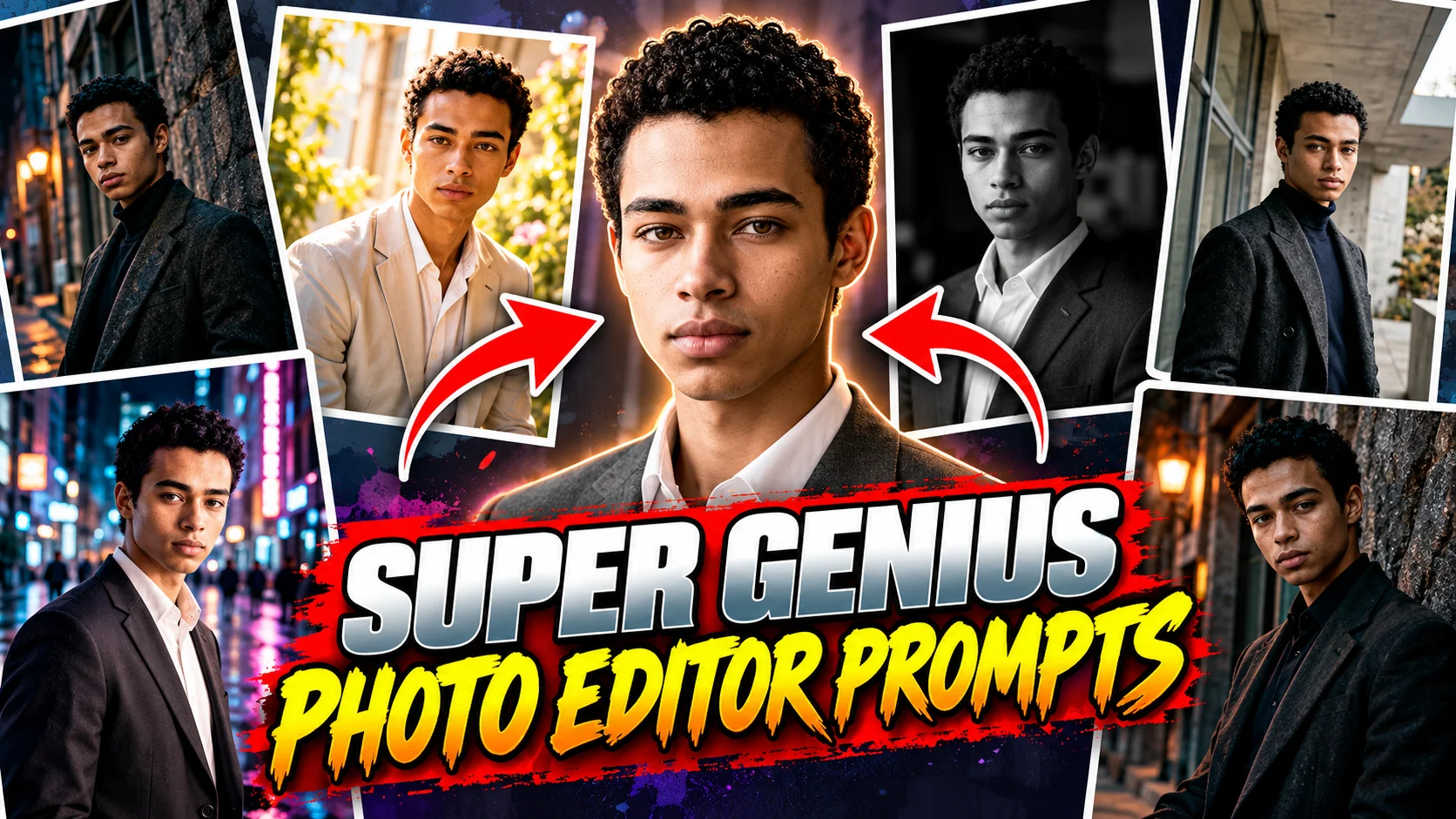
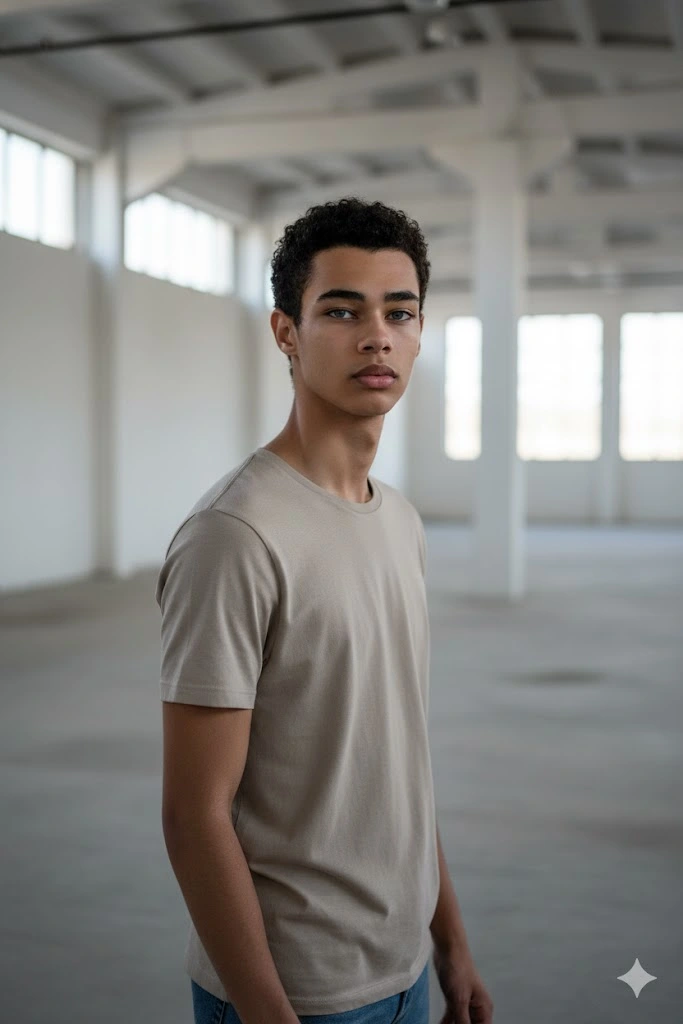
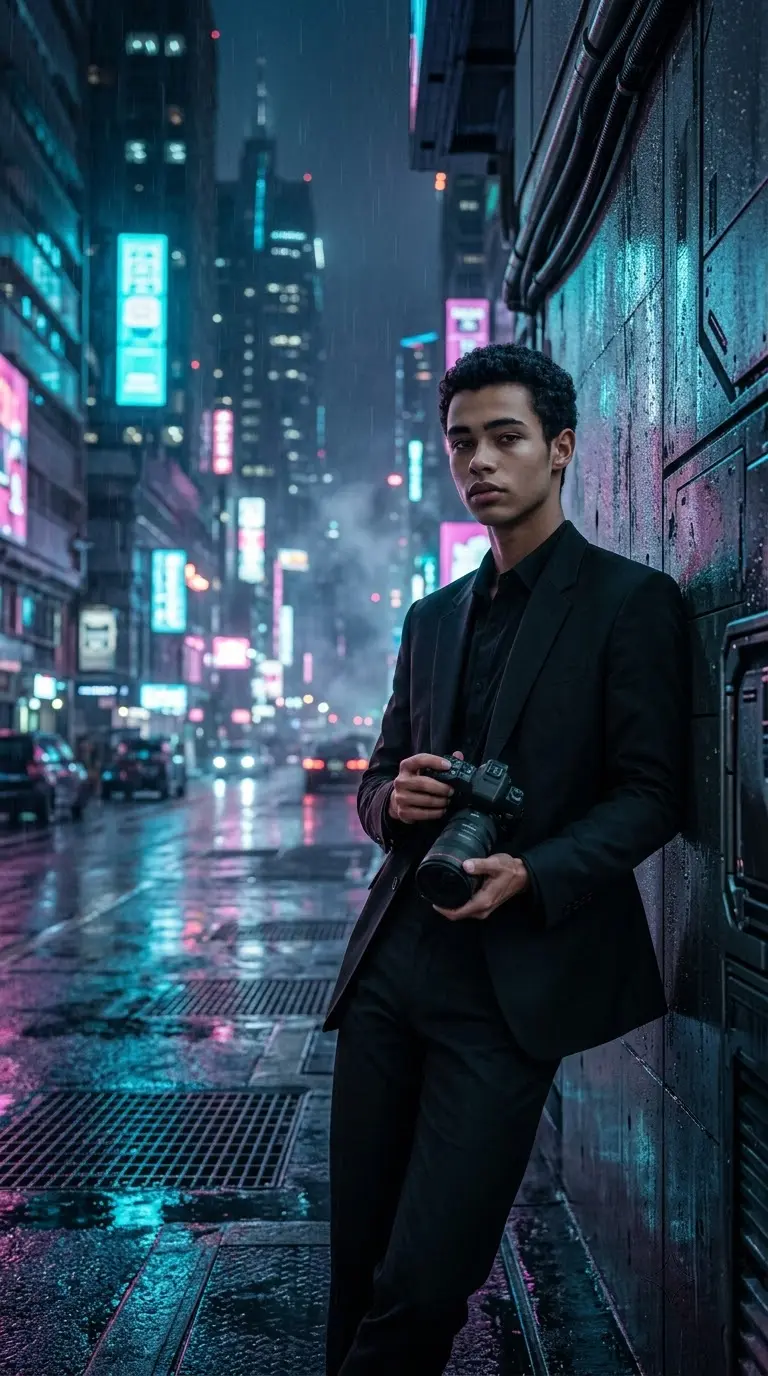
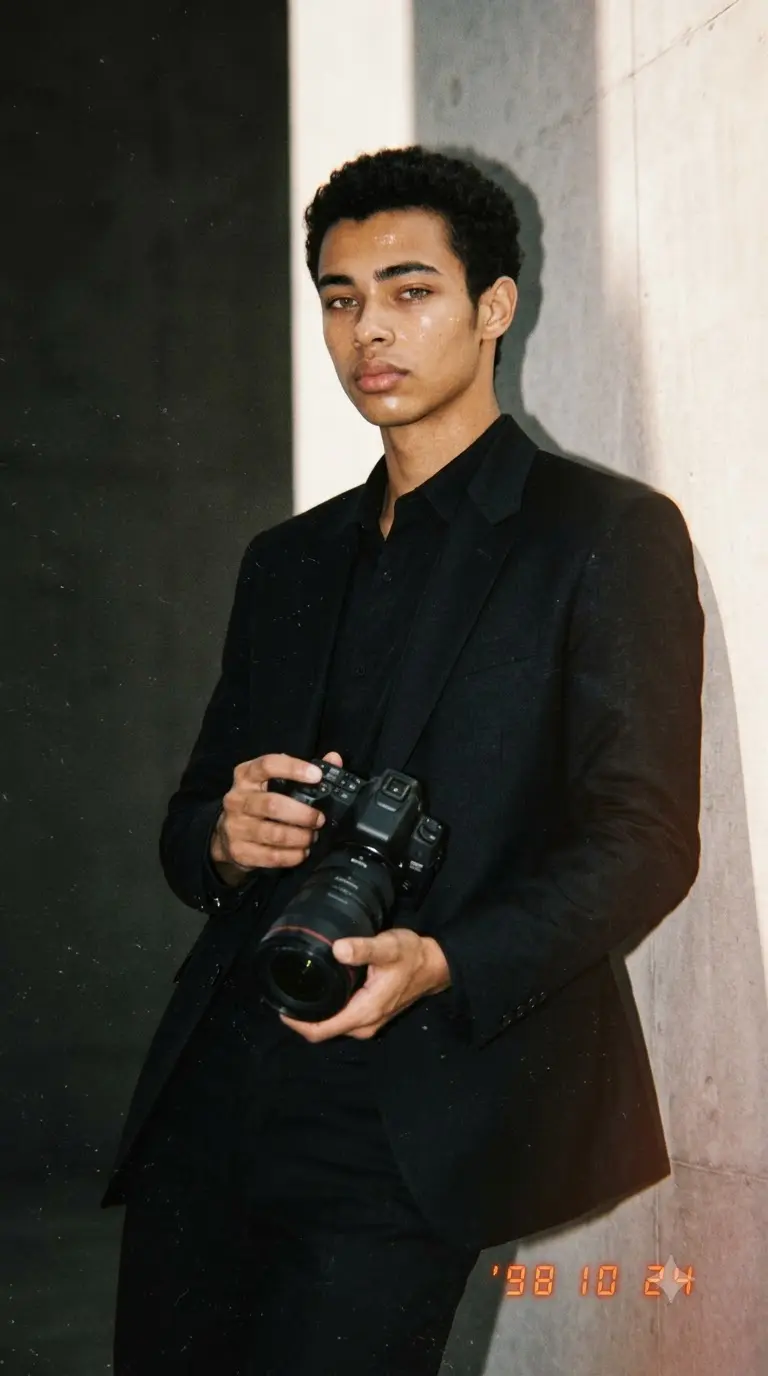
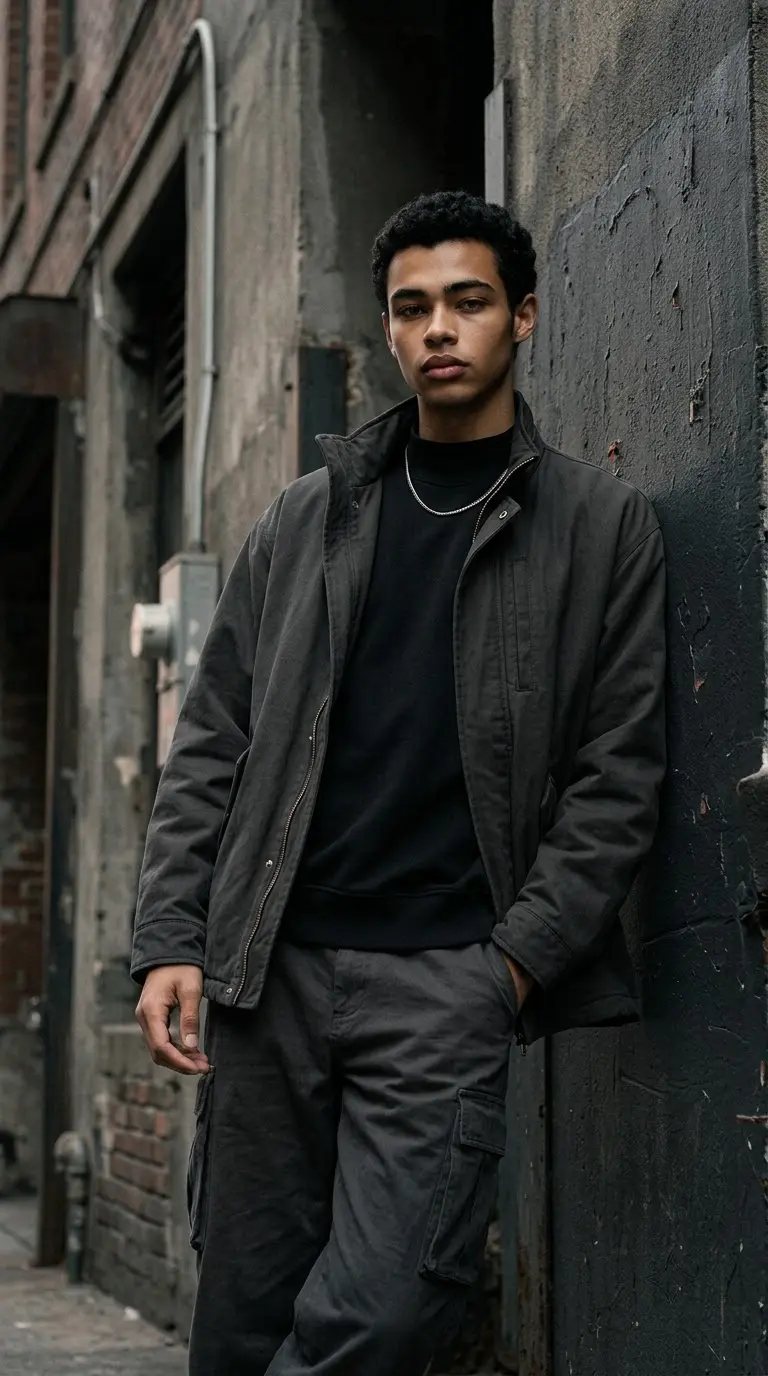
Looking for the best Super Genius photo editor prompts to transform your ordinary photos into cinematic, realistic, and professional-looking images? The right prompt can help you change a background, improve lighting, create a vintage photography effect, or turn a simple portrait into an editorial-style photograph.
This collection of Super Genius photo editor prompts focuses on realistic textures, cinematic composition, natural skin details, and carefully controlled editing. You will find moody urban portraits, industrial photography, professional headshots, vintage flash effects, fashion editorials, and creative portrait styles.
Each prompt is written so you can copy it into a compatible AI image-editing tool after uploading your reference photo. You can use the prompts with Gemini and other compatible image tools, although the available editing features and results may vary.
Pro tip: If you want to preserve your appearance, upload a clear reference photo and explicitly describe which facial features, hairstyle, clothing, and pose should remain unchanged.
Best Super Genius Photo Editor Prompts
These first four prompts preserve the original article's moody urban and industrial photography concepts. They emphasize believable environments, film-inspired color grading, realistic skin texture, and editorial composition.
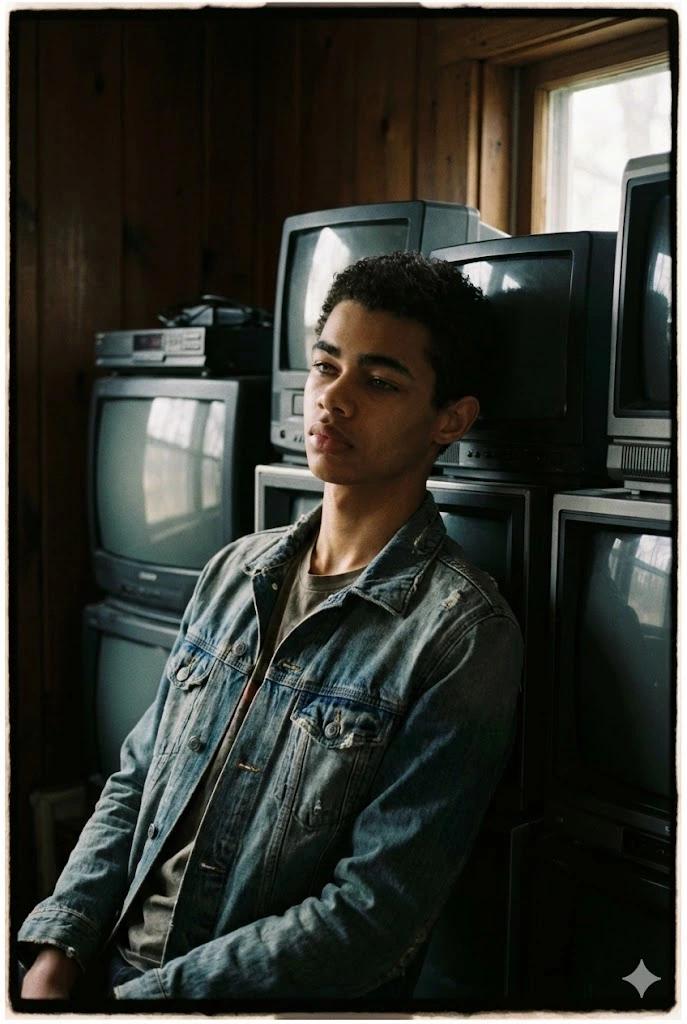
1. Moody Urban Portrait with Vintage CRT TVs
Use the attached photo as the reference image. Keep the person's recognizable facial features, hairstyle, expression, and natural skin texture consistent with the original. Transform the scene into a moody urban editorial portrait of a man standing in a worn wooden room surrounded by stacked vintage CRT televisions and old electronic equipment. Use natural cinematic lighting, deep shadows, muted colors, subtle desaturation, realistic film grain, and a soft vignette. Create an authentic nostalgic atmosphere with a 35mm film photography look. Avoid excessive beauty retouching, artificial skin smoothing, and exaggerated AI effects. Keep the subject sharply focused and the background naturally textured. The final result should resemble a professionally captured editorial photograph.
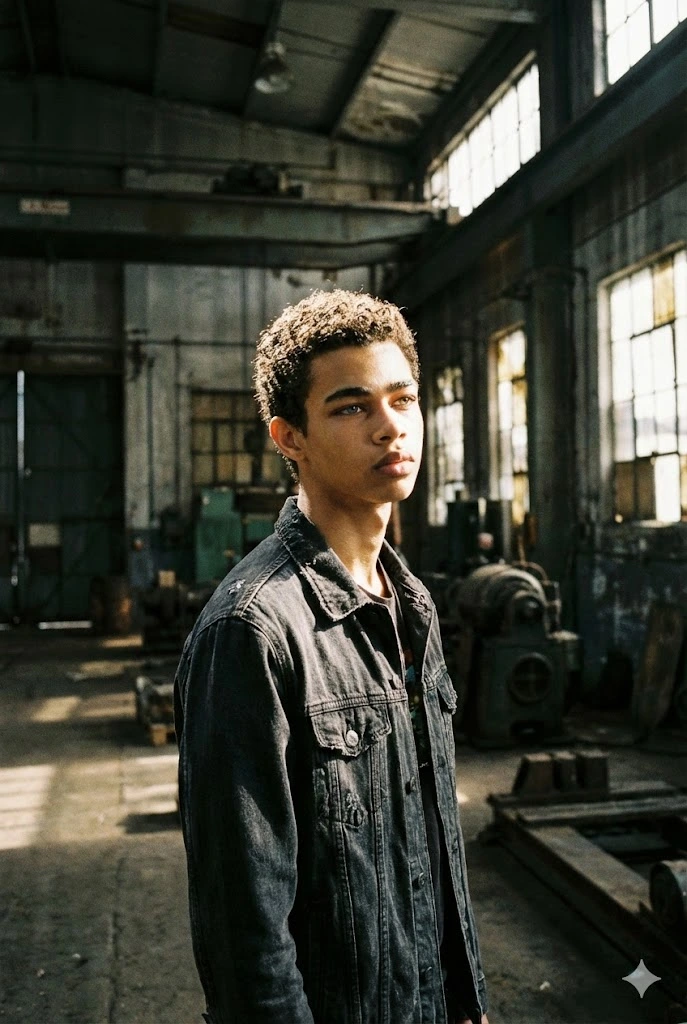
2. Abandoned Industrial Warehouse Portrait
Edit the attached photo into a realistic cinematic portrait inside an abandoned industrial warehouse. Preserve the person's recognizable face, hairstyle, expression, and natural proportions. Place the subject among weathered concrete floors, aged industrial machinery, and tall warehouse windows. Strong natural window light should cut through the dusty atmosphere, creating directional highlights and deep contrast shadows. Use a 35mm lens-inspired composition, ISO 400 film texture, restrained cinematic color grading, and realistic environmental details. Keep the subject naturally positioned within the space. Avoid artificial skin smoothing, excessive haze, unrealistic proportions, and overly dramatic visual effects. The image should resemble authentic urban editorial photography.
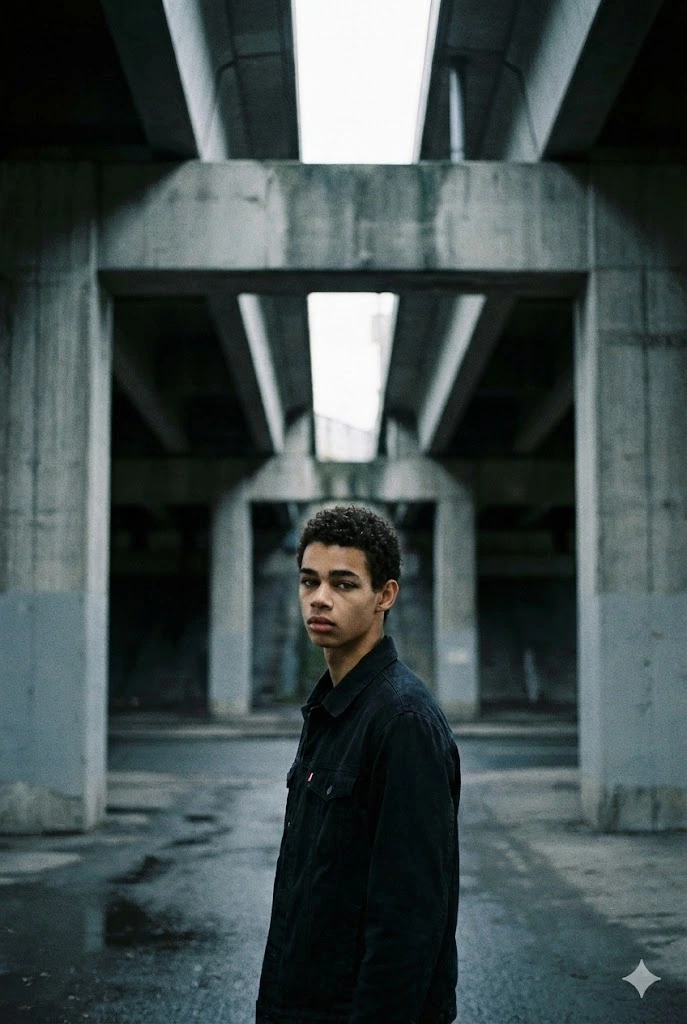
3. Cinematic Concrete Overpass Portrait
Use the uploaded photo as the reference and preserve the person's recognizable facial features and natural appearance. Place the subject beneath a large, desolate concrete overpass in an urban environment. Use strong architectural lines to frame the person, damp pavement to create subtle reflections, muted gray tones, and soft natural light entering from above. Add deep but realistic shadows, subtle film grain, and a quiet urban atmosphere. Use a 35mm focal-length look with balanced perspective and natural depth of field. Keep the person's face sharp and the environment detailed without making it look artificially generated. Avoid excessive retouching, exaggerated color grading, and unrealistic lighting.
4. Minimalist Industrial Editorial Portrait
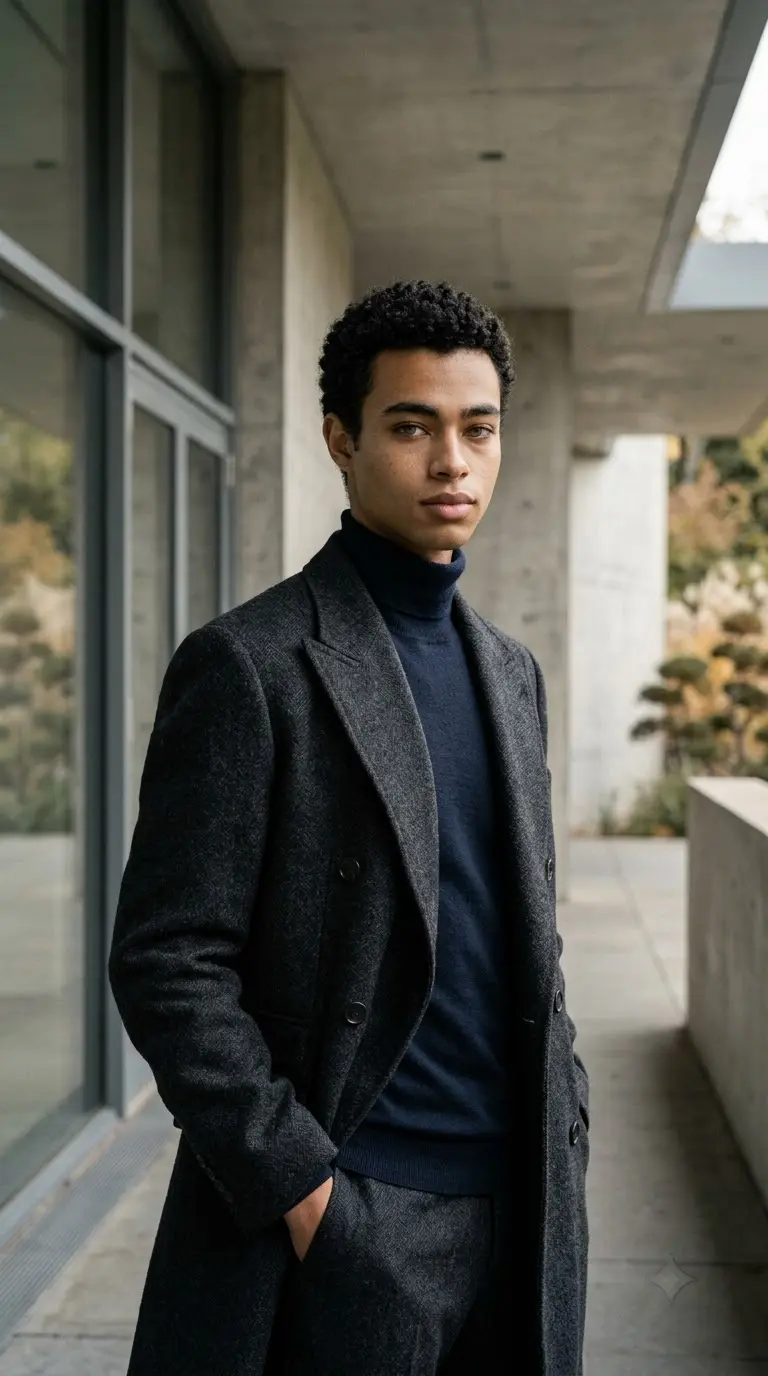
Transform the uploaded image into a minimalist urban cinematic portrait. Preserve the person's recognizable facial features, hairstyle, expression, and natural body proportions. Place the subject standing in an empty industrial space with simple concrete walls, subtle architectural details, and a neutral background. Use understated clothing, a relaxed posture, and natural body language. Apply soft directional lighting, shallow depth of field, restrained contrast, and clean editorial framing. Maintain realistic skin texture, natural colors, and believable shadows. Avoid unnecessary visual effects, excessive stylization, artificial skin smoothing, and distracting background objects. The result should look like a professionally photographed minimalist fashion editorial.
Cinematic and Trending AI Photo Editing Prompts
These prompts explore cinematic city lighting, vintage camera aesthetics, streetwear photography, and warm natural light. They can be adapted for social media portraits and editorial-style photos.
5. Rainy Neon City Portrait
Use the uploaded photo as the identity reference. Preserve the person's recognizable facial features, hairstyle, and natural skin texture. Transform the background into a rain-slicked futuristic city street at night, with cyan and magenta signs reflected on the pavement. Add subtle atmospheric fog, realistic wet surfaces, soft neon rim lighting, and cinematic shadows. Keep the person's clothing and pose consistent with the original unless a change is requested. Use a 35mm editorial photography look, natural skin details, subtle film grain, and sharp focus on the eyes. Avoid excessive neon effects, artificial facial changes, and oversaturated colors. Create a realistic urban fashion photograph with a cinematic atmosphere.
6. Vintage 1990s Flash Photography
Edit the uploaded photo into an authentic 1990s point-and-shoot flash photograph. Preserve the person's recognizable facial features, pose, hairstyle, and clothing. Use direct on-camera flash to illuminate the subject while leaving the background darker and slightly grainy. Apply a subtle warm color shift, realistic film texture, mild imperfections, and a candid snapshot composition. Keep the image natural rather than overly polished. Add slight background motion blur only where appropriate, while keeping the face clearly visible. Avoid modern beauty filters, excessive sharpening, and artificial skin smoothing. The final image should resemble a genuine vintage photograph captured on a compact film camera.
7. Dark Streetwear Editorial Portrait
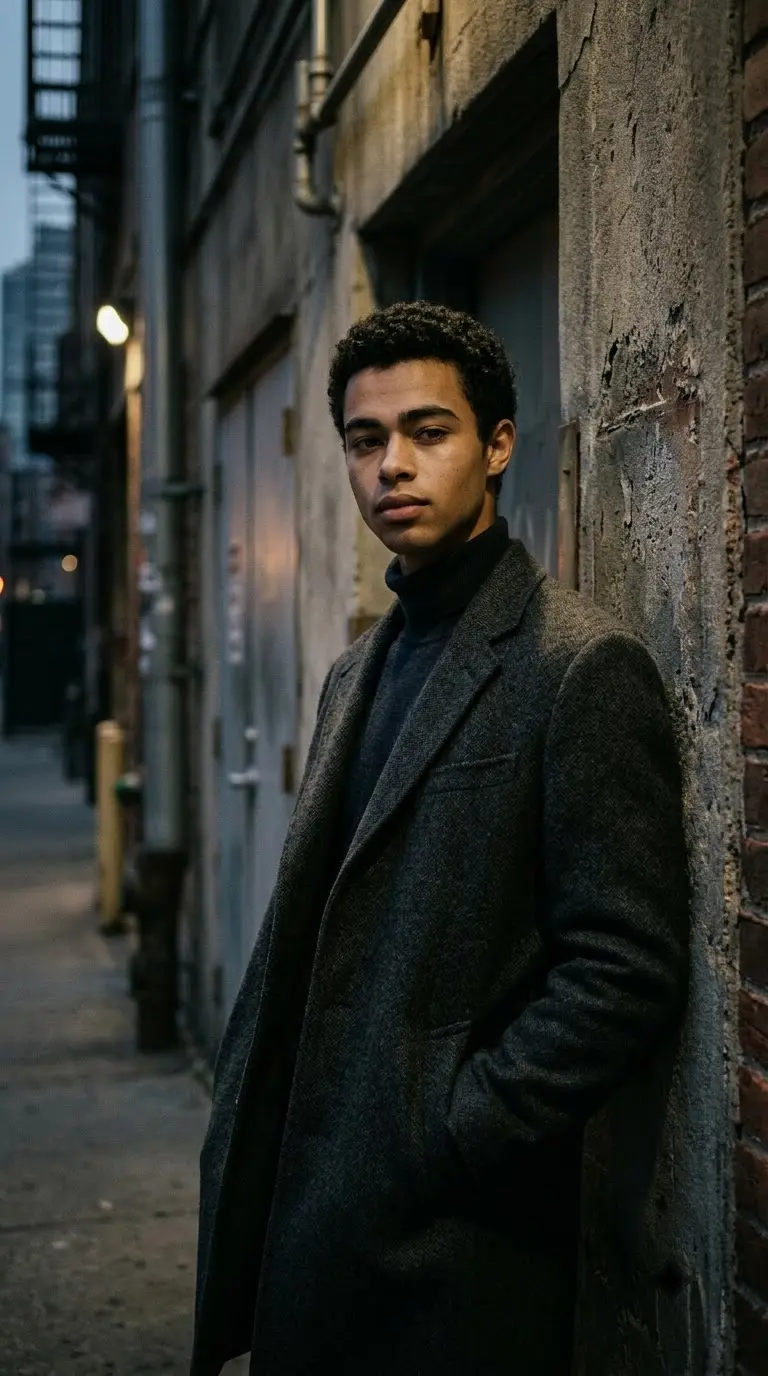
Transform the uploaded photo into a high-end streetwear editorial portrait. Preserve the person's recognizable face, hairstyle, and natural proportions. Place the subject against a textured urban wall with subtle architectural details and a dark, understated atmosphere. Use a modern streetwear outfit in neutral colors, realistic fabric folds, directional side lighting, and controlled shadows. Add subtle film grain and a restrained charcoal color palette. Keep the composition clean, with the subject as the main focal point. Maintain natural skin texture and realistic clothing materials. Avoid exaggerated body proportions, artificial facial retouching, and unnecessary background effects.
8. Golden-Hour Urban Portrait
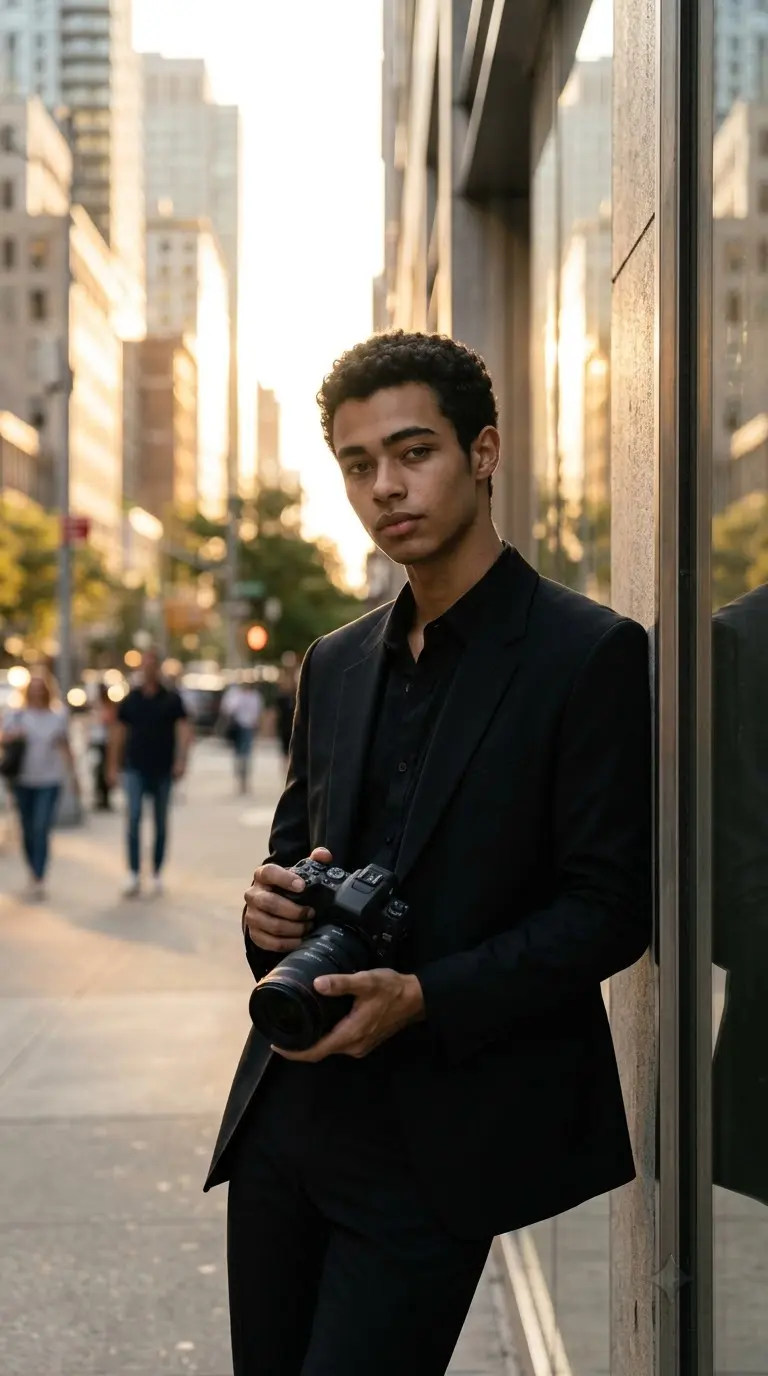
Use the attached photo as the reference and preserve the person's recognizable facial features and natural appearance. Create a cinematic urban portrait during golden hour, with warm sunlight entering between city buildings. Add soft highlights around the hair and shoulders, realistic shadows across the face, and gentle reflections on nearby surfaces. Use natural skin tones, a shallow depth of field, subtle background bokeh, and a 50mm portrait photography look. Keep the person's expression and pose believable. Avoid excessive orange color grading, artificial glow, and overly smooth skin. The result should look like a naturally captured outdoor editorial photograph.
Realistic Portrait and Professional Photo Editing Prompts
Use these prompts when you want a polished headshot, a natural outdoor image, a studio portrait, or a classic film-inspired photograph without losing the original photo's realism.
9. Clean Corporate Executive Headshot
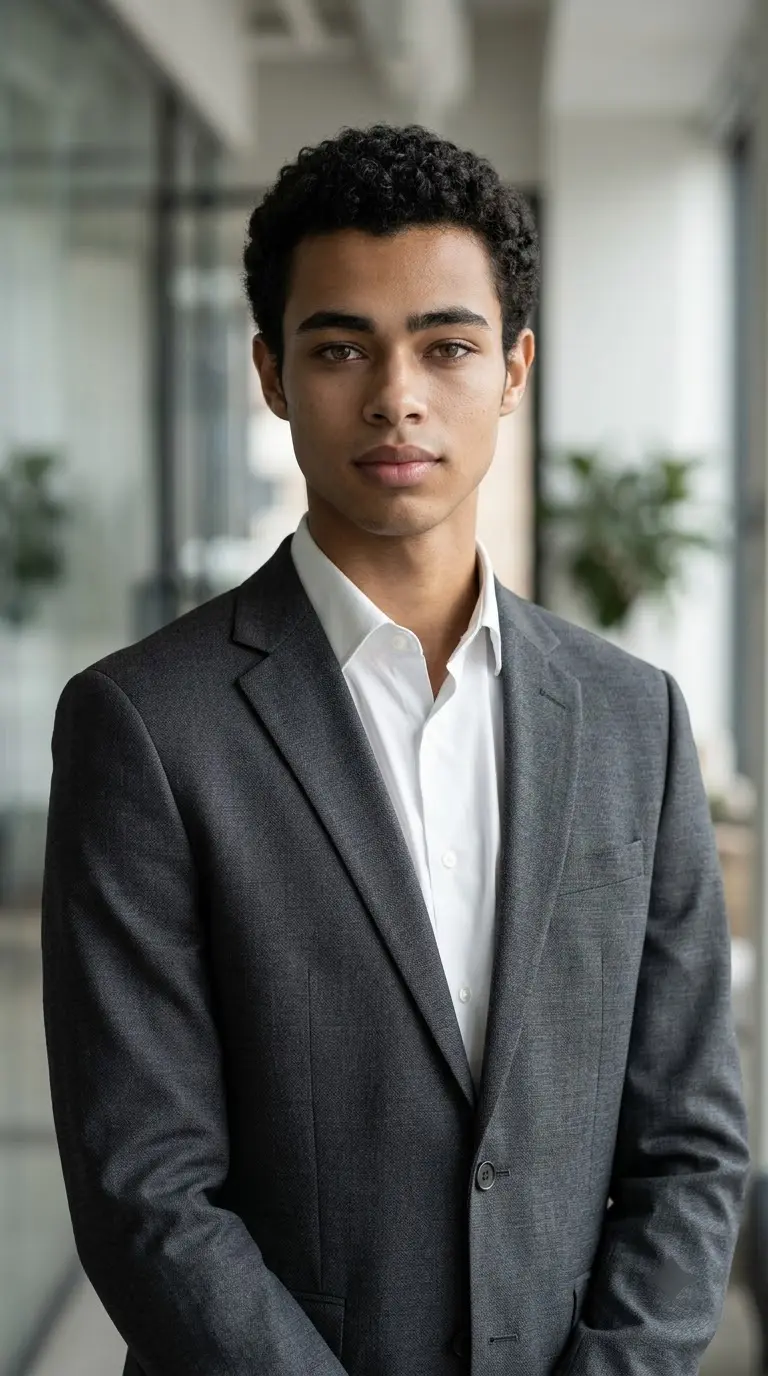
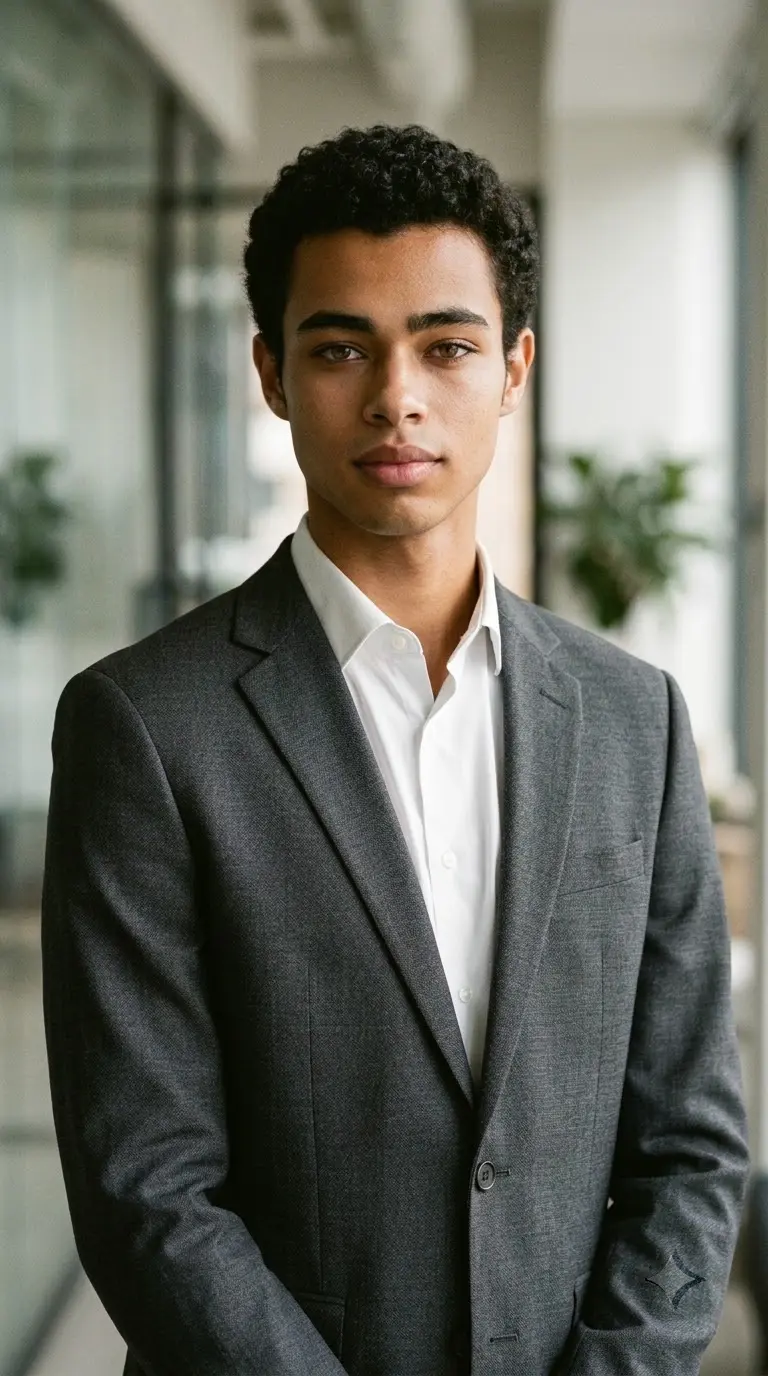
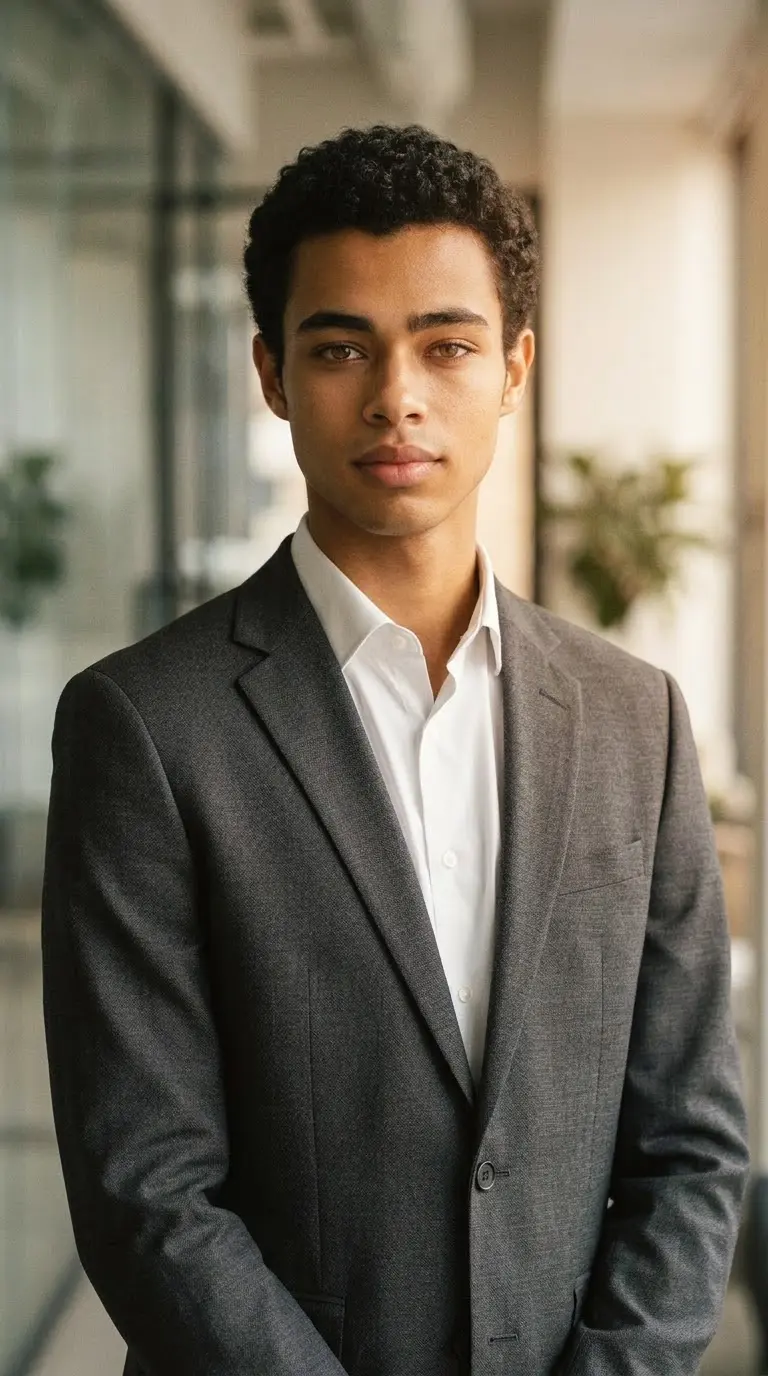
Edit the uploaded photo into a professional corporate headshot. Preserve the person's recognizable facial features, hairstyle, skin tone, and natural proportions. Replace the outfit with a well-fitted charcoal-gray business suit and a crisp white shirt, unless the original clothing should remain unchanged. Use a softly blurred modern office background with natural window light and subtle studio fill lighting. Keep the eyes sharply focused, skin texture realistic, and colors neutral. Frame the subject from the chest upward with a confident but natural expression. Avoid excessive retouching, artificial skin smoothing, distorted clothing, and unrealistic facial changes. Create a polished professional portrait suitable for a business profile.
10. Natural Outdoor Portrait
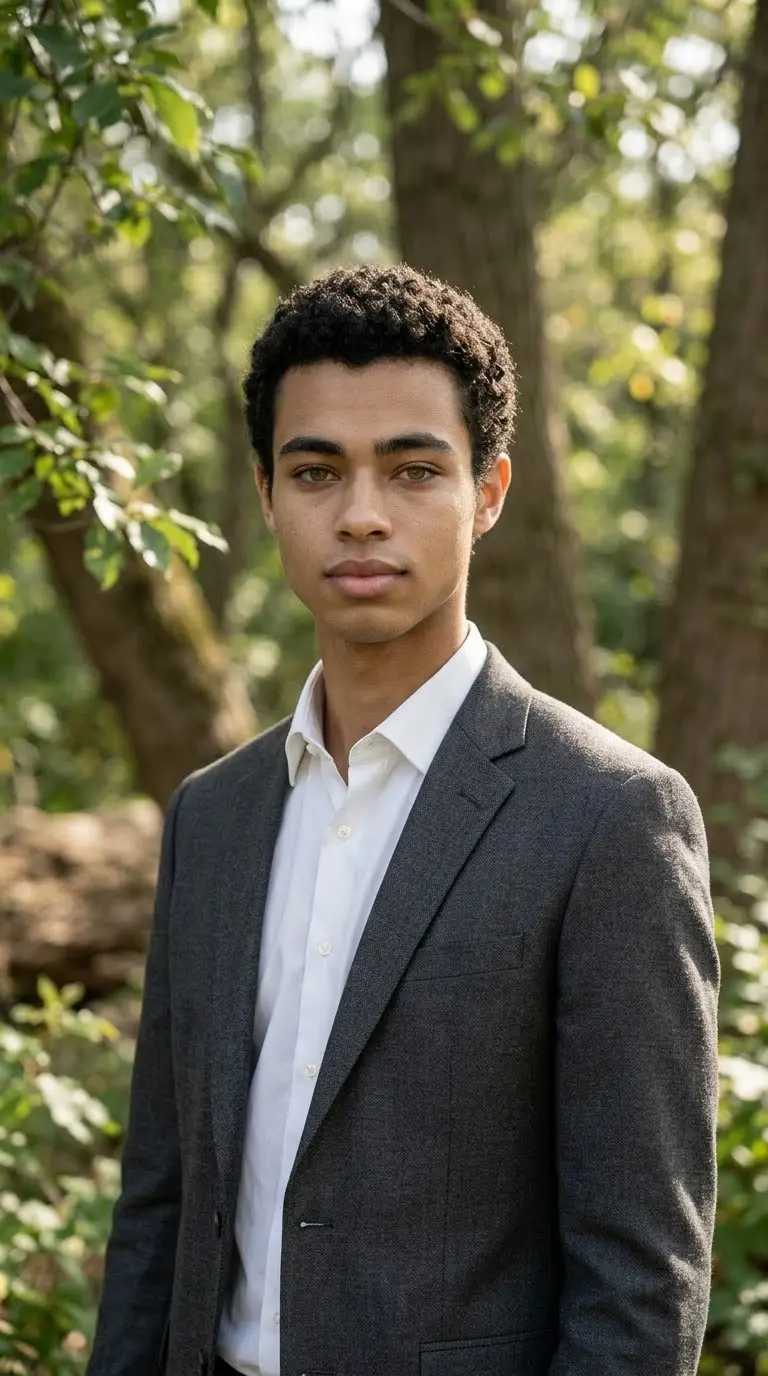
Use the uploaded photo as the reference image and preserve the person's recognizable face, hairstyle, and natural expression. Place the subject in a realistic outdoor setting with soft greenery, natural textures, and gentle sunlight filtering through trees. Use balanced exposure, realistic shadows, natural skin tones, and a shallow depth of field. Keep the background softly blurred without removing all environmental detail. Use an editorial portrait composition with believable lighting and accurate facial proportions. Avoid artificial HDR effects, oversaturated greenery, excessive beauty retouching, and fake-looking bokeh. The final image should feel like a genuine portrait captured by a professional photographer outdoors.
11. Minimalist Studio Portrait
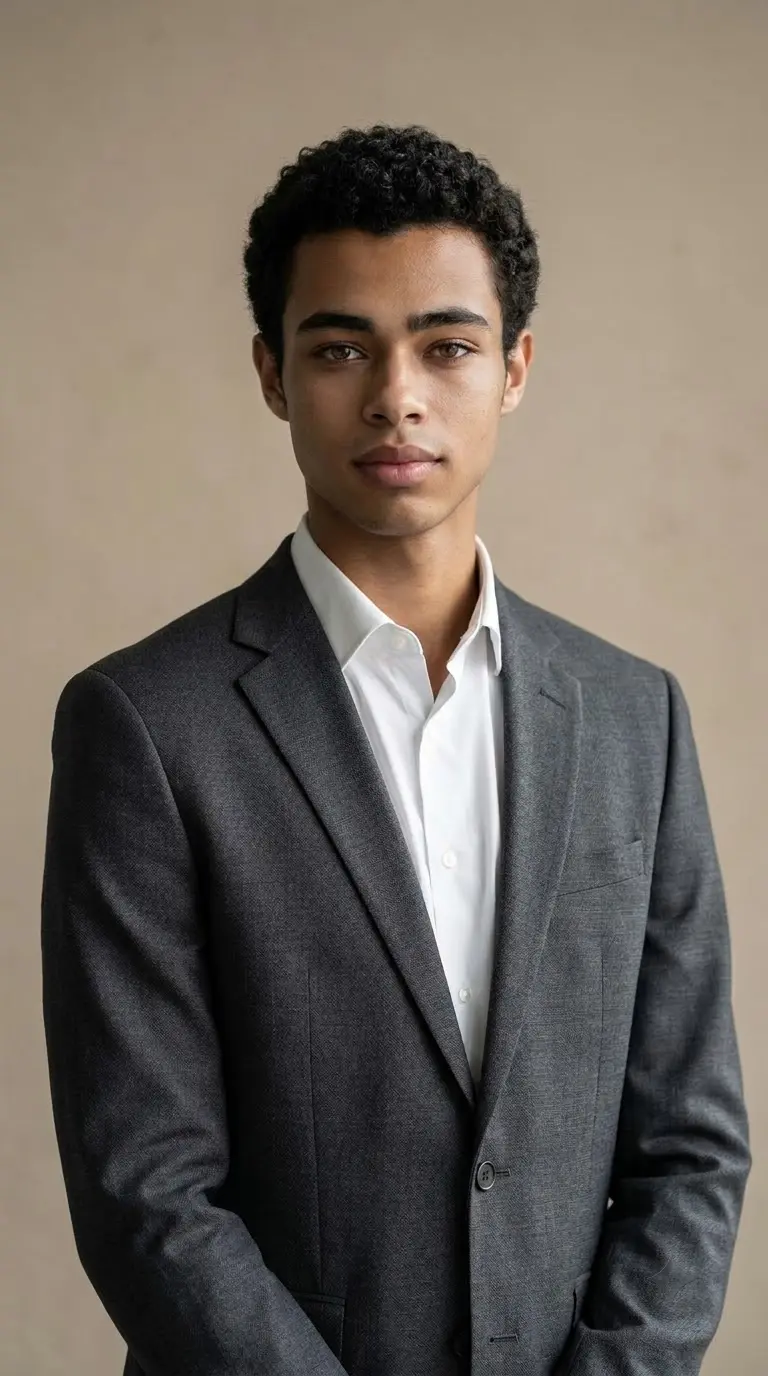
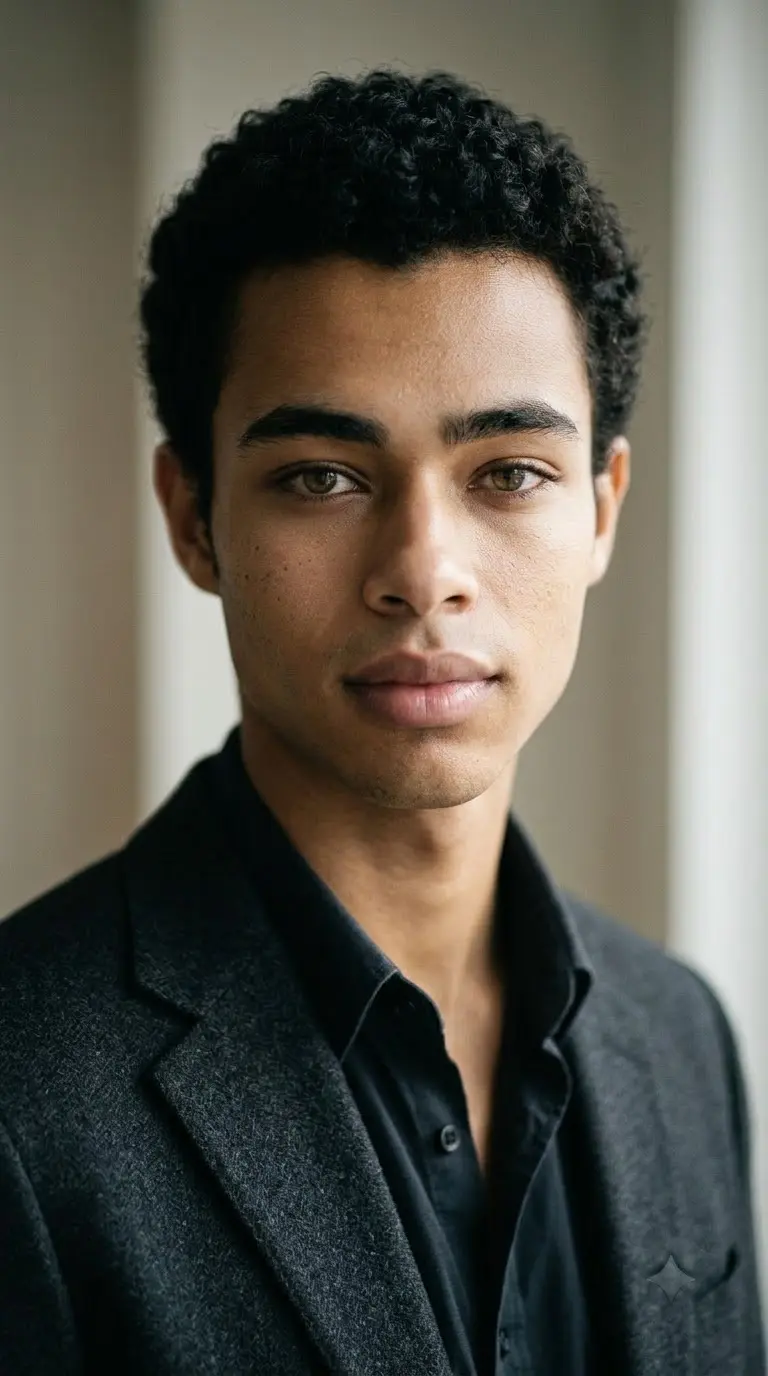
Transform the uploaded photo into a clean minimalist studio portrait. Preserve the person's recognizable facial features, hairstyle, skin tone, and natural proportions. Use a simple neutral-gray or warm-beige background with soft directional studio lighting. Create gentle shadows that define the face without making the image look harsh. Keep the clothing understated and the composition focused on the subject. Use realistic skin pores, natural hair detail, accurate colors, and subtle depth of field. Avoid artificial smoothing, exaggerated contrast, unnecessary props, and distracting background elements. The result should resemble a professionally captured studio portrait with a refined editorial finish.
12. Classic Film Photography Look
Edit the uploaded photo to resemble a photograph captured on a classic 35mm film camera. Preserve the person's recognizable facial features, pose, hairstyle, and clothing. Apply a restrained analog color palette, subtle film grain, slightly softened highlights, realistic shadows, and natural skin tones. Add gentle tonal variation and a believable photographic texture without making the image excessively faded. Keep the subject sharp enough to retain facial detail while allowing natural depth of field in the background. Avoid artificial scratches, excessive grain, heavy color casts, and exaggerated vintage filters. Create a timeless editorial photograph that feels authentic rather than digitally overprocessed.
Creative Photo Editor Prompts for Different Styles
These styles provide more visual variety while retaining the same basic principles: realistic materials, controlled lighting, and a clear description of what should change.
13. Soft Pastel Editorial Portrait
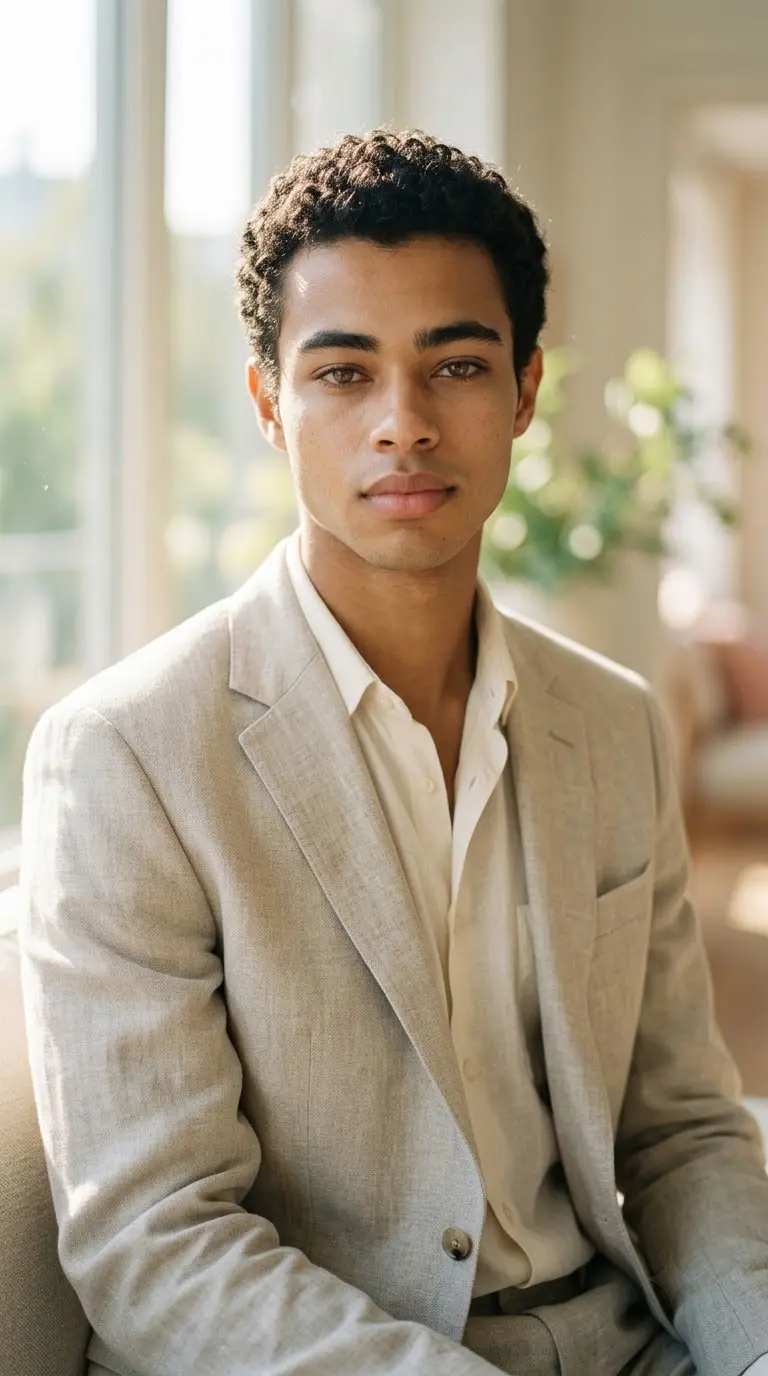
Use the uploaded photo as the reference and preserve the person's recognizable facial features, hairstyle, and natural skin texture. Create a soft pastel editorial portrait with warm morning sunlight, a creamy blurred background, and subtle pastel colors. Use gentle highlights, delicate atmospheric details, natural hair strands, and realistic skin texture. Keep the expression and pose relaxed and believable. Apply a refined fashion-magazine aesthetic without excessive retouching or artificial glow. Use balanced exposure, soft contrast, and realistic shadows. Avoid oversaturated colors, cartoon-like effects, and unrealistic facial changes. The final image should look like a professionally styled portrait photographed in soft natural light.
14. Black-and-White Cinematic Portrait
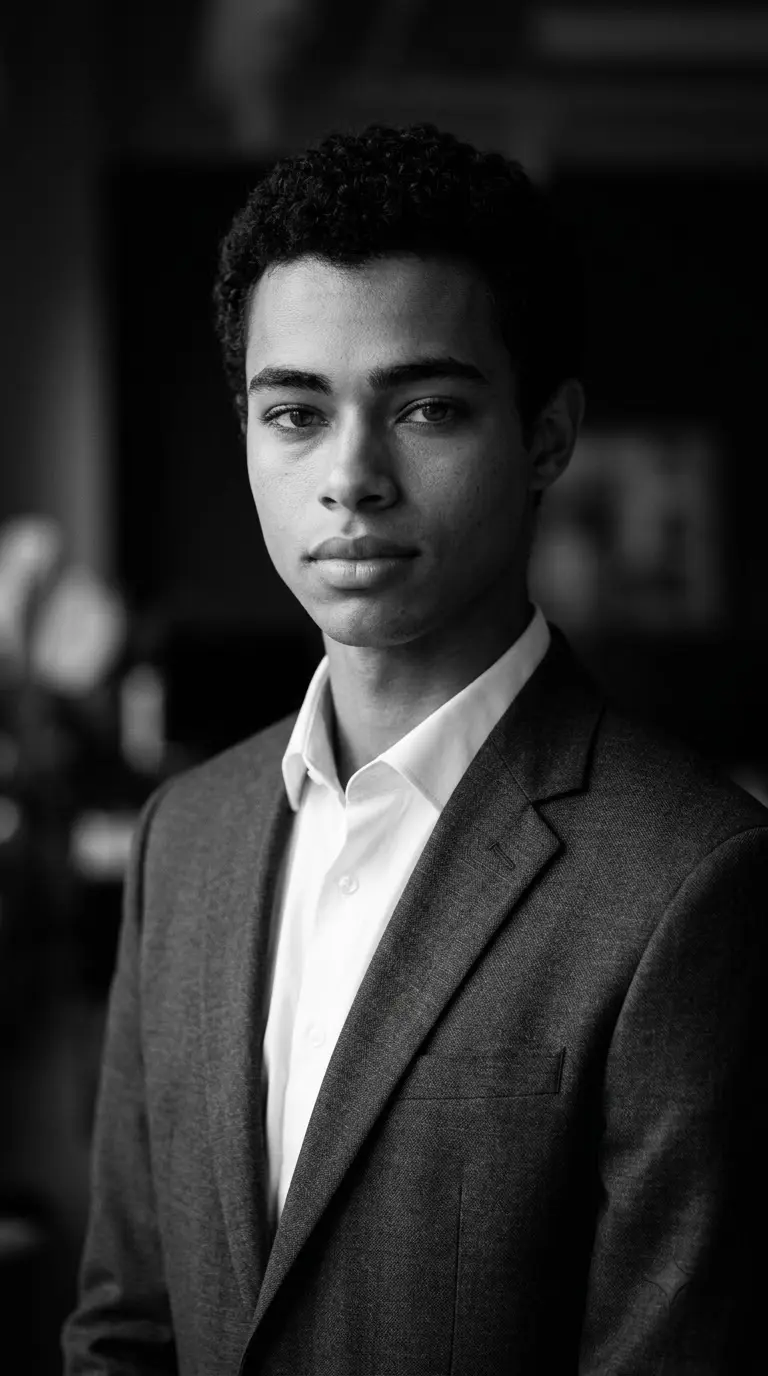
Transform the uploaded photo into a timeless black-and-white cinematic portrait. Preserve the person's recognizable facial features, hairstyle, expression, and natural proportions. Use directional side lighting to create controlled highlights and deep but detailed shadows. Emphasize realistic skin texture, hair detail, and subtle tonal variation. Keep the background dark and uncluttered, with a shallow depth of field and a refined editorial composition. Add restrained film grain to create an authentic photographic feel. Avoid crushed blacks that remove facial detail, excessive sharpening, artificial skin smoothing, and exaggerated contrast. The result should resemble a professionally captured monochrome portrait.
15. Nighttime Cinematic Portrait
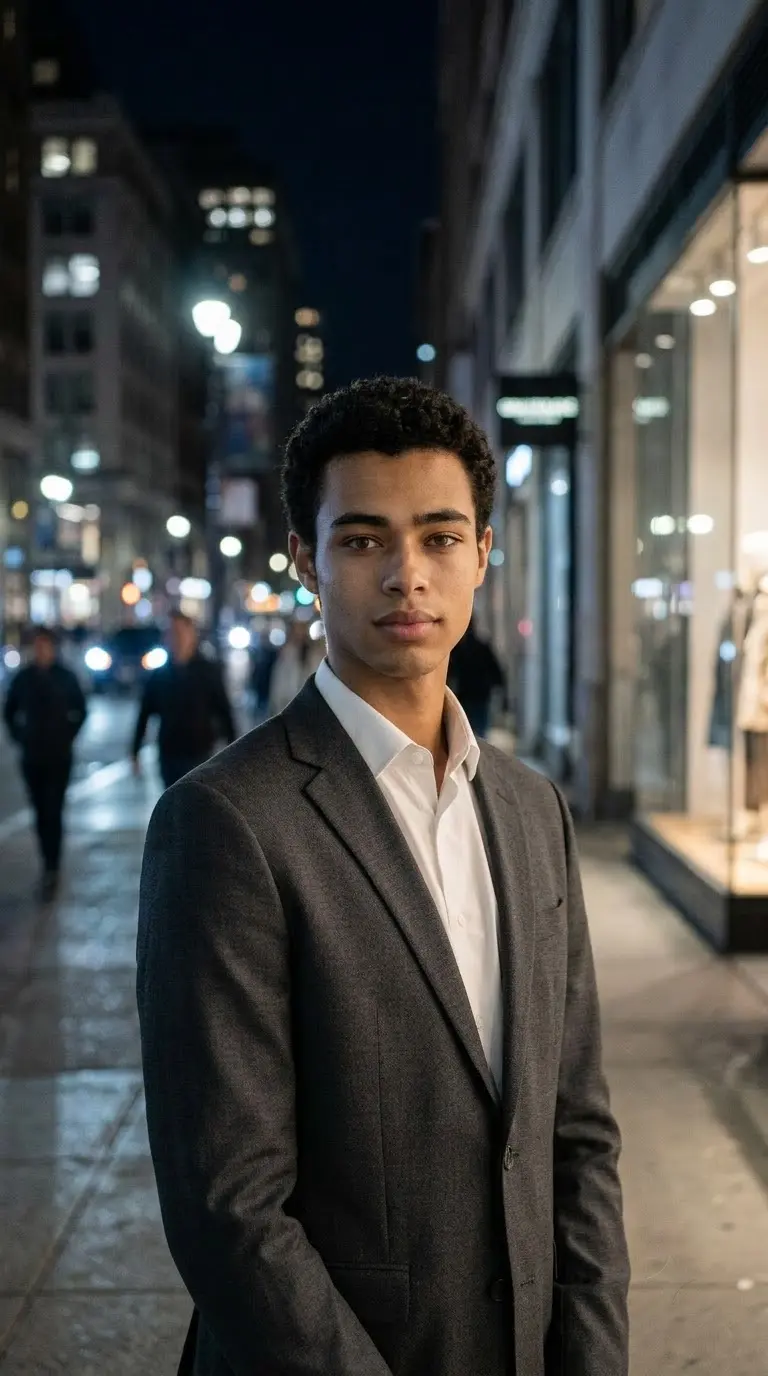
Use the uploaded photo as the identity reference. Preserve the person's recognizable facial features, hairstyle, and natural appearance. Place the subject in a realistic city environment at night, illuminated by a combination of cool street lighting and subtle warm lights from nearby buildings. Add realistic reflections on nearby surfaces, gentle atmospheric depth, and controlled shadows. Keep the face naturally exposed and sharply focused while the background remains softly blurred. Use a 50mm cinematic portrait look, realistic skin texture, and restrained film grain. Avoid excessive neon, unnatural skin colors, and exaggerated lens flares. Create a believable nighttime editorial photograph.
16. Fashion Magazine Portrait
Transform the uploaded image into a premium fashion-magazine editorial portrait. Preserve the person's recognizable face, hairstyle, and natural proportions. Use sophisticated styling, realistic fabric textures, a carefully composed pose, and a clean architectural background. Apply directional lighting with subtle highlights and controlled shadows. Keep the clothing details accurate and the skin texture natural. Use a professional editorial framing with a clear subject and balanced negative space. Add restrained cinematic color grading and realistic depth of field. Avoid artificial body reshaping, excessive retouching, distorted hands, and unnecessary decorative effects. The result should resemble a polished fashion editorial photographed by a professional team.
Photo Editing Prompts for Girls and Social Media
These prompts focus on natural beauty, vintage Instagram aesthetics, and fashion-editorial styling . They are suitable for adult portrait references.
17. Natural Beauty Editorial
Use the uploaded photo of the adult woman as the reference. Preserve her recognizable facial features, hairstyle, skin tone, and natural proportions. Create a refined beauty-editorial portrait with soft window light, gentle highlights, and a neutral, uncluttered background. Keep realistic skin pores, fine hair strands, natural facial texture, and subtle makeup details. Use a close-up composition with sharp focus on the eyes and a softly blurred background. Avoid changing her face shape, exaggerating makeup, removing all skin texture, or creating an artificial beauty-filter appearance. The final result should look like an authentic professional beauty photograph.
18. Vintage Instagram Portrait
Edit the uploaded photo of the adult woman into a natural vintage-inspired Instagram portrait. Preserve her recognizable face, hairstyle, pose, and clothing. Use warm film-inspired colors, soft sunlight, subtle grain, and a relaxed candid composition. Add a slightly faded photographic tone without losing important facial detail. Keep the background realistic and the skin texture natural. Use gentle shadows, understated color grading, and a casual lifestyle-editorial atmosphere. Avoid excessive orange tones, heavy filters, artificial skin smoothing, and exaggerated blur. The image should feel like a genuine film photograph rather than an overprocessed social-media filter.
19. Moody Fashion Portrait
Use the uploaded photo of the adult woman as the reference and preserve her recognizable facial features, hairstyle, and natural appearance. Create a moody fashion-editorial portrait in a dark urban setting with textured walls and subtle architectural details. Use directional side lighting, deep but detailed shadows, muted colors, and realistic fabric textures. Keep the pose natural and the facial expression confident without exaggeration. Add restrained film grain and a shallow depth of field. Preserve natural skin texture and realistic proportions. Avoid excessive retouching, artificial body changes, and unnecessary cinematic effects. Create a sophisticated editorial photograph with a strong but believable mood.
20. Custom Photo Editor Prompt Generator
Edit my uploaded photo according to these requirements. Preserve the person's recognizable facial features, hairstyle, skin tone, and natural proportions unless a specific change is requested.
Starting photo: [selfie, portrait, fashion photo, or outdoor image
Editing style: [cinematic, vintage, professional, streetwear, or editorial
Background: [urban street, studio, office, nature, or custom setting
Lighting: [soft window light, golden hour, studio light, or nighttime lighting
Color grading: [natural, muted, warm film, monochrome, or cool cinematic
Clothing changes: [describe the requested outfit or keep the original
Composition: [close-up, headshot, half-body, or full-body
Details to preserve: [face, expression, hairstyle, clothing, pose, or accessories
Apply only the requested changes. Keep lighting physically believable, materials realistic, and skin texture natural. Avoid unwanted changes to facial identity, artificial smoothing, distorted hands, and unnecessary background objects. Produce a coherent, high-quality photographic result.
The Super Genius Photo Editing Prompt Formula
A strong photo-editing prompt tells the AI what to preserve, what to change, and how the final image should look. You can use this five-part formula to create your own prompts.
- 1. Identity Anchor: Start by describing the details that should remain consistent. Example: "Use the uploaded image as the reference. Preserve the person's recognizable facial features, hairstyle, skin tone, and natural proportions."
- 2. Requested Edit: Specify the exact transformation you want. Example: "Replace the background with a rain-soaked city street at night while keeping the original clothing and pose."
- 3. Lighting and Composition: Describe the lighting direction, framing, camera perspective, and background. Example: "Use cyan and magenta rim lighting, a 35mm editorial photography look, shallow depth of field, and realistic reflections."
- 4. Realism Instructions: Explain which photographic details matter. Example: "Maintain natural skin texture, realistic hair strands, believable shadows, and accurate fabric details."
- 5. Constraints: Tell the model what to avoid changing. Example: "Do not unnecessarily alter the face, hairstyle, body proportions, or original accessories. Avoid excessive smoothing, distorted hands, and artificial visual effects."
Reusable formula: Reference image + details to preserve + requested change + lighting and composition + realism instructions + unwanted changes to avoid.
For more framing ideas, explore our AI Camera Angle Prompts.
How to Use Photo Editor Prompts in Gemini and ChatGPT
Follow these steps to get more consistent results from your photo-editing workflow.
- Step 1: Choose a Suitable Reference Photo. Use a clear image in which the subject and important details are visible. A well-lit reference image makes it easier to describe the changes you want.
- Step 2: Upload the Image. Open a compatible image-editing tool and attach your original photo. Use the tool's image-editing or image-generation workflow where available.
- Step 3: Copy the Prompt. Choose one of the 20 prompts and paste it into the conversation. For the best control, start with a prompt that closely matches the original image and your intended result.
- Step 4: Specify What Must Remain Unchanged. If you want to preserve your face, outfit, hairstyle, or pose, state this explicitly. If you want to change any of those elements, describe the requested changes clearly.
- Step 5: Review the Output. Check the face, hands, clothing, background, shadows, and proportions. AI editing can introduce errors, so review the image rather than assuming every detail is correct.
- Step 6: Refine One Thing at a Time. If the background is good but the face has changed, ask for a targeted correction instead of rewriting the entire prompt. Small, specific refinements can make the workflow easier to manage.
For additional realistic portrait ideas, see our Human Portrait AI Prompt.
Common AI Photo Editing Problems and Fixes
- The Face Looks Different: Use a clear reference image and specify which facial features should remain consistent. Avoid combining too many major transformations in one prompt. Exact identity preservation is not guaranteed.
- The Skin Looks Too Smooth: Add instructions such as "retain natural skin pores, fine facial texture, and realistic highlights; avoid excessive beauty retouching."
- The Background Looks Artificial: Describe the environment, light direction, shadows, and depth of field. Ask for realistic perspective and natural integration between the subject and background.
- The Hands Look Distorted: Keep hand poses simple when possible. If the hands are not central to the image, request a natural relaxed pose and review the result before publishing.
- The Colors Look Overprocessed: Specify a restrained color palette and realistic skin tones. Ask for subtle color grading rather than extreme saturation or heavy HDR effects.
- The Outfit Changes Unexpectedly: State whether the original outfit should remain unchanged. If you want a new outfit, describe the garment, fabric, fit, and colors precisely.
- The Image Looks Too Artificial: Reduce unnecessary effects and emphasize believable lighting, realistic materials, natural skin texture, and photographic composition.
For further image-quality refinement, explore our 4K Hyper-Realistic Image Enhancement Prompts.
Frequently Asked Questions
1. What are Super Genius photo editor prompts?
Super Genius photo editor prompts are detailed instructions for editing photos with compatible AI tools. They describe the subject, requested changes, lighting, composition, texture, and details that should remain consistent.
2. What is the best prompt for photo editing?
The best prompt clearly identifies the reference image, the desired changes, the lighting and composition, and the details that should be preserved. Specific instructions generally make the intended result easier to communicate.
3. Can I use these prompts in Gemini?
Yes, you can try these prompts with Gemini's compatible image features. Available capabilities and results depend on the tool version and the editing task.
4. Can I use these prompts in ChatGPT?
You can adapt these prompts for ChatGPT image workflows that support image input and editing. You may need to adjust instructions according to the available features.
5. How can I preserve my face while editing a photo?
Upload a clear reference image and explicitly ask the model to preserve your recognizable facial features, hairstyle, skin tone, and proportions. Results can still vary between generations.
6. Are these prompts suitable for Instagram photos?
Yes. The collection includes cinematic portraits, vintage snapshots, fashion-editorial images, and natural beauty portraits that can be adapted for social media.
7. How do I create my own photo editor prompt?
Start with the reference image, identify the details to preserve, specify the change, describe the lighting and composition, and add realistic texture instructions. Finish by listing unwanted changes to avoid.
8. Can I use these prompts for both men and women?
Yes. Most prompts can be adapted for different adult subjects by changing the relevant subject description, clothing, and styling while keeping the requested photographic treatment consistent.
Final Thoughts
These 20 Super Genius photo editor prompts give you a practical starting point for creating moody urban portraits, professional headshots, vintage photographs, cinematic city scenes, and fashion-editorial images.
For better results, focus on clear editing instructions, realistic lighting, natural skin texture, and the details you want to preserve. Start with one prompt, review the generated image, and make targeted adjustments instead of adding too many effects at once.
Save the prompt formula for future edits and customize it for each photo rather than using the same style for every image.