Tata Sierra AI Photo Prompts: 10 Realistic Gemini Prompts
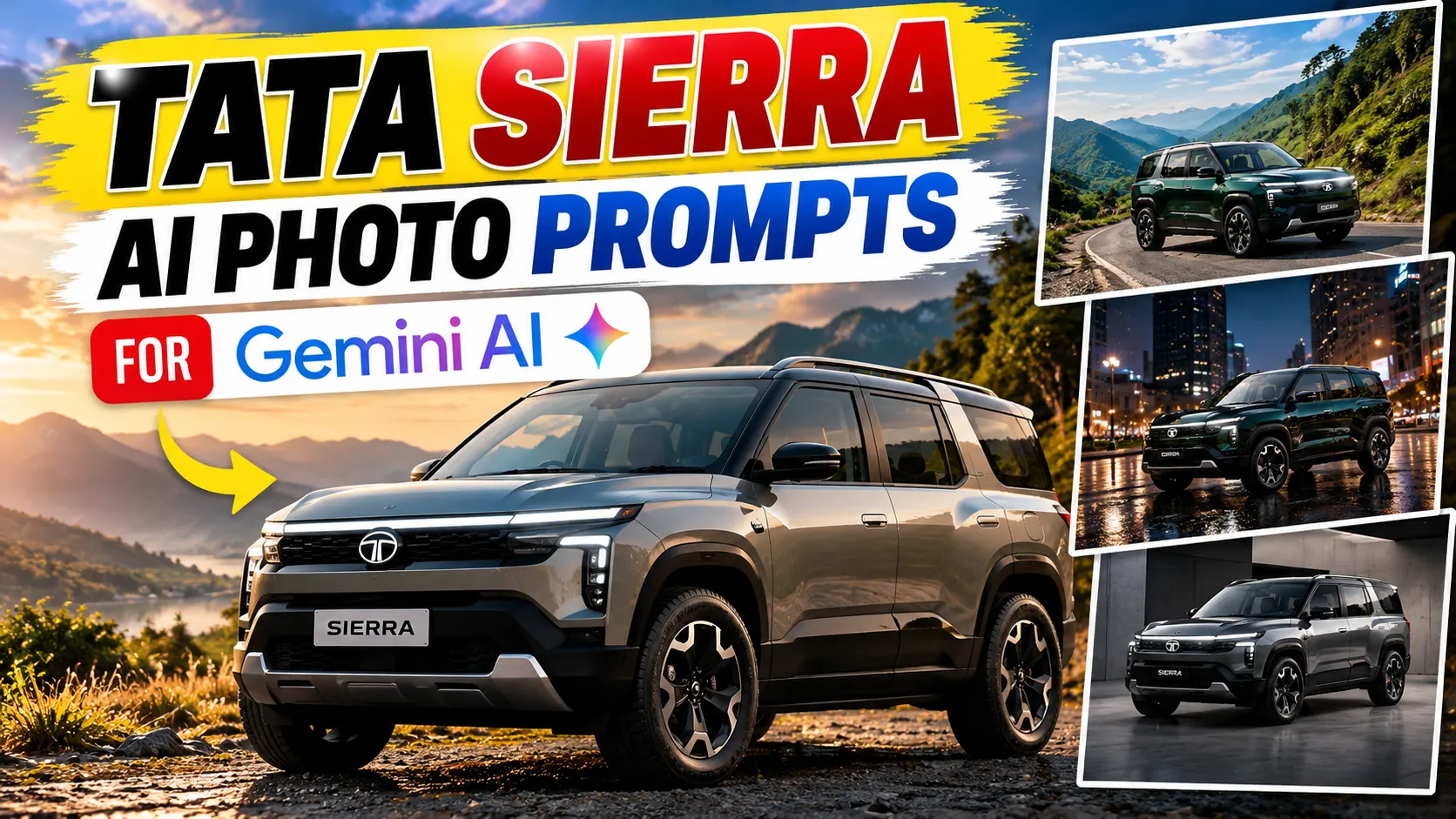
Want to create stunning AI-generated photos of the Tata Sierra? With the right prompt, you can explore cinematic SUV photography, mountain-road adventures, premium studio shots, dramatic night scenes, and realistic automotive advertisements using Gemini AI.
View Prompt
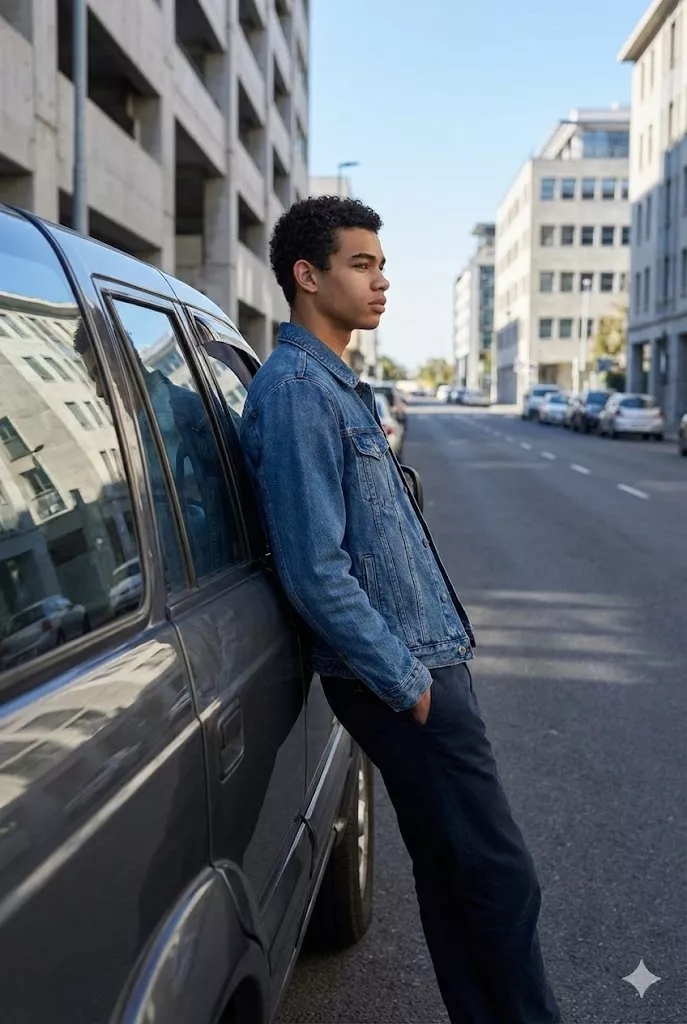
"Create an ultra-realistic lifestyle automotive image. A man is casually leaning against the side door of a Tata Sierra, body relaxed, hands naturally resting, calm and confident expression. Clean side profile composition showing the full silhouette of both the man and the car. Scene set on an open city road or modern parking area with subtle background blur. Natural lifestyle photography style with real-world reflections, natural daylight, no artificial lighting, realistic textures and proportions. "

View Prompt
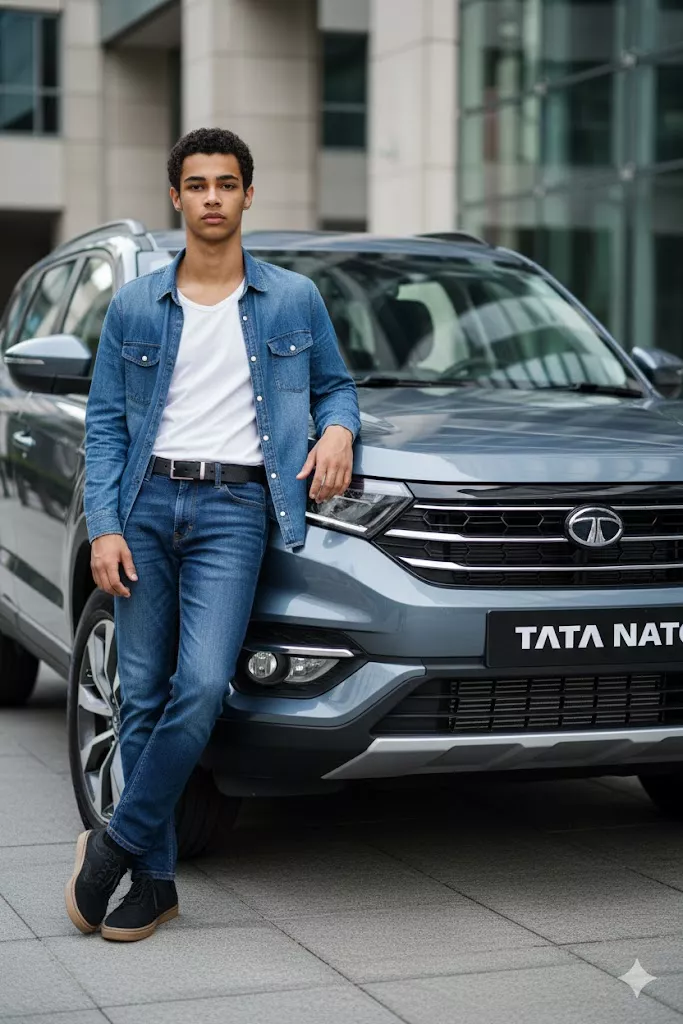
"Create an ultra-realistic cinematic automotive image using the exact same face as the attached reference image, identity must match perfectly. The man is standing confidently beside the front corner of a new Tata Sierra, one hand resting lightly on the hood, shoulders relaxed. Low-angle camera shot from near ground level to make the man and car appear bold and powerful. Urban outdoor location with natural daylight and soft shadows beneath the car. Premium car launch photography style with natural colors, high dynamic range, DSLR-level realism."
View Prompt
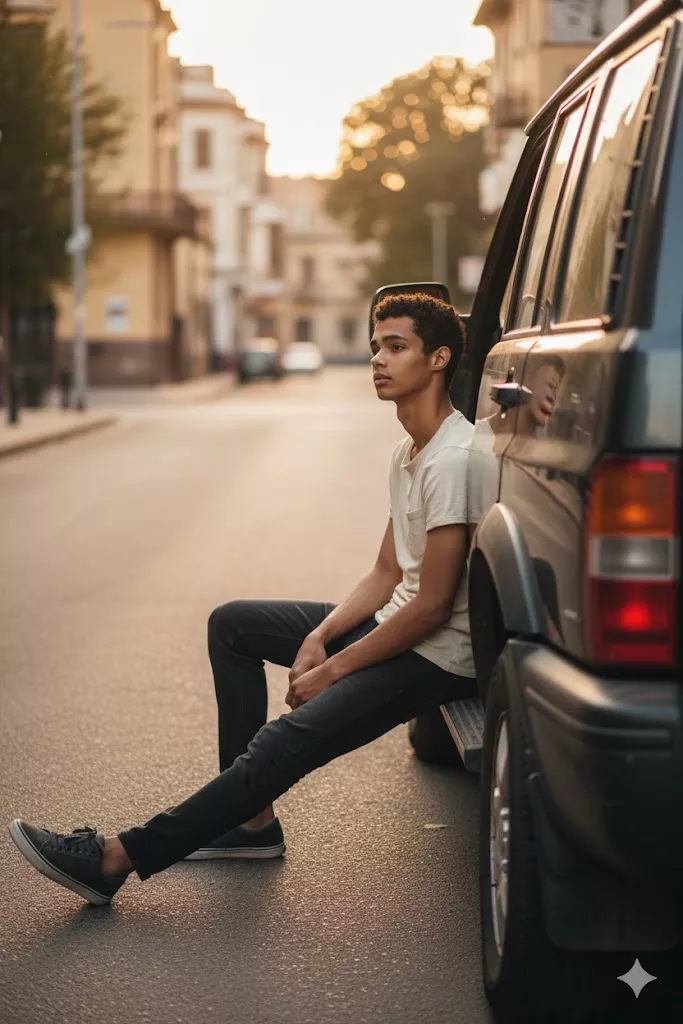
"Create an ultra-realistic natural photo using a face that is 100 percent identical to the attached image. The man is sitting casually on the edge of the car’s open door or side step, posture relaxed and natural. Eye-level medium shot from a realistic human perspective. Scene is a quiet urban street with a parked Tata Sierra under soft afternoon light. Documentary lifestyle photography style with slight imperfections, natural colors, and authentic realism."
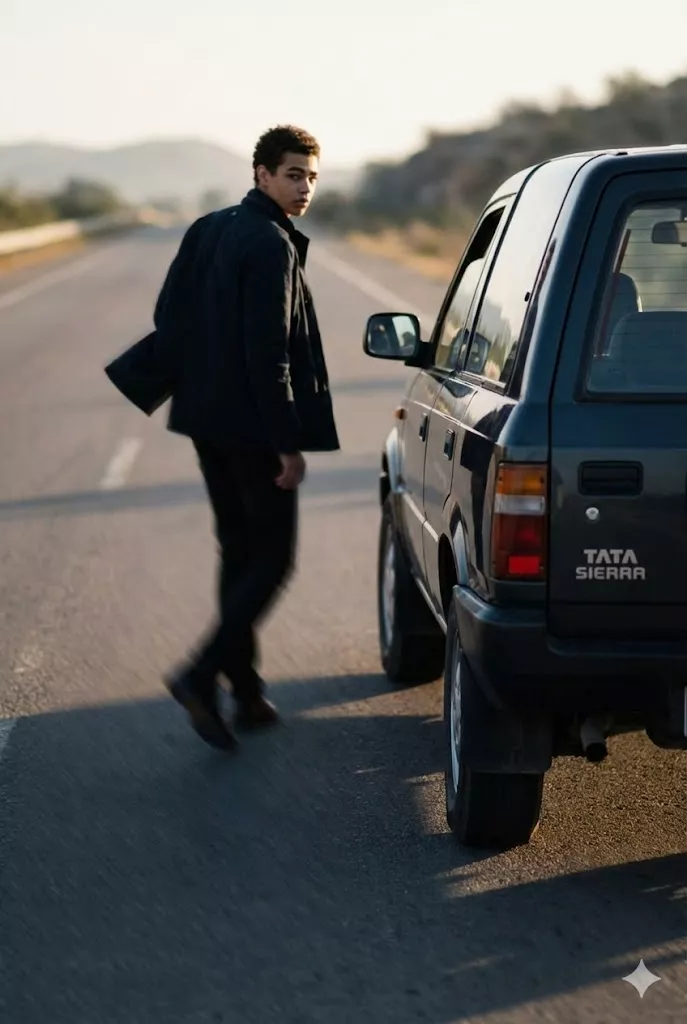
View Prompt
"Create an ultra-realistic cinematic automotive scene using the exact same face as the reference image. The man is walking past the Tata Sierra while slightly looking back at the car, jacket moving naturally with motion. Rear three-quarter camera angle capturing depth and movement. Scene set on an open road with natural sunlight and long soft shadows. Storytelling automotive photography style with realistic motion blur, depth of field, and high-resolution DSLR look."
The new Tata Sierra has a distinctive design inspired by the original Sierra, including its bold silhouette, signature rear-quarter glass styling, and modern exterior details. These characteristics make it an interesting subject for AI automotive photography.
In this guide, you'll find 10 copy-and-paste Tata Sierra AI photo prompts for different photography styles. You can use them to experiment with realistic car portraits, dramatic lighting, scenic backgrounds, and professional advertising concepts.
Note: AI-generated images may not accurately reproduce every vehicle detail, colour, badge, or trim. For the closest visual match, upload a suitable Tata Sierra reference image and ask Gemini to preserve the vehicle's design.
10 Best Tata Sierra AI Photo Prompts
1. Best Realistic Tata Sierra AI Photo Prompt
Best for: Realistic car photography, automotive blog images, and clean social media posts.
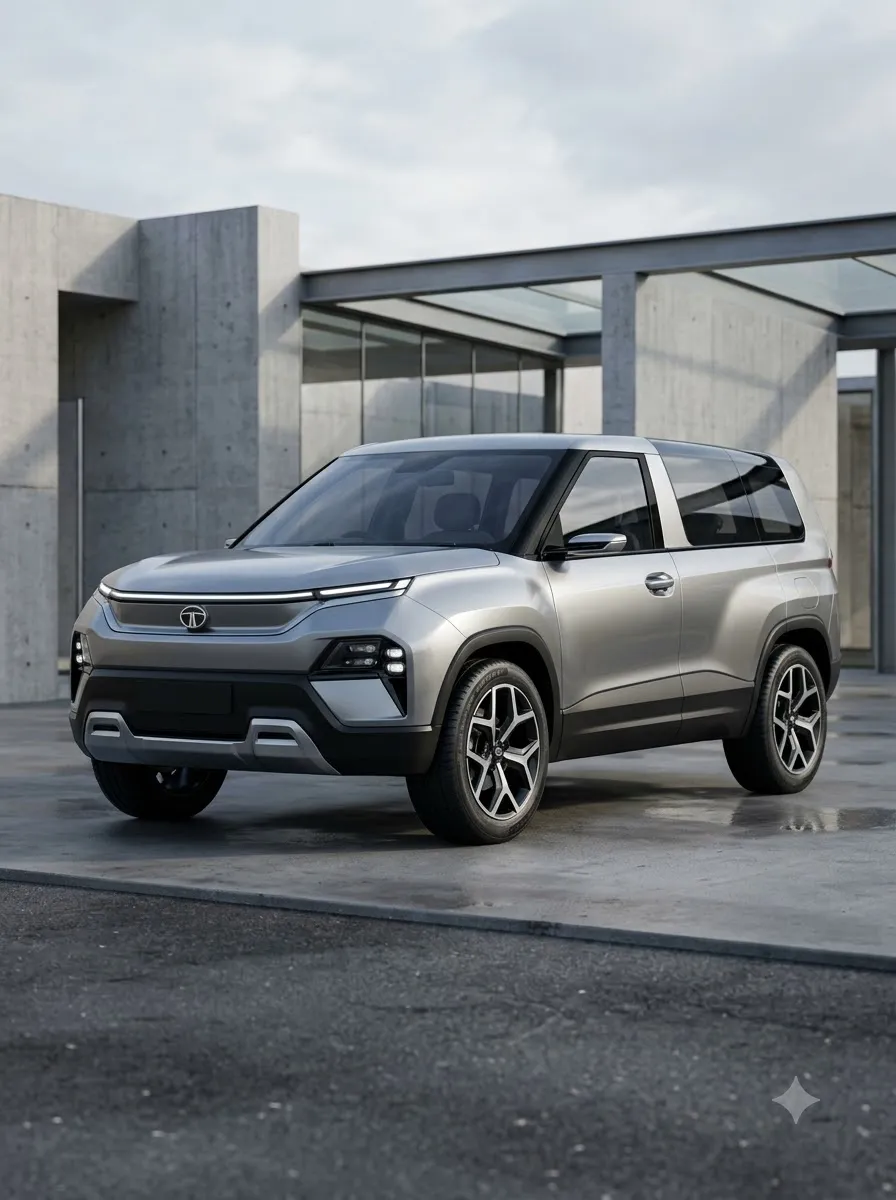
2. Cinematic Tata Sierra Photography Prompt
Best for: Cinematic car posts, dramatic wallpapers, and automotive creative projects.
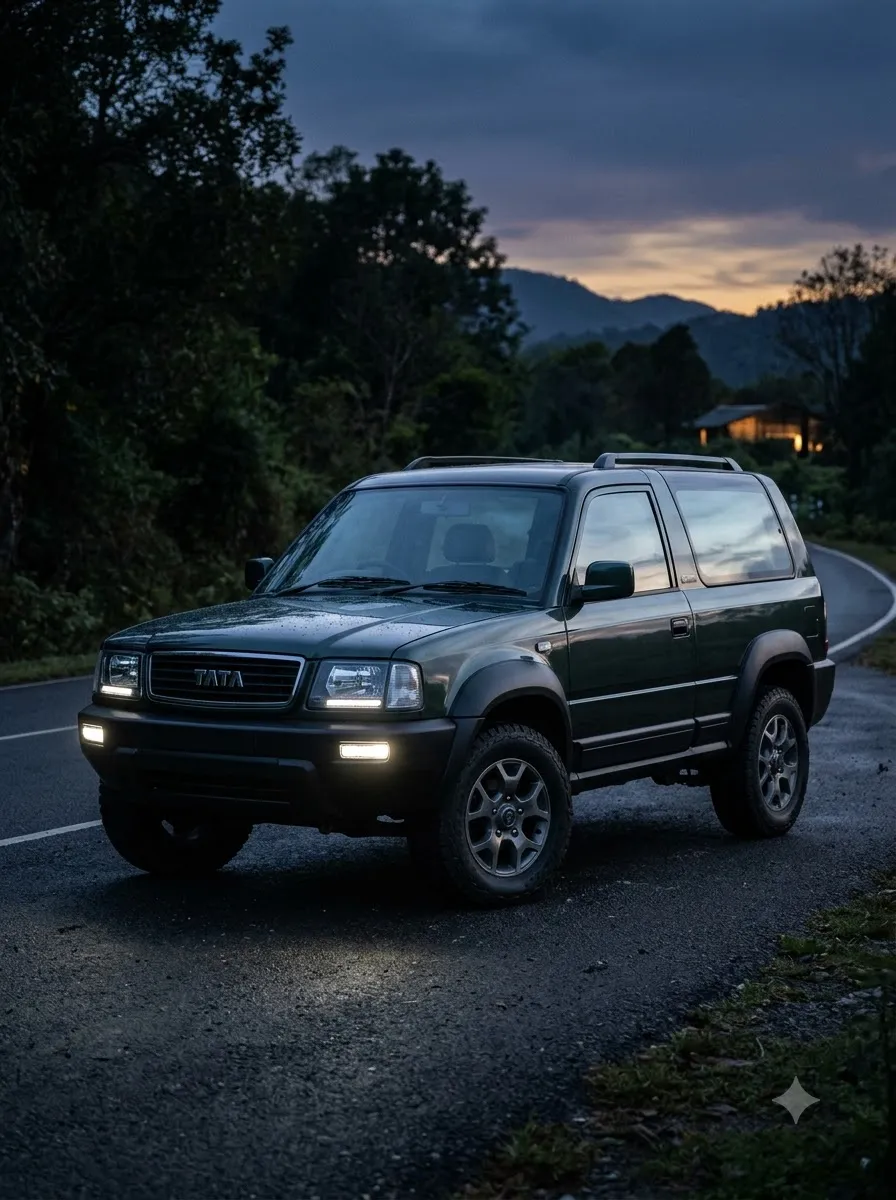
3. Tata Sierra Mountain Road Adventure Prompt
Best for: Travel-themed posts, adventure photography, and scenic automotive visuals.
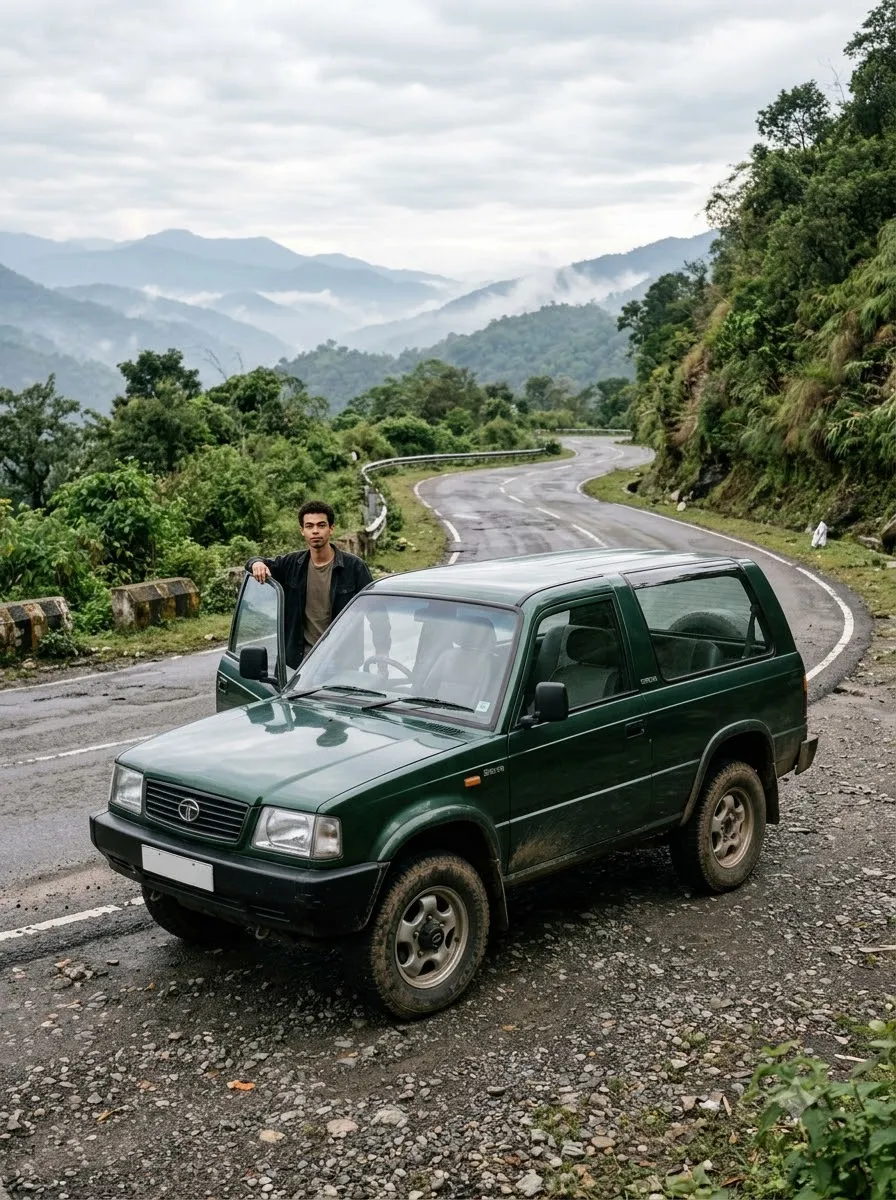
4. Tata Sierra Golden Hour Photography Prompt
Best for: Warm aesthetic car photography and premium social media images.
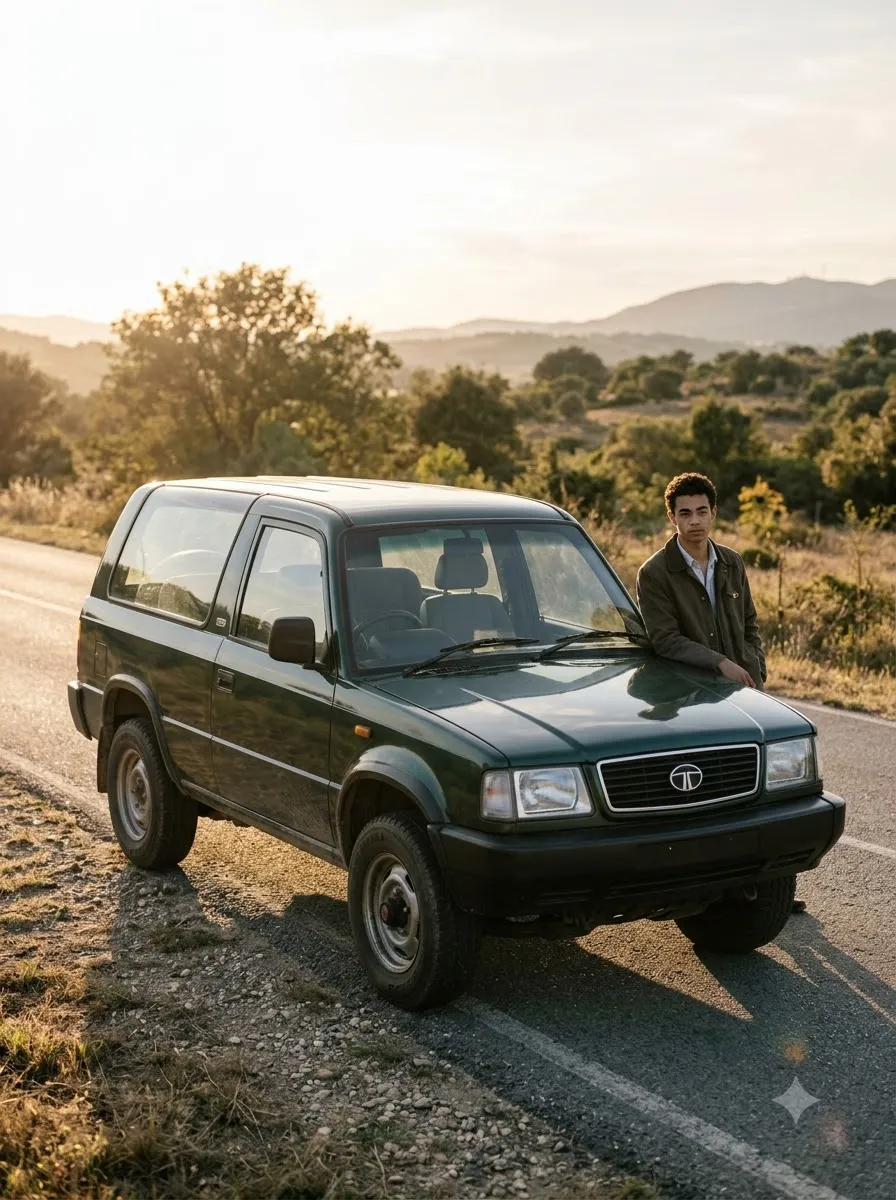
5. Tata Sierra Night Photography Prompt
Best for: Night car photography, dark-themed posts, and cinematic automotive content.
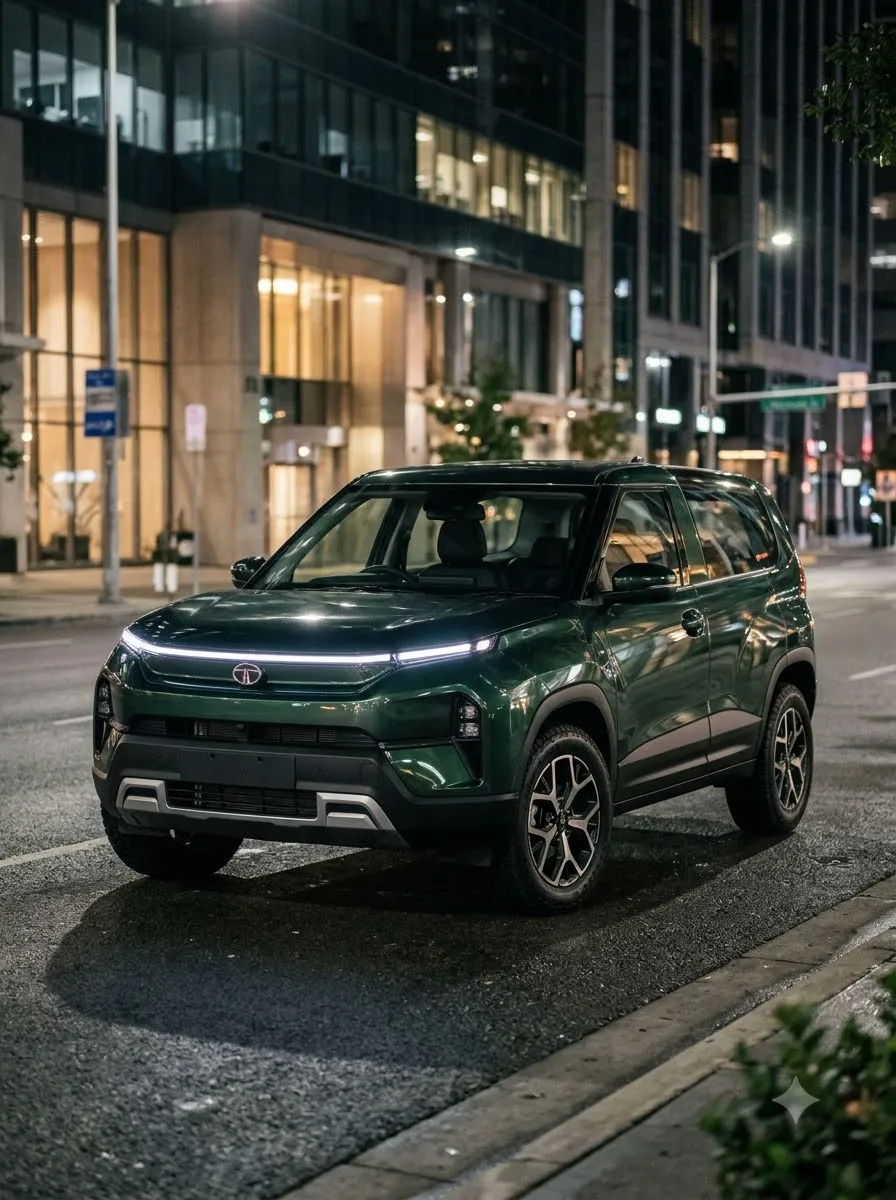
6. Tata Sierra Premium Studio Photography Prompt
Best for: Clean automotive portraits, wallpapers, and product-style vehicle images.
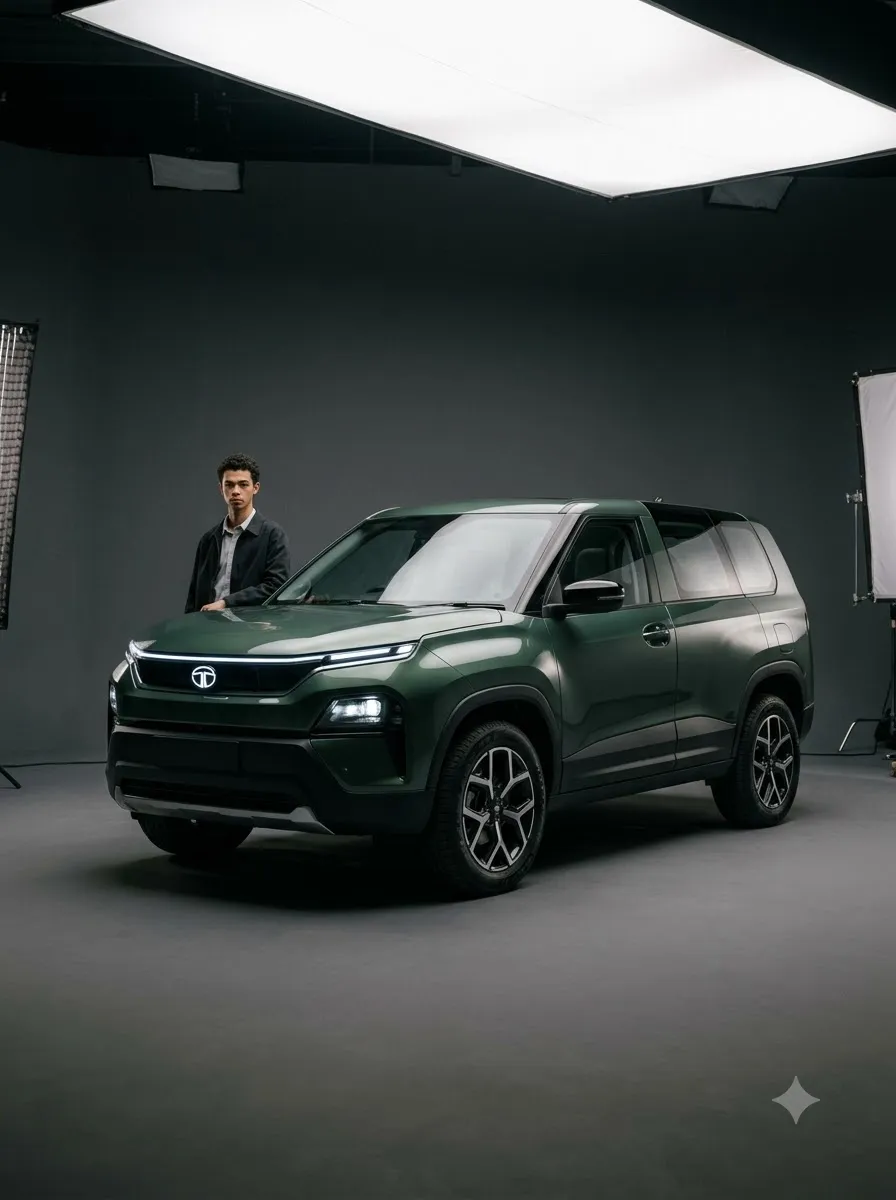
7. Tata Sierra Forest Road Photography Prompt
Best for: Nature-inspired automotive images and outdoor photography concepts.
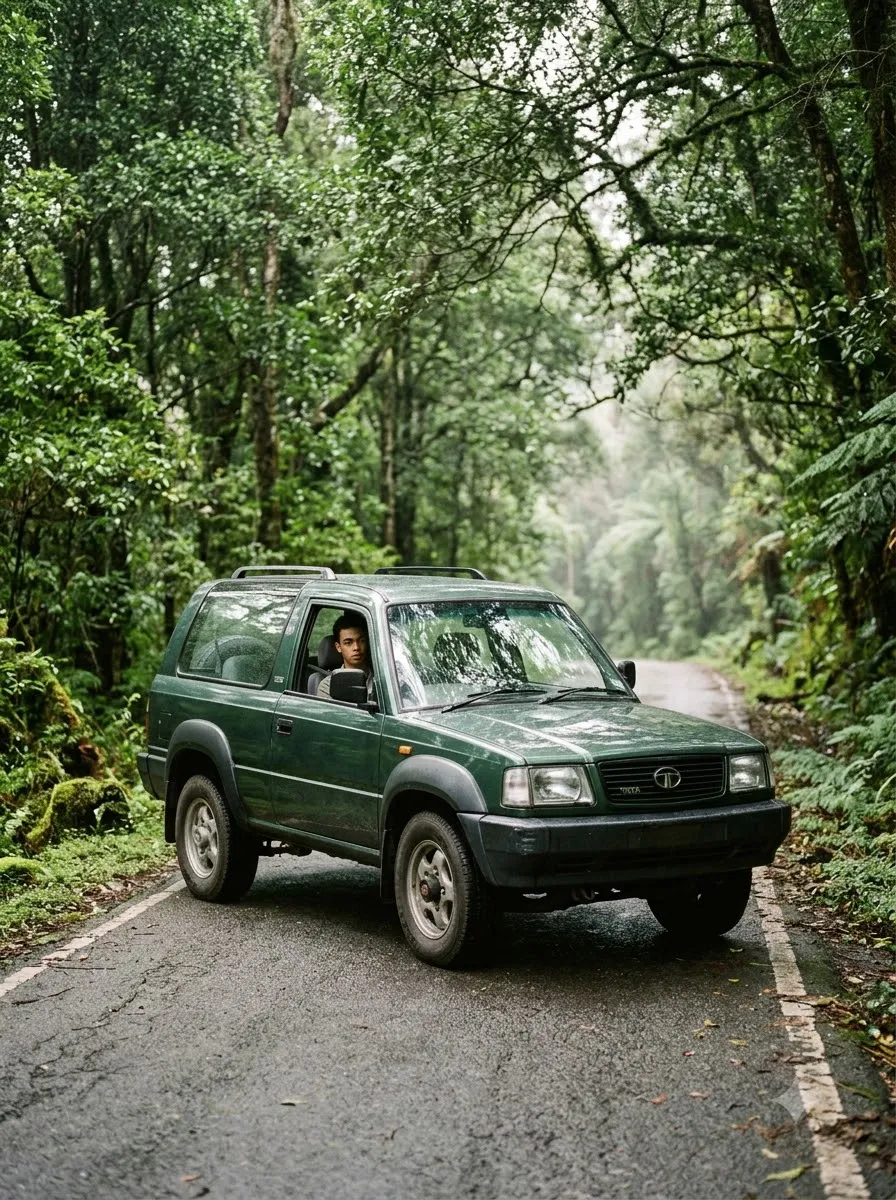
8. Tata Sierra Rainy-Day Photography Prompt
Best for: Moody automotive photography and rainy-weather visual concepts.
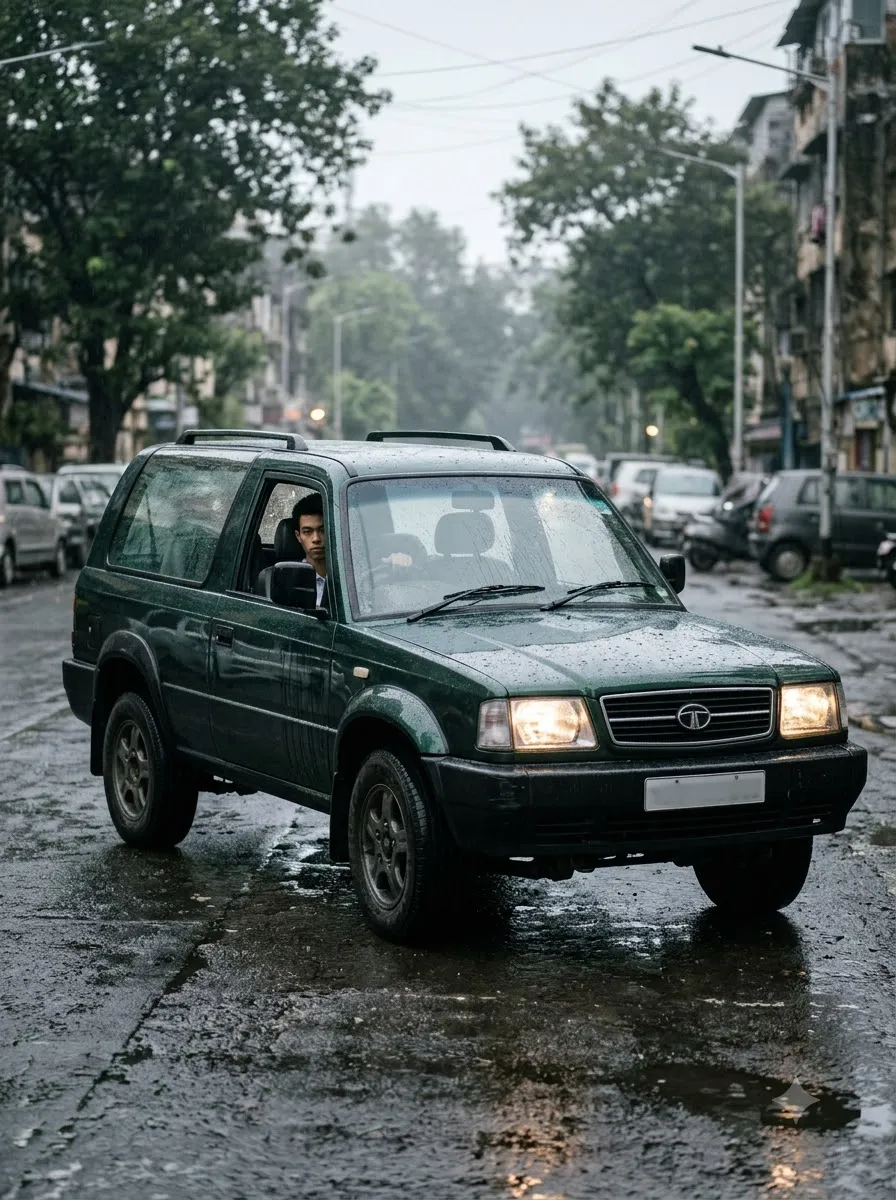
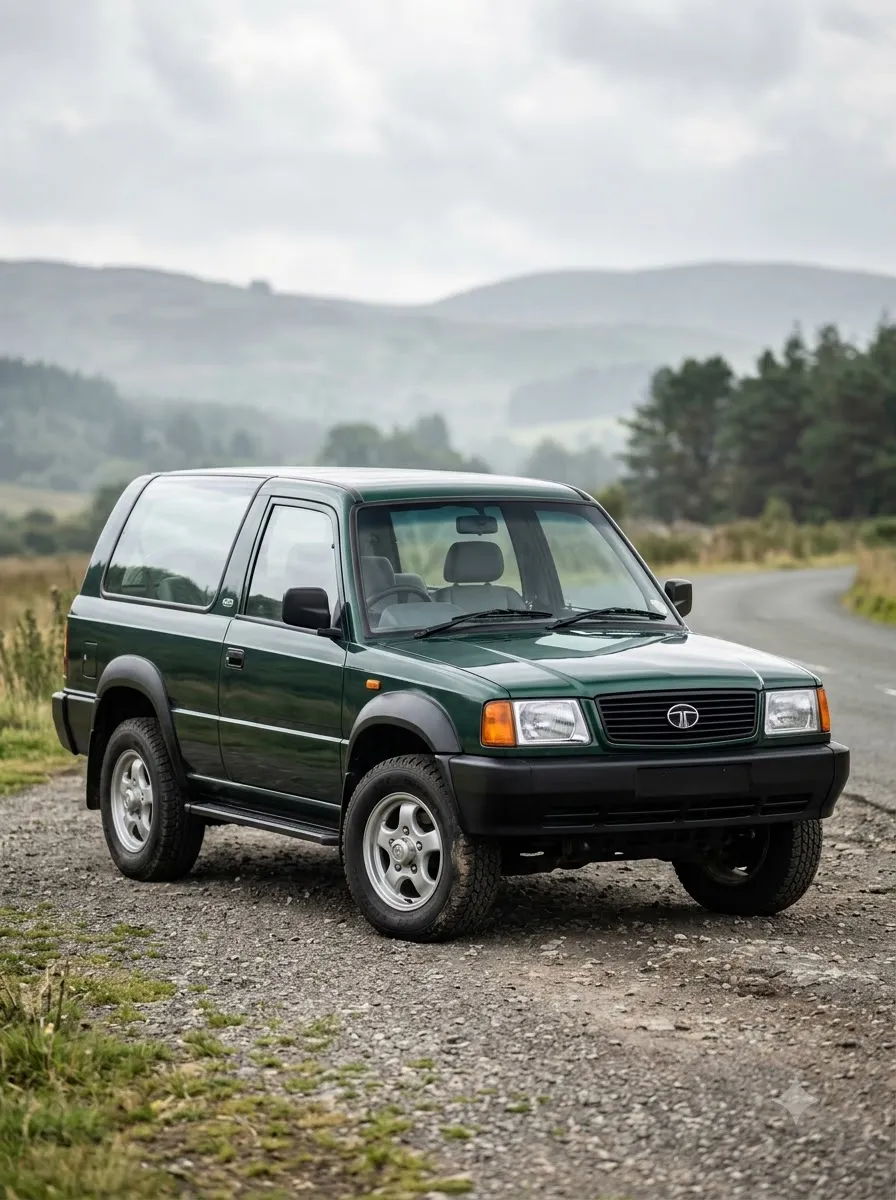
9. Tata Sierra Colour Photography Prompt
Best for: Colour-focused automotive photography and visual comparisons. Important: AI-generated colours may differ from actual factory paint finishes. Verify the real-world colour against official vehicle imagery before presenting an image as an exact factory specification.
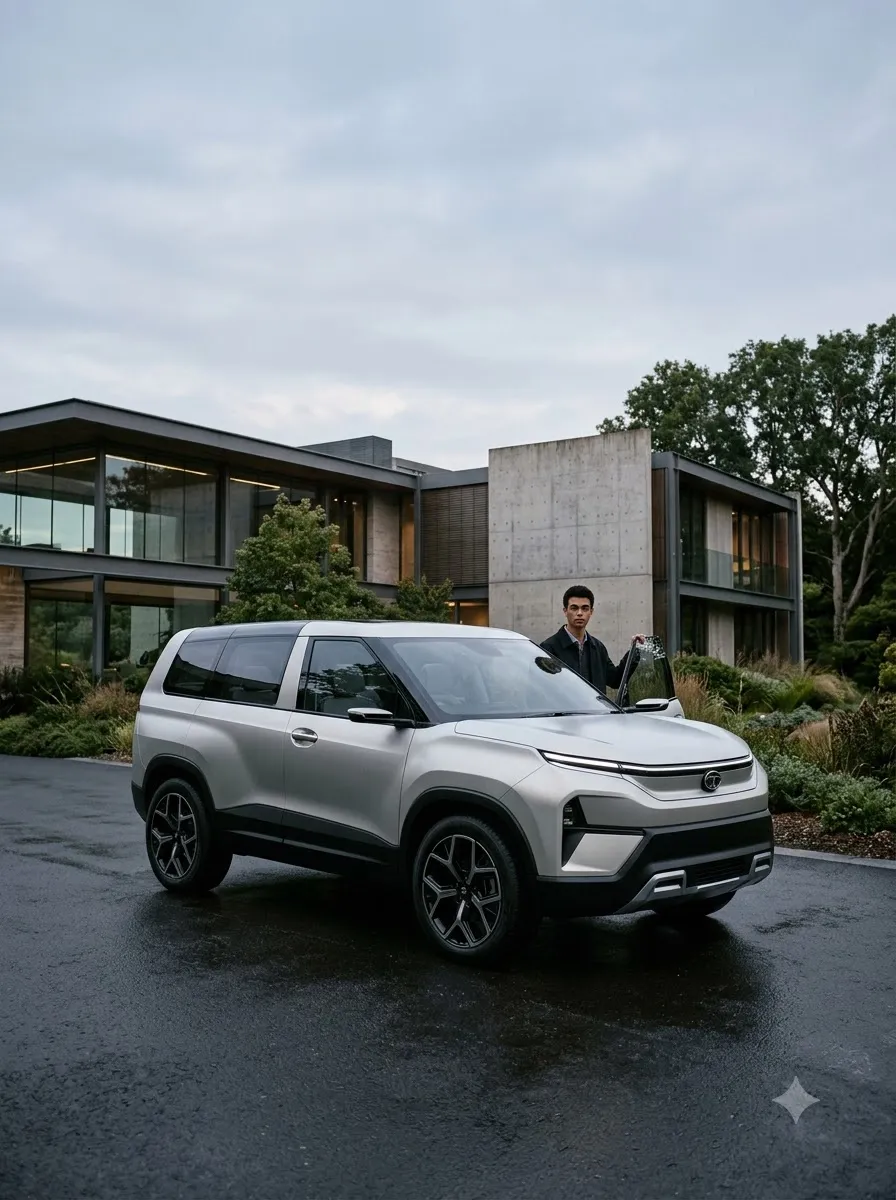
10. Tata Sierra Premium Advertising Poster Prompt
Best for: Automotive posters, social media creatives, and promotional design concepts.
How to Create Tata Sierra AI Photos with Gemini
Follow these steps to get started:
- Step 1: Open Gemini. Visit the Gemini web app or open the Gemini mobile app and sign in.
- Step 2: Upload a Tata Sierra Reference Image. For a closer visual match, upload a clear image of the vehicle you want to recreate. Choose a reference that shows the exterior details relevant to your prompt. A front three-quarter photograph is useful for prompts focused on the front and side of the SUV. Use images you have permission to upload and reuse.
- Step 3: Choose a Prompt. Select one of the 10 prompts based on the style you want: realistic photography for a natural car portrait, cinematic photography for a dramatic scene, mountain-road photography for a travel theme, studio photography for a clean product-style image, night photography for a modern urban setting, or colour photography for a paint-focused visual. Copy the prompt and paste it into Gemini.
- Step 4: Generate the Image. Submit the prompt and review the output. Check whether the vehicle's proportions, windows, wheels, body panels, and other visible features resemble the reference image. AI-generated images may contain design inconsistencies even when the prompt is detailed.
- Step 5: Refine the Result. If the background looks good but the vehicle's design has changed, request a targeted correction. For example: "Keep the existing background, lighting, camera angle, and composition unchanged. Refine the vehicle to match the uploaded Tata Sierra reference more closely. Preserve its visible exterior design, window proportions, headlights, wheels, and body lines. Do not introduce new accessories or redesign the SUV." Make small, specific adjustments rather than changing the entire prompt each time.
Tips for More Realistic Tata Sierra AI Images
- Use a relevant reference image: A prompt describes what you want, while a reference image gives the model a visual guide. For vehicle-specific work, the reference can be especially useful for exterior styling and proportions.
- Describe the camera angle: Specify whether you want a front three-quarter view, side profile, rear three-quarter view, or low-angle composition. Clear camera instructions make it easier to communicate the intended framing.
- Separate the vehicle from the creative environment: If you want a mountain-road scene, describe the road, landscape, lighting, and atmosphere separately from the vehicle's design. This helps establish which details should remain consistent and which elements can change creatively.
- Avoid contradictory lighting instructions: For example, combining harsh midday sunlight with a dark nighttime scene may produce inconsistent results. Choose one primary lighting condition and describe it clearly.
- Check the vehicle's details: Review the generated image for distorted wheels, inconsistent windows, incorrect body proportions, unusual headlights, and invented exterior features. If accuracy matters, compare the output against a reliable reference image before publishing.
- Add text separately: AI-generated text can contain spelling errors and invented information. For advertising posters, generate the vehicle image with clean negative space and add verified text afterward using a design editor.
Frequently Asked Questions
1. What are Tata Sierra AI photo prompts?
Tata Sierra AI photo prompts are text instructions used with an AI image-generation tool to create vehicle photographs in different settings, lighting conditions, and visual styles.
2. Can I create Tata Sierra images using Gemini AI?
You can use Gemini to experiment with automotive image generation and editing. Results depend on the prompt, reference image, available features, and model behaviour.
3. How can I make a realistic Tata Sierra AI photo?
Start with a clear vehicle reference image. Describe the camera angle, lighting, background, and desired photographic style. Ask the model to preserve the visible exterior design and inspect the result for inconsistencies.
4. Can I change the background without changing the car?
You can ask Gemini to preserve the vehicle while changing only the background. However, the model may still alter some vehicle details, so check the output carefully.
5. Can I generate a cinematic Tata Sierra wallpaper?
Yes. Use the cinematic prompt above and specify your preferred composition and output dimensions. You may need to crop the result to fit your screen.
6. Can I create Tata Sierra images in different colours?
You can request different paint colours, but the generated result may not match the real factory paint finish. Use a reliable reference image when colour accuracy matters.
7. Why does Gemini sometimes change the vehicle design?
AI image generation does not always reproduce complex objects exactly. The model may alter body lines, wheels, windows, or other details. A clearer reference image and specific preservation instructions may help, but exact reproduction is not guaranteed.
8. Are these official Tata Motors images?
No. Images generated using these prompts are AI-generated creative visuals, not necessarily official Tata Motors photographs or representations of an actual vehicle configuration.
Final Thoughts
The right Tata Sierra AI photo prompt can help you explore a wide range of automotive photography styles, from realistic outdoor portraits to cinematic scenes and premium advertising concepts.
Start with the realistic prompt, then experiment with different environments and lighting conditions. Use a suitable reference image when vehicle accuracy matters, and review the final result before publishing it.
For the most reliable visual match, treat AI-generated images as creative interpretations and verify important vehicle details against official references.



















