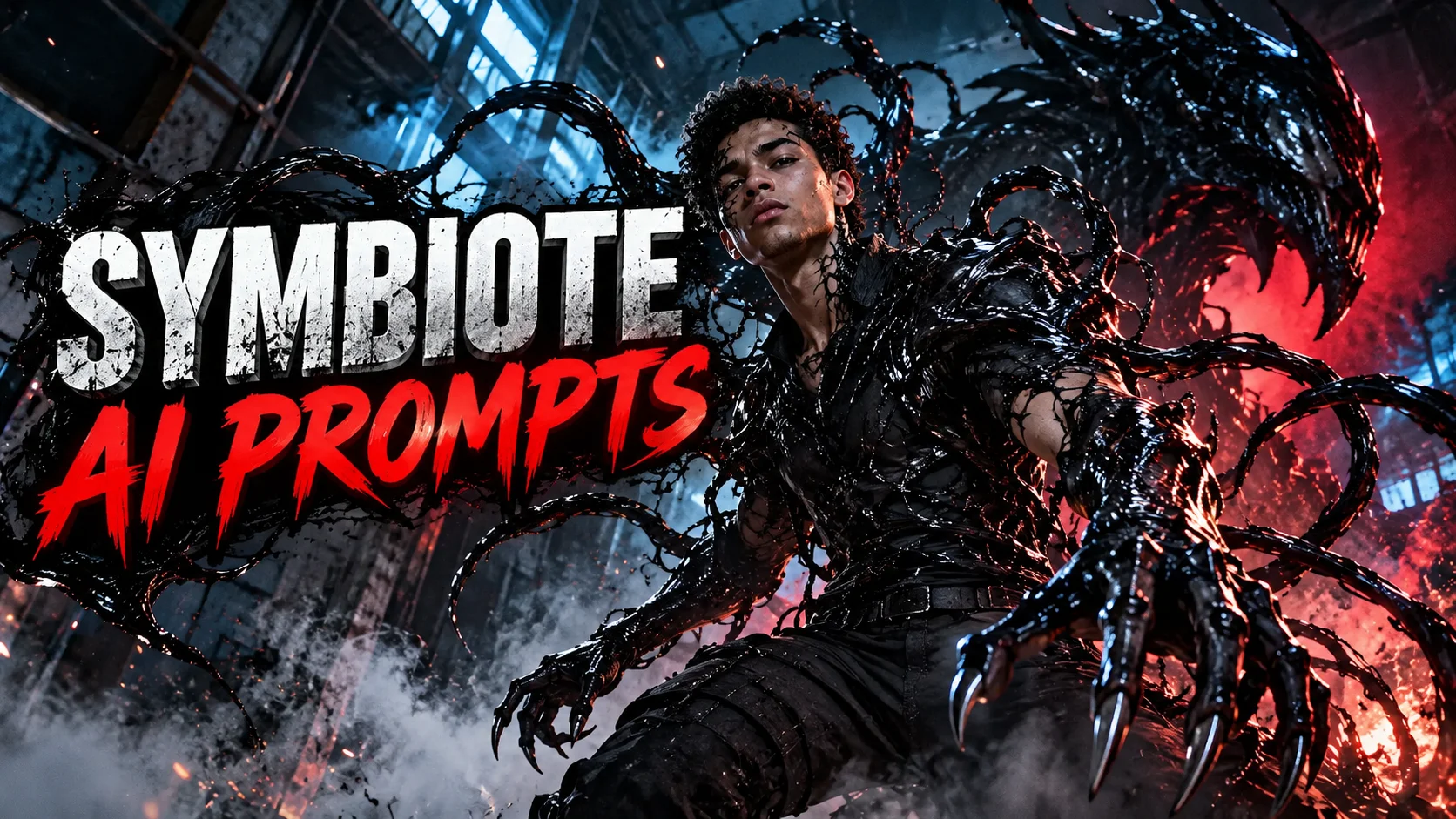
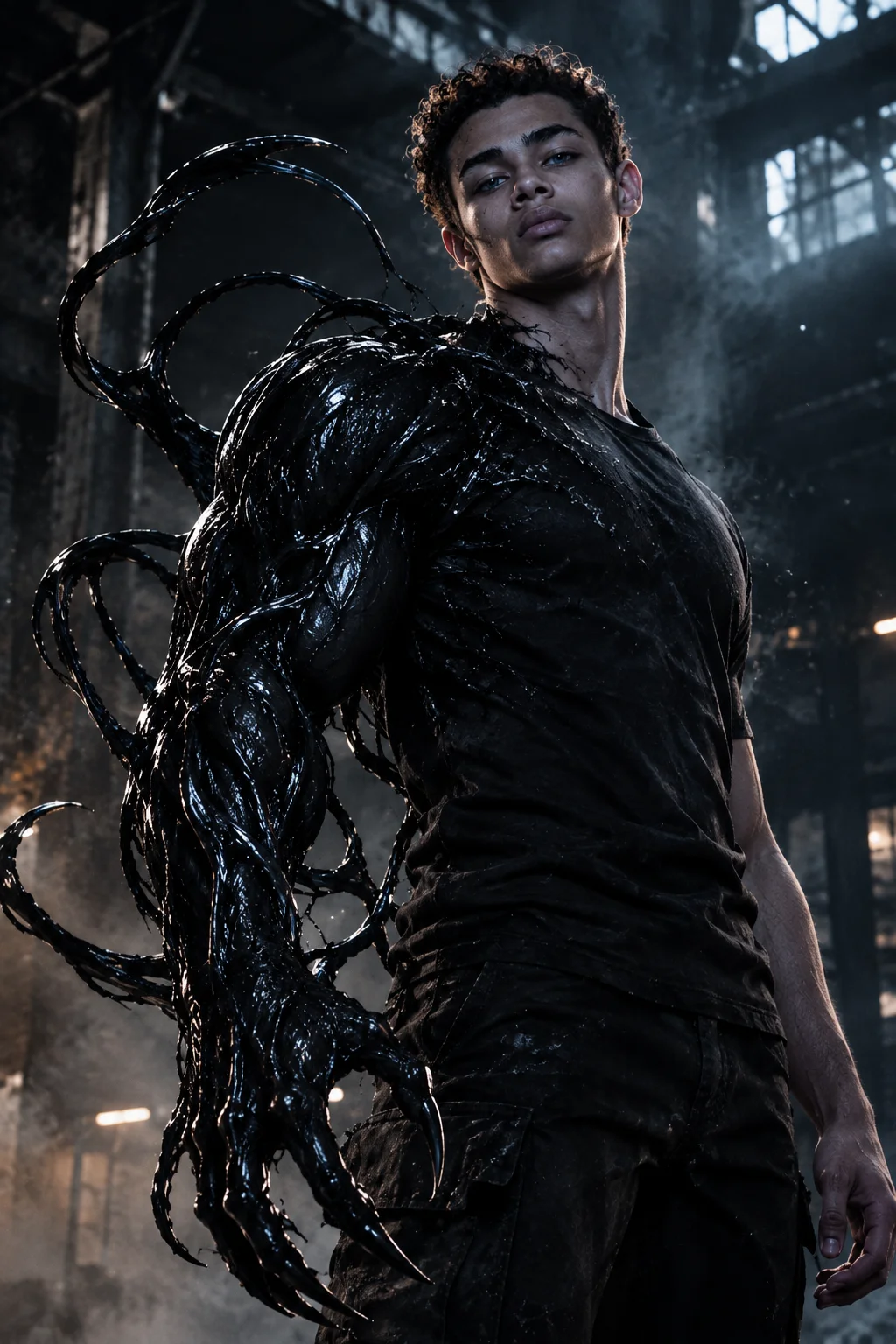
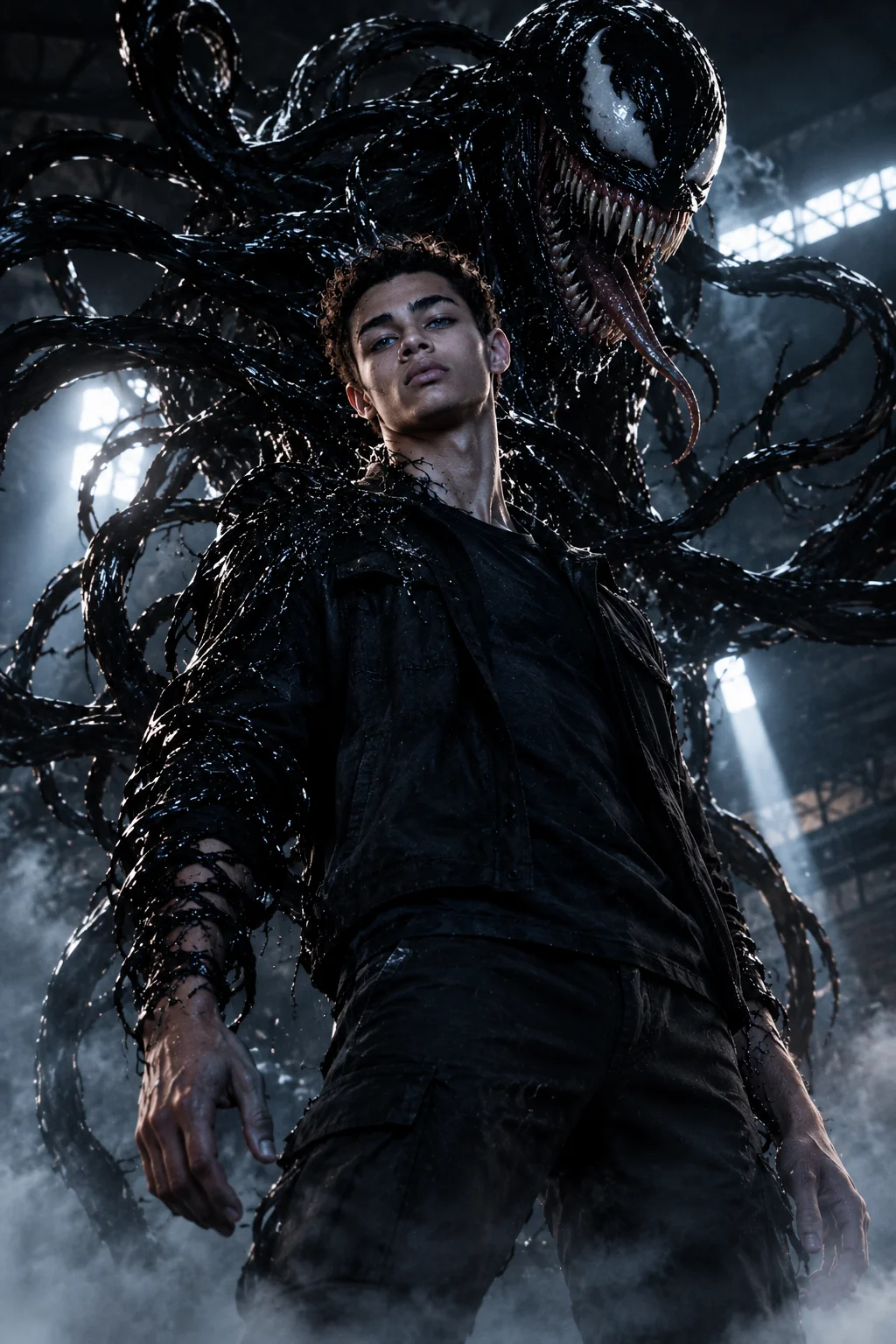
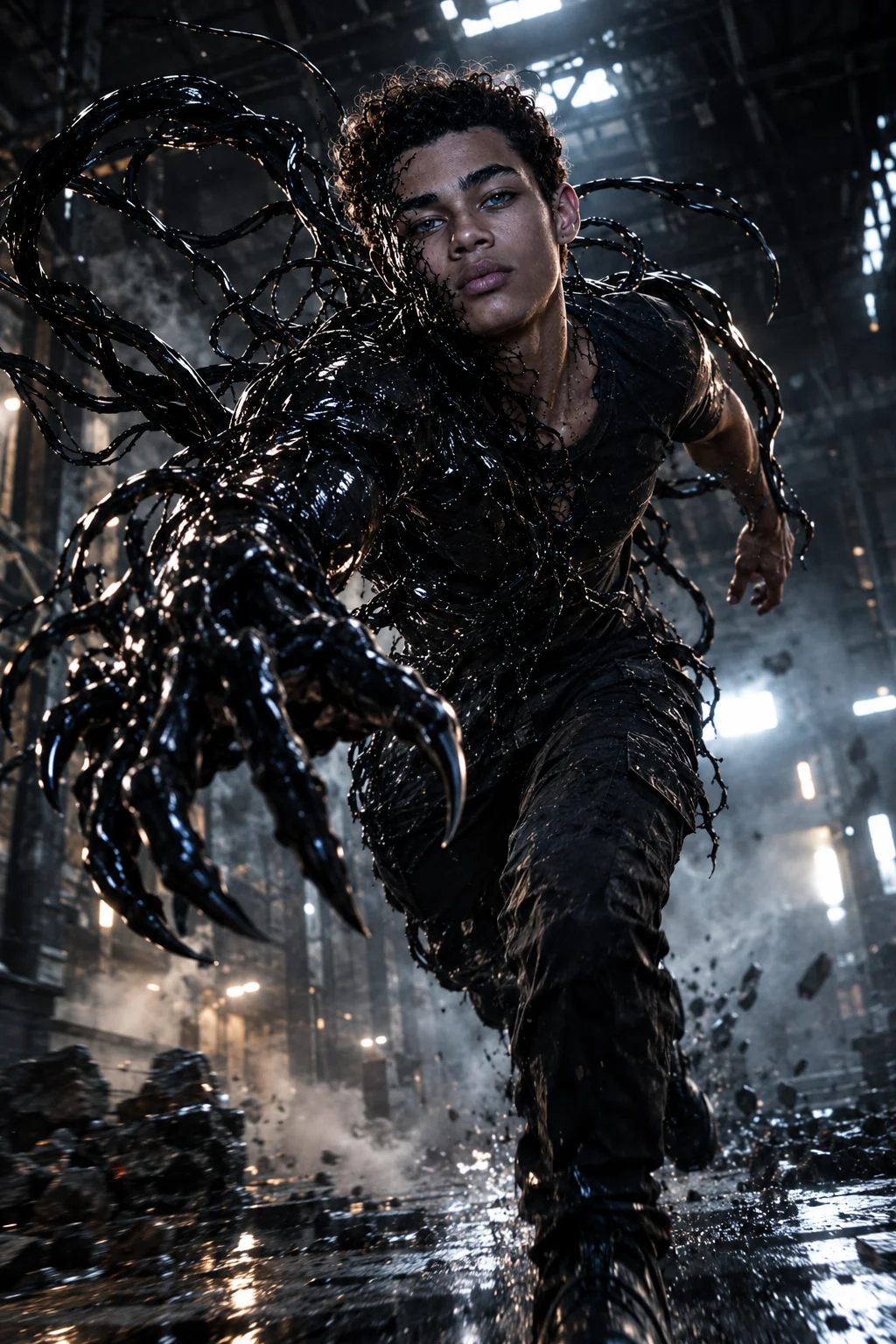
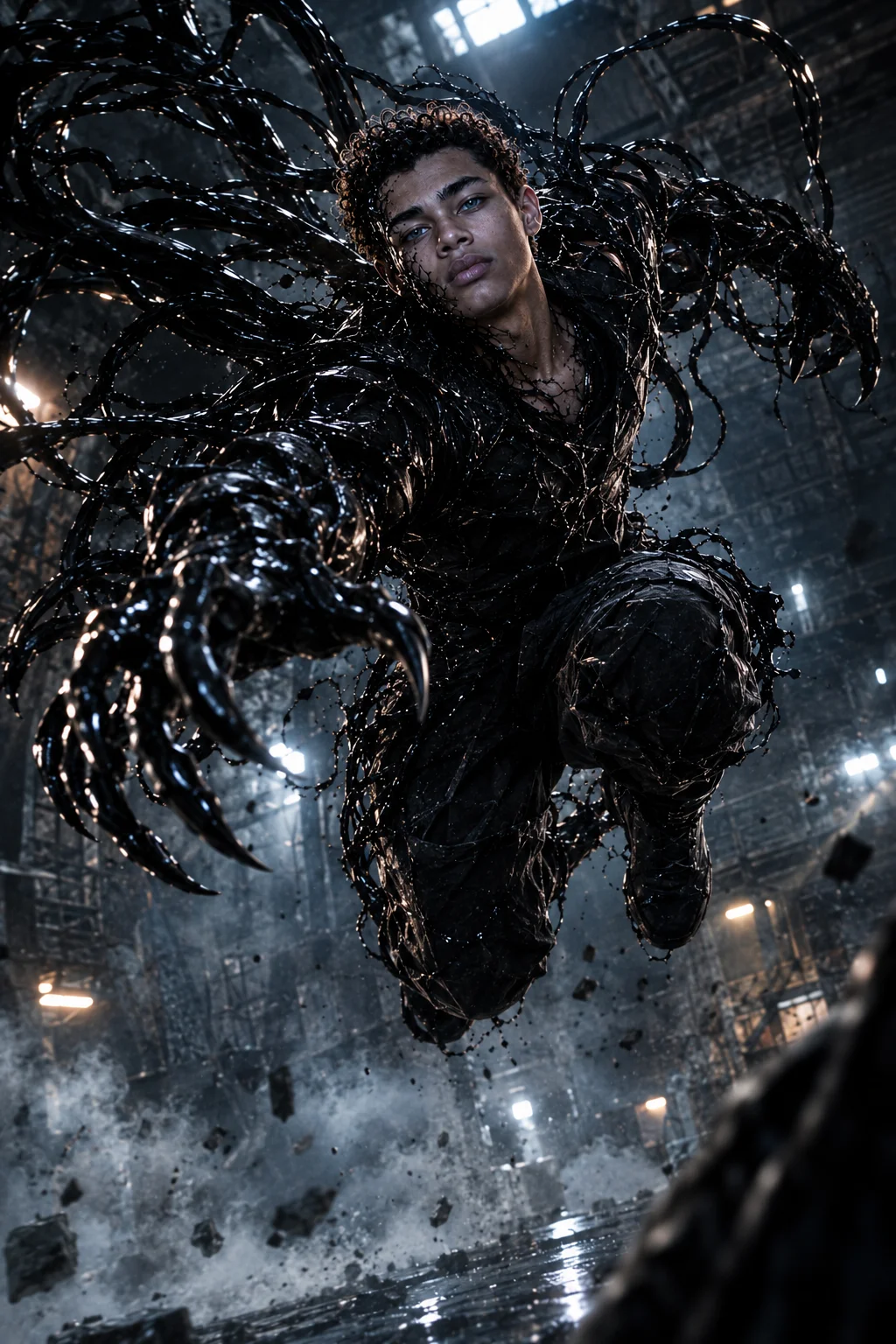
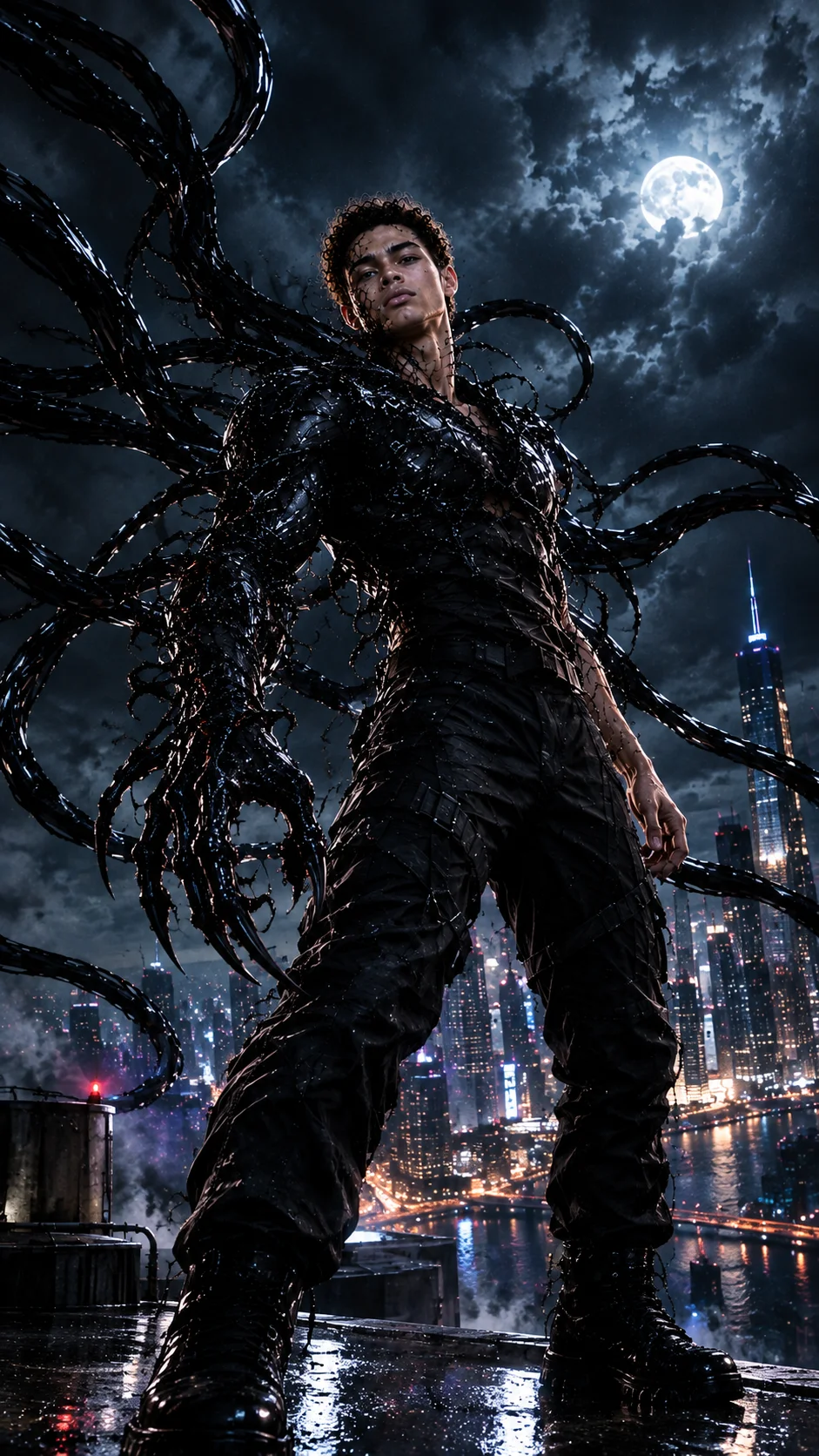
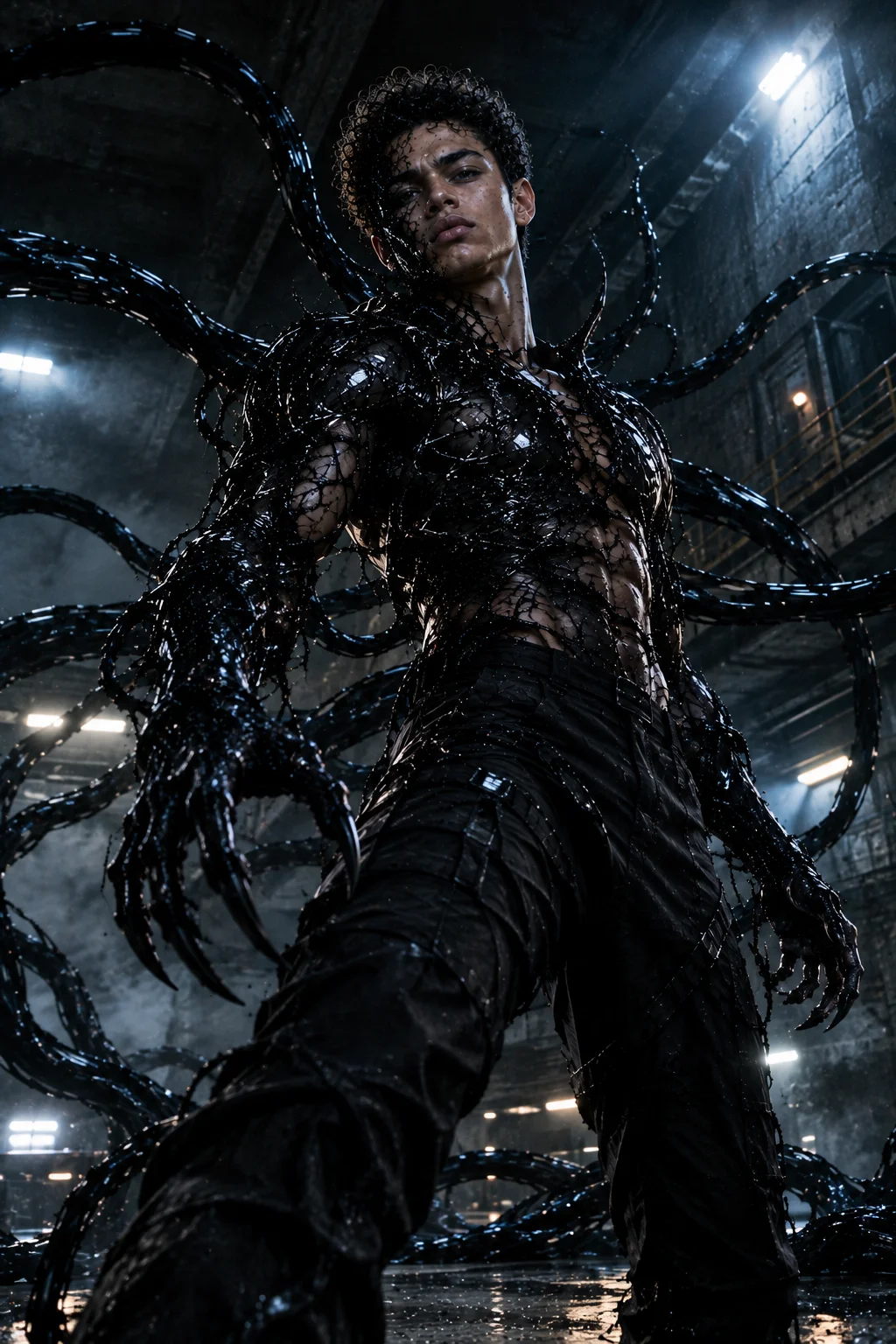
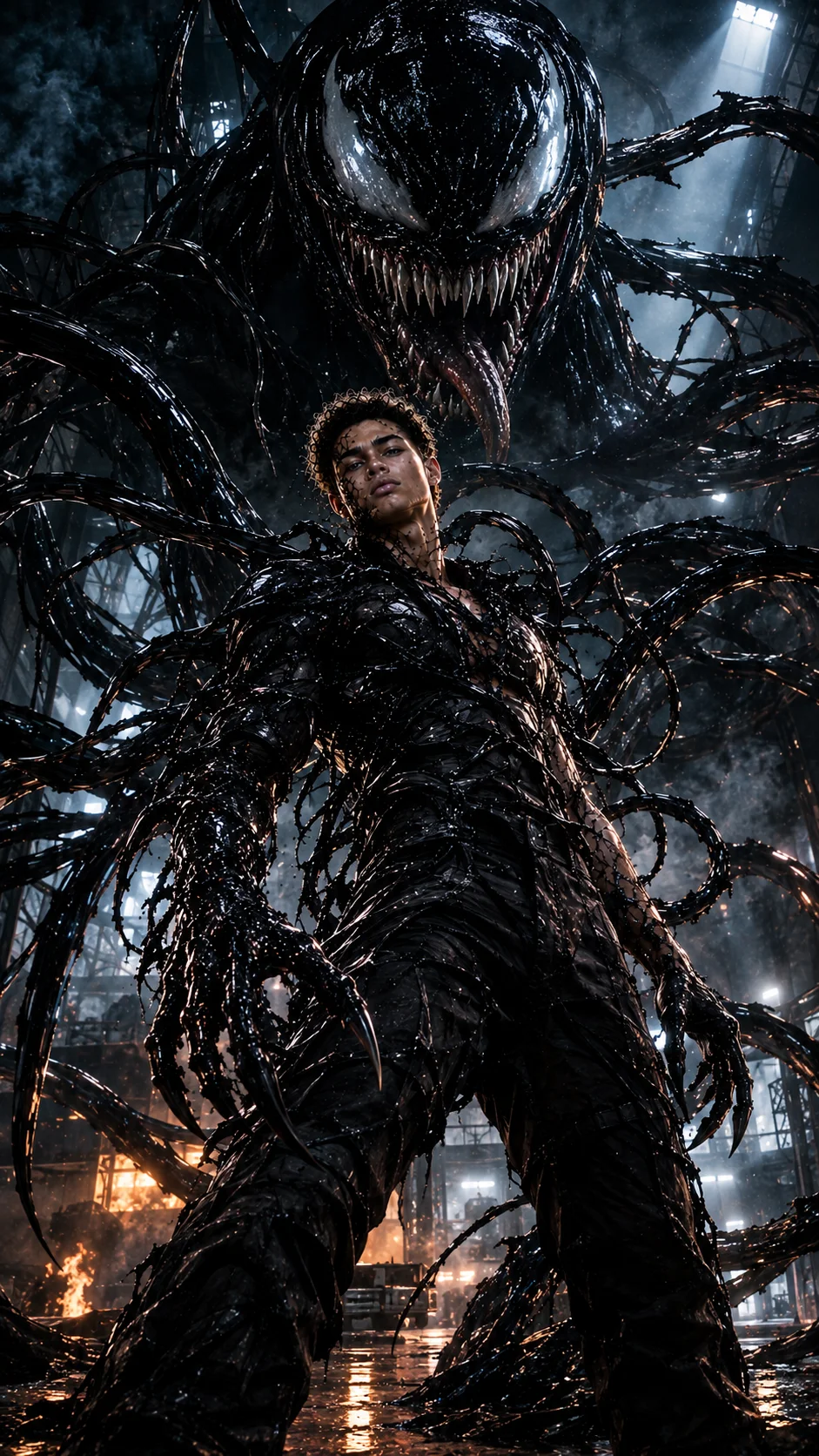
Want to transform your photo into a dark, cinematic Venom symbiote-style action scene while keeping your facial identity recognizable? These Gemini AI prompts are designed for realistic transformation scenes featuring black organic tendrils, aggressive symbiote forms, dramatic poses, industrial environments, fog, smoke, cinematic lighting, and blockbuster-style compositions.
The original prompt collection focused on preserving the young man's facial features, skin texture, and proportions while adding a Venom-like symbiote transformation.
This updated collection expands those ideas into different symbiote transformations, action poses, environments, camera angles, lighting conditions, and cinematic compositions. You can use the prompts directly or customize the clothing, environment, transformation level, symbiote color, pose, and lighting.
Best Venom Symbiote Cinematic Prompts
1. Dark Warehouse Symbiote Transformation
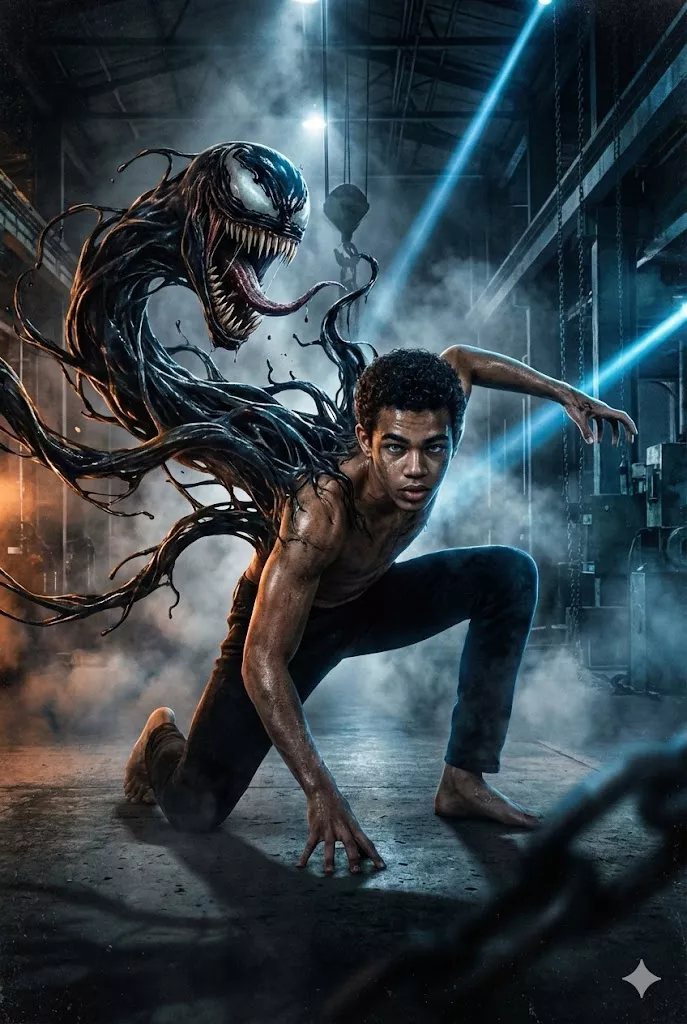
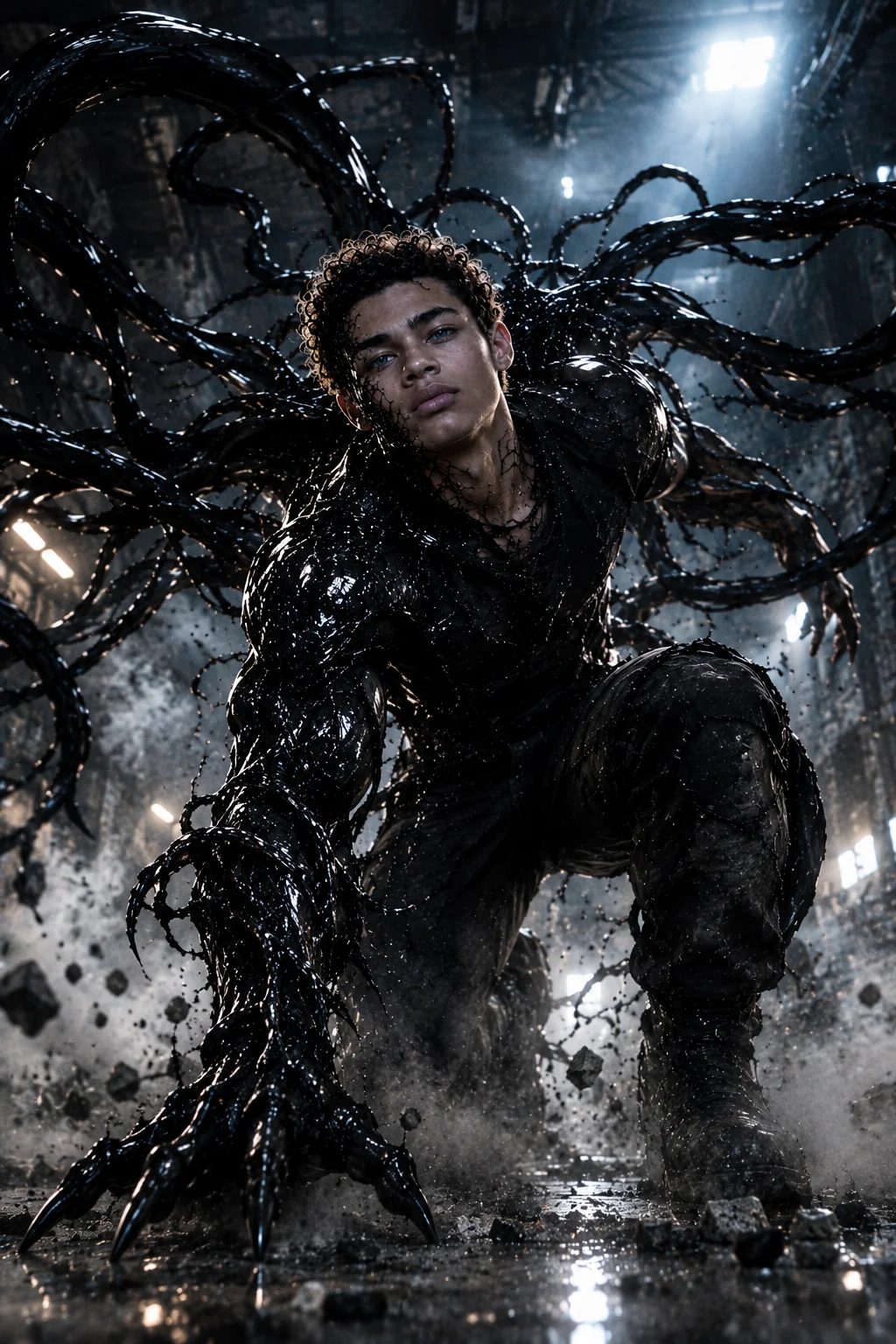
Create a 16K ultra-realistic cinematic movie scene of the same young man from the reference photo. Preserve his exact facial features, natural skin texture, facial proportions, and identity without changing or stylizing his face. He is inside a dark industrial warehouse in a dynamic crouched action pose, one knee bent, one hand firmly pressed against the concrete floor, and the other hand reaching forward as if preparing to attack. From his back, a Venom-like black symbiote bursts outward, forming large organic tendrils and a snarling symbiote face rising above his shoulder. The symbiote looks wet, aggressive, highly detailed, and alive. Thick fog and smoke fill the warehouse while sharp white light beams cut through the atmosphere. Low and slightly tilted camera angle, dramatic shadows, warm cinematic highlights, subtle motion blur, lens flares, realistic textures, fine film grain, Hollywood action movie-poster composition.
2. Crouched Symbiote Attack Pose
Create a 16K ultra-realistic cinematic action scene using the same young man from the reference image. Preserve his exact facial identity, natural expression, facial structure, skin texture, and body proportions. Place him low to the ground in a powerful crouched stance, one knee forward, one hand touching the concrete floor, and the other arm extended toward the camera. A Venom-style black symbiote erupts from his back, creating thick organic tendrils and an aggressive symbiote head hovering behind his shoulder. Set the scene inside an abandoned industrial warehouse filled with fog, floating dust particles, smoke, and directional light rays. Low-angle camera with a slight tilt, dramatic shadows, strong cinematic contrast, realistic textures, subtle motion blur and blockbuster movie-poster realism.
3. Symbiote Leap Preparation
Create a 16K ultra-realistic cinematic movie frame of the same young man from the reference photo. Maintain his exact face, natural proportions, skin texture, and expression. Capture him crouched low as if preparing to leap forward into an attack. One hand supports his body on the concrete floor while the other reaches aggressively toward the viewer. Behind him, a Venom-like symbiote explodes upward, forming long organic black tendrils and a snarling creature face. Place the scene inside a dark industrial warehouse with smoke, fog and strong beams of hard light. Use a low dynamic camera angle, dramatic perspective, realistic motion blur, cinematic lighting, subtle film grain and high-impact Hollywood action-poster styling.
4. Dark Warehouse Venom Action Portrait
Create a 16K ultra-realistic cinematic action portrait of the same young man from the reference image. His face must remain identical to the reference photo with natural facial proportions and realistic skin texture. He is positioned in a powerful crouch inside a dark warehouse, one knee bent forward, one palm pressed against the floor and the other arm extended aggressively. A Venom-inspired symbiote grows from his back with sharp organic tendrils and a hostile symbiote face looming behind him. Dense fog, smoke and strong directional lights define the industrial environment. Use a low tilted camera angle, high-energy composition, warm highlights, deep cinematic shadows, realistic textures and subtle film grain for a blockbuster movie-poster appearance.
5. Hollywood-Style Symbiote Attack
Create a 16K ultra-realistic Hollywood-style cinematic action scene using the same man from the reference image. Keep his face completely unchanged, preserving his natural facial structure, skin texture and proportions. He is crouched forward in a combat-ready stance, one hand grounded against the floor and the other arm reaching outward. His body is tense as if he is seconds away from attacking. A Venom-like symbiote erupts from his back with thick black tendrils and a feral symbiote head positioned above his shoulder. The warehouse is dark, foggy and industrial. Use a low-angle cinematic camera, dramatic lighting, realistic motion blur, subtle lens flares, detailed textures and fine film grain for a high-impact movie-poster look.
Venom Symbiote Transformation Prompts
6. Half-Body Symbiote Transformation
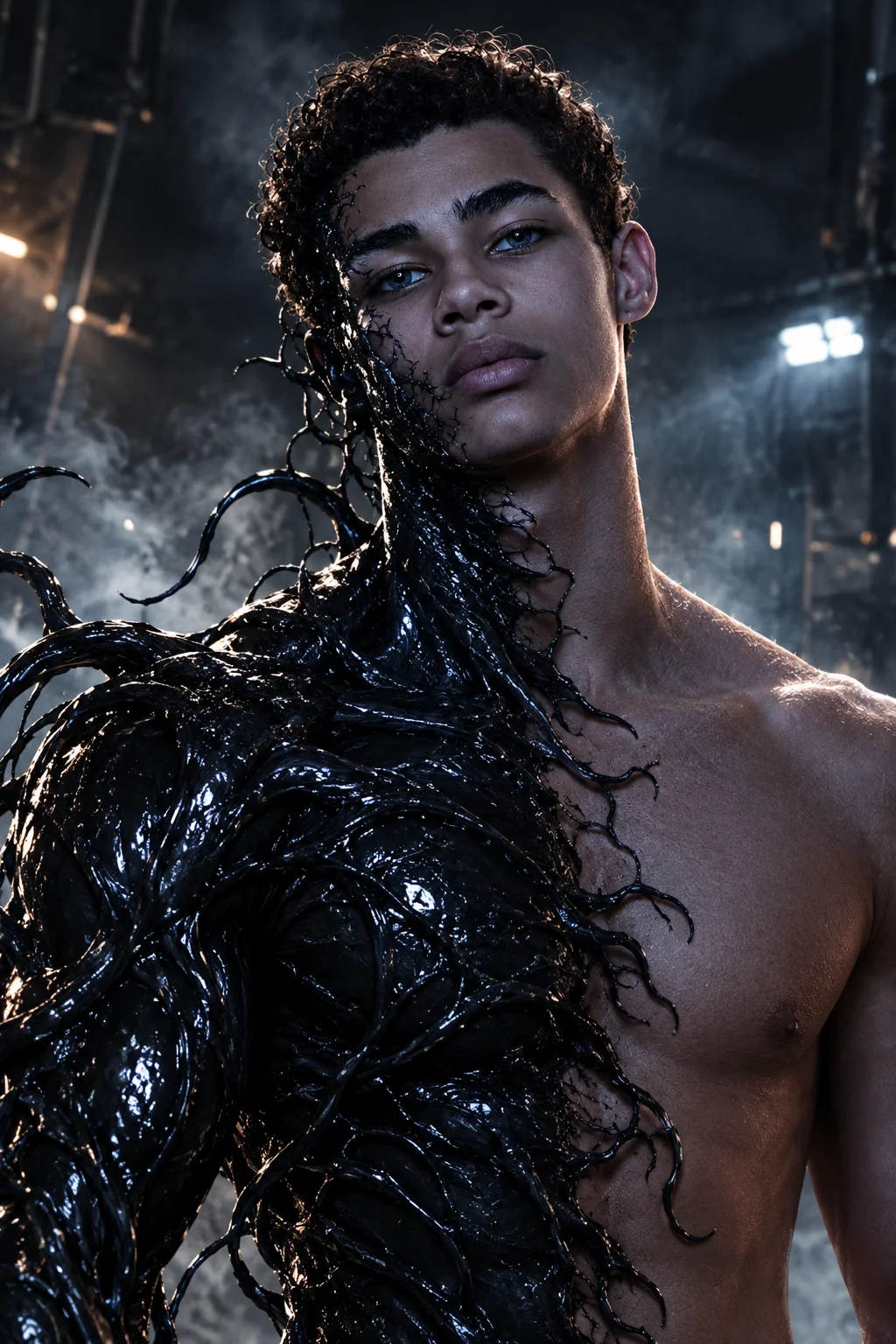
Create an ultra-realistic cinematic transformation scene using the same person from the reference photo. Preserve his exact face, facial proportions, natural skin texture and identity. Show the transformation beginning across one side of his body while the other side remains human. Black liquid-like symbiote material spreads organically across one arm, shoulder, chest and part of the neck, forming detailed tendrils and glossy biological textures. Keep the human side completely realistic. Place him in a dark industrial environment with atmospheric smoke and dramatic side lighting. Use a medium close-up camera angle, strong contrast, realistic reflections, subtle particles and cinematic blockbuster movie-poster quality.
7. Full-Body Symbiote Transformation
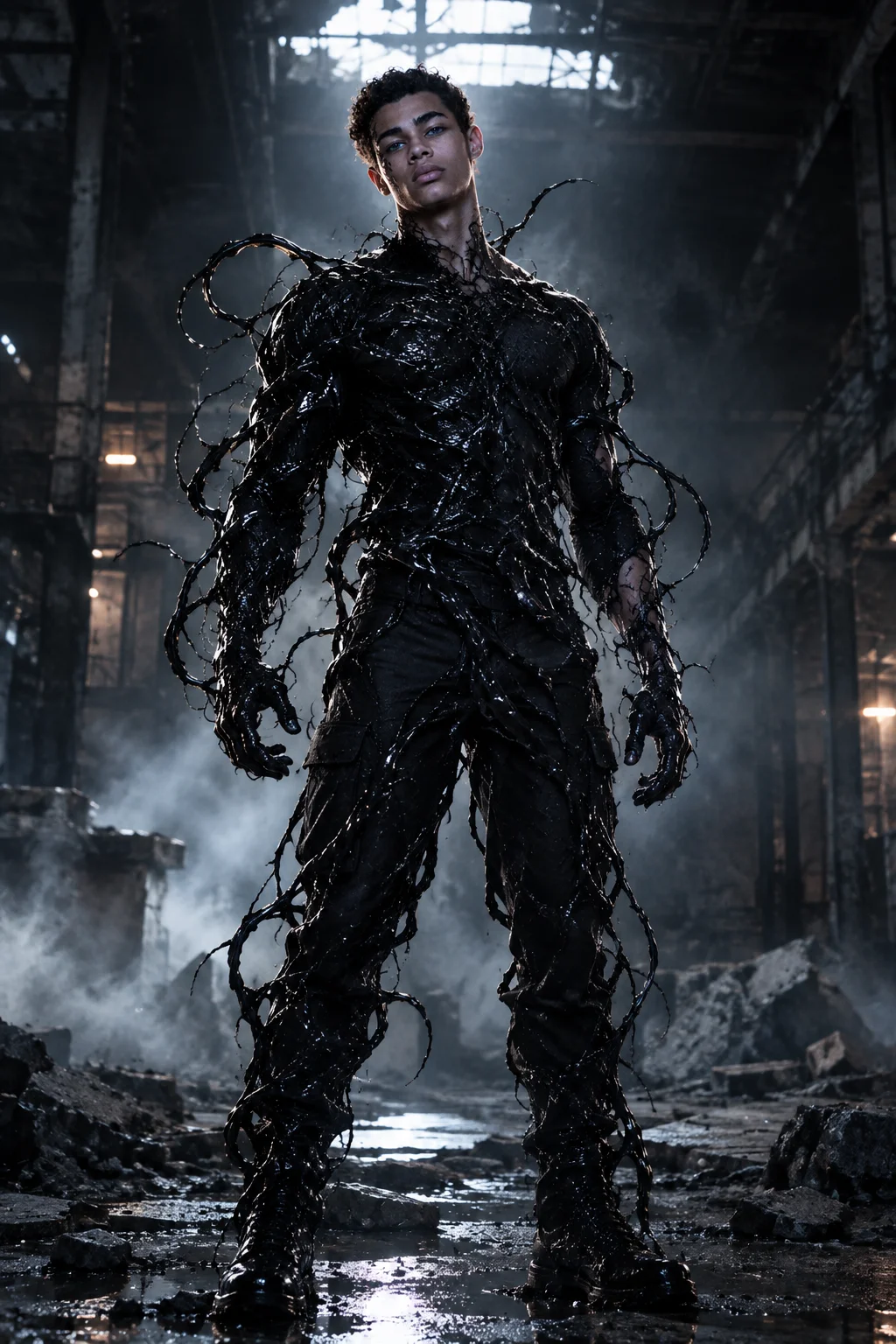
Create a photorealistic cinematic full-body transformation scene of the same man from the reference image. Preserve his recognizable facial identity while a black organic symbiote gradually covers his clothing and body from the shoulders downward. Show detailed tendrils wrapping naturally around his arms, torso and legs while leaving his face clearly visible. The transformation should look biological, wet and highly detailed rather than like a costume. Place him in an abandoned industrial warehouse surrounded by fog and broken concrete. Dramatic overhead lighting, strong rim light, realistic shadows, cinematic depth, detailed textures and high-end action-movie aesthetics.
8. Symbiote Arm Transformation
Create an ultra-realistic cinematic portrait of the same man from the reference image while preserving his exact facial identity. Show one of his arms transforming into a powerful black symbiote limb with elongated organic tendrils and glossy biological textures. The transformed arm should look muscular, threatening and alive while the rest of his body remains human. He stands inside a dark industrial warehouse surrounded by smoke and floating dust. Use a dramatic three-quarter camera angle, strong side lighting, deep shadows, realistic reflections, cinematic contrast and detailed movie-poster composition.
9. Half-Face Symbiote Transformation
Create a highly detailed cinematic close-up portrait of the same man from the reference photo. Preserve his natural facial identity on one side while a Venom-like black symbiote begins covering the opposite side of his face. The transformation should form organic black textures, subtle tendrils and a partially revealed monstrous mouth around the transformed side. Keep the human eye, skin texture and facial structure realistic. Dark industrial background, atmospheric smoke, dramatic side lighting, strong rim light, shallow depth of field, realistic reflections and premium Hollywood horror-action cinematography.
10. Complete Symbiote Emergence
Create an ultra-realistic cinematic transformation scene where a powerful Venom-like symbiote emerges dramatically from behind the same young man from the reference image. Preserve the man's face exactly and keep his facial identity clearly recognizable. The symbiote rises over his shoulders and behind his head, forming enormous black tendrils, sharp organic shapes and an aggressive creature face above him. The man stands confidently in a dark abandoned warehouse. Dense fog surrounds the floor while bright beams of light cut through the darkness. Low-angle camera, dramatic scale, glossy biological textures, cinematic shadows, atmospheric particles and blockbuster movie-poster realism.
Venom Symbiote Action Scene Prompts
11. Running Symbiote Attack
Create a 16K photorealistic cinematic action scene of the same man from the reference photo running directly toward the camera. Preserve his exact facial identity and natural proportions. His body is partially covered by a black Venom-like symbiote with long organic tendrils extending from his back and arms. One arm reaches forward aggressively while the other swings naturally during the run. Set the scene inside a dark industrial warehouse with smoke, debris and dramatic light beams. Use a low tracking camera angle, realistic motion blur in the background, sharp facial detail, glossy symbiote textures, dramatic lighting and blockbuster action-film composition.
12. Mid-Air Symbiote Leap
Create a cinematic ultra-realistic action frame showing the same man from the reference image captured in mid-air during a powerful forward leap. Preserve his exact face and recognizable identity. His body is surrounded by a Venom-like black symbiote forming large tendrils that extend backward through the air. His knees are bent naturally and one hand reaches toward the target. Below him is a dark industrial warehouse floor covered with mist and debris. Use a dramatic low-angle camera looking upward, strong directional lighting, realistic motion blur, atmospheric smoke, detailed biological textures and intense Hollywood action-poster realism.
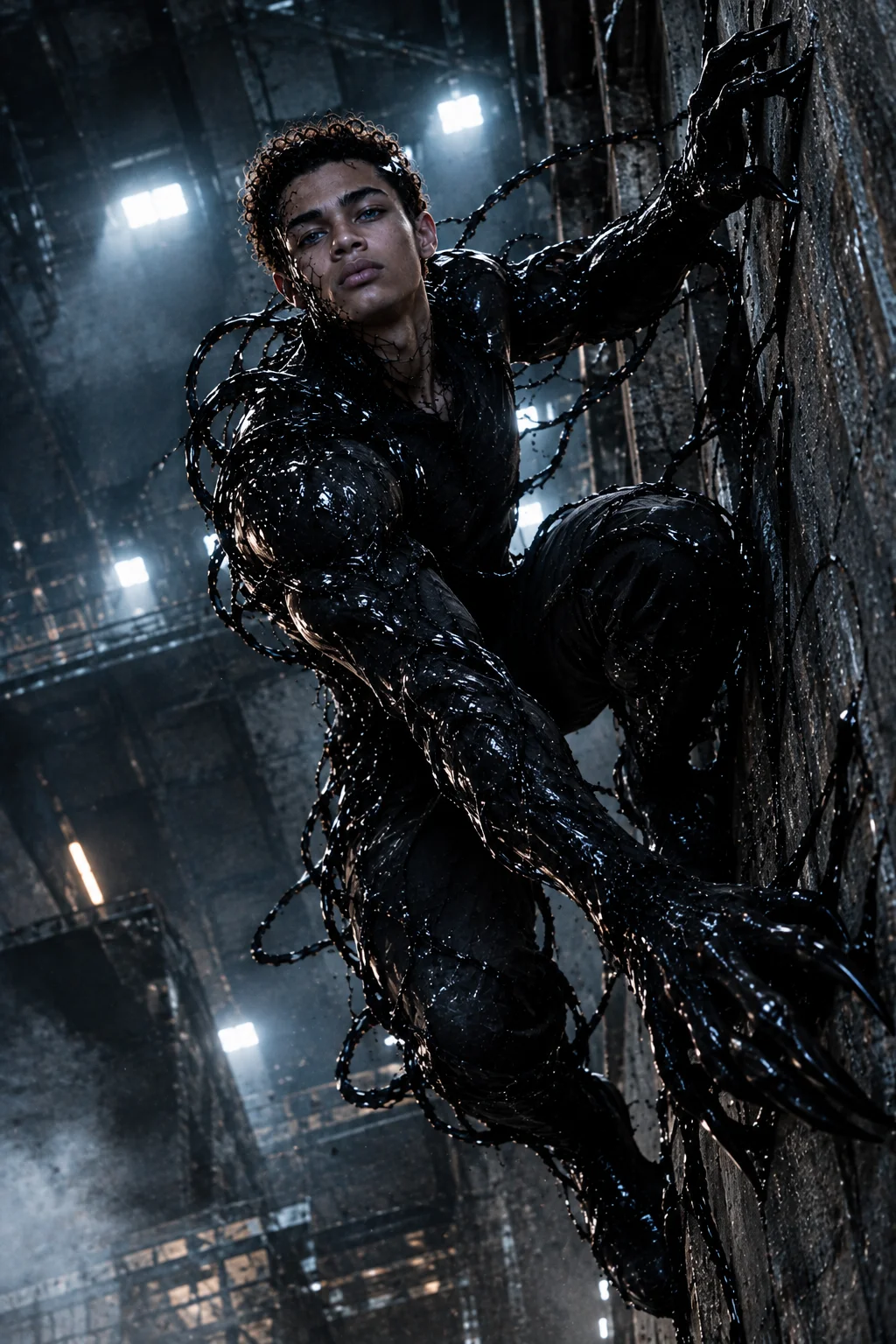
13. Wall-Climbing Symbiote Scene
Create a photorealistic cinematic scene of the same man from the reference image climbing vertically along the wall of an abandoned industrial building. Preserve his exact facial features and identity. A black Venom-like symbiote covers his arms and legs, producing long organic tendrils that grip the concrete surface. His expression is focused and intense. Camera positioned slightly below him looking upward, with dramatic warehouse lights behind his body. Add smoke, dust particles, deep shadows, glossy symbiote textures, realistic skin detail and cinematic contrast for a dark superhero action-movie aesthetic.
14. Symbiote Landing Scene
Create a 16K ultra-realistic cinematic action scene of the same man from the reference photo landing heavily on a concrete floor after a powerful jump. Preserve his exact facial identity and natural proportions. One knee is close to the ground while one hand supports his body. A Venom-like black symbiote erupts from his back during the impact, creating long tendrils that spread outward through the smoke. Dust and small debris rise from the floor. Use a low camera angle, dramatic backlighting, strong shadows, realistic motion blur, detailed biological textures and high-impact Hollywood movie-poster cinematography.
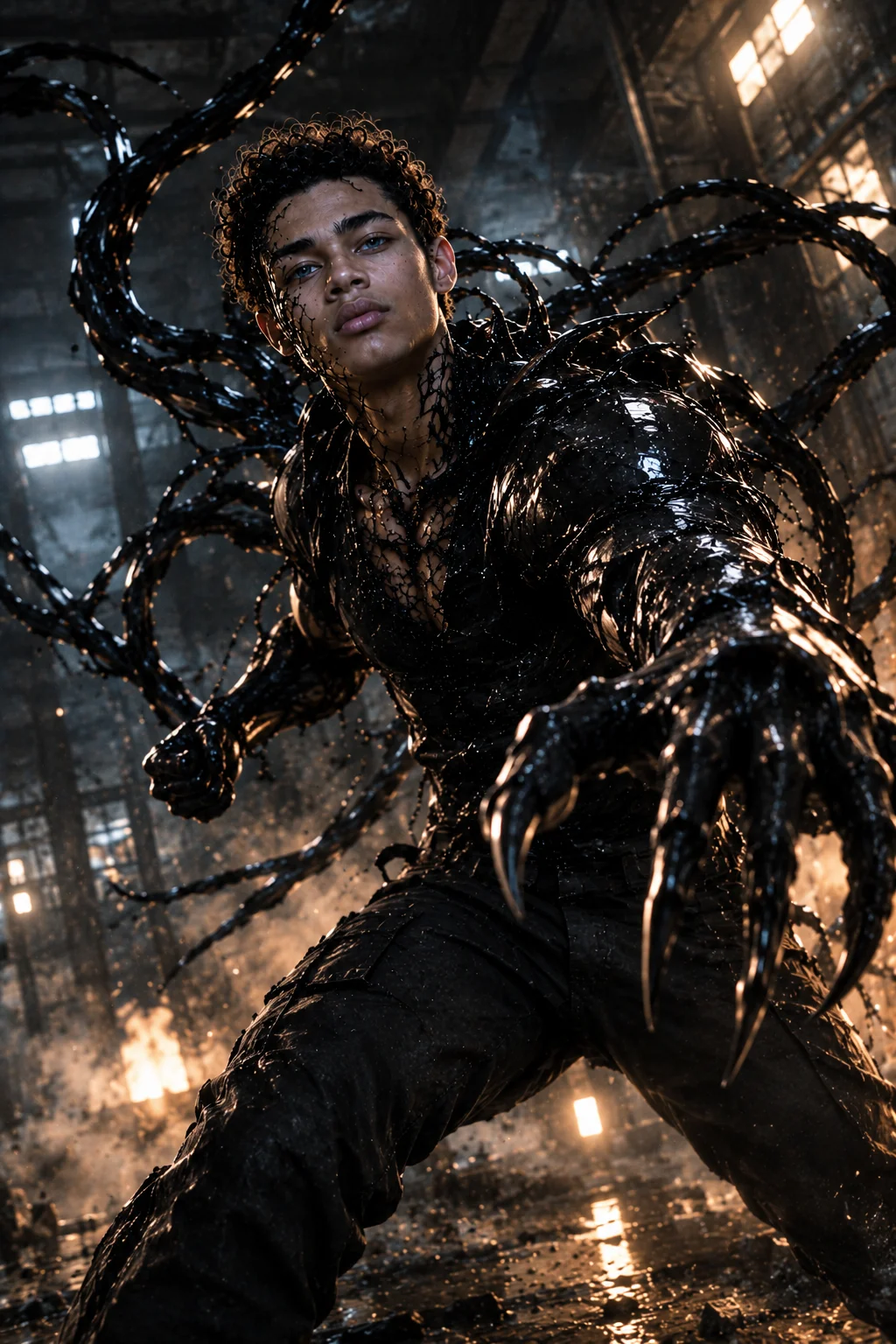
15. Combat-Ready Symbiote Stance
Create an ultra-realistic cinematic action portrait of the same man from the reference image in a powerful combat-ready stance. Preserve his exact facial identity, facial proportions and natural skin texture. His shoulders and arms are partially covered by a black Venom-like symbiote that forms organic tendrils around his body. One fist is clenched while the other arm is extended defensively. Place him in a dark industrial warehouse with broken concrete, smoke and dramatic directional light. Use a low-angle camera, deep shadows, warm highlights, glossy biological textures, atmospheric particles and cinematic blockbuster realism.
Dark Cinematic Venom Prompts
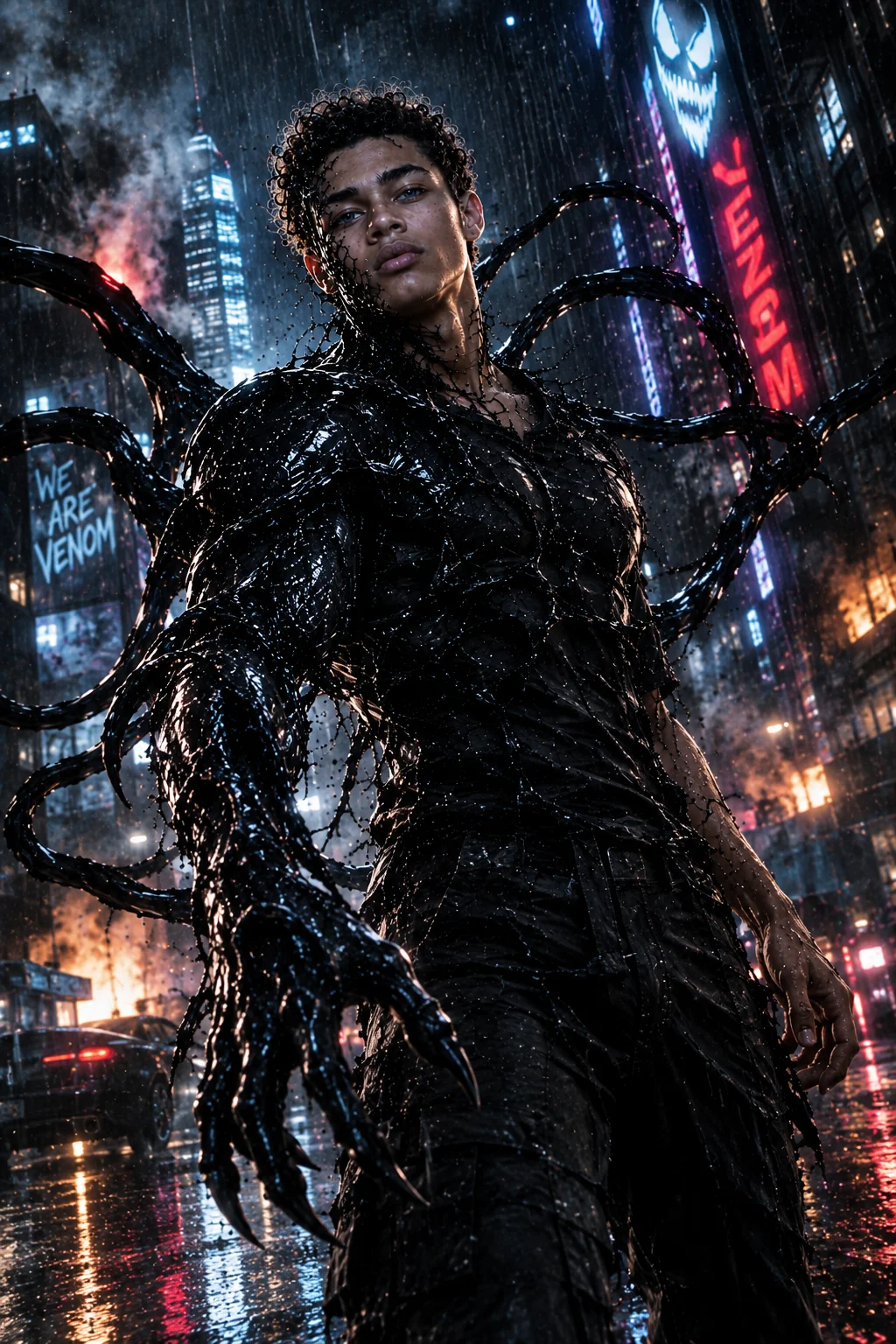
16. Rainy City Symbiote Scene
Create a photorealistic cinematic night scene of the same man from the reference photo standing in a rain-soaked city street. Preserve his exact facial identity and natural skin texture. A Venom-like black symbiote partially covers his body, forming glossy tendrils that move through the rain. Wet pavement reflects neon lights while smoke rises around nearby buildings. The man's expression is intense and controlled. Use a low cinematic camera angle, strong backlighting, realistic rain droplets, reflections, atmospheric fog, dramatic contrast and detailed symbiote textures for a dark Hollywood action-film poster.
17. Dark Industrial Alley
Create an ultra-realistic cinematic action portrait of the same man from the reference image standing inside a narrow industrial alley at night. Preserve his exact facial features and recognizable identity. A Venom-like symbiote emerges from his back and shoulders with several long black tendrils curling around his body. Strong white and red lights illuminate the fog behind him. Wet concrete reflects the lights. Use a three-quarter camera angle, deep shadows, atmospheric smoke, glossy organic textures, realistic skin detail and cinematic film grain for a dark action-thriller poster.
18. Rooftop Symbiote Transformation
Create a 16K ultra-realistic cinematic rooftop scene featuring the same man from the reference image. Preserve his exact facial identity and natural body proportions. He stands on a tall building at night while a Venom-like black symbiote spreads across his shoulders and arms. Long tendrils extend dramatically into the wind. A modern city skyline glows behind him beneath dark storm clouds. Use a wide cinematic camera angle, strong moonlight, subtle city reflections, atmospheric haze, realistic wind movement, detailed symbiote textures and dramatic blockbuster movie-poster lighting.
19. Underground Symbiote Scene
Create a highly detailed cinematic action scene of the same man from the reference photo inside a dark underground industrial facility. Preserve his exact face, facial proportions and natural skin texture. A powerful black Venom-like symbiote surrounds his torso and arms, producing thick organic tendrils that spread across the floor and nearby walls. Dim overhead lights flicker through dense smoke. Use a low wide-angle camera, deep shadows, dramatic highlights, floating dust particles, wet biological textures, realistic reflections and intense Hollywood action cinematography.
20. Ultimate Venom Movie Poster
Create an ultra-high-resolution cinematic movie-poster composition featuring the same man from the reference image with a powerful Venom-like symbiote emerging dramatically behind him. Preserve his exact facial identity, natural skin texture and facial proportions. The man stands in a confident combat-ready pose while enormous black organic tendrils spread outward around his body and a gigantic snarling symbiote face rises behind his head. Dark industrial warehouse environment, thick smoke, atmospheric fog, dramatic white light beams, warm highlights and deep shadows. Use a low-angle wide cinematic camera, realistic biological textures, subtle motion blur, atmospheric particles, detailed reflections, fine film grain and premium Hollywood blockbuster poster realism.
How to Use Venom Symbiote Prompts in Gemini AI
These prompts are designed to work as detailed instructions for Gemini image generation.
- Step 1: Choose a reference image: Use a clear photo where your face is visible. A front-facing or three-quarter portrait generally gives the model more facial information to work with.
- Step 2: Copy the complete prompt: Keep the facial-preservation instructions when you want the generated character to resemble the reference person.
- Step 3: Customize the scene: You can change clothing, pose, environment, lighting, symbiote color, transformation level, camera angle, background, amount of fog, and amount of symbiote coverage.
- Step 4: Refine the result: If the face changes too much, ask Gemini to preserve the reference person's facial structure and natural proportions more closely. If the symbiote looks like clothing instead of an organic creature, ask for wet biological textures, irregular organic tendrils and naturally integrated transformation details.
How to Preserve Your Face in Venom AI Images
Facial identity is one of the most important elements of this prompt style. The original prompts repeatedly instruct Gemini to preserve the reference person's face, proportions and natural skin texture.
For better consistency:
- Use a clear reference photo.
- Tell Gemini to preserve facial structure.
- Keep natural skin texture.
- Avoid excessive facial stylization.
- Specify that the face should remain recognizable.
- Apply the transformation primarily to the body and environment.
- Avoid covering the entire face unless the prompt specifically requires a full transformation.
For additional image-detail enhancement, you can also explore the 4K Hyper-Realistic Image Enhancement Prompt.
How to Create Better Venom Symbiote Images
Use a specific camera angle: Camera direction can dramatically change the appearance of an action scene. Try low-angle shot, wide-angle shot, three-quarter view, close-up, side profile, overhead perspective, or dynamic tracking shot. For more camera and composition ideas, explore AI Camera Angle Prompts.
Describe the transformation: Instead of simply saying "add Venom," describe what the symbiote is doing: emerging from the back, spreading across the arm, covering one side of the face, forming tendrils, creating a creature head, wrapping around the torso, or extending across walls.
Control the environment: The same transformation can look completely different depending on the location. Try abandoned warehouse, industrial alley, rooftop, underground facility, rainy city, dark corridor, destroyed building, or foggy street.
Add cinematic lighting: Useful lighting descriptions include dramatic rim lighting, hard directional light, volumetric light beams, warm highlights, cool moonlight, neon reflections, deep shadows, and high-contrast lighting. For more controlled cinematic portrait compositions, you can also explore Editorial Photographer Portrait Prompts.
How to Customize the Symbiote
The symbiote does not always have to be completely black. You can experiment with:
Symbiote Color: Try glossy black, dark blue, metallic black, deep crimson, or black with subtle blue highlights. The original article notes that black produces the most Venom-style appearance, while also confirming that the symbiote color can be changed.
Transformation Level: You can request:
- Partial transformation: Only the arm, shoulder or torso transforms.
- Half transformation: One side remains human while the other becomes symbiote.
- Advanced transformation: The symbiote covers most of the body while keeping the face visible.
- Complete transformation: The entire character becomes a symbiote creature.
Venom Symbiote AI Prompt Formula
You can create your own prompts using this structure:
Reference Identity + Transformation + Pose + Symbiote Details + Environment + Camera + Lighting + Atmosphere + Realism
For example: Same person from reference photo + preserve exact facial identity + partial symbiote transformation + aggressive combat pose + organic black tendrils + abandoned warehouse + low-angle camera + dramatic rim lighting + fog and smoke + photorealistic cinematic detail.
This formula allows you to create many different variations without repeating the same scene.
Frequently Asked Questions
Can I use these Venom symbiote prompts in Gemini AI?
Yes. The prompts are specifically structured around detailed cinematic image-generation instructions, including facial identity, transformation details, environment, camera perspective and lighting.
How do I preserve my face in a Venom transformation?
Use a clear reference image and explicitly instruct Gemini to preserve your facial structure, skin texture, proportions and recognizable identity. The original prompts use this approach throughout the collection.
Can I change the symbiote color?
Yes. You can replace the black symbiote with another color or add subtle color highlights. Black remains useful when you want a classic dark symbiote appearance.
Can I change the environment?
Yes. Replace the warehouse with a rooftop, rainy street, underground facility, industrial alley or another cinematic environment.
Can I create a partial symbiote transformation?
Yes. Specify exactly which areas should transform, such as one arm, one side of the face, the shoulders, torso or legs.
Why does Gemini sometimes change the face?
AI image generation can reinterpret facial details during complex transformations. Using a clear reference image and repeatedly specifying facial preservation can help maintain the intended appearance.
Can I create a full-body Venom transformation?
Yes. Use a prompt that clearly describes the symbiote spreading across the entire body while specifying whether the face should remain human or become partially transformed.
How can I make the symbiote look realistic?
Describe the symbiote as an organic biological material rather than a costume. Terms such as wet organic textures, irregular tendrils, glossy biological surfaces, natural integration and realistic reflections can help communicate the intended visual appearance.
How can I make the result look like a movie poster?
Specify a cinematic composition, dramatic lighting, strong subject separation, atmospheric smoke, realistic textures, controlled depth, subtle film grain and a wide or low-angle camera perspective.
Explore More Cinematic AI Prompts
If you want to create more cinematic AI images, explore these related guides:
Final Tips for Better Venom AI Images
The strongest results come from describing the entire cinematic shot, not just asking Gemini to "make a Venom image".
Specify the person, facial identity, transformation level, pose, symbiote behavior, environment, camera angle, lighting, atmosphere and realism.
For a transformation-focused image, keep the face instructions clear and let the symbiote provide the dramatic visual change. For an action scene, prioritize the pose, camera perspective and motion. For a movie-poster composition, combine dramatic lighting with strong subject separation and atmospheric depth.
This gives Gemini enough visual information to create more controlled Venom symbiote cinematic action images while maintaining the core identity-preservation concept of the original prompts.