4K Hyper-Realistic Image Enhancement Prompt for Gemini AI
This article demonstrates how the same Gemini AI prompt can produce different high-quality 4K hyper-realistic results depending on the input image and render behavior. Below are before and after previews using the exact same prompt.
Before Enhancement (Original Image)
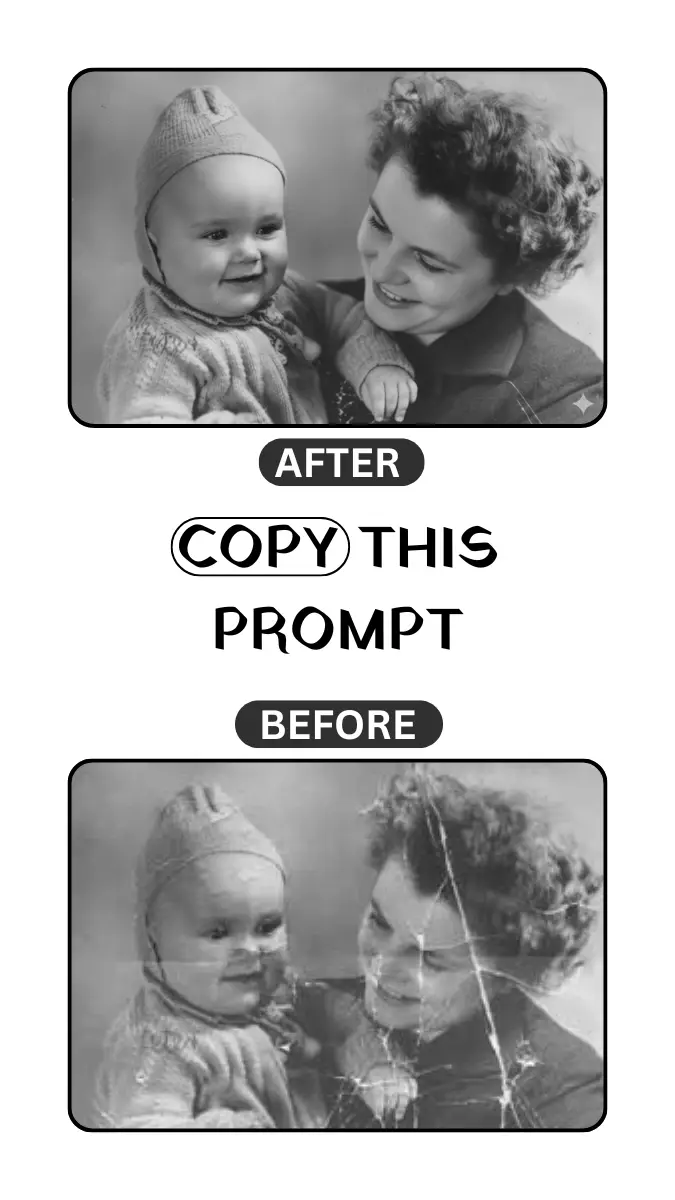
View Prompt (Same Prompt Used)
Recreate the provided image in 4K, maintaining the key elements and enhancing every detail with a hyperrealistic approach. Increase the resolution so that fine details are visibly sharp, such as skin textures, clothing, landscapes, or any surface in the photo. The colors should be vibrant and precise, emphasizing depth and light. Ensure the lighting highlights the most detailed features, creating soft, accurate shadows for a realistic look. The image should maintain a professional level of quality, with details capturing even the smallest elements, from textures to reflections on metal or water surfaces
After 4K Enhancement – Result 1
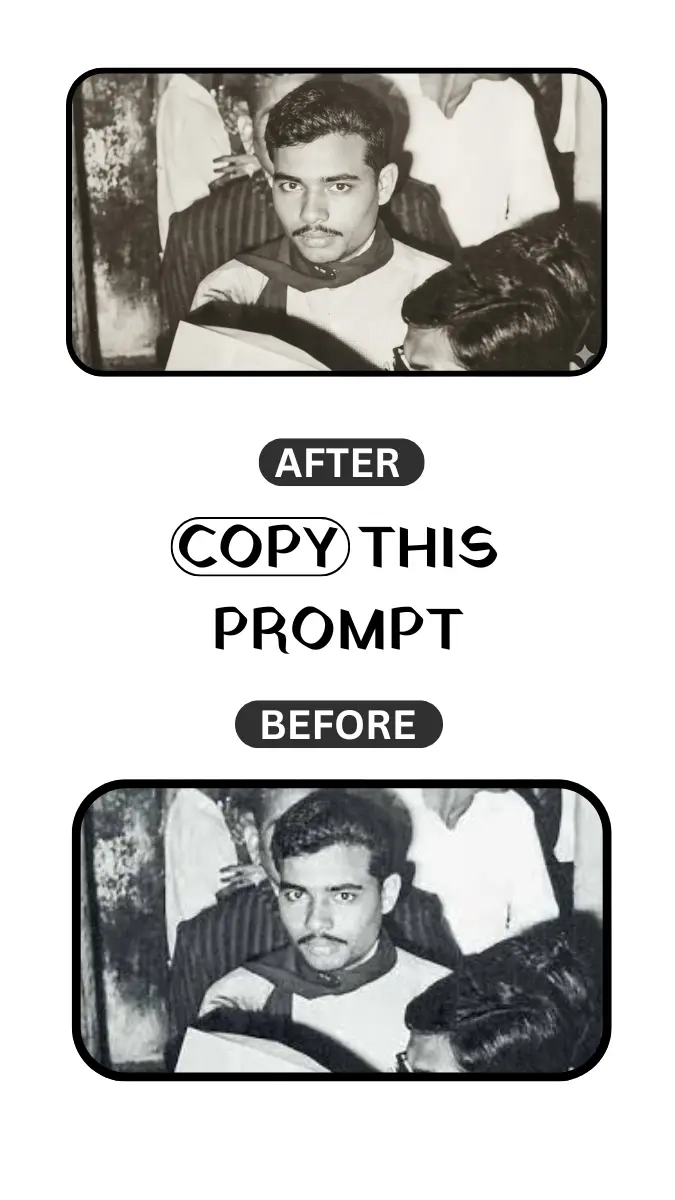
View Prompt (Same Prompt Used)
Recreate the provided image in 4K, maintaining the key elements and enhancing every detail with a hyperrealistic approach. Increase the resolution so that fine details are visibly sharp, such as skin textures, clothing, landscapes, or any surface in the photo. The colors should be vibrant and precise, emphasizing depth and light. Ensure the lighting highlights the most detailed features, creating soft, accurate shadows for a realistic look. The image should maintain a professional level of quality, with details capturing even the smallest elements, from textures to reflections on metal or water surfaces
After 4K Enhancement – Result 2
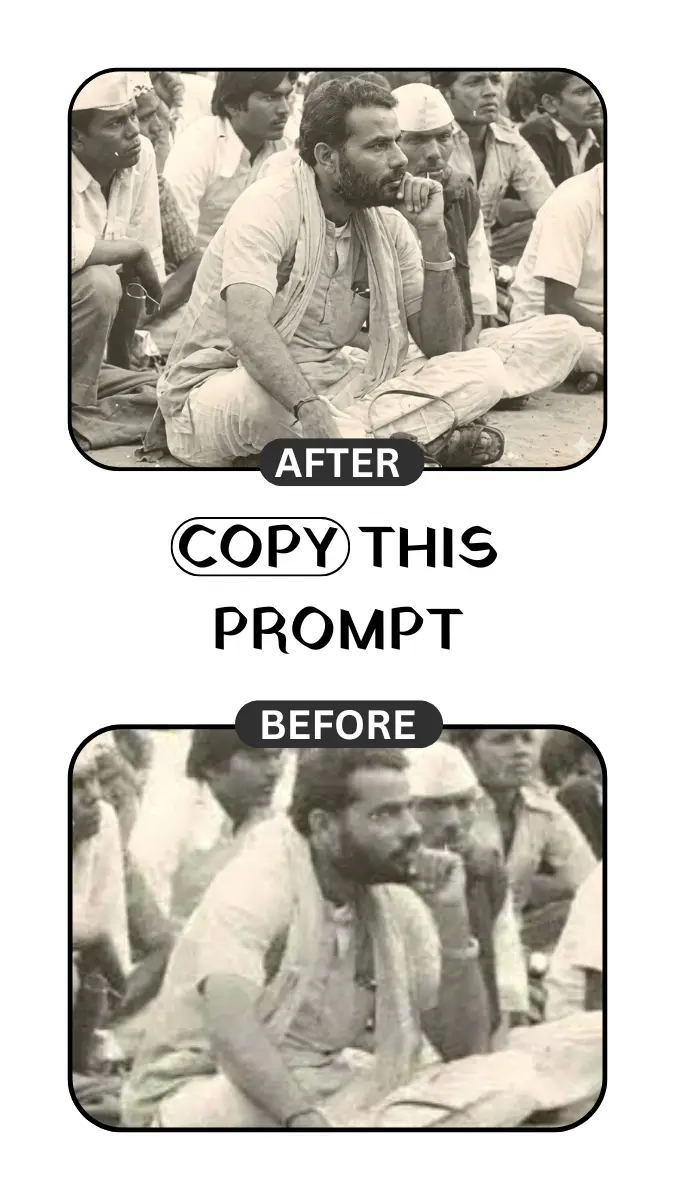
View Prompt (Same Prompt Used)
Recreate the provided image in 4K, maintaining the key elements and enhancing every detail with a hyperrealistic approach. Increase the resolution so that fine details are visibly sharp, such as skin textures, clothing, landscapes, or any surface in the photo. The colors should be vibrant and precise, emphasizing depth and light. Ensure the lighting highlights the most detailed features, creating soft, accurate shadows for a realistic look. The image should maintain a professional level of quality, with details capturing even the smallest elements, from textures to reflections on metal or water surfaces
FAQ
Why is the same prompt shown multiple times?
To demonstrate how one prompt can generate different high-quality results based on image input and AI rendering.
Does using the same prompt reduce accuracy?
No. The prompt remains stable; only the output varies depending on image and render conditions.