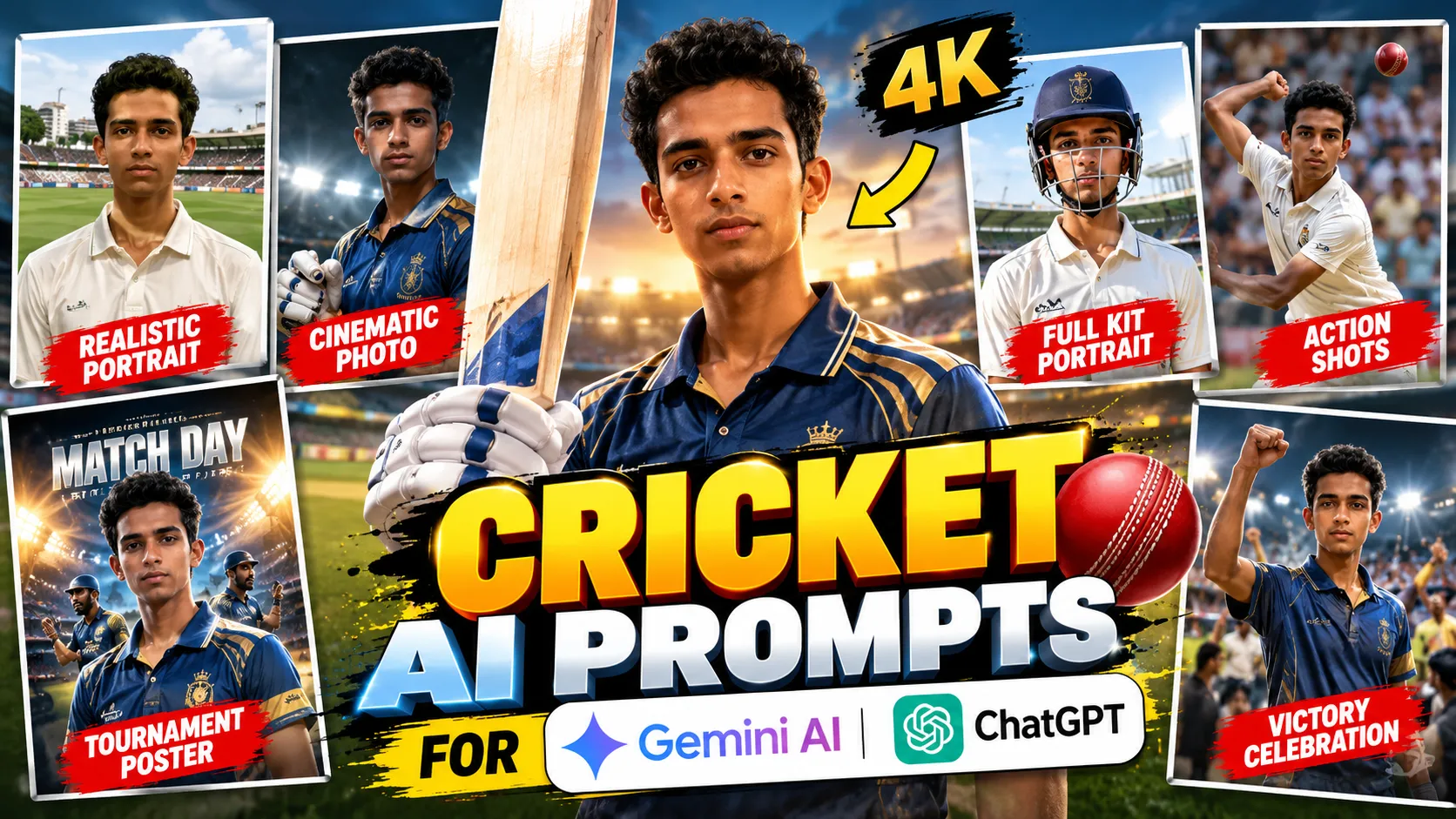
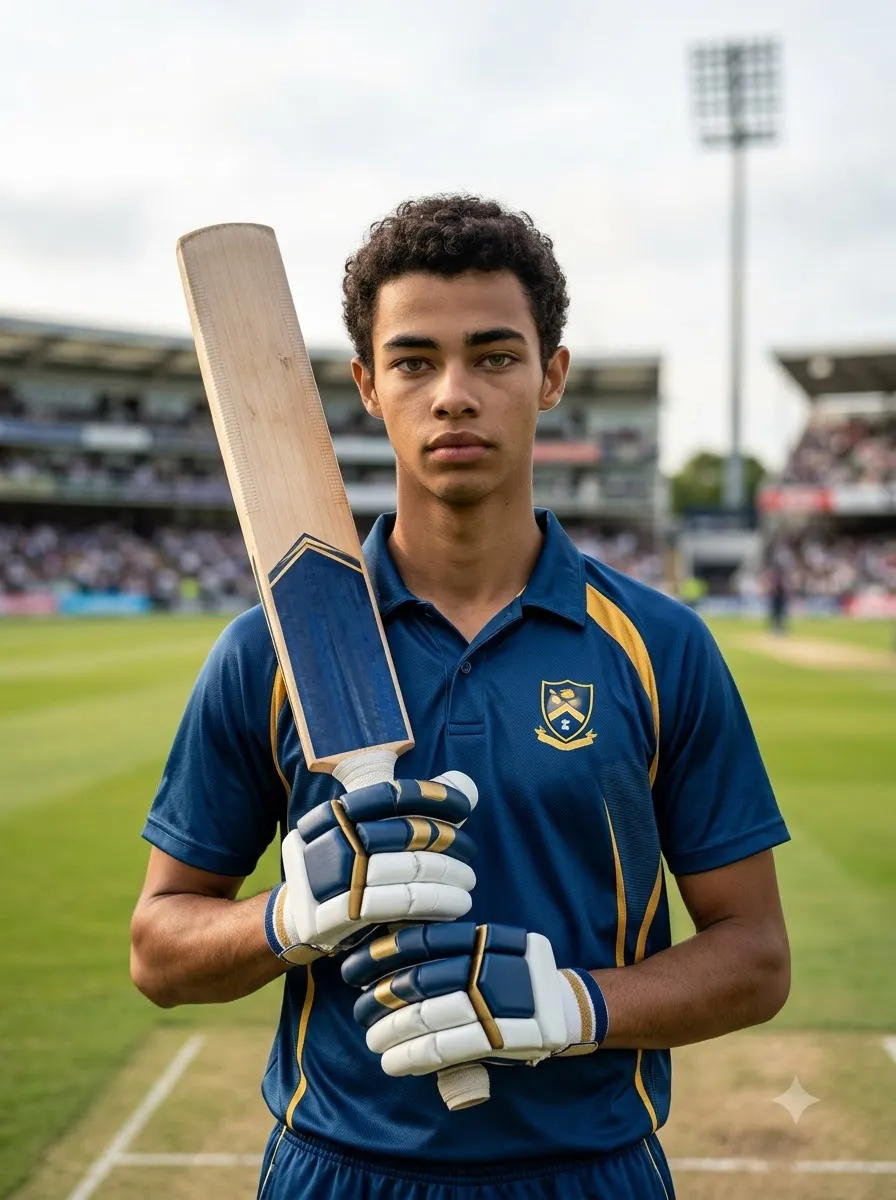
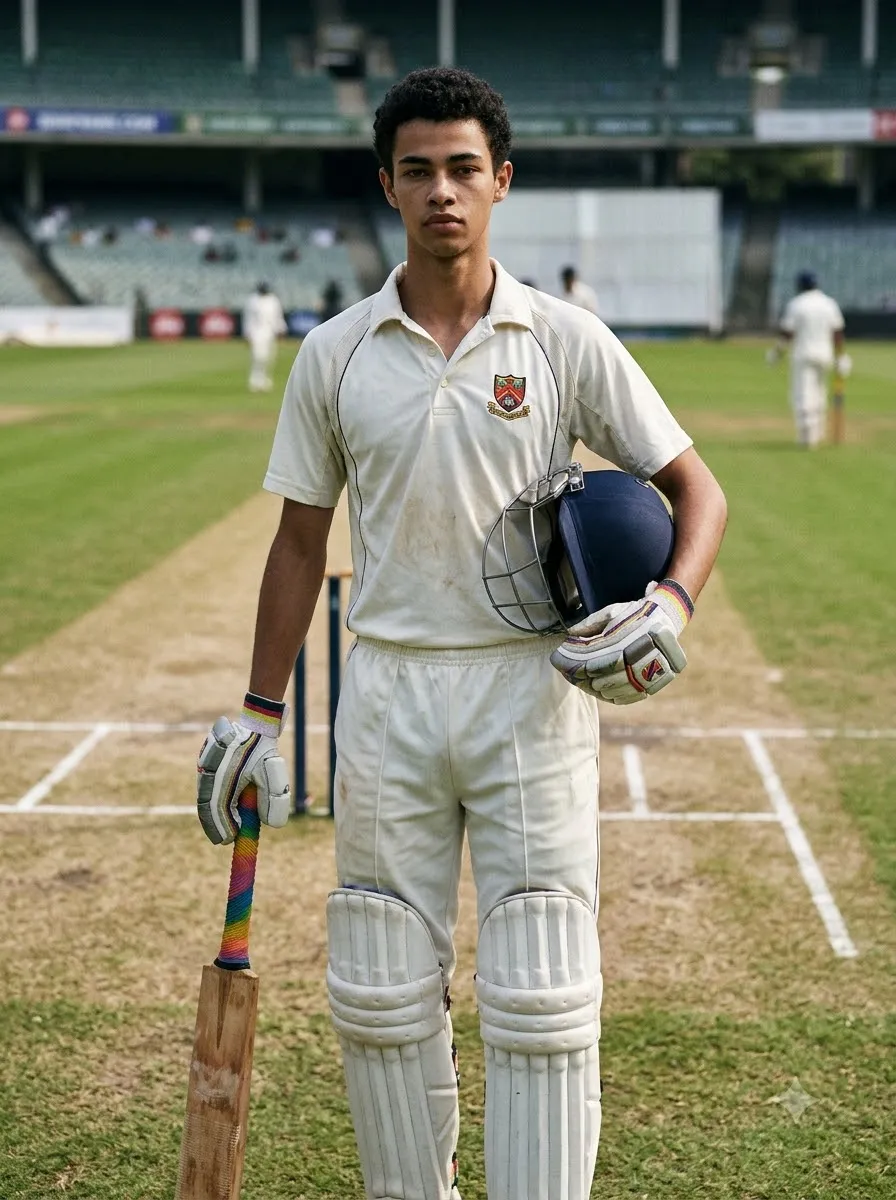
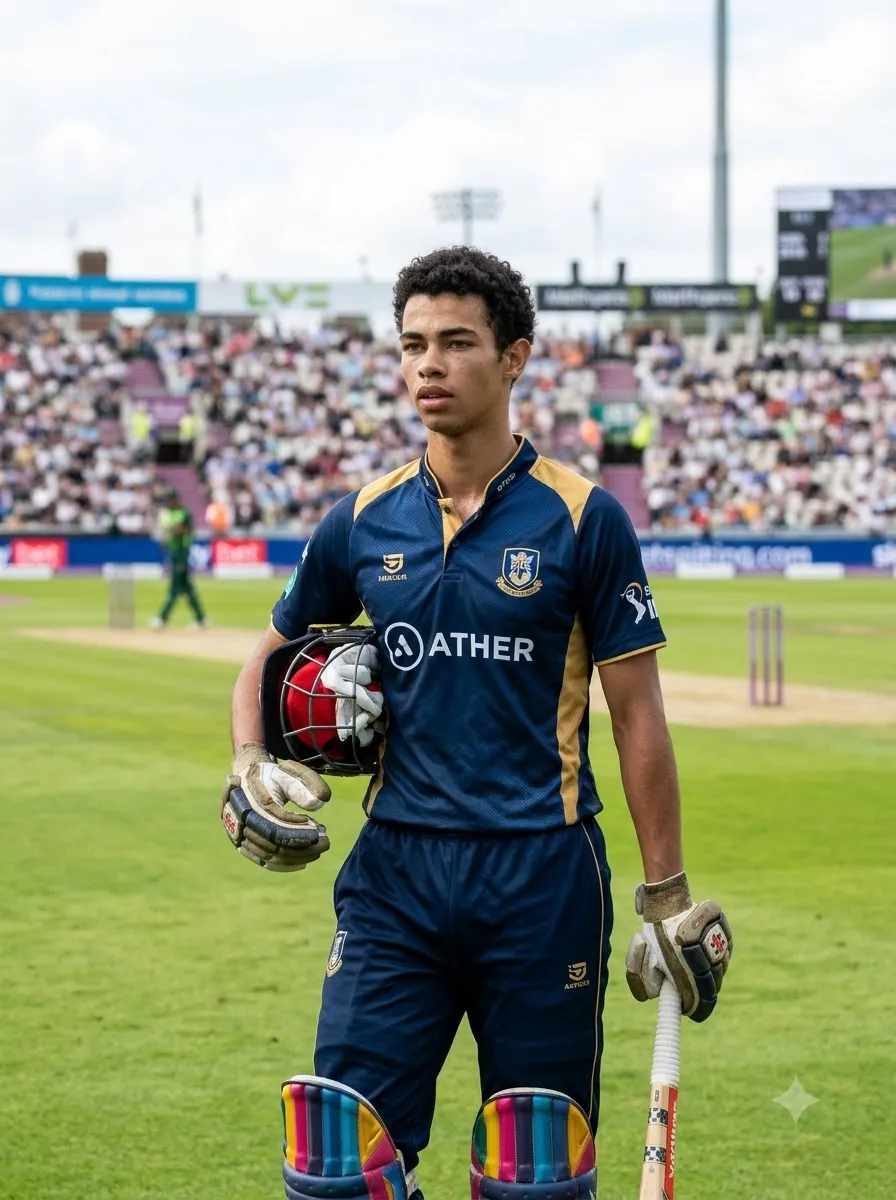
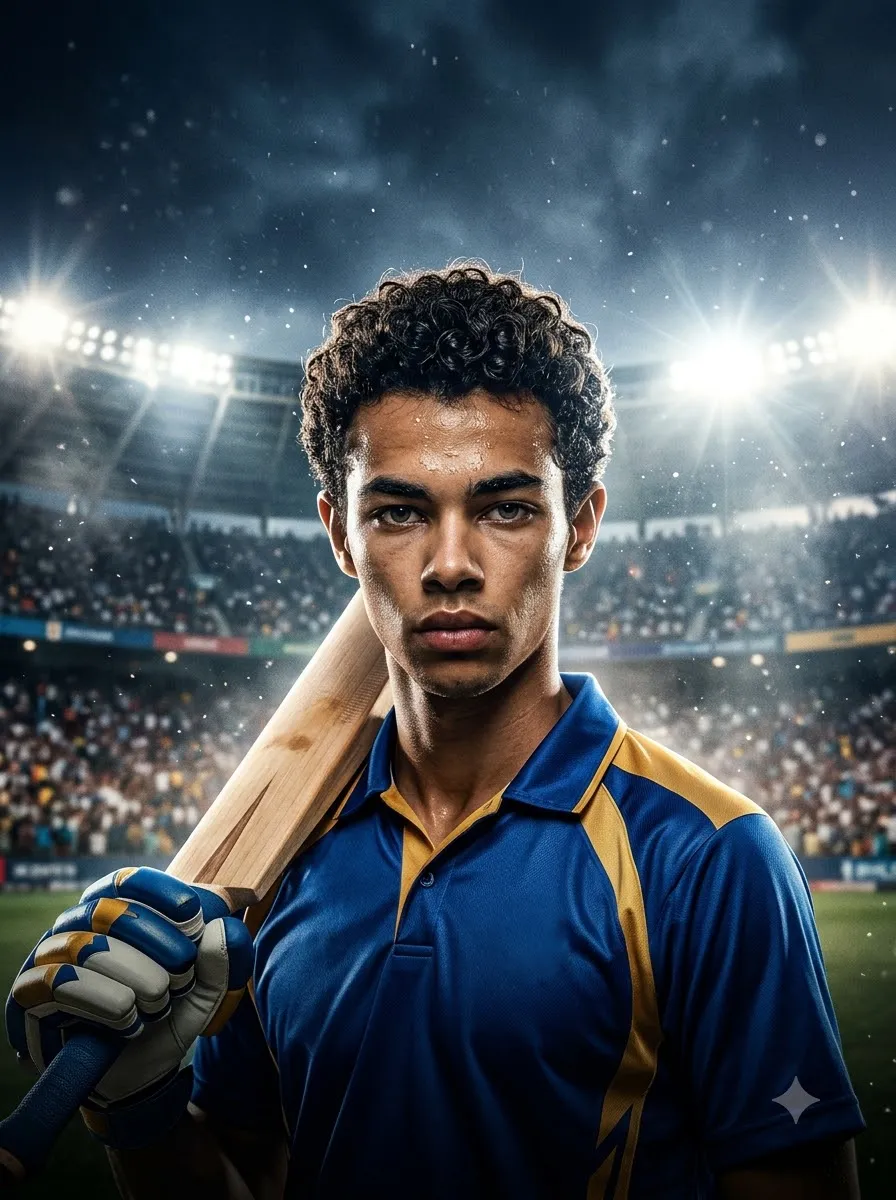
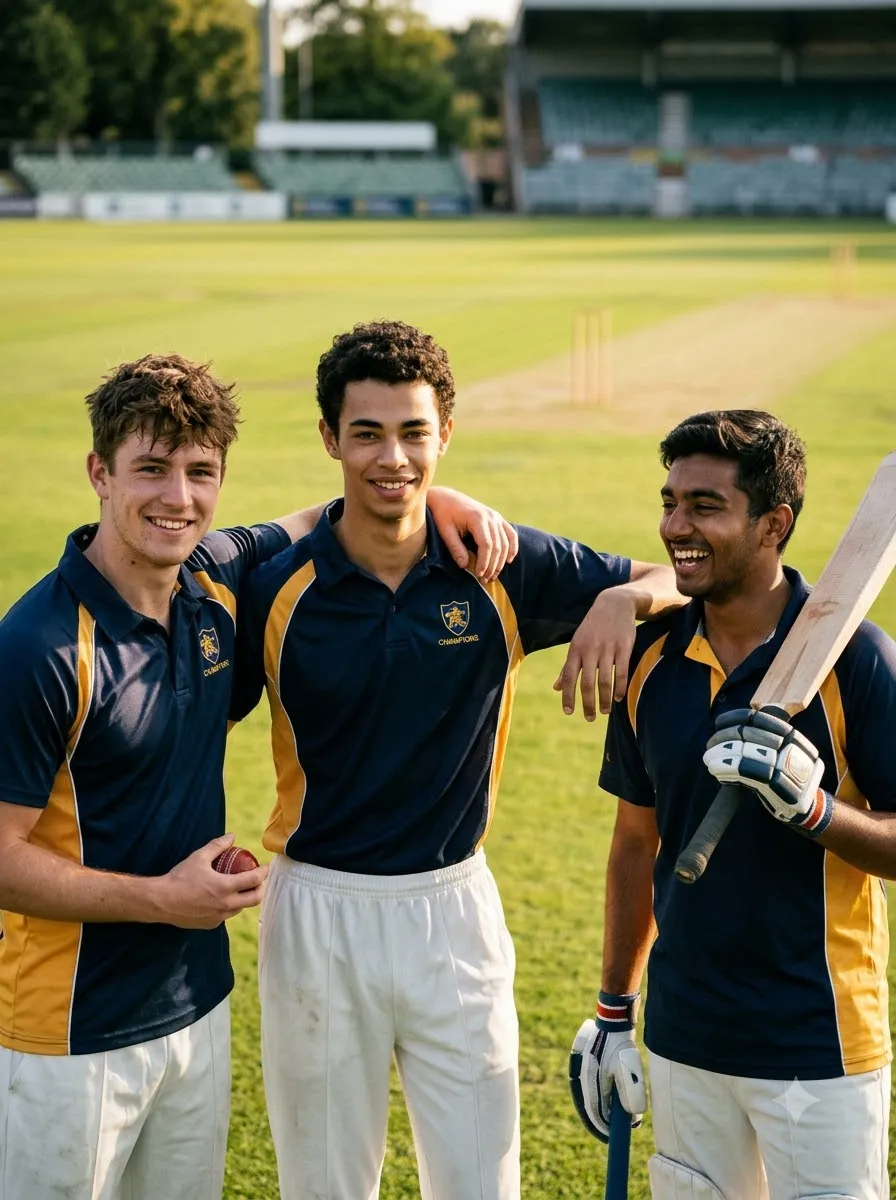
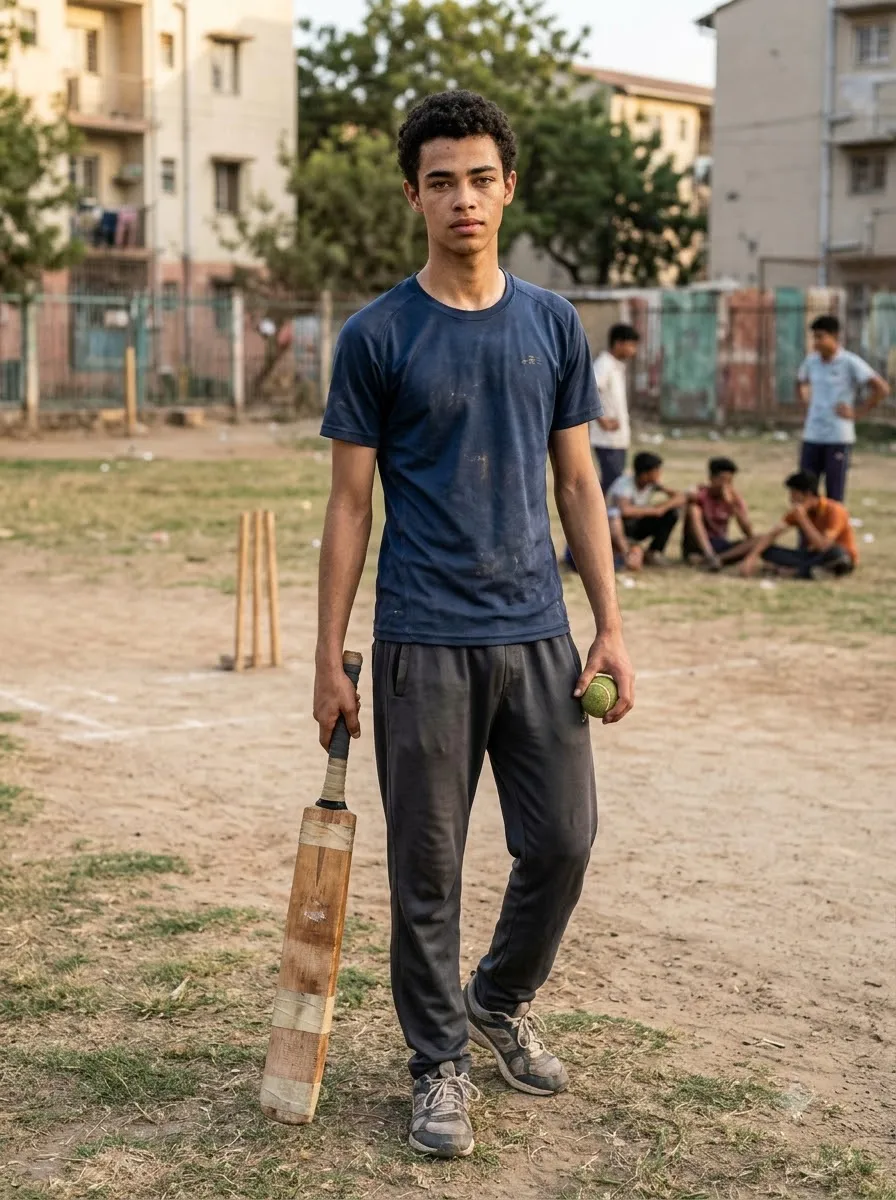
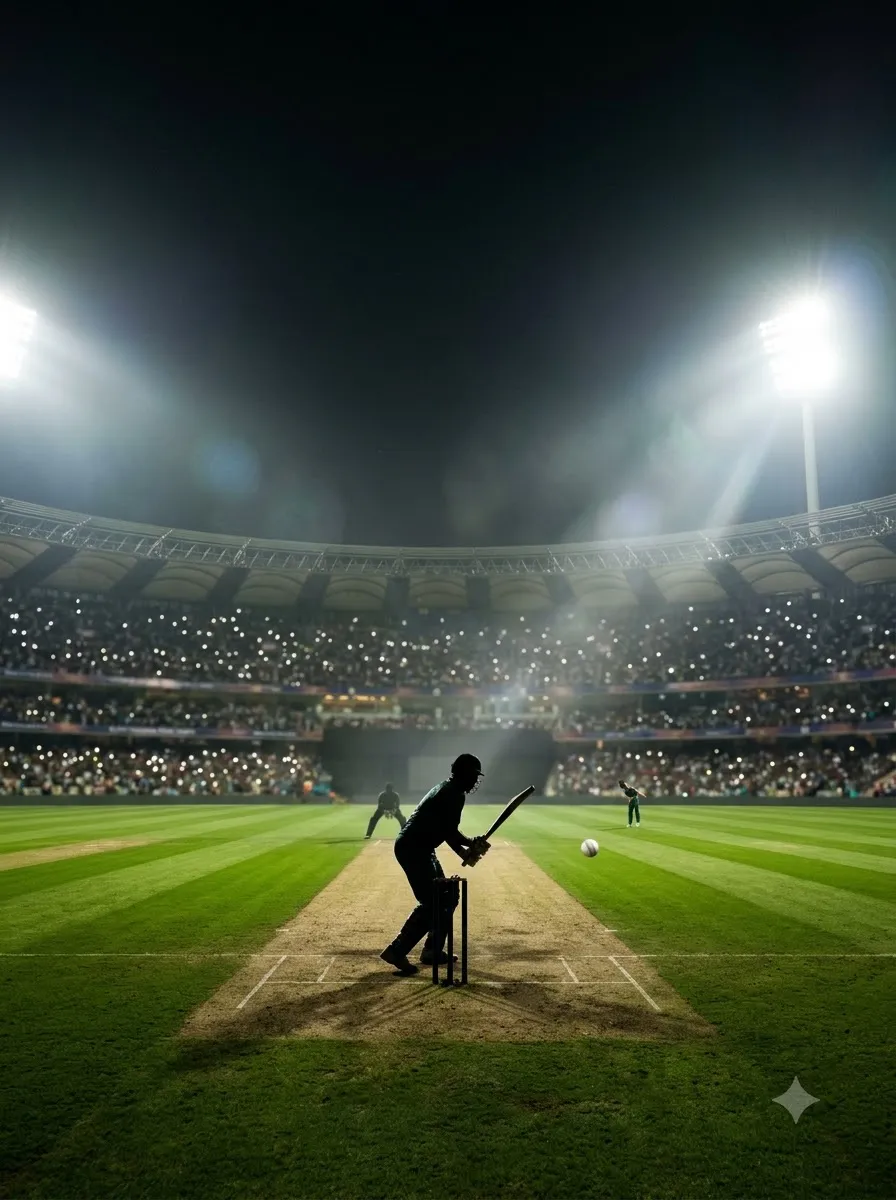
Want to transform an ordinary photo into a professional cricket portrait, a cinematic player poster, or an action-packed cricket stadium image? With the right cricket AI photo prompts, you can create cricket-inspired images using AI image tools such as Google Gemini and ChatGPT.
Whether you want a realistic cricket player portrait, a stylish jersey edit, a powerful batting pose, a bowling action shot, or an Instagram-ready cricket poster, the quality of your prompt makes a difference.
In this guide, you will find ready-to-use cricket prompts for different styles and situations. Upload your photo when you want a personalized edit, copy a prompt, replace the details in brackets, and adjust the instructions to match your desired result.
Best Cricket AI Photo Prompts for Realistic Player Portraits
These prompts are designed for people who want a natural-looking cricket player portrait rather than an exaggerated fantasy image.
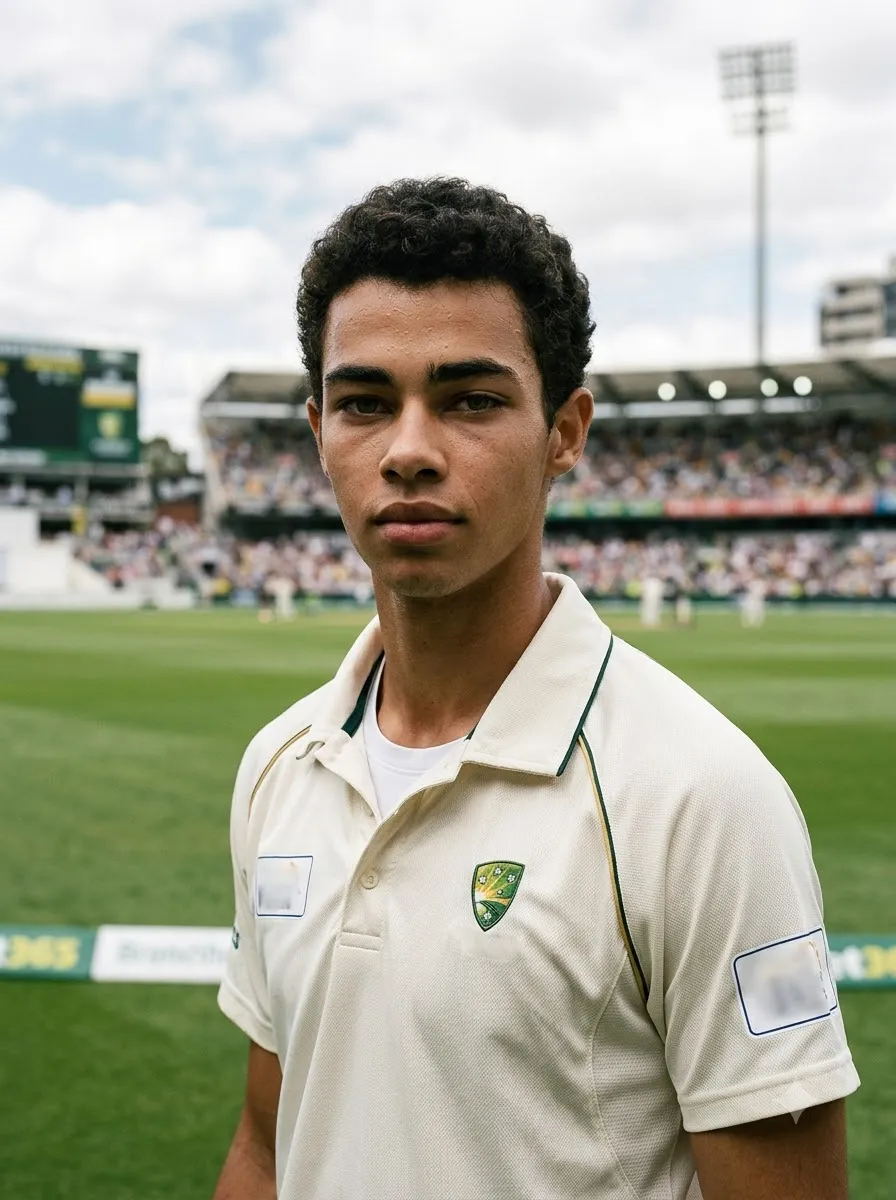
1. Ultra-Realistic Cricket Player Portrait
Best for: Profile pictures, personal cricket photos, and realistic sports portraits.
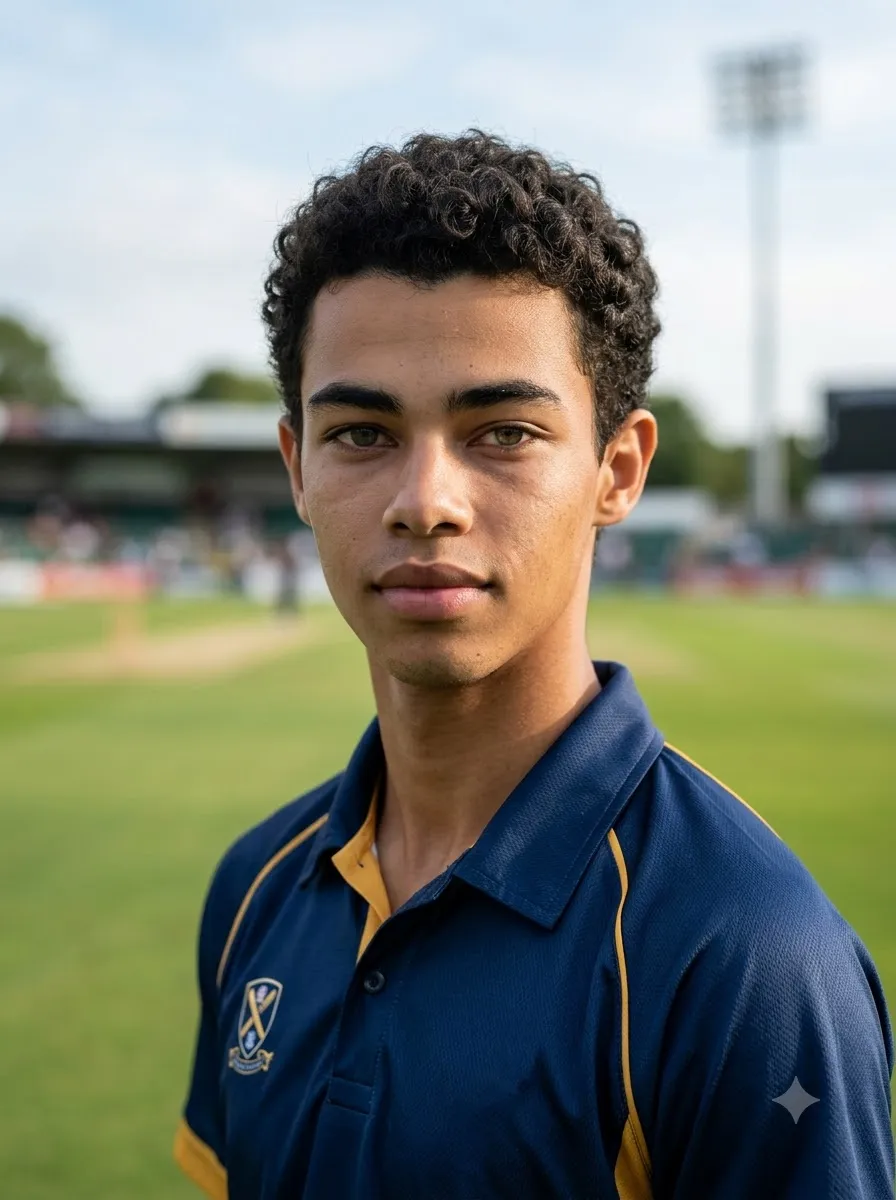
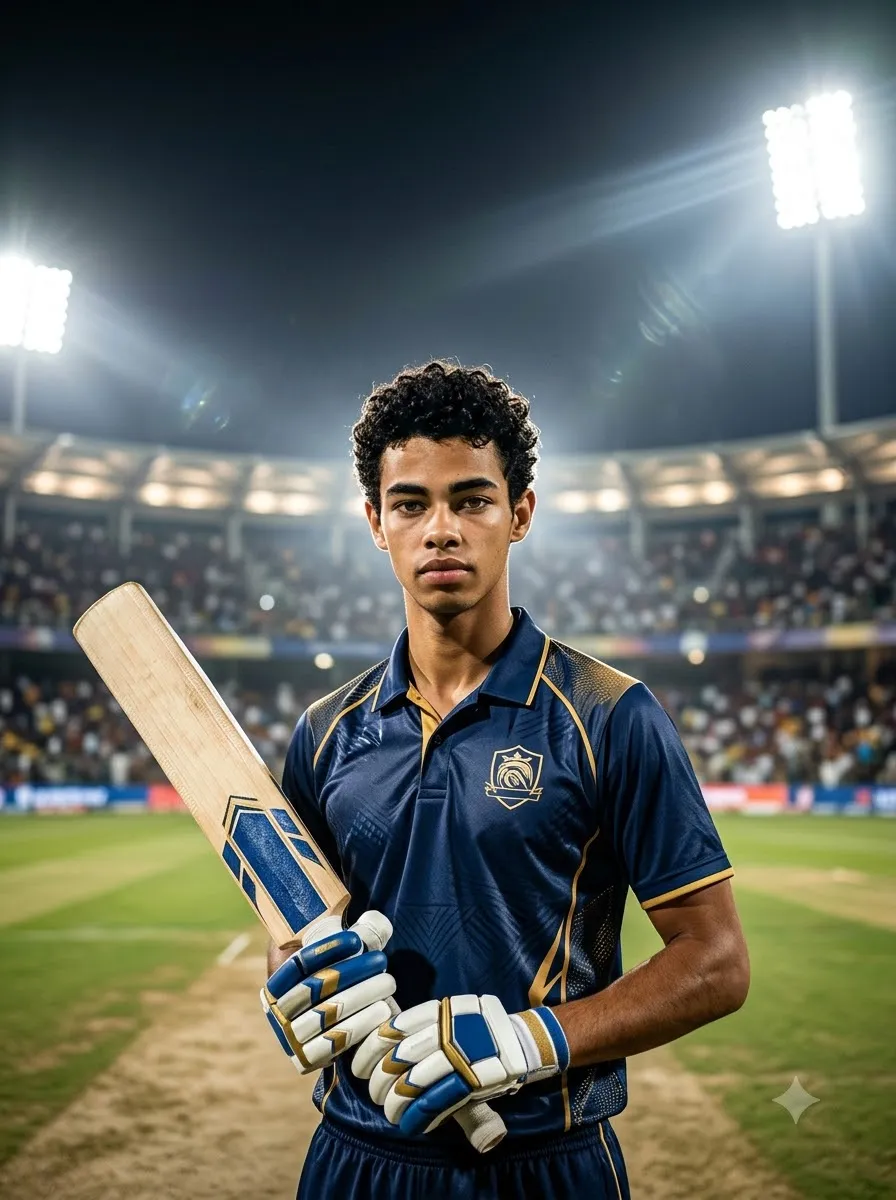
Edit the uploaded photograph into a photorealistic cricket player portrait. Preserve the person's recognizable facial features, natural skin tone, hairstyle, and overall identity as closely as possible. Dress the person in a professionally fitted cricket jersey, with realistic fabric texture and natural folds. Position the subject in a cricket stadium with a softly blurred background, natural daylight, balanced contrast, and subtle sports photography aesthetics. Use a medium close-up composition, sharp facial details, realistic skin texture, and natural body proportions. Keep the expression confident but authentic. Avoid artificial skin smoothing, exaggerated muscles, distorted hands, and cartoon effects. Create a polished, high-resolution sports photograph.
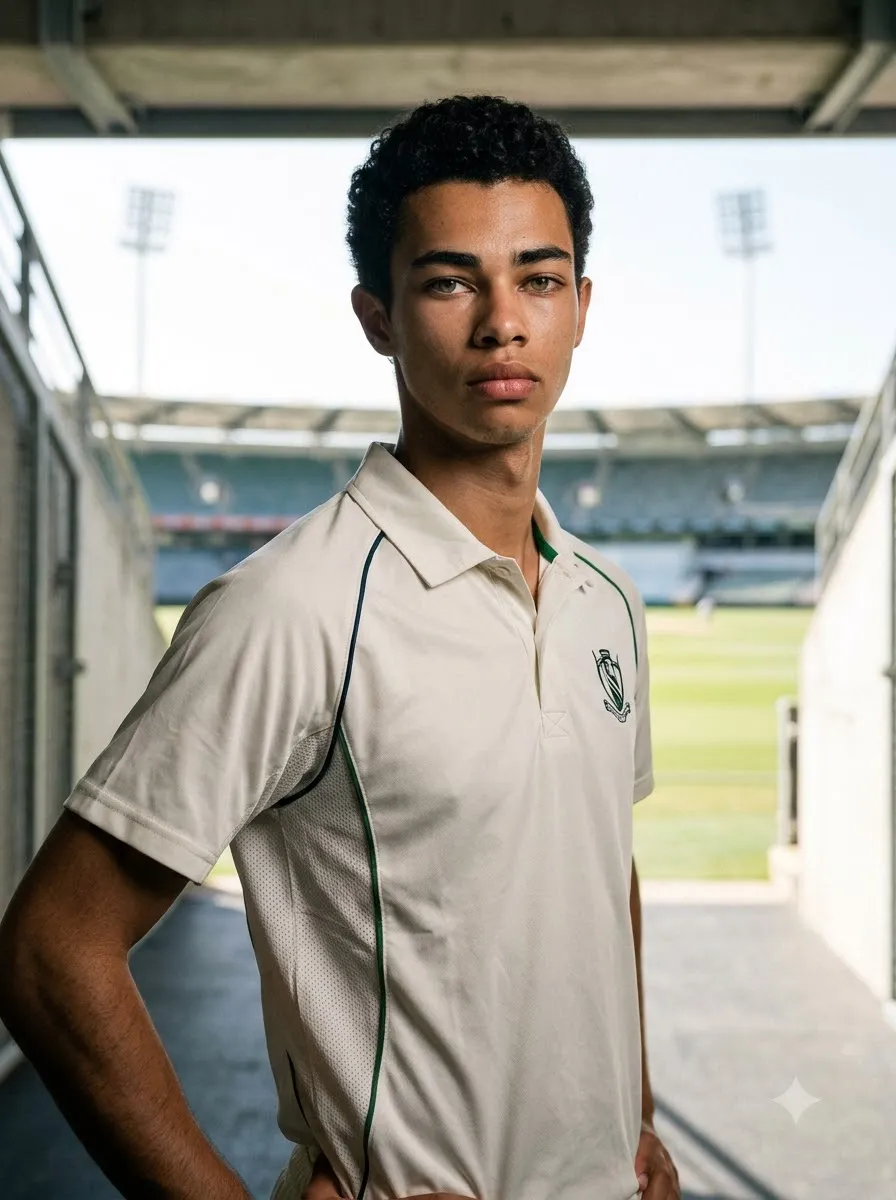
2. Professional Cricket Player Photoshoot
Best for: Stylish portraits and professional-looking cricket photos.
Transform the uploaded photo into a professional cricket player photoshoot. Keep the person's facial identity, hairstyle, and natural appearance as consistent as possible with the reference image. Dress the subject in a modern cricket jersey with subtle fabric detailing. Use a clean stadium tunnel as the background, soft directional lighting, realistic shadows, and a confident standing pose. Frame the subject from the waist up with the face in sharp focus. Use realistic sports photography, natural skin texture, balanced colours, and a premium editorial finish. Do not add unnecessary accessories, fake tattoos, or unreadable logos.
3. Full-Body Cricket Player Portrait
Best for: Full cricket kit transformations.
Using the uploaded photograph as the identity reference, create a realistic full-body portrait of the same person dressed as a cricket player. Show a cricket jersey, matching trousers, cricket shoes, protective pads, and batting gloves where appropriate. Place the player on a professionally maintained cricket ground with a visible pitch and stadium seating in the distance. Use a natural standing pose, anatomically correct proportions, realistic clothing folds, and soft afternoon sunlight. Keep the person's recognizable facial features consistent with the reference. Show the complete body, including both feet, without cropping the shoes. Avoid floating equipment, extra fingers, distorted legs, and unrealistic clothing.
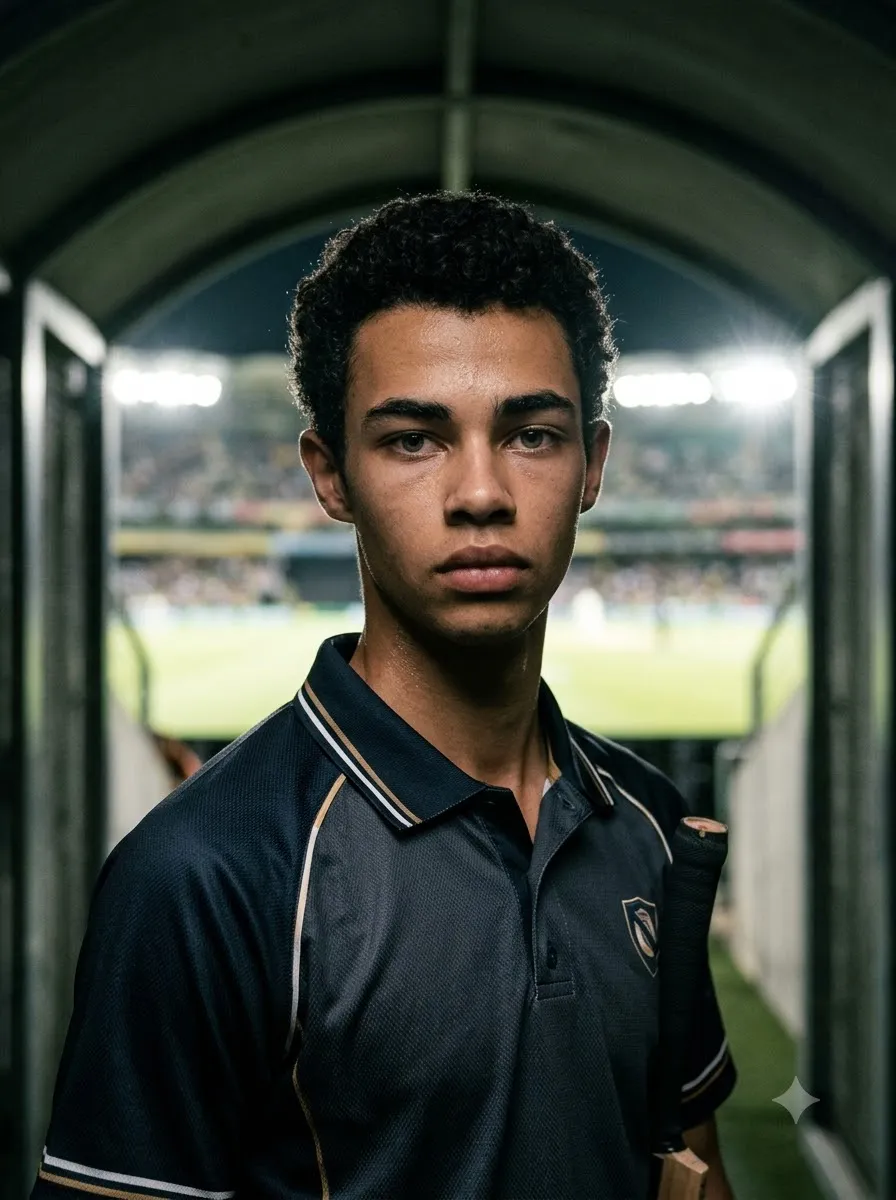
4. Moody Cricket Stadium Portrait
Best for: Dramatic profile photos and cinematic sports edits.
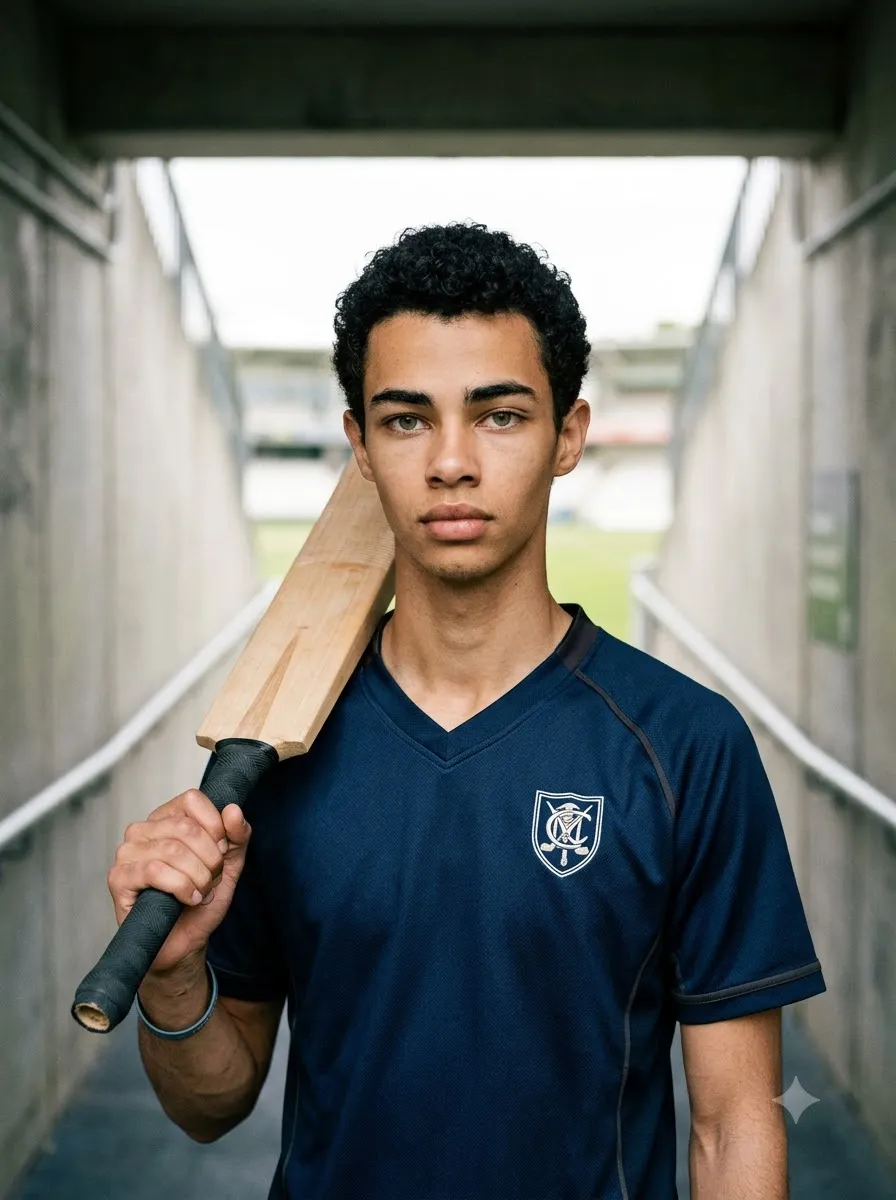
Create a cinematic cricket player portrait based on the uploaded photo. Preserve the person's recognizable appearance as closely as possible. Dress the subject in a dark cricket jersey with subtle highlights and realistic fabric texture. Place the player inside a stadium tunnel, with the cricket ground glowing in the background. Use controlled low-key lighting, soft rim light around the shoulders, realistic shadows, and a serious, focused expression. Keep the face naturally illuminated and clearly recognizable. Use a professional sports photography aesthetic, rich but realistic contrast, and a portrait-oriented composition. Avoid excessive smoke, glowing eyes, artificial facial changes, and fantasy armour.
Cricket AI Photo Prompts for Gemini AI
Google Gemini can generate images and, where the feature is available, edit uploaded images. Clear instructions describing the subject, composition, action, location, style, and desired changes help communicate what you want.
5. Cricket Jersey Transformation
Best for: Turning a casual photograph into a cricket-themed portrait.
Edit my uploaded photo into a realistic cricket player photograph. Keep my recognizable facial features, hairstyle, natural skin tone, and expression as close to the original as possible. Replace my existing clothing with a professionally designed cricket jersey in [YOUR TEAM COLOURS]. Add realistic stitching, fabric texture, and natural folds. Place me on a cricket ground with a softly blurred stadium background. Use natural daylight and realistic sports photography. Keep the original person's identity as the priority. Do not change the face unnecessarily, and do not add random sponsor logos, incorrect text, extra fingers, or artificial facial details.
6. Cricket Bat in Hand
Best for: A natural batting portrait.
Create a photorealistic cricket portrait using my uploaded image as the reference. Preserve my recognizable face and natural appearance. Dress me in a cricket jersey and show me holding a traditional cricket bat with both hands in a comfortable pre-batting pose. Position the bat naturally beside my shoulder, with anatomically correct hands and a believable grip. Place me near the cricket pitch with a professional stadium in the background. Use soft daylight, realistic shadows, detailed clothing texture, and a medium full-body composition. Keep the bat's shape and proportions realistic. Avoid duplicated fingers, bent equipment, and unnatural arm positions.
7. Cinematic Cricket Hero Portrait
Best for: A dramatic social media profile image.
Use my uploaded photo as the reference for a cinematic cricket hero portrait. Maintain my recognizable facial features and natural skin tone as closely as possible. Dress me in a premium cricket jersey with [YOUR TEAM COLOURS]. Place me at the centre of a large cricket stadium under bright floodlights. Use a slightly low camera angle to create a confident sports portrait, with realistic stadium seating, subtle atmospheric haze, and balanced dramatic lighting. Keep the face sharp and naturally detailed. Use a vertical 4:5 composition suitable for Instagram. Avoid unrealistic muscles, excessive visual effects, fake logos, and overprocessed skin.
8. Cricket Player with Helmet
Best for: A batsman-ready portrait. Important: AI results can vary between attempts. Even when a prompt requests facial consistency, the generated image may alter some facial details.
Edit the uploaded photograph into a realistic cricket batsman portrait. Keep the person's identity recognizable and preserve their natural appearance. Dress the subject in a cricket jersey, batting pads, and gloves, with a cricket helmet placed naturally on the head or held under one arm. Make the equipment proportionate and believable. Position the subject near the batting crease in a real cricket ground. Use natural stadium lighting, a realistic pitch, detailed protective equipment, and a confident pre-match expression. Do not hide the face unnecessarily, distort the helmet grille, or create incorrect hand positions.
Cricket AI Photo Prompts for ChatGPT
ChatGPT's image features support image generation and, where available, editing existing uploaded images. You can upload a photograph and describe the changes you want.
9. Realistic Cricket Player Photo Edit
Edit the uploaded photograph into a professional cricket player image. Use the uploaded photo as the main reference for the person's appearance. Preserve the recognizable face, hairstyle, skin tone, and natural proportions as closely as possible. Change the clothing to a realistic cricket uniform with a jersey, cricket trousers, and appropriate sports shoes. Place the subject on a cricket ground with the pitch visible behind them. Use natural daylight, realistic shadows, detailed fabric texture, and professional sports photography. Keep the result believable rather than overly stylized. Do not add extra fingers, distorted cricket equipment, random text, or unrelated objects.
10. Cricket Player Poster Portrait
Create a premium cricket player poster using the uploaded photograph as the reference for the main subject. Preserve the person's recognizable facial features as closely as possible. Place the player prominently in the foreground wearing a cricket jersey in [YOUR TEAM COLOURS]. Use a dramatic cricket stadium background, bright floodlights, realistic atmospheric depth, and subtle motion-inspired visual elements. Leave clean negative space at the top for a headline and at the bottom for a name or caption. Use a vertical 4:5 layout for social media. Do not invent player statistics, tournament names, sponsor logos, or official team branding. Keep all important facial details natural.
11. Minimalist Cricket Portrait
Transform the uploaded photo into a clean, minimalist cricket player portrait. Preserve the person's recognizable face and natural skin tone. Use a simple cricket jersey in [YOUR TEAM COLOURS] and a softly blurred cricket ground as the background. Keep the composition uncluttered, with natural daylight, balanced colours, realistic fabric texture, and a relaxed but confident expression. Frame the subject from the chest up. Avoid dramatic smoke, excessive contrast, unnecessary graphic effects, and artificial skin smoothing. Create a polished photograph suitable for a cricket-themed profile picture.
12. Cricket Fan to Player Transformation
Transform the uploaded casual portrait into a realistic cricket player-style photograph. Keep the person's recognizable appearance as consistent as possible with the reference image. Replace the casual outfit with a cricket jersey in [YOUR TEAM COLOURS]. Position the person inside a stadium near the boundary rope, with a cricket pitch and seating in the background. Use realistic lighting, natural shadows, and a confident but relaxed pose. Keep the body proportions believable and the facial expression natural. The final image should resemble a professionally photographed cricket portrait, not a digitally painted character.
Cinematic Cricket Action Photo Prompts
Action photography can create more dynamic results than a standard standing portrait. These prompts describe the player's movement, camera angle, equipment, and stadium environment.
13. Powerful Cricket Batting Shot
Best for: Cover drives, attacking shots, and sports action images.
Create a photorealistic cricket action photograph showing a right-handed batsman playing a powerful cover drive. Capture the player at the moment the bat meets the ball, with a balanced stance, believable foot placement, and realistic bat grip. Show the cricket ball close to the bat at the point of contact. Include a well-maintained pitch, fielders in the distance, and a large stadium under natural daylight. Use a low three-quarter camera angle, sharp focus on the batsman, and subtle background motion blur. Ensure the cricket equipment, hands, and body mechanics look realistic. Do not create multiple bats, duplicated balls, or impossible limb positions.
14. Fast Bowler in Action
Best for: Dramatic bowling photos.
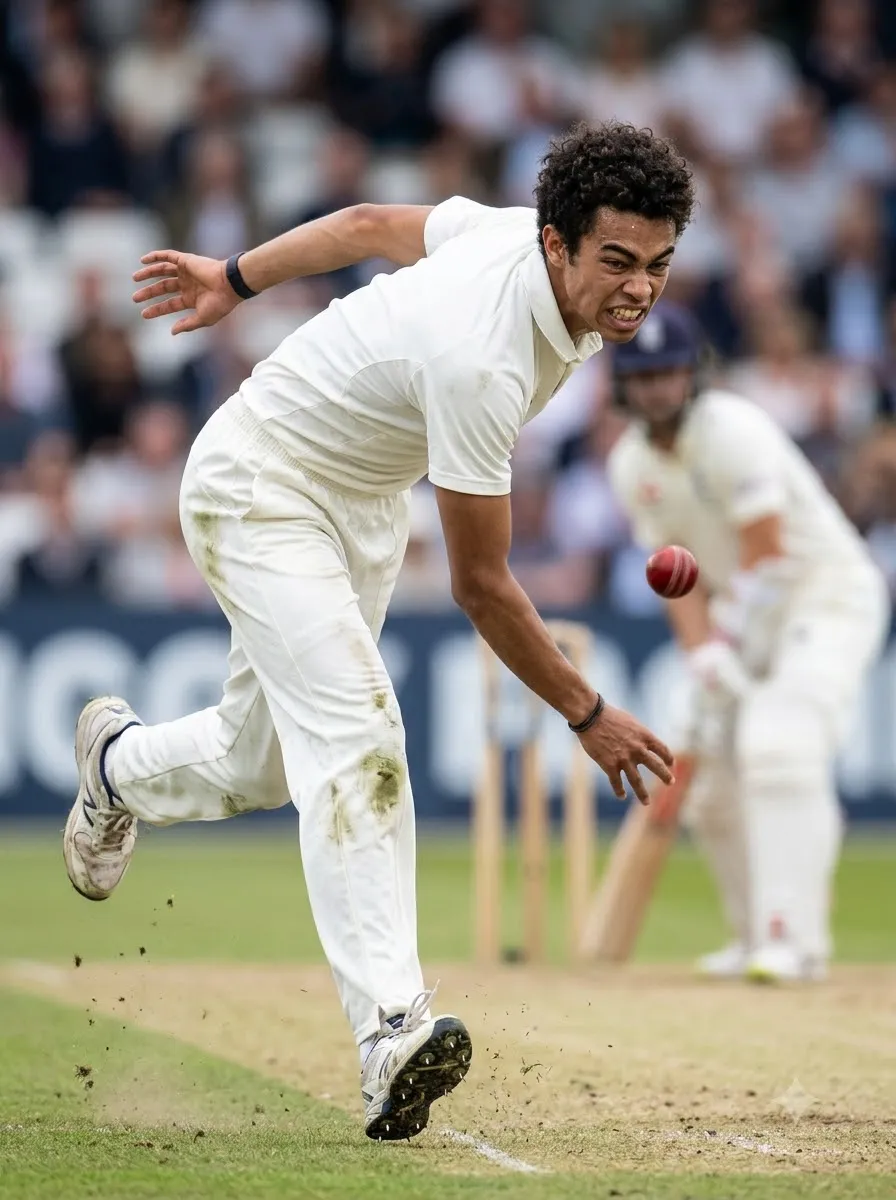
Generate a realistic sports photograph of a fast bowler delivering a cricket ball at full effort. Show a believable bowling action with a strong front-leg position, a natural arm path, and the bowling arm following through. Capture the ball just after release. Use a professional cricket ground with a visible pitch, distant batsman, and blurred spectators. Shoot from a low sideline angle with fast-shutter sports photography aesthetics, crisp clothing details, and realistic sunlight. Keep the body anatomy and cricket action believable. Avoid extra limbs, duplicated balls, distorted fingers, and exaggerated body proportions.
15. Cricket Six-Hitting Moment
Best for: High-energy cricket action posters.
Create a dramatic but photorealistic cricket action image showing a batsman completing a powerful lofted shot. The ball should be clearly visible travelling high into the stadium, while the batsman finishes the swing with a believable follow-through. Include the wicket, pitch, distant fielders, and excited spectators. Use a low-angle sports camera perspective, realistic daylight or stadium floodlights, and subtle background motion blur. Keep the player's body mechanics and cricket equipment anatomically believable. Do not place the ball in multiple locations or create an impossible bat position.
16. Cricket Wicket Celebration
Best for: Emotional cricket moments.
Create a realistic cricket action photograph of a bowler celebrating after taking a wicket. Show the bowler raising one arm with a joyful expression while teammates approach from the field. Include a visible wicket and a cricket pitch in the background. Use a slightly low camera angle, natural stadium lighting, realistic uniforms, and candid sports photography. Capture the excitement without exaggerated facial expressions or theatrical effects. Ensure the players have distinct bodies, natural hands, and believable poses. Keep the image focused on the celebration rather than unnecessary background graphics.
17. Diving Cricket Catch
Best for: Fielding action photography.
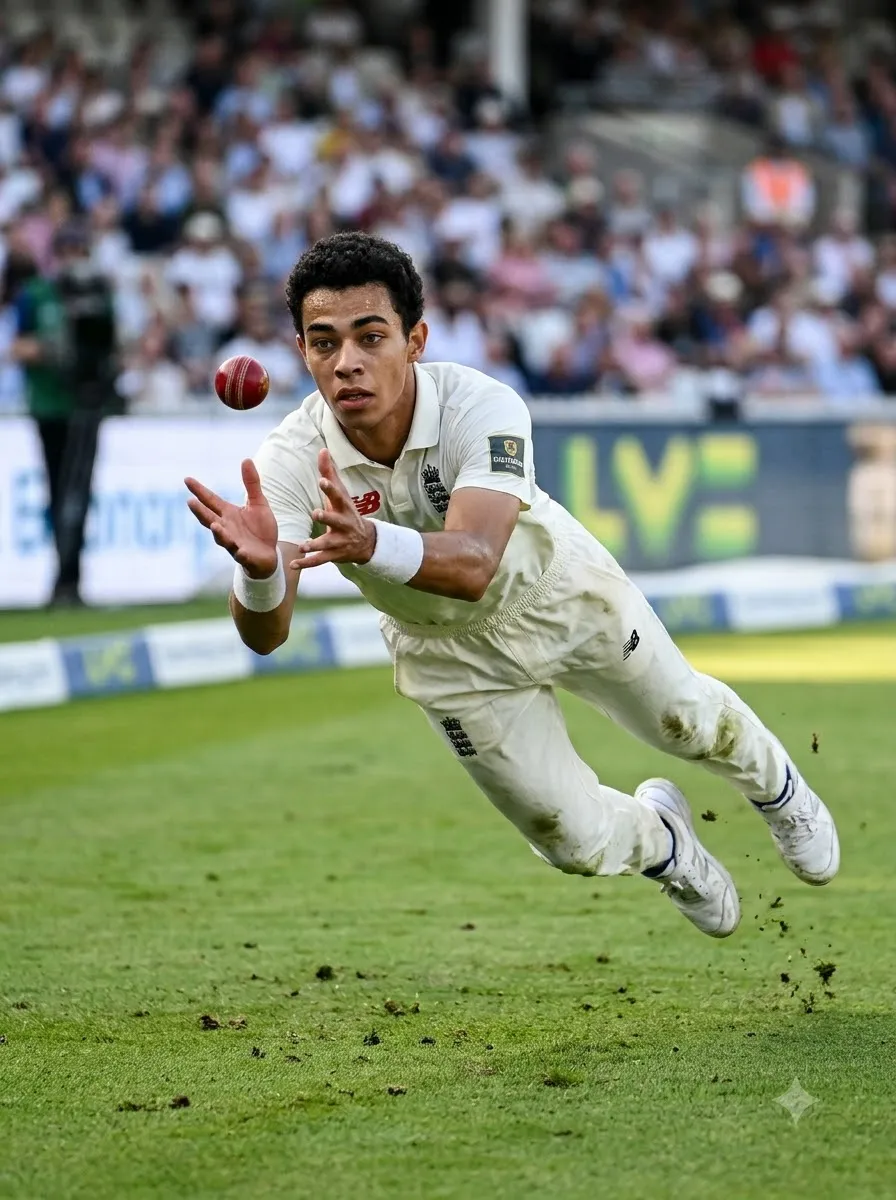
Generate a photorealistic cricket fielding action shot of a fielder diving forward to attempt a catch. Show the player stretched naturally through the air with both hands reaching towards a clearly visible cricket ball. Position the action on a real cricket field with grass texture, boundary markings, and blurred spectators in the distance. Use a low sideline camera angle and fast-shutter sports photography to freeze the movement. Make the player's hands, arms, and body proportions realistic. Avoid duplicated balls, unnatural flying poses, extra fingers, and distorted clothing.
18. Cricket Stumping Moment
Best for: Wicketkeeping action images.
Create a realistic cricket action photograph showing a wicketkeeper attempting a stumping. The batsman is close to the crease while the wicketkeeper reaches towards the stumps with the ball in hand. Show the crease markings and wicket clearly enough to establish the cricket context. Use a low side-on camera angle, natural daylight, realistic gloves, and detailed pitch textures. Keep both players' body positions believable and the equipment proportionate. Avoid confusing the ball, gloves, stumps, and hands. Create the appearance of a high-quality sports photograph captured during a real match.
Cricket Victory and Emotional Portrait Prompts
These prompts focus on celebration, determination, and the emotional side of cricket.
19. Player Celebrating a Match Victory
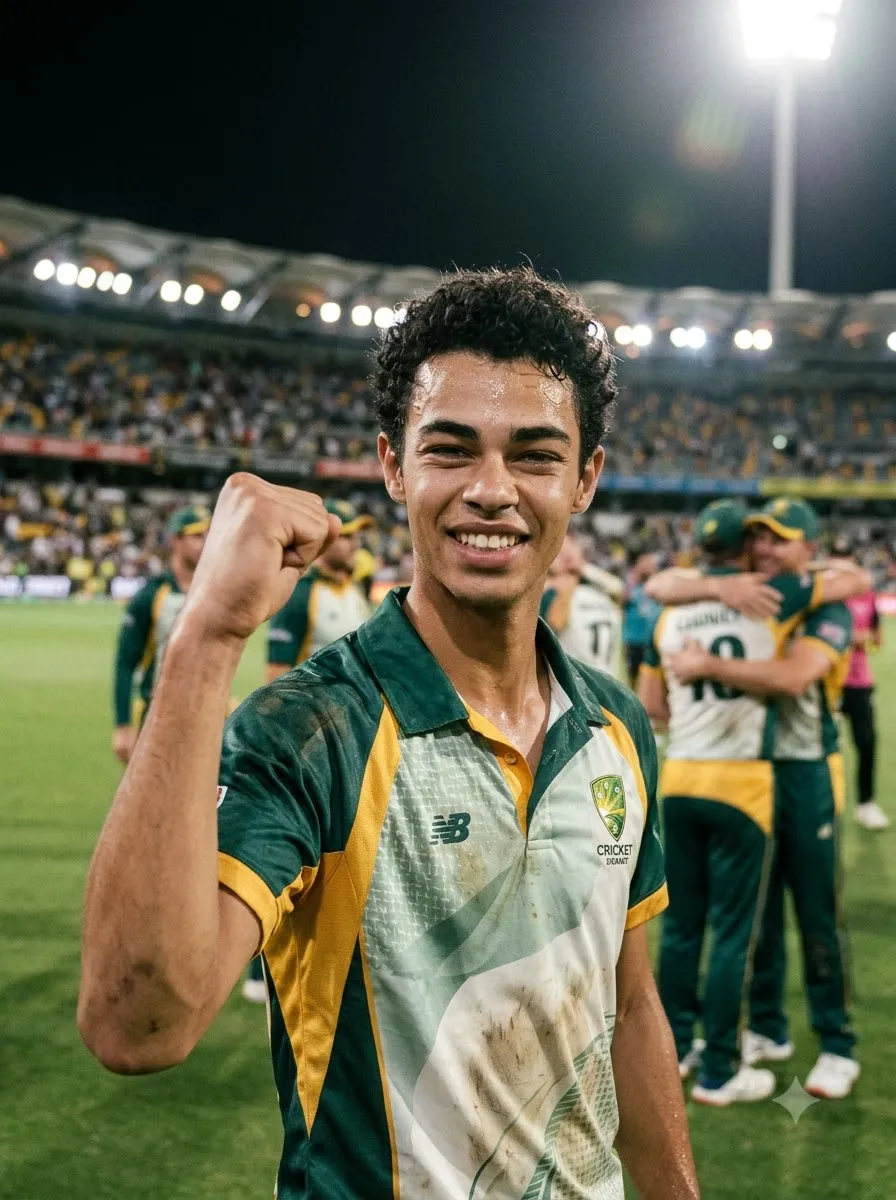
Edit the uploaded photograph into a realistic cricket victory portrait. Preserve the person's recognizable facial features and natural appearance as closely as possible. Dress the subject in a cricket jersey and show them celebrating a win with one fist raised and a genuine smile. Place the player on a cricket ground with teammates softly visible in the background. Use stadium floodlights, natural skin texture, realistic clothing, and a lively but believable atmosphere. Keep the subject sharp and the background slightly blurred. Do not invent trophies, medals, or tournament titles unless specifically requested.
20. Emotional Cricket Victory Portrait
Create a cinematic cricket portrait of a player experiencing an emotional victory moment. Use the uploaded image as the reference for the subject's recognizable appearance. Show the player standing on the pitch with a proud, relieved expression, wearing a slightly sweat-marked cricket jersey. Use a stadium background with warm evening light and softly blurred spectators. Keep the lighting realistic, with gentle highlights on the face and shoulders. Use natural skin texture, authentic sports photography, and a vertical portrait composition. Avoid exaggerated tears, artificial facial changes, and fantasy effects.
21. Cricket Captain Portrait
Create a professional cricket captain portrait using the uploaded photo as the identity reference. Preserve the person's recognizable facial appearance as closely as possible. Dress the subject in a premium cricket jersey and position them standing confidently on the field with a cricket bat held naturally at their side. Use a calm expression, balanced posture, and a softly illuminated stadium background. Apply professional sports editorial photography with realistic lighting, detailed fabric, and natural proportions. Leave some clean background space for optional text. Do not add a captain's armband, trophy, or official insignia unless requested.
IPL-Inspired Cricket AI Photo Prompts
You can create cricket images using different colour themes inspired by your favourite team's general visual style. For personal fan art, you can specify team colours without requiring the AI to reproduce official branding.
22. Red and Black Cricket Fan Portrait
Best for: Fans who prefer a dramatic red-and-black sports aesthetic.
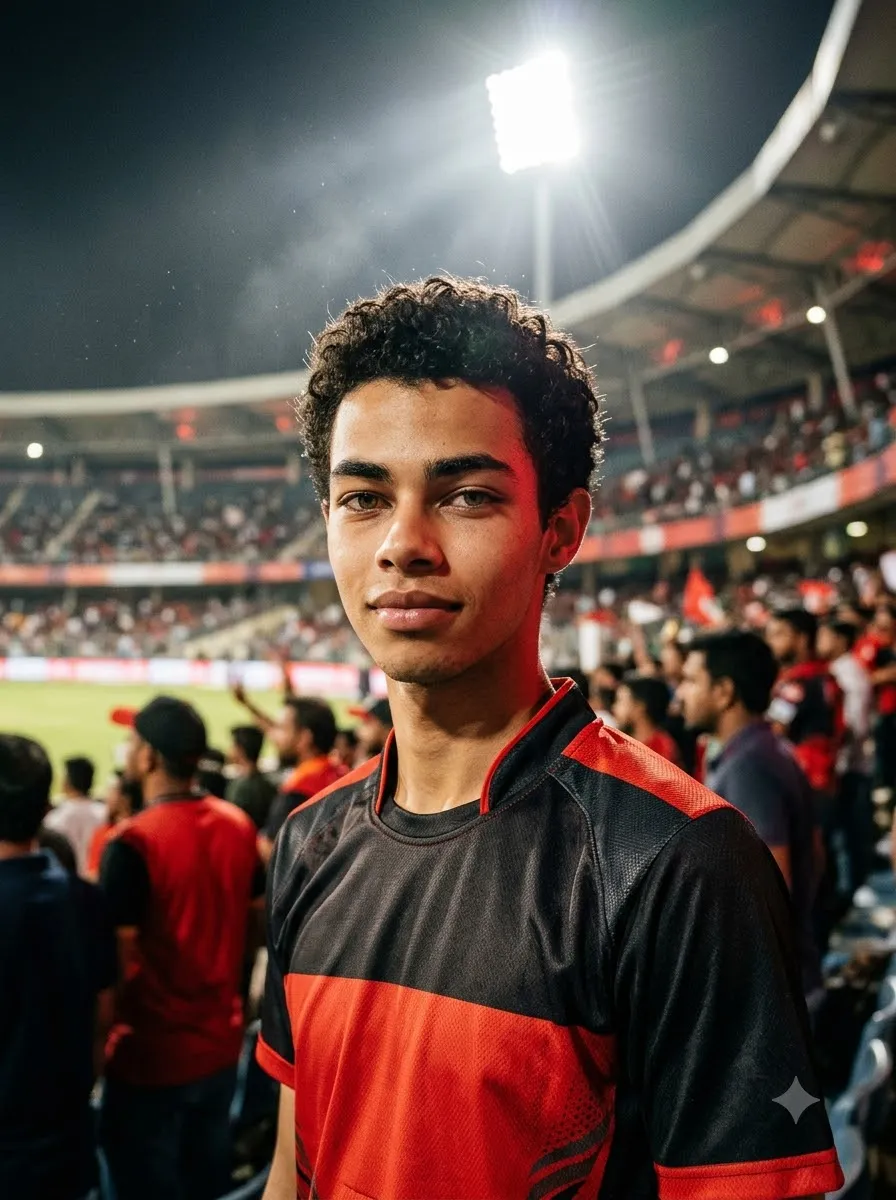
Transform the uploaded photograph into a realistic cricket fan portrait with a bold red-and-black cricket jersey. Preserve the person's recognizable face and natural appearance as closely as possible. Place the subject in a night-time cricket stadium with bright floodlights and a softly blurred crowd. Use red accent lighting, realistic fabric texture, natural skin tones, and a confident expression. Keep the image photographic rather than illustrated. Do not invent official logos, sponsor names, or player numbers. Create a vertical 4:5 composition suitable for Instagram.
23. Blue and Gold Cricket Fan Portrait
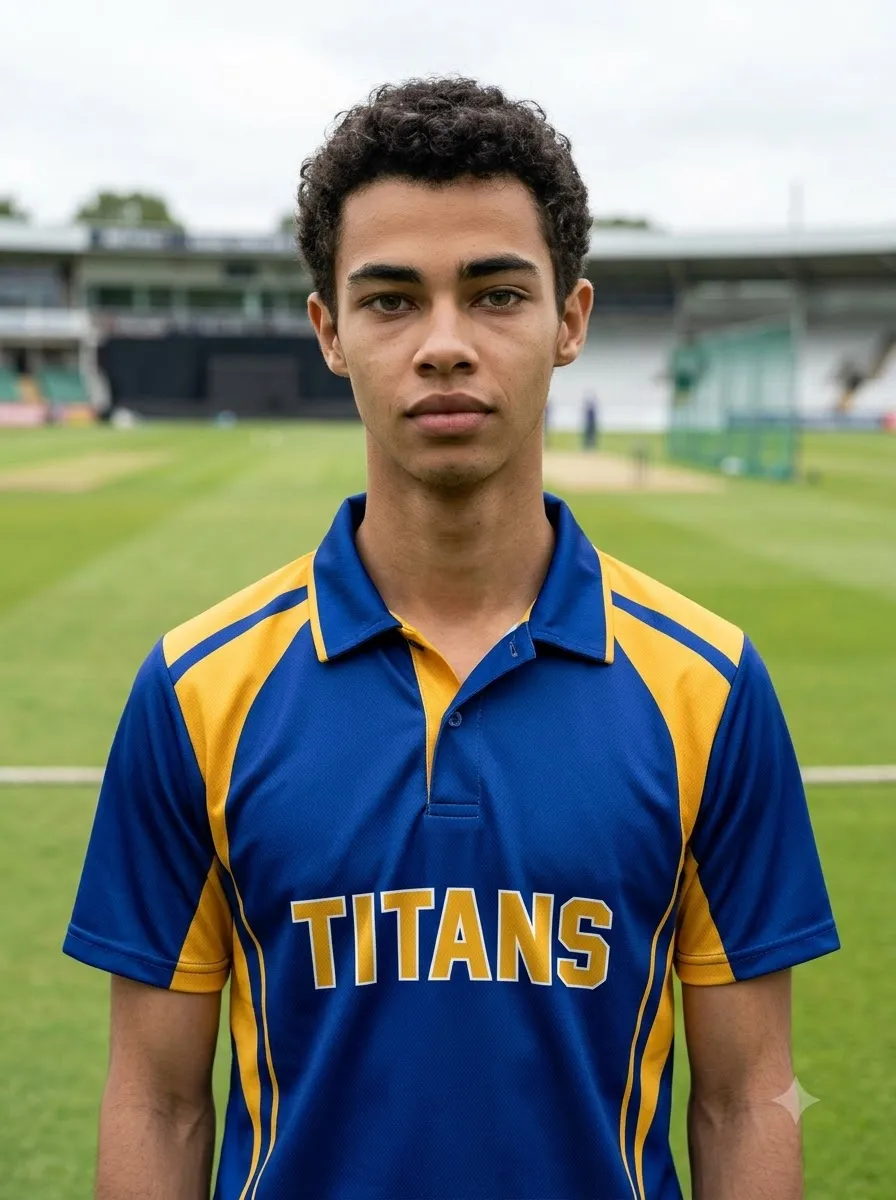
Edit the uploaded photo into a professional cricket fan portrait featuring a blue-and-gold cricket jersey. Keep the person's recognizable facial features and natural proportions as consistent as possible with the reference. Use a large stadium background with bright lights, a visible cricket ground, and softly blurred spectators. Apply balanced blue and gold colour accents, realistic lighting, and detailed jersey fabric. Keep the subject's face naturally illuminated. Avoid inaccurate logos, random lettering, and exaggerated colour effects.
24. Green Cricket Jersey Portrait
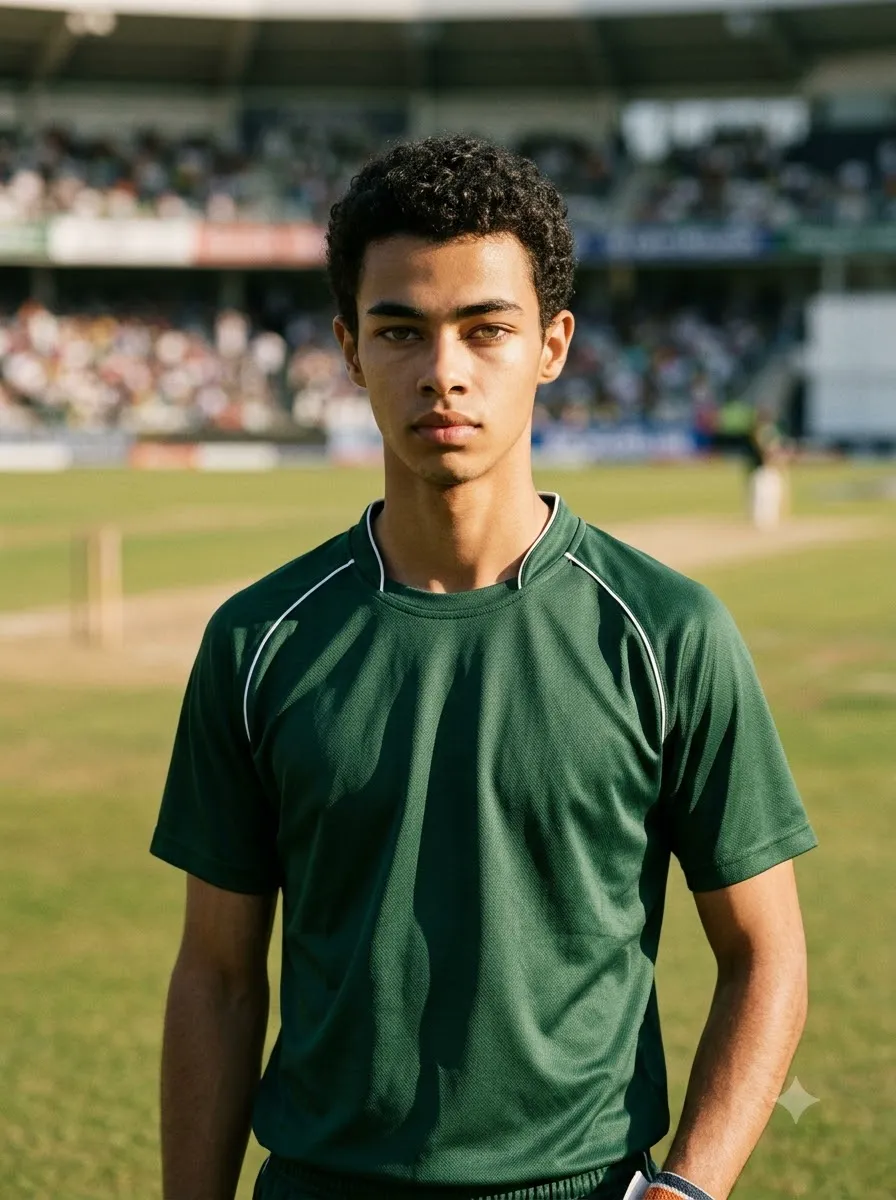
Create a photorealistic cricket portrait based on the uploaded photo. Preserve the person's recognizable appearance and change the outfit to a deep green cricket jersey with subtle white detailing. Place the player on a sunny cricket ground with natural grass, a visible pitch, and blurred stadium seating. Use soft daylight, realistic shadows, and professional sports photography. Keep the facial details natural and the jersey free of invented official branding. Frame the subject from the waist up.
25. Custom Cricket Team Jersey
Tip: If the jersey must contain an exact team name, player number, or sponsor text, inspect the output carefully. Image generators can misspell or distort lettering. For a professional poster, you may get better results by generating the image with a clean jersey and adding the final text in a graphic editor.
Use the uploaded photo as a reference and create a realistic portrait of the person wearing a custom cricket team jersey. The primary colour should be [PRIMARY COLOUR] and the secondary colour should be [SECONDARY COLOUR]. Add a simple geometric design and realistic fabric stitching. If a team name is needed, use [TEAM NAME] as the requested text and keep the design uncluttered. Place the subject on a cricket ground under natural daylight. Preserve the person's recognizable appearance as closely as possible and avoid inventing sponsors or official emblems.
Cricket Tournament Poster Prompts
A cricket tournament poster usually needs more than a player portrait. It should communicate the event, date, venue, participating teams, and a clear visual hierarchy.
26. Local Cricket Tournament Poster
Best for: School, college, club, and neighbourhood tournaments.
Design a professional cricket tournament poster in a vertical 4:5 layout. Show a cricket batsman in action as the main subject, with a realistic cricket stadium, green pitch, and bright stadium lighting in the background. Use a bold sports-poster aesthetic with balanced contrast, clear visual hierarchy, and enough negative space for event information. Include the exact headline "[TOURNAMENT NAME]", date "[DATE]", venue "[VENUE]", and registration details "[CONTACT OR REGISTRATION INFO]". Keep the typography large and legible, with no invented details. Do not fabricate sponsors, team logos, or tournament statistics. If accurate text cannot be rendered, leave clean text areas for manual editing.
27. Cricket Championship Final Poster
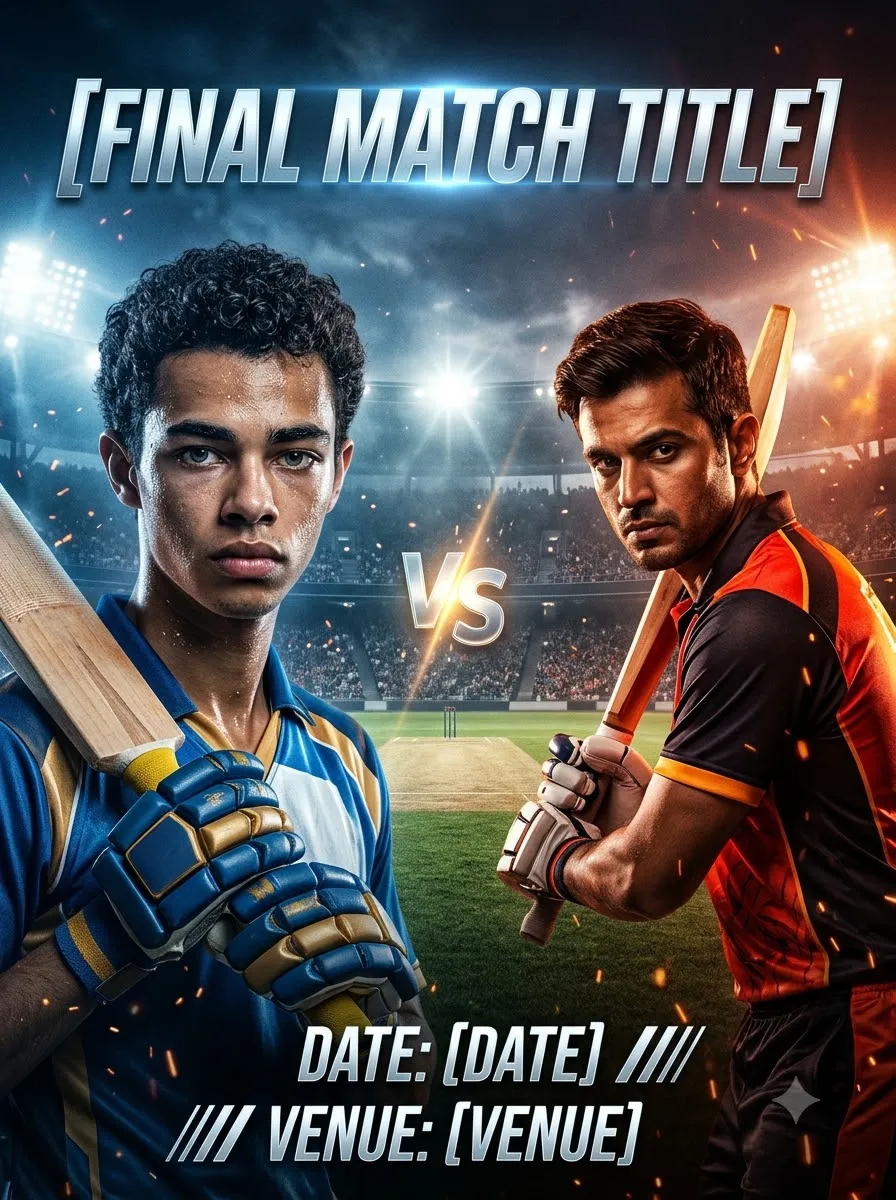
Create a cinematic poster for a cricket championship final. Show two opposing bats-men or teams represented through contrasting colours, with a dramatic stadium background and realistic floodlights. Use a central composition that feels competitive and energetic without making the scene visually overcrowded. Leave clear space for the headline "[FINAL MATCH TITLE]", the date "[DATE]", and the venue "[VENUE]". Use professional sports advertising aesthetics, realistic cricket equipment, and crisp lighting. Do not invent official tournament branding, player names, or sponsors. Make the design suitable for social media promotion.
28. Cricket Team Announcement Poster
Design a clean, professional cricket team announcement poster for "[TEAM NAME]". Show a group of cricket players wearing matching jerseys in [TEAM COLOURS]. Use a stadium background and balanced lighting. Arrange the players in a clear hierarchy, with the captain in a prominent but natural position and the remaining players grouped neatly. Leave an uncluttered area for the team name, match date, and player list. Use realistic faces, correct body proportions, and consistent jersey colours. Do not invent player names or official logos. Keep all text areas easy to edit after generation.
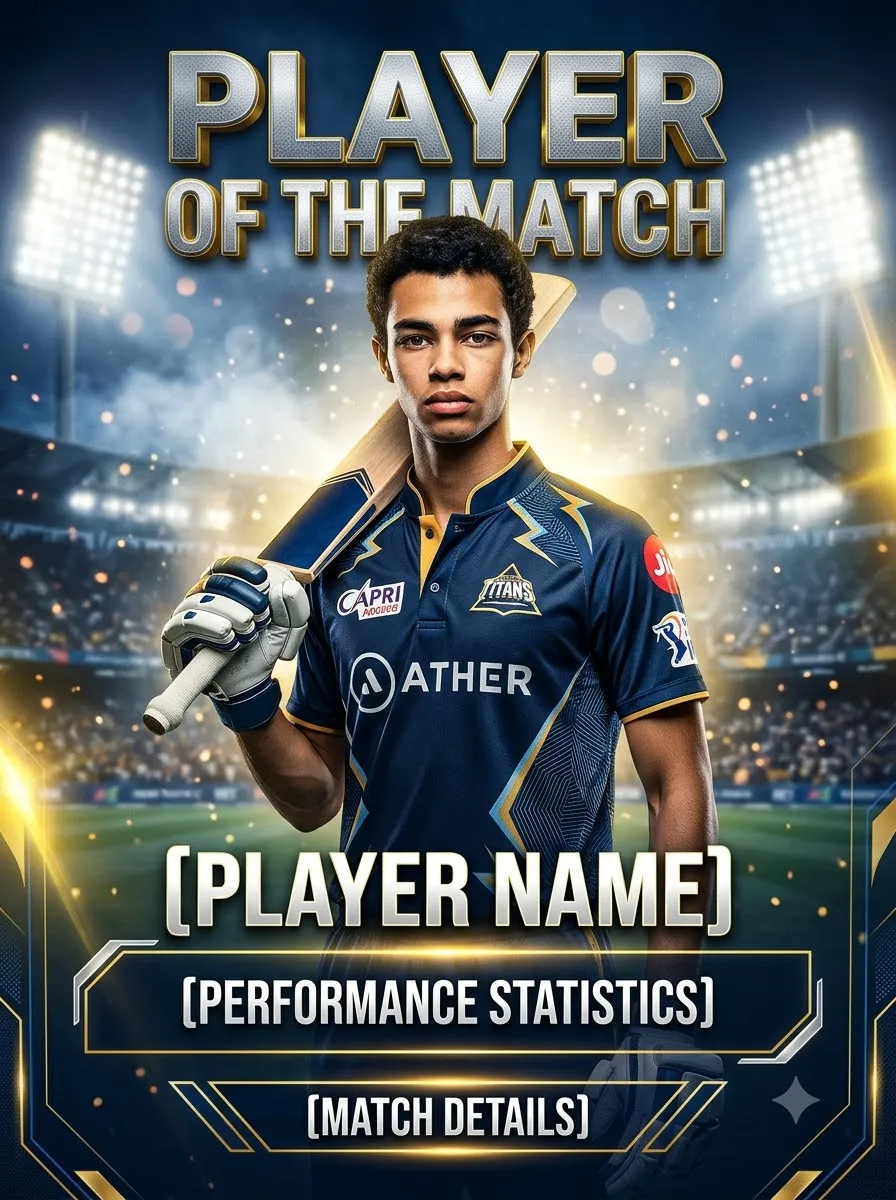
29. Cricket Player of the Match Poster
Create a premium Player of the Match poster featuring a cricket player in a realistic cricket uniform. Use the uploaded photograph as a reference if a specific person should appear. Place the player in the foreground against a softly blurred stadium background with dramatic but realistic lighting. Leave clear space for "[PLAYER NAME]", "[MATCH DETAILS]", and "[PERFORMANCE STATISTICS]". Use a polished sports design with strong contrast and clean typography. Only include statistics supplied by the user; do not invent runs, wickets, awards, or tournament information.
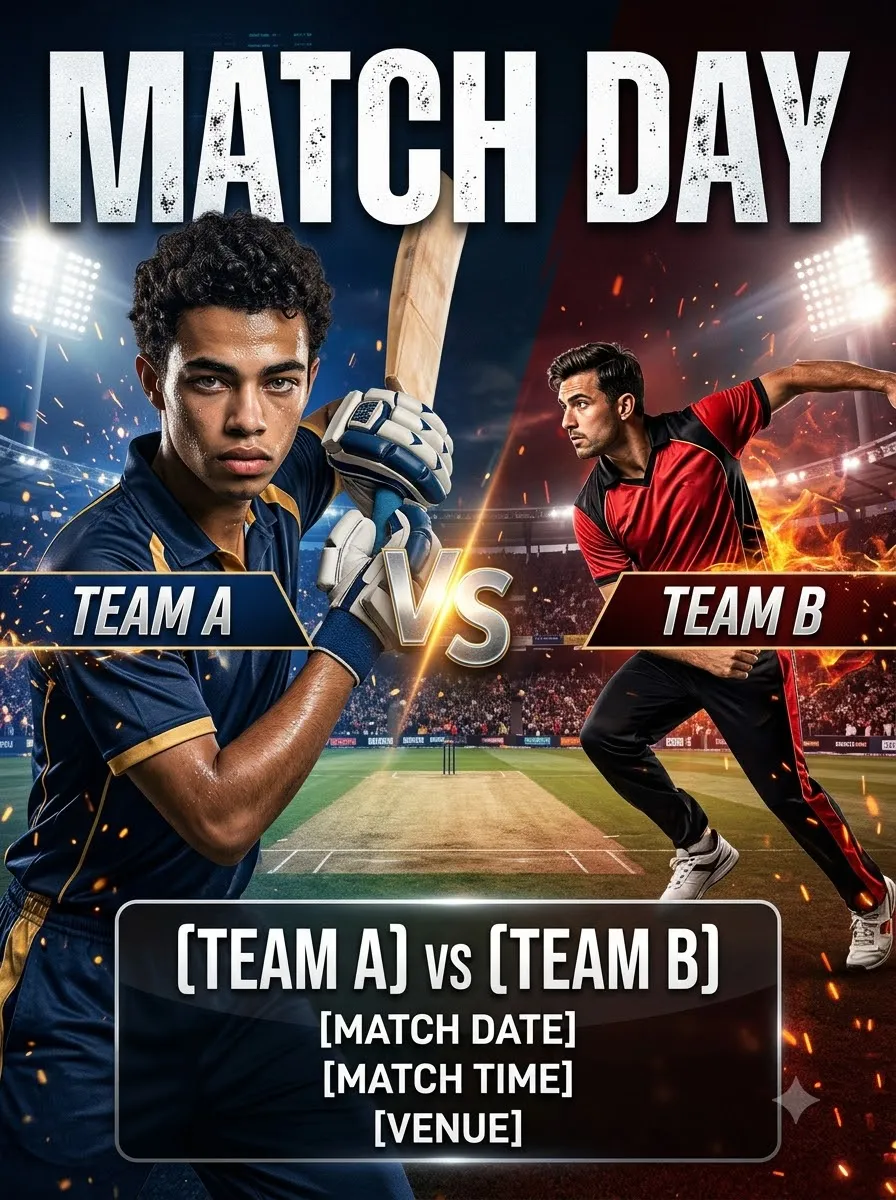
30. Cricket Match Day Poster
Design a modern cricket match-day poster in a vertical social media layout. Show a batsman and a bowler in dynamic but believable cricket poses, with a stadium and pitch in the background. Use [TEAM A COLOURS] on one side and [TEAM B COLOURS] on the other. Leave clear text areas for "[TEAM A] vs [TEAM B]", "[MATCH DATE]", "[MATCH TIME]", and "[VENUE]". Use a balanced composition, realistic equipment, and professional sports lighting. Avoid unrequested official logos and fabricated event information. Keep the poster visually strong without crowding the text.
Cricket AI Photo Prompts for Instagram
Instagram images often work best when the composition is planned for the intended placement.
- 4:5 portrait: A useful starting point for feed posts.
- 9:16 vertical: Suitable for Stories and Reels covers.
- 1:1 square: Useful for square profile or grid graphics.
These are suggested design formats; check the current platform requirements before publishing.
31. Instagram Cricket Profile Picture
Create a photorealistic cricket-themed profile portrait from the uploaded photograph. Preserve the person's recognizable facial features, hairstyle, and natural skin tone as closely as possible. Dress the subject in a clean cricket jersey and place them against a softly blurred stadium background. Use a chest-up composition with the face centred and enough space around the head for a circular crop. Apply natural lighting, realistic skin texture, and balanced colours. Avoid tiny text, complex backgrounds, exaggerated expressions, and artificial face smoothing.
32. Instagram Cricket Feed Post
Transform the uploaded photo into a premium cricket-themed Instagram feed image. Keep the subject's recognizable appearance as close to the reference as possible. Dress them in a cricket jersey in [YOUR TEAM COLOURS] and place them on a realistic cricket ground. Use a vertical 4:5 composition, a strong focal point, natural lighting, and professional sports photography. Leave modest negative space for a short caption overlay. Avoid random logos, unreadable text, and excessive visual effects.
33. Cricket Story Cover
Create a vertical 9:16 cricket-themed Instagram Story cover featuring the person in the uploaded photograph. Preserve their recognizable facial appearance as closely as possible. Show them wearing a cricket jersey and holding a bat naturally on a stadium pitch. Use dramatic but realistic floodlights and a clean composition. Keep the subject in the central safe area, leaving enough space at the top and bottom for interface elements and optional text. Avoid placing the face or important details too close to the edges.
34. Cricket Attitude Portrait
Create a confident cricket player portrait based on the uploaded photograph. Keep the person's recognizable facial features and natural proportions as close to the reference as possible. Dress the subject in a dark cricket jersey, with a bat held naturally over one shoulder. Use a stadium tunnel background, subtle rim lighting, and a focused expression. Keep the overall look realistic and stylish rather than aggressive or exaggerated. Use a vertical 4:5 layout with sharp facial details and realistic clothing texture.
35. Cricket Friendship Photo
Create a realistic cricket-themed friendship portrait using the uploaded photographs as references, if multiple image uploads are supported. Show the friends standing together on a cricket ground, wearing coordinated but not identical cricket jerseys. Preserve each person's recognizable appearance as closely as possible. Use natural poses, realistic height differences, authentic expressions, and a softly blurred stadium background. Ensure every person appears only once and has anatomically correct hands and body proportions. Use warm daylight and a candid sports photography style.
Tennis-Ball Cricket AI Photo Prompts
Tennis-ball cricket is popular for casual games, local tournaments, and street-cricket settings. These prompts focus on that distinct environment rather than a professional stadium.
36. Street Cricket Portrait
Transform the uploaded photo into a realistic street-cricket portrait. Preserve the person's recognizable appearance as closely as possible. Dress the subject in a casual sports T-shirt, comfortable trousers, and cricket shoes. Show them holding a tennis ball and a cricket bat on a neighbourhood cricket ground. Include a simple pitch, local surroundings, and natural afternoon light. Use authentic candid sports photography with realistic proportions and natural expressions. Avoid luxury stadiums, professional broadcast graphics, and exaggerated cinematic effects.
37. Tennis-Ball Cricket Batsman
Create a realistic photograph of a batsman playing tennis-ball cricket on a local ground. Show a believable batting stance with a lightweight cricket bat and a clearly visible tennis ball. Include simple field markings, nearby players, and everyday outdoor surroundings. Use a low side angle, natural daylight, and a documentary sports photography style. Ensure the hands grip the bat naturally and the player's body position is physically believable. Avoid adding a hard cricket ball, professional protective equipment, or an unrealistic stadium unless requested.
38. Local Tennis-Ball Cricket Tournament Poster
Design a professional social media poster for a local tennis-ball cricket tournament. Show a batsman playing an attacking shot with a tennis ball, a lightweight cricket bat, and a local cricket ground in the background. Use energetic but realistic sports photography, clear contrast, and a vertical 4:5 layout. Leave space for "[TOURNAMENT NAME]", "[DATE]", "[VENUE]", and "[REGISTRATION DETAILS]". Do not invent event information or add unrelated professional league branding. Keep the text area clean for accurate editing.
39. Friends Playing Tennis-Ball Cricket
Generate a realistic candid photograph of a group of friends playing tennis-ball cricket on a local open ground. Show one batsman, a bowler, and a few fielders in distinct, natural poses. Include a visible tennis ball and a lightweight cricket bat. Use late-afternoon sunlight, realistic shadows, natural clothing, and an informal neighbourhood atmosphere. Keep each person anatomically correct and visually distinct. Avoid duplicated people, extra limbs, and professional stadium elements that do not fit the setting.
Cricket Wallpaper AI Prompts
If you want cricket-themed phone or desktop wallpapers, specify the screen orientation and leave space for icons or text.
40. Cricket Stadium Phone Wallpaper
Create a high-quality vertical cricket stadium wallpaper for a smartphone. Show a dramatic cricket ground under bright floodlights, with the pitch in the centre and a large crowd softly illuminated in the background. Include a batsman silhouette near the crease and a cricket ball in motion, keeping all elements realistic and proportionate. Use cinematic depth, balanced colours, and a composition that leaves some uncluttered space for phone icons. Do not add random text, watermarks, or unrelated sports equipment. Generate a tall portrait composition.
41. Cricket Bat and Ball Wallpaper
Create a photorealistic cricket-themed wallpaper featuring a cricket bat, red cricket ball, batting gloves, and a textured cricket pitch. Arrange the objects naturally with realistic materials, subtle shadows, and professional product-photography lighting. Use a dark, softly blurred stadium background with a restrained colour palette. Leave clean negative space for desktop icons or mobile interface elements. Keep the equipment correctly proportioned and avoid distorted stitching, duplicated objects, and artificial reflections.
42. Minimalist Cricket Wallpaper
Design a minimalist cricket wallpaper featuring a clean silhouette of a batsman playing a shot on a cricket pitch. Use a simple two- or three-colour palette, balanced negative space, and crisp visual shapes. Keep the composition uncluttered and suitable for a smartphone screen. Avoid detailed typography, official team logos, excessive effects, and unnecessary background objects. Make the cricket action immediately recognizable while retaining a clean, modern aesthetic.
Frequently Asked Questions
1. What is a cricket AI photo prompt?
A cricket AI photo prompt is a written instruction used to generate or edit a cricket-themed image with an AI image tool. It can describe a player portrait, batting pose, bowling action, jersey transformation, stadium scene, or tournament poster.
2. How do I use cricket prompts in Gemini AI?
Open Gemini and use the image-generation or image-editing feature available to you. Upload a reference photo if you want a personalized edit, paste a cricket prompt, replace the placeholders, and submit it. Review the result and provide specific corrections if needed.
3. Can I use cricket prompts in ChatGPT?
Yes. You can use suitable prompts with ChatGPT's image features to create or edit cricket-themed images. Upload a reference image when you want the output to be based on a particular photograph, and describe exactly what should change.
4. How can I make a realistic cricket photo using AI?
Use a clear reference photograph, describe the player's clothing and pose, specify the camera angle and lighting, and request realistic skin texture and body proportions. Review the final image for facial changes, distorted equipment, and unnatural hands.
5. Can AI keep my face the same in a cricket photo edit?
AI tools may preserve recognizable facial features, but exact identity preservation is not guaranteed. The result depends on the tool, reference image, and requested edits. Keeping the edit limited to clothing and background may help reduce unwanted changes.
6. Which prompt is best for a cricket jersey edit?
A useful jersey-edit prompt tells the model to preserve the person's recognizable appearance, replace only the clothing, specify the jersey colours, and keep the background and lighting realistic. Avoid unnecessary changes to the face or body.
7. How do I create an IPL-inspired cricket poster?
Choose a colour theme, describe the player and stadium, specify the poster layout, and leave room for the headline. If you need official team names or logos, verify them and add accurate branding separately where you have permission to use it.
8. Can I create a cricket tournament poster with AI?
Yes. Describe the tournament style, player positions, stadium, colours, and layout. Supply the exact event name, date, venue, and registration information. Because generated text can be inaccurate, check all details and add the final typography manually if necessary.
9. Can I use cricket prompts for Instagram?
Yes. Specify whether you need a 4:5 feed image, a 9:16 Story cover, or another format. Keep the main subject clearly visible and leave enough space around the edges for cropping and interface elements.
10. Can AI create tennis-ball cricket photos?
Yes. Describe a local cricket ground, lightweight bat, tennis ball, casual clothing, and neighbourhood setting. These details help distinguish tennis-ball cricket from a professional stadium scene.
Final Thoughts
The best cricket AI photo prompts describe more than just a cricket player. They explain the subject, pose, uniform, environment, camera angle, lighting, and intended image format.
Start with a simple portrait or jersey edit, then experiment with batting action, bowling scenes, victory celebrations, tournament posters, and cricket wallpapers. If you are editing a personal photo, use it as a reference and request only the changes you need.
Choose a prompt from this guide, customize the details, and create a cricket image that fits your style. Always review the final result before sharing it, especially when facial details, cricket equipment, text, or event information matter.